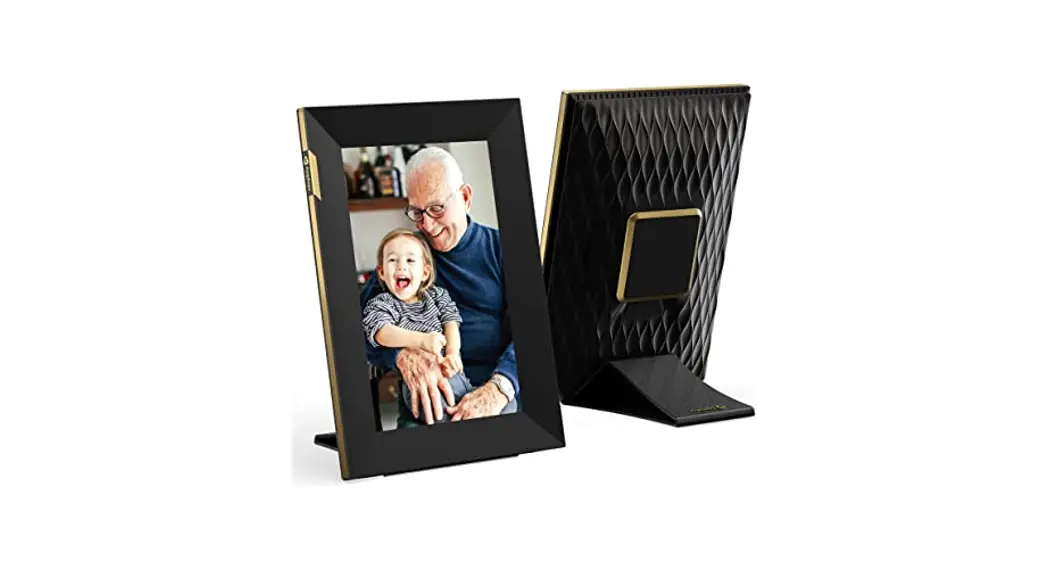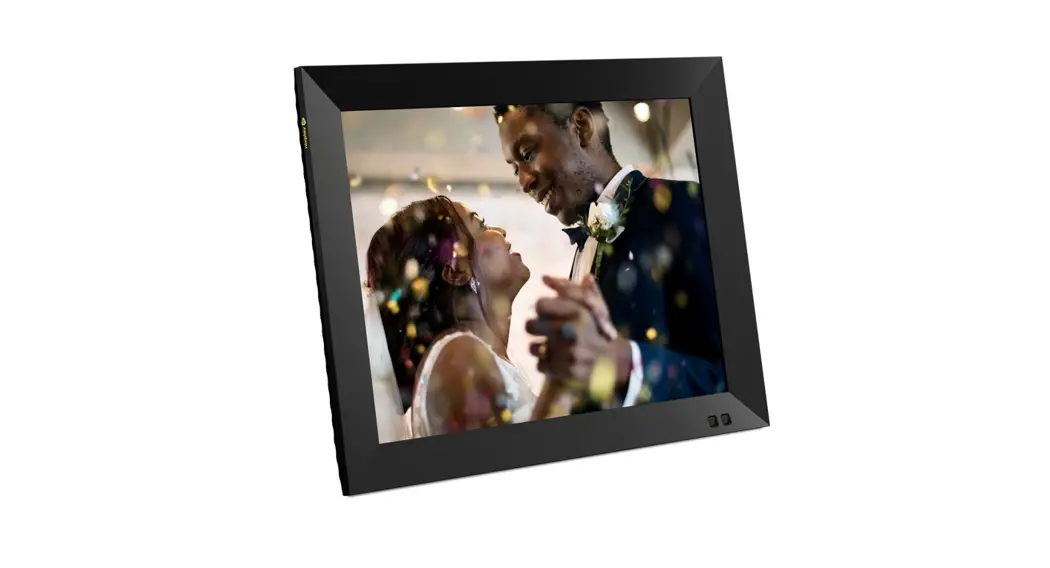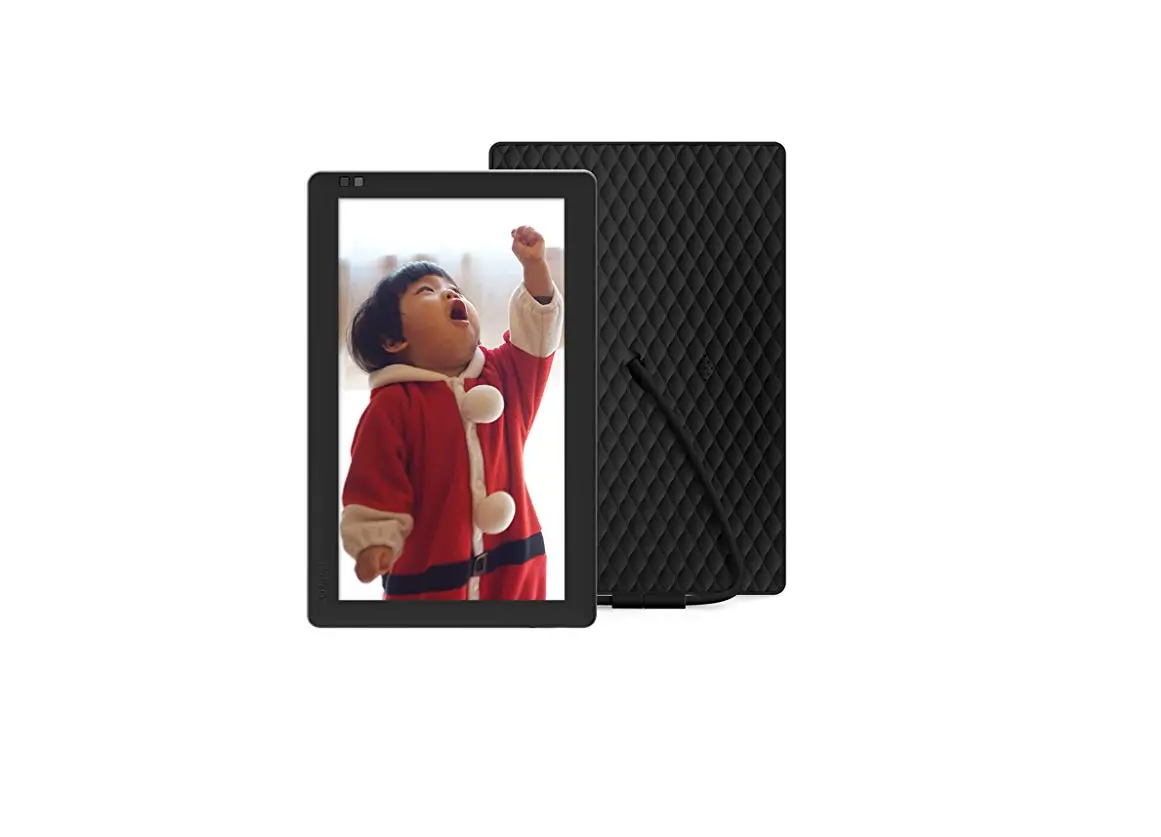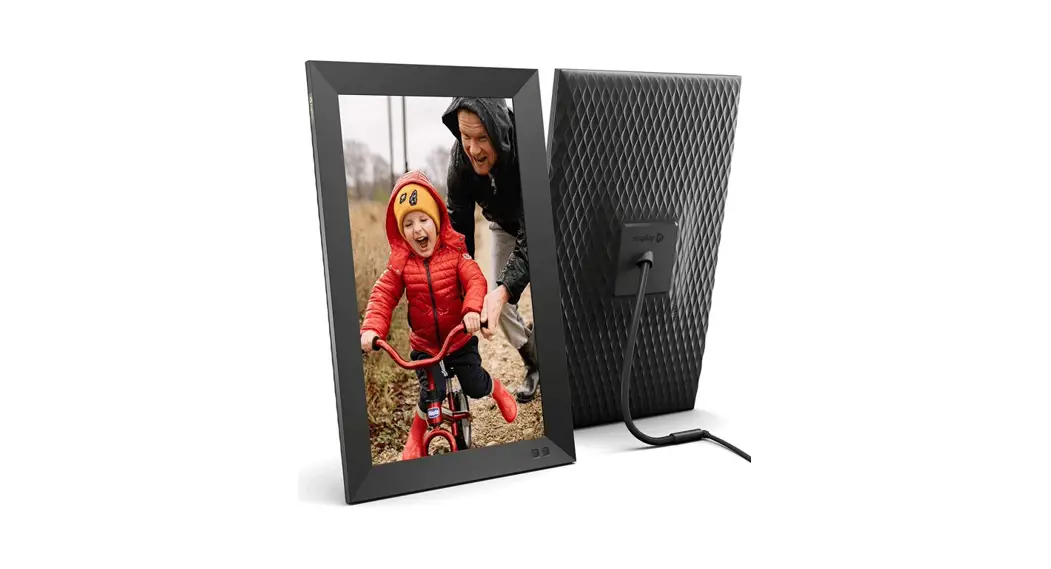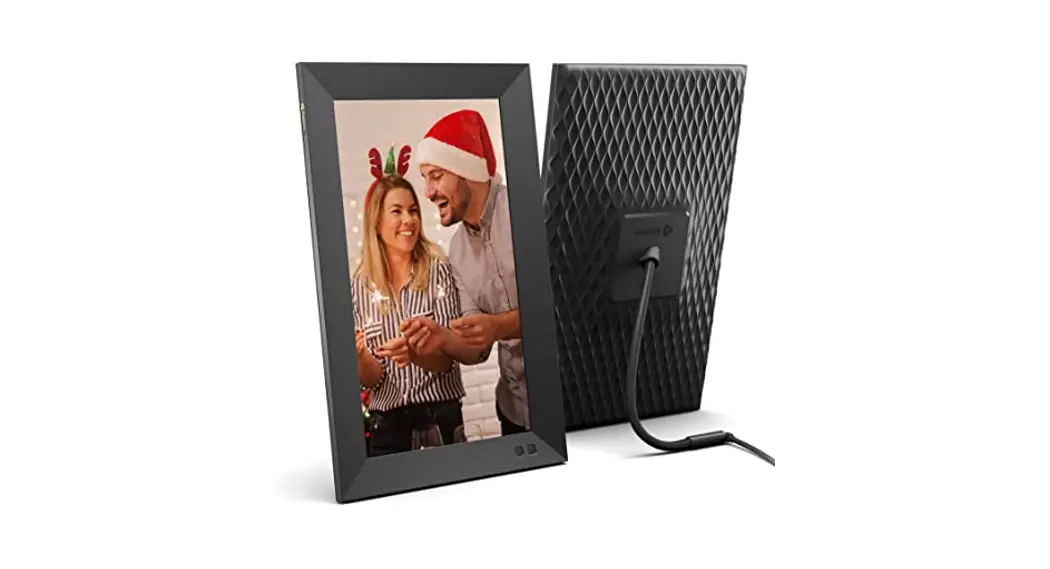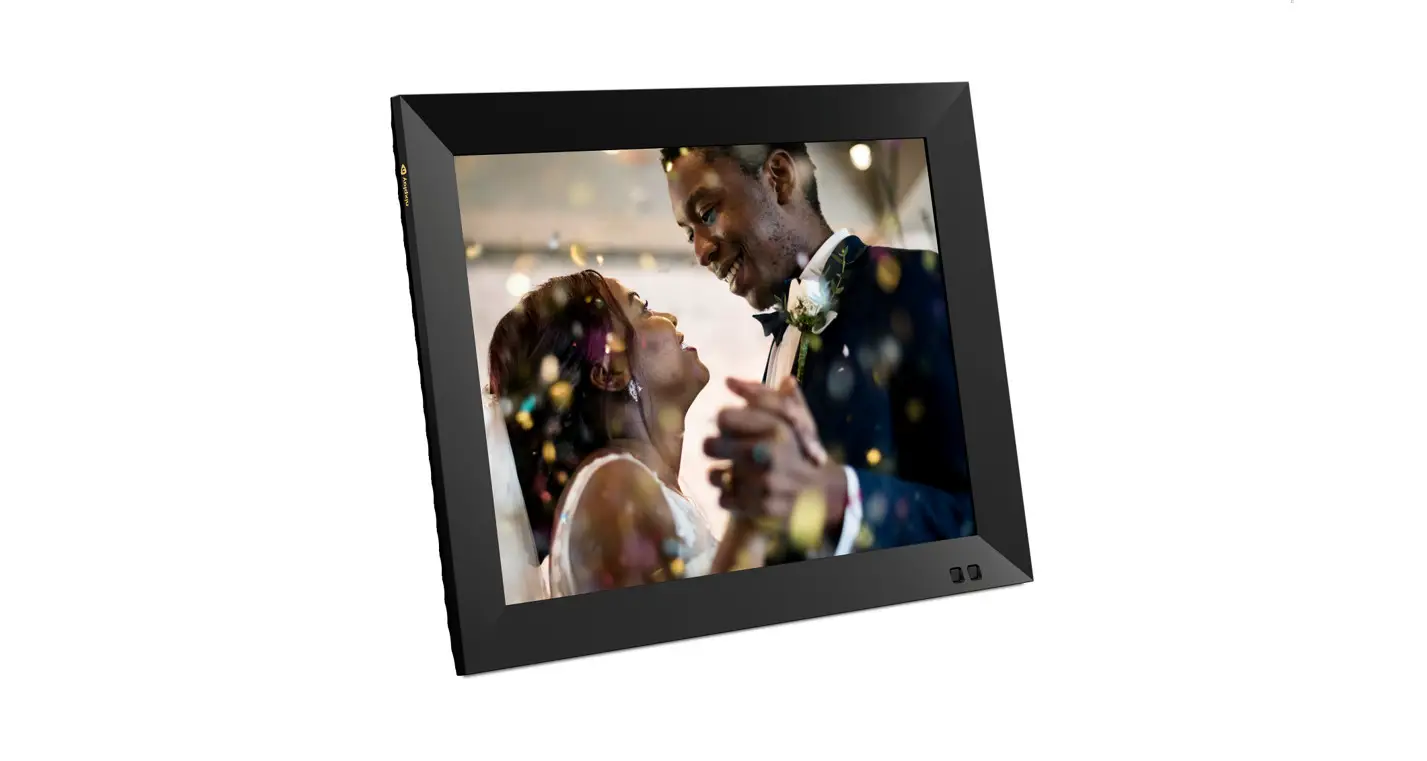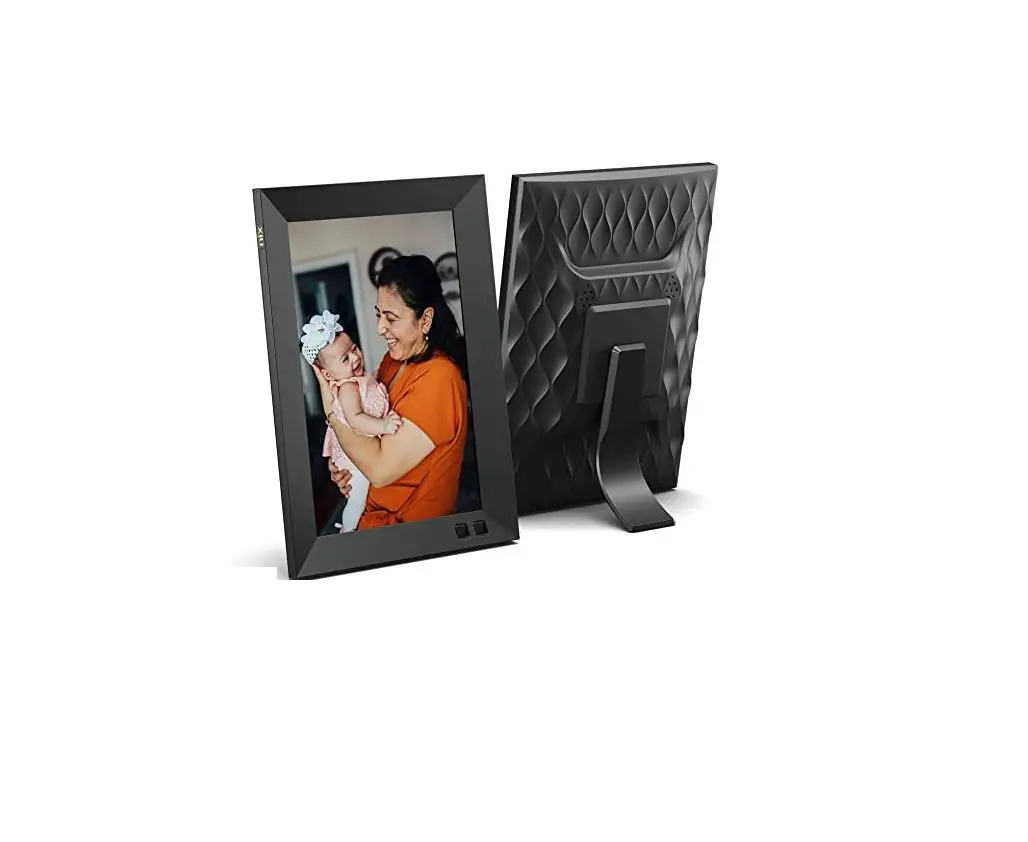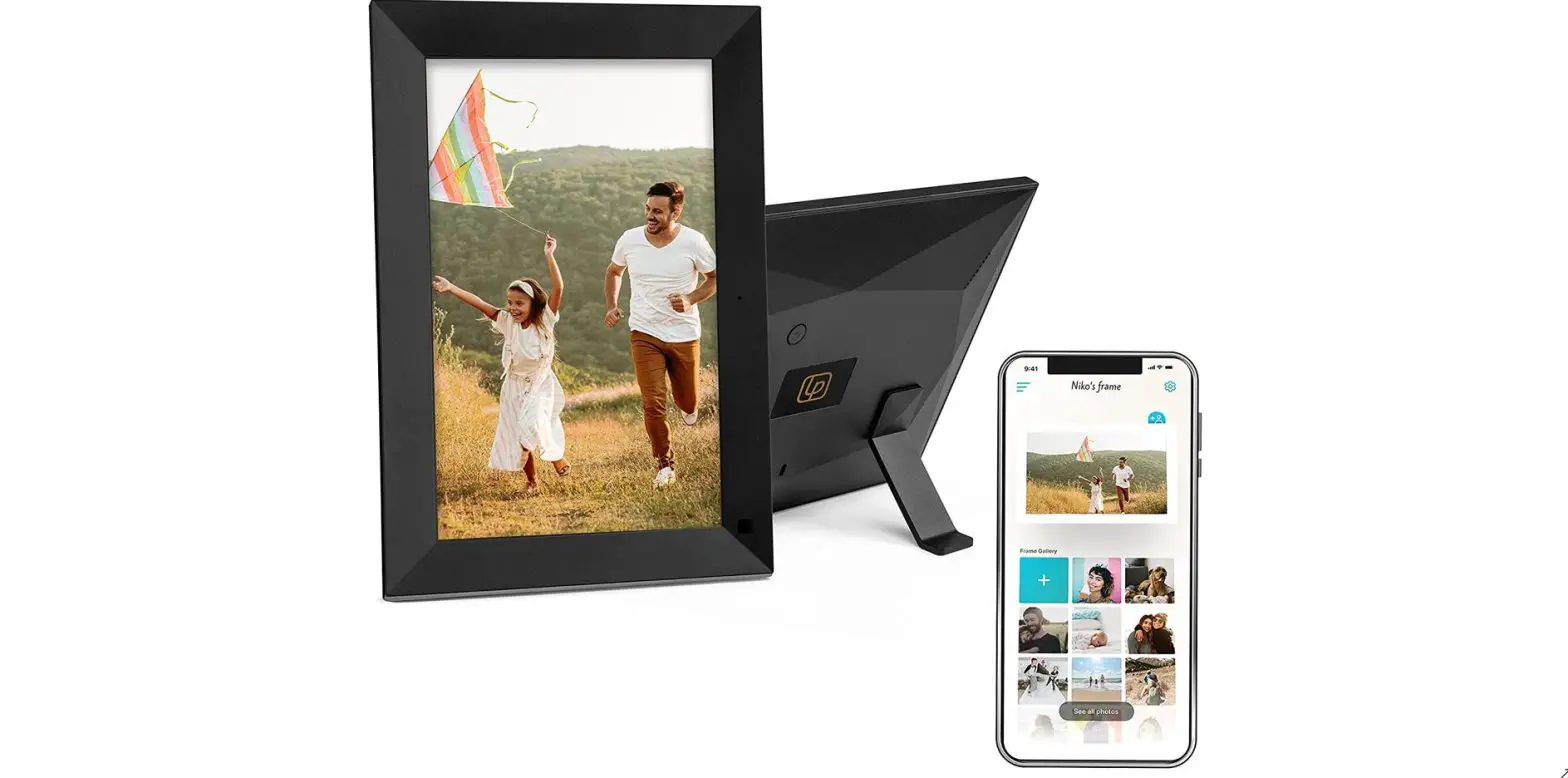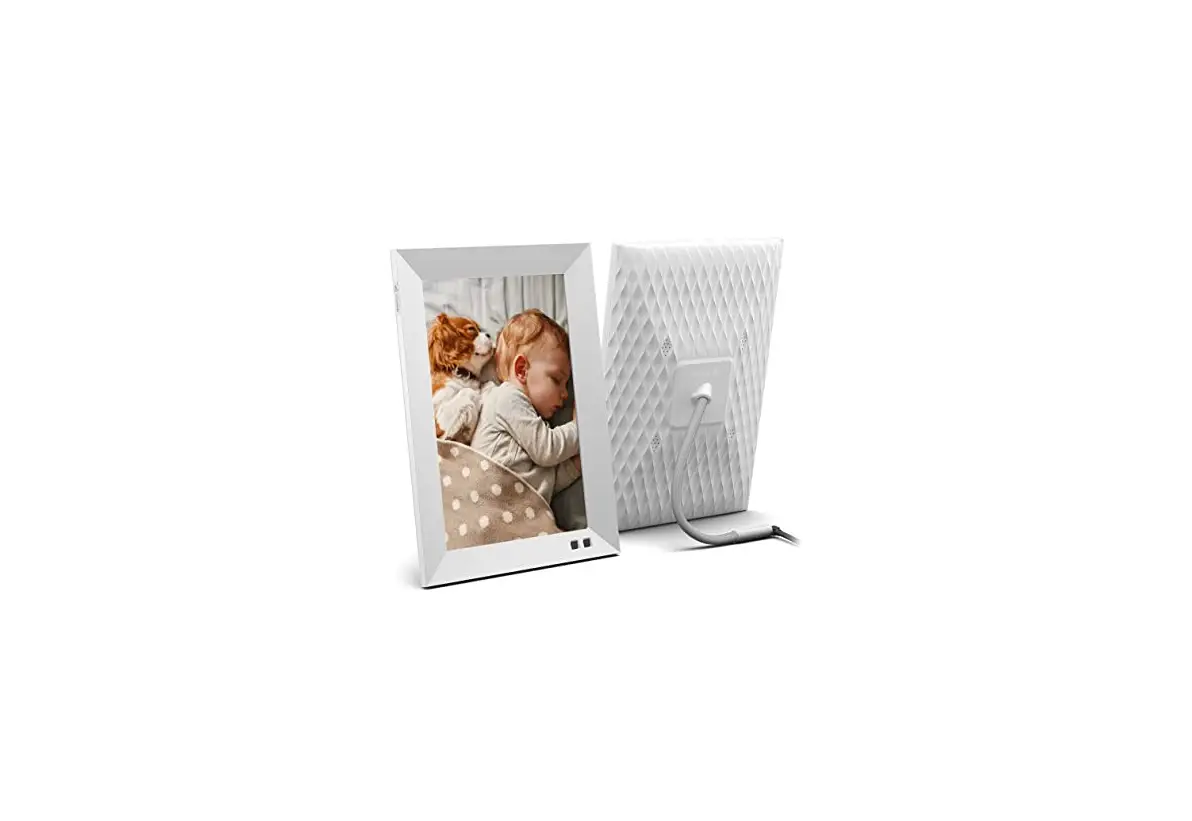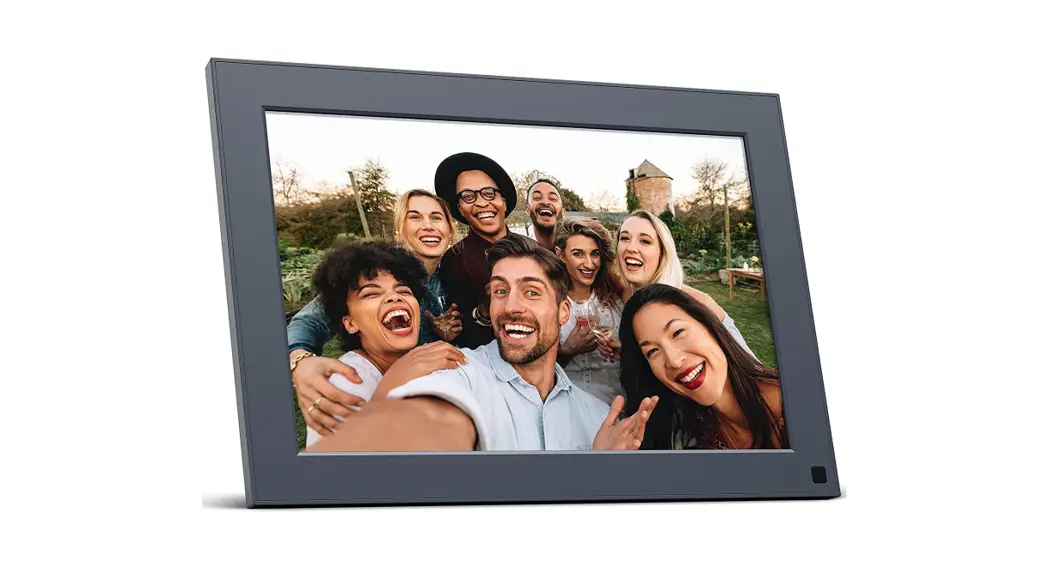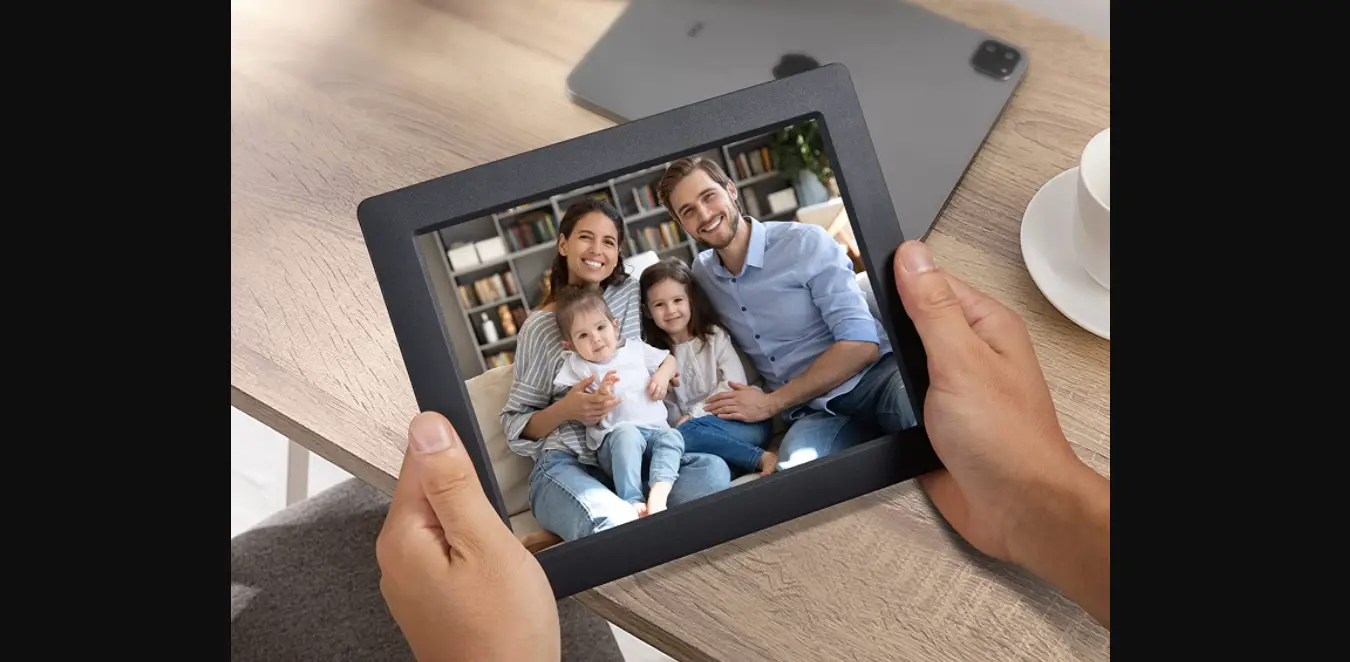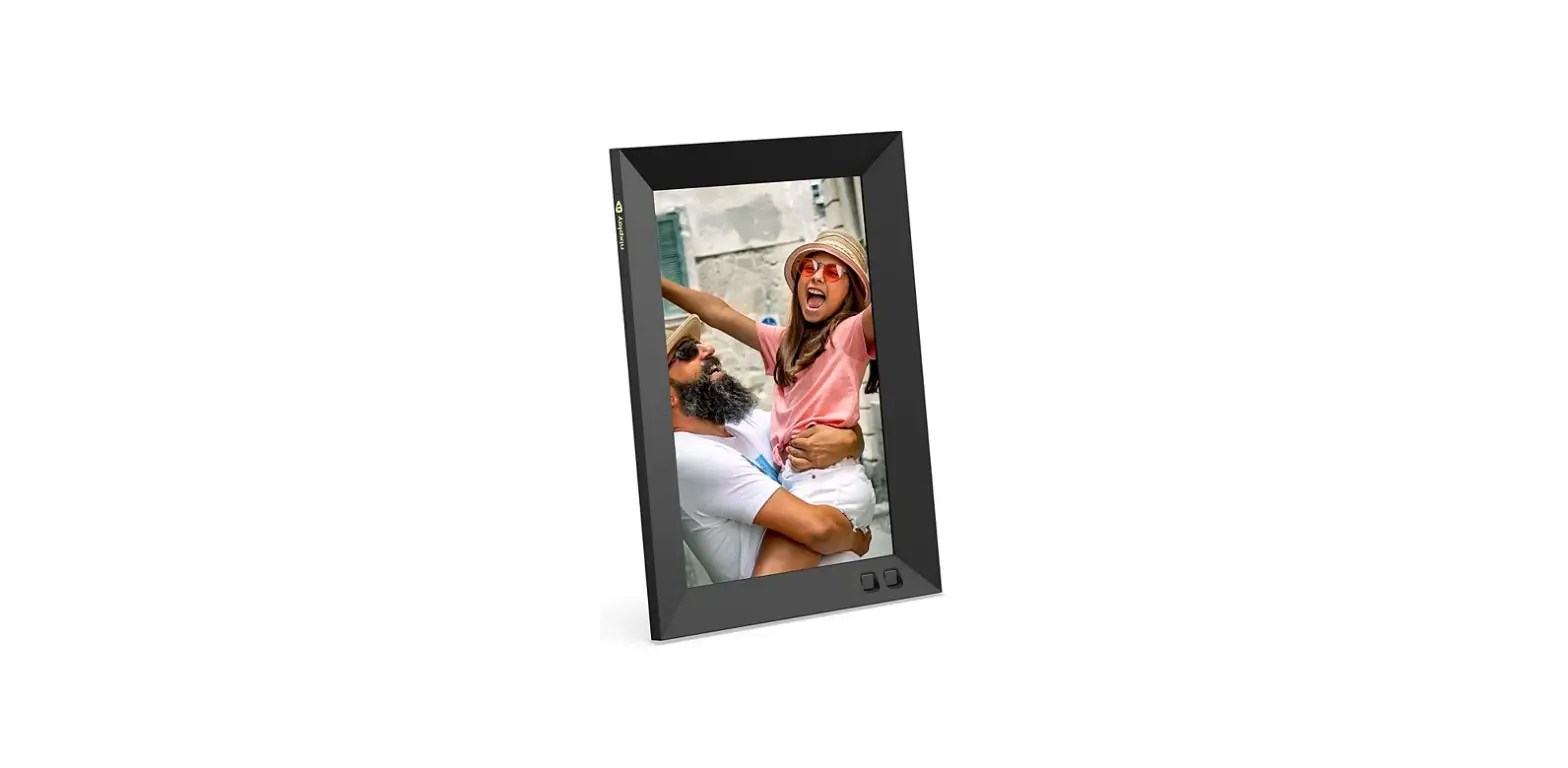

nixplay W08G Smart Photo Frame
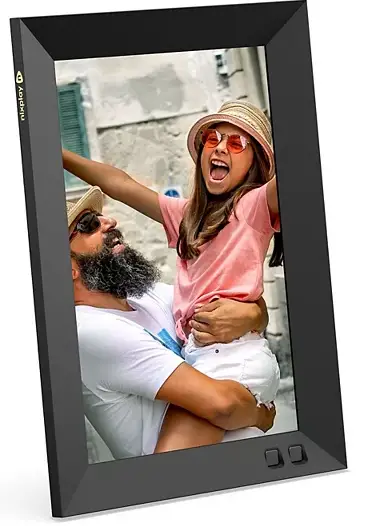
Wall Mounting Guide
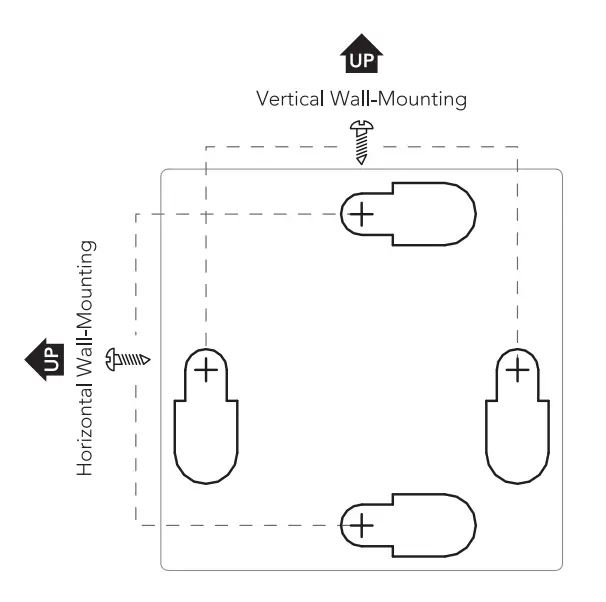
- Choose your frame orientation and rotate this sheet right-side up.
- Place this sheet on the wall where you want the frame wall mounted.
- Mark on the wall with a pen at the 2 cross-marks based on your chosen orientation.
- Drill 2 M4 screws (included) into the 2 marks on the wall.
- Refer to the Quick Start Guide to complete your wall mount.
Need help? Watch a wall-mount video guide here: www.nixplay.com/wall-mount