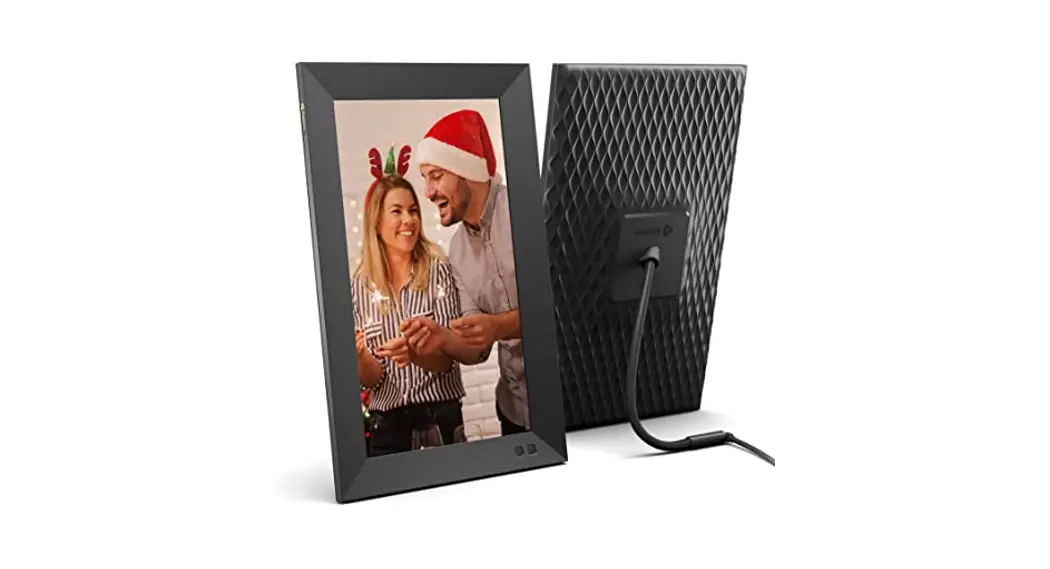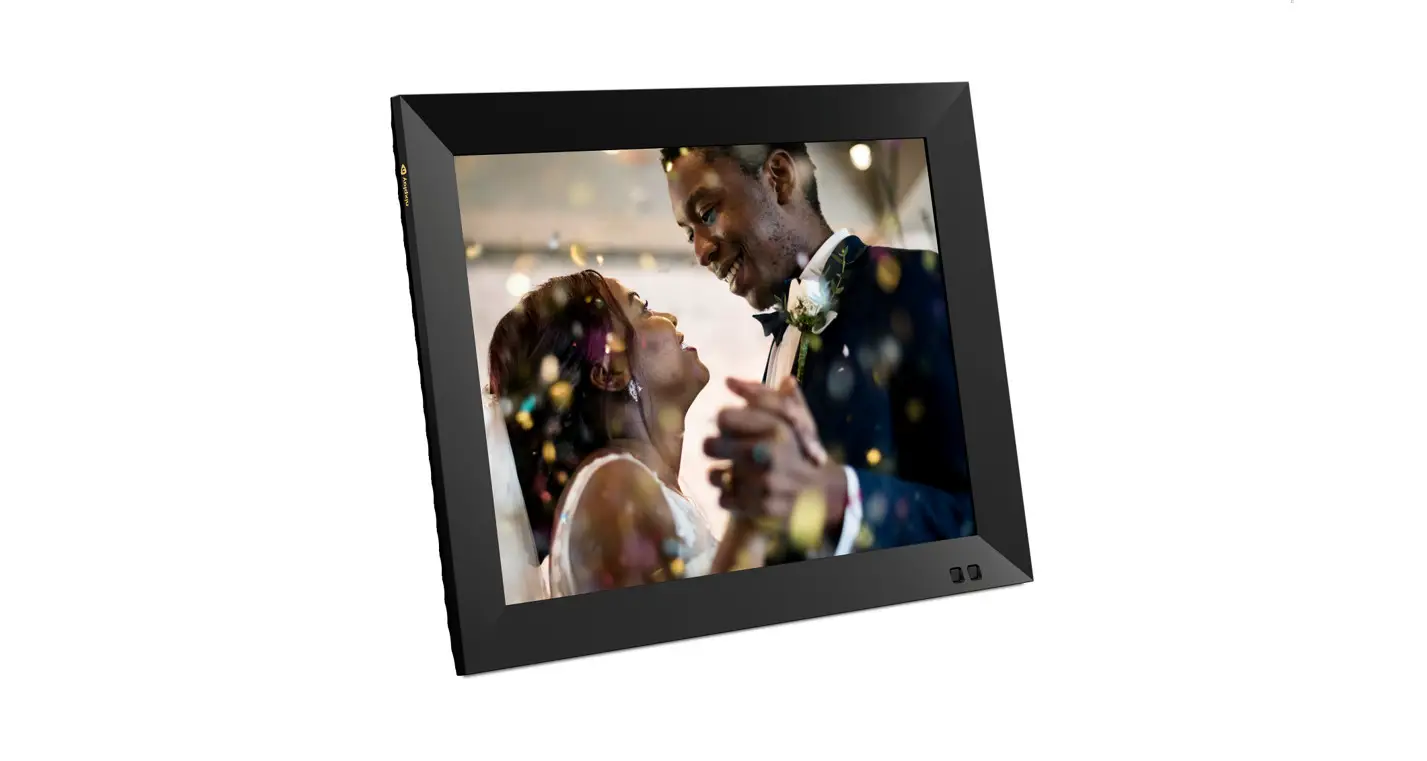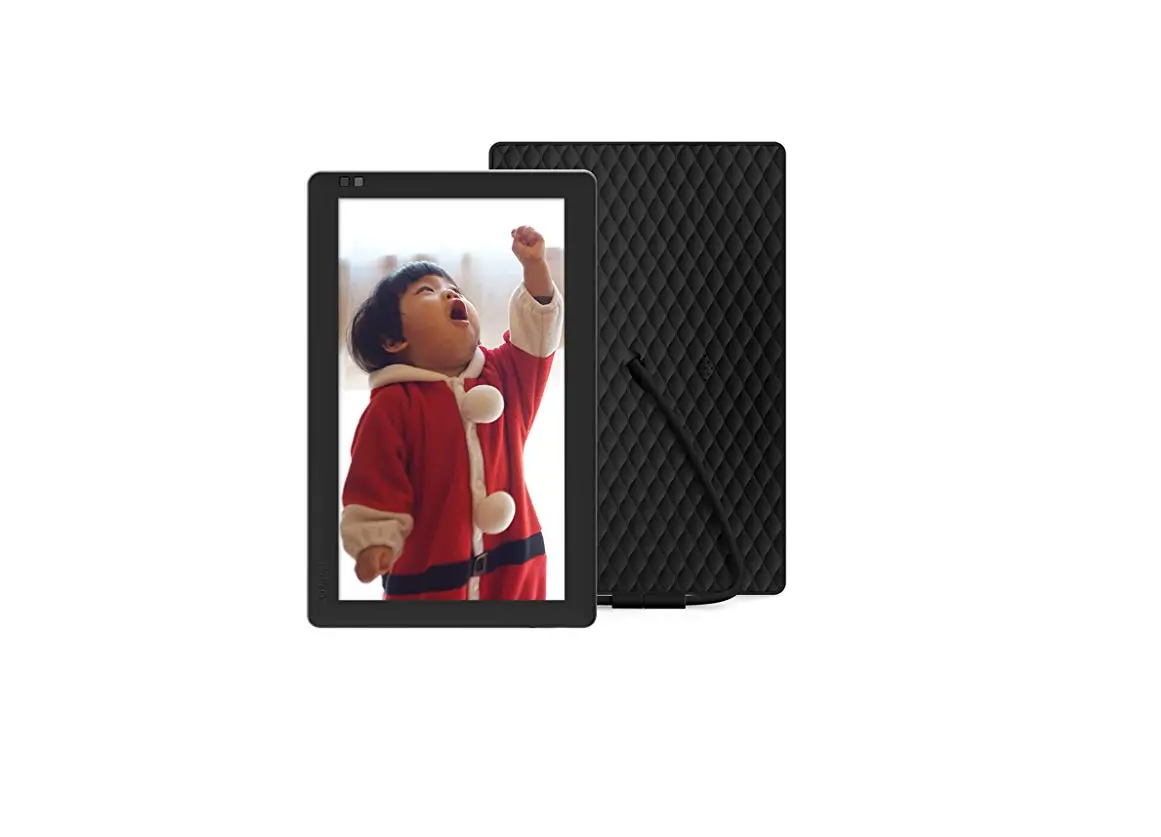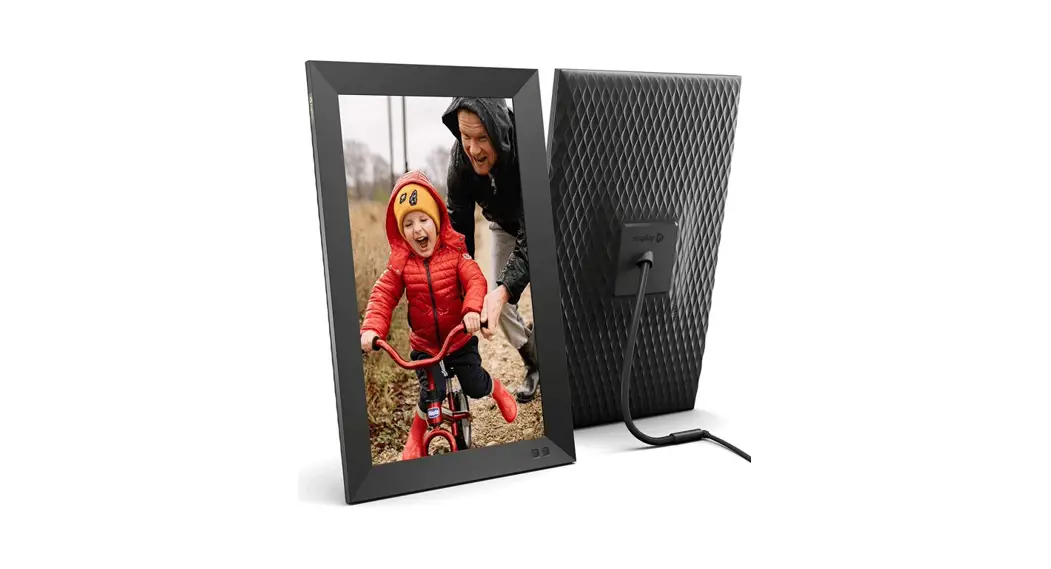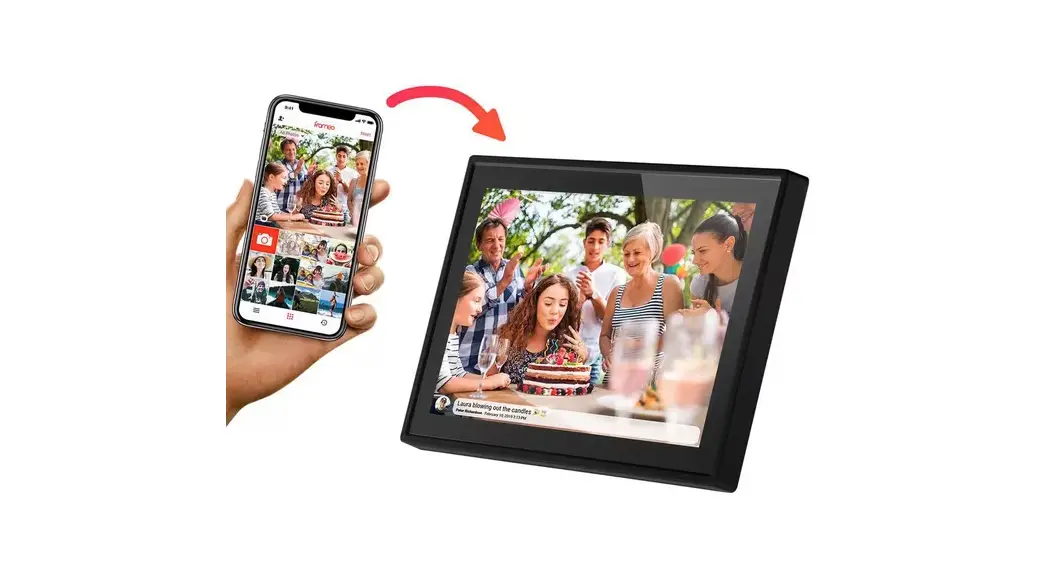

nixpla W10K 10.1-Inch Touch Screen Digital Picture Frame with WiFi
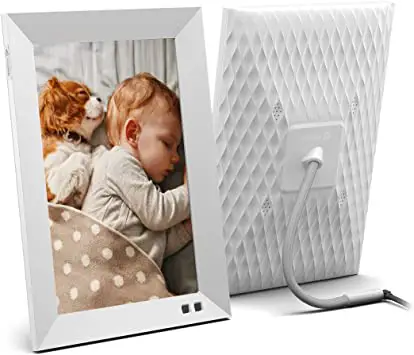
SETUP
Setup video available at www.nixplay.com/go.
Step 1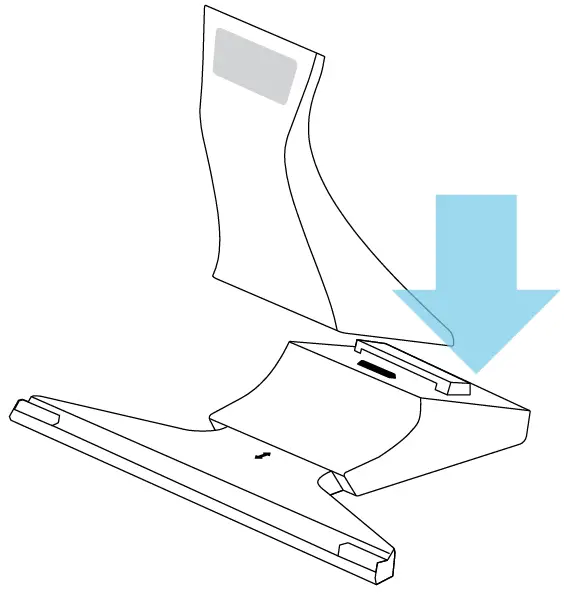
Step 2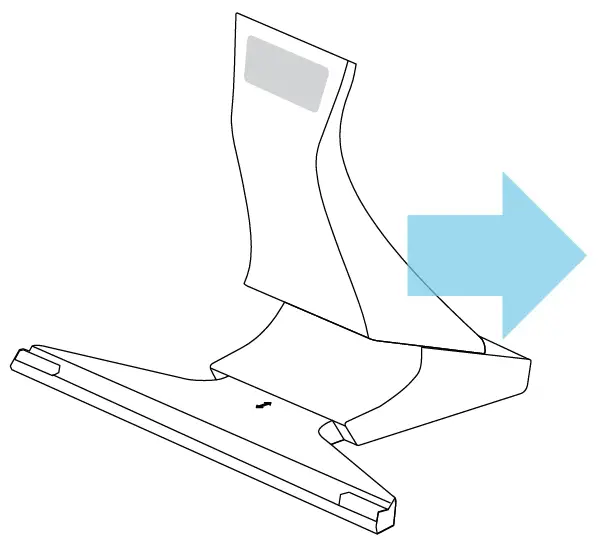
Step 3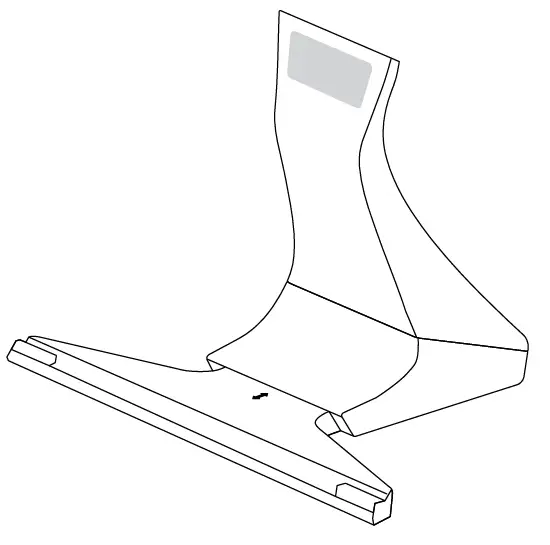
Step 4
Slide down to remove back plate.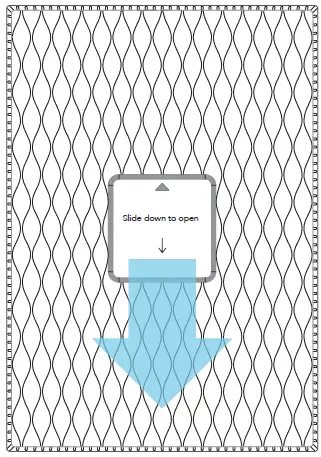
Step 5
Insert power cord firmly.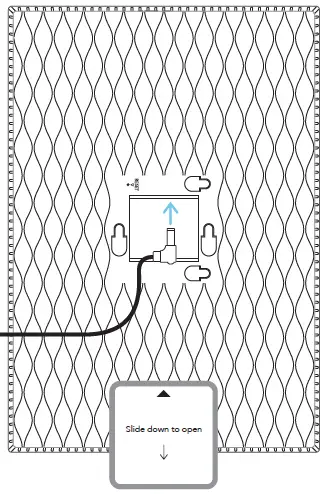
Step 6
Insert the back plate notches into the holes on the frame.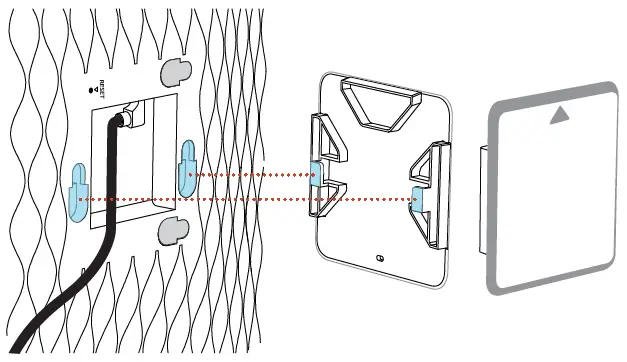
Step 7
Slide up to lock back plate in place.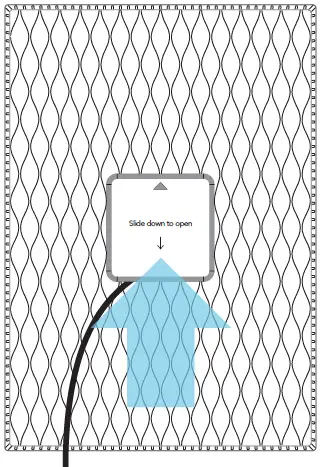
Step 8
Place your frame onto the stand.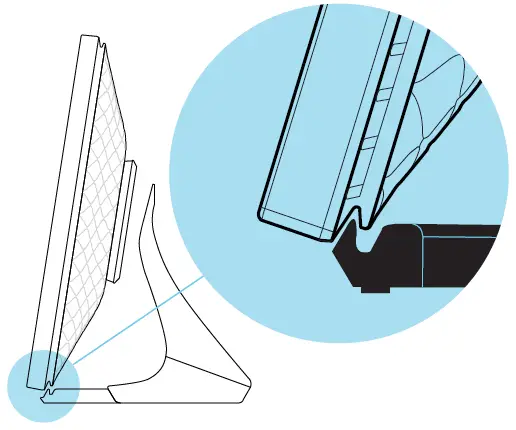
Step 9
Lean frame against the stand NOT on top of the stand.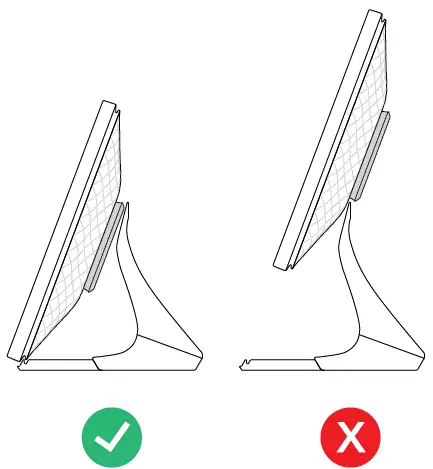
Step 10
Position in landscape or portrait.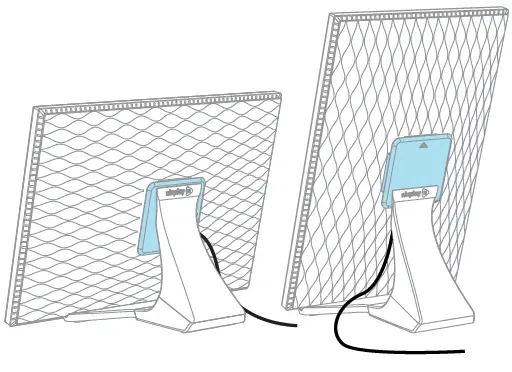
Step 11
You’re almost there Create your Nixplay account and add your frame, use either your Mobile Phone or Computer:
Apple App Store or Google Play.
Computer: nixplay.com/setup.
We’re here to help
Nixplay cares deeply about providing your family with a great frame and service. We go to great lengths to ensure your frame is delivered into your hands in perfect working order.
If your Nixplay Frame isn’t working perfectly, please do let us know. We’re just a phone call, email or chat away.
Online Help Center:
www.nixplay.com/support
Contact Us:
[email protected]
Call Us:
US (855)-649-7529, (855)-NIXPLAY Mon-Sat, 9am – 5pm, Central Time. For more information on how to use your frame, please visit: www.nixplay.com
Your frame’s serial number is available on the back of your frame or under your frame’s Settings. The e-label can be found in the Information section of your frame’s Settings.
 nixplay.com/setup
 Digital Photo Frames | WiFi Digital Photo Frames | Nixplay