
3 Steps to
enjoy the buds
Enter pairing mode
Automatic pairing mode
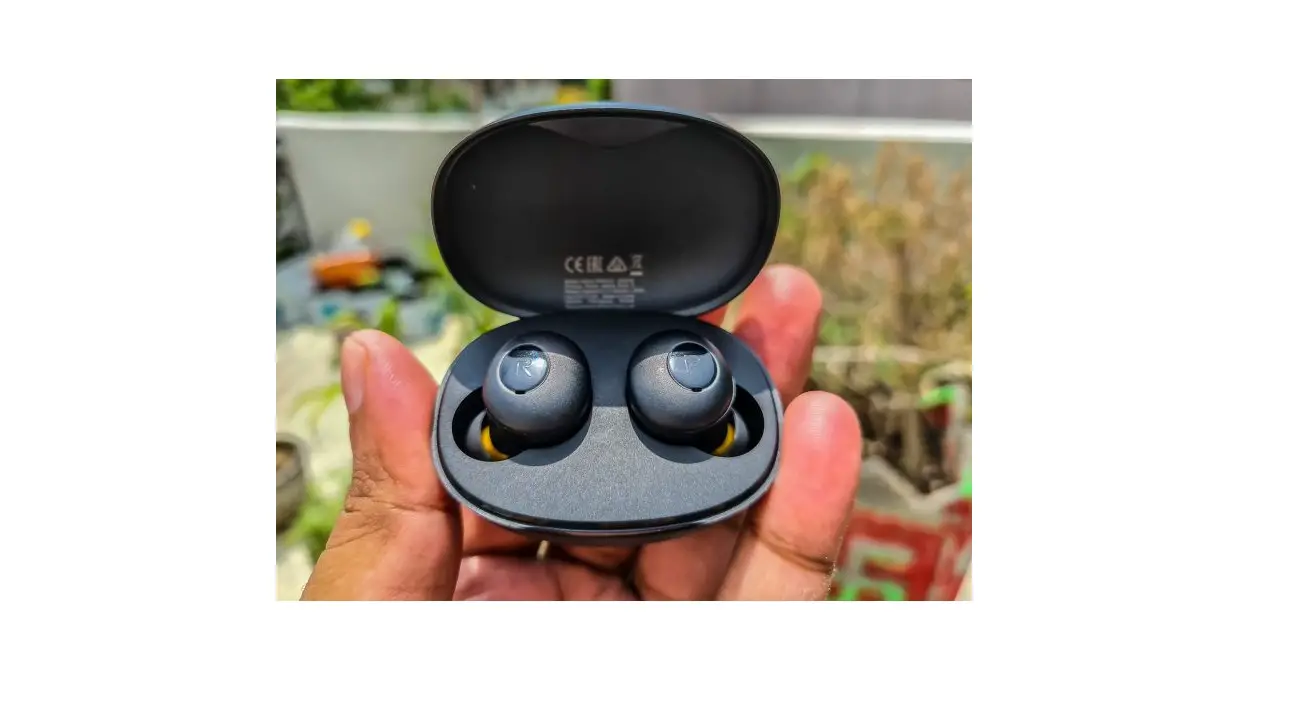
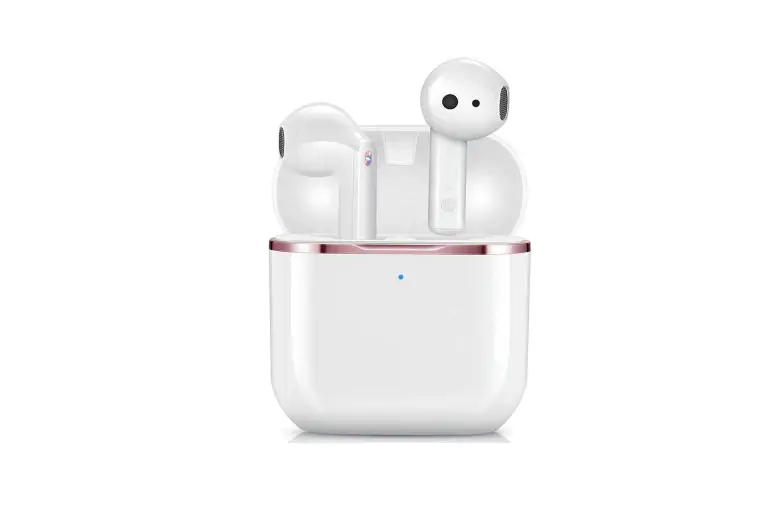
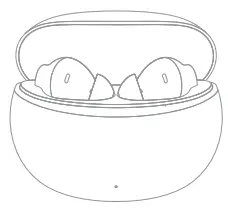
First use: Open the charging case and the earphone automatically enters the pairing mode.
Manual pairing mode
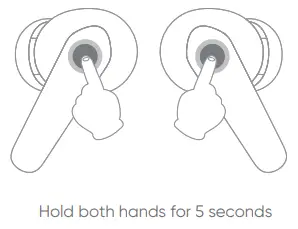
Take the two earphones out of the charging case and press the touch area with both hands for 5 seconds at the same time. The earphone can also enter the pairing mode manually.
Connect earphones
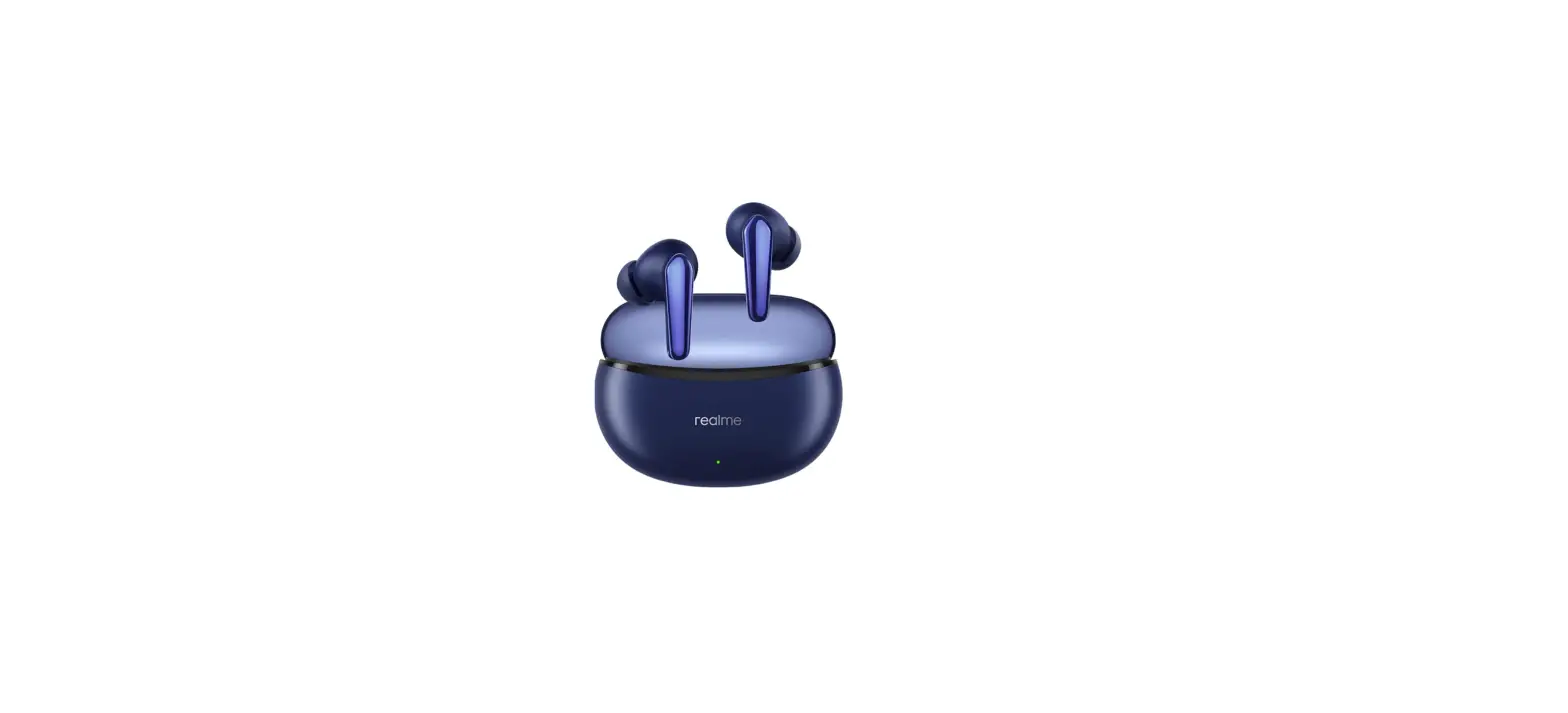
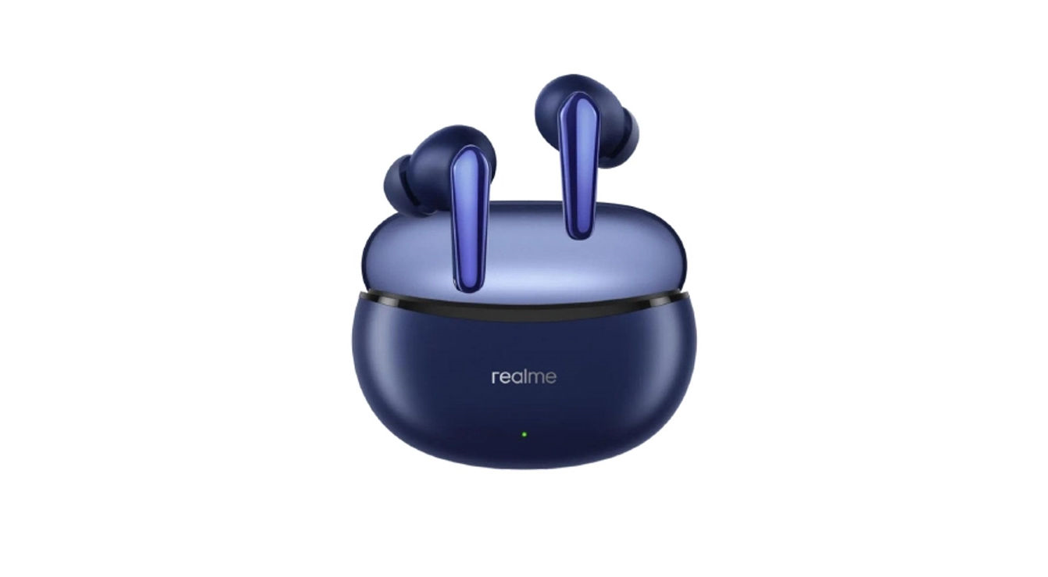
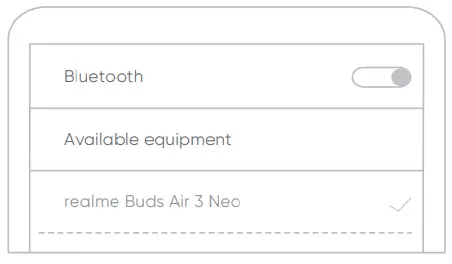
Turn on Bluetooth on your smartphone, search and connect to”realme Buds Air 3 Neo”.
Wear earphones
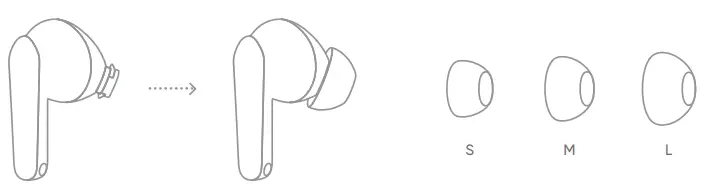
You can choose the most appropriate ear tips size. (M installed by default)
 Touch controls
 Touch controls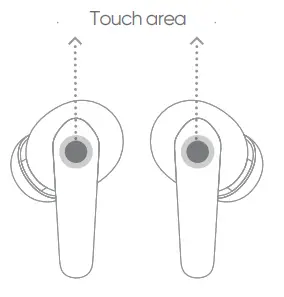
Music mode
 | Single earphone | Double-tap | Play or pause |
 | Single earphone | Triple-tap | Next track |
 | Left earphone | Long press 3s | Decrease volume |
 | Right earphone | Long press 3s | Increase volume |
Call mode
| Single earphone | Double-tap | answer or hang up |
| Single earphone | Long press 2s | Reject a call |
More
 | Both earphones | Long press 5s | Enter pairing mode |
| Both earphones | Long press 10s | Reset |
 realme Link
 realme Link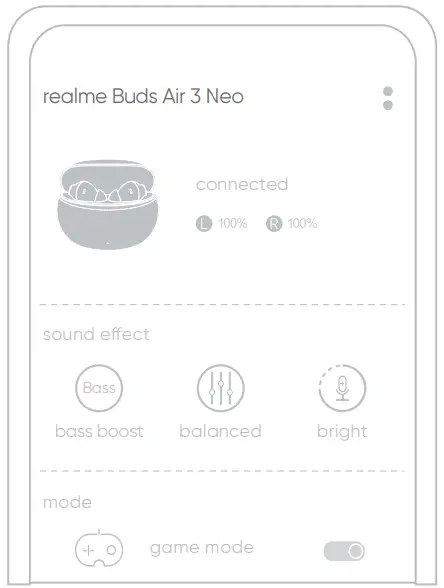
Please scan the code to download the app to enjoy more music experience and earphone function operations.
 https://www.realme.com/app-download#realmeLink
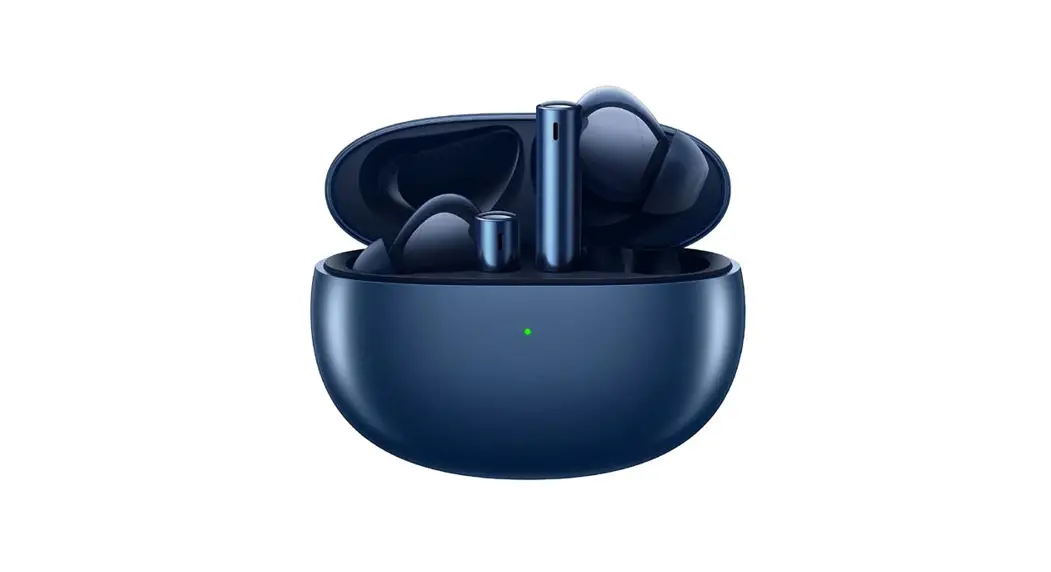
Overview and packing list
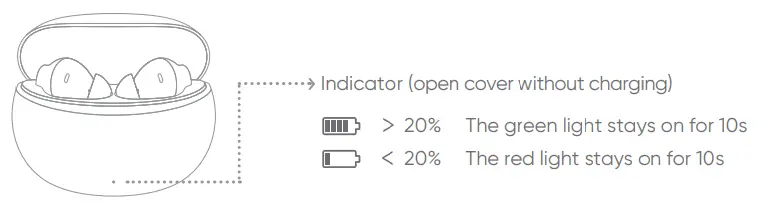
Packing List
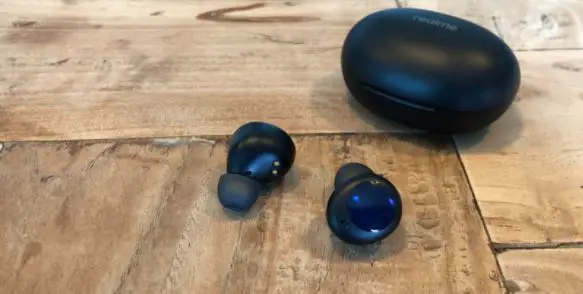
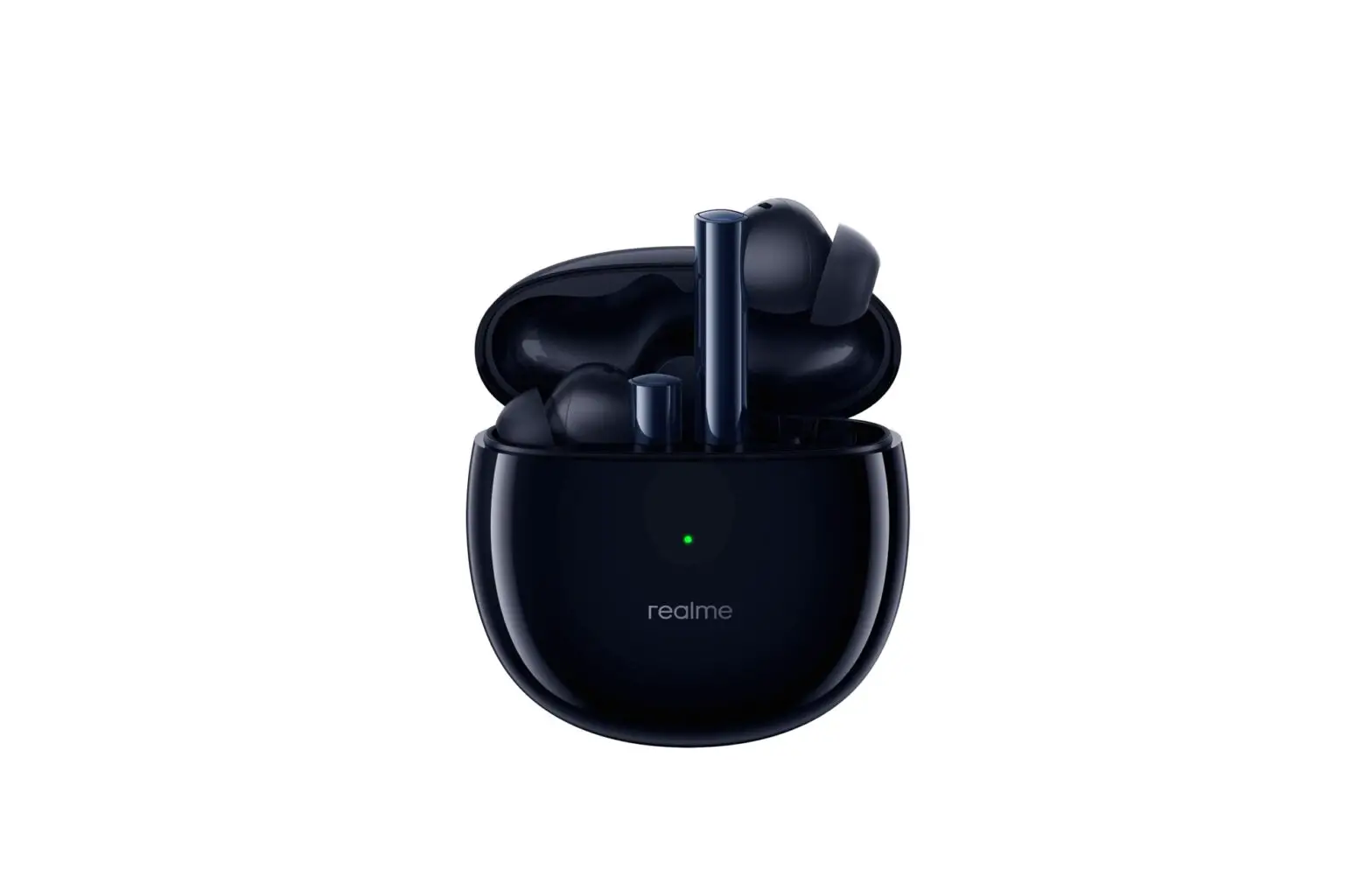
Earphone x 1
User Guide x 1
Ear tips ( M installed by default) x 6
Type-C charging cable x 1
Basic Parameters
| Product name | realme Buds Air 3 Neo |
| Product model | RMA2113 |
| Bluetooth version | Bluetooth 5.2 |
| Bluetooth protocol | HFP/A2DP/AVRCP |
| Bluetooth code | SBC, AAC |
| Charging interface | Type-C |
| Endurance (music) | About 7h (earbuds) About 30h (use with charging case) |
| Charging time | About 2h |
| Bluetooth communication distance | 510m |
| Working frequency | 2402-2480 MHz |
| Max power rate | <10dBm |
Temperature Description
- This product contains a battery. If it is not used for a long time, please store it in an environment of 0°C-35°C, and charge the product at least every 3 months to prevent the battery performance from deteriorating.
- Please use the earphones or charge it in a normal environment (ambient temperature 0°C-45°C, humidity 45%-85%). The earphones can be charged quickly at 15°C -45°C. If the product temperature is not within the safe temperature range, it may cause damage to the earphones and battery performance.