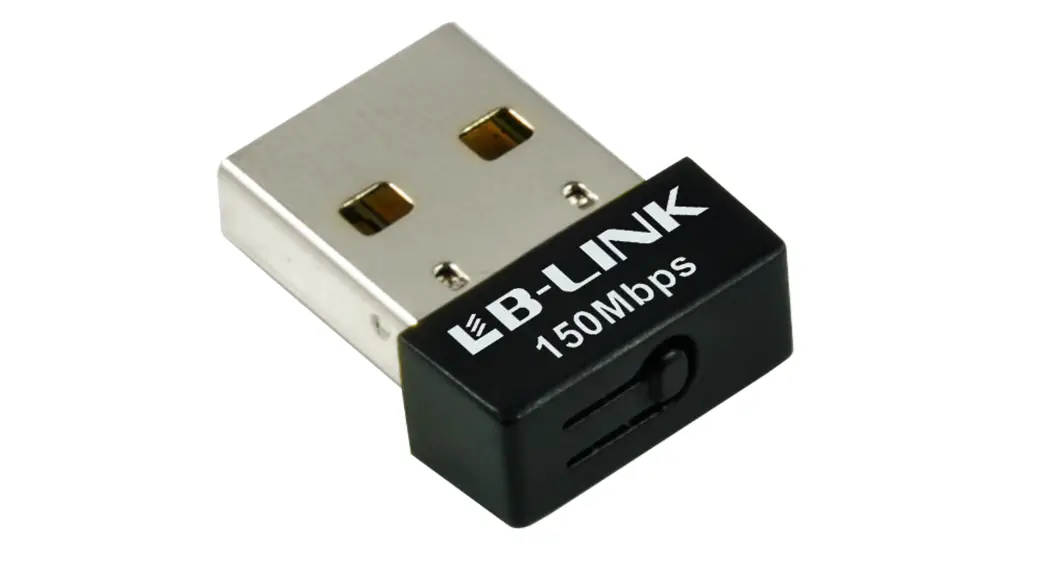
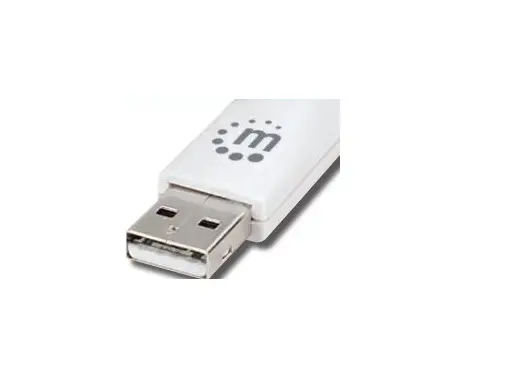
HF W131 Wireless Adaptor
Product Information
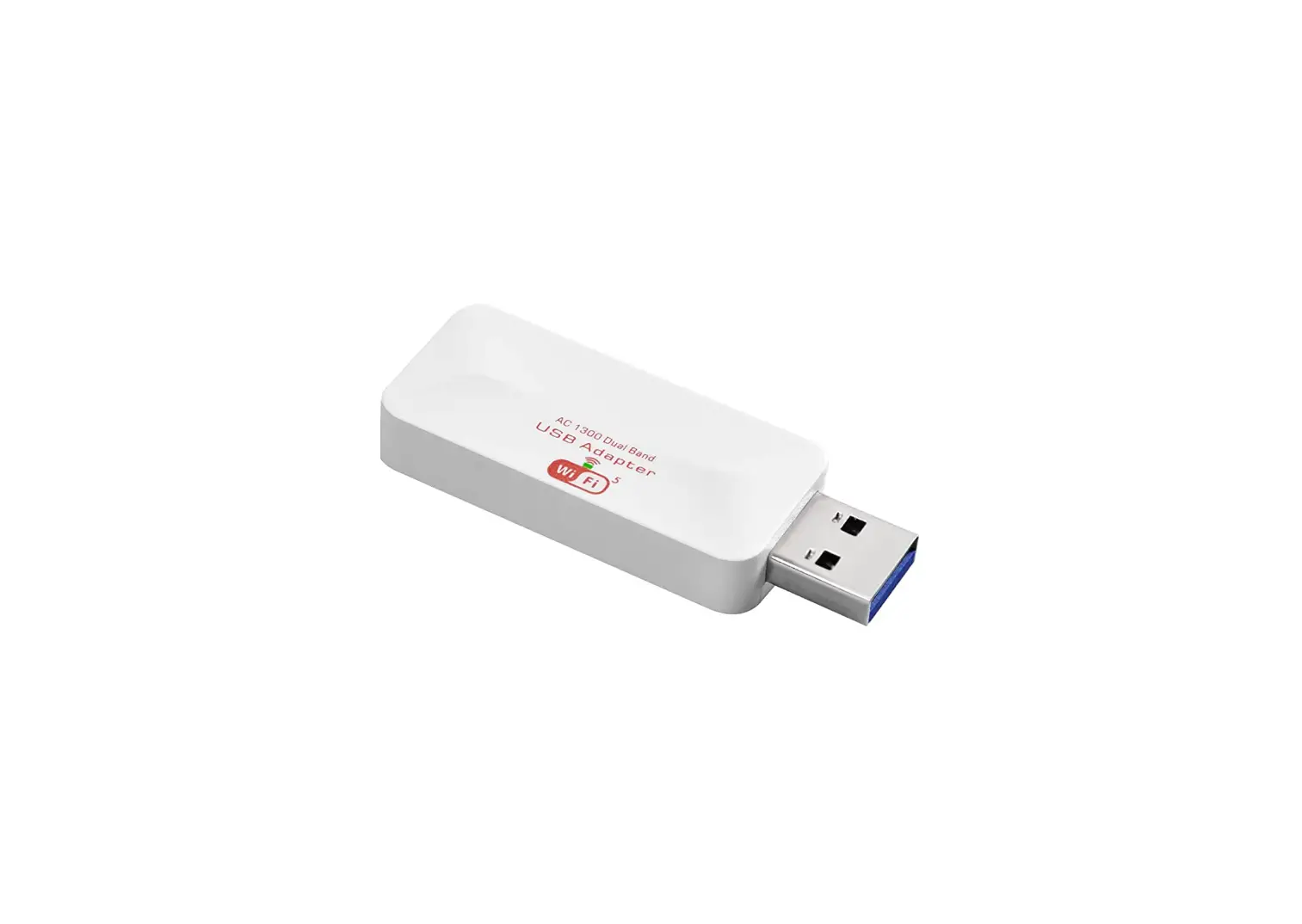
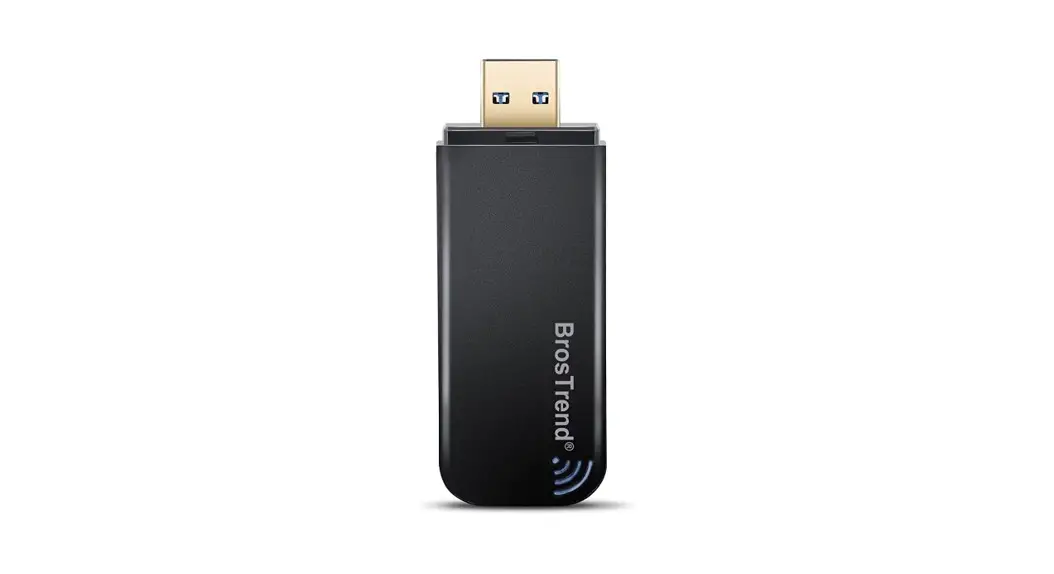
The Velocity DVR can be made online through the Wi-Fi option
with supported wireless adapters. The following models are
supported in the Velocity Series DVR:
- HF W131 (Hifocus)
- Tenda U3
If the Wi-Fi option is not available in the DVR, contact support
to upgrade the firmware. After upgrading, you will get a Wi-Fi
option.
Product Usage Instructions
- Connect the supported Wi-Fi adapter to the DVR.
- Go to Settings >> Network >> TCP/IP >>
Wi-Fi. - Enable the Wi-Fi option.
- Click on Refresh. The available Wi-Fi SSID will be
displayed. - Select your Wi-Fi and enter the Wi-Fi password. If you give
correct details, then the IP address, gateway, and subnet mask will
be generated. - Go to NAT and enable NAT. Save the settings (refer to the
picture below). - If the Nat Status is successful, then your DVR is online. If it
fails, check your internet connection.
Note: The Wi-Fi option is not supported in NVR.
Velocity DVR online through Wi-Fi
For making the DVR online through Wi-Fi option you need supported Wireless adapters. In Velocity Series DVR below models are supported.
Supported Wireless adapters 1. HF W131.(Hifocus) 2. Tenda U3. (If Wi-Fi option not available in the DVR then contact support to upgrade the
firmware. After upgrading you will get a Wi-Fi option.) After connecting Wi-Fi adapter
Go to Settings >> Network >> TCP/IP >> Wi-Fi Enable the Wi-Fi option Click on Refresh.
(Then it will show your available Wi-Fi SSID, Select your Wi-Fi and enter the Wi-Fi password. If you give correct details then IP address, gateway and subnet mask will be generated.
Go to NAT. Enable NAT & Save. (Refer below pic)
If the Nat Status is Successful then your DVR is in online If failed need to check your internet. Note: Wi-Fi option not supported in NVR.