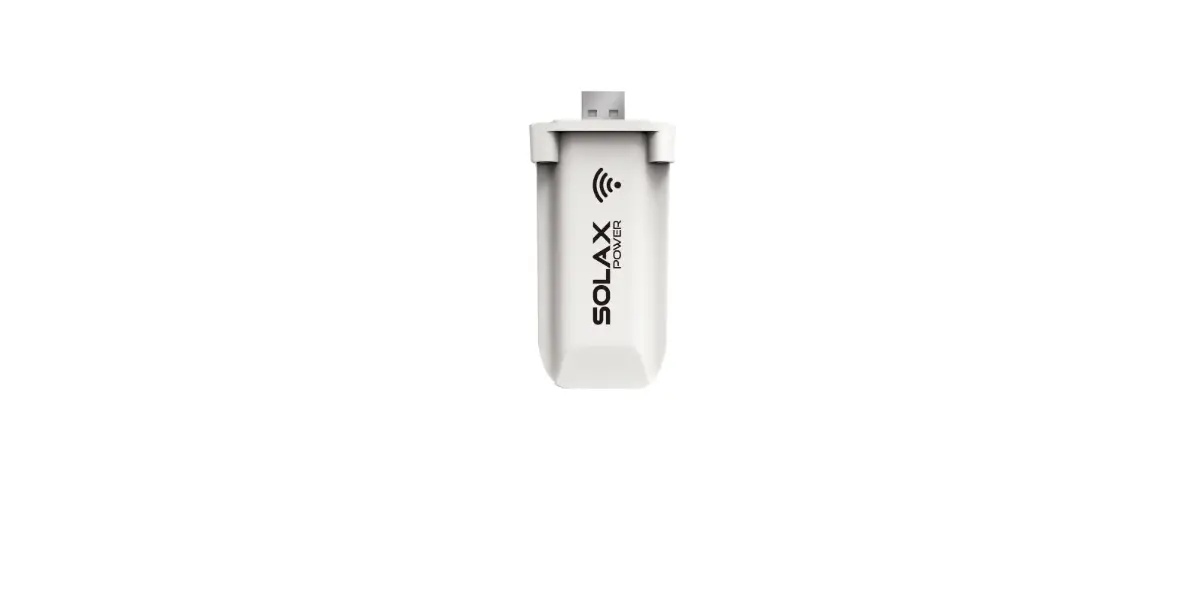
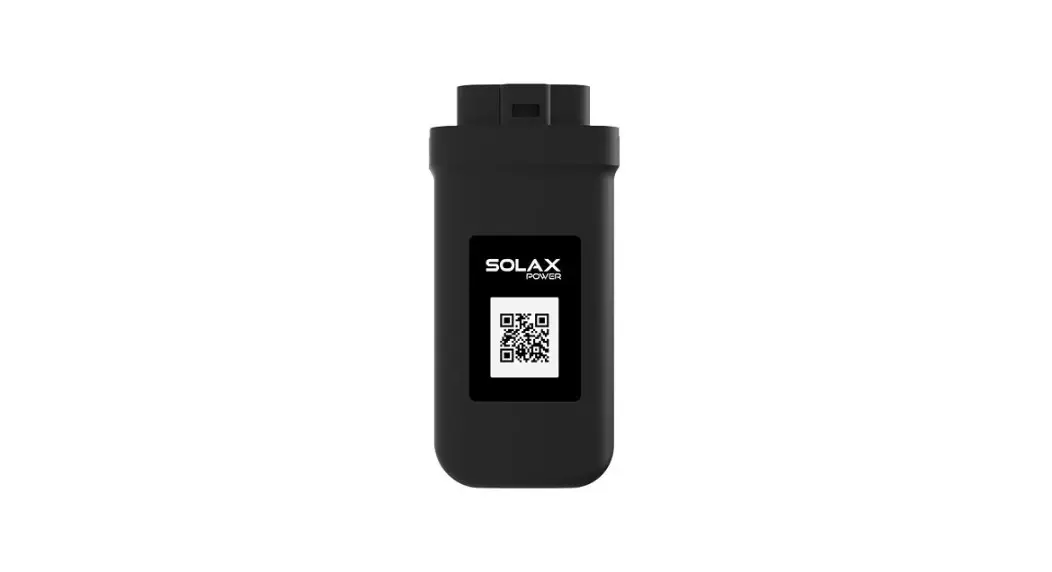
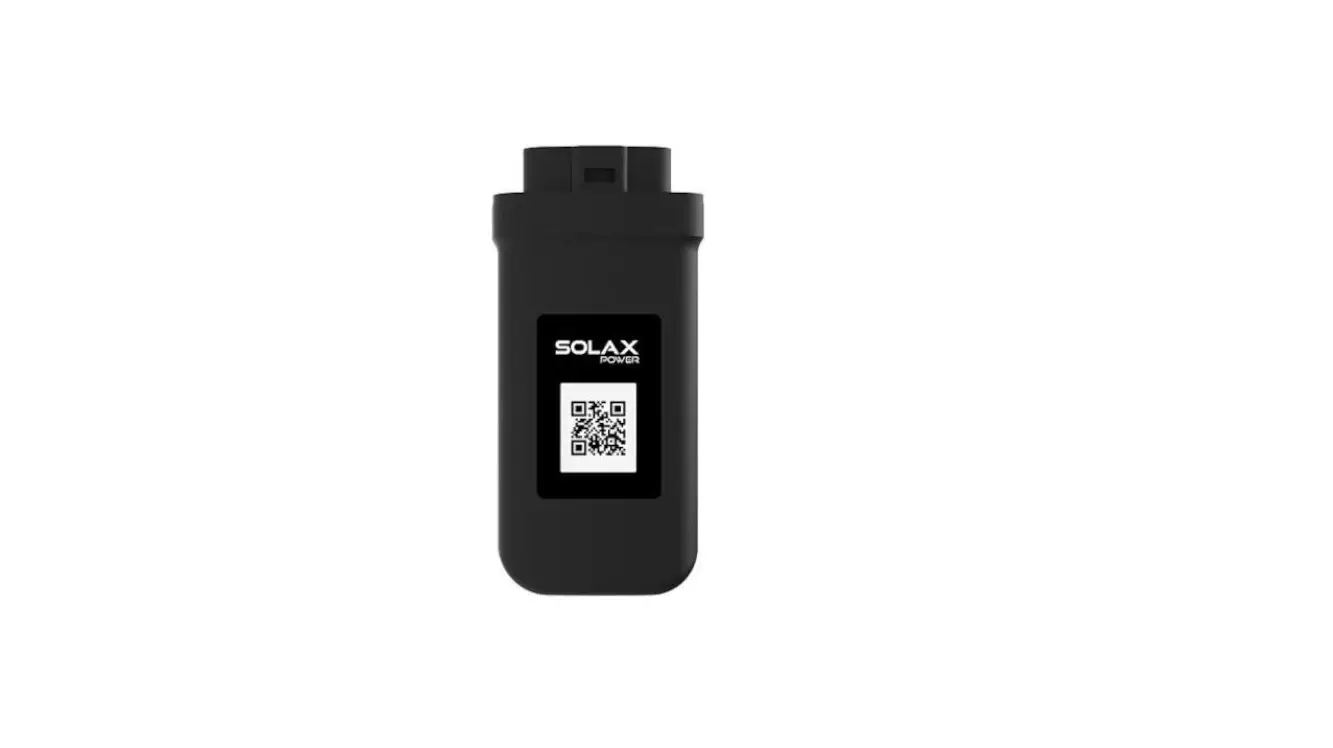
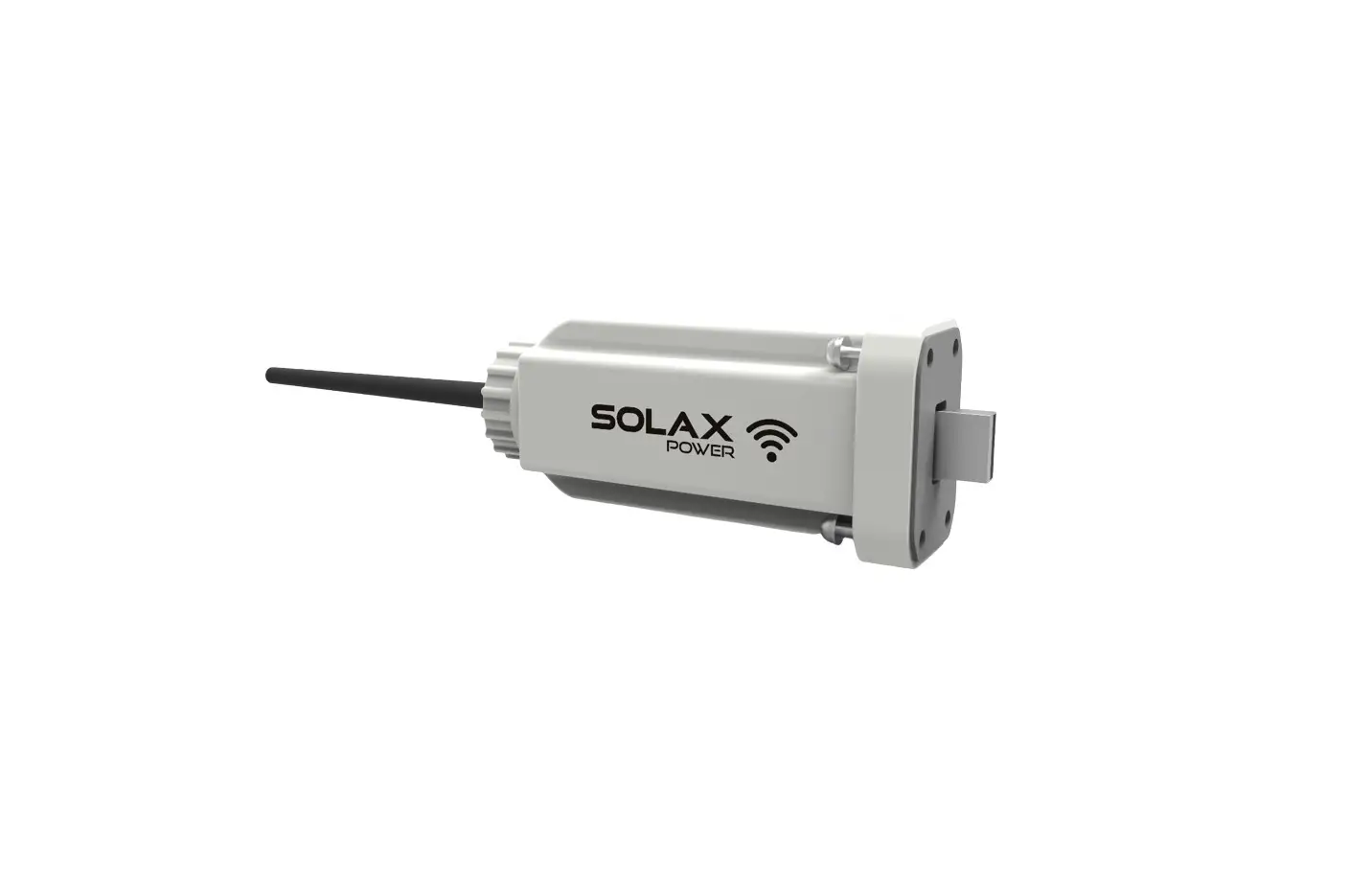
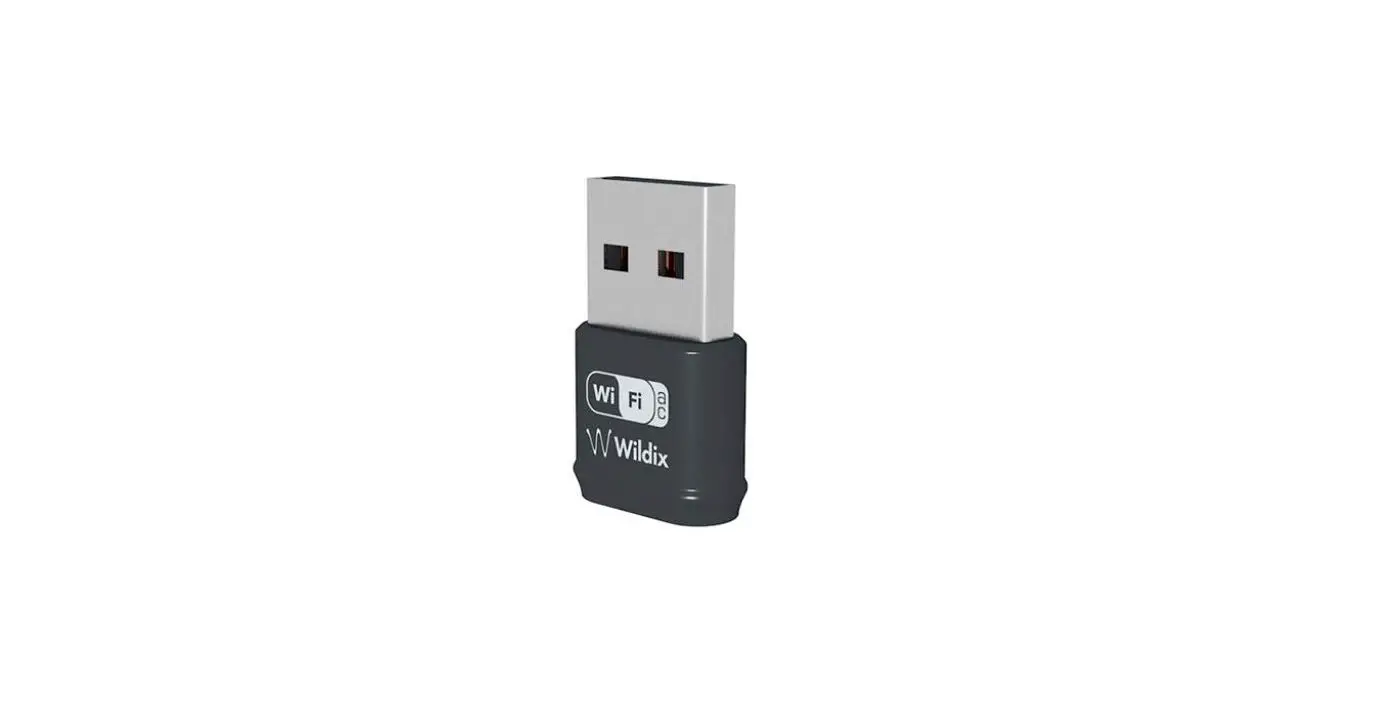
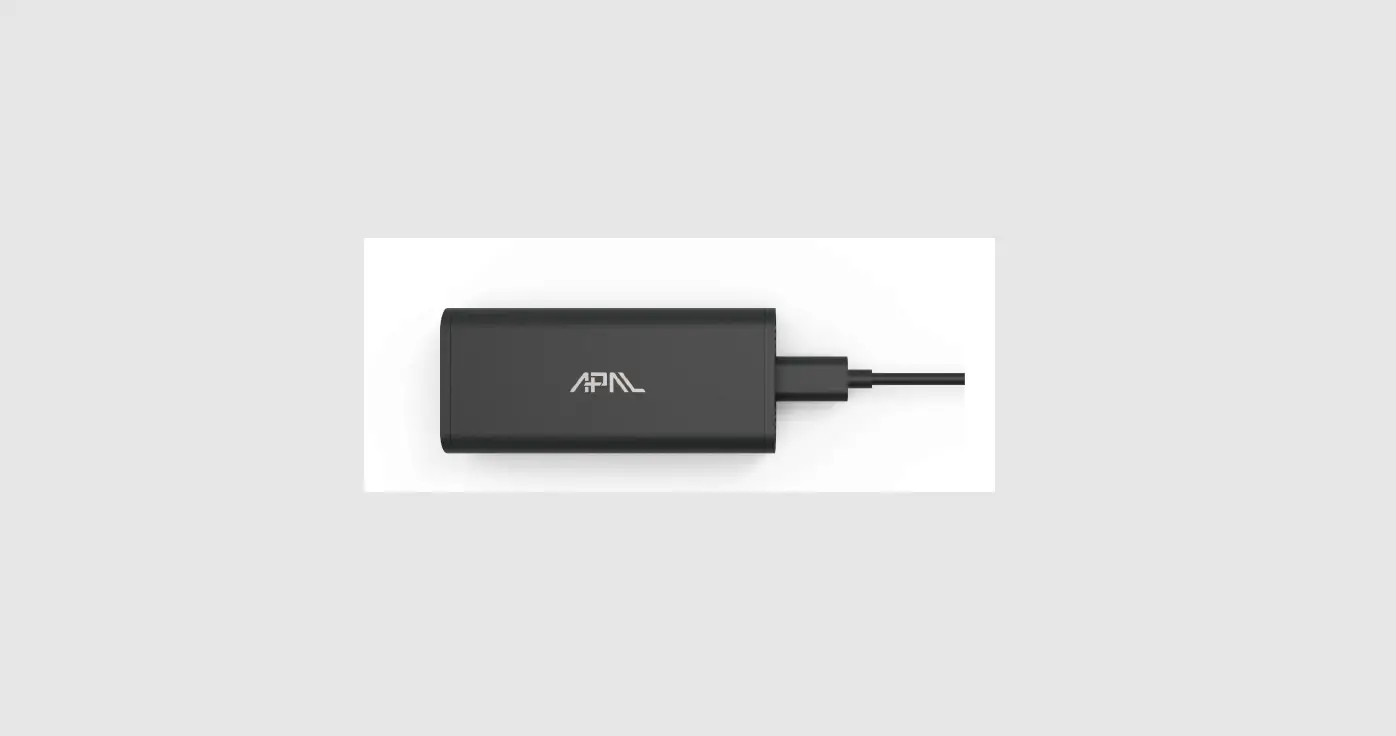
Pocket WiFi V3.0 Dongle
Product Information:
| Product Name | Model | Supply Voltage | Rated Power | EIRP Power | Frequency | Antenna Gain | Antenna Type | Degree of Protection | Wireless Mode | Dimension (-P/-E) | Weight (-P/-E) |
|---|---|---|---|---|---|---|---|---|---|---|---|
| Pocket WiFi | Pocket WiFi V3.0 (-P/-E) | 5V DC | 1.3 W | 18.00 dBm (Measured Max. Average) | 2.4 GHz | 3.63 dBi | IPEX | IP 65 | 802.11 b/g/n | 95.5*45.7*28.5 mm (-P/-E) | 50 g (-P/-E) |
Product Usage Instructions:
Installation:
- Ensure all power has been turned off at least 5 minutes prior
to installation. - Remove the cover of DONGLE port at the bottom of the
inverter. - For the -P/-E version of Pocket WiFi, screw the antenna to the
end of the shell. - Plug the Pocket WiFi into the correct port of inverter. Note
that the side with the QR code is on the top and the direction of
the button should be the same.
Monitoring:
SolaxCloud Registration:
- Use your smart phone to scan the provided QR code or search for
the keyword SolaxCloud in browser to download the Monitoring
App. - Open the Monitoring App and touch the Setting button at the
upper left corner to choose language. - Touch “Create a new account” at the bottom of the Monitoring
App. - Fill in your registration Email, get the Verification code, and
input your password to create the account.
Wi-Fi Connection:
- Login your account in the Monitoring App.
- Click “+” to create your site.
- Fill in site information and add device.
- Setup your internet Wi-Fi connection and configure the device
network.
Local Mode:
- Use your smart phone to connect to the SolaX Wi-Fi signal
(Wifi_Sxxxxxxxxx). - Open the Monitoring App and touch “Local”.
- Type in the password (initially same as the Registration No.)
to access the Local Mode in the Monitoring App.
Monitoring Website:
- Ensure that your computer or laptop is connected to a
network. - Open a browser and enter www.solaxcloud.com
- Select your display language and read the User guide, then
create a new account. - Complete registration, login, add site, and other related
operations according to the guidelines of the User guide. - Click the Warranty Manage and add your installation information
to get warranty for your devices.
Pocket WiFi V3.0
(-P/-E)
User Manual
Read this user manual carefully prior to use.
1. INSTALLATION
Ensure all power has been turned off at least 5 minutes prior to installation. Remove the cover of DONGLE port at the bottom of the inverter. Ready to install your Pocket WiFi.
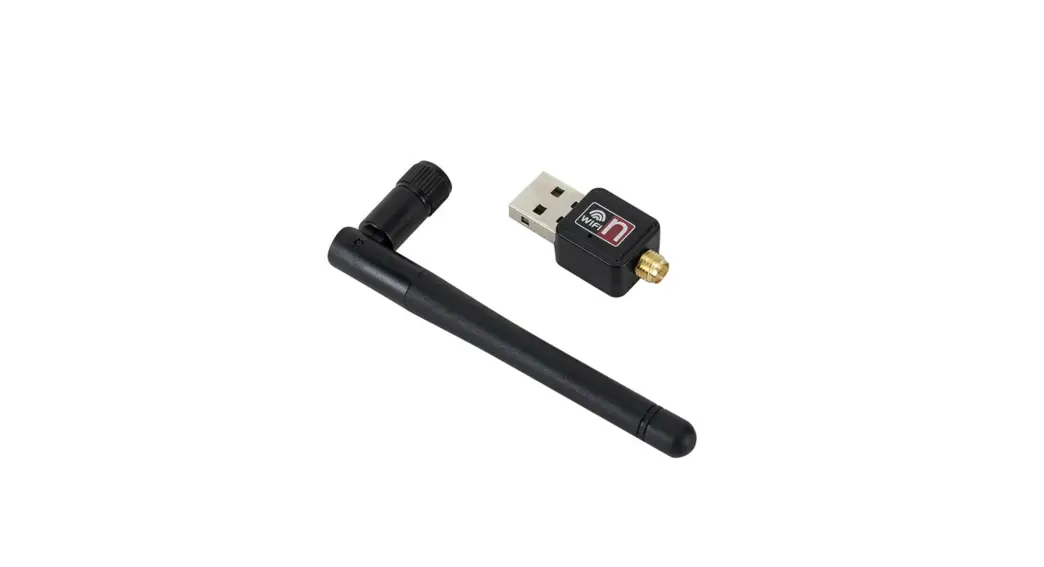
For the -P/-E version of Pocket WiFi, screw the antenna to the end of the shell.
OR
-P External antenna
-E Extended antenna
*Antenna type is divided into external antenna and extended antenna. It is already selected when you purchase Pocket WiFi.
Plug the Pocket WiFi into the correct port of inverter.
Note that the side with the QR code is on the top and the direction of the button should be the same.
2. MONITORING
SolaxCloud Registration Step 1: Use your smart phone to scan
following QR code or search for the keyword “SolaxCloud” in browser to download the Monitoring App.
IOS
SWXXXXXXXX
Step 2: Touch the Setting button at upper left corner of the Monitoring App to choose language.
Step 3: Touch “Create a new account” at the bottom of Monitoring App.
Step 4: Fill in your registration Email, get the Verification code, input your password to create the account.
Wi-Fi Connection Step 1: Login your account. Step 2: Click “+” to create your site. Step 3: Fill in site information and add
device.
Step 4: Setup your internet Wi-Fi connection. Start to configure the device network.
Local Mode Use your smart phone to connect the SolaX Wi-Fi signal (Wifi_Sxxxxxxxxx). Then touch Local and type in password (initially same as the Registration No.) to access the Local Mode in the Monitoring App.
*Visit the local password setting instruction
on www.solaxcloud.com/wifiSetting/
Monitoring Website Step 1: Ensure that your computer or
laptop is connected to a network. Step 2: Open a browser and enter
www.solaxcloud.com/ Step 3: Select your display language and
read the User guide, then create a new account.
User guide
Step 4: Complete registration, login, add site and other related operations according to the guidelines ofthe User guide.
Step 5: Click the Warranty Manage and add your installation information to get warranty for your devices.
TECHNICAL DATA
Product Name Model
Pocket WiFi Pocket WiFi V3.0 (-P/-E)
Supply Voltage
Rated Power EIRP Power
5V DC 1.3 W 18.00 dBm(Measured Max. Average)
Frequency
Antenna Gain Antenna Type
2.4 GHz 3.63 dBi IPEX
Degree of Protection IP 65
Operating Temperate -40~85 °C
Wireless Mode
802.11 b/g/n
Dimension Dimension (-P/-E)
95.5*45.7*28.5 mm 112*45.7*28.5 mm
Weight
50 g (-P/-E <107g)
WiFi configuration IP address
192.168.10.10
WARRANTY REGULATION AND LIABILITY
Terms and Conditions SolaX grants a standard 24-month warranty. The terms of this warranty begin from the date marked on the purchase invoice. SolaX will only perform warranty service when the faulty unit is returned to SolaX along with a copy of the invoice and proof of purchase issued by the dealer. In addition, the type label of the unit must be fully legible. If these requirements are not fulfilled, SolaX reserves the right to deny warranty service. Exclusion of Liability Warranty claims are excluded for direct or indirect damage due to: Use of unit in ways not intended, improper or substandard installation, improper operation and unauthorized modification to the units, or repair attempts. Missing warranty card and serial number. Operating the units with defective protective equipment. Influence of foreign objects and force majeure. Inadequate ventilation. Non-observance to relevant safety instructions.
S TAT
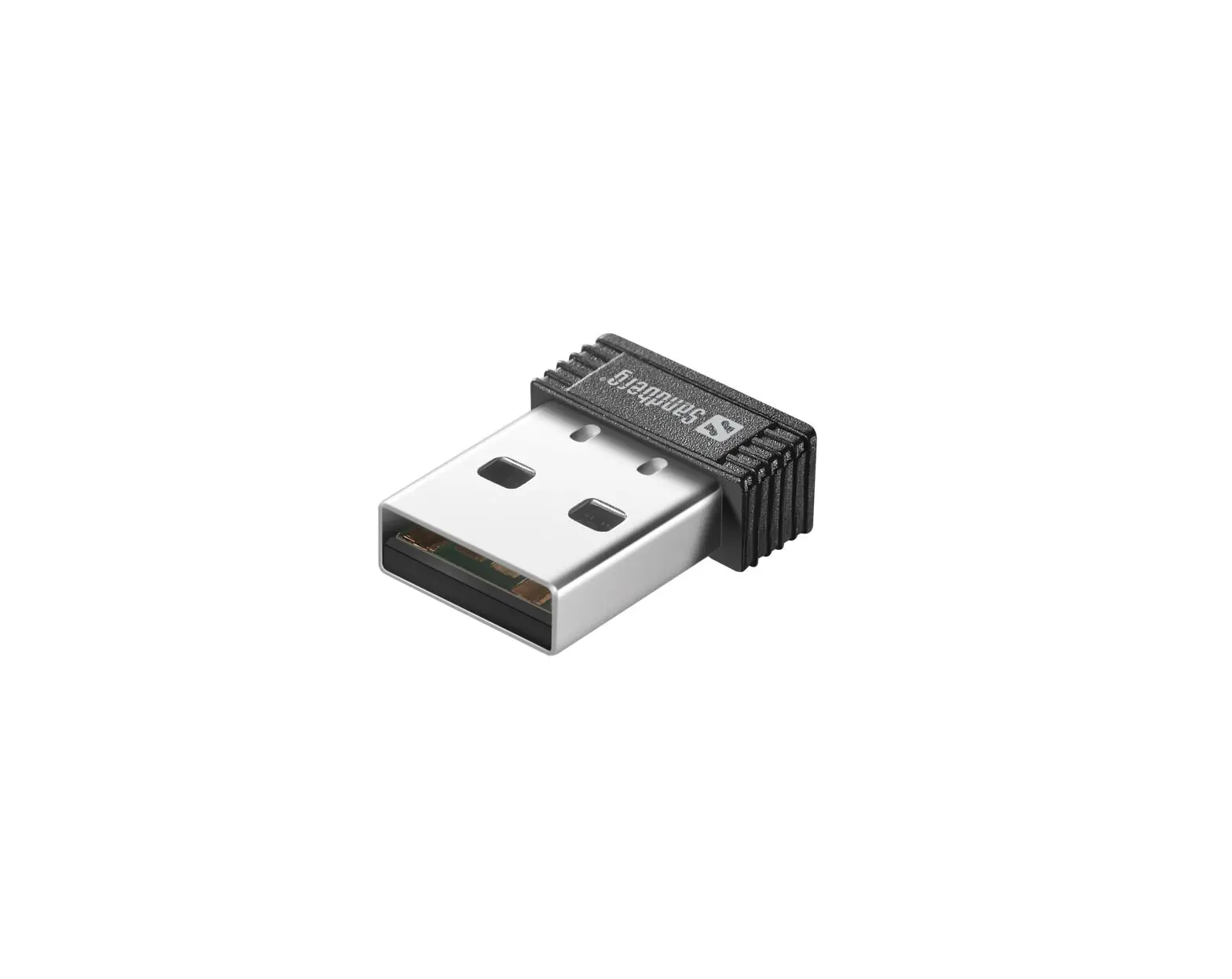
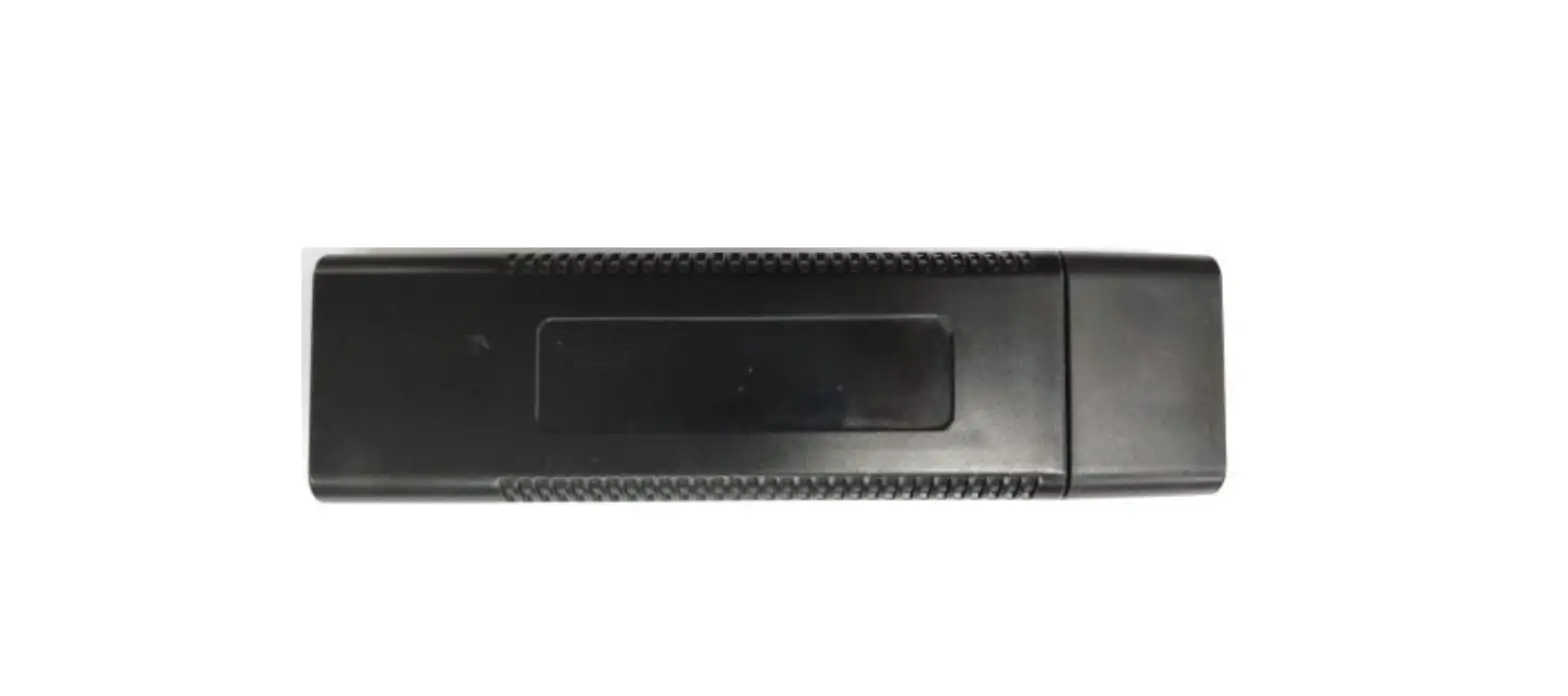
APPEARANCE AND DIMENSIONS Pocket WiFi V3.0:
Pocket WiFi V3.0 -P/-E:
SAFETY INSTRUCTIONS
Prior to installation, ensure all power going to the inverter has been cut off. Keep away from flammable, explosive materials. Do not dismantle or scrap by force. Children should be supervised to ensure that they do not play with this appliance.
Indicates that the product must not be processed with household waste. It must be brought to an electric and electronic waste collection point for recycling and disposal. By ensuring the appropriate disposal of this product you also help in preventing potentially negative consequences for the environment and human health. The recycling of materials helps preserve our natural resources. For further information regarding the recycling of this product, please contact your municipality, local waste disposal center or the store where the products was purchased.
This device complies with part 15 of the FCC Rules. Operation is subject to the following two conditions: (1) This device may not cause harmful interference, and (2) this device must accept any interference received, including interference that may cause undesired operation.
FCC warning: Any Changes or modifications not expressly approved by the party responsible for compliance could void the user’s authority to operate the equipment.
Note: This equipment has been tested and found to comply with the limits for a Class B digital device, pursuant to part 15 of the FCC Rules. These limits are designed to provide reasonable protection against harmful interference in a residential installation. This equipment generates uses and can radiate radio
frequency energy and, if not installed and used in accordance with the instructions, may cause harmful interference to radio communications. However, there is no guarantee that interference will not occur in a particular installation. If this equipment does cause harmful interference to radio or television reception, which can be determined by turning the equipment off and on, the user is encouraged to try to correct the interference by one or more of the following measures: -Reorient or relocate the receiving antenna. -Increase the separation between the equipment and receiver. -Connect the equipment into an outlet on a circuit different from that to which the receiver is connected. -Consult the dealer or an experienced radio/TV technician for help.
This equipment complies with FCC radiation exposure limits set forth for an uncontrolled environment. This equipment should be installed and operated with minimum distance 20cm between the radiator & your body.
CE 1.The product conforms to RIFD specifications and technical standards. 2.The product conforms to DOC declaration. 3.The product meets the basic requirements and other relevant provisions of the 2014/53 / EU directive. 4.The product is allowed to be used in all EU member states.
RF exposure warning This equipment must be installed and operated in accordance with provided instructions and the antenna(s) used for this transmitter must be installed to provide a separation distance of at least 20 cm from all persons and must not be co-located or operating in conjunction with any other antenna or transmitter. End-users and installers must be provide with antenna installation instructions and transmitter operating conditions for satisfying RF exposure compliance.
PROOF OF PURCHASE
Retain this page as proof of your purchase. See warranty registration notice for more details.
Name
Country
Phone Number
Zip Code
Address
Product Serial Number
Date of Commissioning
Installation Company Name
Date of Delivery
Signature
SolaX Power Network Technology (Zhejiang) Co., Ltd. ADD No.288 shizhu Road, Tonglu Economic Zone,
Tonglu City, Zhejiang Province, China. Tel +86 571 56260011 FAX +86 571 56075753 EMAIL [email protected] WEB www.solaxpower.com
614.00602.02
 Solax Cloud System
 Solar PV and Battery Storage Solutions | Solax Power