PostBase Postage Meter
Product Information:
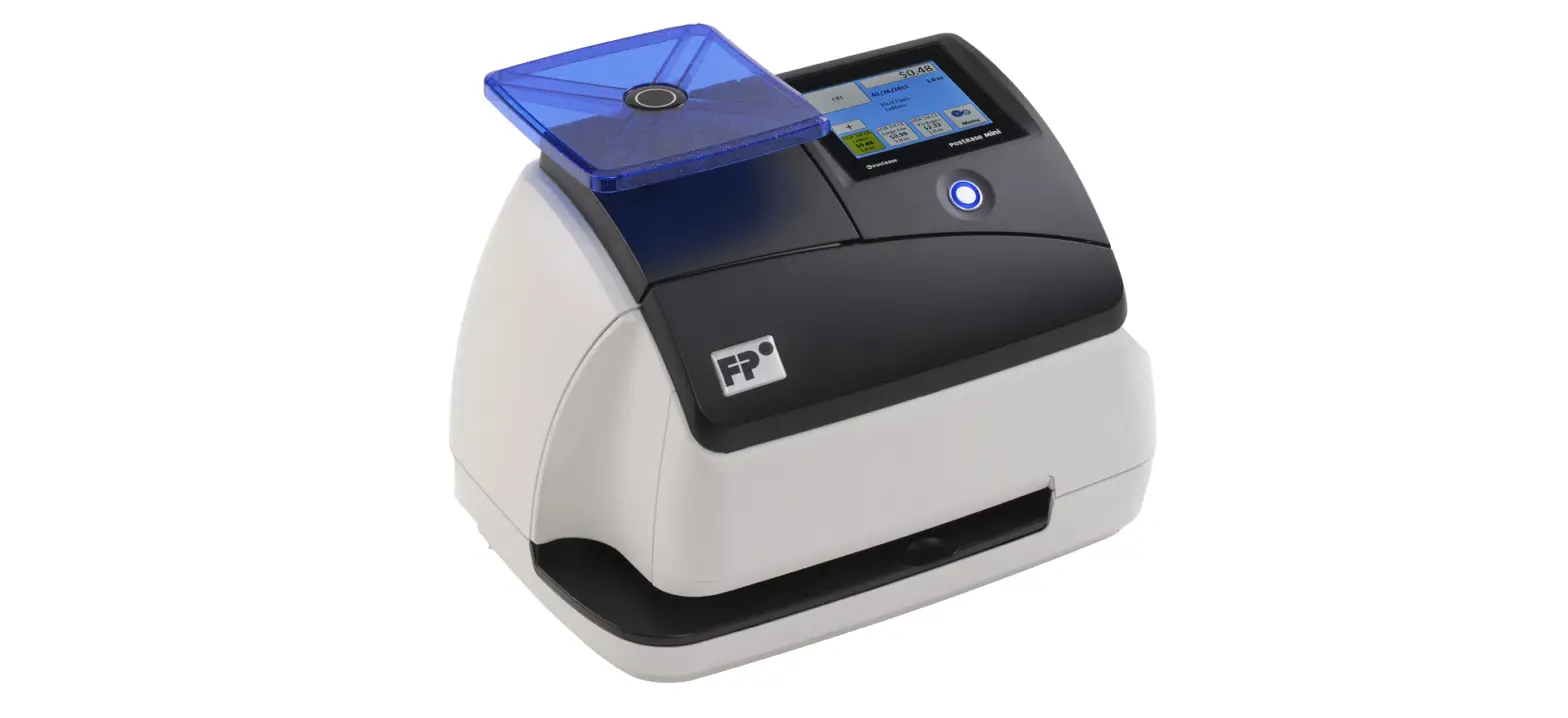
The product referred to in the user manual is called PostBase.
It is a mailing system used for postage and mail processing. The
manual mentions different features and options available on the
Home screen of the PostBase device. Some of these features include
differential weighing mode, weight measurement, mailing data for
selected USPS services, shortcuts, current account information,
meter labels, and the option to use the Feeder for batch mail
processing.
The manual also states that the Home screen appears after
turning on the PostBase and completing the start routine. Depending
on the settings, users may need to select a user and enter a PIN to
access the device.
Note: The availability of certain features may vary depending on
the specific variant or equipment of the PostBase device.
Product Usage Instructions:
To use the PostBase device, follow these steps:
- Ensure the PostBase device is turned on.
- Wait for the start routine to complete.
- If prompted, select a user by following the on-screen
instructions. - Enter the PIN associated with the selected user if
required. - The Home screen will appear once the start routine is
successfully completed. - On the Home screen, you can perform various tasks using the
available features:
- To enable or disable the differential weighing mode, refer to
the appropriate setting on the screen. (In the example provided,
differential weighing is currently OFF.) - Use the weight measurement feature to determine the weight of
your mail. - Access mailing data for selected USPS services.
- Select shortcuts or create new ones for frequently used
functions. - View and manage the current account information.
- Utilize meter labels for your mail.
- If available, use the Feeder option for batch mail
processing.
Refer to the specific instructions provided in the PostBase user
manual for detailed steps on using each feature and to understand
any additional functionality specific to your PostBase variant or
equipment.
Works Cited: FP. Operating Manual. PostBase Pro (DS) Support,
Feb. 2014,
download.fp-usa.com/product_docs/PostBase/PostBase-Econ/Documents-Manuals/postbase_manual_w_us_addendum.pdf.
4 PostBase Addendum to the Operator Manual
1 The Home screen
Advert / SMS text * Advert / SMS text *
Postage
Switch on / off the differential weighing mode * (In the example: Differential weighing is OFF) Weight Mailing data (selected USPS services)
Current shortcut Select shortcut
Open the Product calculation menu
Further shortcuts *
Current account *
Info panel: Date in meter imprint Other information
Meter labels Use the Feeder (batch mail processing) *
Open the Menu, access Administration functions System settings Service functions
PostBase 20 additional shortcut instead of Label/Feeder button:
The Home screen appears after the PostBase was turned on and the start routine has been successfully completed. Depending on the settings, you may have to select a user and enter the PIN.
* Availability depending on PostBase variant / equipment.
| USA |
Works Cited: FP. “Operating Manual.” PostBase Pro (DS) Support, Feb. 2014, download.fp-usa.com/ product_docs/PostBase/PostBase-Econ/Documents-Manuals/postbase_manual_w_us_addendum.pdf.