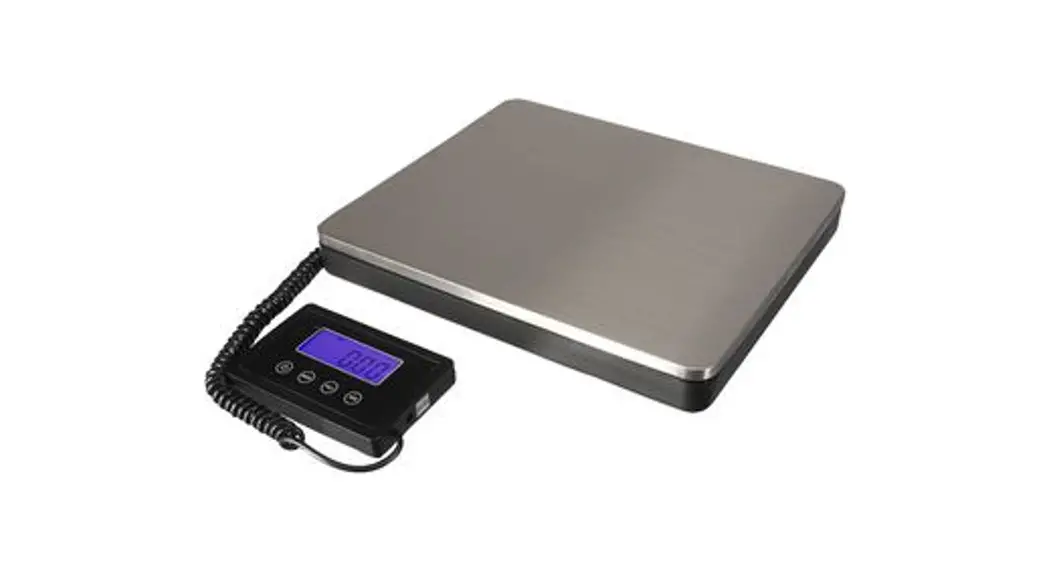
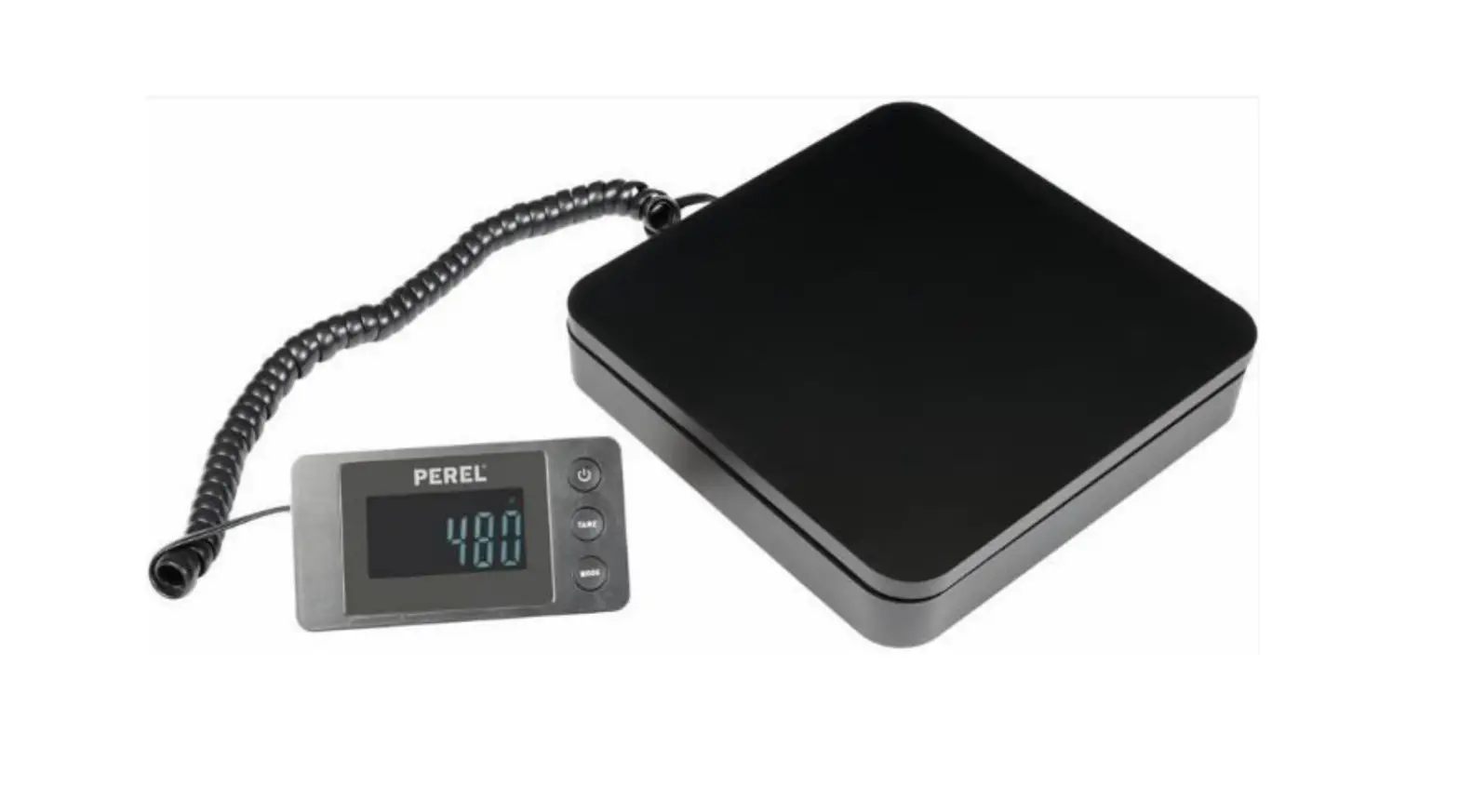
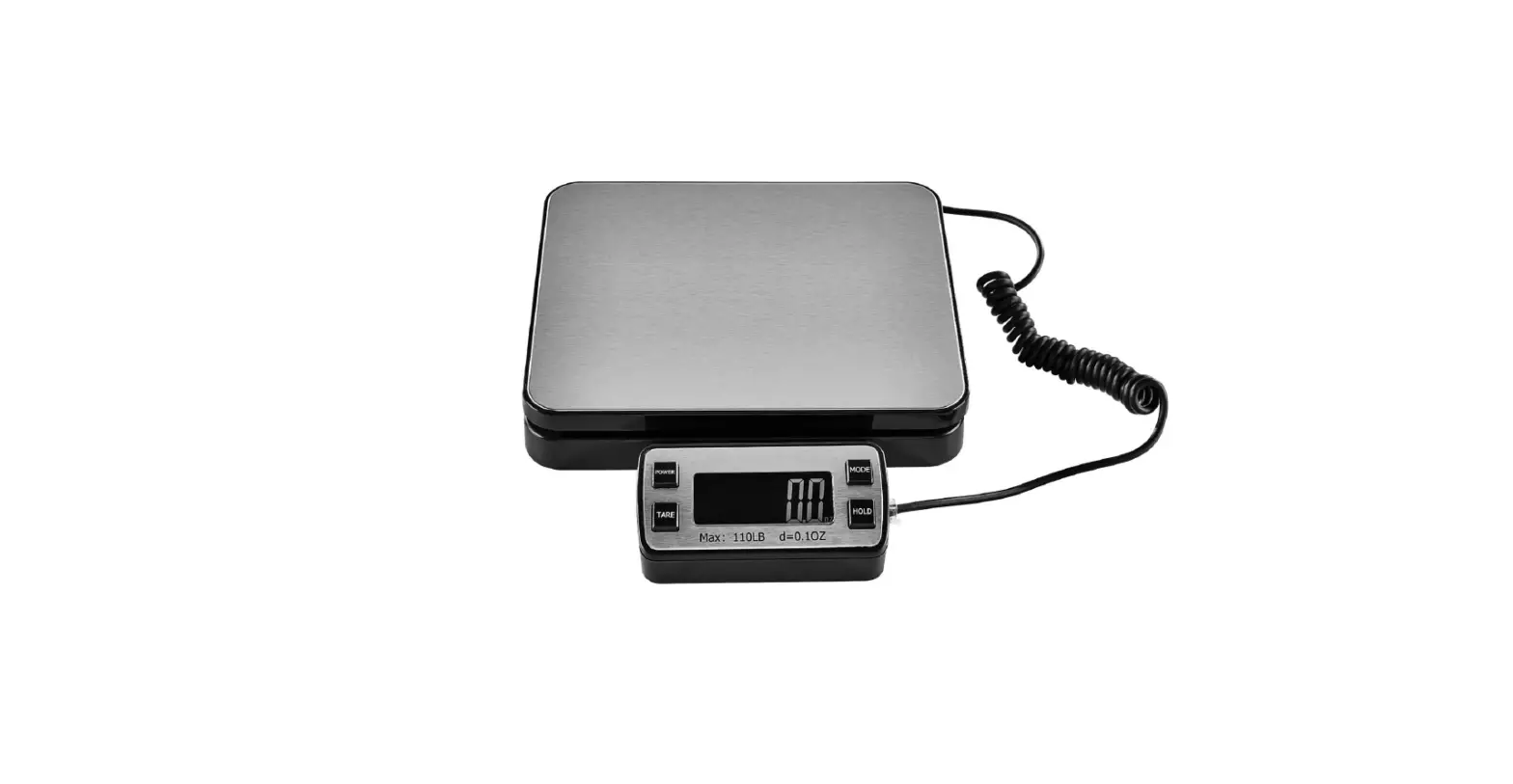
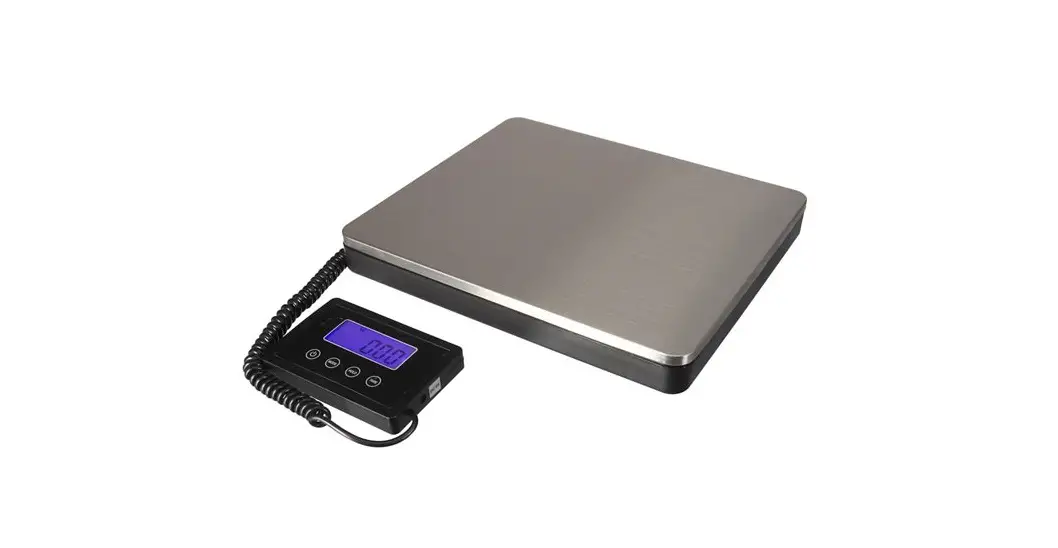
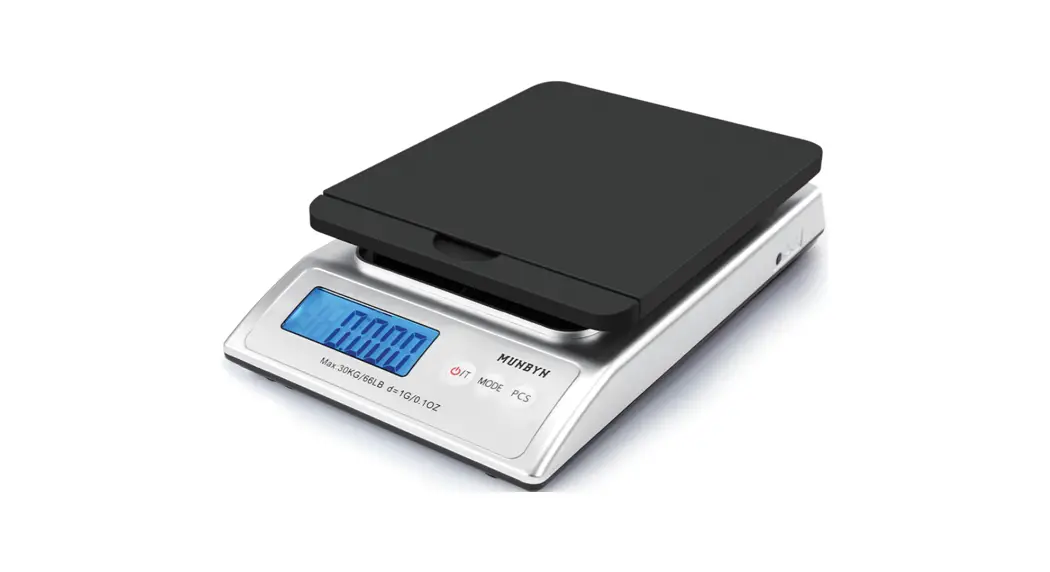
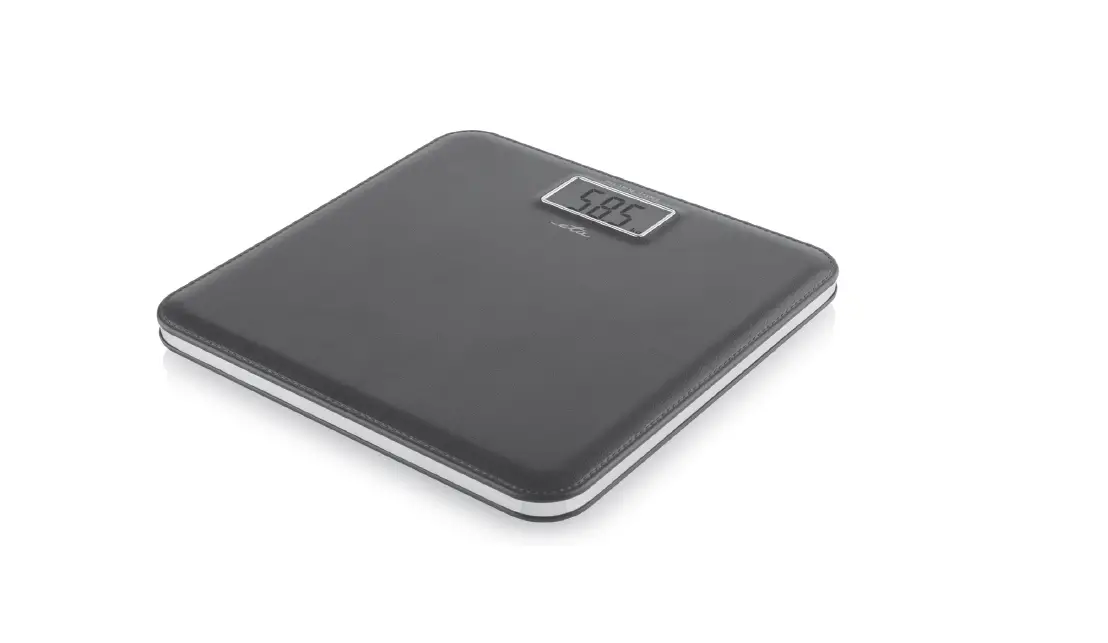
SF-808 Digital Postal Scale
Product Information: Shipping Scale
The Shipping Scale Model SF-808 is a precision instrument that
helps in weighing items up to 200kg with an accuracy of 50g. The
device has a weighing plate, an indicator, and an LCD display
screen that shows weight readings. The product can operate on 4 AAA
batteries or AC adapter (110-240V AC to 5V DC).
The device complies with Part 15 of the FCC Rules and is subject
to the provision of European Directive 2012/19/EC. The product
requires separate refuse collection in the European Union and must
be taken to a collection point for recycling electrical and
electronic devices.
Product Usage Instructions:
- Open the back cover and take out the indicator.
- Press the ON/OFF button to switch the product on. The display
shows 0.0. - Place an item on the weighing plate. Wait for the readout on
the display to stabilize. - To eliminate the weight put on the scale, such as a container
or vessel, press the TARE button. This will give the weight only of
the items added to the container. - To change the unit of measure for the scale, press the UNIT
button. - After use, press the ON/OFF button to switch the product
off.
Note: Always read the instructions carefully before using the
device. Handle the device with care to achieve the best possible
results. If you have any questions or need technical support,
contact [email protected].
Technical Support and E-Warranty Certificate www.vevor.com/support
SHIPPING SCALE
MODEL:SF-808
We continue to be committed to provide you tools with competitive price. “Save Half”, “Half Price” or any other similar expressions used by us only represents an estimate of savings you might benefit from buying certain tools with us compared to the major top brands and doses not necessarily mean to cover all categories of tools offered by us. You are kindly reminded to verify carefully when you are placing an order with us if you are
actually saving half in comparison with the top major brands.
MODEL:SF-808
SHIPPING SCALE
NEED HELP? CONTACT US! Have product questions? Need technical support? Please feel free to contact us:
[email protected]
This is the original instruction, please read all manual instructions carefully before operating. VEVOR reserves a clear interpretation of our user manual. The appearance of the product shall be subject to the product you received. Please forgive us that we won’t inform you again if there are any technology or software updates on our product.
– 1 –
Warning-To reduce the risk of injury, user must read instructions manual carefully.
This device complies with Part 15 of the FCC Rules. Operation is subject to the following two conditions:(1)This device may not cause harmful interference, and (2)this device must accept any interference received, including interference that may cause undesired operation.
This product is subject to the provision of European Directive 2012/19/EC. The symbol showing a wheelie bin crossed through indicates that the product requires separate refuse collection in the European Union. This applies to the product and all accessories marked with this symbol. Products marked as such may not be discarded with normal domestic waste, but must be taken to a collection point for recycling electrical and electronic devices
Thank you very much for choosing this digital scale.weighing scales are precision instruments that should always be handled with care. Please read all of the instructions before using it.The information will help you achieve the best possible results.
A Weighing plate
– 2 –
B Indicator
C LCD display D ON/OFF button E MODE button
F TARE button G Battery jar H Battery cover
Capacity × Graduation Weighing units Weighing pan size Overload indication
Low voltage indication
Optimumoperating temperature Power Suppler
200kgx50g Kg lb:oz lb
12″ x 10″
O_Ld
LO 5-35 4 x AAA(1.5V) batteries or AC adapter (110-240V AC to 5V DC)
– 3 –
Button Functions 1.ON/OFF Button: Pressing this button will turn the scale on and off 2.TARE Button: Pressing this button will tare the weight of the load. The tare function will eliminate the weight put on the scale, such as a container or vessel. This will give the weight only of the items added to the container. 3.UNIT Button: Pressing this button changes the unit of measure for the scale.
1. Open the back cover and take out the indicator
Take out this indicator at the back of scale.
2.Press the ON/OFF button to switch the product on. The display shows “0.0”. 3. Place an item on the weighing plate. Wait for the readout on the display to stabilize. 4. After use, press the ON/OFF button to switch the product off.
– 4 –
1. Put the scale on a flat platform. 2. Switch on the scale, press the “UNIT” for six seconds until LCD display
show capacity and calibration weight. 3. Press TAER button to select calibration weight between 20kg 50kg. 4. Press UNIT button to choose calibration weight. 5. Place the standard weight on the pan according to the value shown on
the LCD display. 6. After 2 to 3 seconds, the LCD display will show PASS indicating the
scale has been calibrated successfully. 7. If you fail in calibration, the scale will show “Err”. You can press
ON/OFF to stop calibration and try again.
Don’t put the scale on an uneven surface Don’t expose scale to moisture Don’t drop or mistreat the scale Don’t overload the scale. This will permanently damage it! Don’t leave weight on the scale when not in use. Replace battery when the scale shows “LO” on the display.
– 5 –
items
Description
1 Name Shipping Scale
2 Model SF-808
3
Parameter
Rating(s)4×1.5AAA or 5Vdc, Capacity:200kg/440Ib Division:50g
4
Package Size
360x305x80mm
5
G.W.
2.4KG
Importer: WAITCHX Address: 250 bis boulevard Saint-Germain 75007 Paris Importer: FREE MOOD LTD Address: 2 Holywell Lane, London, England, EC2A 3ET
Manufacturer: JiangYin SuoFei Electronic Technology Co.,Ltd. AddressBuilding 70, Chuangrong Industrial City, Yucheng Street, Yuhuan City, Zhejiang Province
Made In China
EUREP UK LTD UNIT 2264, 100 OCK STREET, ABINGDON OXFORDSHIRE ENGLAND OX14 5DH
EUREP GmbH Unterlettenweg 1a, 85051 Ingolstadt, Germany
– 6 –
Technical Support and E-Warranty Certificate www.vevor.com/support
 vevor.com/support