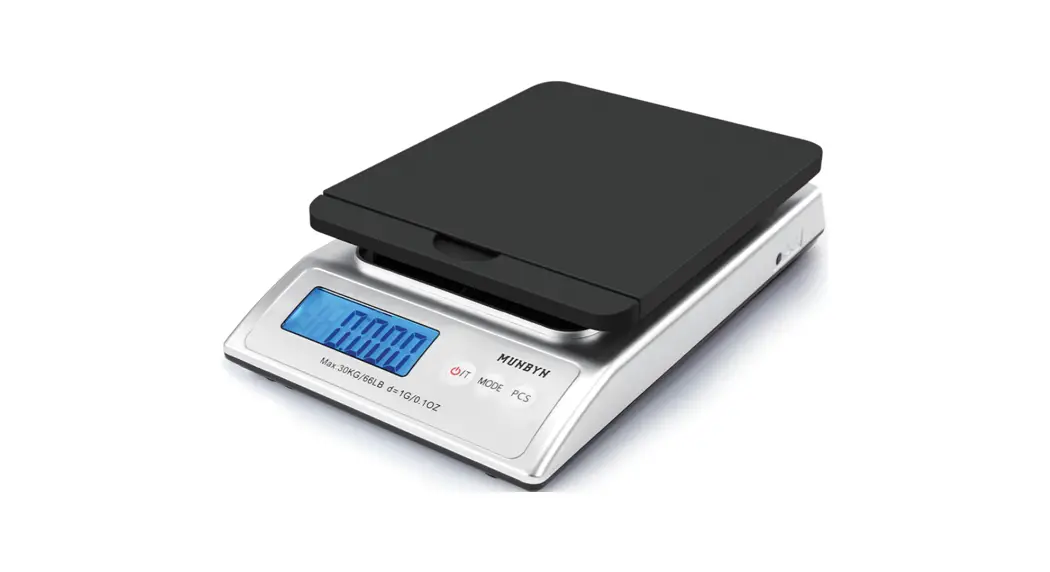
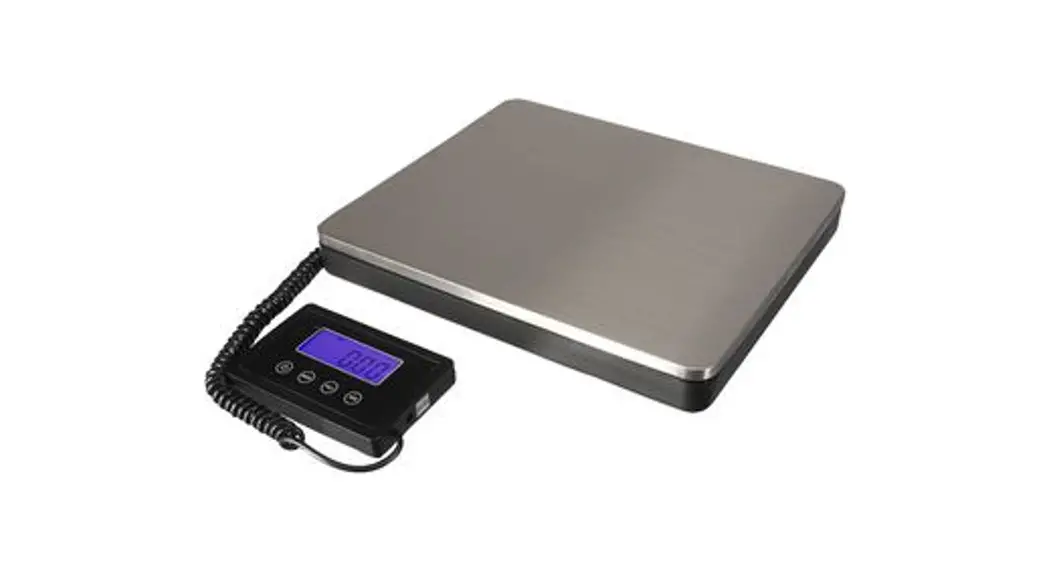
TCS-300A11B Shipping Scale
Product Information
The TCS-300A11B Shipping Scale is a tool offered by VEVOR that
provides accurate weight measurements for packages up to
300kg/660lb with a division of 50g/0.1lb. The scale is equipped
with LED display and can be powered by either 110V 60Hz or 220V
50Hz electric power.
VEVOR offers an E-Warranty Certificate and customer support for
any product questions or technical support needs. Please visit
https://www.vevor.com/support
or email [email protected] for assistance.
It is important to note that any expressions used by VEVOR to
describe the cost savings of their tools compared to major top
brands are estimates and do not necessarily apply to all categories
of tools offered by VEVOR. Customers are advised to verify
carefully when placing an order to determine actual savings.
Product Usage Instructions
- Before operating the TCS-300A11B Shipping Scale, carefully read
all instructions in the user manual provided by VEVOR. - The appearance of the product may vary and any technology or
software updates will not be communicated to the customer after
purchase. - To reduce the risk of injury, it is important to read the user
manual carefully before use. - Ensure that the scale is properly plugged into an electrical
outlet with the appropriate voltage (110V 60Hz or 220V 50Hz). - Place the package to be weighed on the scale and wait for the
LED display to show the weight measurement. - After use, unplug the scale and store it in a safe and dry
location.
Support and E-Warranty Certificate https://www.vevor.com/support
SHIPPING SCALE USR MANUAL
MODELTCS-300A11B
We continue to be committed to provide you tools with competitive price. “Save Half”, “Half Price” or any other similar expressions used by us only represents an estimate of savings you might benefit from buying certain tools with us compared to the major top brands and doses not necessarily mean to cover all categories of tools offered by us. You are kindly reminded to verify carefully when you are placing an order with us if you are
actually saving half in comparison with the top major brands.
-1-
MODEL:TCS-300A11B
SHIPPING SCALE
NEED HELP? CONTACT US!
Have product questions? Need technical support? Please feel free to
contact us:
This is the original instruction, please read all manual instructions carefully before operating. VEVOR reserves a clear interpretation of our user manual. The appearance of the product shall be subject to the product you received. Please forgive us that we won’t inform you again if there are any technology or software updates on our product.
-2-
Warning-To reduce the risk of injury, user must read instructions manual carefully.
This device complies with Part 15 of the FCC Rules. Operation is subject to the following two conditions:(1)This device may not cause harmful interference, and (2)this device must accept any interference received, including interference that may cause undesired operation.
MAIN TECHNICAL FUNCTION
1.Capacity:300kg/660lb 2.Division:50g/0.1lb
3.Out Electric power:110V 60Hz ; 220V 50Hz
4.Power:
LED: max power<8 VA; Normal power <4.5 VA; LCD: max power<1 VA; Normal power<0.2 VA;
5.Battery:DC 6V4Ah 4V4Ah ,it can be used for 10 hours
or longer; 6.Display windows: weight indicator window: 5 digits;
unit price indicator window:5 digits;
total price indicator window: 6 digits;
-3-
ASSEMBLY INSTRUCTIONS
-4-
OPERATION INSTRUCTION
1.Preparation: After opening the box, assemble four base adjustment feet, then put the scale on a solid and smooth platform.Hold the stand up and screw the instrument to the stand up,put the white plastic mat under the scale plate and then put the scale plate on the upper bracket.insert power plugs, after connect with power, please examine the AC indicator lamp is light, if not, please check. 2.Weight: Not weight too heavy goods, if overload,”OL”words appear, and with alarming, please take off the goods at once, to avoid damaged. 3.Input the unit price: When weighting the goods, push keyboards 0-9 to input the unit price, then the total price will appear. 4.TARE: When use a container to scale goods, please put the container on the plate first, push button”TARE”, when “000.00” appear in the weight indicator window, then add the goods, you may get the net weight of goods.
-5-
5. ADD(M+): When a customer buy many goods with different prices, this scale can add one by one and get the total amount. For examples: Goods A,1.5kg,USD5.00/kg;Goods B,0.7kg,USD8.00/kg; Please operate below: a). Put the goods A on the plate, the weight indicator window appear. 1.500(kg),input unit price 5.00(USD/kg),the total price indicator window appear 7.50(USD); b). Push button”ADD”,weight indicator window appear “Add01″,total price indicator window appear 7.50(USD), take off the goods A; c). Put the goods B on the plate, the weight indicator window appear 0.700,input unit price 8.00(USD/kg),then the total price indicator window appear 5.60; d). Push the button”ADD”,weight indicator window appear “Add02″,total price indicator window appear 13.10(USD), e). You can continue above until 99 times. 6.CLR: Under the Add condition, push”CLEAR”button,unit price indicator window appear”CIr”,may refer to quit form add condition; Under not Add condition, you input wrong unit price, push”CLEAR”button, become”0.00″,then input correct unit price; 7.ZERO: Without weighting goods, but weight indicator window appear not”0.000″,please push button”ZERO”.
8.FUNPress this button to count
1Put theFUNentering sampling
-6-
2Enter the number of samples 3Place weight 4Enter into counting after pressingFUNkey to end sampling,it displays 5 Next, pressCLRkey to exit the counting. 9.VOLTPress this button to check the voltage It displays the voltagedc 4.30 by the price window after pressing VOLTkey, return to the weighing after one second. 10.DYNAUse this feature you can store weight values up to eight times PressDYNAkey to showDYNAOFF/ON0.00,return to weighing after one second. 11.CHGYou can use this function to receive payment 1 It can enter into the CHA after showing the amount for “0” 2 When the amount is not “0”, pressCHAkey to enter charge mode . 3Enter the received amount in the unit price window. If the received amount – receivable amount0, the change amount will be displayed in the
-7-
amount window; otherwise, “——” will always be displayed. 4Press theCHG key to exit the change function and the window displays “0”. 12.QUERYQuery the weight of the lock It is primarily used to query the locked data of hold function ,the query works only when the HOLD function turns on. 1check total eight transaction record through QUERY, from Hold1 to Hold8,Hold1 is the 1st record. 2When query is locked, the weight window will alternately display the lock for about 0.5s, and then display the lock value. After flashing twice,switch to the normal display. 13.kg/lbPress this button to check the “kg”or”lb”
Default the “kg”,press thekg/lbkey to check the “kg”or”lb”.
14.Close the scale: First push”ON/OFF”button, then pull plugs out.
USE ENVIRONMENT 1.Environment temperature: storage:-25~+50
work:0~+40 2.Humidity: storage: <70% R H
Work: <90% RH
-8-
ATTENTION
1.It is prohibited to rain and wash the scale with water,especially the inner parts of the scale, it can’t touch any water. 2. It is prohibited to put the scale on the moist place and in high temperature condition. 3. It is prohibited to crash and to be at heavy load, Even the scale not be used, the heavy goods over capacity is prohibited to put on the plate. 4. If the scale is stored for a ling time, to avoid storage battery damaged,please charge the power 24 hours every 2-3 months. 5.Please use alternating current power according to this operation manual. 6. It is prohibited to connect with wrong wires for storage battery. Red wire should connect with red wire ends; Black wire should connect with black wire ends; 7. Storage battery is not in the line of the free spare parts.
PARAMETER LIST
items
Description
1
Name
Shipping Scale
2
Model
TCS-300A11B
AC power supply110V/60HzBattery
3
Parameter
4VDC/4AHCapacity300kg/660Ib
Division:50g/0.1Ib
4
Package Size 870 x 410 x 170mm
5
G.W.
11.7KG
-9-
Manufacturer: KAIFENG GROUP CO.,LTD Address6-8 Sifang Middle Road, Gushan Town, Yongkang City, Zhejiang Province
Made In China
Support and E-Warranty Certificate https://www.vevor.com/support
 vevor.com/support