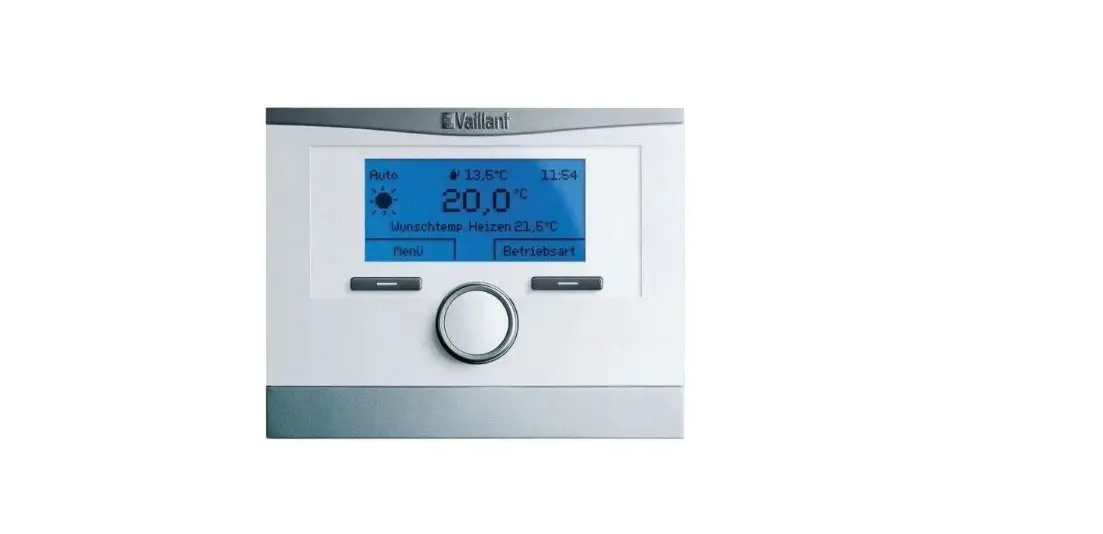
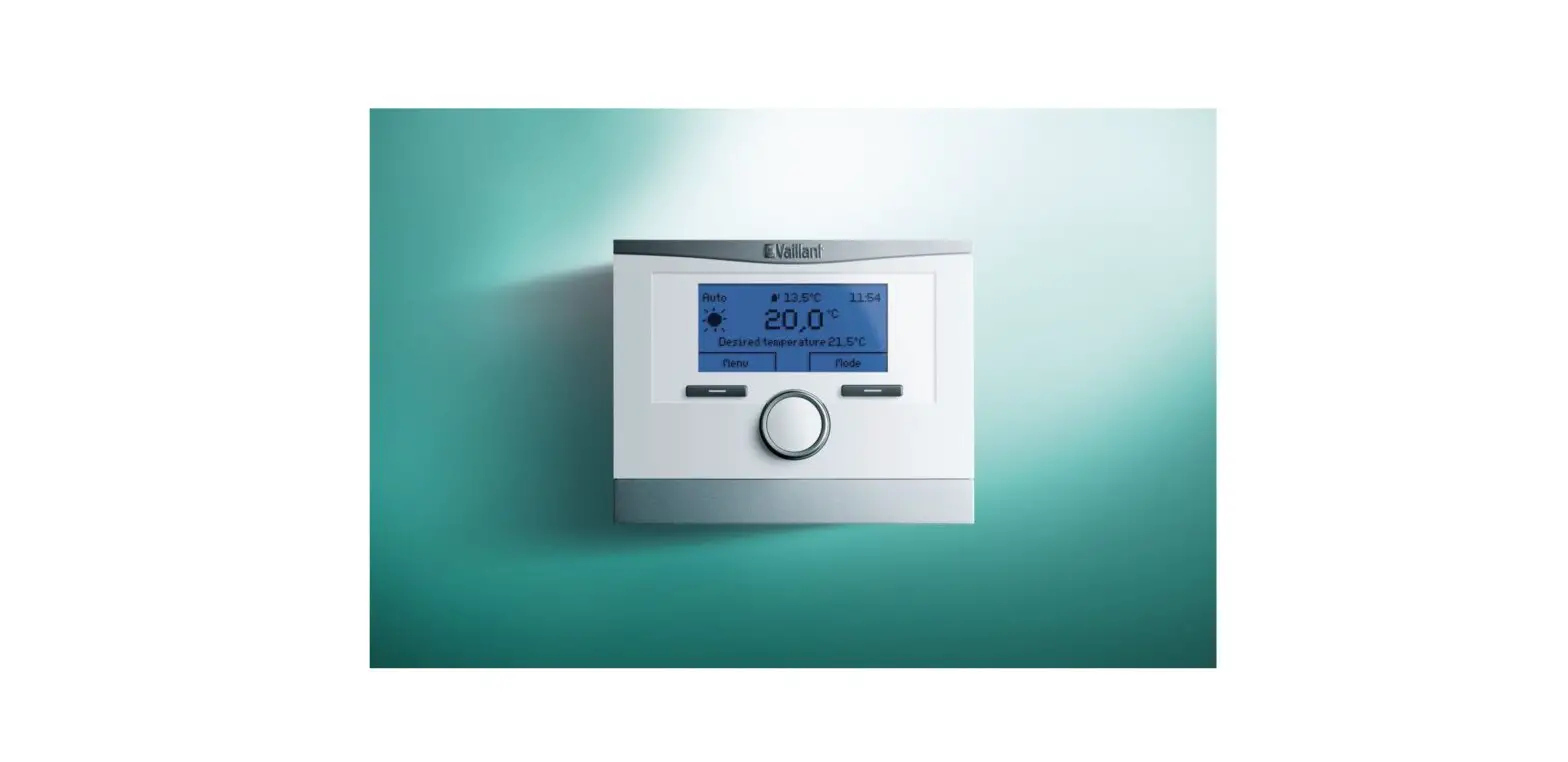
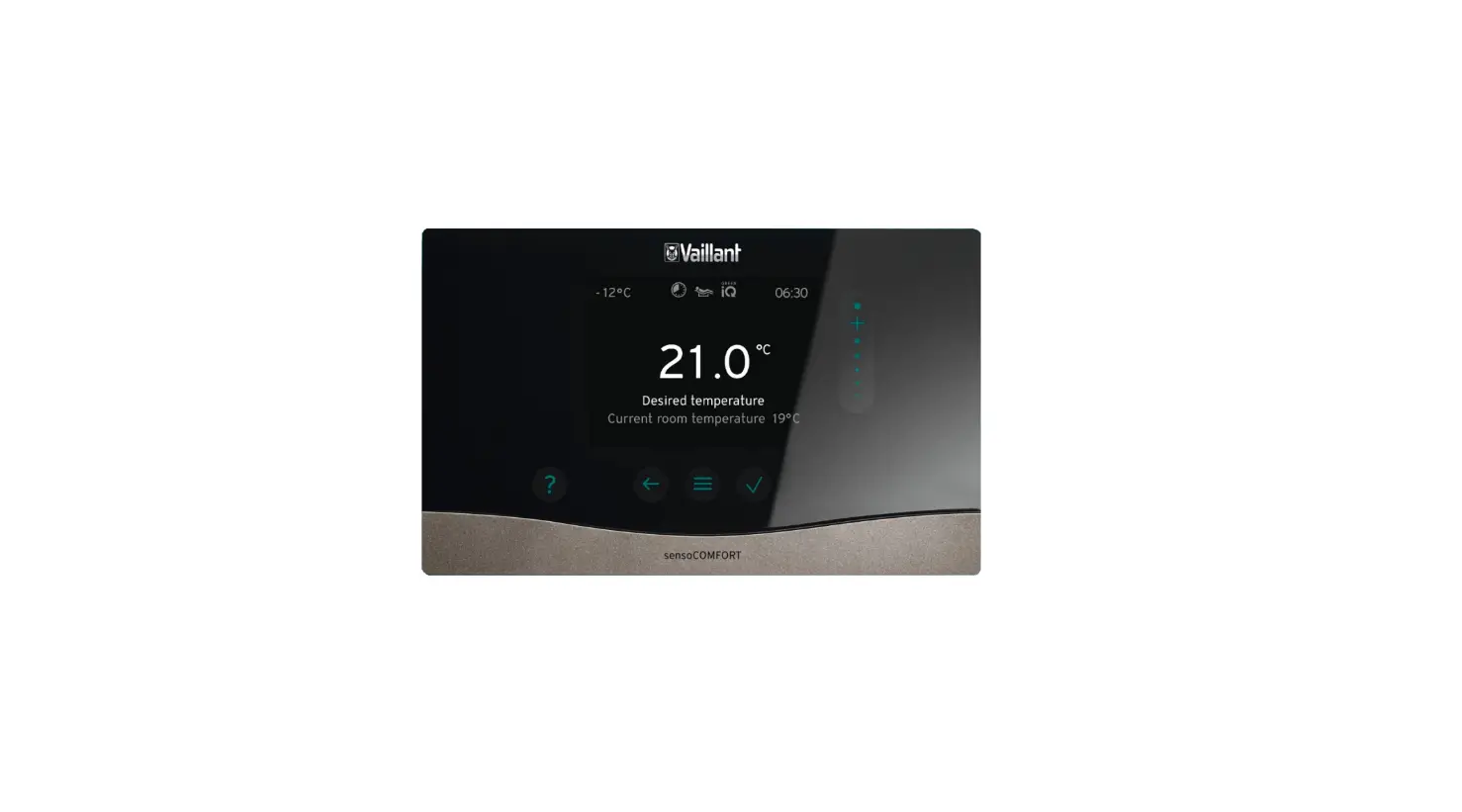
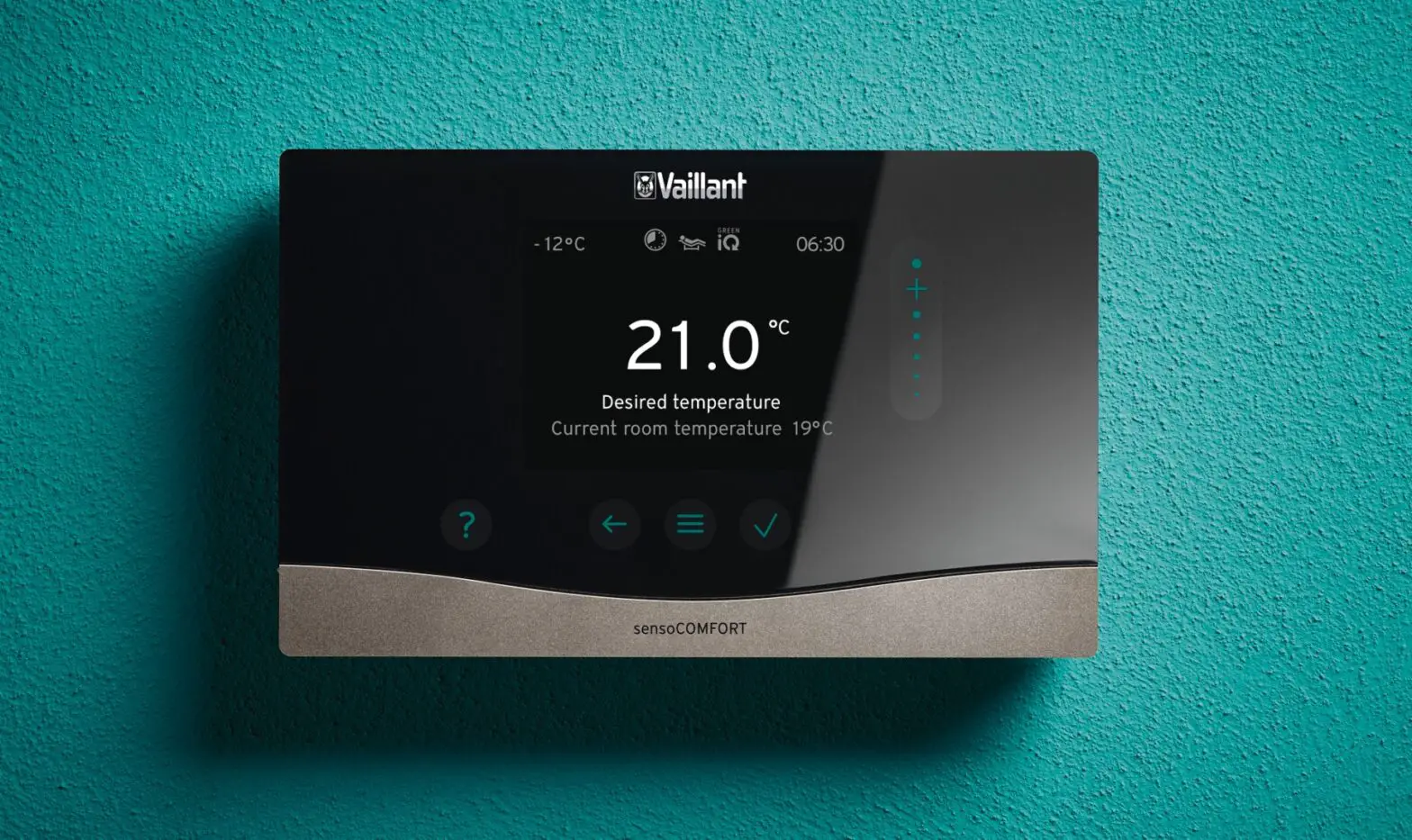
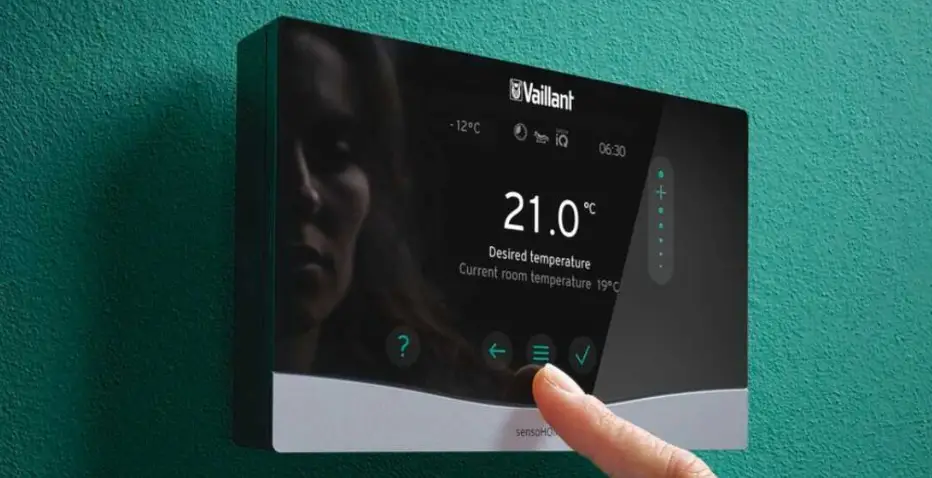
VRC 700 Programmable Weather Compensating Thermostat
Product Information:
The VRC 700 is a versatile device that allows you to control and
adjust the room temperature and hot water settings in your home. It
features ambiSENSE wireless TRVs for convenient temperature
control. The device also offers various operating modes and
functions to suit your heating and hot water needs.
Key Product Facts:
- Adjusting the room temperature
- Temperature override
- Setting the desired temperatures
- Setting time programs for heating and hot water
- Setting the hot water temperature
- Changing the operating mode
Terminology and Purpose:
- Adjusting the room temperature: This function
allows you to immediately change the current room temperature by
turning the rotary knob clockwise or counterclockwise. - Overriding the heating (and hot water): Allows
you to quickly set the heating and hot water outside of the
configured schedule. Useful when you want immediate heat or hot
water. - Setting the desired temperatures: This
function allows you to change the desired comfort temperatures
throughout the day and night. - Party function: Overrides the heating and hot
water schedule for 6 hours at a temperature of your choice. - System Off active: Function to switch off the
heating and hot water, while keeping frost protection active. - Cylinder boost: Allows you to quickly set the
heating and hot water outside of the configured schedule. - Setting the hot water temperature: Adjusts the
temperature of the hot water using the scroll knob. - Setting the time and date: Allows you to set
programs for each day and time to control your heating system. - 1 Day at home: Within the working day, you can
have your system switched off, and at night, it can work at full
capacity. - Domestic Hot Water: Refers to your hot water
settings. You can set the temperature of your hot water within this
menu.
Product Usage Instructions:
To adjust the room temperature:
- Turn the rotary knob clockwise or counterclockwise to
immediately change the current room temperature.
To override the heating and hot water:
- Use the override function to quickly set the heating and hot
water outside of the configured schedule.
To set the desired temperatures:
- Access the main screen menu.
- Select the desired comfort temperatures for different times of
the day and night.
To use the party function:
- Activate the party function to override the heating and hot
water schedule for 6 hours at a temperature of your choice.
To switch off the heating and hot water:
- Select the “System Off active” option to have the heating and
hot water switched off while keeping frost protection active.
To quickly set the heating and hot water:
- Use the cylinder boost function to quickly set the heating and
hot water outside of the configured schedule.
To adjust the hot water temperature:
- Access the hot water settings menu.
- Use the scroll knob to set the desired temperature for your hot
water.
To set time and date programs:
- Access the time and date settings menu.
- Set programs for each day and time to control your heating
system.
To set “1 Day at home” program:
- Within the working day, you can have your system switched off,
and at night, it can work at full capacity.
VRC 700
Basic Operating Instructions
Auto
11.0oC 11:54
20,0oC
Menu
Mode
1 2 3
Key Product Facts
· Weather compensating · Intuitive interface · Flexible control · Control multiple heating products · Control heating room by room (with
ambiSENSE wireless TRVs)
· App controlled (with the VRC 700 app) · Available wired or wireless · Time programme assistant · Reduce your energy bills
Adjusting the room temperature
· To change the Desired day temperature for the current day, directly from the main screen by turn the rotary knob 2 clockwise or anticlockwise. Press 1 `OK’ (mode button) to confirm a permanent change
Temperature override
· Press the mode button · Select `Party function’ using the rotary
knob (N.B. only when in `Auto’ mode)
Setting the desired temperatures
· Press the mode button · Select desired temperatures using the
rotary knob · Press `Change’ using the mode button · Turn the rotary knob until the desired
temperature is displayed, then press `OK’ · Press 3 `Back’ (menu button) to return to
the main screen
Setting your time programmes
· Press the menu button · Select `Time programmes’ using the rotary
knob · Select `HEATING 1′ · Turn the rotary knob to select day or
groups of days · Press `Select’ · Use the rotary knob to adjust the time
· To operate the programmes press the mode button
· Select `Automatic mode’ · Press `Back’ to return to the main screen · The programme will now operate using the
set programme and `Desired temperatures’ selected · The symbols below will be displayed on the main screen
Heating mode within a set time period (comfort mode) Heating mode outside a set time period (set-back mode)
Setting the hot water programme
· The hot water programme is set up in the same way as the heating programme.
· Press the menu button · Select `Time programmes’ · Select `Domestic hot water’ · Follow the steps for setting the heating
programme
Setting the desired temperatures
· Press the menu button · Select `Time programmes’ · Select `Domestic hot water’ · Follow the steps for setting the heating
programme
Setting the hot water temperature
· Press the menu button · Select `Desired temperatures’ · Select `Domestic hot water’ · Use the rotary knob to select the desired DHW
temperature · Press `OK’ to confirm · Press `Back’ to return to the main screen to
overide the DHW programme
Overiding the domestic hot water
· Press the `Mode’ button · Use the rotary knob to select cylinder boost
Changing the operating mode
· To change the operating mode press the `Mode’ button
· Use the rotary knob to select the desired function
· Press `Activate’
Mode Heating
Domestic hot water
1 day at home Party function
Cylinder boost System Off active
What do they mean?
Auto – activates the time program
Day – heating on constantlyat the desired temperature
Set-back – activates the heating continuously at the set-back temperature
Summer – heating switched off
Off – hot water switched off
Day – hot water on constantly
Auto – activates the timed program
operates the heating continuously for one day at the desired temperature
If you want to override the heating and hot water schedule, this function allows you to do so for 6 hours, at the temperature you like
Override the hot water to be on outside the timed program
Function to havethe heating and hot water switched off, frost protection remains active
Terminology and Purpose
Term Adjusting the room temperature Overriding the heating (and hot water) Setting the desired temperatures
Party function System Off active Overriding the heating (and hot water) Cylinder boost Setting the hot water temperature Setting the time and date
1 Day at home System Off active Domestic Hot Water Setting Heating Programmes
Why?
This function allows you to immediately change the current room temperature, by turning the rotary knob clockwise or anti clockwise.
Allows you to quickly set the heating and hot water. If for instance you come home and quickly want heat, you can use the override function to override the current configured heating schedule.
This function allows you to change the desired comfort temperatures for throughout the day and night. If for instance the temperature is too low throughout the day and you’re cold, within here you can up the temperature to higher.
If you want to override the heating and hot water schedule, this function allows you to do so for 6 hours, at the temperature you like.
Function to have the heating and hot water switched off, frost protection remains active.
Allows you to quickly set the heating and hot water. If for instance you come home and quickly want heat, you can use the override function to override the current configured heating schedule.
Allows you to override the hot water to be on outside of the timed program.
Allows you to set the temperature of the hot water, using the scroll knob.
It is crucial that the time and date are set correctly. This allows the system to take ownership of your set timed zones and work at the settings you configure. Gives you the function to configure the system for 1 days use Desired temperature.
If you want your system to be switched off, this is the option required to shut down. (Frost protection remains active)
Terminology means your hot water. Within this menu you can set the temperature of your hot water.
Allows you to set programmes for each day and time. Within the working day, you could have your system switched off and at night working at full capacity.
Scan QR code for everything VRC 700
Vaillant Group UK Ltd Nottingham Road Belper, Derbyshire DE56 1JT www.vaillant.co.uk
Follow Vaillant UK on
vaillanthomeuk
vaillanthomeuk
Useful contacts
Technical Enquiries
For technical assistance and renewable service:
Telephone: 0330 100 3540
Email:
Fault codes can be found in the user manual and can be addressed with Vaillant’s Technical team.
General Enquiries
If you have a general enquiry our friendly reception staff will happily point you in the right direction:
Telephone: 0345 602 2922
 Vaillant UK | Leading Boilers, Heat Pumps & Heating Systems