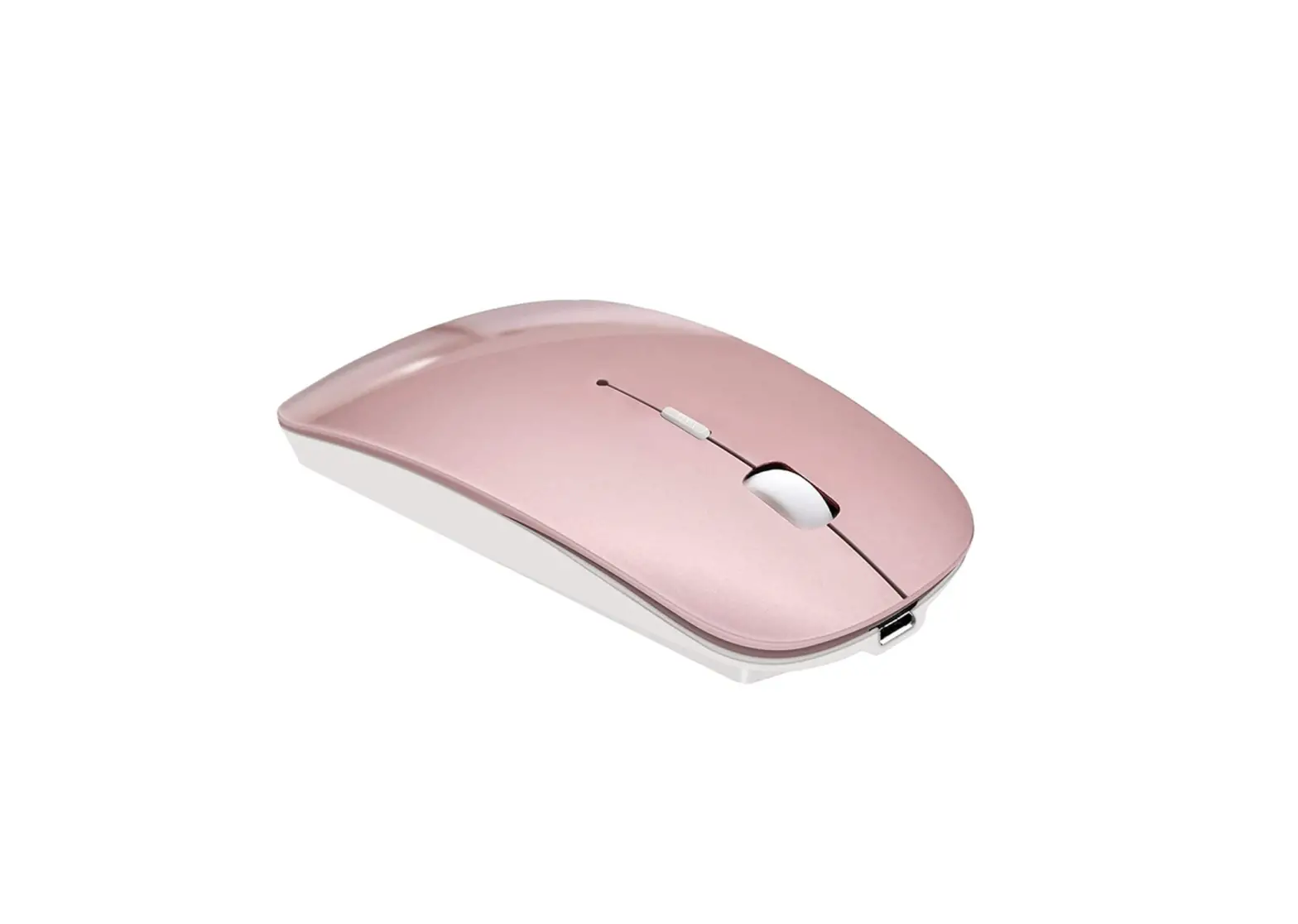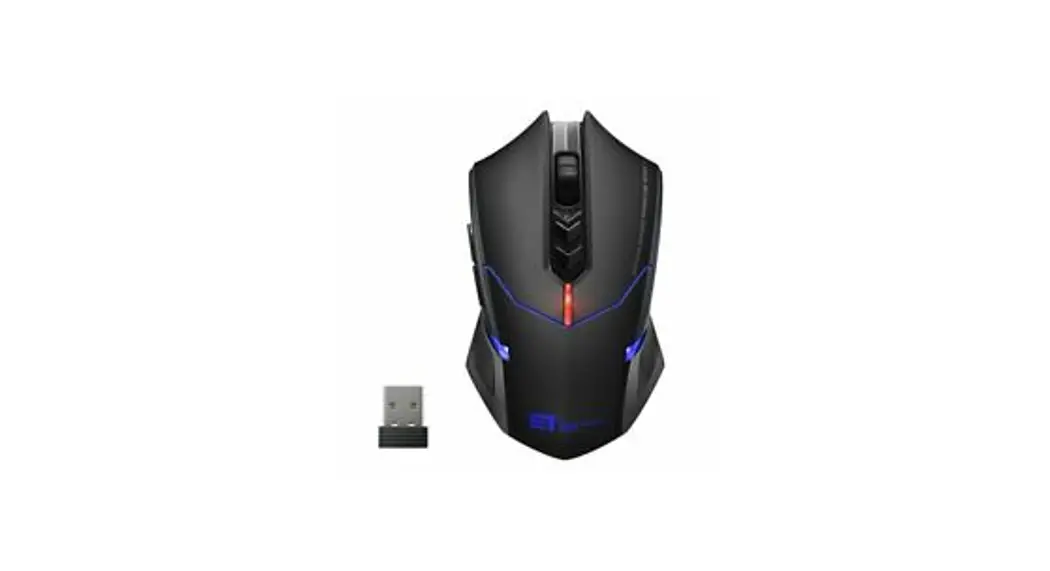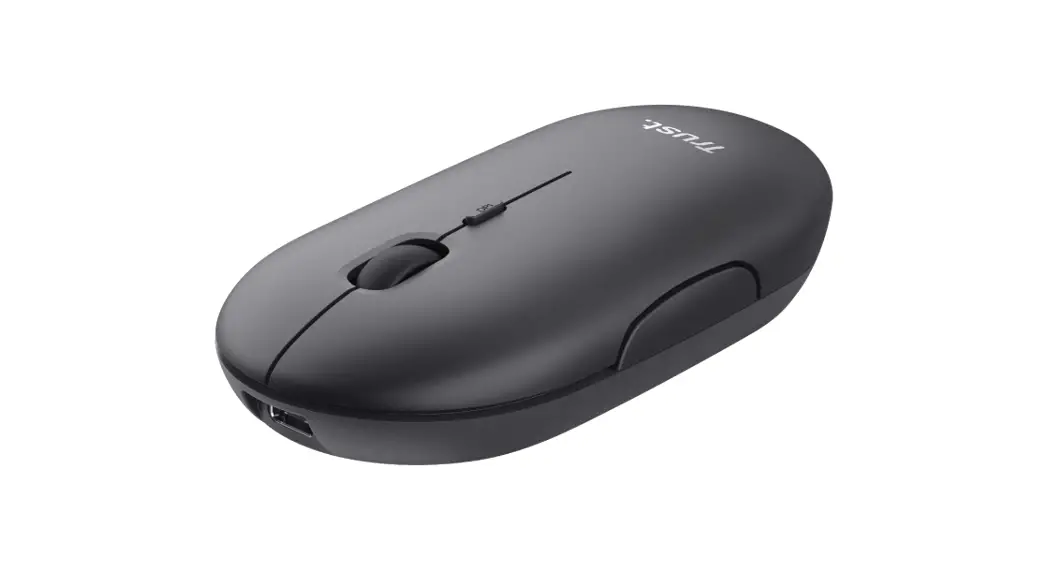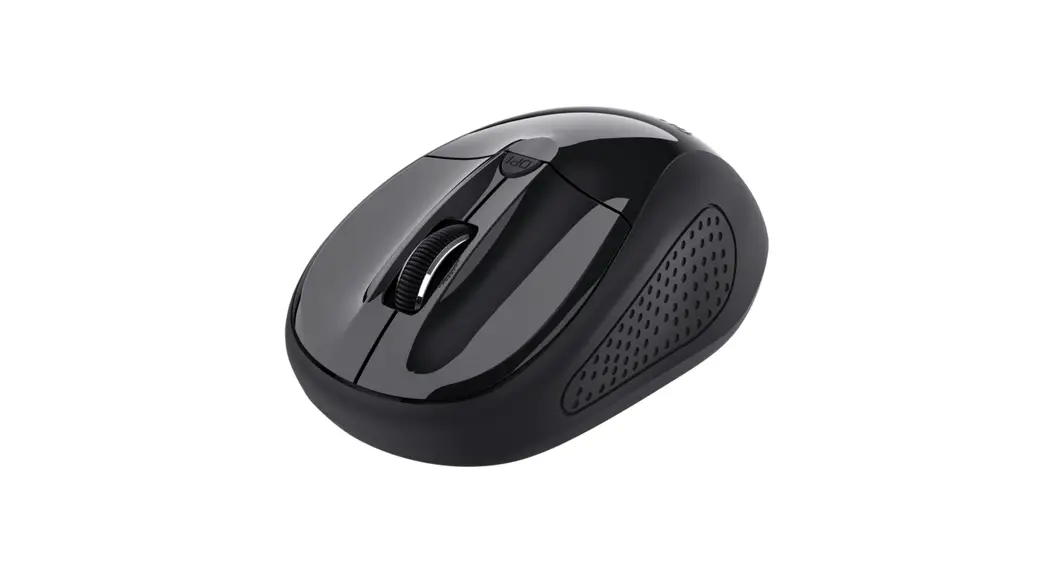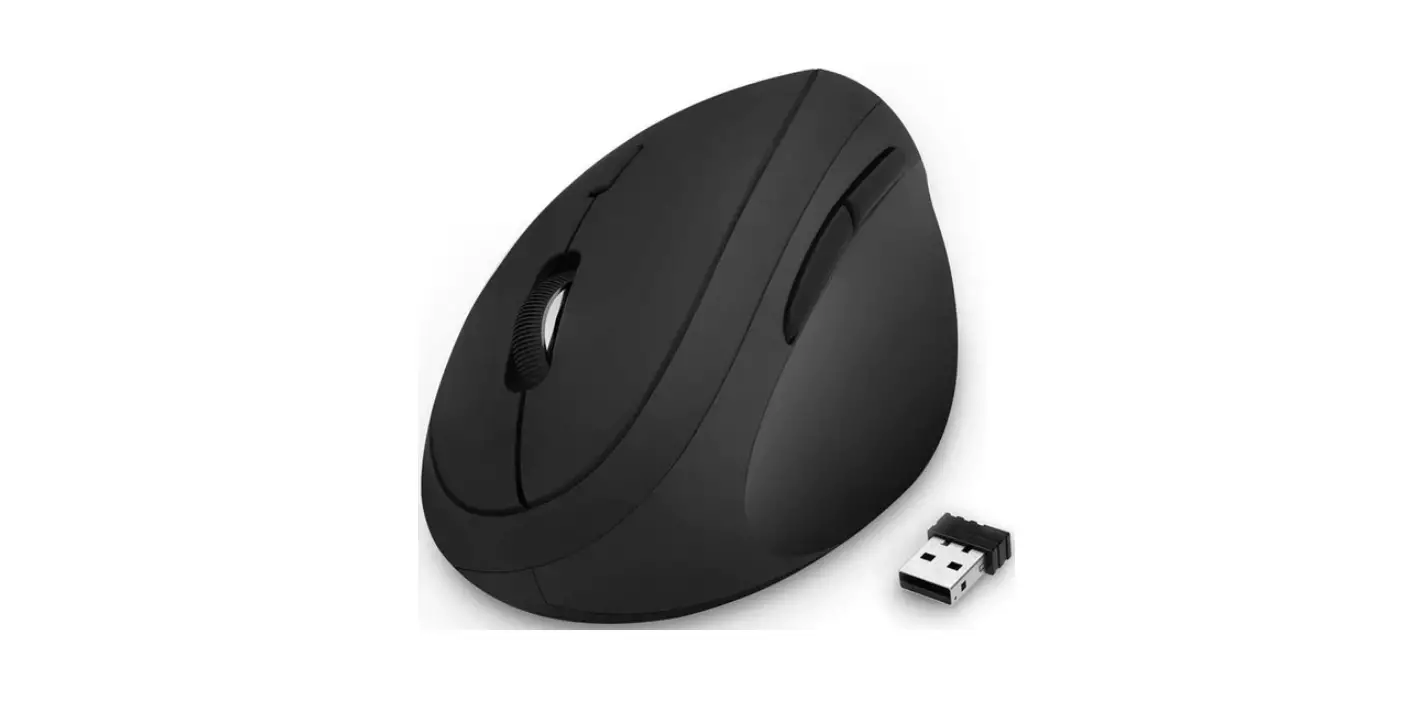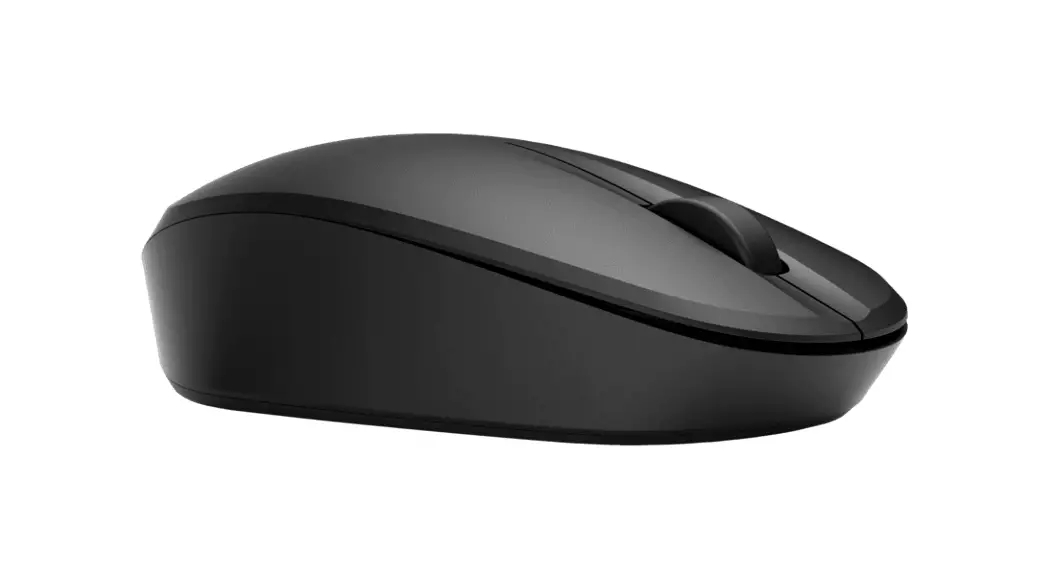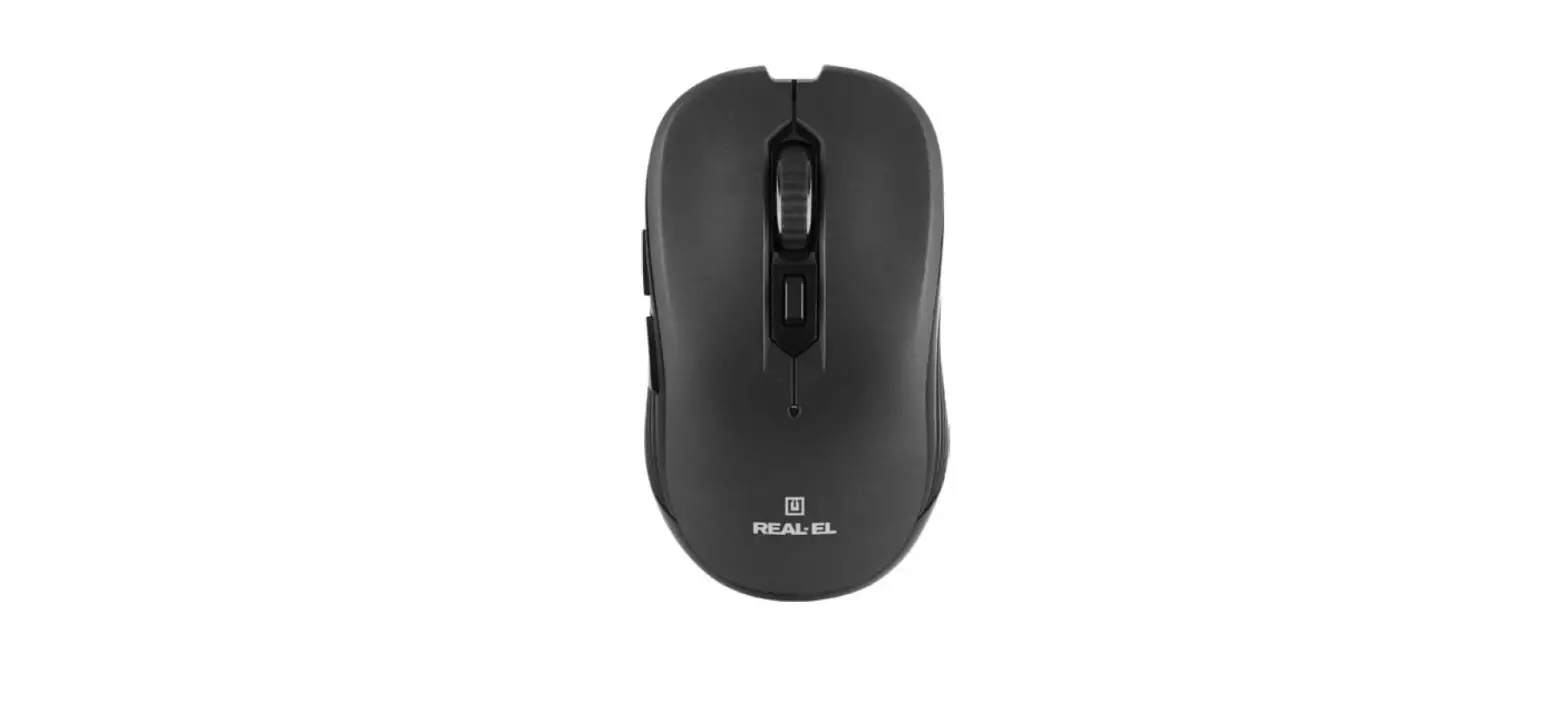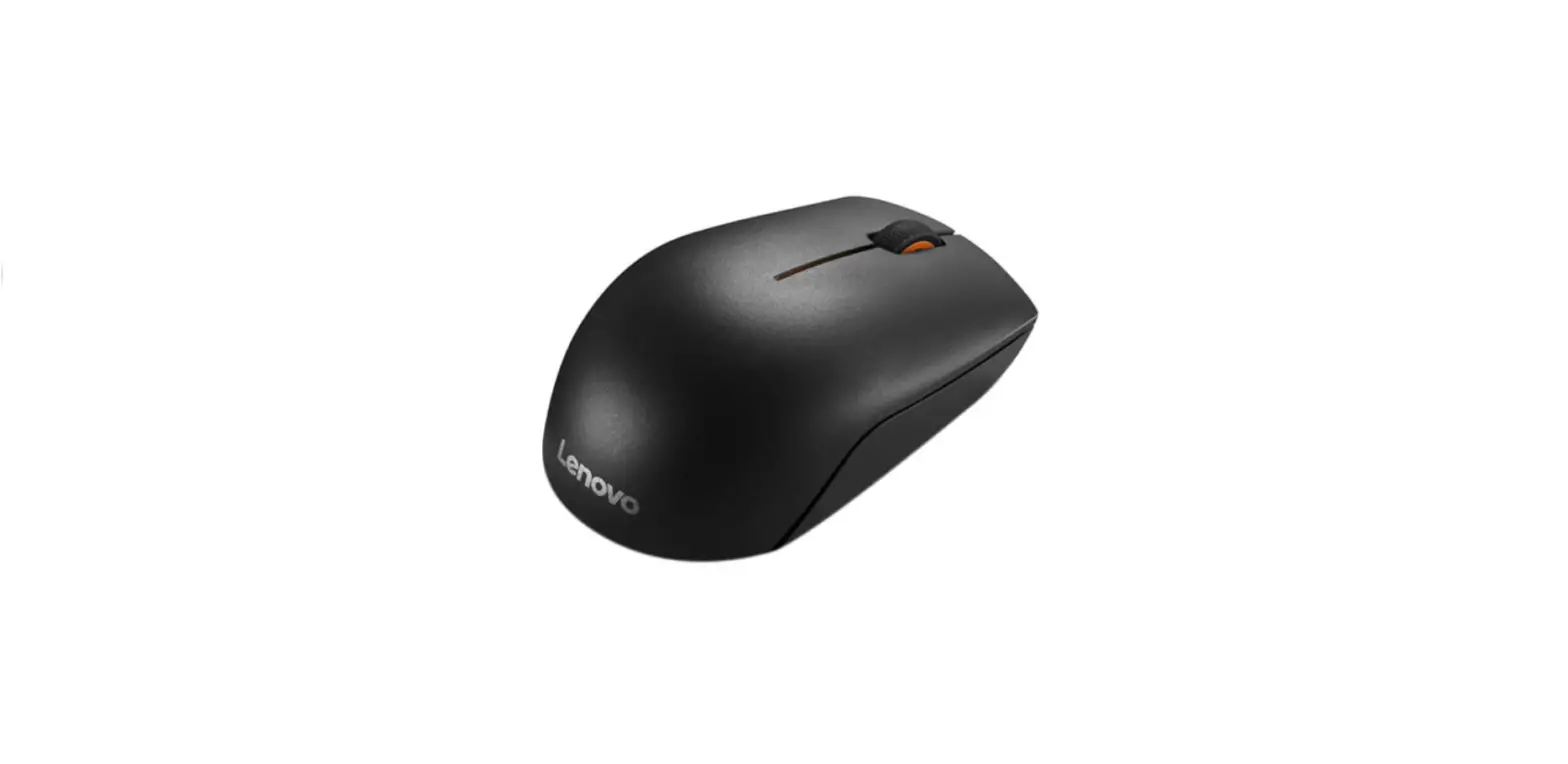
 Wireless Mouse for Laptop , 2400 DPI Wireless Computer Mouse with 6 Buttons
User Manual
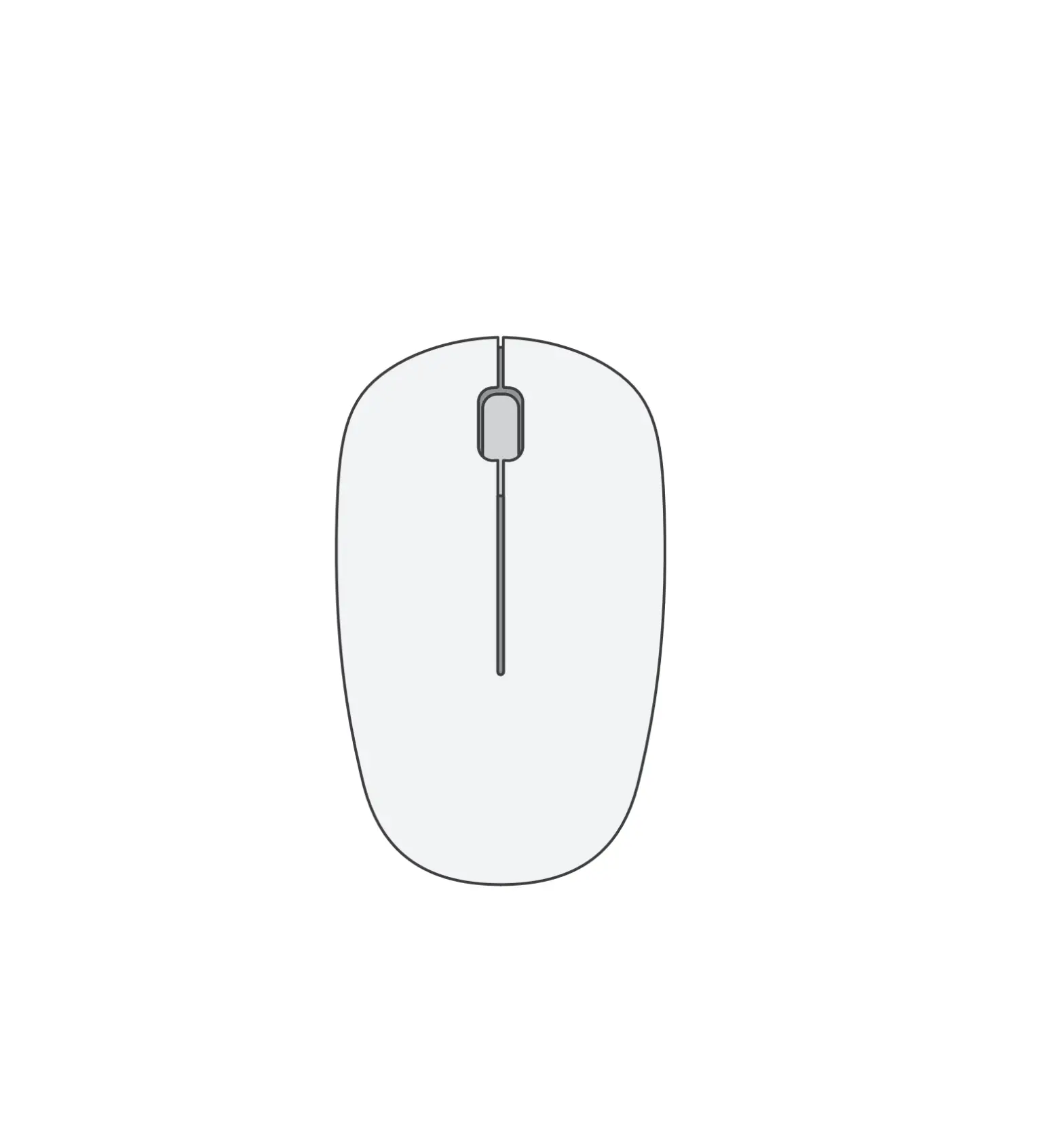
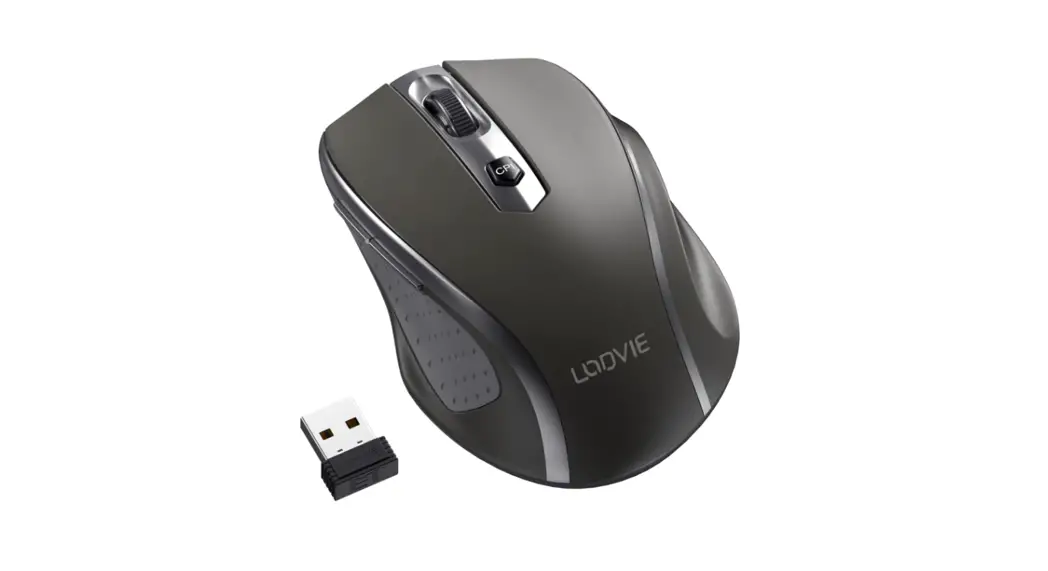
 DIAGRAM
 DIAGRAM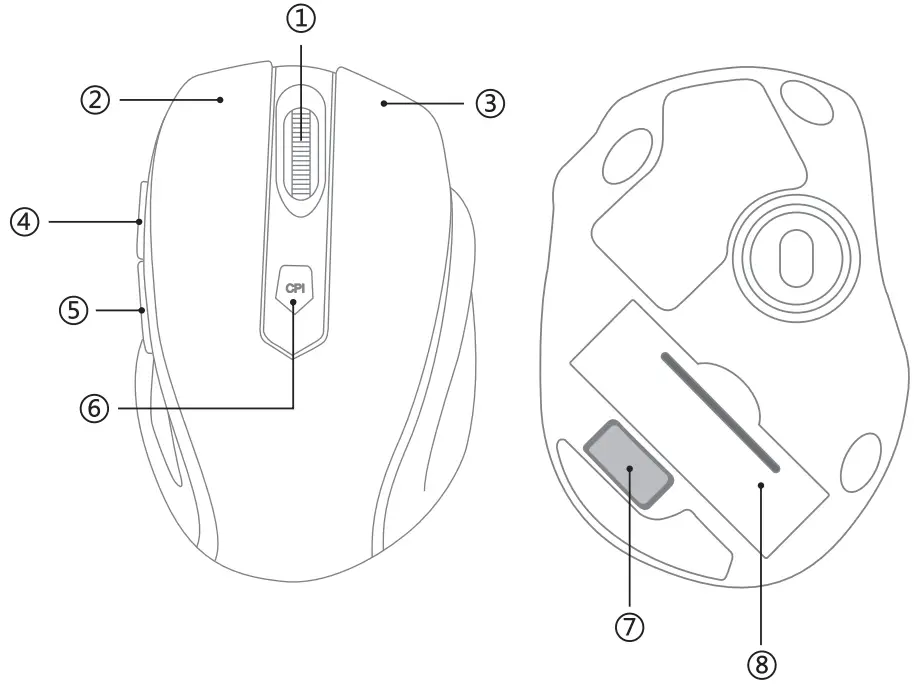
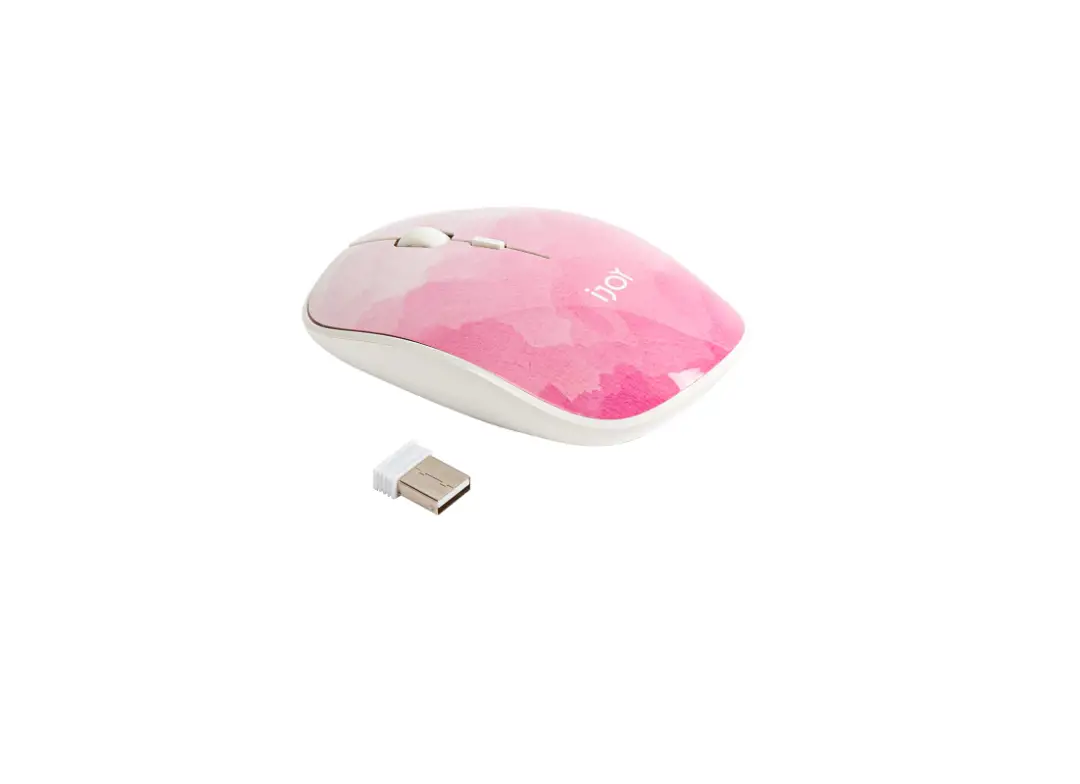
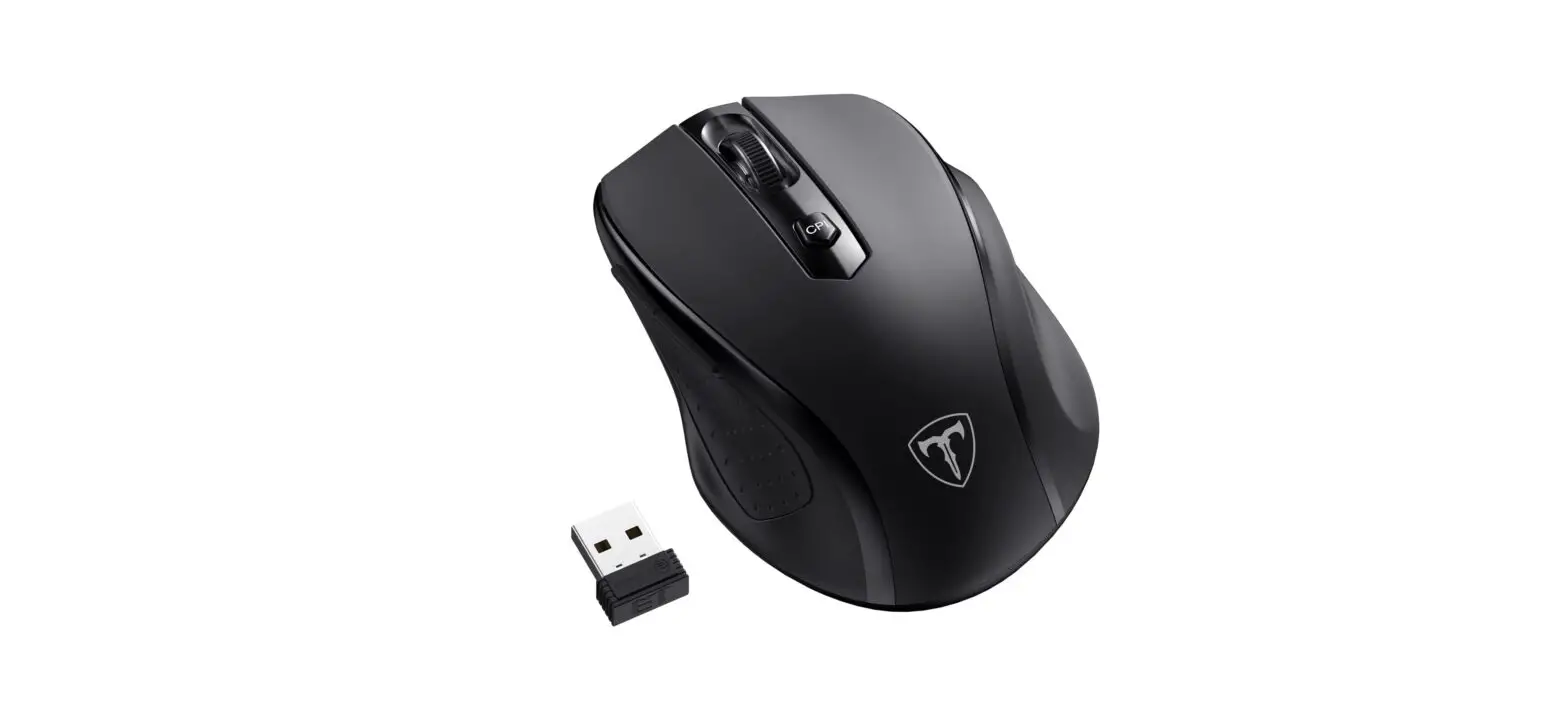
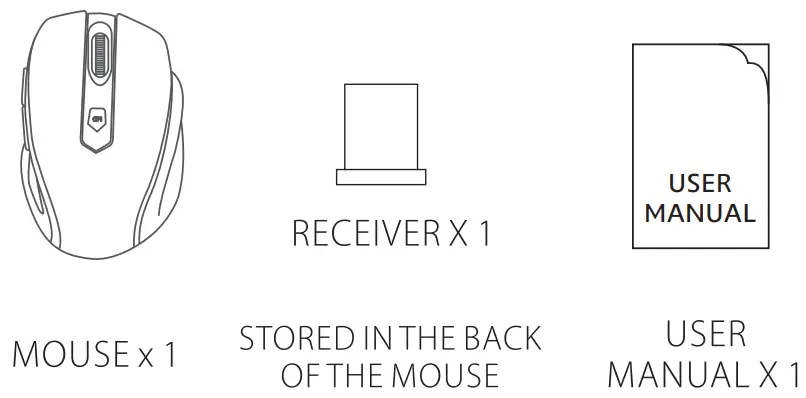
PACKAGE
| BUTTON | TASTE |
| 1. Mouse Wheel | 1. Maus rad |
| 2. Left Button | 2. Linker Knopf |
| 3. Right Button | 3. Rechte Taste |
| 4. Forward Button | 4. Vorw~rts-Taste |
| 5. Backward Button | 5. R~ckw~rts-Taste |
| 6. CPI Switch Button | 6. CPI Regulator |
| 7. Receiver | 7. Receiver |
| 8. Battery compartment | 8. Battery compartment |
HOW TO USE
- Take out the mouse, and place an AA battery with the correct polarity into the battery slot.
- Take out the receiver at the bottom of the mouse and plug it into the computer’s USB connector.
- The driver will be installed automatically for your usage.
CPI ADJUSTMENT
With 5-Level CPI Adjustment 800/1200/1600/2000/2400, the default CPI is 1200. Press the CPI button and the specific CPI LED will flash.
POWER-SAVING MODE
The mouse will enter sleep mode automatically in 8 minutes of inactivity, you can press any button to wake it up.