Instruction of
ITAMS2
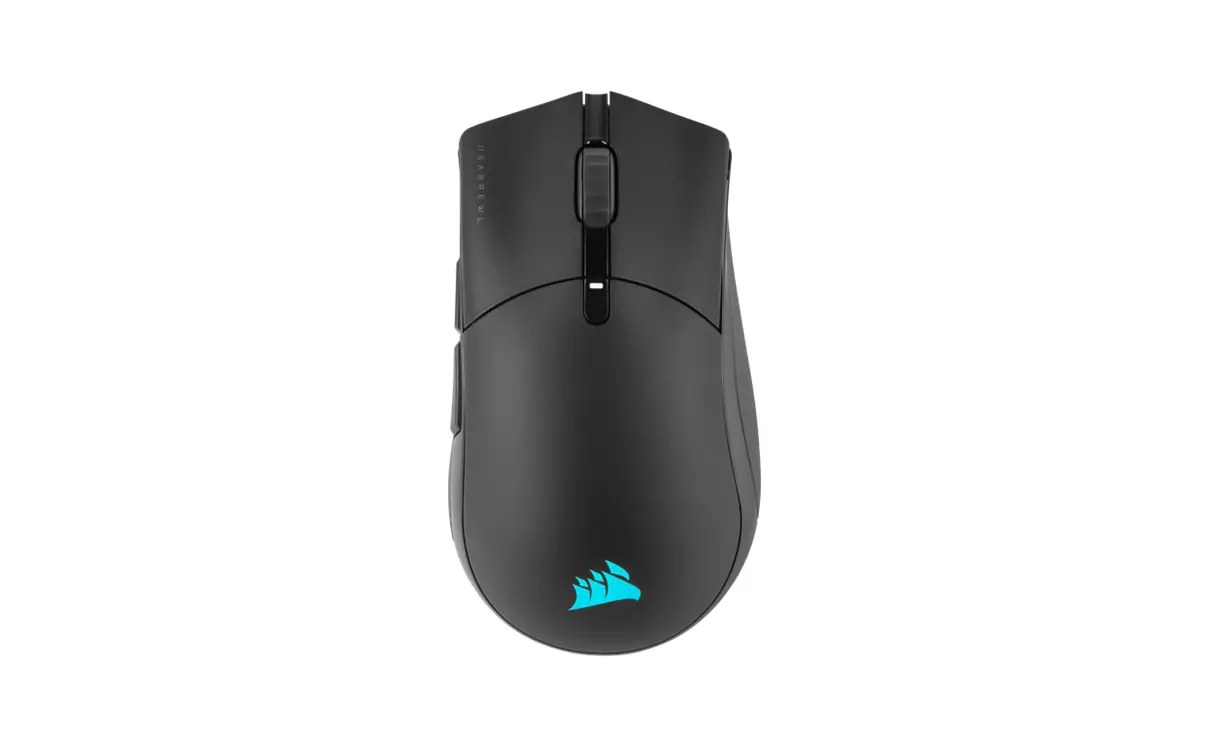
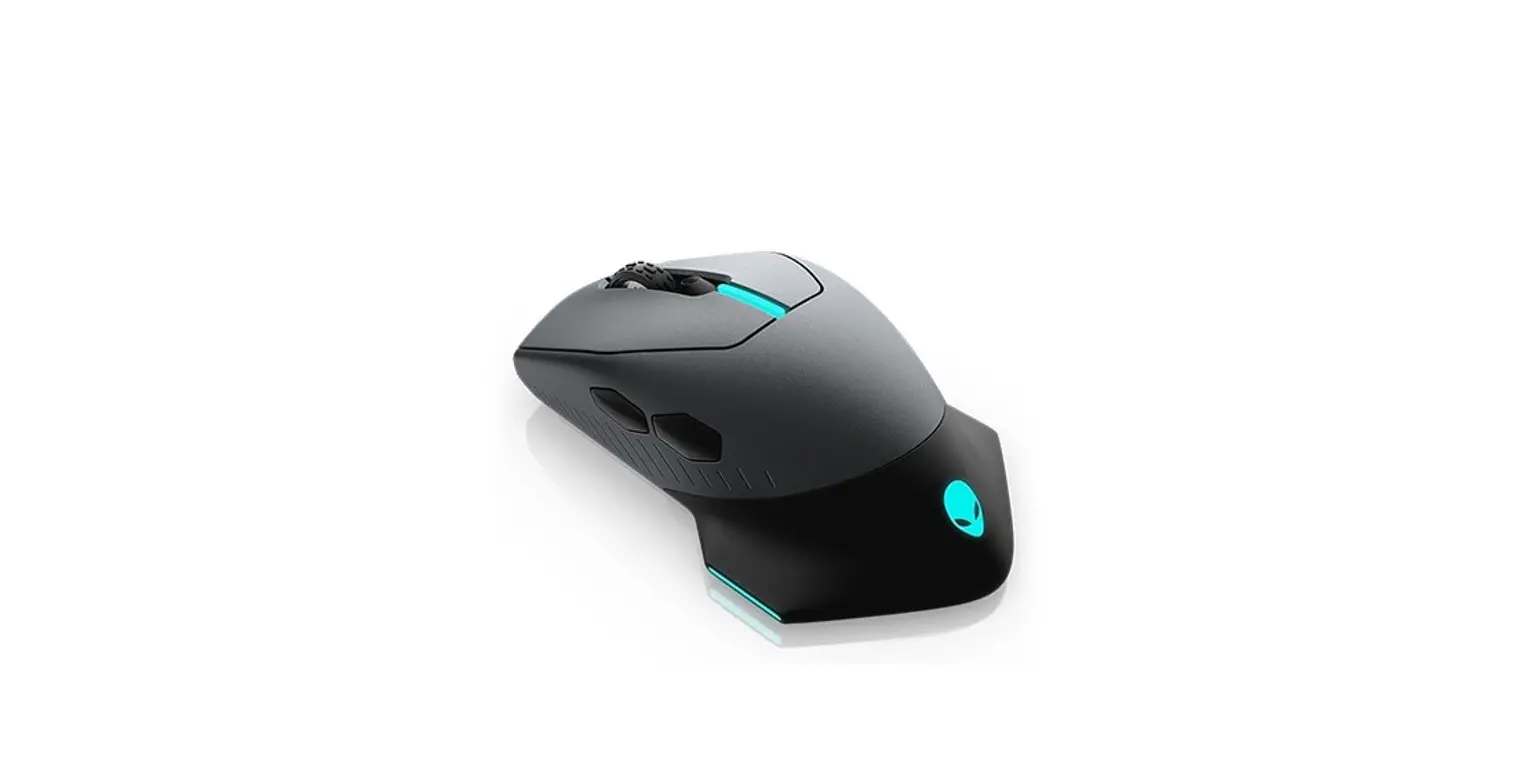
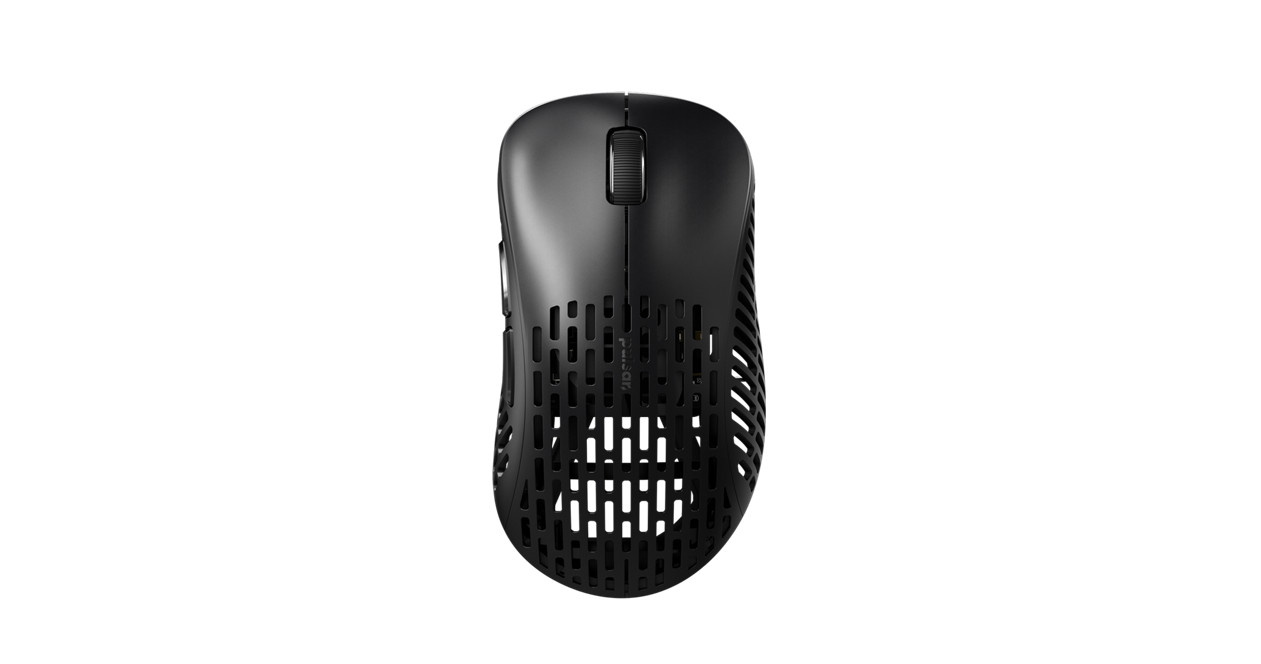
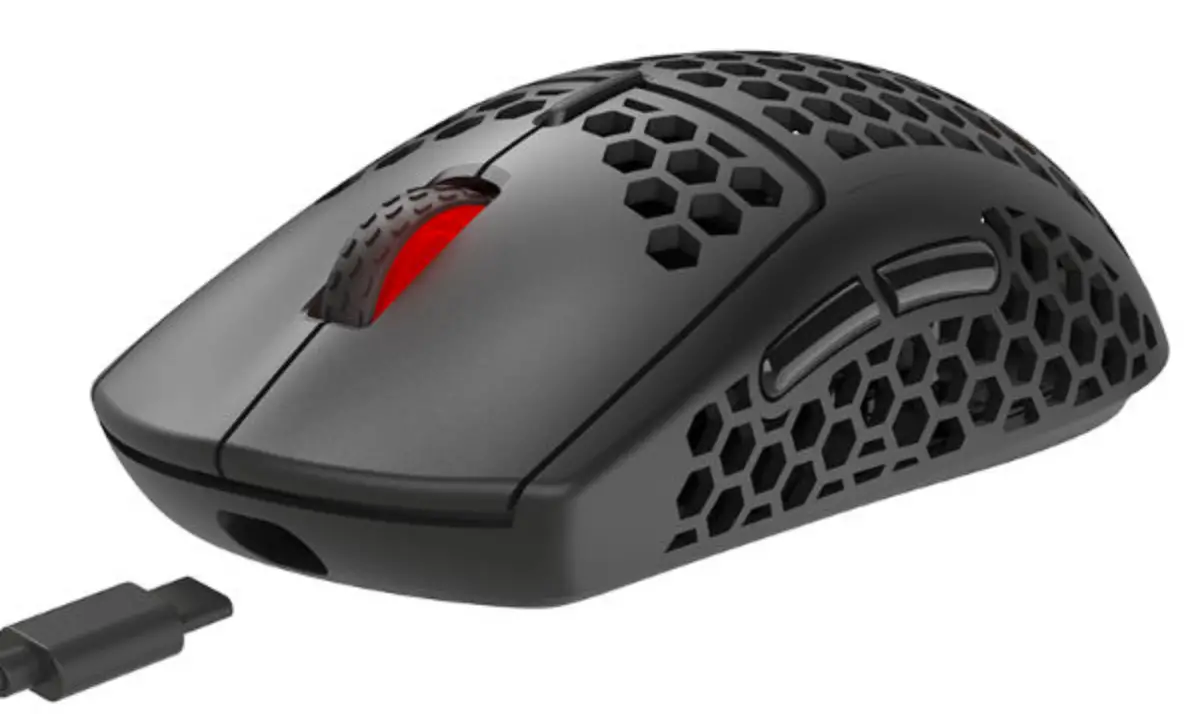
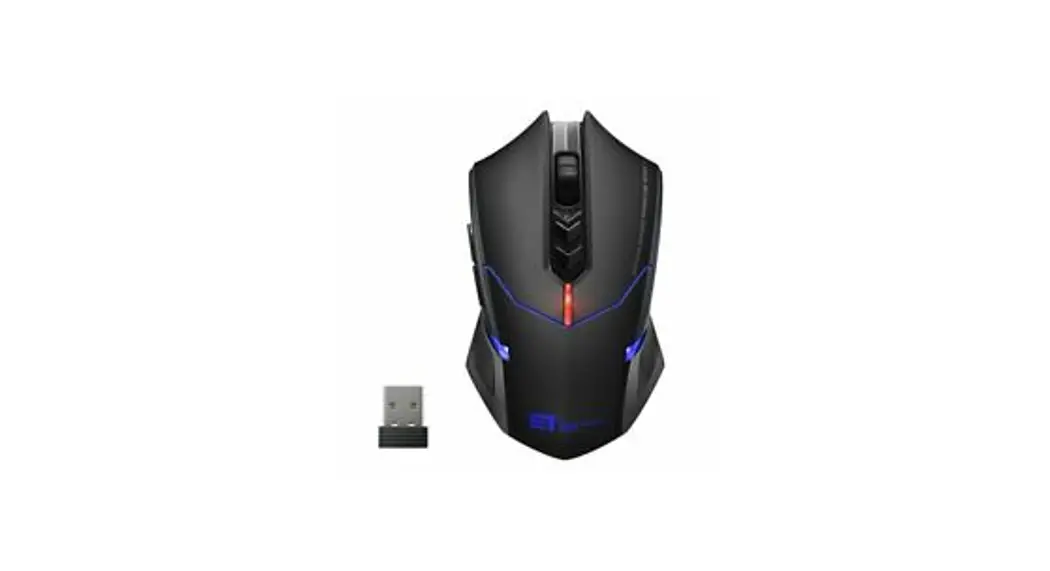
2400DPI Wireless Gaming Mouse
- This mouse is intelligent connectivity, no need to code, plug & play (No need CD driver)
- No Marco Function. (no programmed button)
- There are 4 levels of DPI, 600 -1000 -1600 -2400, the default is 1000.
- Two different polling rates of 250Hz and 500Hz for you to choose from.
Packing List/Product Presentation
| Packing List: | |
| Mouse x 1 | Instruction x 1 |
| Basic Parameters: | |
| Data transmission: | 1Mbps |
| Frequency: | 2402MHZ-2480MHZ |
| Channel: | 79 |
| Engine: | Optical |
| Distance: | 30m |
| Voltage: | 3.7V |
| Step current: | |
| Working current | = 10mA |
| Standby current | = 1.3mA |
| Dormancy current | = 50uA |
| No receiver state | = 10-25uA |
| DPI: | 600-1000-1600-2400DPI |
| Rate of return: | 250Hz-500Hz |
| Max acceleration: | 20G |
| Max acceleration: | 20G |
System requirement:
IBM or compatible computer
Windows: 2000/ ME/ XP(x64)/ Vita/ 7/ 8
Mac OS X (More than V10.4)
Workable USB port
9 different key has different function,makes it easier to operate during the game.
| 1. The left key 2. The right key 3. The mid key 4. Forward 5. Backward 6. DPI Loop | 7. Fire Key(Equals double click) 8. 250Hz/500Hz polling rate 9. Power off/Power on/Light on 10. Battery compartment 11. Receiver 12. Foot Pad |
Note: Please remove the footpad protective film before use!
Troubleshooting
Question one: no function
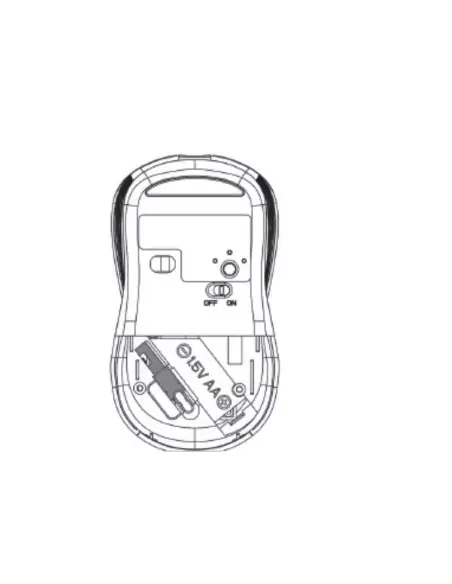
- Please check to see if the batteries are installed correctly according to the mark for the positive and negative inside the battery compartment.
- Please put the receiver to replace a USB interface to try
- Make sure the power switch at the bottom of the mouse has been opened to ON or dazzle light mode
- Restart the computer to try again.
Question two: Power saving
This mouse adopts the top class of power-saving chip, 5 times more power-saving than an ordinary wireless mouse, standby time is over 36 months. Three layers of power-saving features, the mouse will be in the dormancy stage in eight minutes without operation, will be in the deep dormancy stage for half an hour without operation, power consumption is only
0.0005mA, almost no power consumption, equal to 3 years standby time.
Question three: the drift problem at 250Hz or 500Hz return rate
Windows algorithm for enhancing pointer precision is not suitable for the high return rate mouse, please follow up the below steps:
- Open the “control panel”
- Click the “mouse” icon
- Go into the “pointer option”
- Uncheck “enhance pointer precision”
PS: Could not be programmed.
FCC Statement
This equipment has been tested and found to comply with the limits for a Class B digital device, pursuant to Part 15 of the FCC Rules. These limits are designed to provide reasonable protection against harmful interference in a residential installation. This equipment generates uses and can radiate radio frequency energy and, if not installed and used in accordance with the instructions, may cause harmful interference to radio communications. However, there is no guarantee that interference will not occur in a particular installation. If this equipment does cause harmful interference to radio or television reception, which can be determined by turning the equipment off and on, the user is encouraged to try to correct the interference by one or more of the following measures:
- Reorient or relocate the receiving antenna.
- Increase the separation between the equipment and receiver.
- Connect the equipment into an outlet on a circuit different from that to which the receiver is connected.
- Consult the dealer or an experienced radio/TV technician for help.
This device complies with part 15 of the FCC Rules. Operation is subject to the following two conditions:
(1) This device may not cause harmful interference, and
(2) this device must accept any interference received, including interference that may cause undesired operation.
Changes or modifications not expressly approved by the party responsible for compliance could void the user’s authority to operate the equipment.