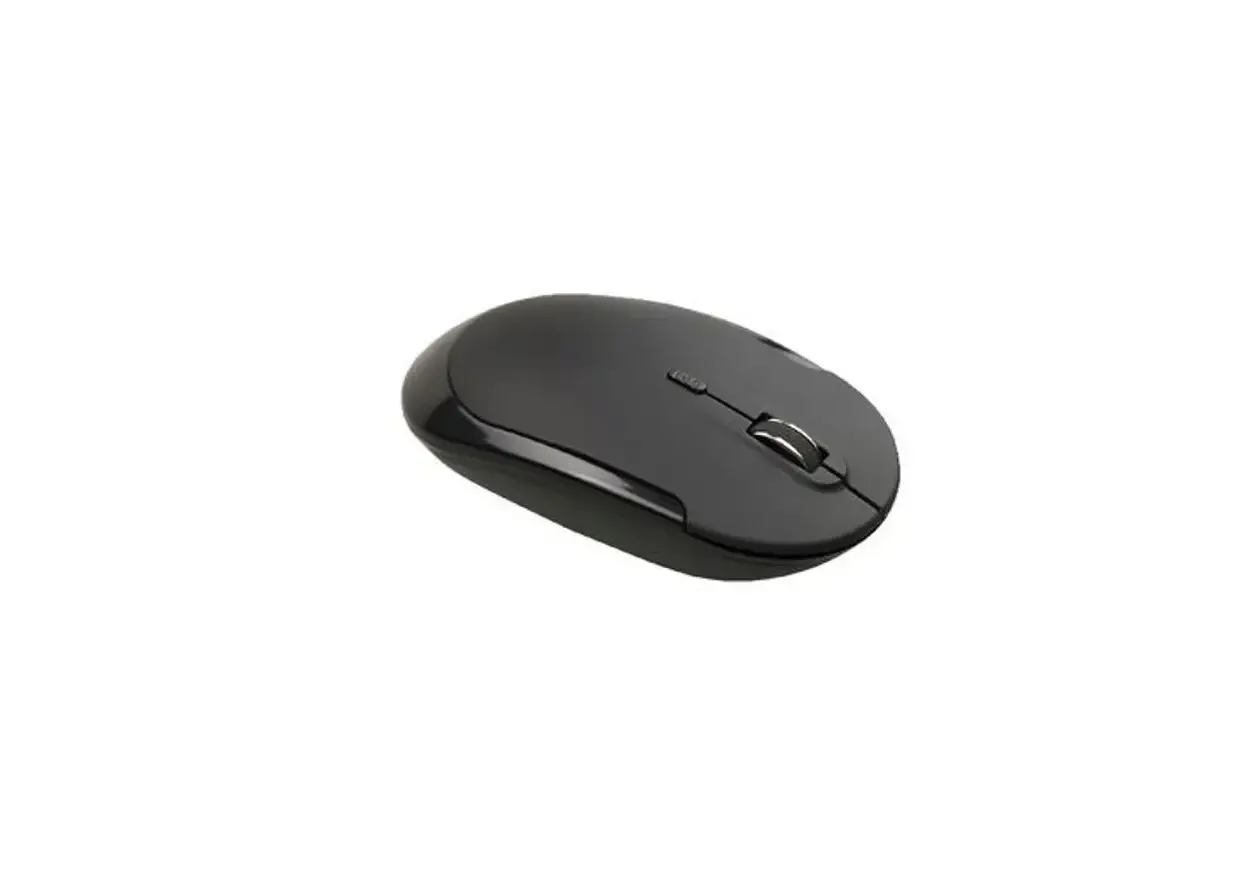
INMOTION 2A2Q2-T695G Wireless Mouse
WIRELESS MOUSE
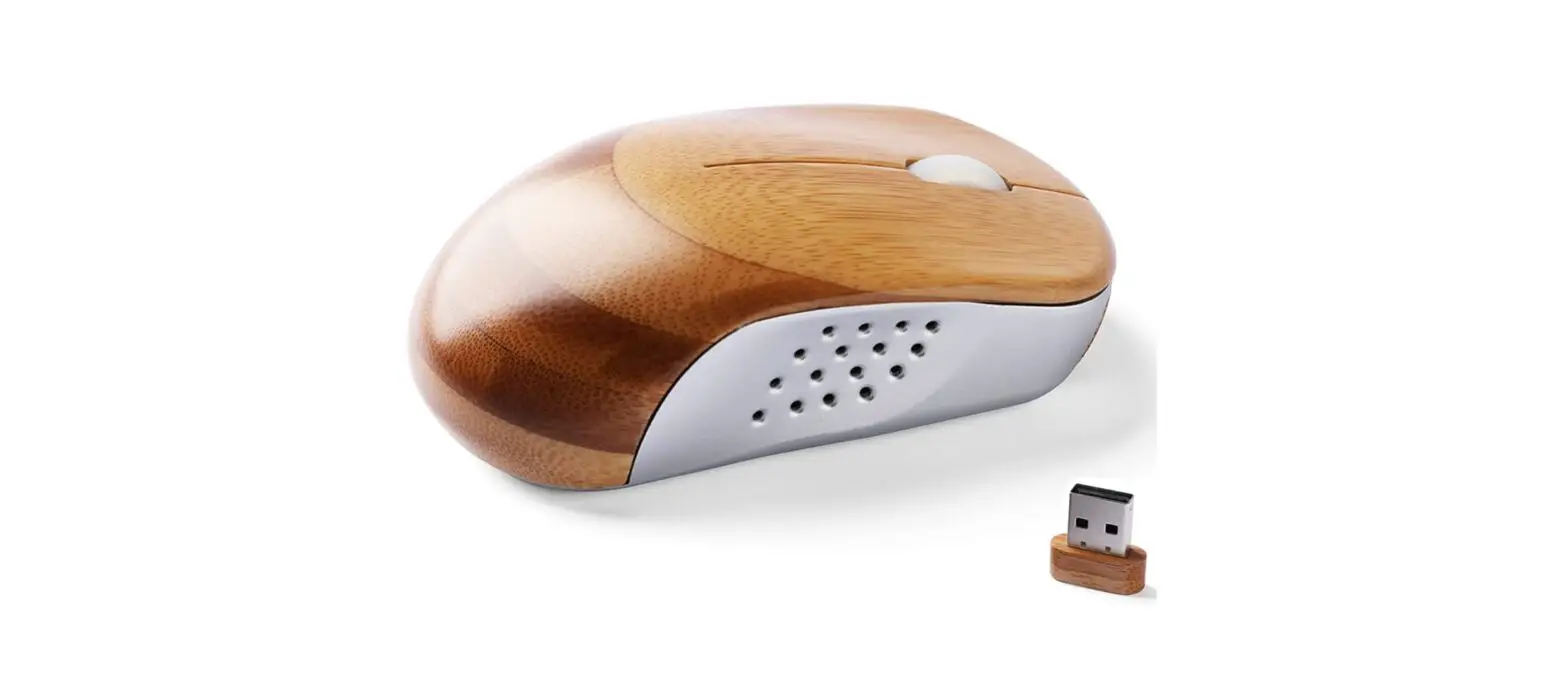
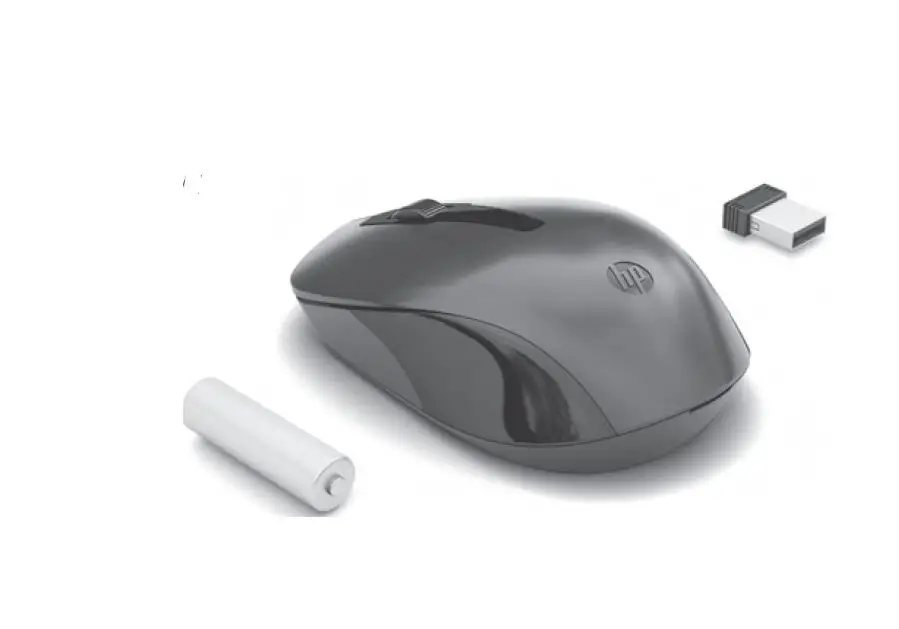
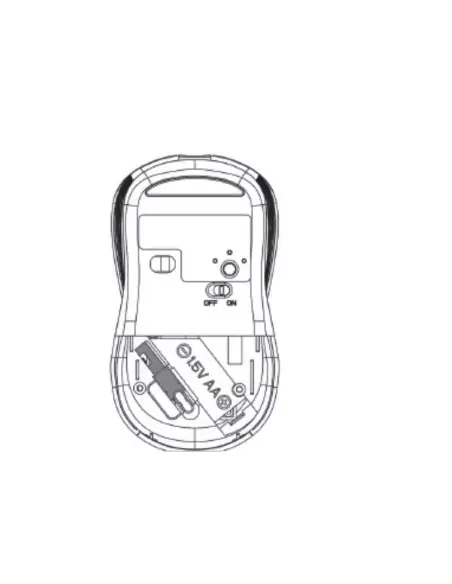
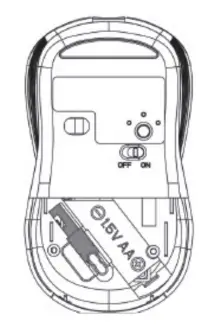
2.4GHz Wireless Connection Pull out the 2.4GHz wireless receiver from the storing slot in the battery compartment of the mouse. Insert AA battery into the battery compartment. Insert the receiver to the USB-A port of your computer.
Switch on the mouse and it will automatically install on your computer and connected.
Bluetooth Pairing
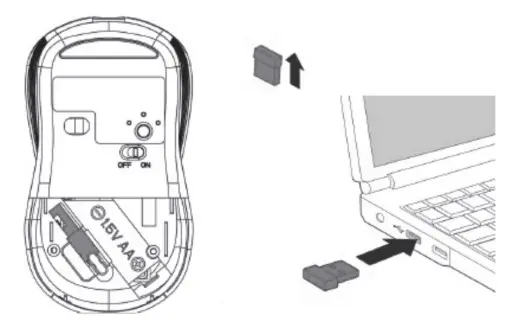
Press the mode button on the base of the mouse.
The LED in the middle will turn green and then off. A long press of the mode button will make the mouse discoverable and the green LED in the middle will flash. Enable the Bluetooth connection on your computer and search for “lnMotion3.0” or “lnMotion5.0” for pairing.
To connect to another device via Bluetooth, press the mode button on the base of the mouse.
The LED on the right will turn green and then off. A long press of the mode button will make the mouse discoverable and the green LED on the right will flash. Enable the Bluetooth connection on your device and search for “lnMotion3.0” or “lnMotion5.0” for pairing.
Switching Mode
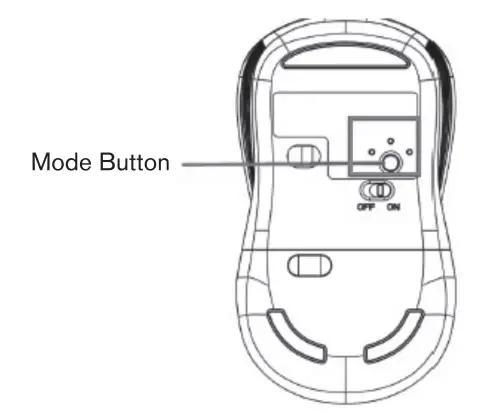
Press the mode button to switch between connected devices (2.4GHz, Bluetooth 1, Bluetooth 2).
Once the mouse is paired up with a device, Bluetooth connection is first priority after you switch on the mouse every time.
DPI Selection
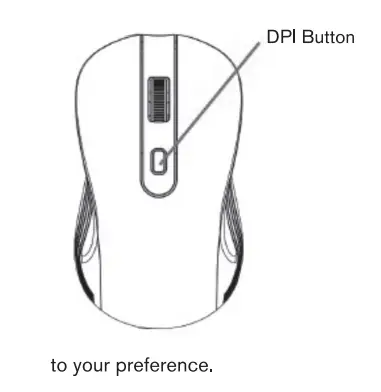
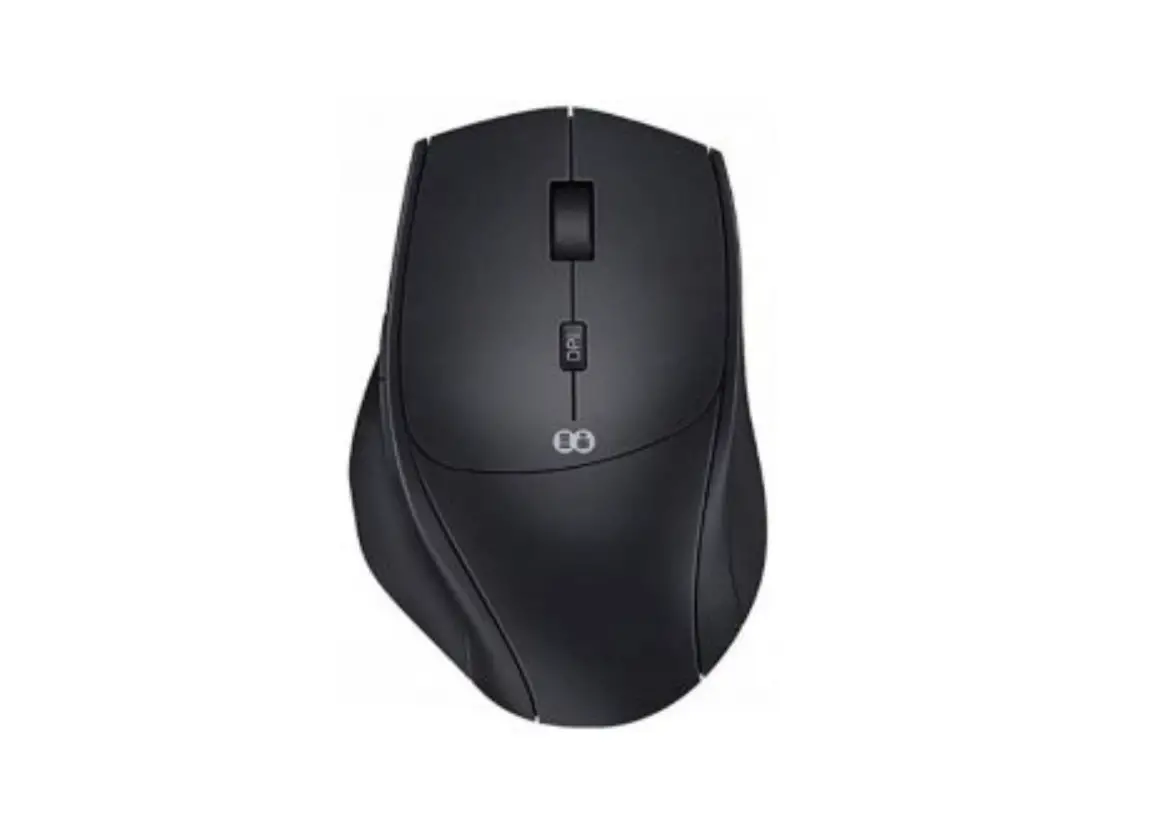
Press the DPI button on the top of the mouse to switch between 800/1 200/1 600 DPI to make the movement of the cursor faster or slower according.
Technical Specification
- 1 AA battery (not included)
- Up to Bm transmission distance
- Bluetooth 3.0/5.0
- 2.4GHz wireless connection
- 111 .5mm x 62. 7mm x 39.3mm
FCC COMPLIANCE
This device complies with Part 15 of the FCC Rules. Operation is subject to the following two conditions:
- This device may not cause harmful interference, and
- This device must accept any interference received, including interference that may cause undesired operation.
WARNING: Changes or modifications to this unit not expressly approved by the party responsible for compliance could void the user’s authority to operate the equipment.
NOTE: This equipment has been tested and found to comply with the limits for a Class B digital device, pursuant to Part 15 of the FCC Rules. These limits are designed to provide reasonable protection against harmful interference in a residential installation.
This equipment generates, uses and can radiate radio frequency energy and, if not installed and used in accordance with the instructions, may cause harmful interference to radio communications.
However, there is no guarantee that interference will not occur in a particular installation. If this equipment does cause harmful interference to radio or television reception, which can be determined by turning the equipment off and on, the user is encouraged to try to correct the interference by one or more of the following measures:
- Reorient or relocate the receiving antenna
- Increase the separation between the equipment and receiver
- Connect the equipment into an outlet on a circuit different from that to which the receiver is connected
- Consult the dealer or an experienced radio TV technician for help
The device has been evaluated to meet general RF exposure requirement.
The device can be used in portable exposure condition without restriction.
Colors and content may vary.
ln Motion ™ is owned by ln Motion Entertainment LLC
Please retain this information for future reference.
USA: IMEG LLC, 3755 W Sunset Rd Suite A,
Las Vegas, NV 89118
Produced in China