BACKFIRE HALO Remote Hammer Sledge User Guide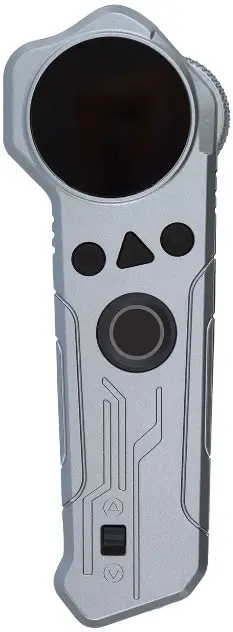
Remote Layout
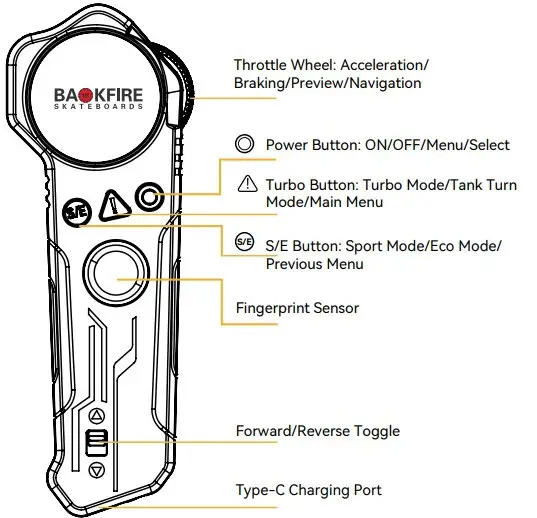
- single button to power on/off your board and remote.
Backfire boards can stay in standby mode for up to a day, within which the remote can be used to power the board on or off. - Double clicking the Power Button turns on the board’s ambient lights. The color of the lighting changes with the riding mode.
Technical Info
- Aluminum Housing

- Battery Capacity: 1000mAh

- Display Size: 1.3 inch

- LCD Panel

- Voltage: 5V

- Weight:130g

- 3hr Charge Time

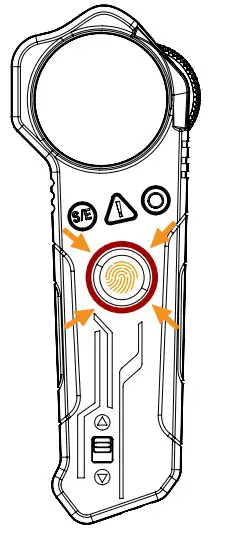
- Fingerprint Sensor






Dashboard Layout
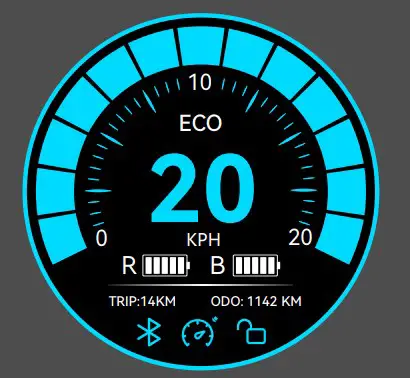
- Enable

Bluetooth Enabled Connect to the Backfire APP for Firmware Updates - Enable

Cruise Control Enabled - Enable Unlocked

Fingerprint Unlock Enabled Remote automatically locks itself after 6 seconds of inactivity to prevent accidental inputs - TRIP:14 KM
Current Trip Meter Displays the distance traveled since the board was powered on - TRIP:14 KM
Current Trip Meter Displays the distance traveled since the board was powered on - ODO: 1142 KM
Odometer
Displays the total distance traveled since the remote was first paired with the board. Mileage is retained and unique to each board. - R

Remote Battery Indicator - B

Board Battery Indicator - 20
Current Speed





Pairing Instructions
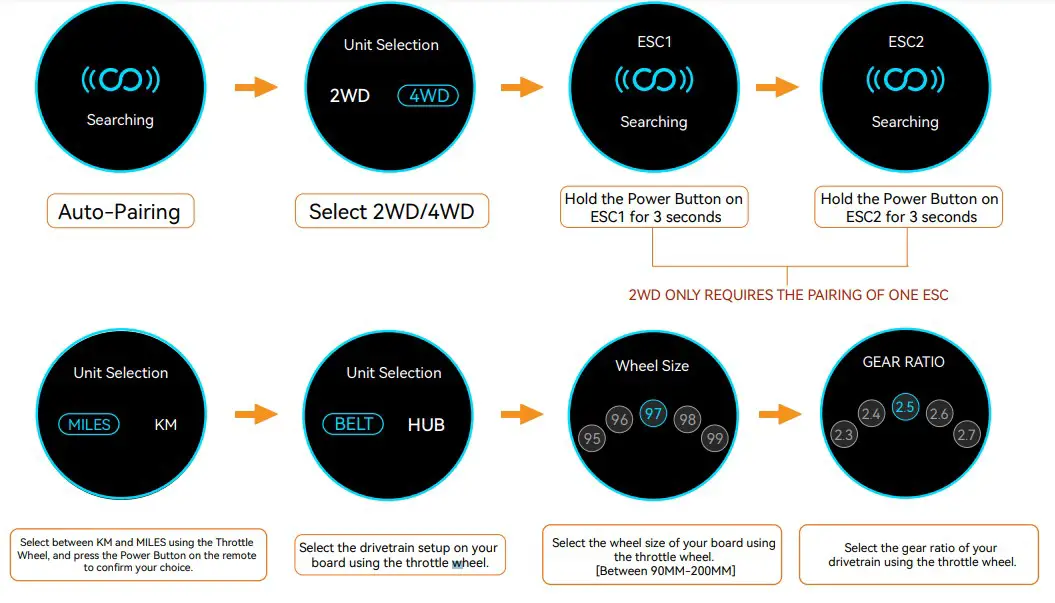
Hold the Power Button for 3 seconds to power ON/OFF the board.
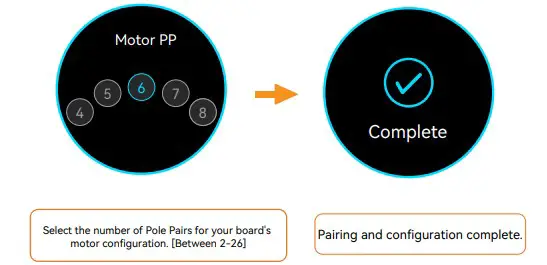
When both the remote and board are in the OFF state, hold the Power Button on both the board and remote at the same time for 3 seconds to pair.
In the 4WD configuration, the rear controller (ESC1) should be paired before the front (ESC2).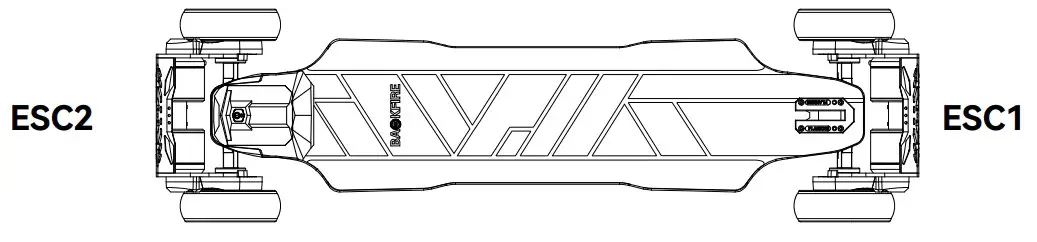
Ride Modes
- Default Mode after Pairing.

- Press the S/E Button once to activate Sport mode. The remote display will turn blue/red and vibrate once.

- Press the Turbo Button once to engage Turbo Mode.

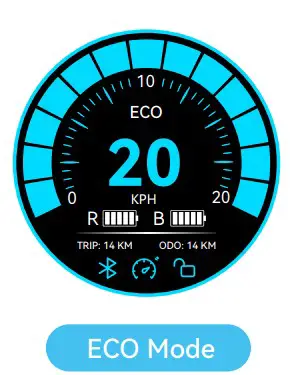
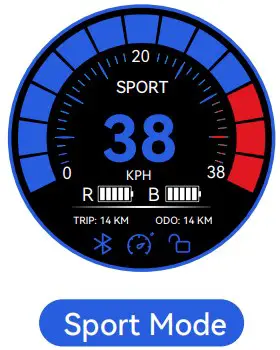
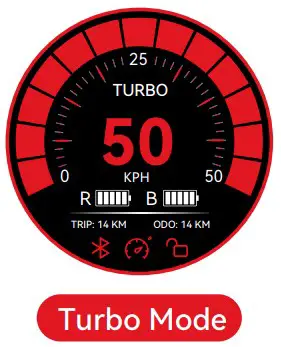
Cruise Control Mode
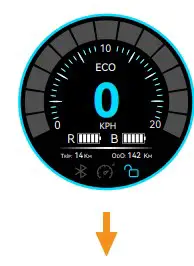
While riding, press the Power Button then release the Throttle Wheel to engage Cruise Control Mode.
Battery Status
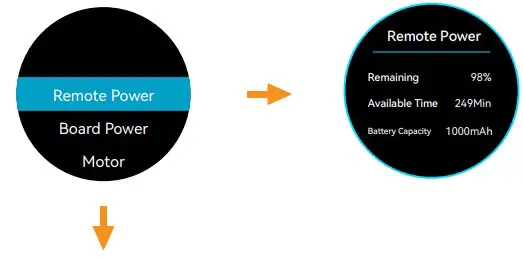
- While the board is stationary, press the Power Button once to open the settings menu

- Select Remote Power to display the Battery Status, Time Since Power On, and Battery Capacity. Press the S/E Button to return to the Previous Menu.

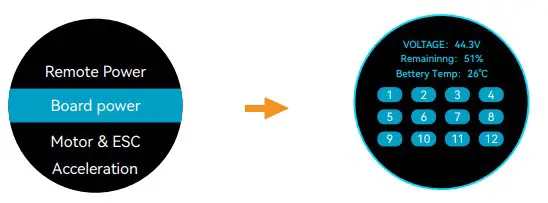
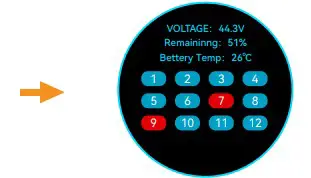
- Select Board Power to display the Battery Voltage, Remaining Capacity, Temperature, and Battery Health. [Blue: Healthy, Red: Unbalanced]

- In the event one or more of the cells are unbalanced, contact the Backfire Support Team or use the Backfire Balance Charger to restore the pack to a healthy state

Advanced Setting
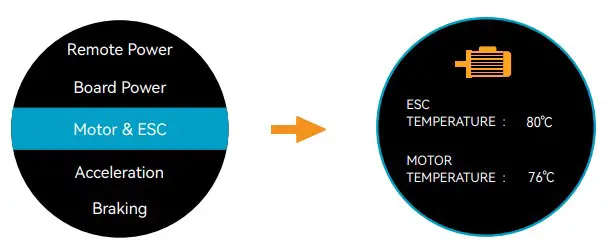
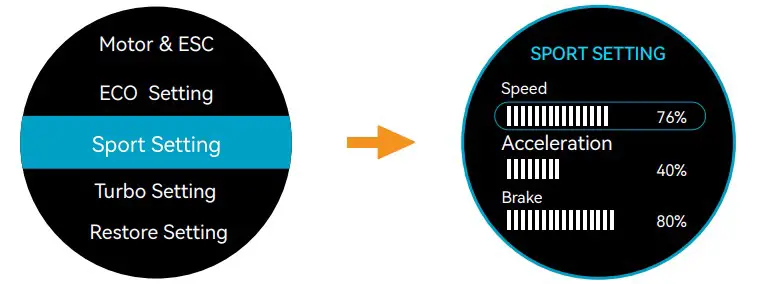
- Select Motor & ESC to display their temperatures.

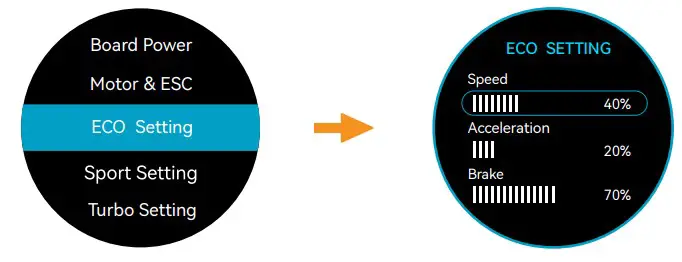
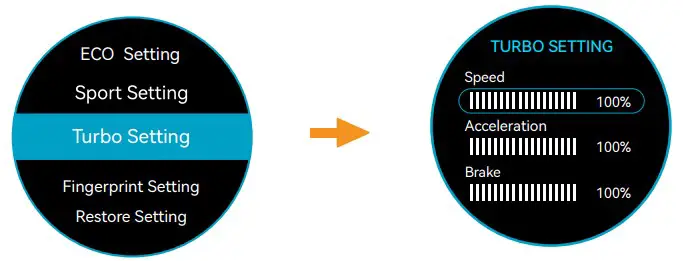
- Select Sport Setting to adjust the Speed, Acceleration and Brake profile for Sport Mode.

- Select ECO Setting to adjust the Speed, Acceleration and Brake profile for ECO Mode.

- Select Turbo Setting to adjust the Speed, Acceleration and Brake profile for Turbo Mode.

Fingerprint Setup
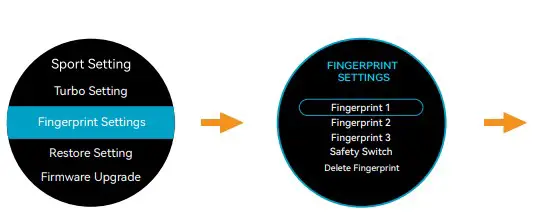
- Select Fingerprint Settings to add and remove fingerprints. A total of 3 fingerprints can be stored on the remote.

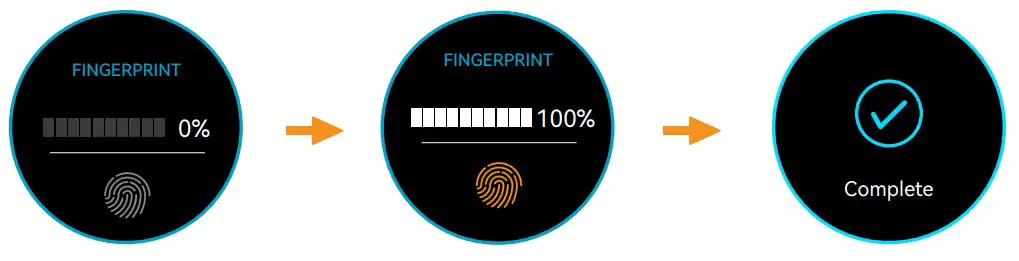
- Multiple fingerprint calibration cycles are required for maximum reliability and accuracy

- To add a fingerprint, place your finger on the sensor until the remote vibrates, then lift it off and repeat until the status displays 100%

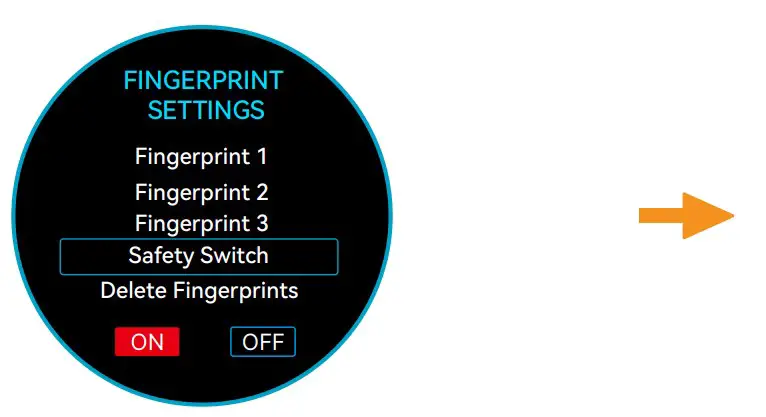
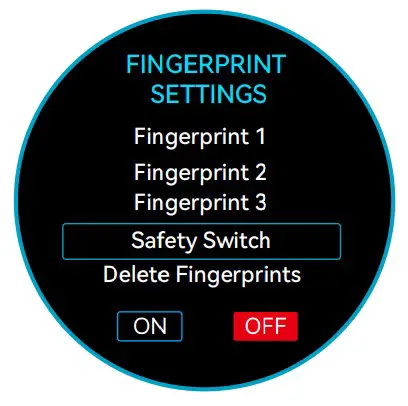
- The Safety Switch option enables/disables fingerprint unlock.

- To remove all stored fingerprints, select the Delete Fingerprints option
Single fingerprint delete is currently not supported.
Restore Factory Settings and Updating Firmware
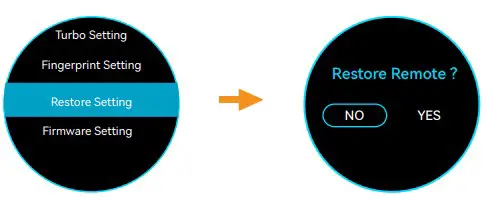
- Select Restore Setting to Restore the Remote to its Factory Calibrated Settings.

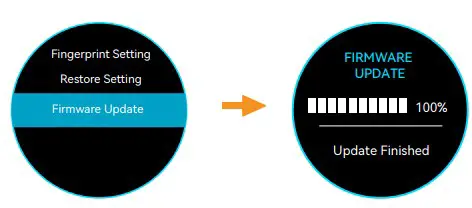
- Select Firmware Update to Update the Remote Firmware

Charging Status
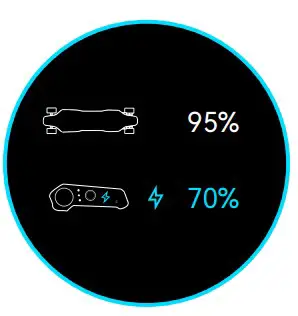
- Board: Charging
Remote: Charging
- Board: Not Charging
Remote: Charging
- Board: Charging
Remote: Not Charging
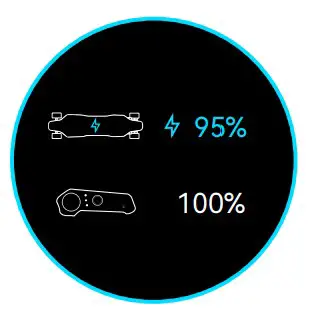
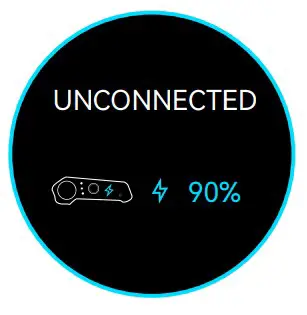
- Board: Not Connected
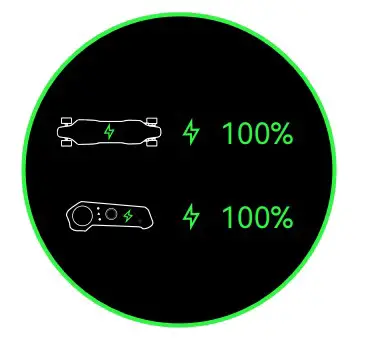
Remote: Charging - Board: Fully Charged
Remote: Fully Charged
Tank Turn Mode
Press the Turbo Button twice to engage Tank Turn Mode. Press the Power Button once to disengage.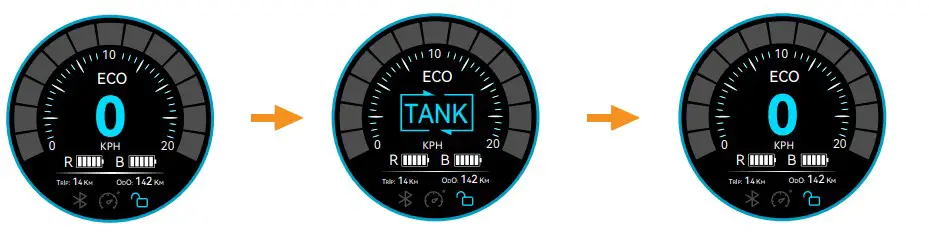
Warning: Keep clear of the board when Tank Turn Mode is engaged. Standing on it may lead to serious injury.
Rider Controls
For beginners and children, we recommend donning protective gear and starting out with ECO Mode. Roll the Throttle Wheel forwards in small increments to accelerate gently. Position your feet slightly wider than shoulder-width on the deck and bend your knees slightly to lower your center of gravity.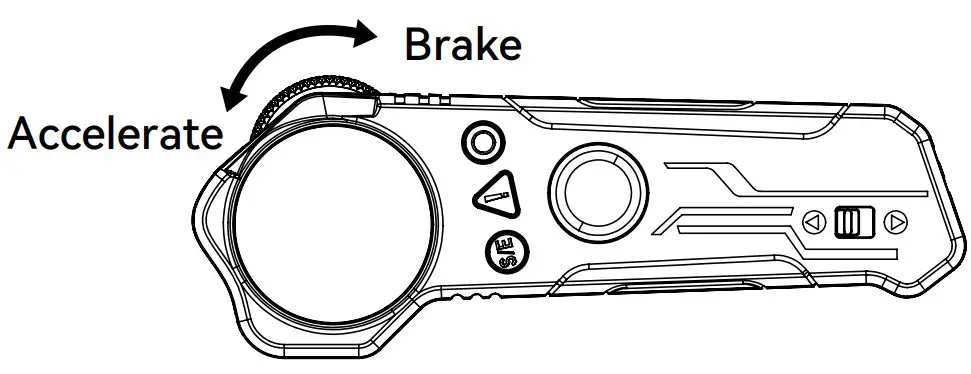
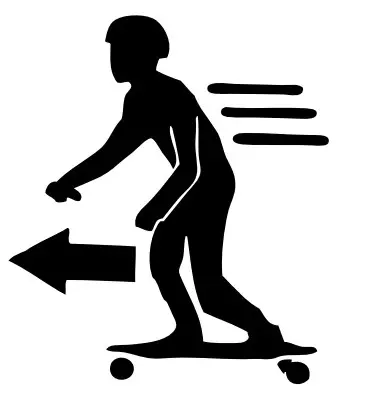
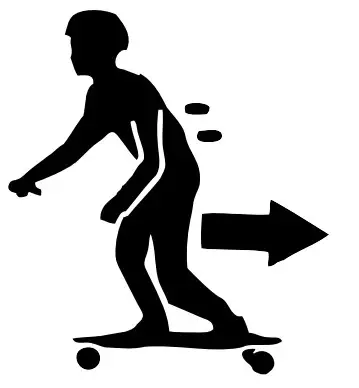
- Lean forward when accelerating to prevent falling backwards when the torque kicks in.

- Lean back when braking to prevent being thrown forward by the sudden deceleration.

Malfunctions
- Board and Remote are Disconnected

- Over-Current Protection Active

- Motor Stalled

- Throttle Wheel Requires Calibration

- Board Over-Voltage

- Battery Cells out of Balance

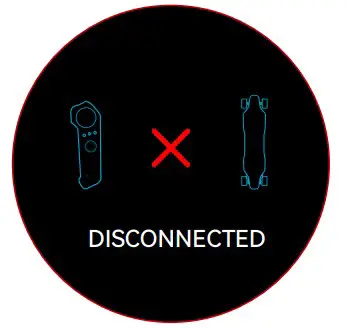
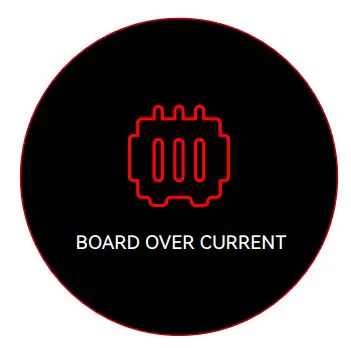
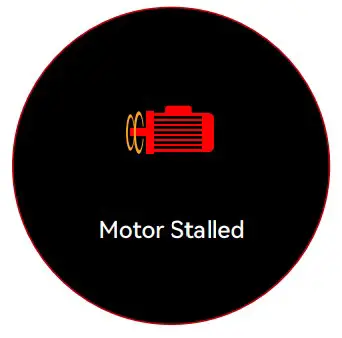
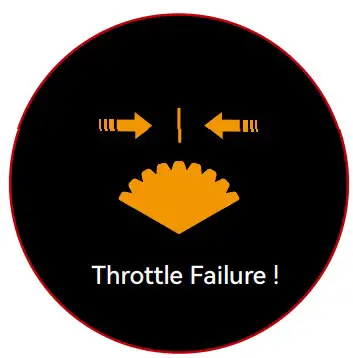
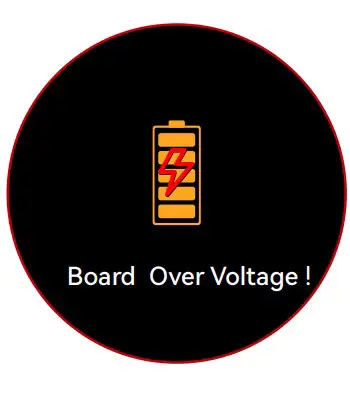
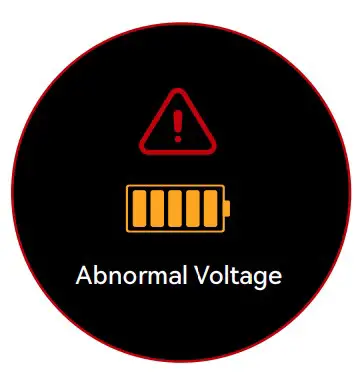
In the event you encounter any of these errors, please reach out to the Backfire Support Team for assistance.
Tips
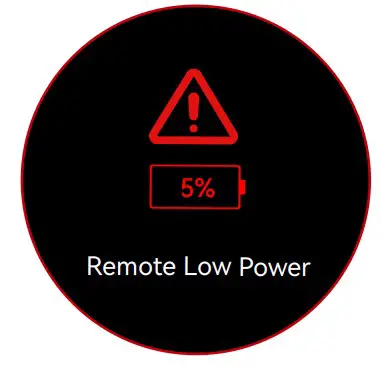
- Remote Power Under 5%

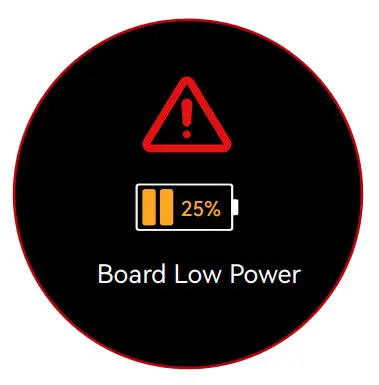
- Board Power Under 25%

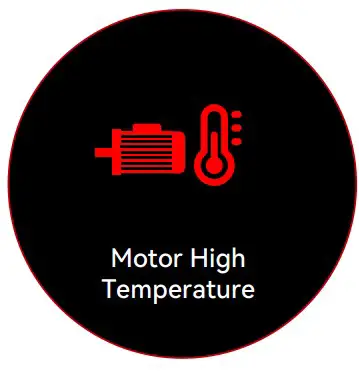
- High Temperature Warning: Motor

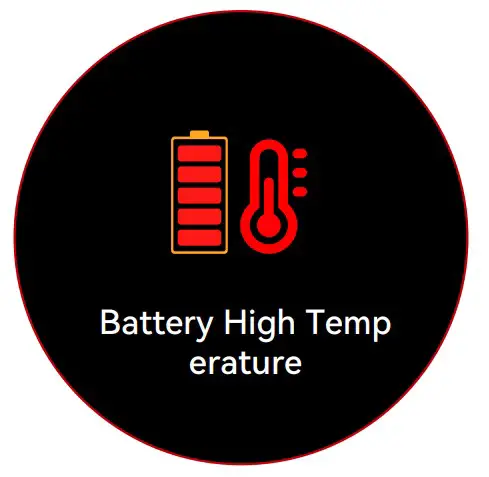
- High Temperature Warning: Batter

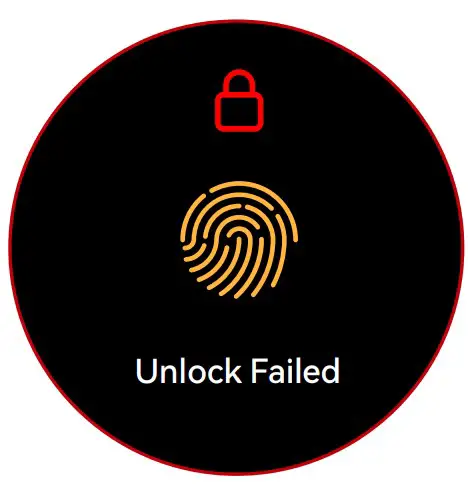
- Fingerprint Unlock Failed

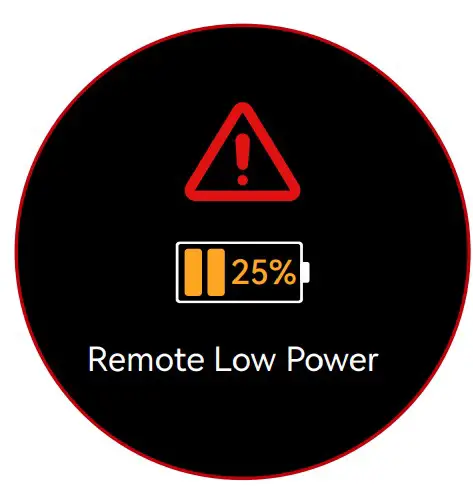
- Remote Power Under 25%

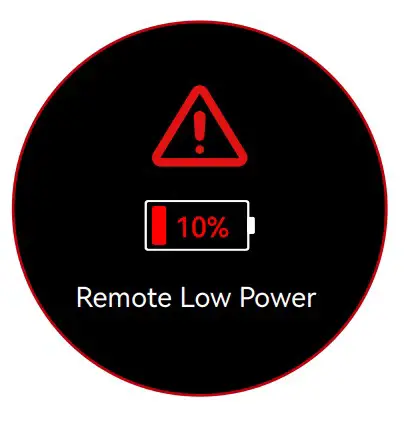
- Remote Power Under 10%

- Board Power Under 10%

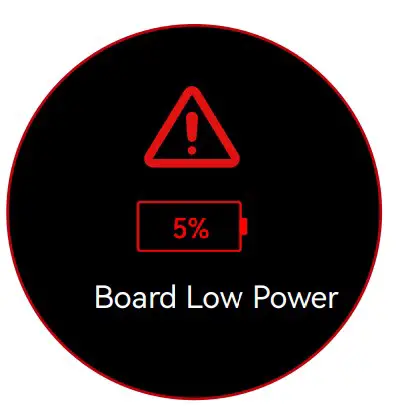
- Board Power Under 5%
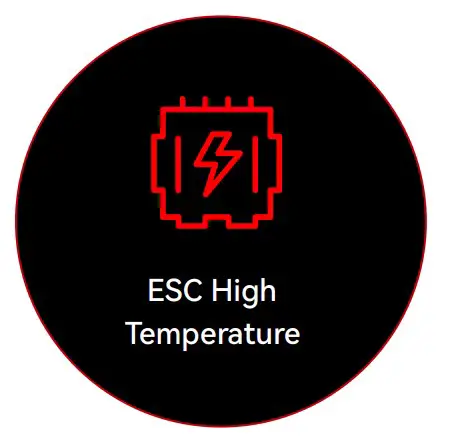
- High Temperature Warning: ESC

Gear Ratio and Pole Pair Configurations
| Model | Drive Type | Gear Ratio | Pole Pairs |
| G2 Black | Hub | – | 10 |
| ERA | Hub | – | 10 |
| G3 | Hub | – | 10 |
| Ranger X3 | Hub | – | 20 |
| Zealot | Belt | 2.6 | 7 |
| Zealot S | Belt | 2.6 | 7 |
| Hammer | Belt | 3.6 | 7 |
| Hammer S | Belt | 3.6 | 7 |
CONTACT US
Official Website:https://www.backfireboards.com/
FB
INSTA
YOU TUBE
USER GUIDE

 Backfire Boards - Best Electric Skateboards & Longboards Since 2009