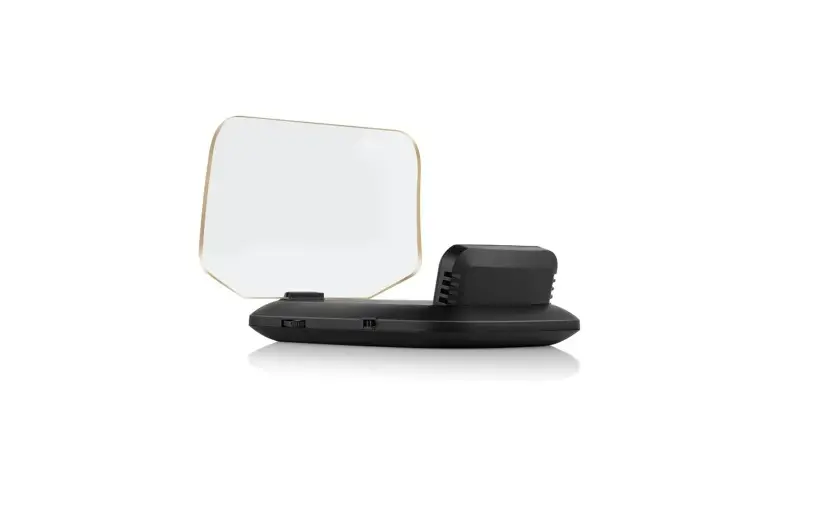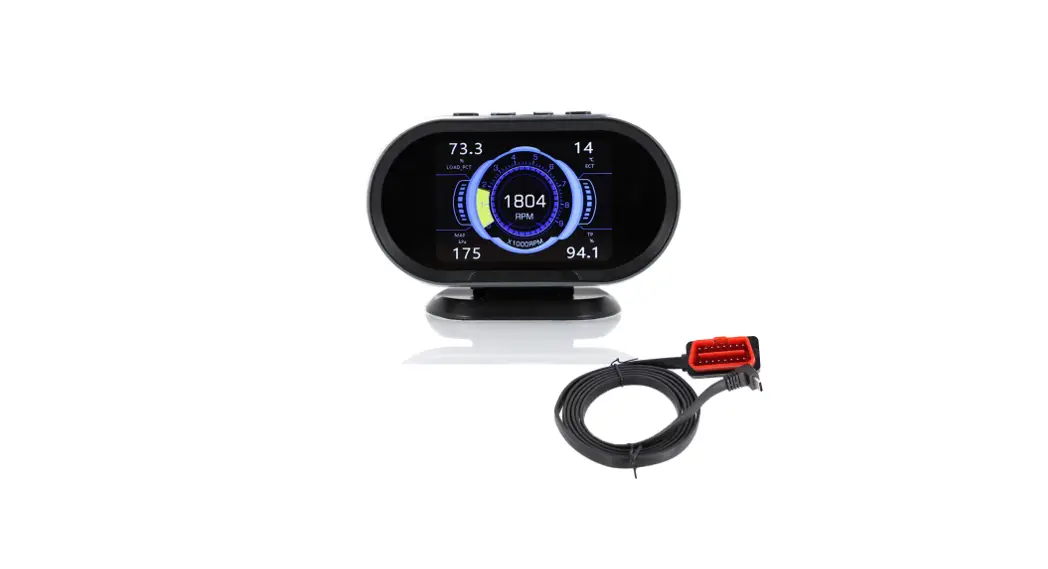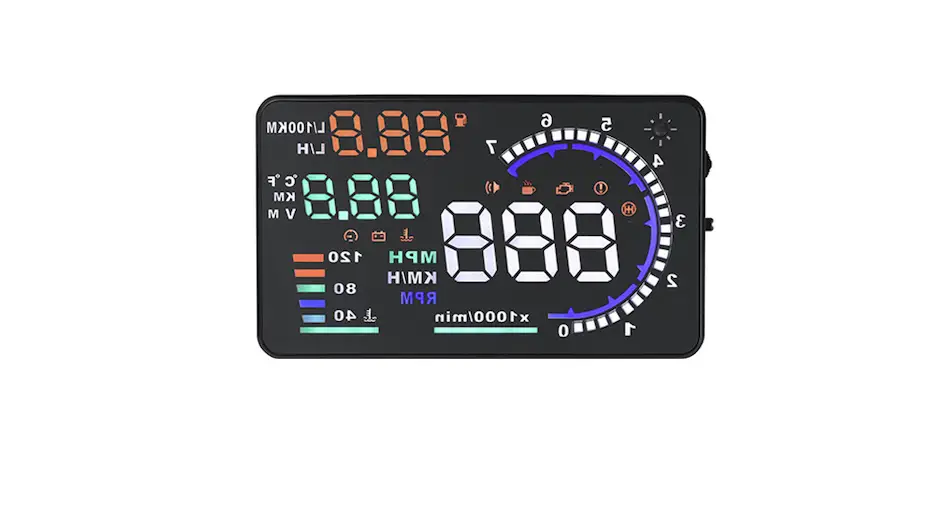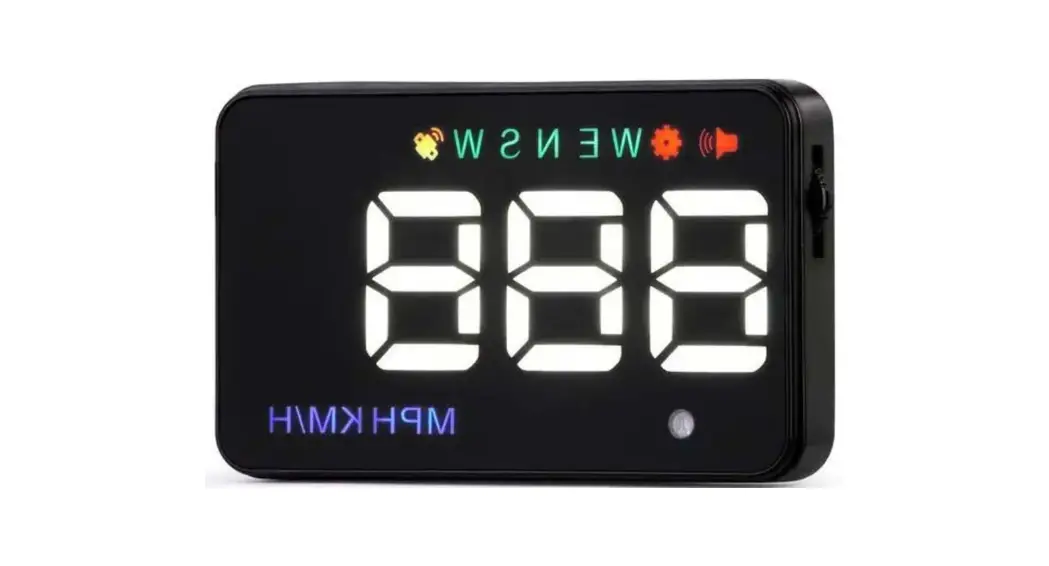

[ Setting it after start the car, HUD work OK ]
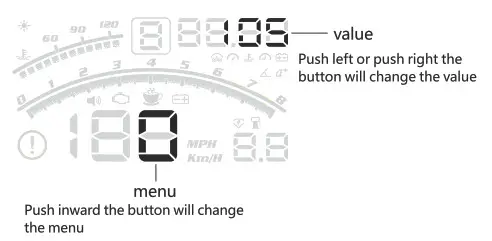
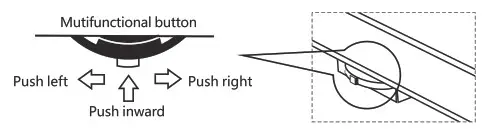
‘Long push inward
into settings mode
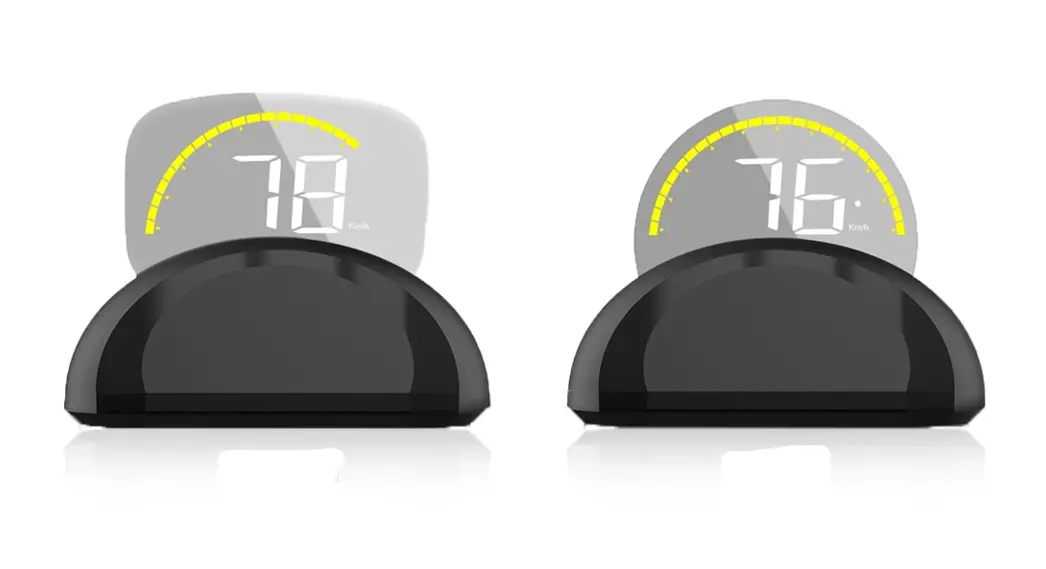
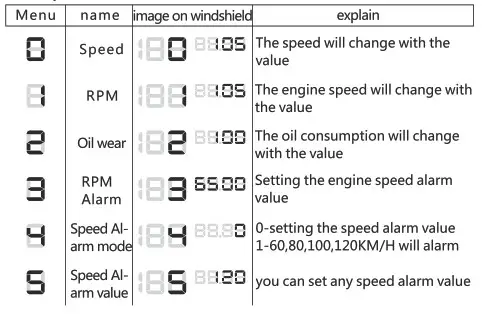
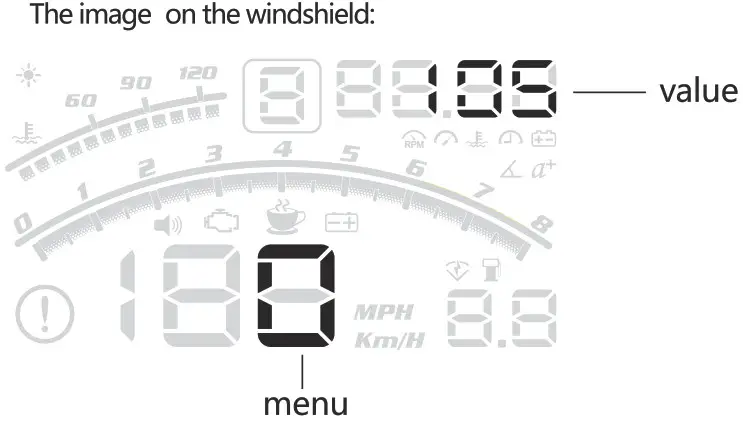
The image on the windshield:
Comparison logo
Step installation
Process :
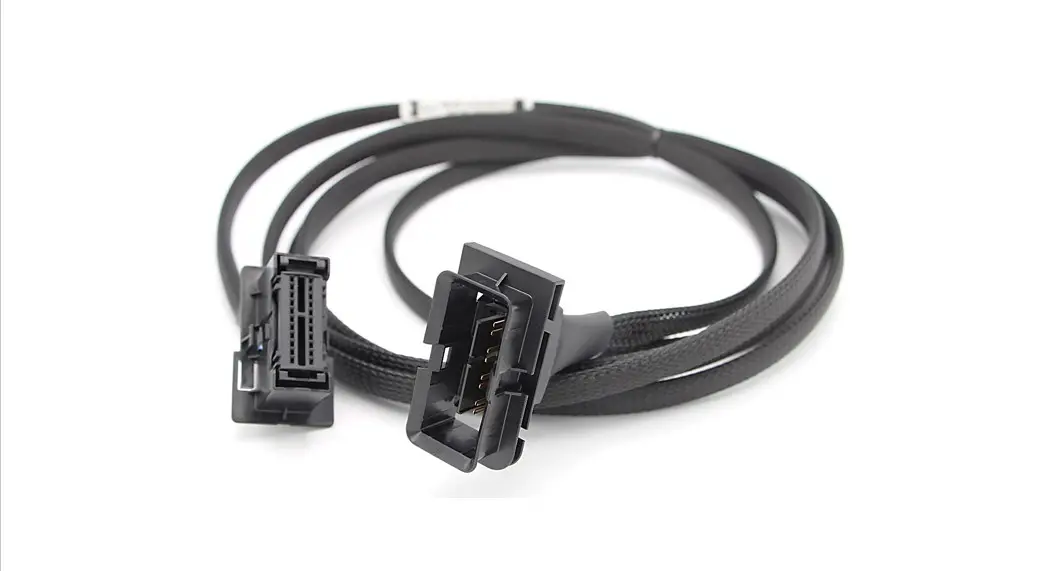
Find out OBDII interface –> Fixed Host –>Hidden line–>Paste film
Reflective film steps:
Clean the windshield and sprinkle with water, tear the 1 label on the reflective film and affixed to the windshield, then tear the 2 labels on the reflective film, end.
* If the ghosting is not serious, the reflective film should not be applied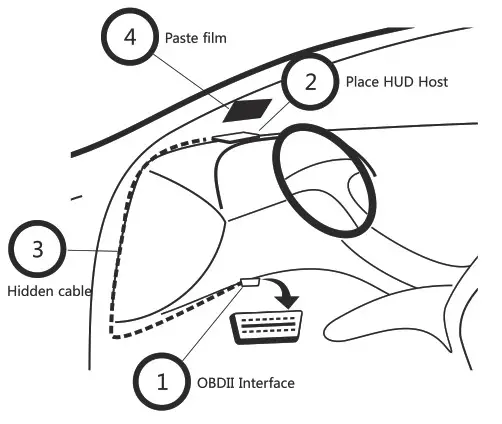
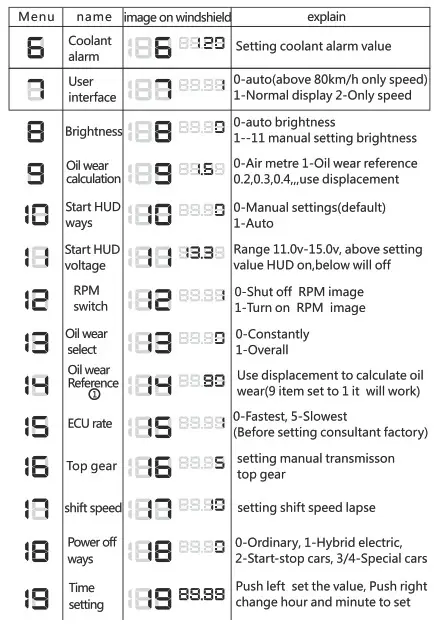
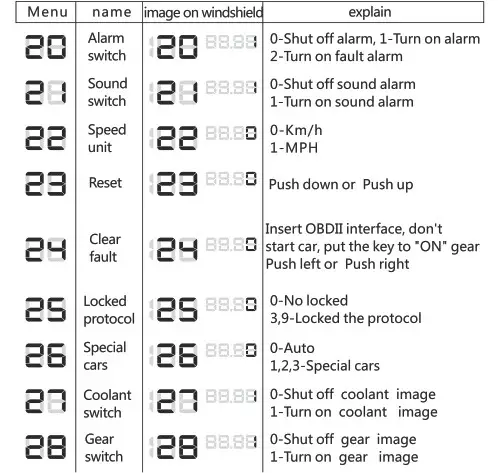
Step into settings mode
[set it when the value of HUD is inaccurate ]
- Confirm the HUD connect the car, start the car and wait for it to work CD
- Find out the multifunctional button

- Long push inward into settings model, do it again save and exit
The image on the windshield:

For example:
The car speed is 80km/h, but the HUD is 75km/h, how can I do it?
‘Long push inward the button–> into setting mode–> HUD show 01.05
Push left the button twice –> HUD show 01.07
Long Push inward the button–> save and exit
Oil wear Reference
User input based on experience Oil wear per 100km, HUD auto-reverse calculate the constant oil wear
Fast setting
[ Setting it after start the car, HUD work OK ]
Quick change interface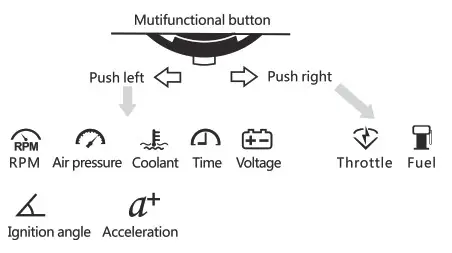 Restore factory default settings
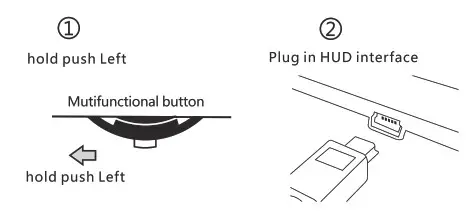
B My HUD time was wrong, how can I do ?
Long push inward the button–>into setting mode
Push inward the button 19 times –> HUD show 198.00
Push left the button many times — >set the hour ‘Push right’ Change to
set the minute–>push left the button many times
Long Push inward the button–> save and exit
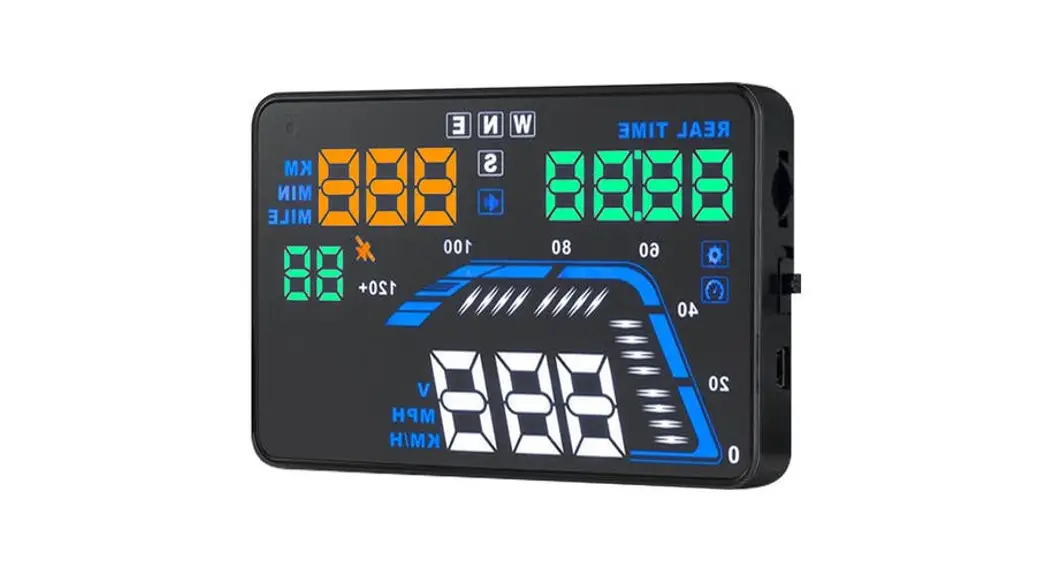
Parameter
- Condition : temperature-40c+120c pressure86-106KPa relative humidity 10%-95% Ambient noise< =60d B(A)
- Working voltage : 11V-16Vdc(12Vdc/350mA)
- Working current : 60-500mA
- Standby current : < =30mA
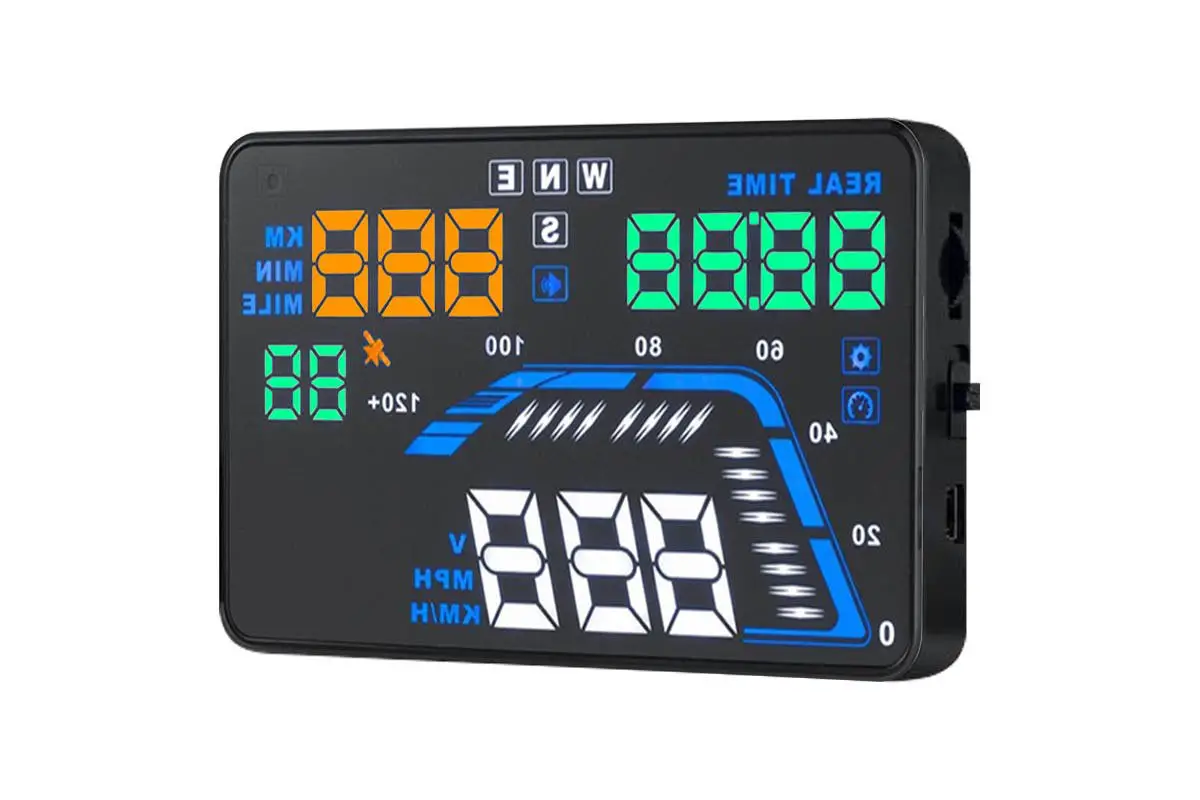
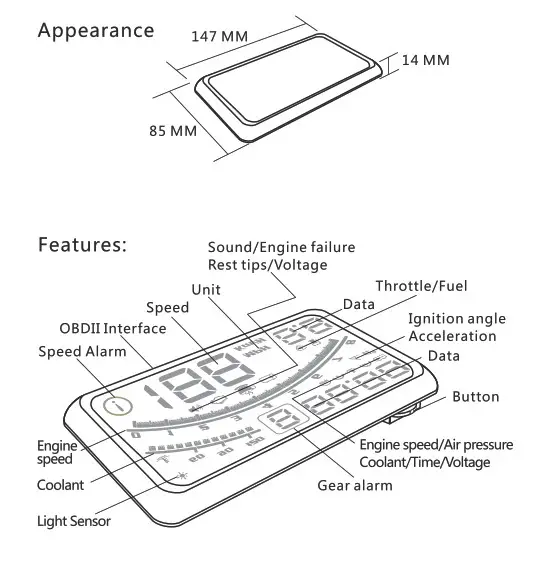
- Host size : 147x85x14(mm)
- Screen size : 5.5inch 155×64(mm)
- Packing size : 225x150x50(mm)
- Total weight : 280g