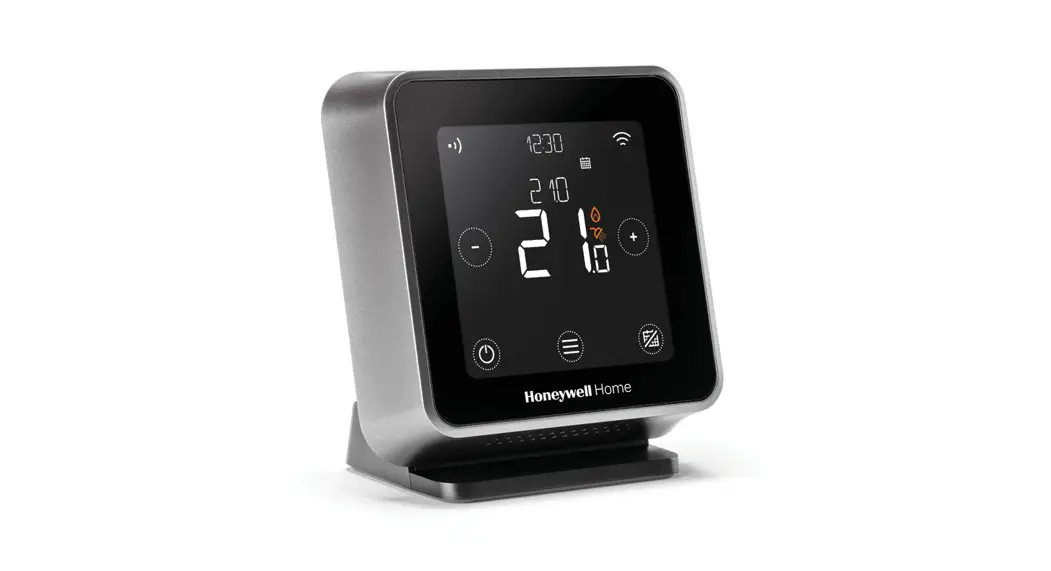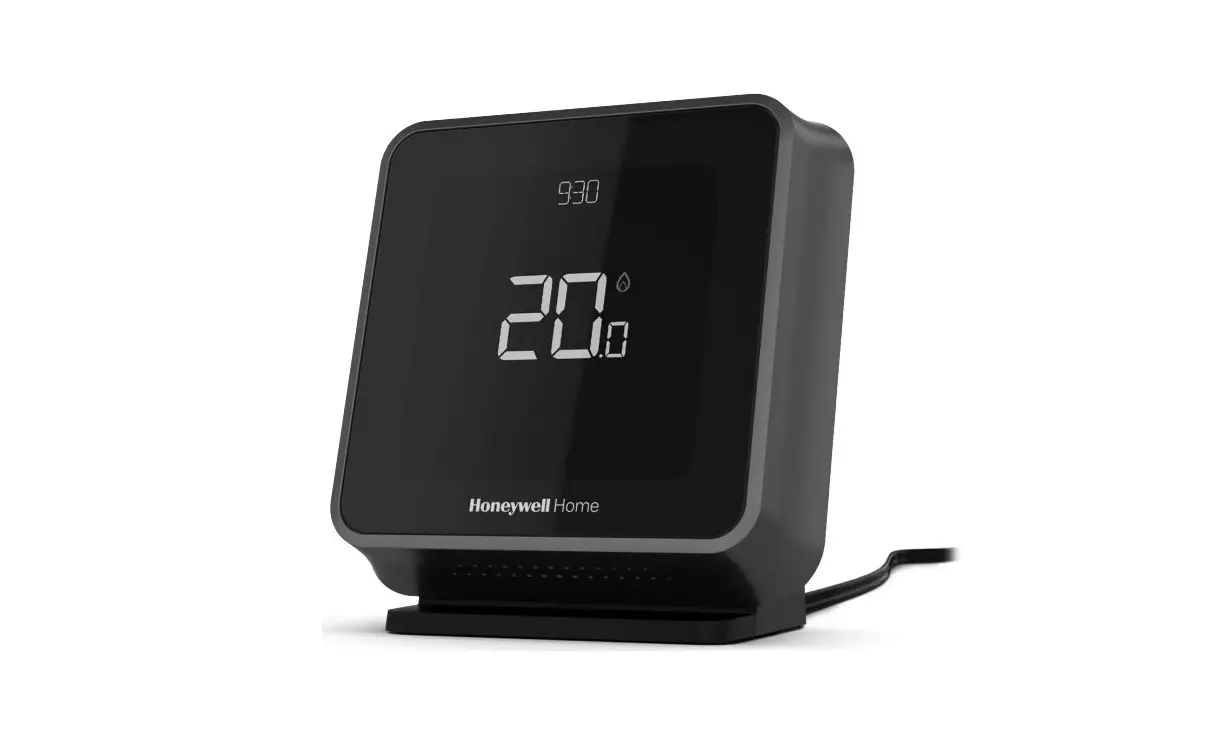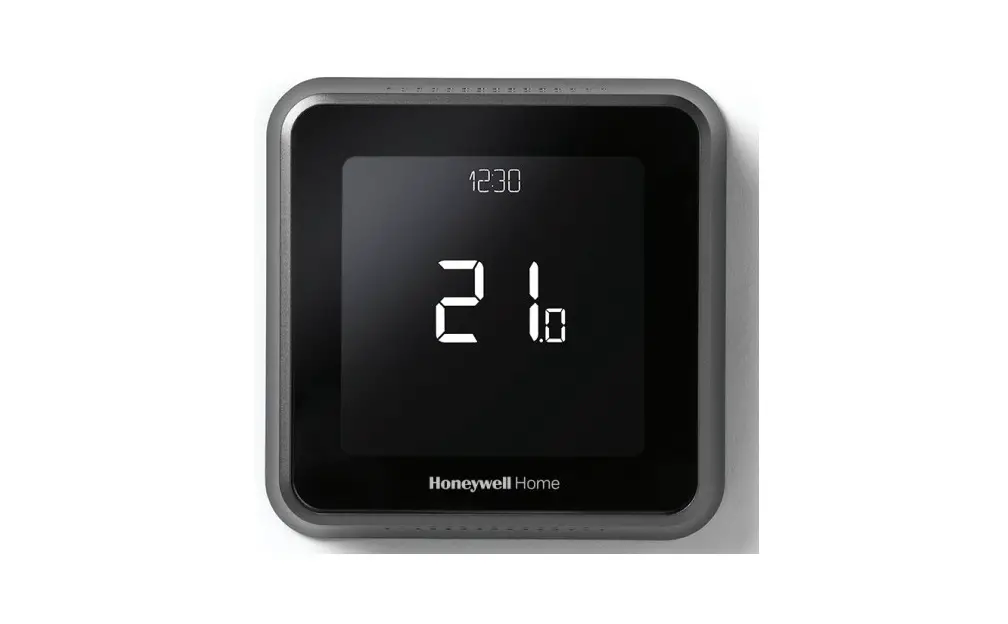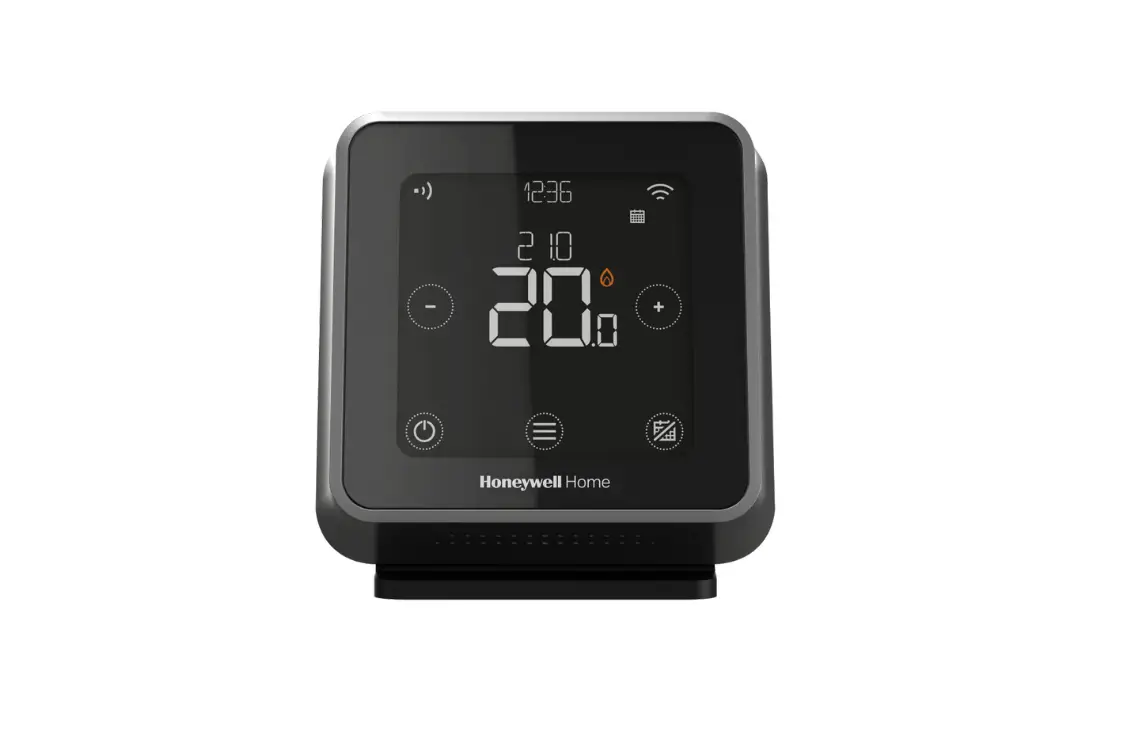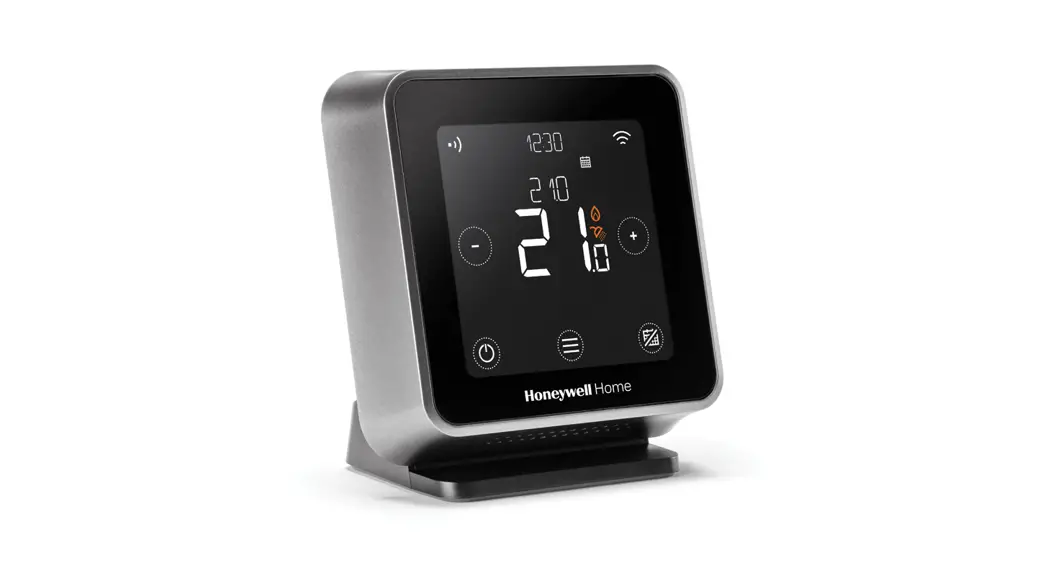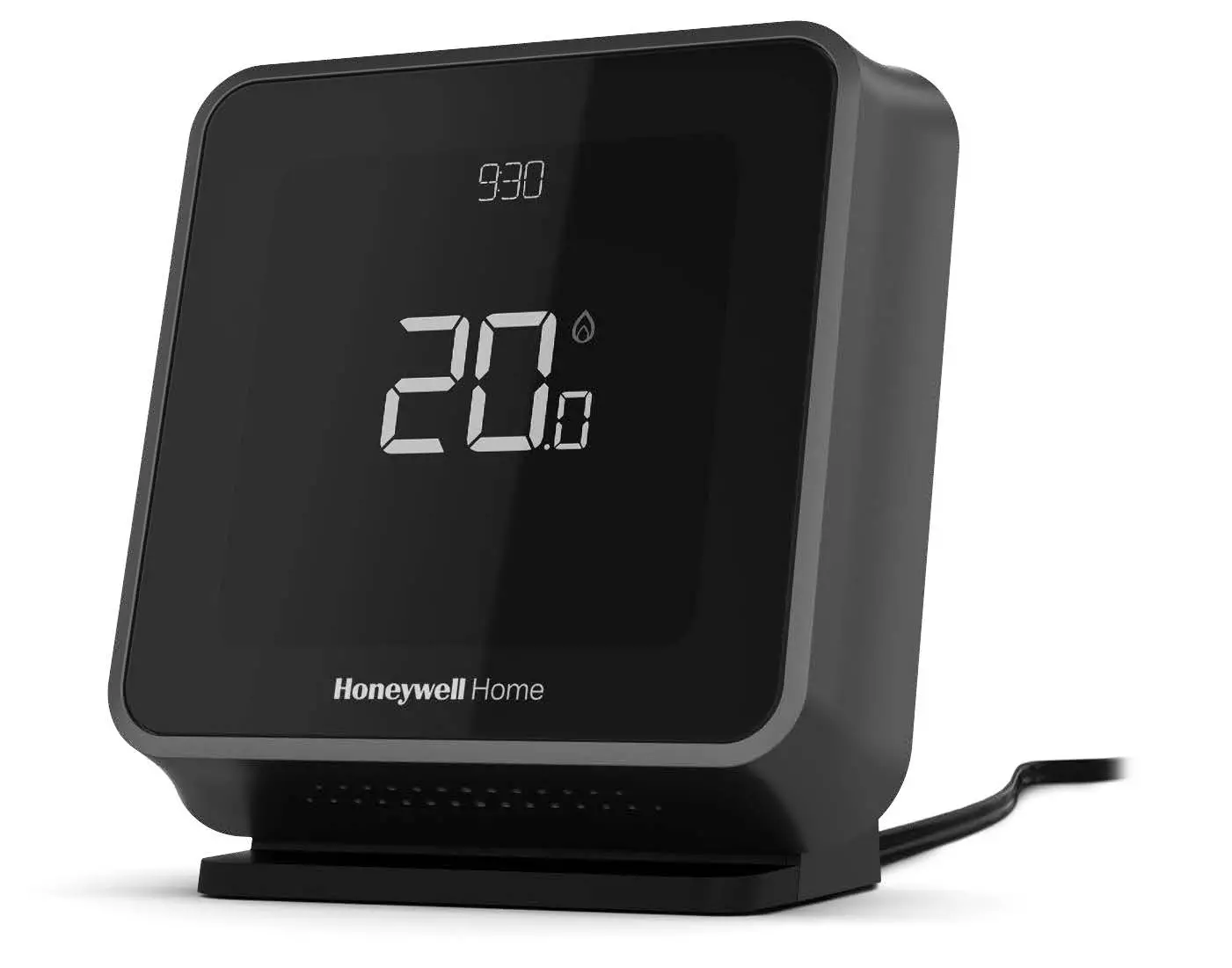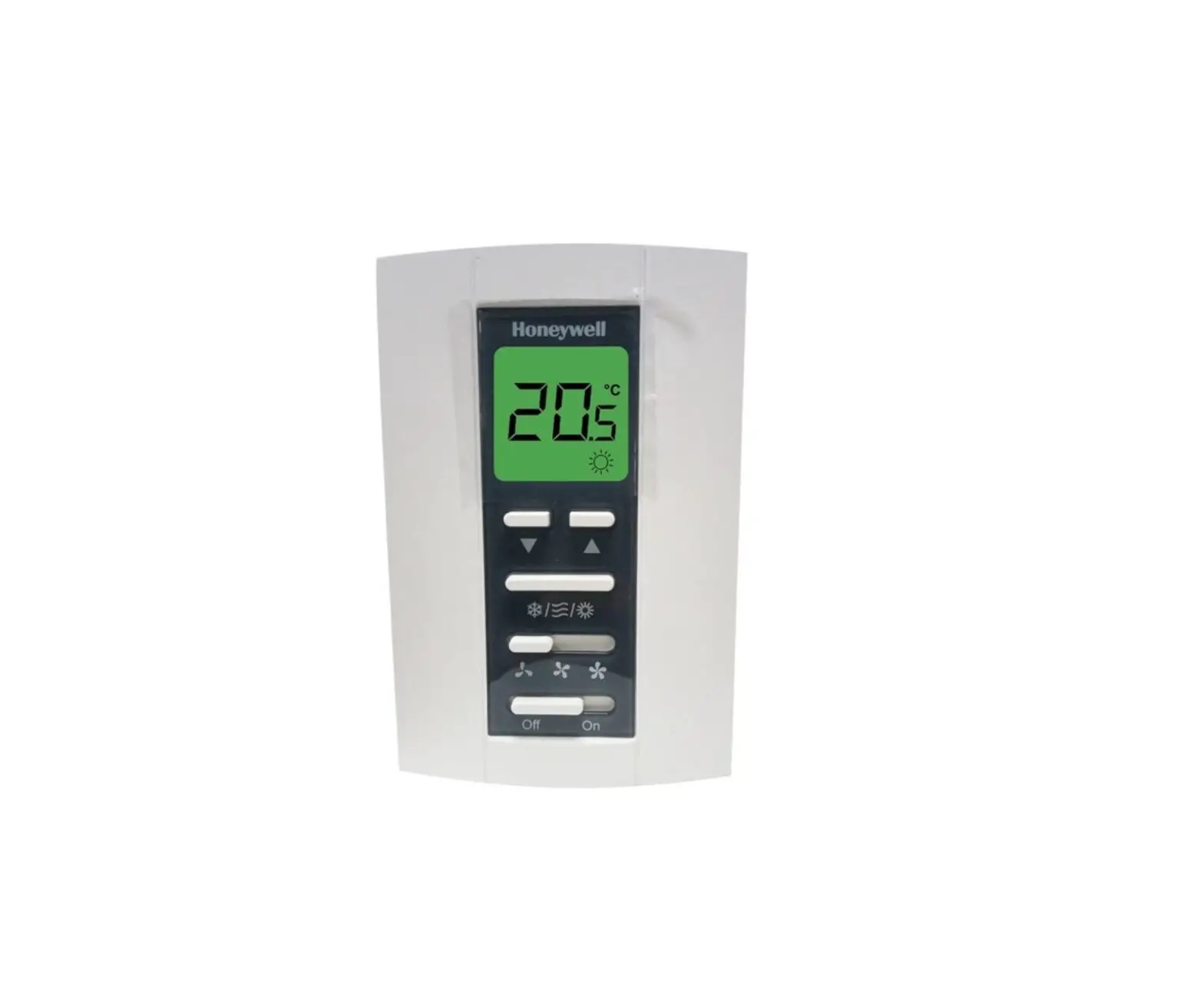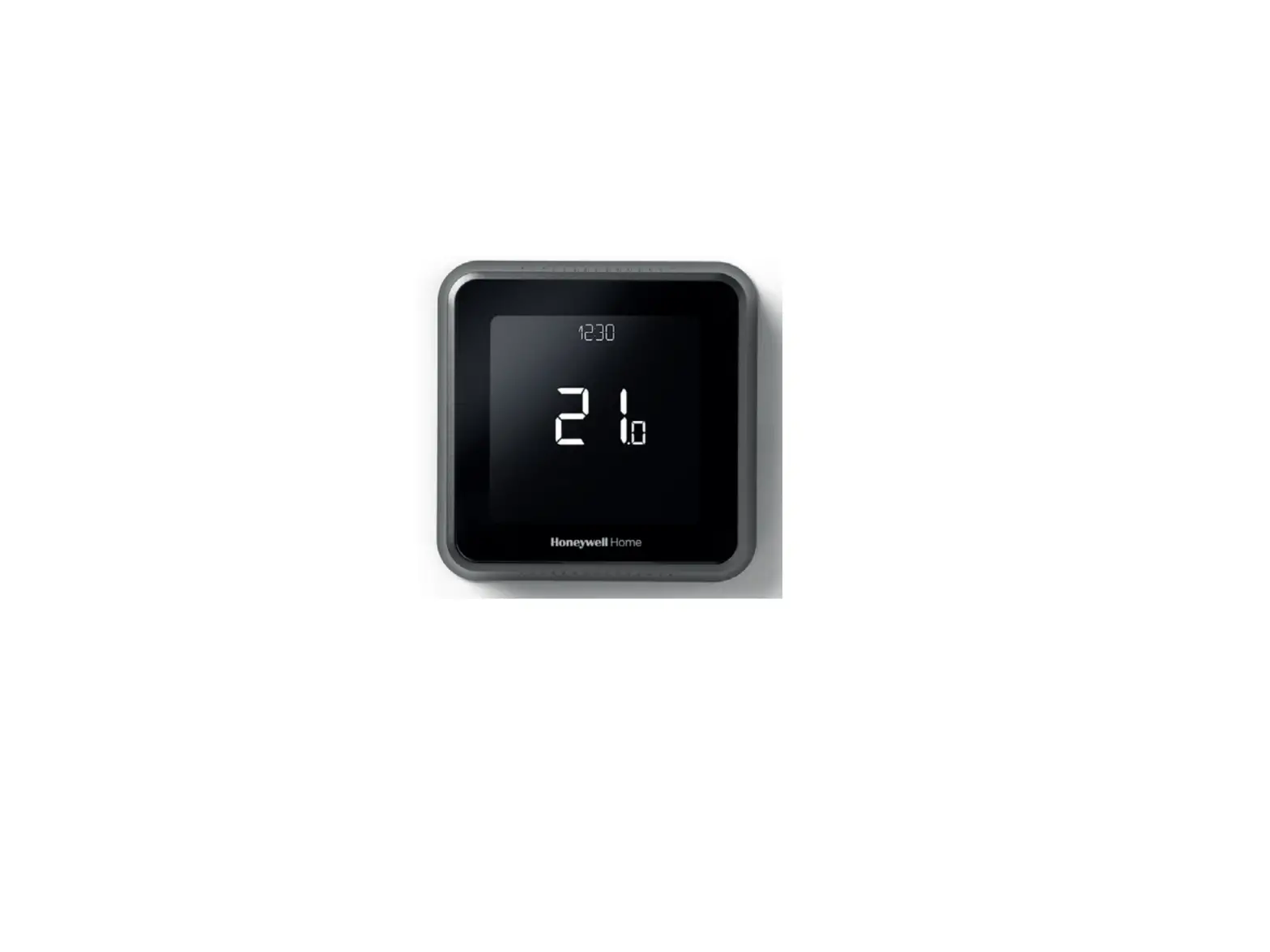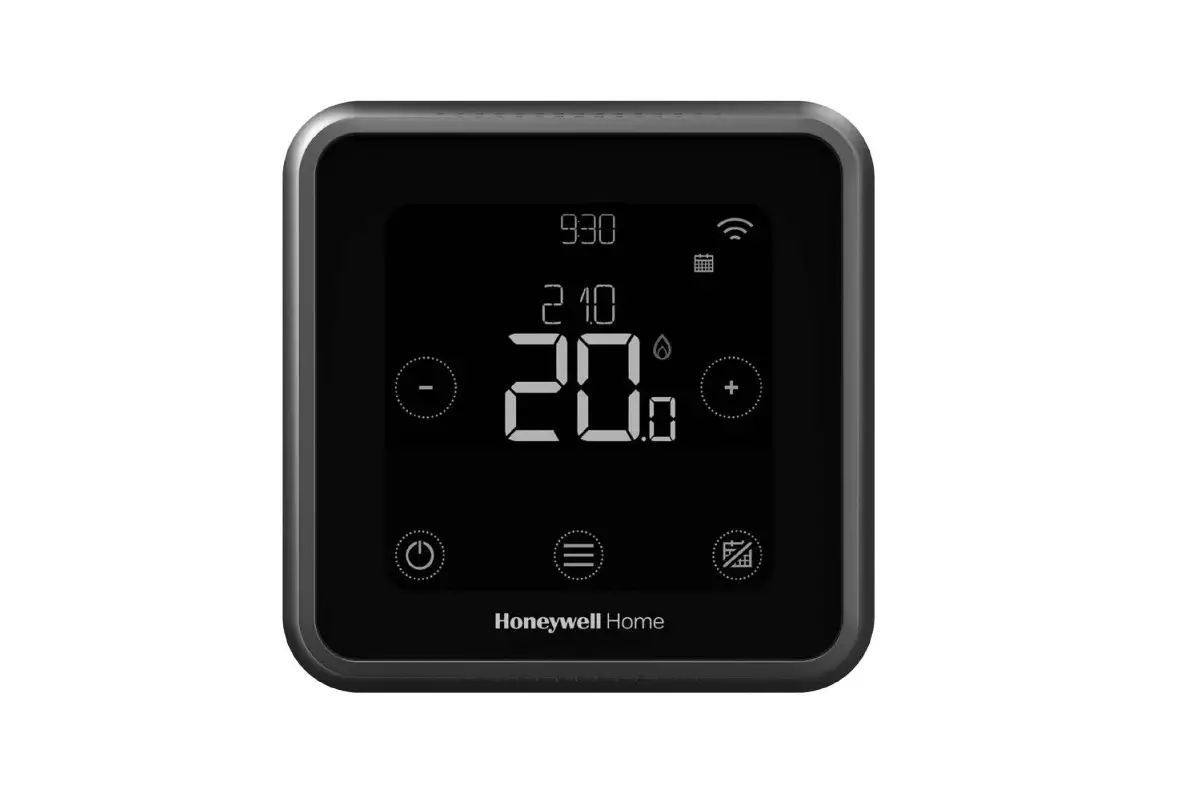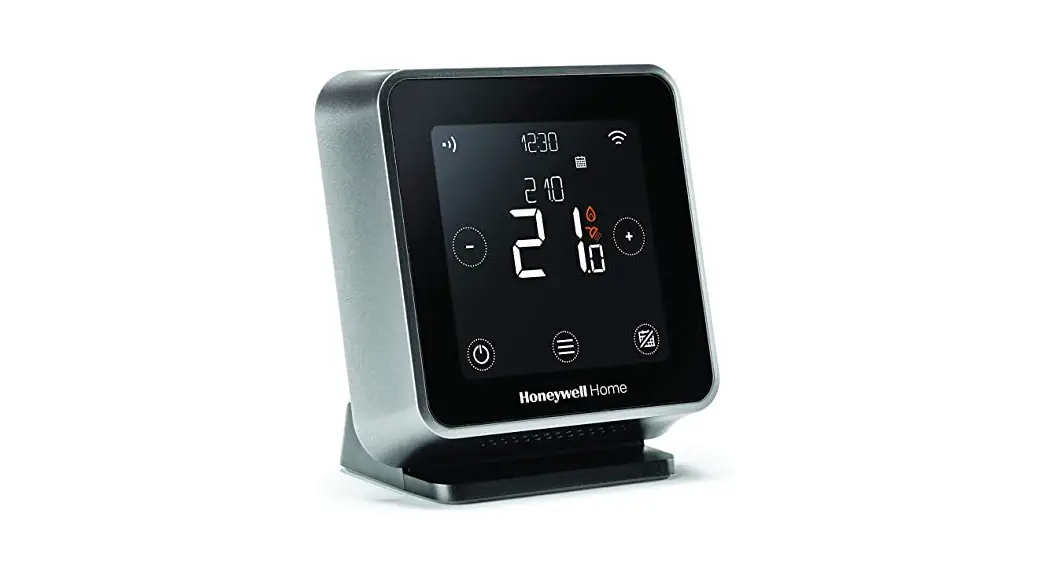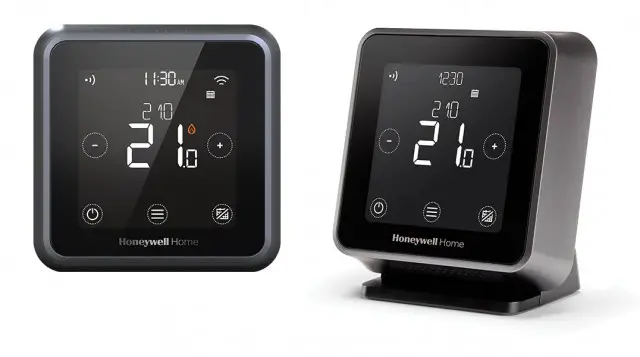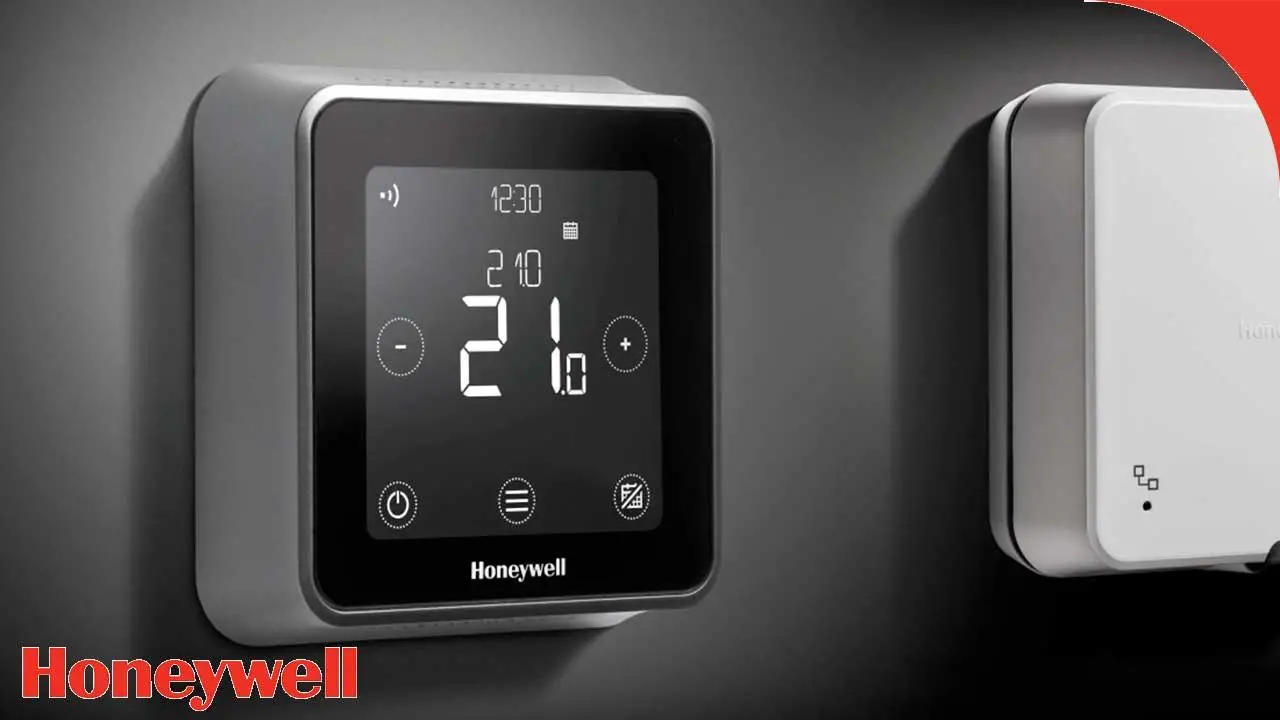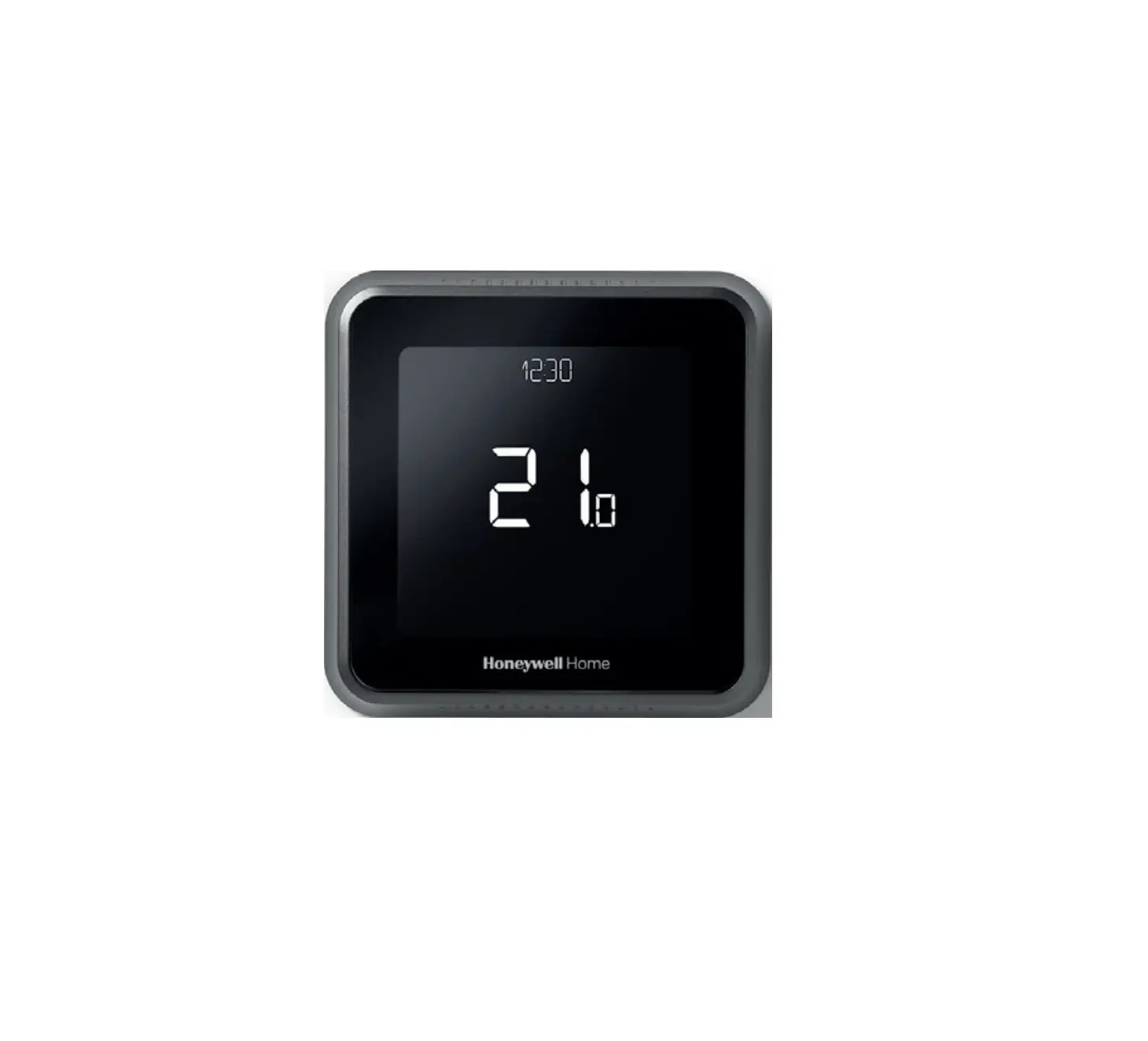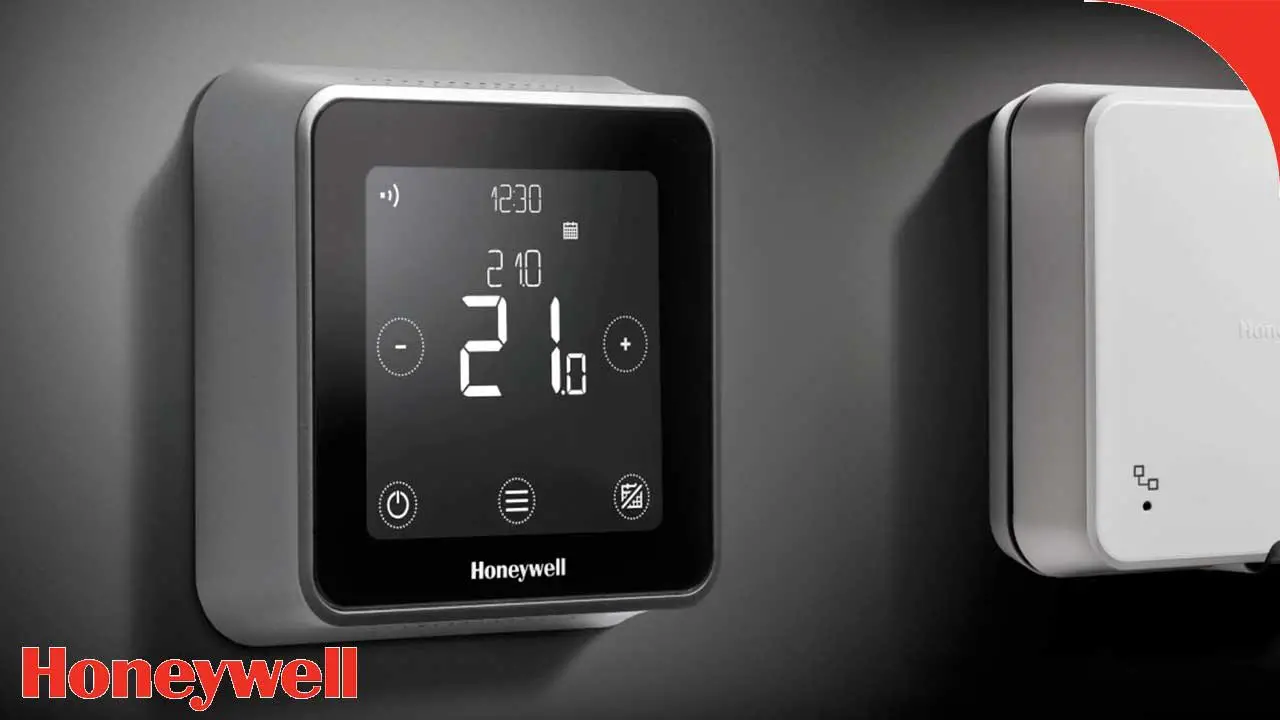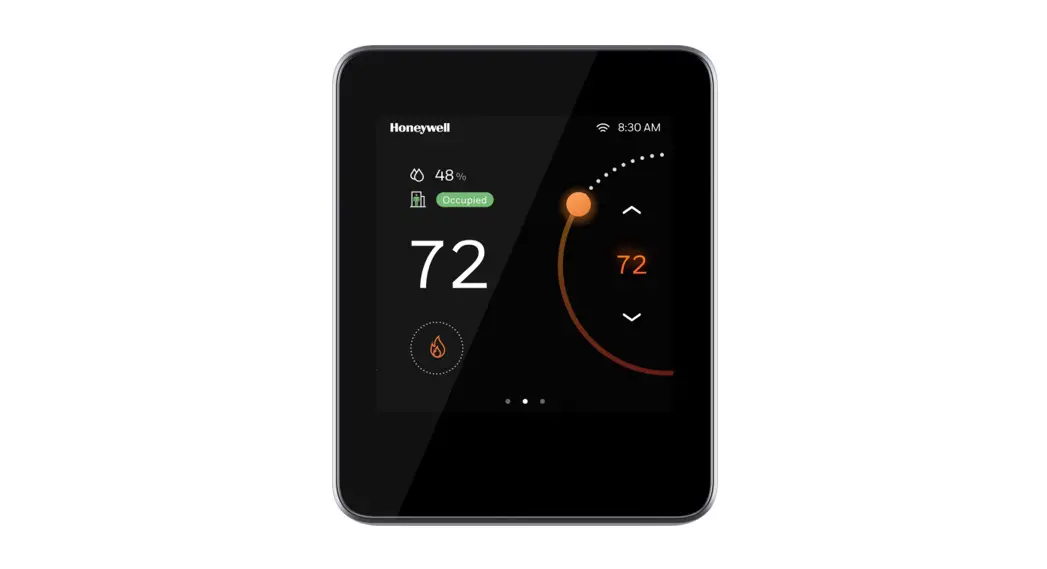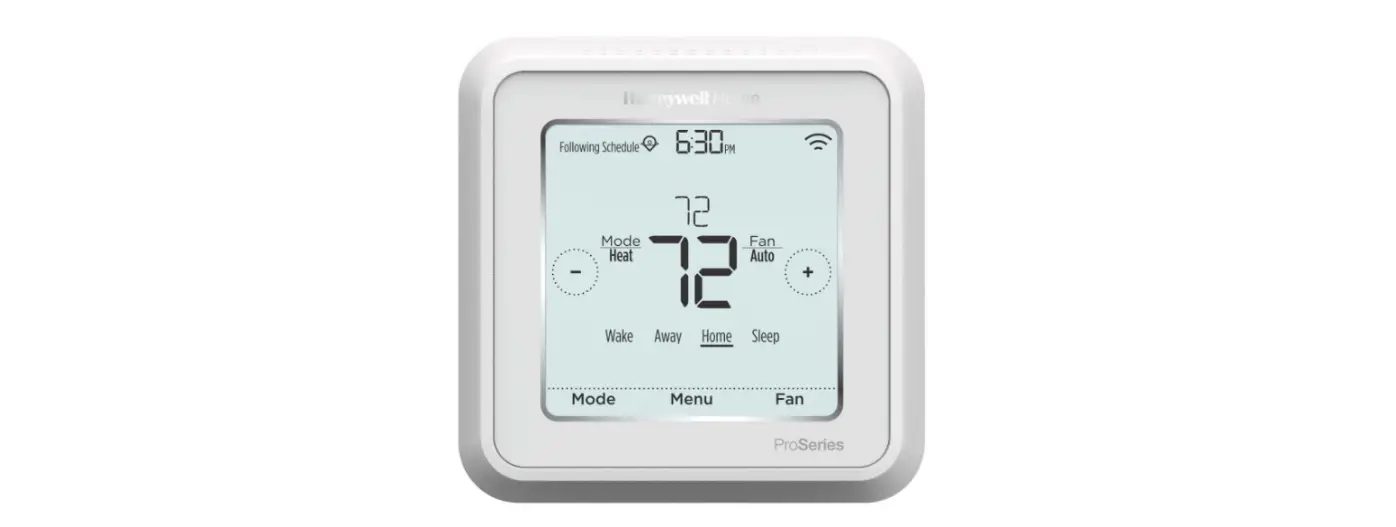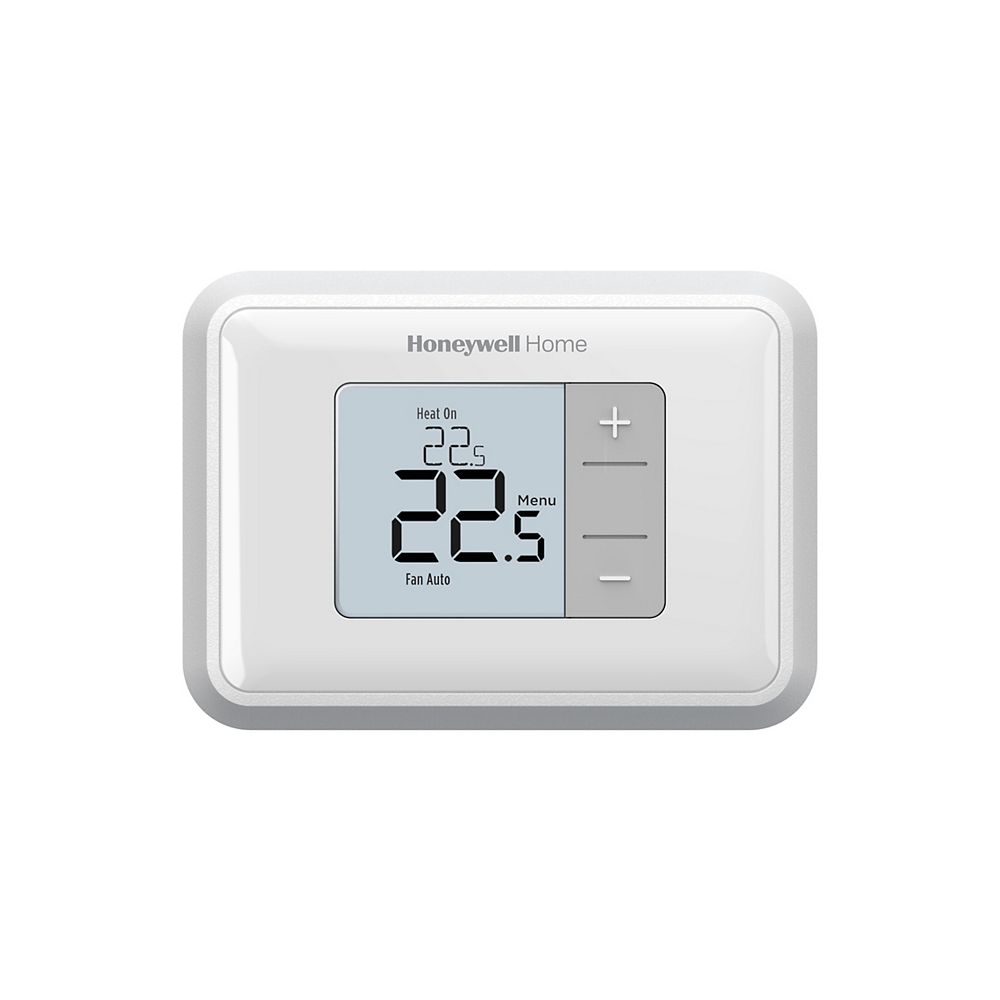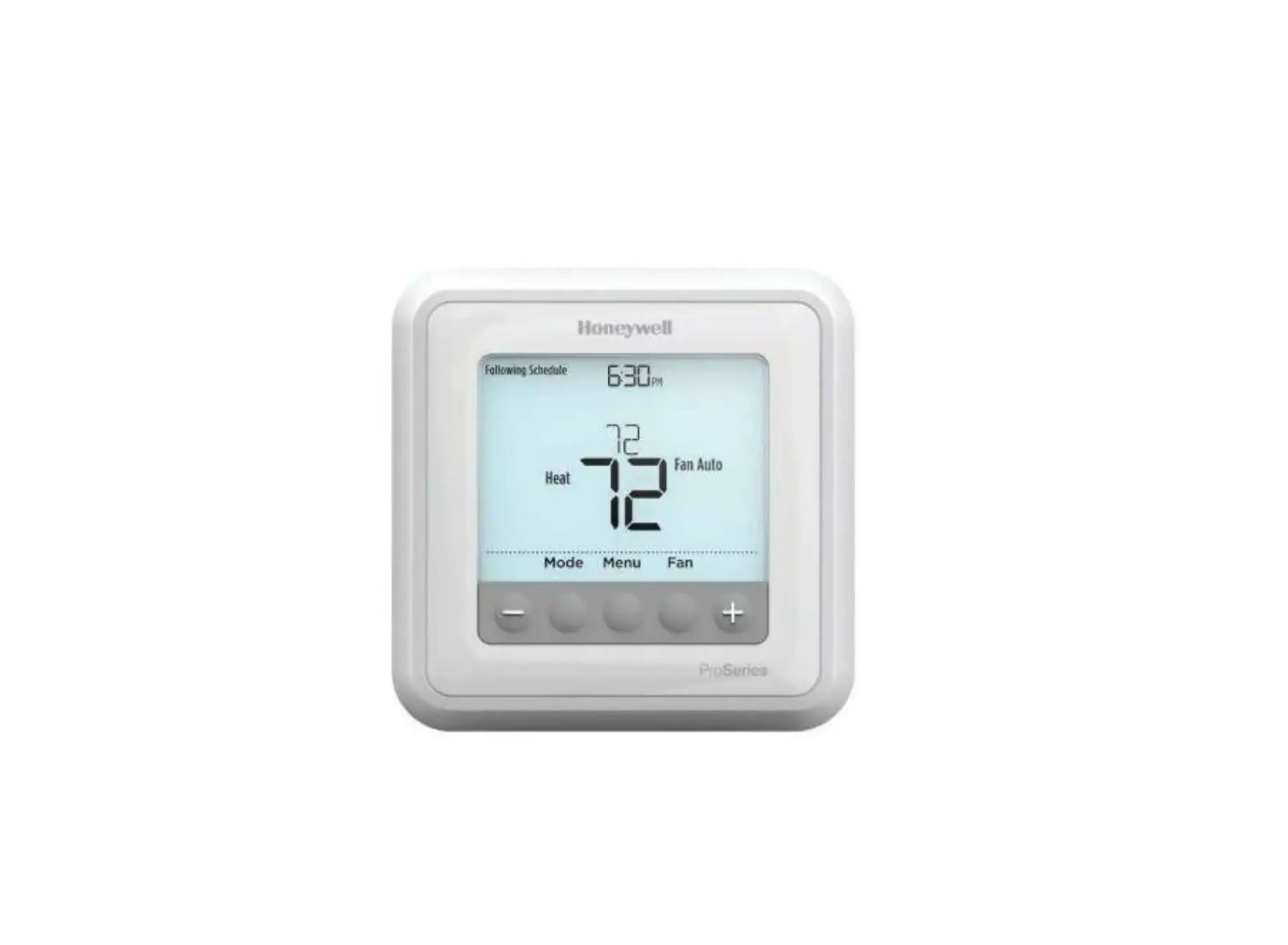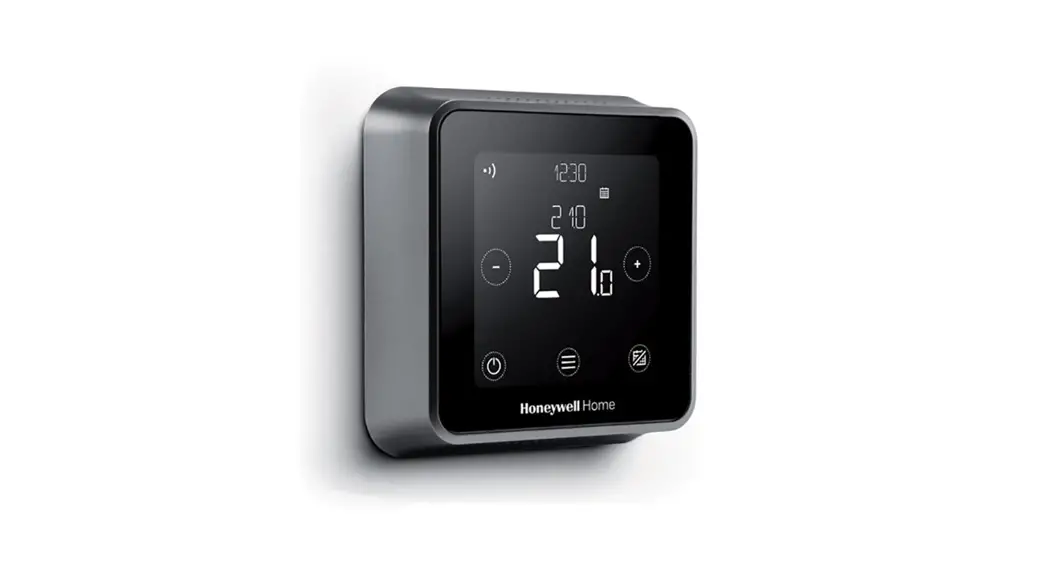
 T6R Smart Thermostat
Wall Mount
Instruction Manual
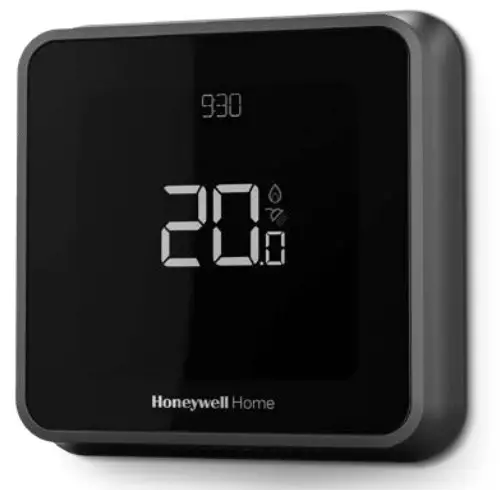
Compatible with 24-230V on/off and OpenTherm® appliances such as gas boilers, combi-boilers, and heat pumps. Also compatible with Sundial Y- and S-plan stored hot water systems with zone valves.
 Need help? For assistance please visit: getconnected.honeywellhome.com
Resideo, 200 Berkshire Place, Winnersh Triangle, Berkshire RG41 5R Phone: 0300 130 1299
Approvals
Hereby, Pittway Sarl declares that the radio equipment type T6H700RW is in compliance with Directive 2014/53/EU. The full text of the EU declaration of conformity is available at the following internet address: https://hwllhome.co/DoC
RF (868MHz): Receiver Category 2, Max RF Power 25mW, 868–868.6MHz (868.3MHz) Wi-Fi (2.4GHz): Max Power 100mW, 2.4–2.458GHz
ErP: Class V (+3%), (EU) 811/2013

 Must be installed by a competent person!
Read these instructions carefully. Failure to follow these instructions can damage the product or cause a hazardous condition.
Turn OFF the power and remove the old thermostat
To ensure your safety, always make sure mains power is switched OFF before accessing wiring.
In case of removing the old thermostat be aware that the existing wiring will no longer be used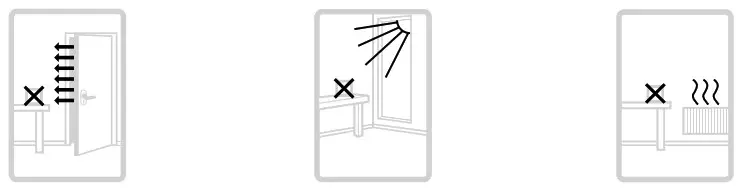
The T6R thermostat should not be placed near draughts, in direct sunlight or near heat sources. It should be at least 1.2 – 1.5 meters from the floor. WEEE Directive 2012/19/EC
Waste Electrical and Electronic Equipment directive
At the end of the product, life disposes of the packaging and product in a corresponding recycling center. Do not dispose of the unit with the usual domestic refuse. Do not burn the product.
Prepare Receiver Box for installation
Before installation of the Receiver Box.
Find a suitable location near to the boiler. Leave at least 30cm distance from any metal objects including wall boxes and boiler housing.
Loosen the front screw to remove the cover or tighten it when the cover is back in place.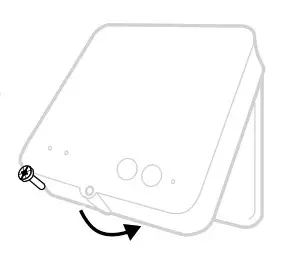
Needed during installation:
- Cable with 2 wires from the boiler to Receiver Box.
- The Receiver Box requires 230V power.
Install the Receiver Box
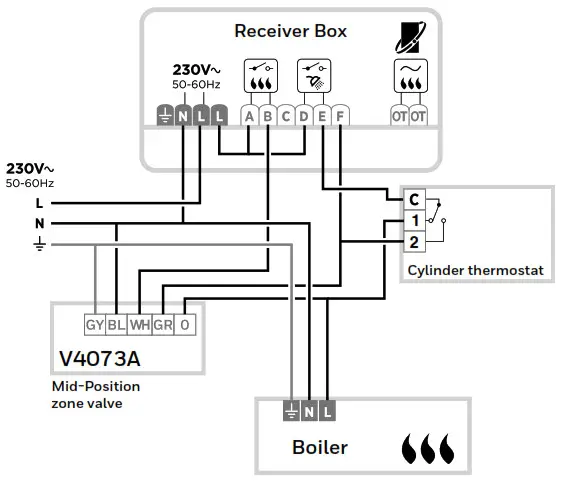
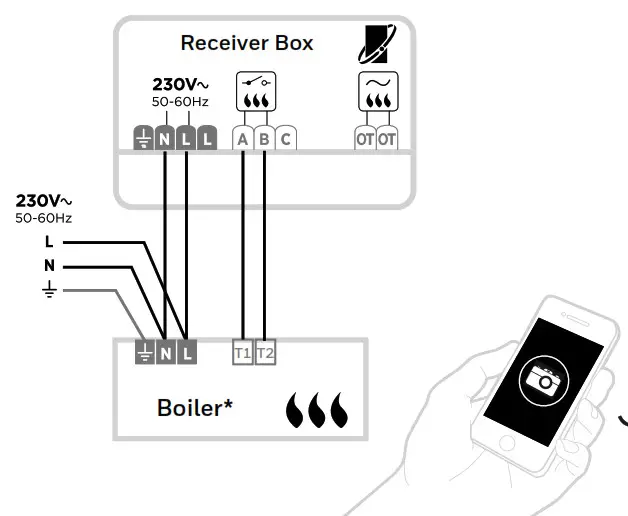
Please refer to the wiring diagrams over the page
A) Wall box or Rear Wiring
Hinge open the terminal block flap to access the cables and wall box screw holes.
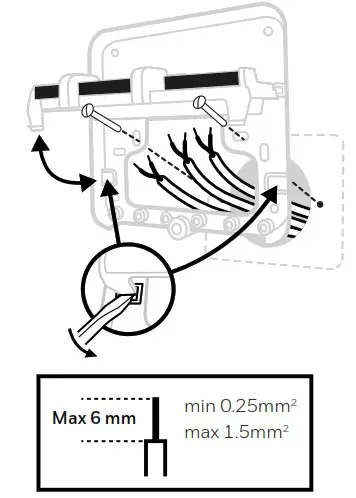
B) Surface wiring
Use the cable clamps to secure the surface wiring.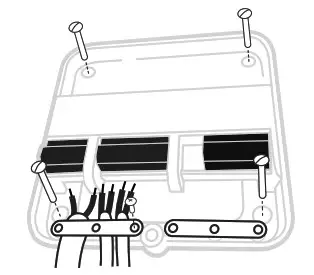
C) Replace the cover
Locate the hinges at the top of the cover and wall plate, close the cover and secure with the screw.
Install the T6 thermostat
The wall-mounted power supply requires 230V power. The minimum wall box depth is 40mm.
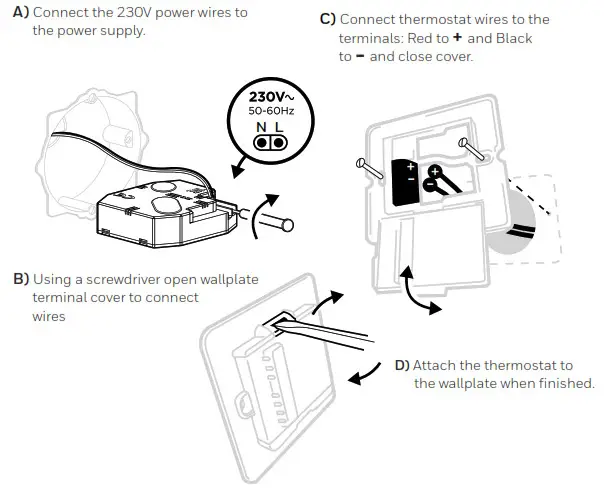
Complete installation
Turn ON mains power to the Heating Appliance and Receiver Box.
No binding is needed, the Receiver Box and Thermostat are pre-bound.
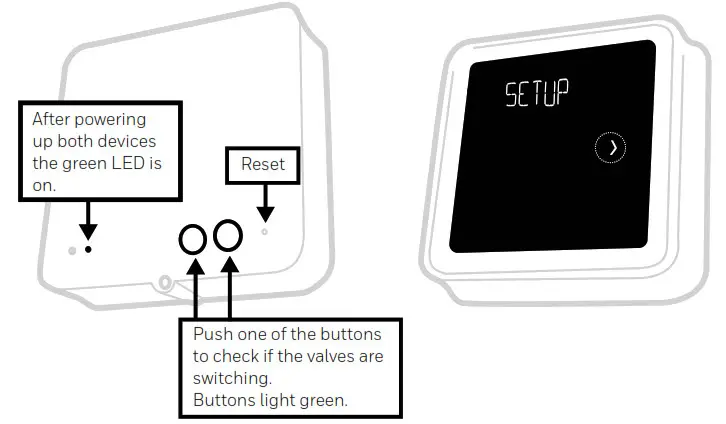
After power-up, SETUP is displayed on the thermostat’s screen.To rebind the units, reset the Receiver box, then press the button for 3 seconds. The LED on the receiver box will blink yellow to indicate the box is in binding mode. On the thermostat press  for 5 seconds to enter the advanced menu. Navigate to Binding, clear the current binding then bind the device again.
Set Up and configuration
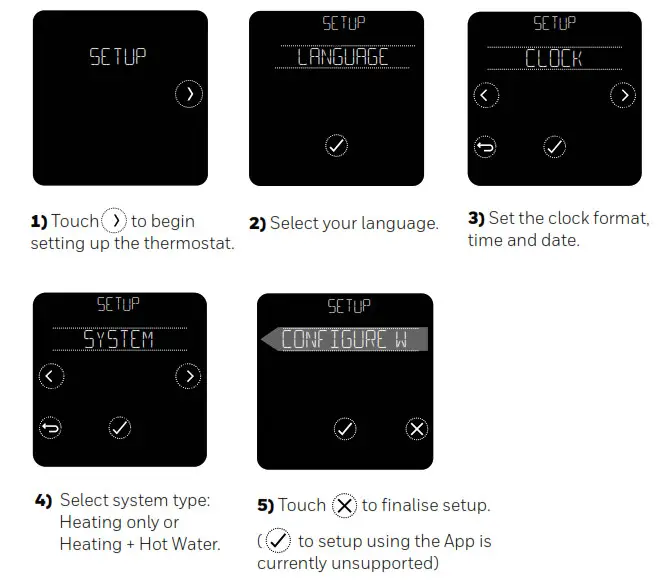
Once setup is completed, if you need to change more settings go to the advanced menu. To access the advanced menu press for 5 seconds.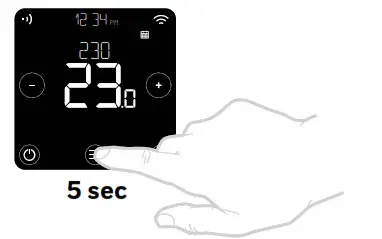
In the advanced menu the following settings can be adjusted:
| Menu Item | Default | Options |
| LANGUAGE | English | 0 = English, 1 = Français, 2 = Español 3 = Deutsch, 4 = Nederlands, 5 = Italiano |
| SYSTEM TYPE | Heat only | Heating only or Heating + Hot Water |
| OPENTHERM | – | OpenTherm boiler data when available |
| CYCLE RATE | 6 | 3, 6, 9 or 12 |
| MINIMUM ON TIME | 1 minute | 1, 2, 3, 4 or 5 minutes |
| HEAT RANGE | Min = 5.0ºC Max = 35.0ºC | Min: 5ºC to 21ºC, Max: 21ºC to 35ºC |
| SCHEDULE OPTIONS | Daily | 1 = Daily schedule, 2 = 5+2 days schedule |
| OPTIMISE | Opt. start OFF Opt. stop OFF | Opt. start: 0 = off, 1 = on, 2 = Delayed start Opt. stop: 0 = off, 1 = on |
| CLOCK | Format: 24h Time: –:-Date: 01/09/16 | Clock format: 1 = 12h, 2 = 24h Setup time and date |
| LOW LOAD CONTROL | ON | 0 = off, 1 = on |
| TEMPERATURE OFFSET | 0.0ºC | 1.5 ºC to 1.5ºC |
| BINDING | – | Bind, check RF, and clear bind. |
| RESET | – | Factory, schedule, WiFi, and HomeKit reset |
| FAILSAFE | OFF | 0 = off, 1 = on |
Wiring Diagrams
A) Sundial S-plan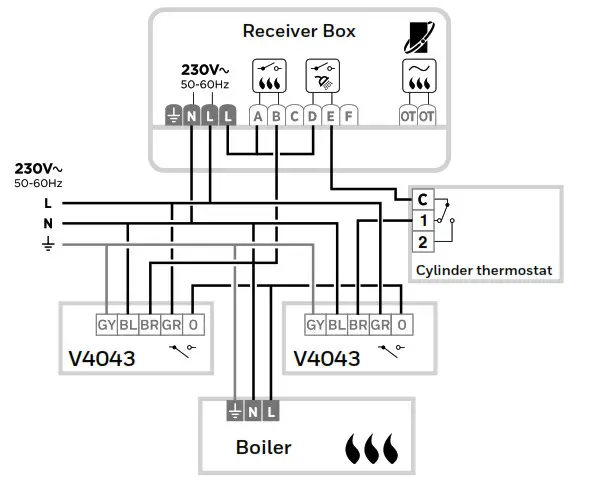
B) Sundial Y-plan
C) Combi boiler
D) OpenTherm boiler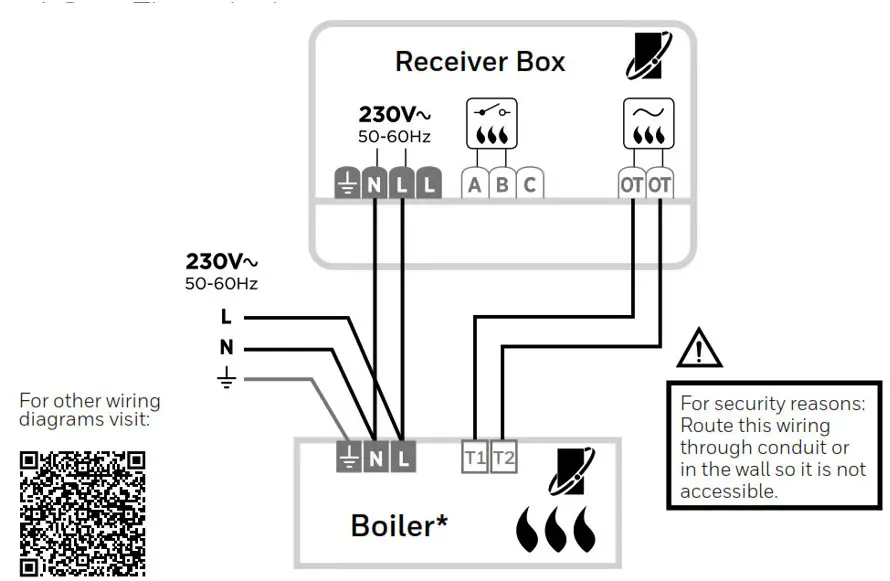
https://homecomfort.resideo.com/sites/UK/
* See boiler specifications for correct terminals
 Pittway Sarl, Z.A. La Pièce 4,
1180 Rolle, Switzerland
Country of origin: UK
www.resideo.com
© 2021 Resideo Technologies, Inc. All rights reserved.
The Honeywell Home trademark is used under license from Honeywell International Inc.
This product is manufactured by Resideo Technologies, Inc. and its affiliates.