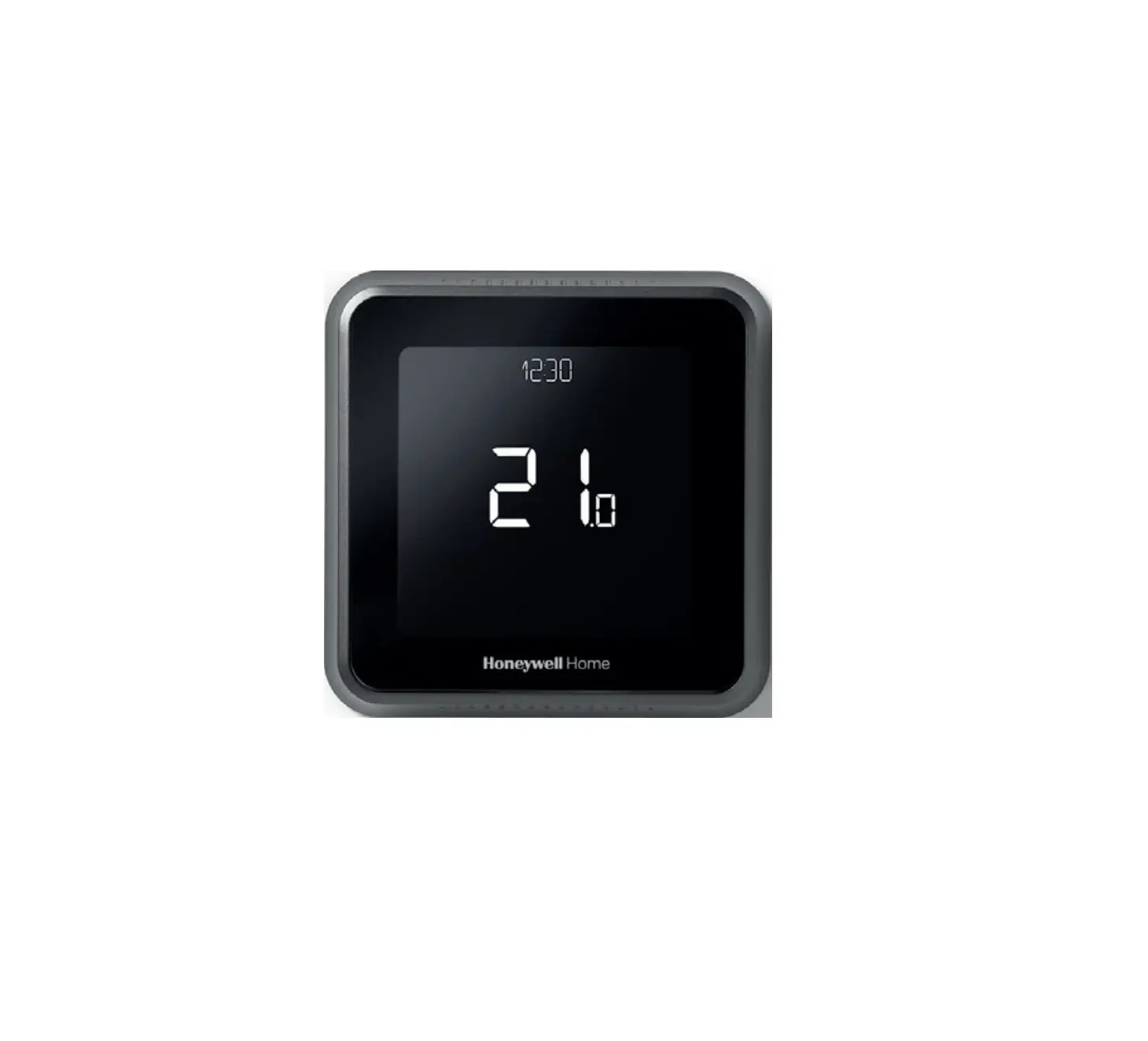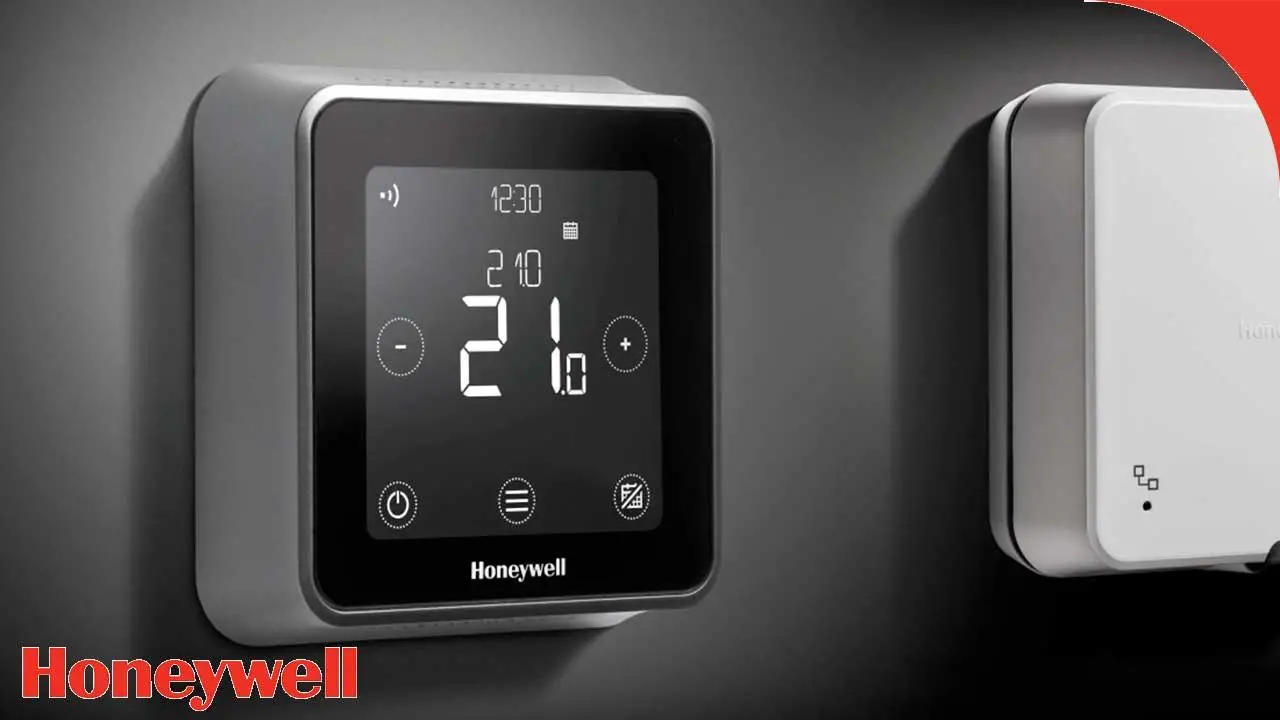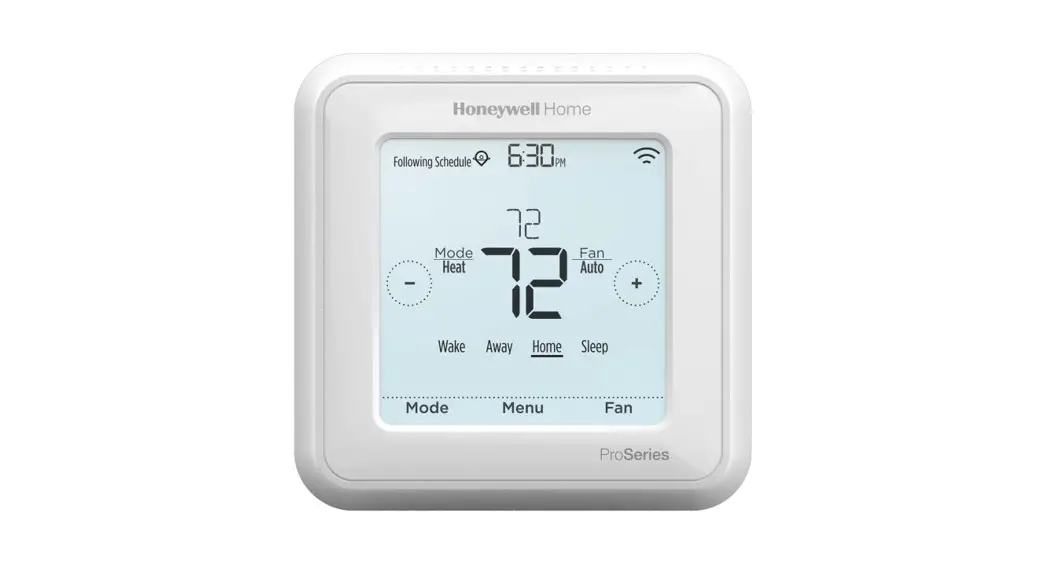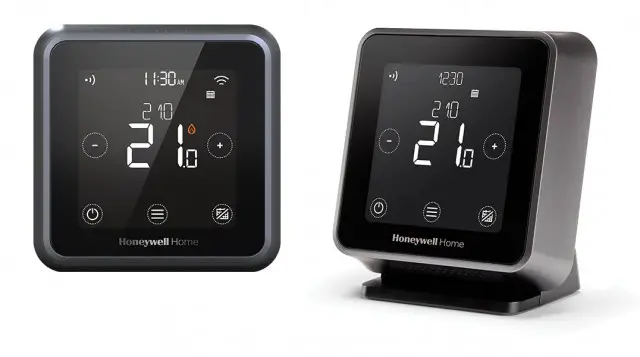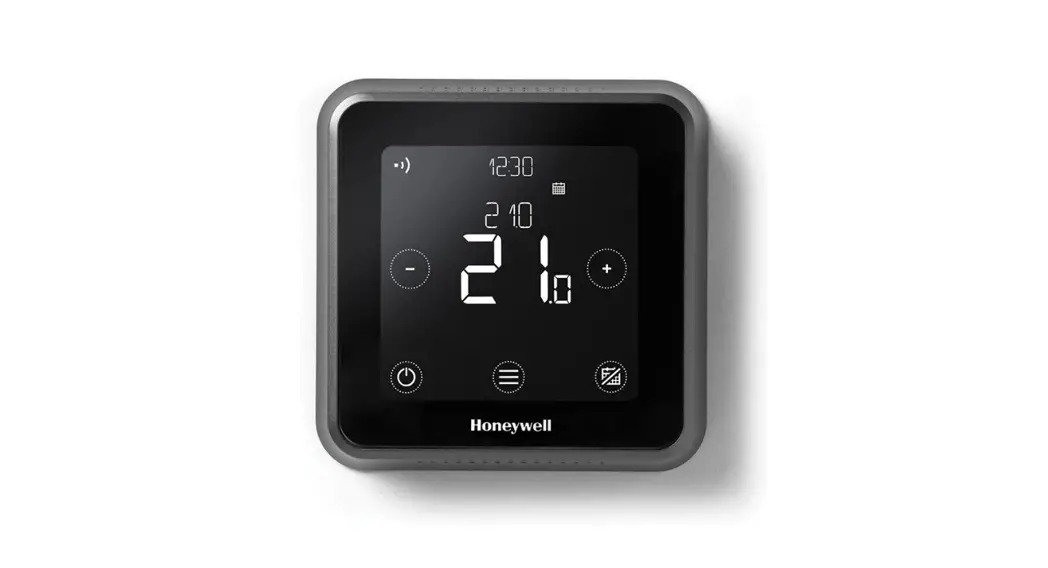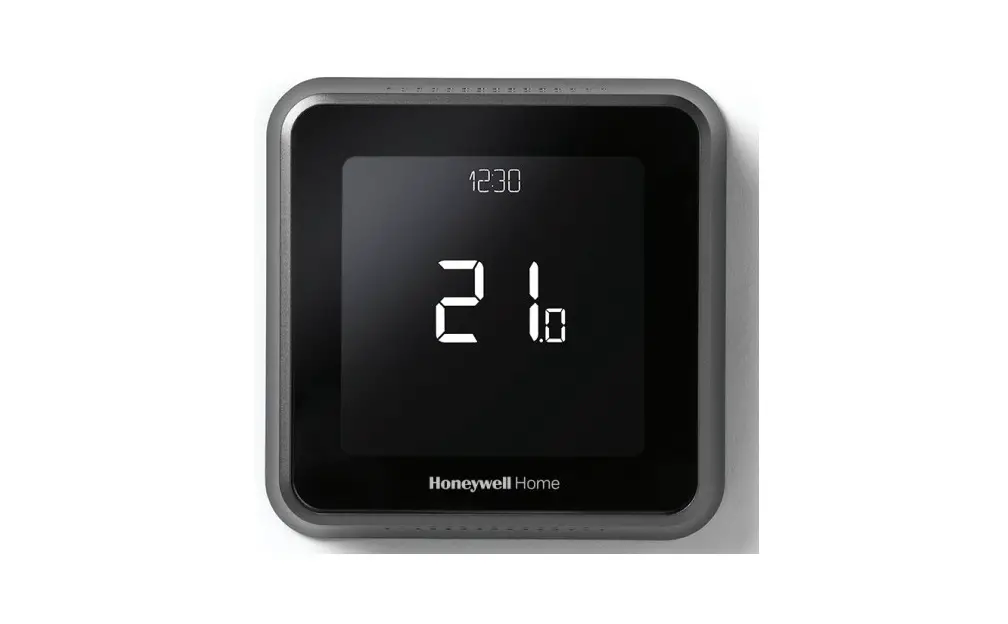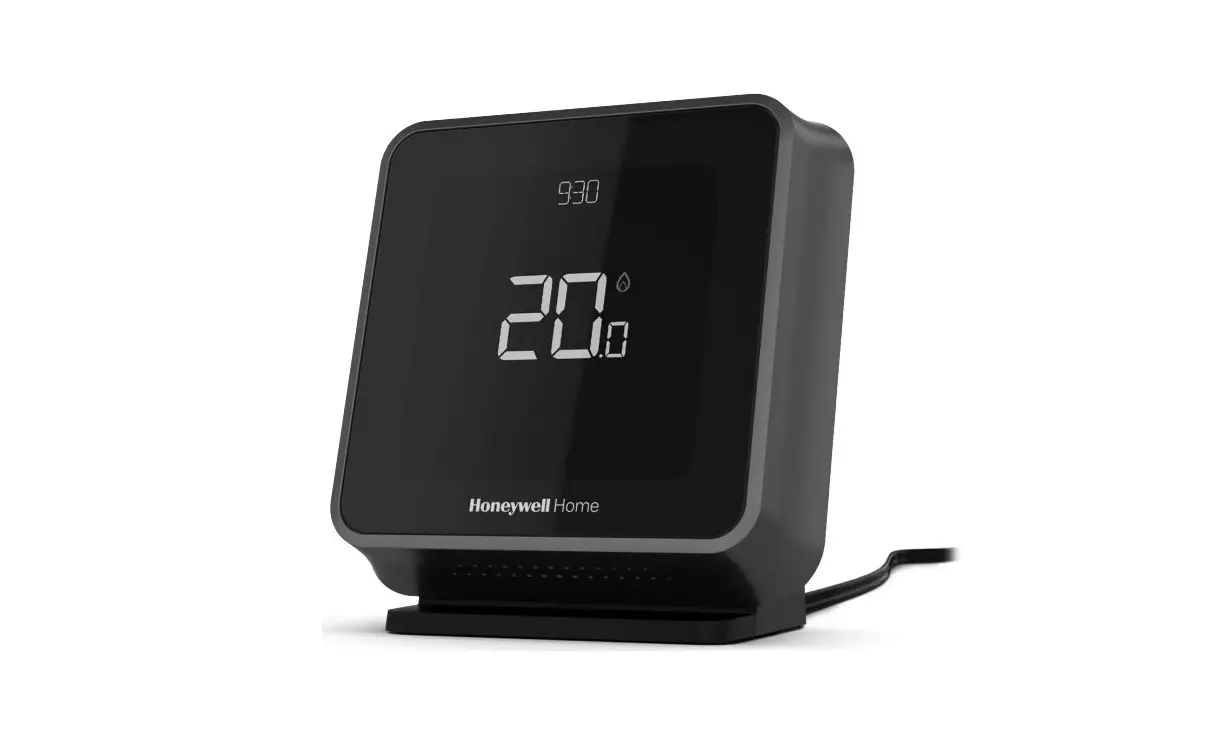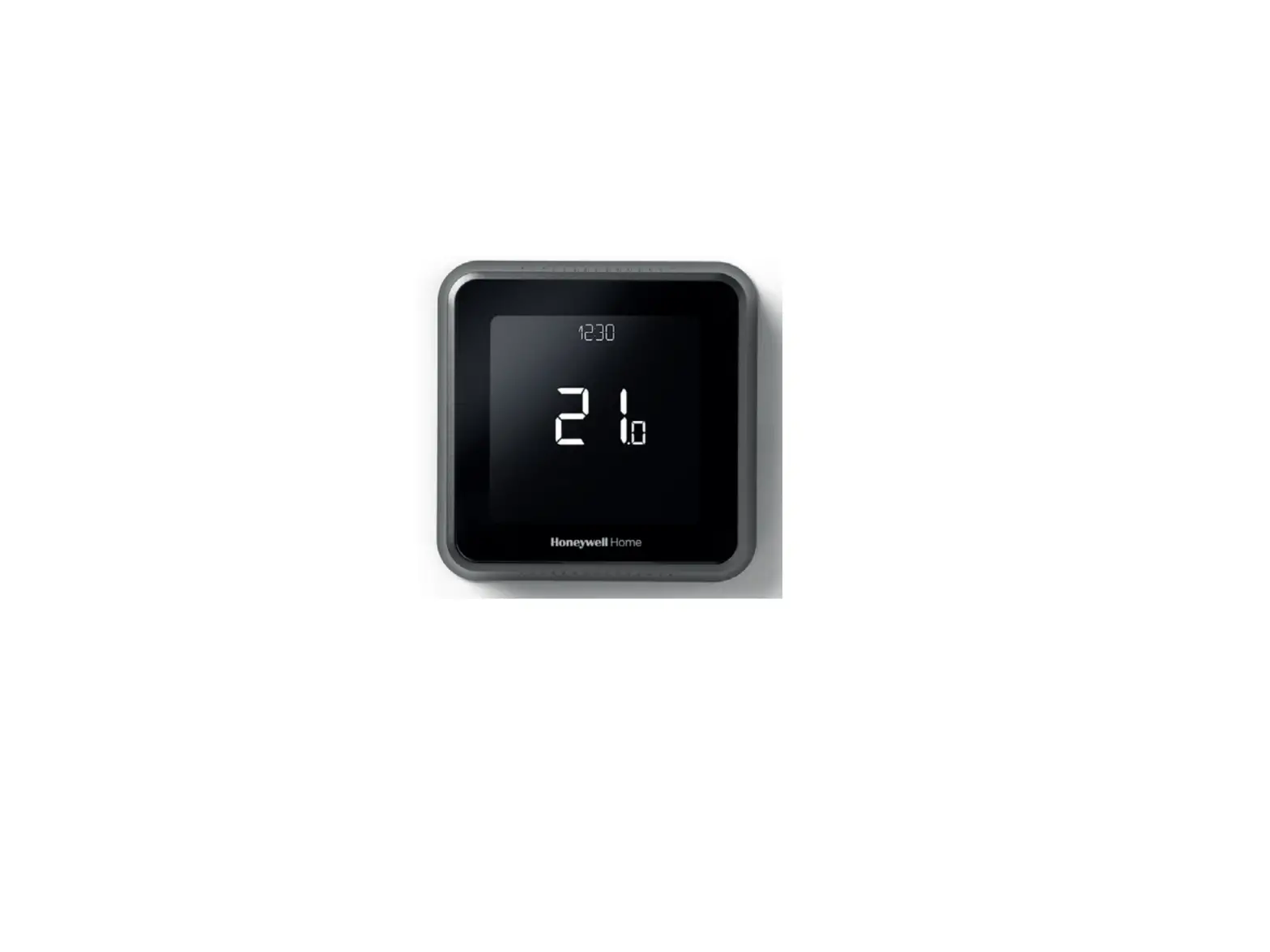
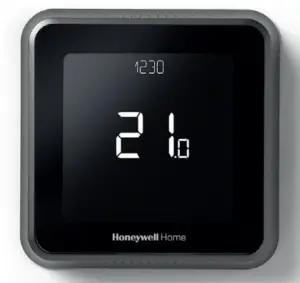
Honeywell T6R Smart Thermostat

Contents hide
Online Guides
getconnected.honeywellhome.com
Use of the Works with Apple HomeKit logo means that an electronic accessory has been designed to connect specifically to iPod, iPhone, or iPad, respectively, and has been certified by the developer to meet Apple performance standards. Apple is not responsible for the operation of this device or its compliance with safety and regulatory standards.
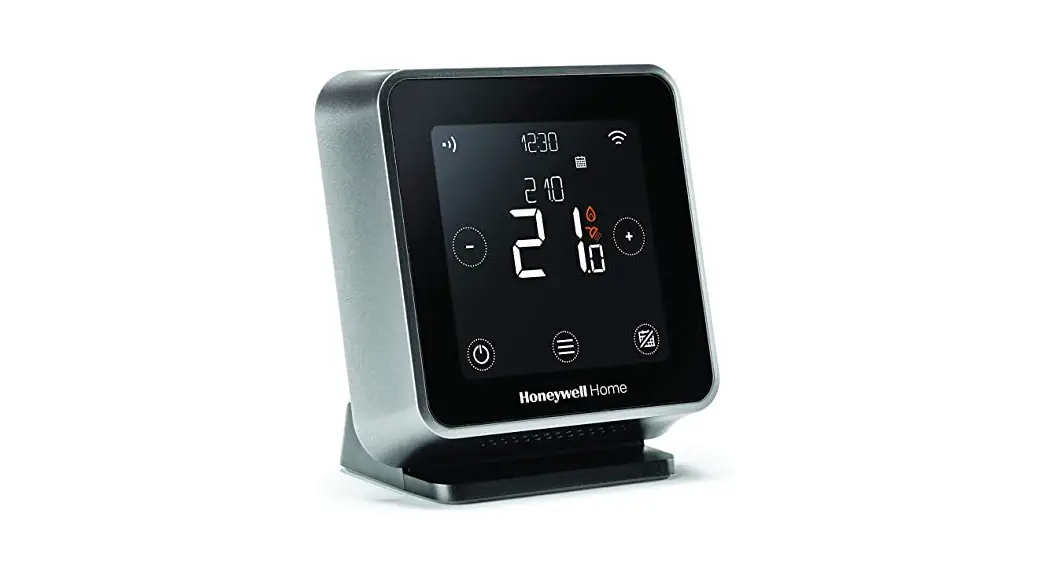
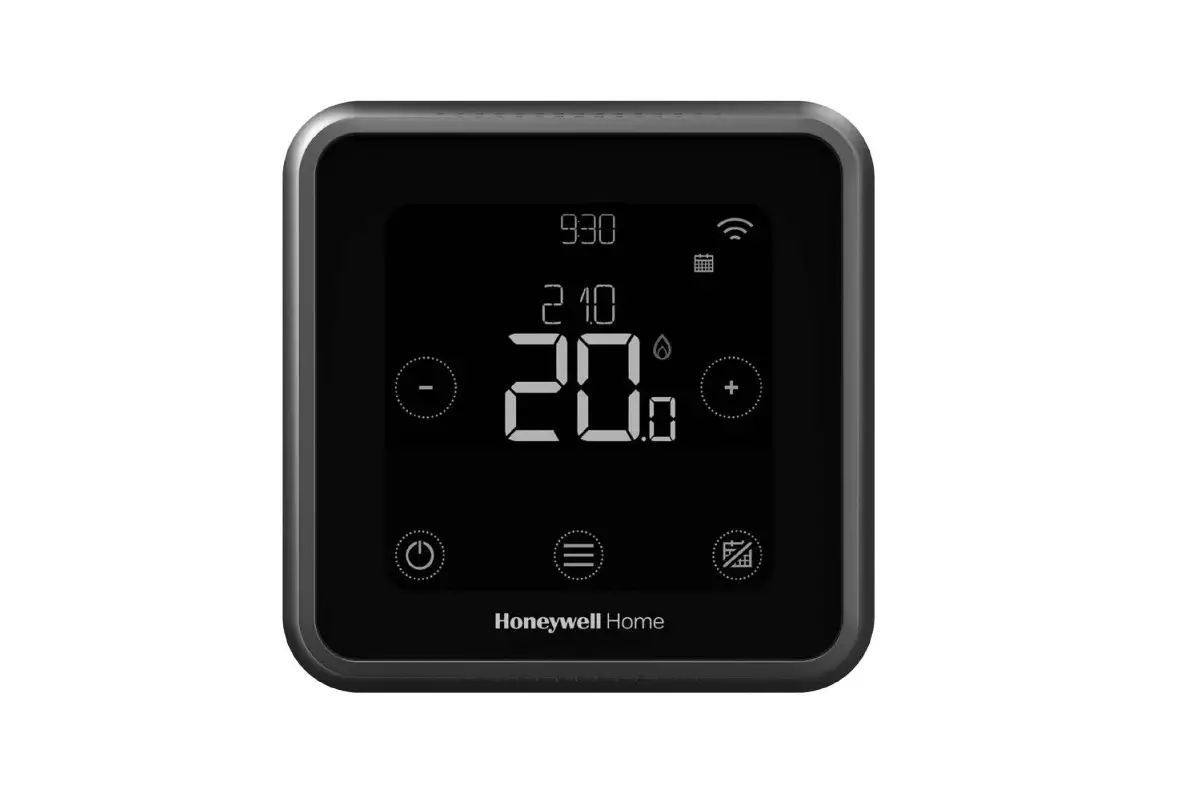
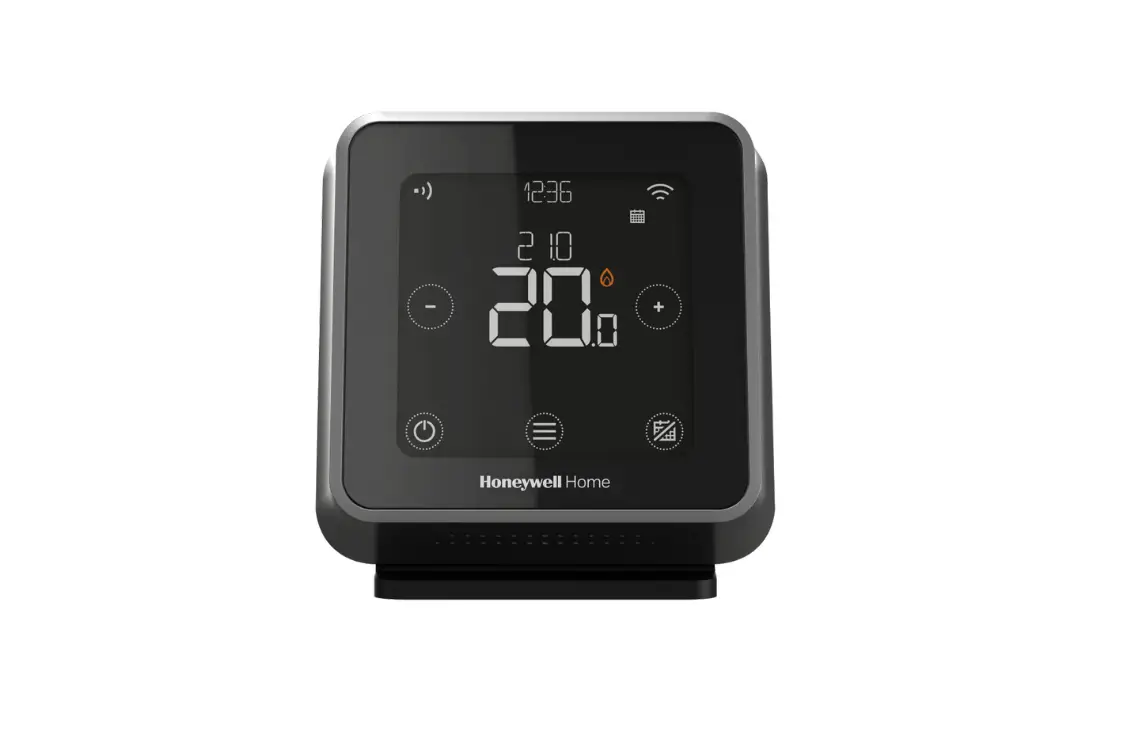
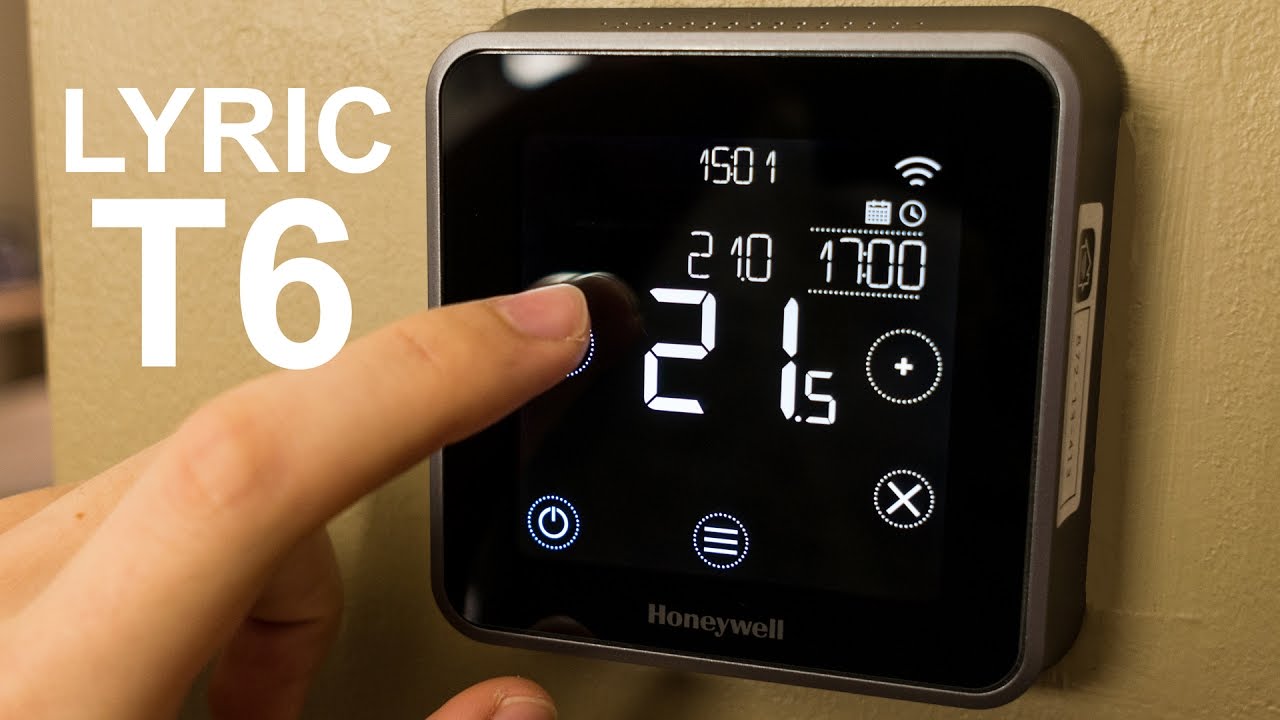
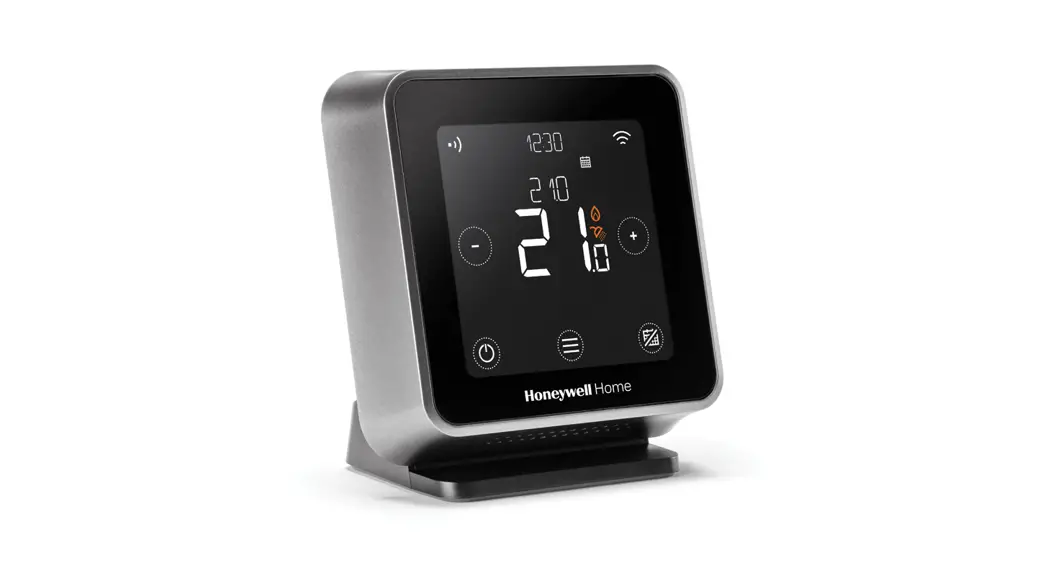
Screen overview
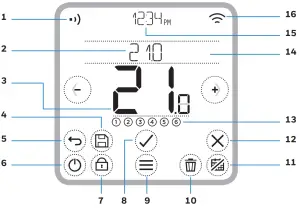
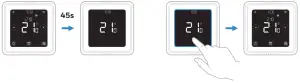
- Receiver module communication
- Setpoint temperature
- Actual room temperature
- Save
- Return
- System Mode
- Lock
- Select
- Menu
- Delete
- Start/stop Schedule
- Cancel
- Schedule period
- Messaging center
- Current time
- Wi-Fi communication
Status icons
 | Geofencing active |
 | Geofencing home active |
 | Geofencing away active |
 | Geofencing sleep active |
 | Failure/Alarm |
 | Optimization active |
 | Schedule disabled |
 | Schedule enabled |
 | Temporary Hold active |
 | Heating demand active |
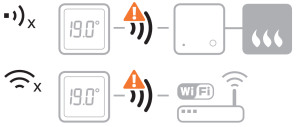
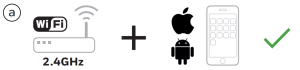
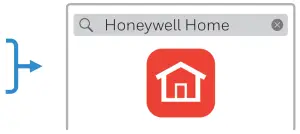
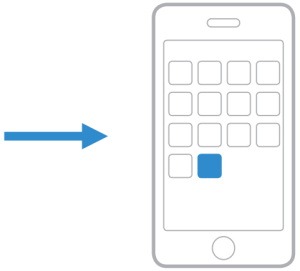
Connecting to a Wi-Fi network
   |  |  |
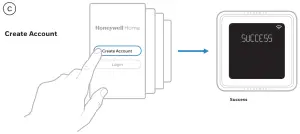
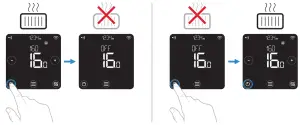
Setting the system mode
Turn the schedule On/Off
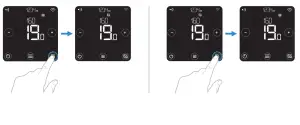
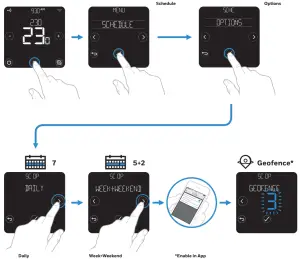
Schedule options
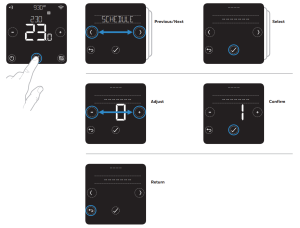
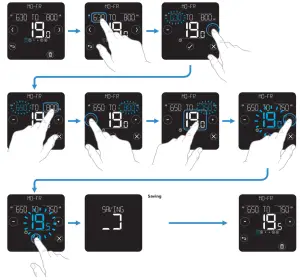
Adjusting a program schedule
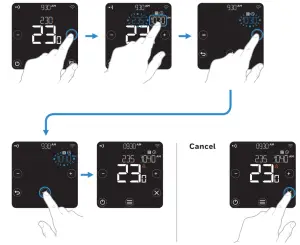
Temporary override (hold until)
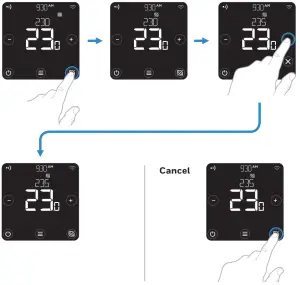
Manual mode (permanent hold)
 Pittway Sarl, Z.A. La Pièce 4,
1180 Rolle, Switzerland
Country of origin : UK
© 2020 Resideo Technologies, Inc. All rights reserved.
The Honeywell Home trademark is used under license from Honeywell International Inc.
This product is manufactured by Resideo Technologies, Inc. and its affiliates.

 Get Connected | Honeywell Home
 T6 Support | Get Connected
 homecomfort.resideo.co