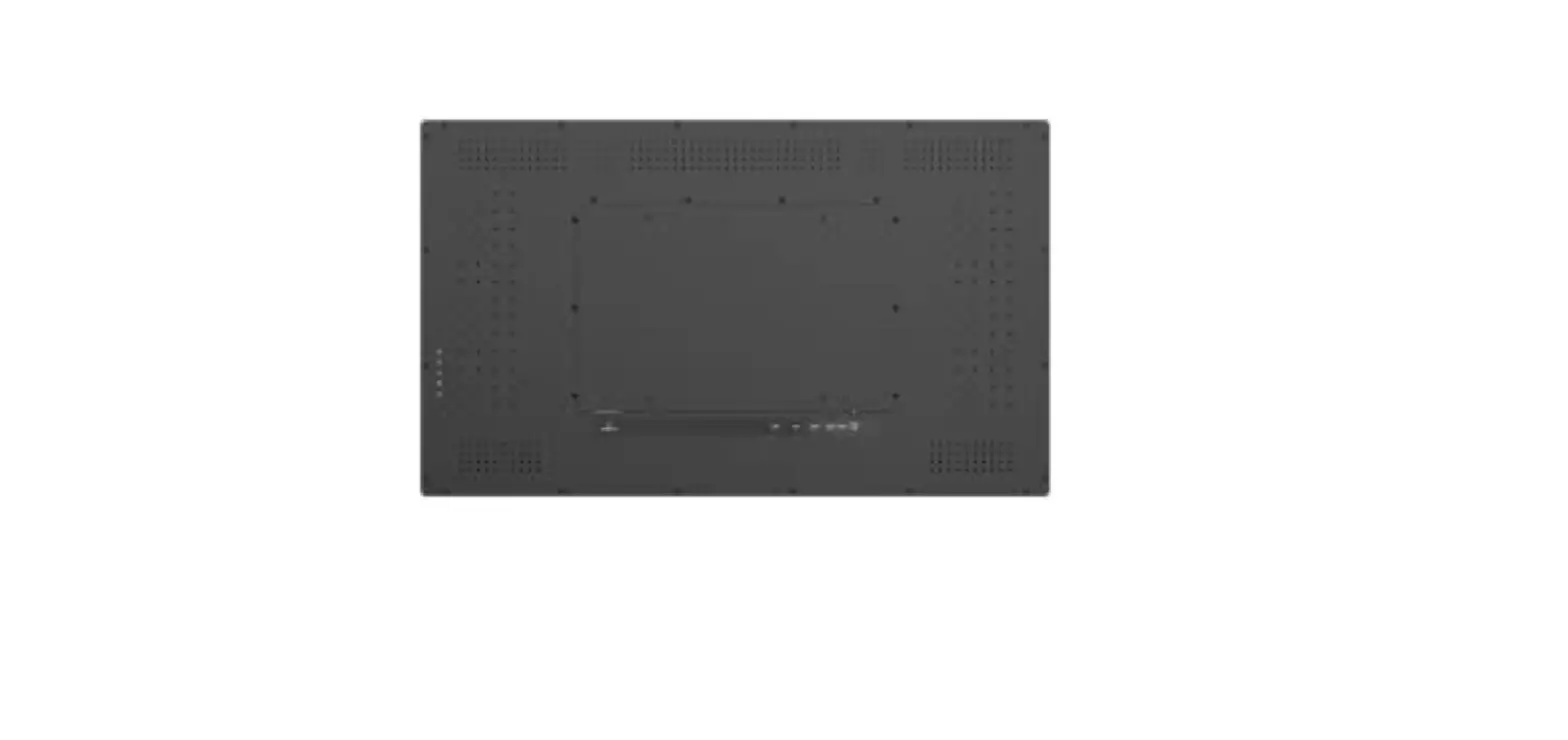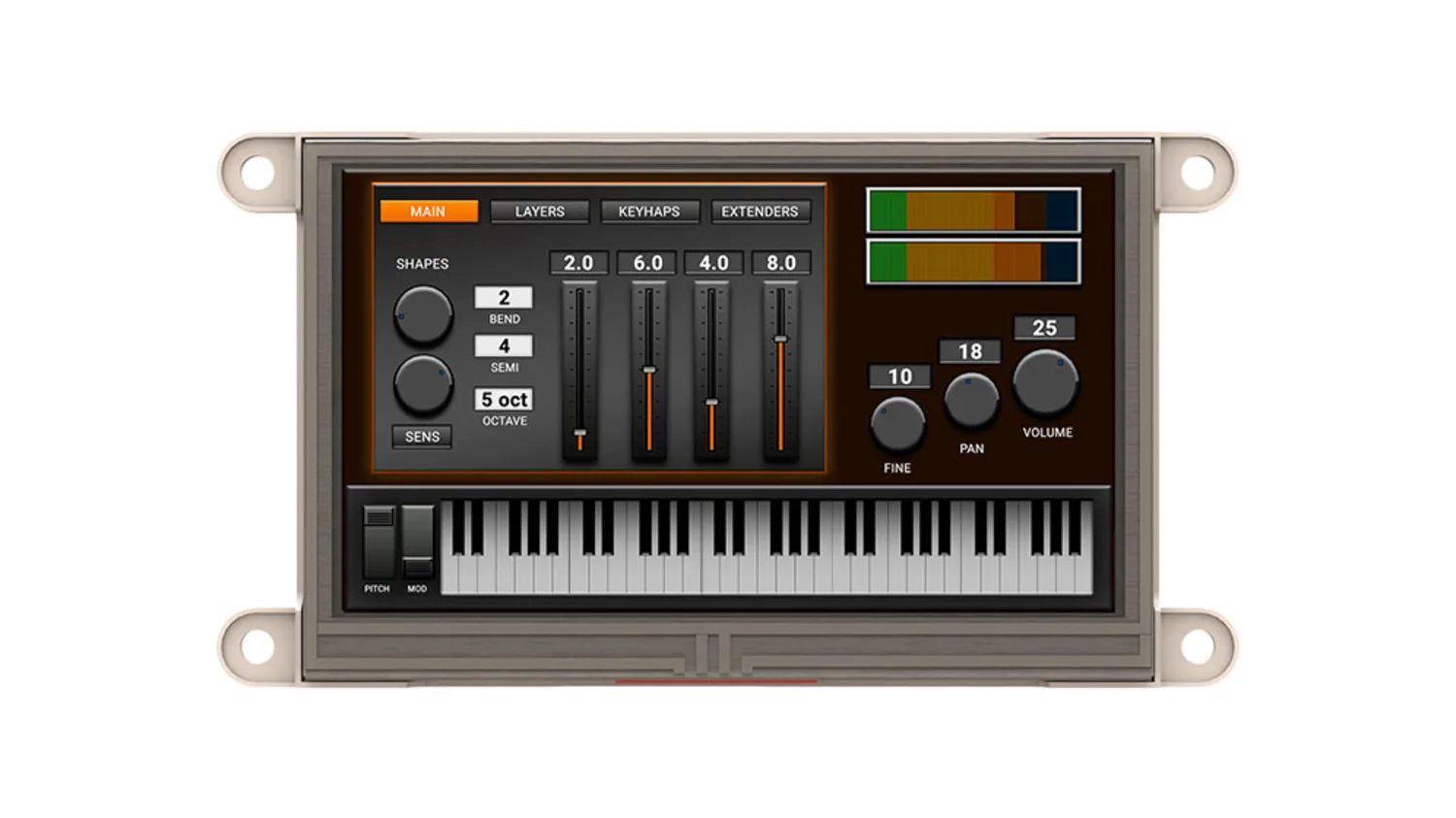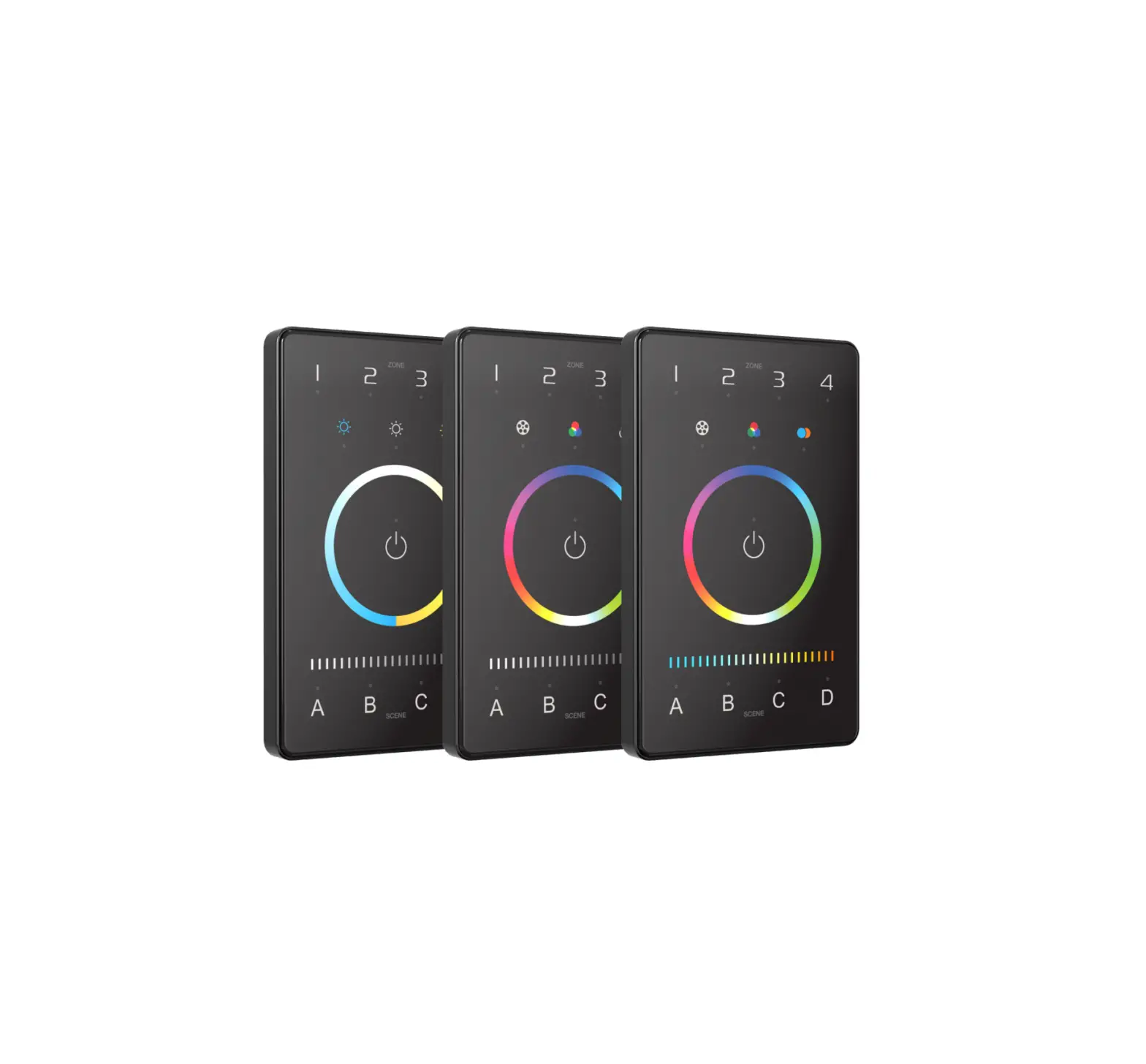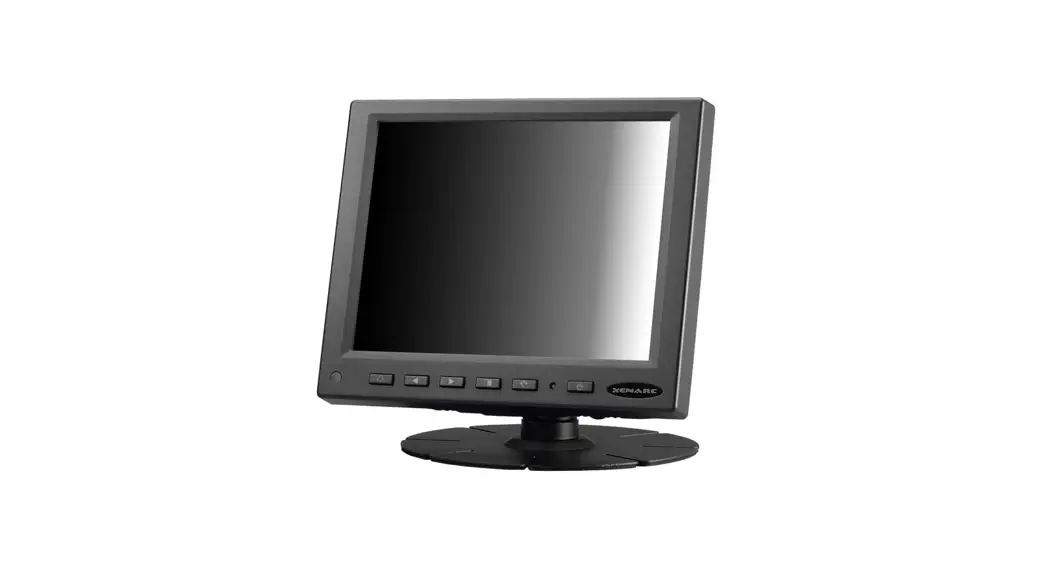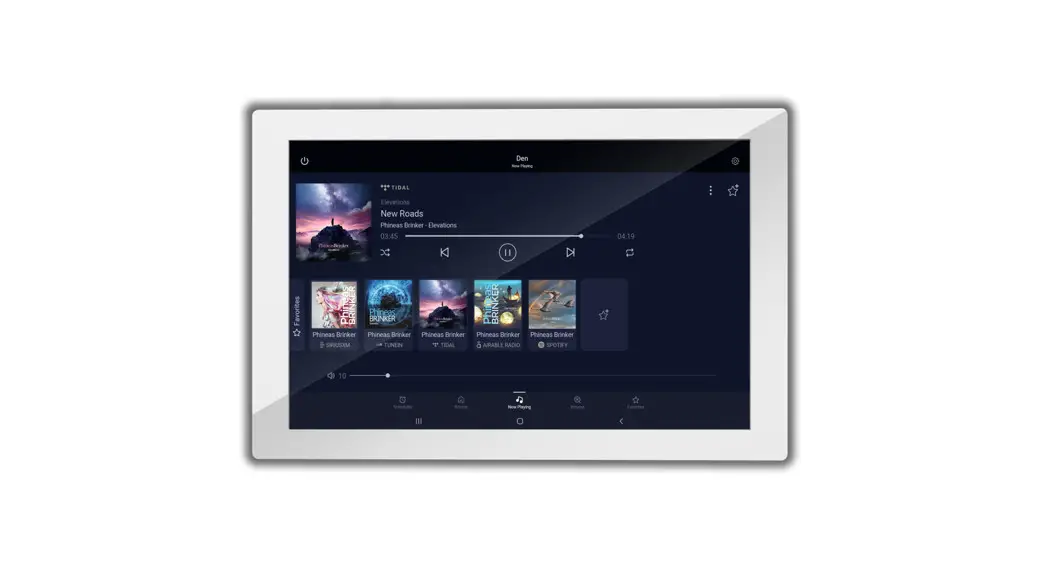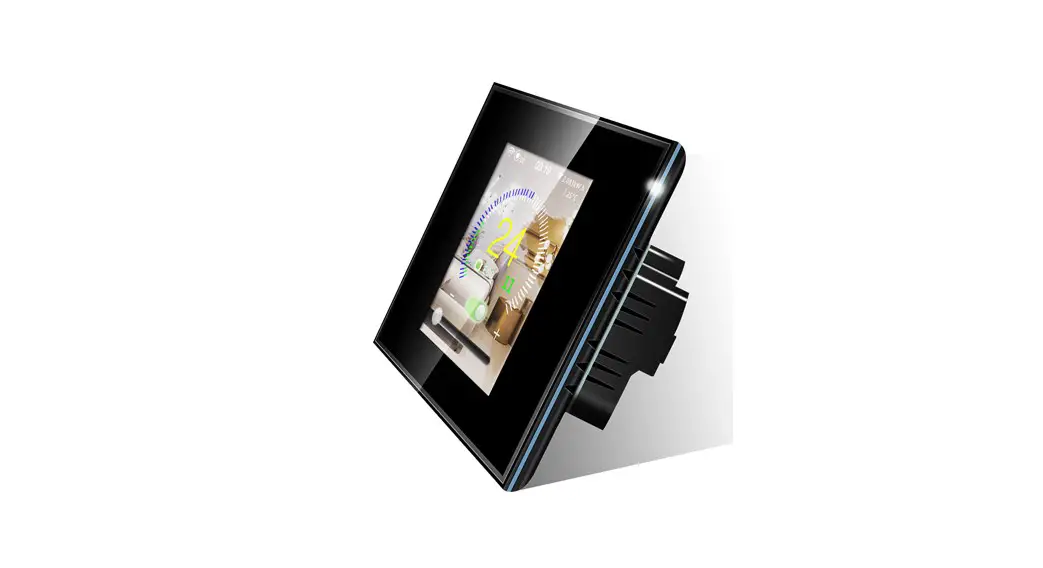
 TSE80-B-NA 8 Inch LCD Color Touchscreen
User Guide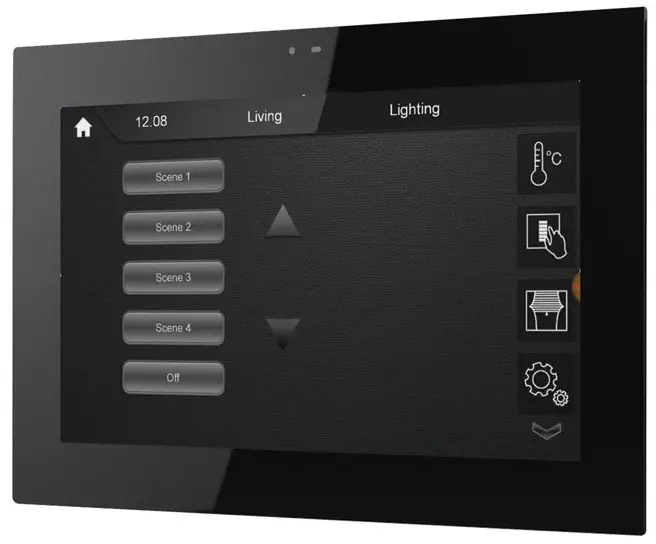
TSE80-B-NA 8 Inch LCD Color Touchscreen
Project: ——————–
Catalog #: —————-
Type: ———————-
Prepared by: ————-
Notes: ——————–
Date: ———————
Typical Applications
Office • Education • Healthcare • Hospitality • Retail
Product Features

 Interactive Menu
- Order Information page 2
- Additional Resources page 3
- Wiring Diagrams page 3
- Connected Systems page 5
- Product Warranty
Top Product Features
- PoE touchscreen can be installed virtually anywhere
- Customizable graphics
- Password protection capabilities
- Area, Scene, Zone level control with buttons and/or sliders
- Save scene capabilities with password protection
- Color picker for white tuning or DMX color changing
Dimensional and Mounting Details
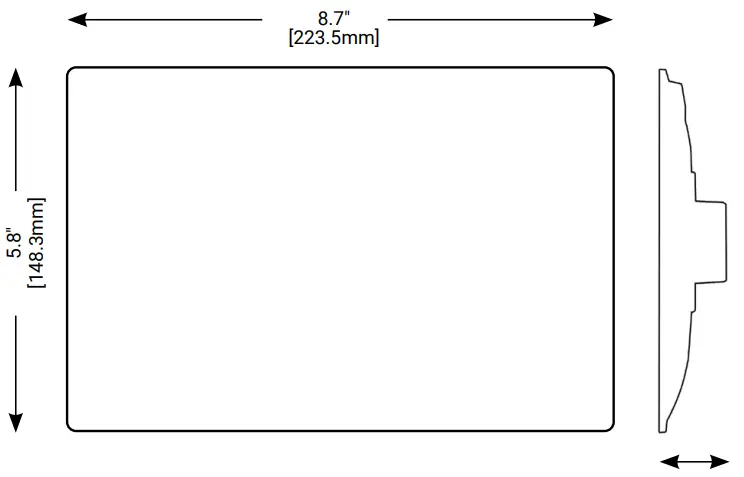 8” touchscreen is installed in a standard two gang box, either portrait or landscape
Scale
Order Information
Catalog Number: —————–
| Catalog Number | Description |
| TSE80-B-NA | 8” LED color touchscreen, Black |
Required Accessories
Catalog Number: —————
| Catalog Number | Description |
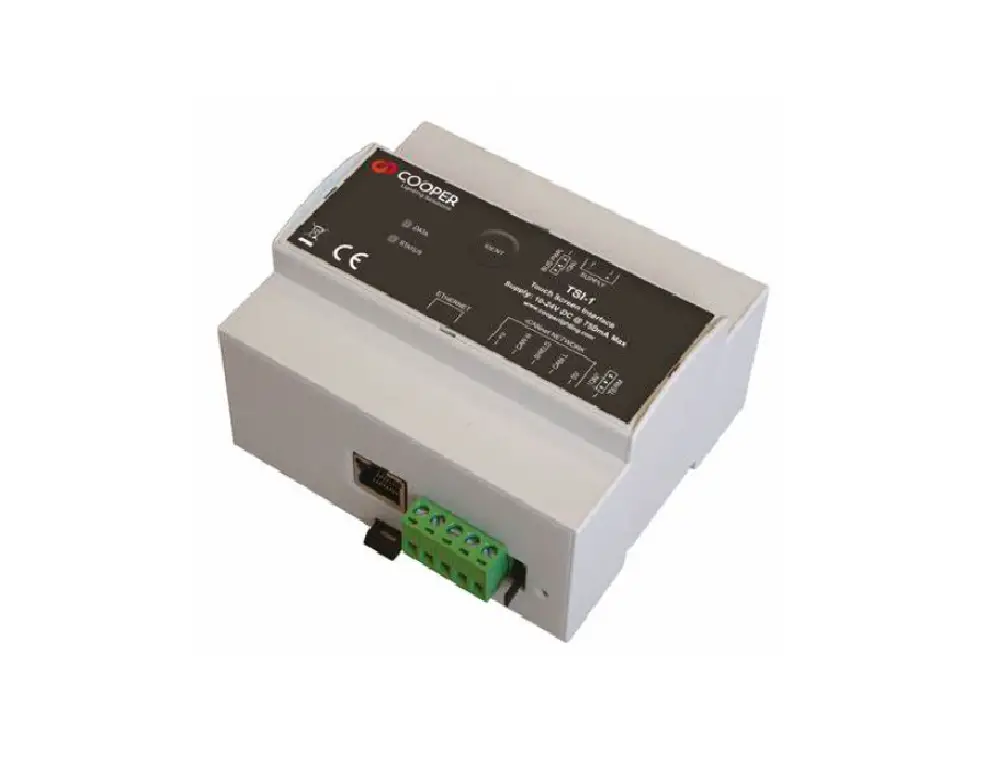
| TSI-1-NA | Touchscreen interface accessory |
Product Specifications
Key Features
- 8 inch (203.2mm) diagonal backlit capacitive LCD touchscreen
- 1280 X 800 pixel resolution
- Color Depth: 16.7M colours, 400 nits brightness
- Ambient Light sensor
- Fits US NEMA 2 gang back box
- All graphics and buttons can be customized
- Password feature to allow different access levels
- Designed and manufactured to ISO9001:2015 standards
- Portrait or landscape mounting and layout
Functionality
- Scene Selection
- Scene programming
- Channel level indicated with bar graphs and percentage
- Scene and channel naming
- Default screen programming
- Photocell/motion sensor interaction
- Ability to import drawings, customer logos and images as background graphics
- Ability to insert soft buttons for activating scenes and/or channels
Mechanical
Display: High performance HD, IPS 8” LCD, 1280 X 800 resolution
Color Depth:
- 16.7M colors, 400 nits brightness
Client Range:
- Temperature: +2ºC to +40ºC
- Humidity: +5 to 95% non condensing
Mounting: Do not mount on metal surface
Electrical
Supply:
- PoE 802.3af complaint or via 24Vdc power connector on the rear
Power Connection:
- RJ45
Programming:
- Cooper’s Touchscreen Designer software via Ethernet connection
Diagnostics:
- network
Memory:
- 1GB DDR3
- 8GB eMMc
Standards/Ratings
- cULus Listed – Energy Management Equipment (UL916)
- FCC Part 15/ECES-003
- Manufactured in an ISO 9001 certified factory
- Meets ASHRAE Standard 90.1 requirements
- Meets IECC 2015 requirements
- Meets CEC Title 24 requirements
Product Safety:
- IEC 60950-1
- UL 60950-1
- EN 60950-1
- CAN/CSA-C22.2 No. 60950-1
Environmental Regulations:
- RoHS Directive 2011/65/EU
- WEEE Directive 2012/19/EU
Warranty
Five year warranty standard
System architecture
Simple WaveLinx Wired system
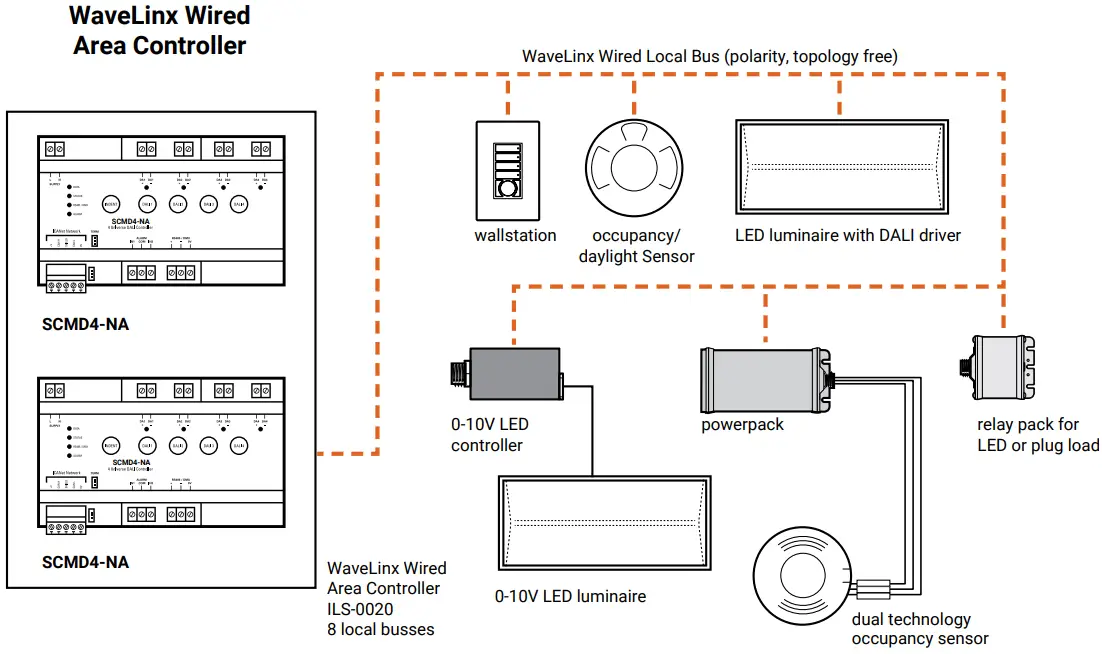 http://www.cooperindustries.com/content/public/en/lighting/connected_systems/ilumin-plus.html
Complete WaveLinx Wired system
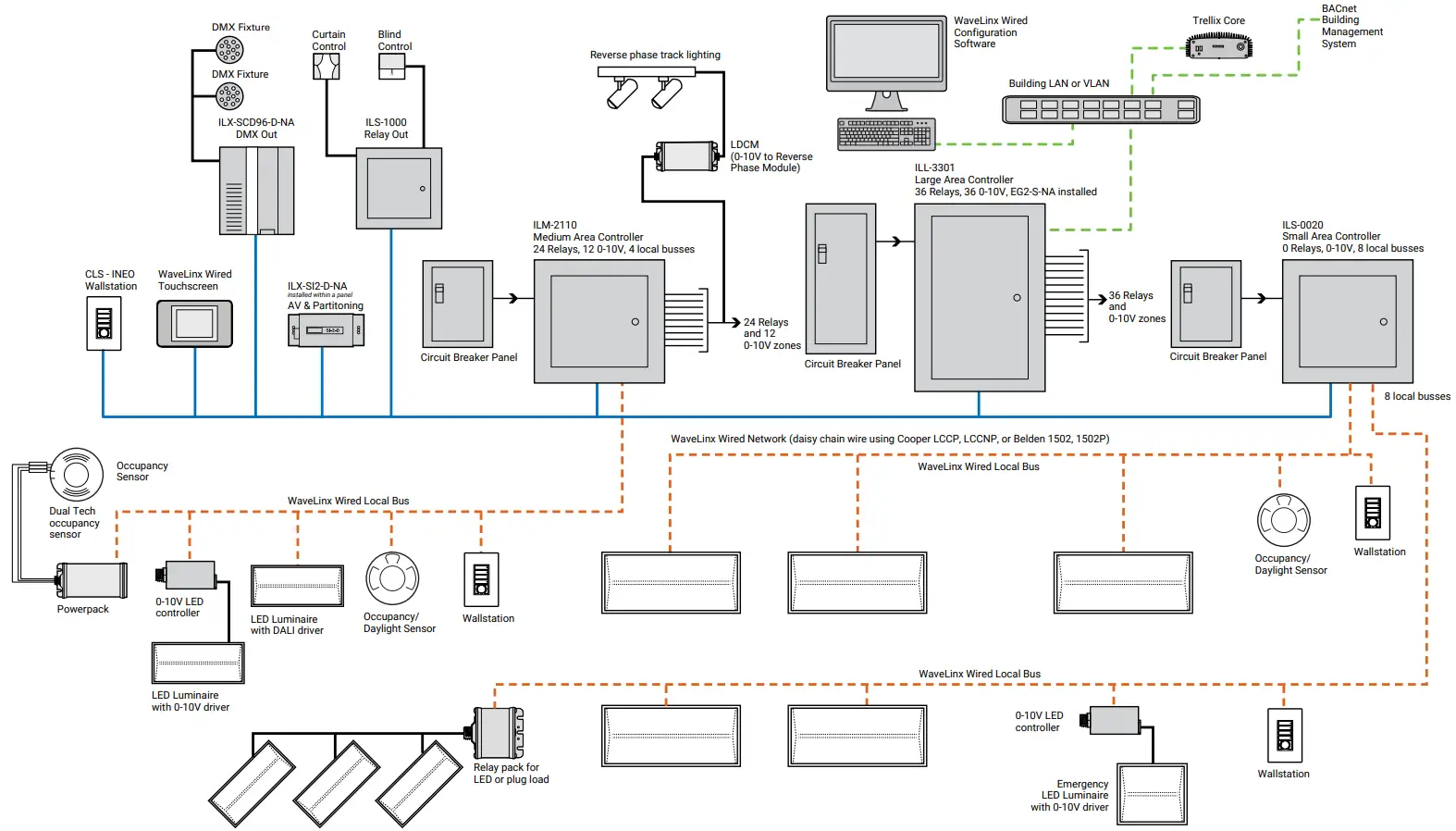 https://www.cooperlighting.com/global
Typical schematic
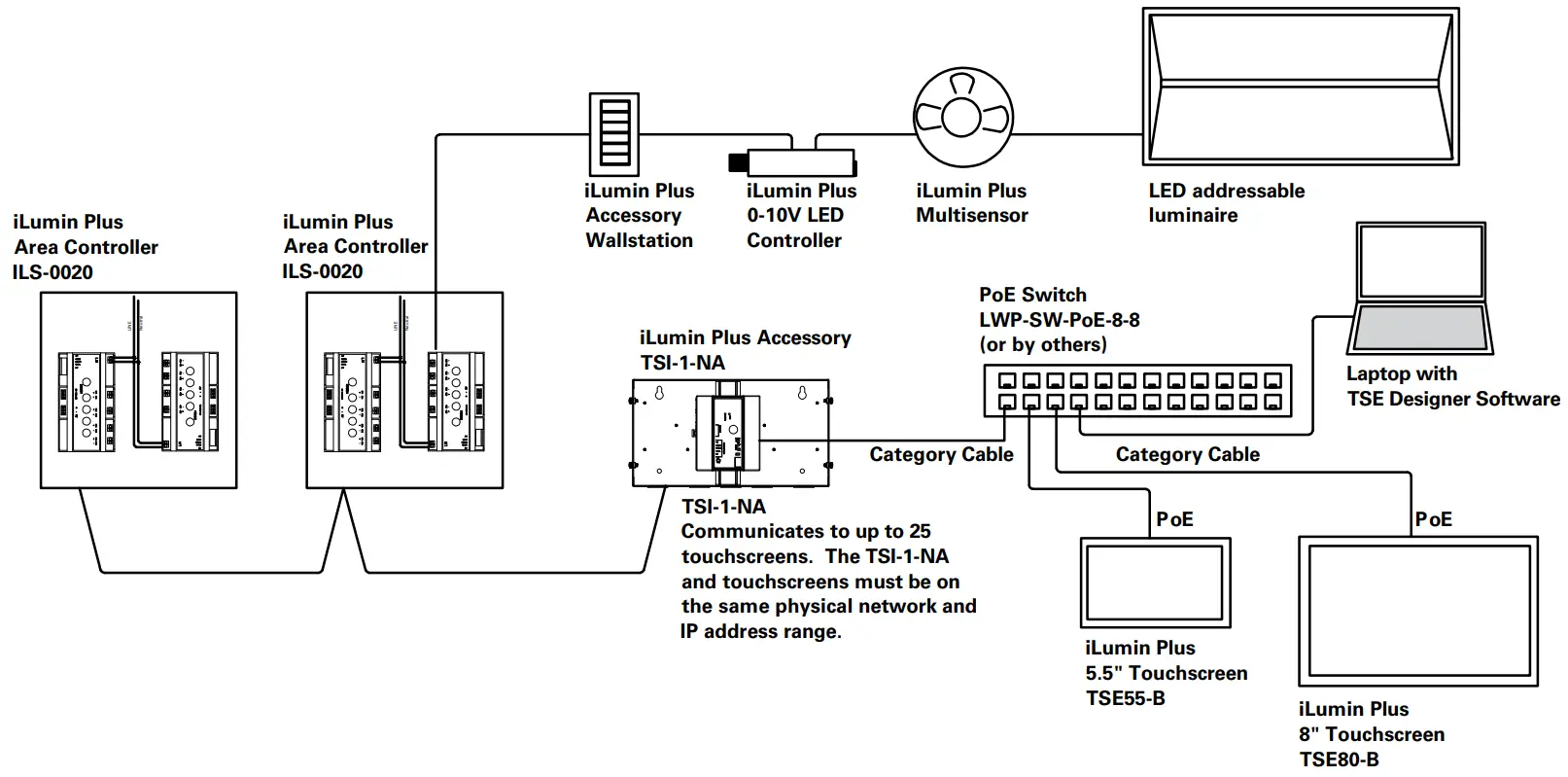 https://www.cooperlighting.com/global
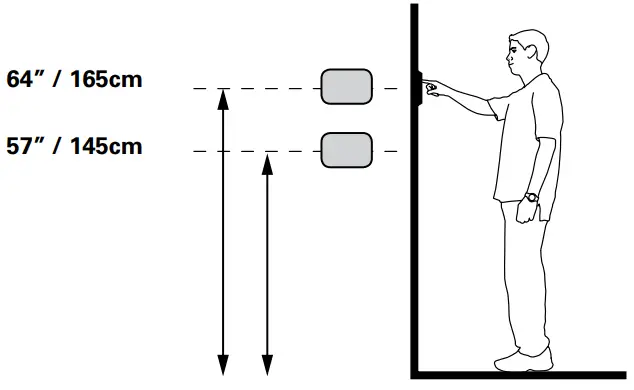
Mounting
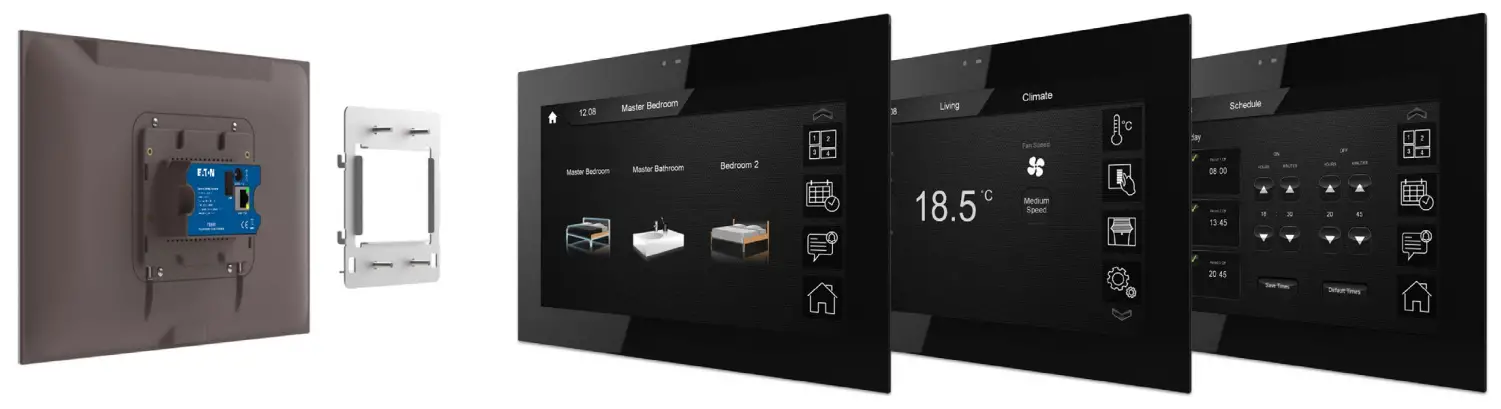
Images are examples for reference only.
Do not mount on metal surface
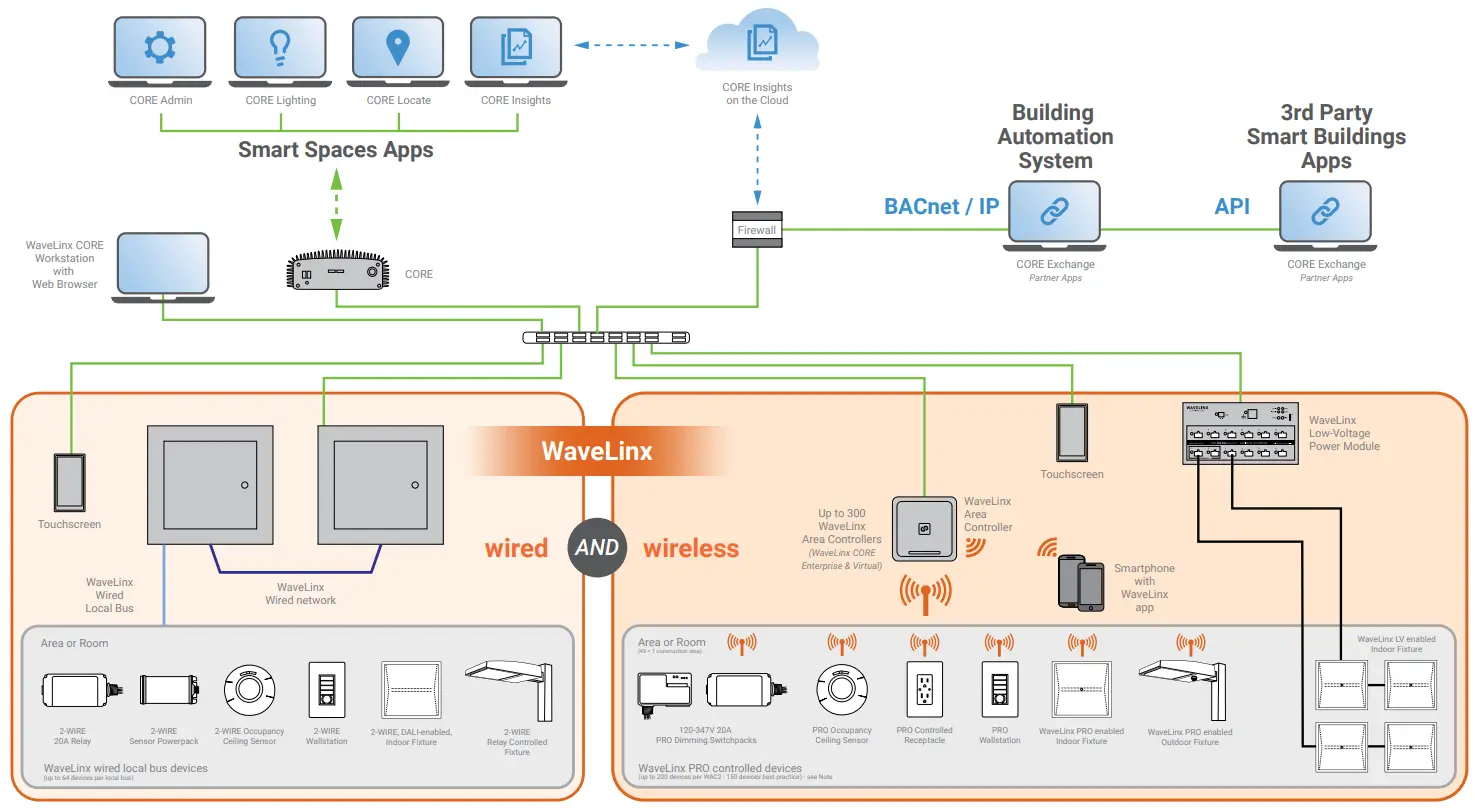
Sample System Topology:
View WaveLinx PRO Network and IT Guidance Technical Guide
This diagram shows the main components of the WaveLinx wired and PRO wireless connected lighting system.
The WaveLinx PRO wireless system communicates using wireless mesh technology based on the IEEE 802.15.4 standard.
A PoE LAN connection for each WaveLinx Area Controller (WAC) is required for power and data access to the building lighting network.
The WaveLinx wired system controls the devices using relay, 0-10V, DMX and the WaveLinx wired digital local bus. The WaveLinx wired system connects to the building LAN using the EG2 module. Each WaveLinx wired area controller communicates on the WaveLinx wired network.
WaveLinx Area Controllers (WAC) and WaveLinx Ethernet Gateways (EG2) communicate with WaveLinx CORE over the Ethernet network.
Please refer to the WaveLinx PRO Wireless Network and IT Guidance Technical Guide and WaveLinx Wired Network and IT Guidance Technical Guide for more information.
Note:
Performance based on second generation WaveLinx Area Controller (WAC2)
| WaveLinx wired | WaveLinx PRO wireless | ||
| WaveLinx CORE | Connects to WaveLinx CORE (Pro, Enterprise, Virtual) |  | |
| # of WAC or EG2-S-NA / # of devices per WaveLinx CORE Pro | 2/3000 | 20/3000 | |
| # of WAC or EG2-S-NA / # of devices per WaveLinx CORE Enterprise | 10/32,500* | 300/32,500* | |
| # of WAC or EG2-S-NA / # of devices per WaveLinx CORE Virtual Enterprise | 10/32,500* | 300/32,500* | |
| Connecting device | EG2-S-NA | WAC2-POE | |
| CORE Lighting | Alarms |  | |
| Events | | | |
| Operate (floor plan control) | | | |
| Operate – area control | | | |
| Operate – zone control | | | |
| Operate – device control | | ||
| Scheduling | | | |
| Energy Dashboard | | ||
| Occupancy Dashboard | | ||
| CORE Exchange | BACnet/IP | | 10,000 objects with WaveLinx CORE Pro up to 30,000 with Enterprise/Virtual |
| Public (REST) API | | | |
| OpenADR | | ||
| Demand Response | | ||
| CORE Admin | Manage Users | | |
| Manage roles | | | |
| Manage clients | | | |
| Manage licenses | | | |
| System settings (backup/restore, network etc) | | | |
| CORE Insights | Occupancy Trends and Comparison | | |
| Average Occupancy | | ||
| Occupancy on Floor Plan | | ||
| Generate and Export Reports to pdf | | ||
| Hierarchical Navigation | | ||
| Quick Search | | ||
| Department Filter | | ||
| Historical View | | ||
| Popular Spaces | |
* For larger number of gateways and devices, please contact Cooper Lighting Solutions Sales representatives. Recommend designing the system at 70-80% of maximum capacity. Specifications based on WAC2-POE. The number of gateways and devices mentioned above are the total for a single system or the combination (Wired + Wireless) that can be used with a server. = All features = Subset of features
Control Systems
- WaveLinx
- Greengate
Cooper Lighting Solutions
1121 Highway 74 South
Peachtree City, GA 30269
P: 770-486-4800
www.cooperlighting.com
© 2023 Cooper Lighting Solutions All Rights Reserved.
Specifications and dimensions subject to change without notice.
PS503135EN
April 2023