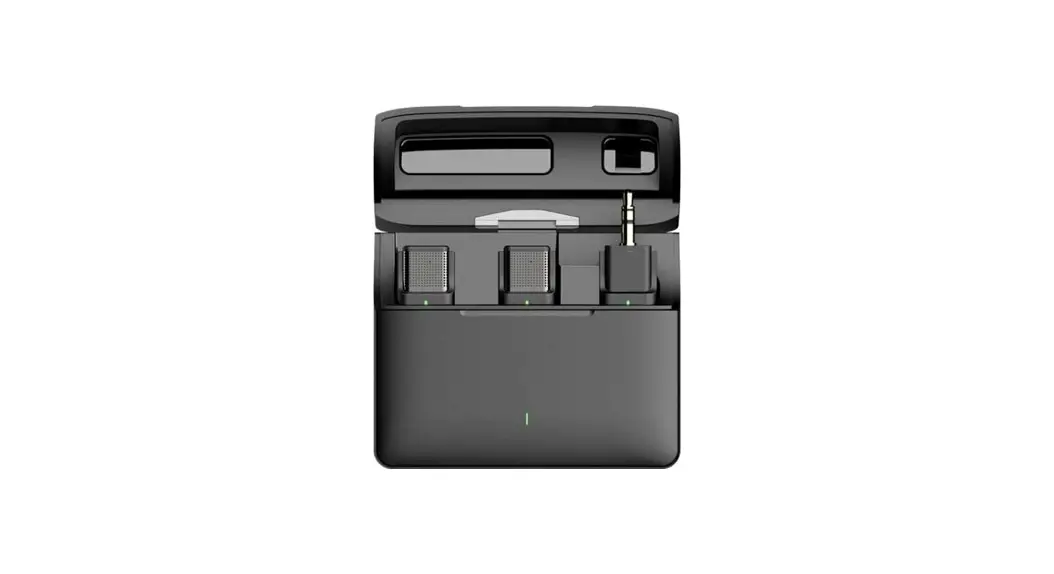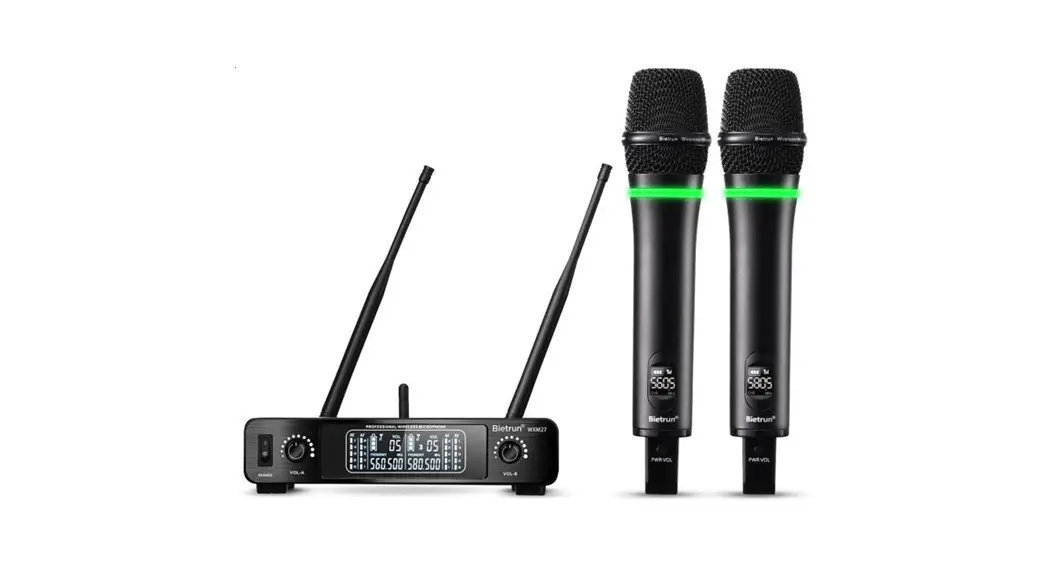
BIETRUN WXM29 XLR Microphone Wireless System User Manual
Product Introduction
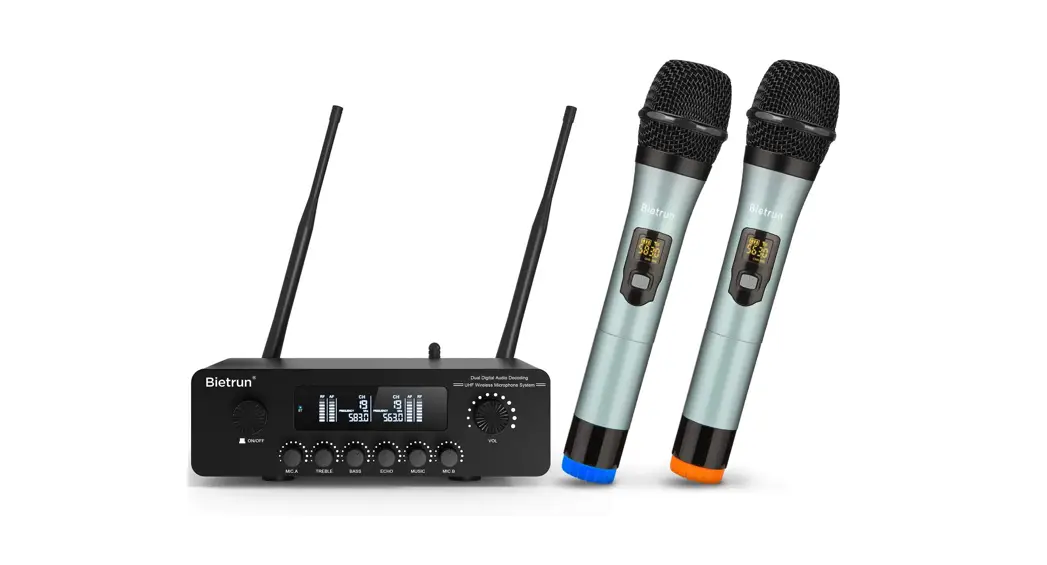
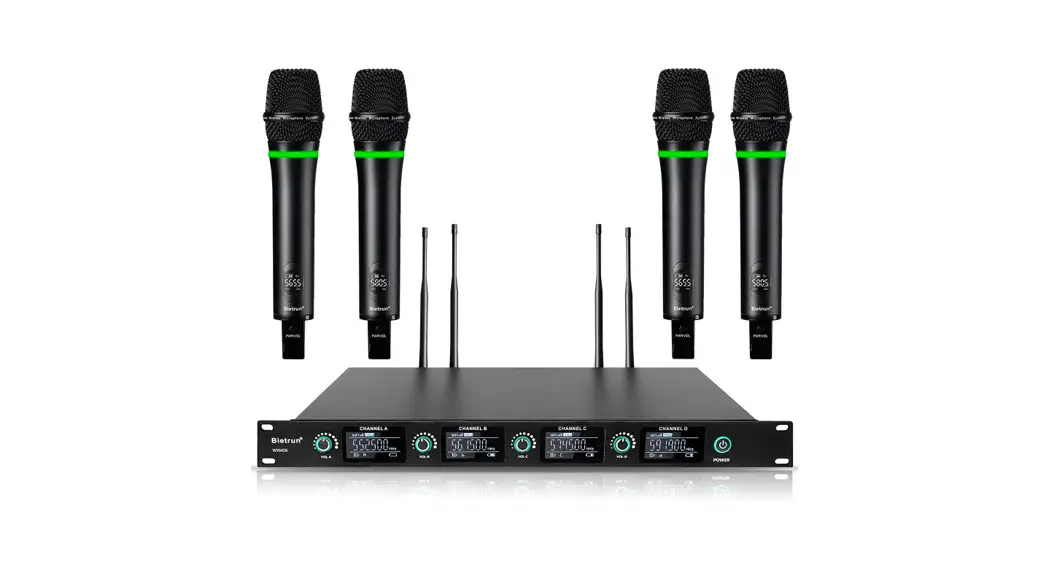
The XLR Microphone Wireless System adopts UHF frequency band transmission, which has the characteristics of long transmission distance, strong anti-interference ability, low delay and clear sound quality. Compatible with a variety of pickups. The working status is intuitive, and easy to use.
Note: Please read and follow all warnings carefully before use, and keep this manual for subsequent use.
Product Features
- UHF frequency band wireless transmission, get rid of the trouble of cable entanglement, good anti-interference performance,crystal clear signal sound quality.
- One-key startup, microphone music input switching, simple operation;
- LED screen display, clear at a glance;
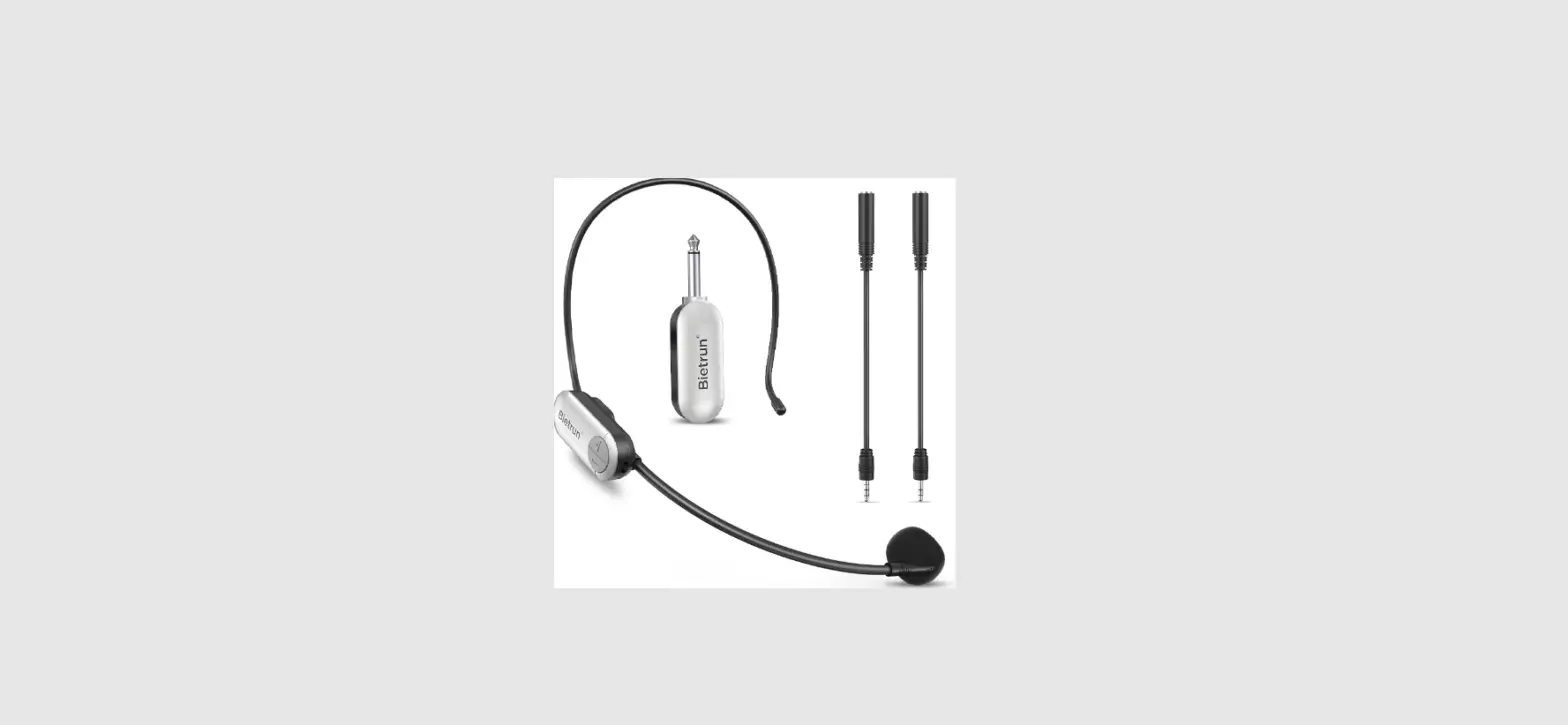
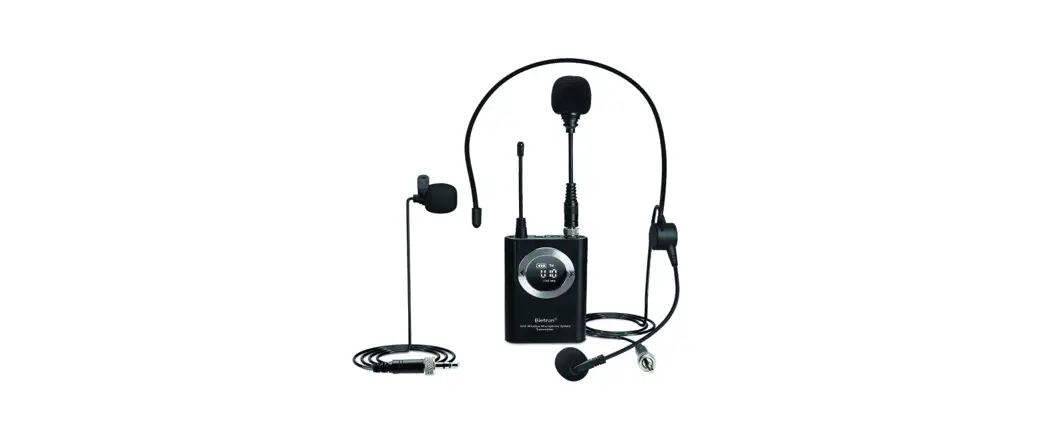
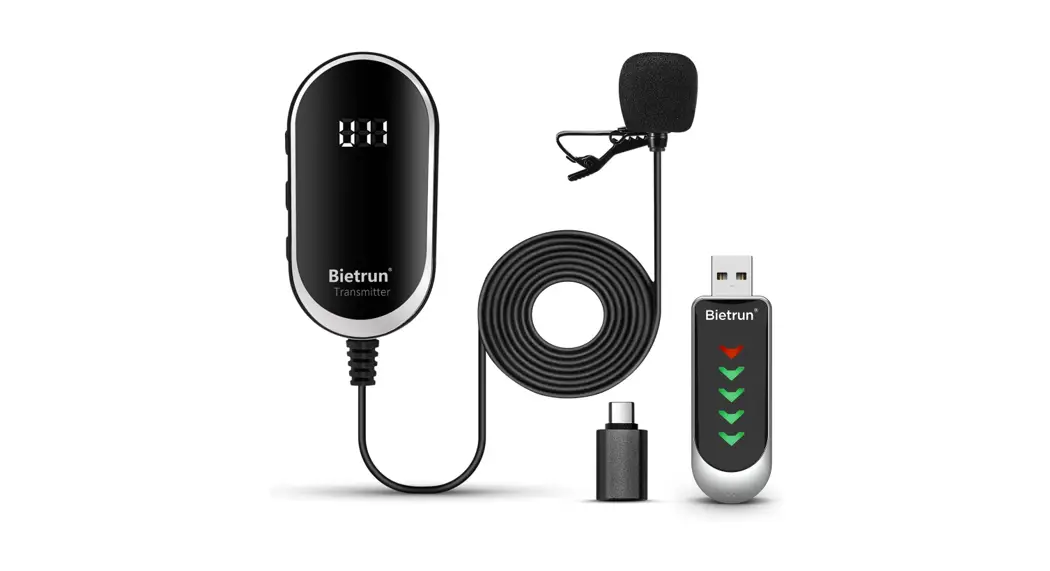
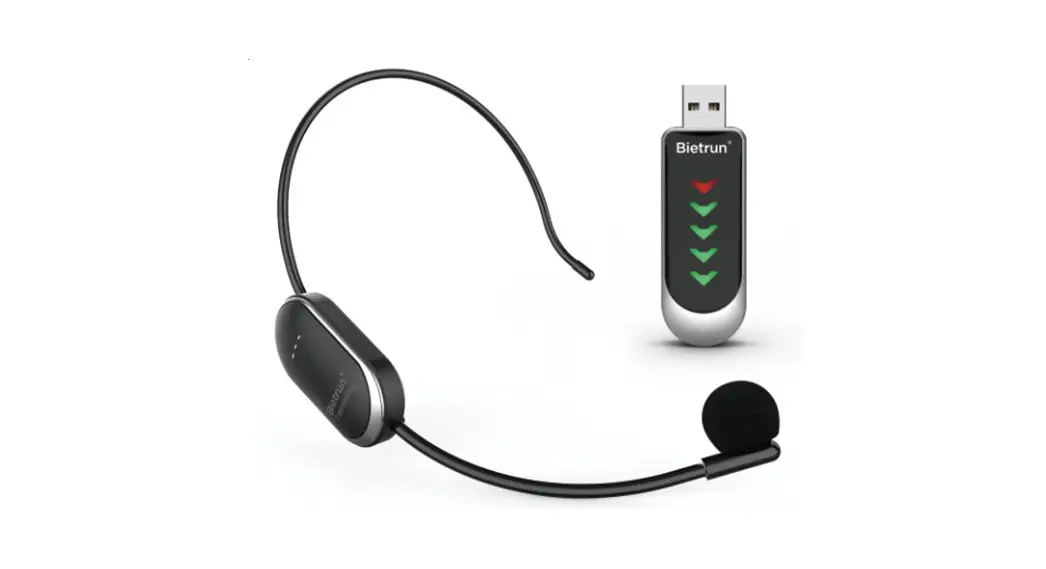
- A variety of microphones meet different use occasions;
Product Description
Transmitter
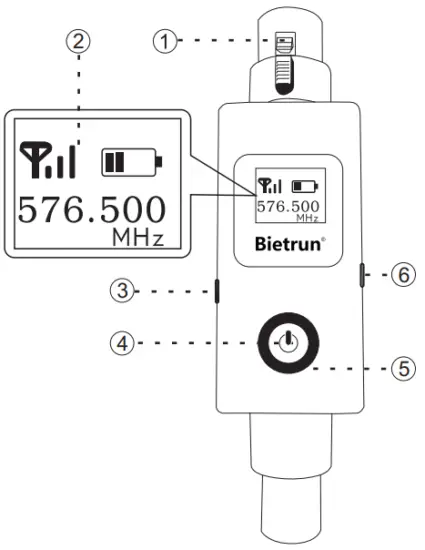
| Serial NO. | Part Name | Function Description | Notes |
| 1 | XLR Pod | Connect microphone Connect microphone | |
| 2 | Display Screen |
| Needed to change battery when  turns to turns to  and flash and flash |
| 3 | Mk/Musks switch | Up for audio input; down for mic input | |
| 4 | Power button |
| When connecting the Condenser microphone, you need to press twice, then long press for 10 seconds to 48V mode (48V will be displayed on the screen) |
| 5 | Indicator | Green light when powered on | |
| 6 | Port Charging | Type-c charging port, input voltage DC5V 1A |
Receiver
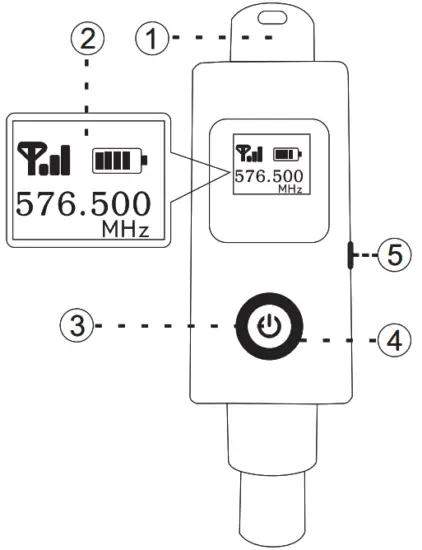
| Serial NO. | Part Name | Function Description | Notes | |
| 1 | XLR Port | Input port to connect amplifier | ||
| 2 | Display screen | Display connection, battery life and frequency | ||
| 3 | Power button | Hold to turn on;Long press to turn off | ||
| 4 | LED Indicator | Red | Low power | |
| Green | Volume | |||
| Blue | Battery life | |||
| 5 | Charging Port | Type-c charging port, input voltage DC5V 1A | ||
Product Connection
Output Connection
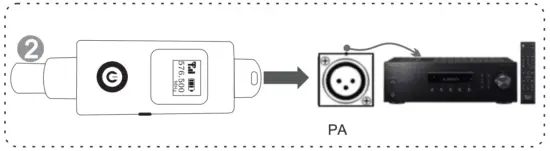
Audio equipment with XLR port can be connected to this product, including mixers, multimedia speakers, power amplifiers, etc.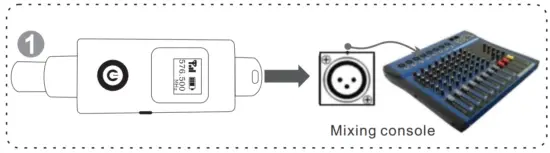
Input Connection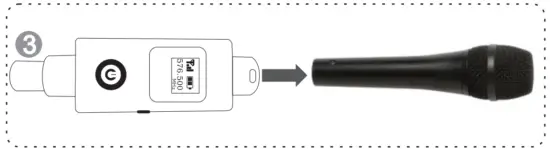
Trouble shooting
| Serial NO. | Problem | Solution |
| 1 | Transmitter can not be turned on |
|
| 2 | Receiver can not be turned on |
|
| No sound |
| |
| 4 | Small sound |
|
| 5 | Intermittent sound |
|
| 6 | Howling, screaming |
|
Product Parameters
Receiver
- Receiving frequency: U Band
- Sensitivity: 2mV
- Image interference ratio: >88dB
- Audio output: 800mV-1.4V
- Receive channel: 1
- Antenna: universal antenna
- Frequency stability: <0.002%
- Interference frequency ratio > 90dB
- Signal to noise ratio: >95dB
- Working range: Standard conditions 30 to 50 m
- Supply Voltage: DC 5V
Transmitter
- Carrier frequency: U Band
- Transmit power: 10mW
- Harmonic: <Main wave 40dB
- Battery: lithium battery
- Frequency stability: <0.002%
- Current consumption: <25mA
- Standard: Fixed frequency
- Antenna: built-in
Complex Index
- Dynamic Range: >95dB
- System distortion(<1%, 1K Hertz modulation)
- Frequency response: 50Hz-18KHz(+3dB)
Package List
- 1X Transmitter
- 1X Receiver
- 1X XLR to 6.35mm adapter
- 1X charging cable
- 1X User Manual
Manufacturer:
SHENZHEN LONGXIANG INTELLIGENT TECHNOLOGY CO, LTD. Address: FLOOR 4, BUILDING D, FUXINLIN INDUSTRIAL AREA, HANGCHENG INDUSTRIAL ZONE FUHUA COMMUNITY XIXIANG STREET, BAOAN DISTRICT SHENZHEN GUANGDONG CHINA
FCC Warning Statement
Changes or modifications not expressly approved by the party responsible for compliance could void the user’s authority to operate the equipment. This equipment has been tested and found to comply with the limits for a Class B digital device, pursuant to Part 15 of the FCC Rules. These limits are designed to provide reasonable protection against harmful interference in a residential installation. This equipment generates uses and can radiate radio frequency energy and, if not installed and used in accordance with the instructions, may cause harmful interference to radio communications. However, there is no guarantee that interference will not occur in a particular installation. If this equipment does cause harmful interference to radio or television reception, which can be determined by turning the equipment off and on, the user is encouraged to try to correct the interference by one or more of the following measures:
- Reorient or relocate the receiving antenna.
- Increase the separation between the equipment and receiver.
- Connect the equipment into an outlet on a circuit different from that to which the receiver is connected.
- Consult the dealer or an experienced radio/TV technician for help.
This device complies with part 15 of the FCC Rules. Operation is subject to the following two conditions:
- This device may not cause harmful interference, and
- this device must accept any interference received, including interference that may cause undesired operation.
The device has been evaluated to meet general RF exposure requirement.