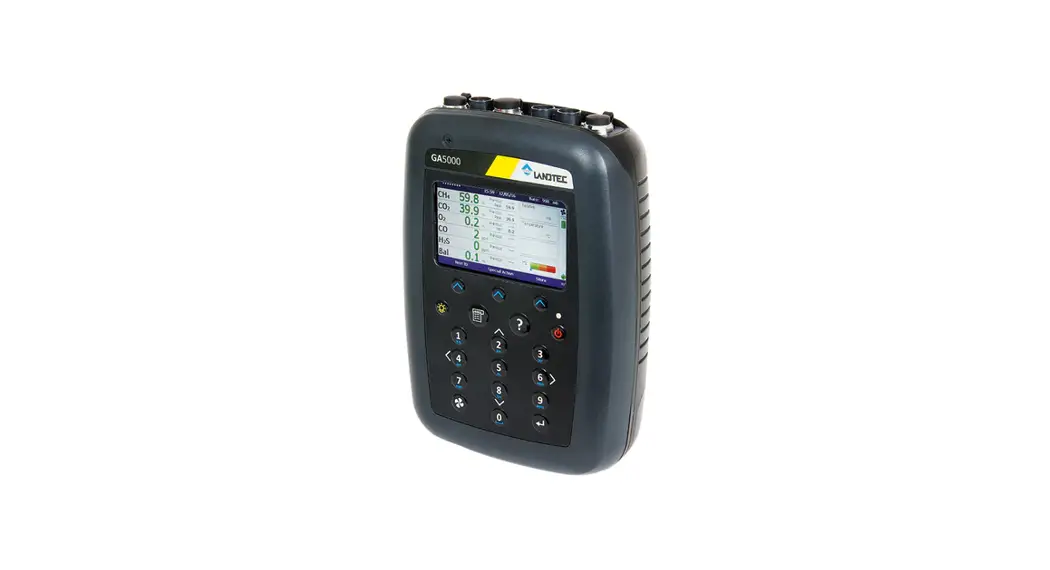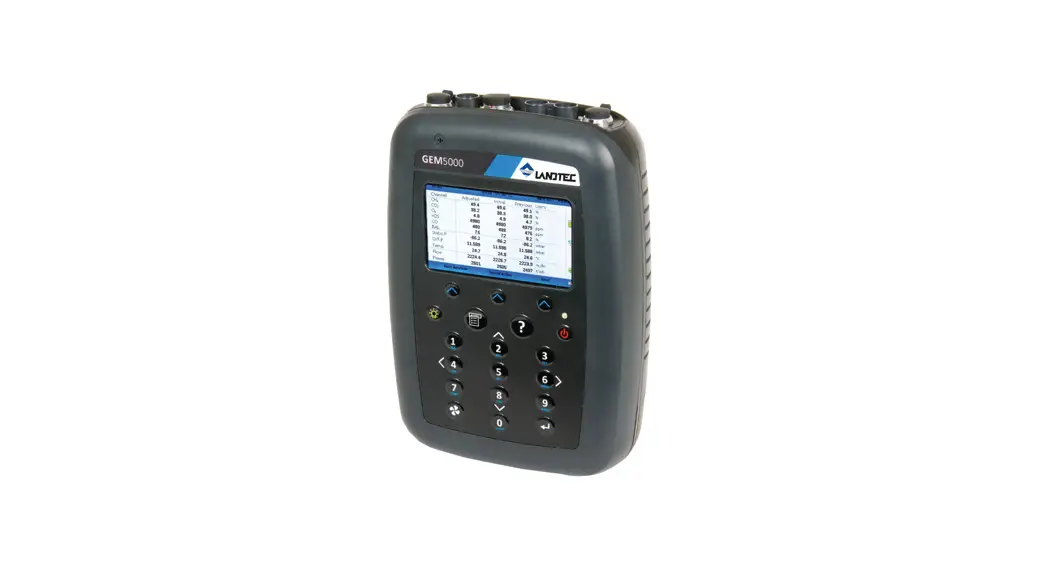

LANDTEC System Gas Anaiyzer manager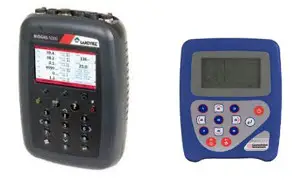
 Internet Support Link Page
LSGAM Gas Analyser Training Course
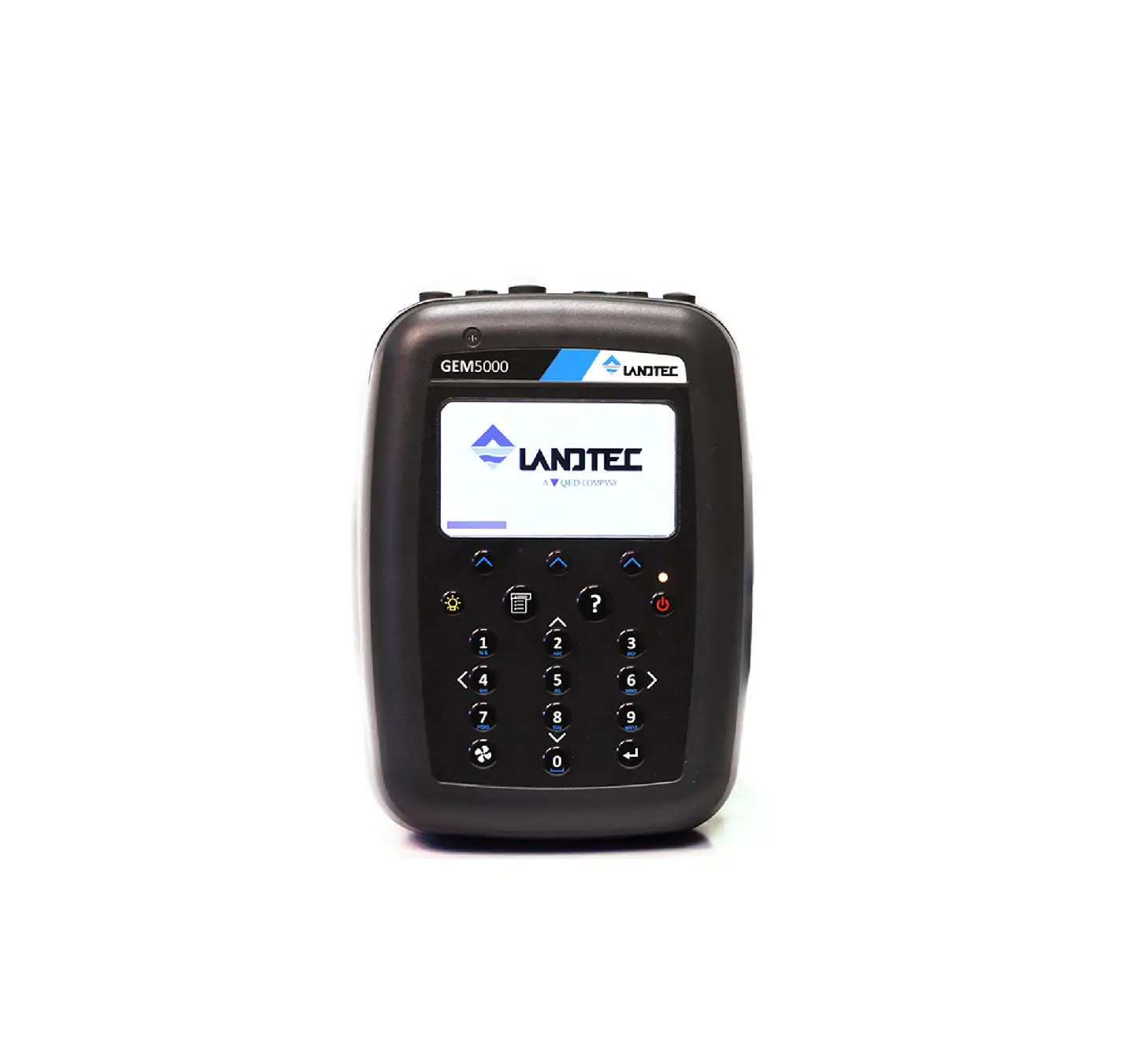
To install LSGAM for your GEM2000 or GEM5000 instrument, you will need to do the following:
Install the USB Drivers
Install the Java Platform
Launch LSGAM to cache it on your computer
NOTE: THESE INSTRUCTIONS ARE INTENDED TO BE USED FOR PCS THAT DO NOT HAVE A PREVIOUS VERSION OF LSGAM INSTALLED, AND ARE FOR NEW INSTALLATIONS ONLY.
- Download the USB drivers at and run the file that is downloaded. http://www.landtecna.com/lsgam/files/usb.exe
- Next go to. https://www.java.com/en/download/manual.jsp
And select Windows Offline – Again you will need to run the file that is downloaded and follow on screen instructions. (NOTE: Please download the file highlighted below – do not download the 64-bit version even if you are running a 64-bit OS)
 Which should I choose?
Windows Online filesize: 2.01 MB
Instructions After installing Java, you may need to restart your browser in order to enable
Windows Offine filesize: 71 22 MB
Instructions Windows Offine (64-bit)
flesze: 81/1 MBInstructions If you use 32-bit and 64-bit browsers interchangeably’ you will need to install both 32-bit and 64-bit Java in order to have the Java plug-in for both browsers.FAQ abure 64-bit Java for Windows - Download the RXTXserial.dll for Java from to your computer. Once on your computer, copy the file to the “c:\program files (x86)\java\jreX\bin” directory. (Download file using link below) http://www.landtecna.com/wp-content/rxtx/32bit/rxtxserial.dll
- Run the LSGAM by clicking the link below: http://www.landtecna.com/lsgam/lsgam60.jnlp
This should launch LSGAM and create a desktop shortcut to the program for future use.

 Which should I choose?
 landtecna.com/lsgam/files/usb.exe
 java.com/en/download/manual.jsp