 Mode & Sensor Port Guide
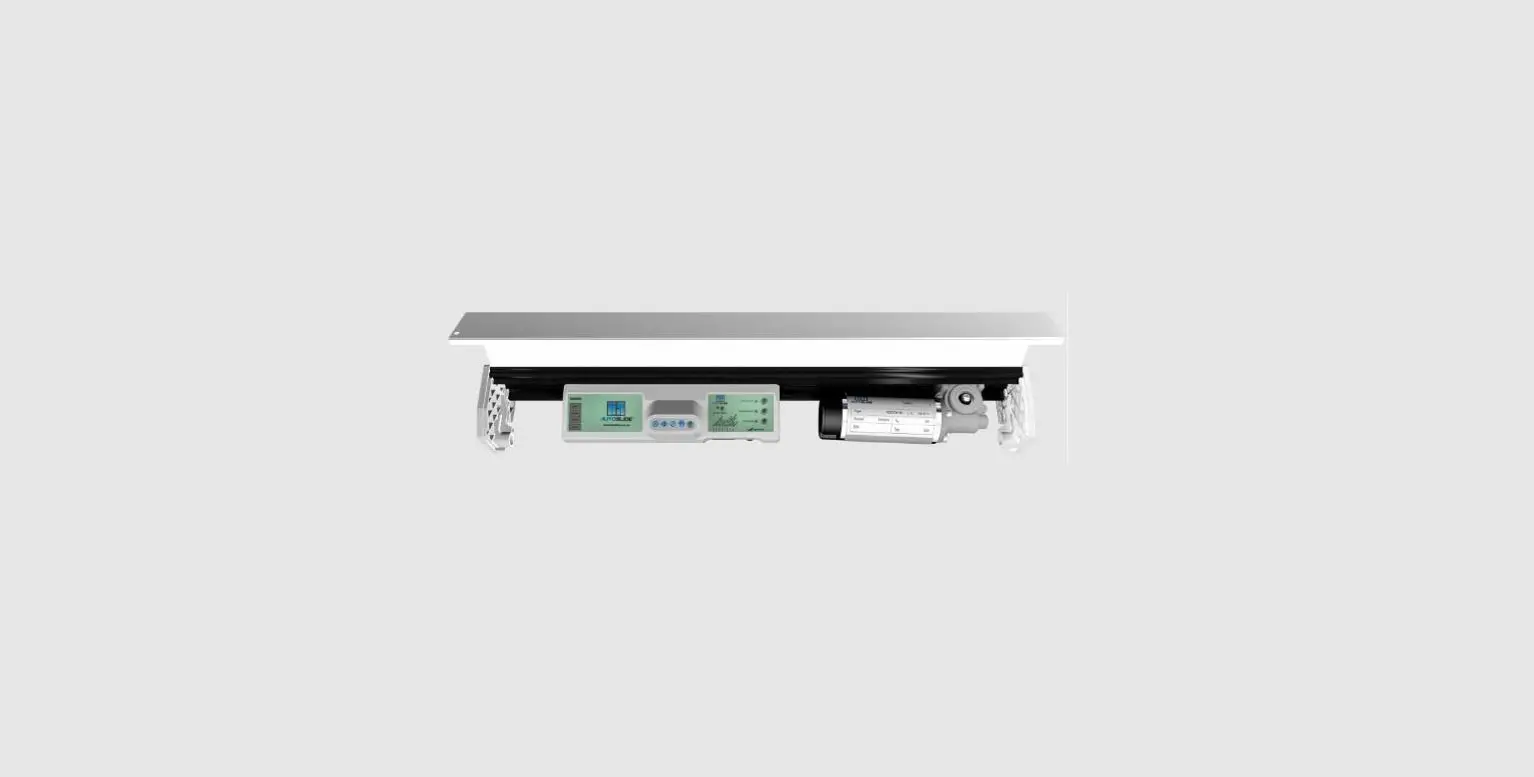
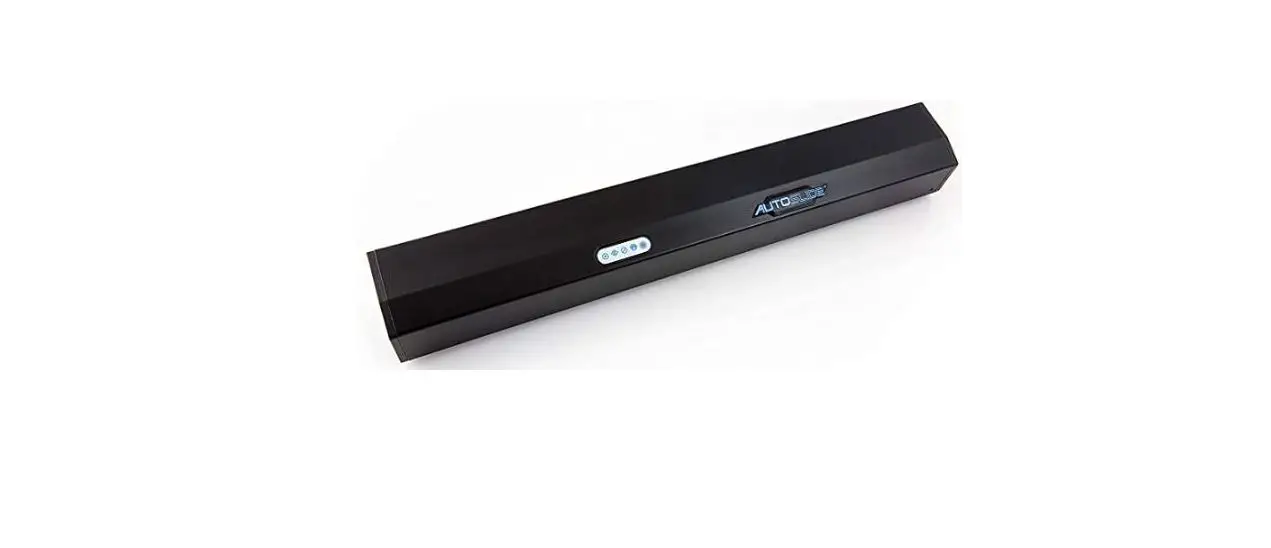
The AutoSlide uses four operating modes. Each mode is designed for a different type of application or method of opening/closing. You can tell which mode the unit is in and change the mode using the mode pad located on the front of the control panel. 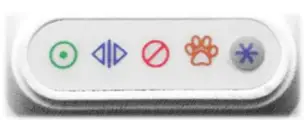
 Automatic Mode
The default mode for everyday ease and accessibility.
- Door is unlocked
- Power-assist enabled
- Sensors/buttons on Inside and Outside channels enabled
- Sensors/buttons on Pet and Stacker channels are disabled
| Inside Sensor | Enabled, opens to full width |
| Outside Sensor | Enabled, opens to full width |
| Pet Sensor | Disabled, functions as safety sensor* |
| Stacker Sensor | Disabled |
 Hold Open Mode
Keeps the door fully open. Remotes connected to Stacker Sensor can start and stop the door like a garage door.
- Door is locked when closed (w/ iLock Motor)
- Power-assist disabled
- Only sensors/buttons programmed to Stacker channel enabled
- Sensors/buttons on Inside, Outside, and Pet channels are disabled
| Inside Sensor | Disabled |
| Outside Sensor | Disabled |
| Pet Sensor | Disabled, functions as a safety sensor |
| Stacker Sensor | Enabled, starts, and stops the door |
 Secure Mode
Security-centered mode for locking the door.
- The door is locked (w/ iLock Motor)
- Power-assist disabled
- Only sensors/buttons programmed to Inside Sensor channel enabled
- Sensors/buttons on Outside, Pet, & Stacker channels are disabled
| Inside Sensor | Enabled, opens to full width |
| Outside Sensor | Disabled |
| Pet Sensor | Disabled, functions as a safety sensor |
| Stacker Sensor | Disabled |
 Pet Mode
Primary usage mode for humans with pets.
- Door is locked (w/ iLock Motor)
- Power-assist enabled
- Sensors/buttons on Inside, Outside, and Pet channels enabled
- Sensors/buttons on the Stacker channel are disabled
| Inside Sensor | Enabled, opens to full width |
| Outside Sensor | nabled**opens to full width |
| Pet Sensor | Enabled, opens to partial pet width |
| Stacker Sensor | Disabled |
- In any mode but Pet Mode, the Pet Sensor is used for safety sensors: if the door is in the process of closing and Pet The sensor is triggered, the door will automatically reverse back open. Pet Sensor cannot open the door from fully closed when not in Pet Mode.
** The Outside Sensor in Pet Mode can be disabled by turning on DIP switch #4 in the unit’s control panel.
AUTOSLIDE LLC – autoslide.com – 833-337-5433
 Autoslide – Autoslide – Automatic Sliding Doors for homes