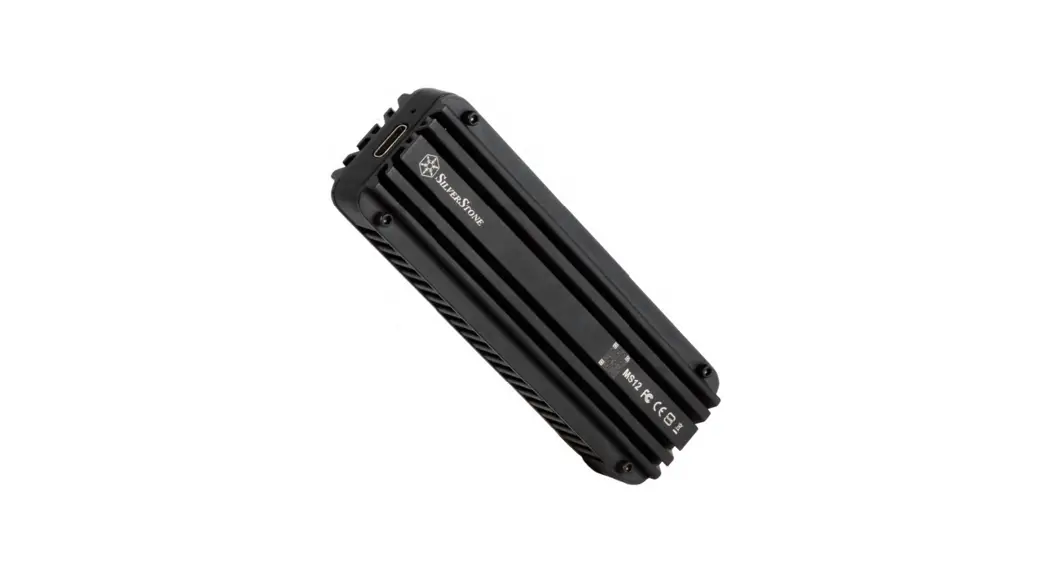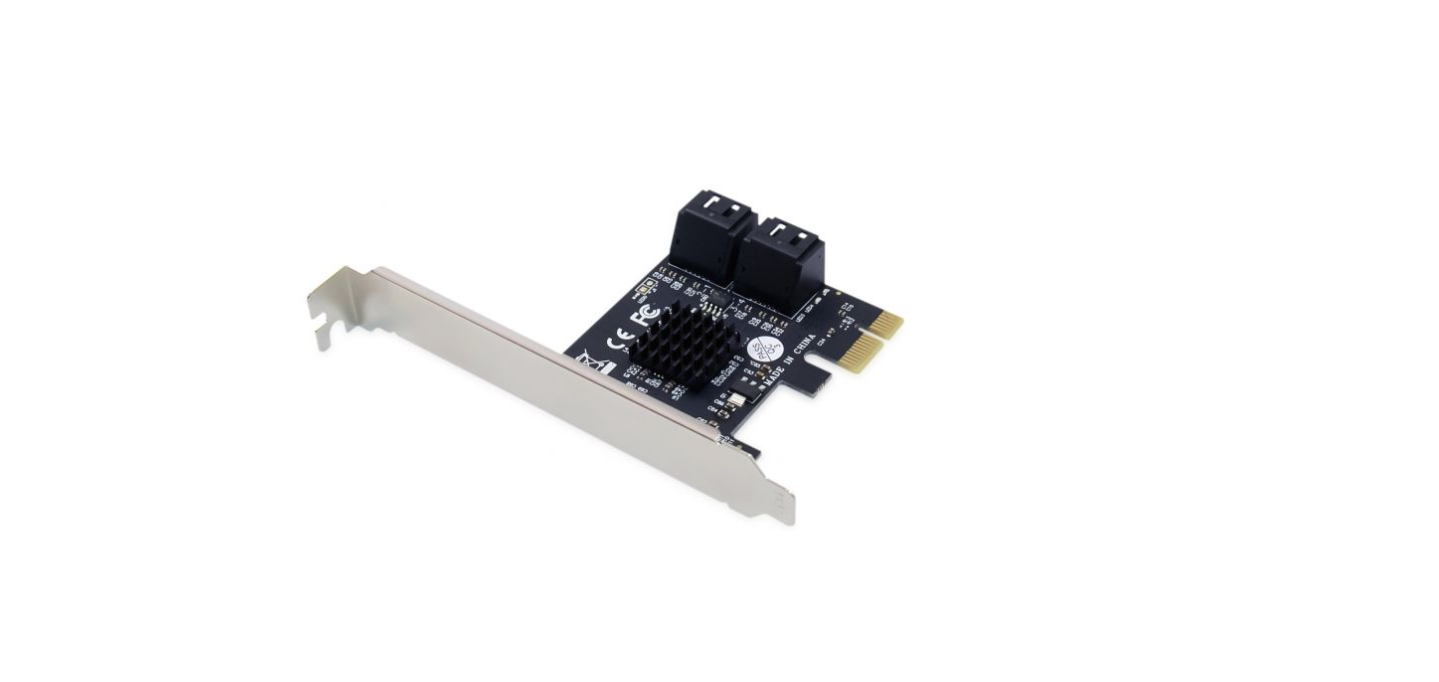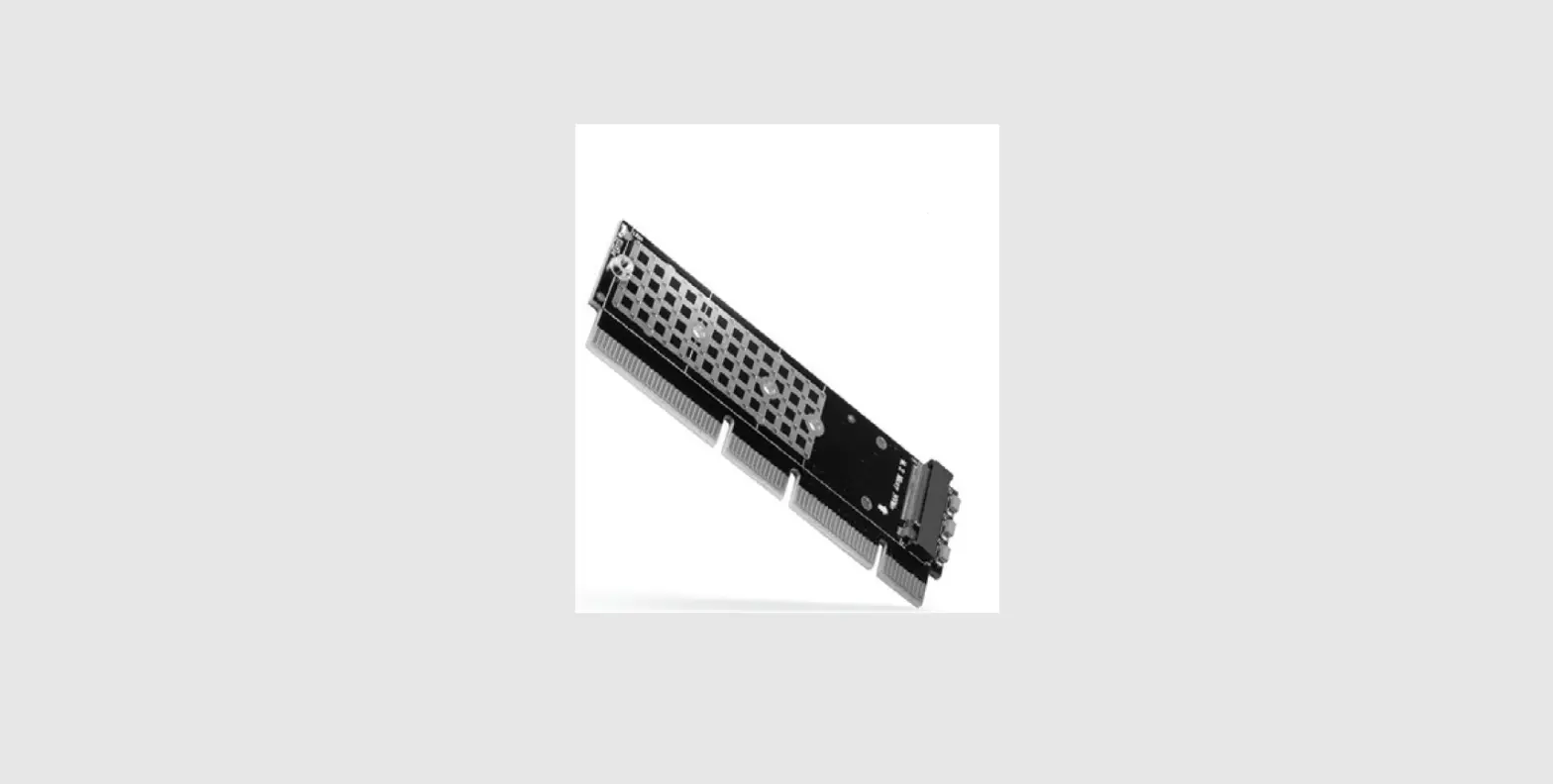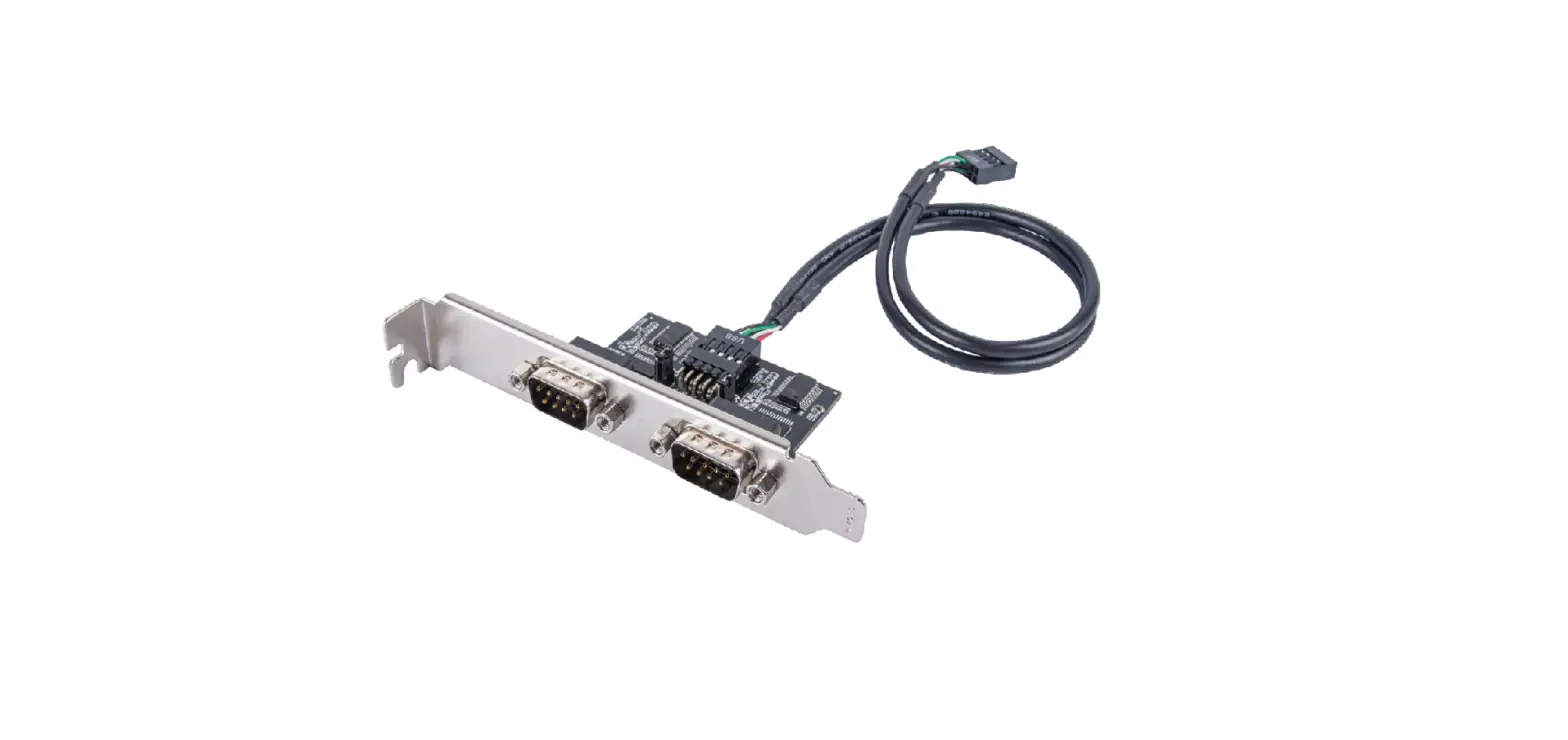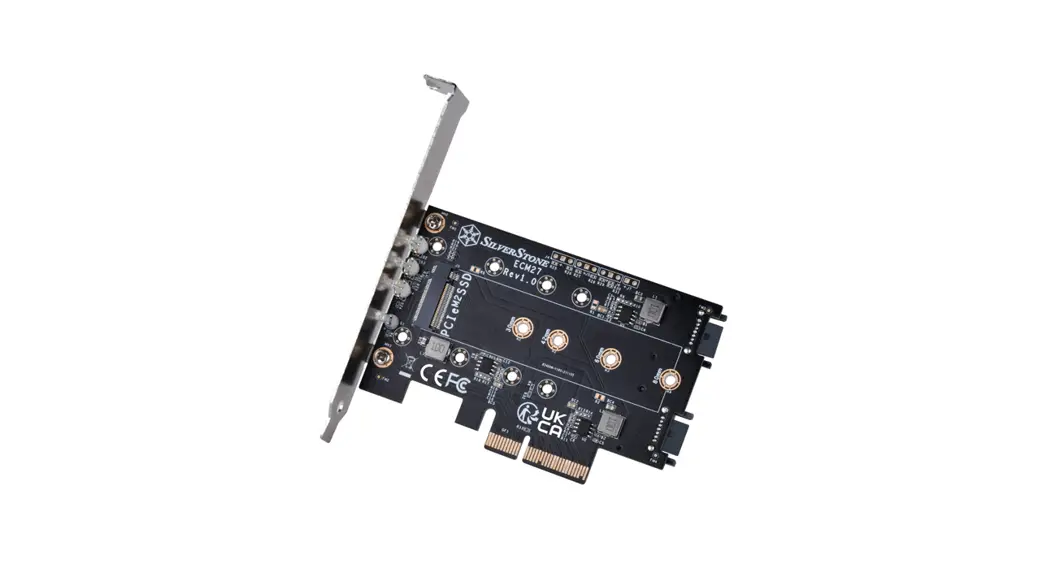

ECM27
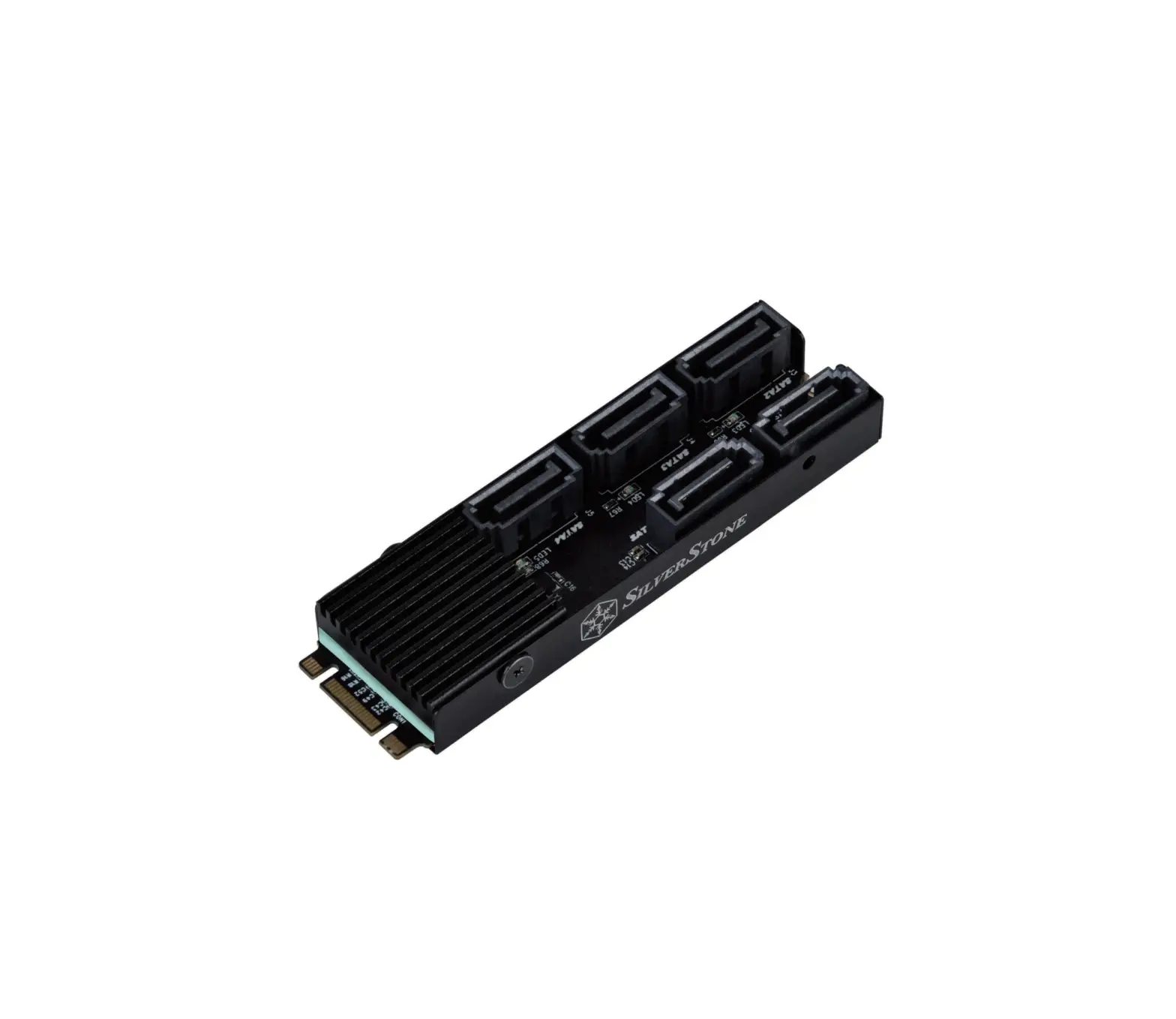
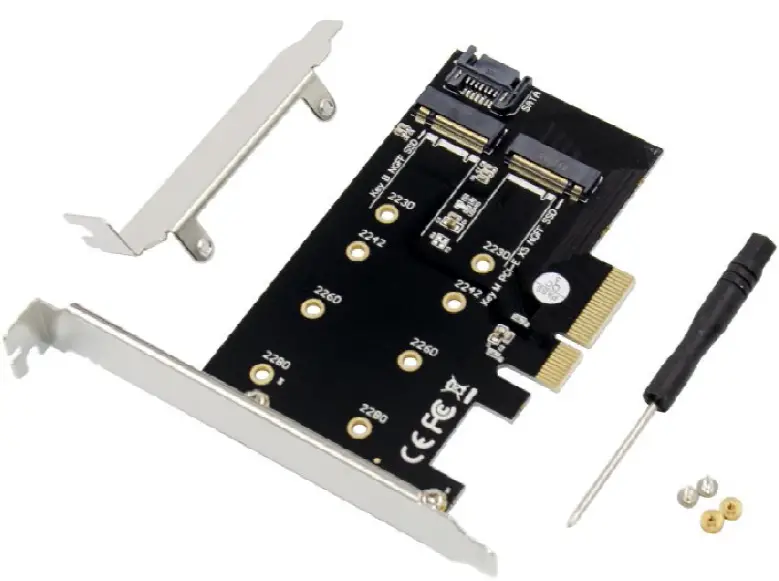
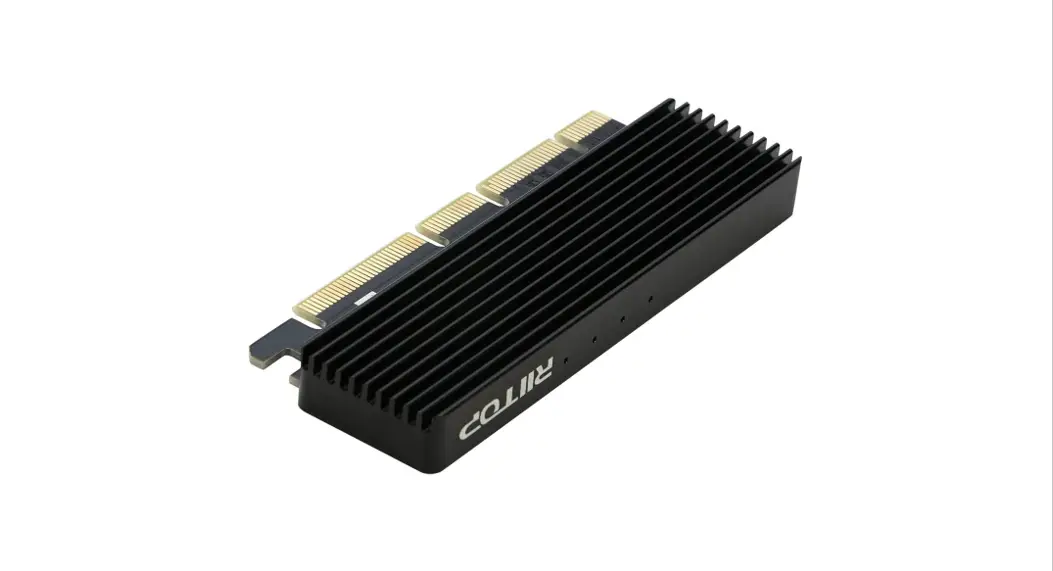
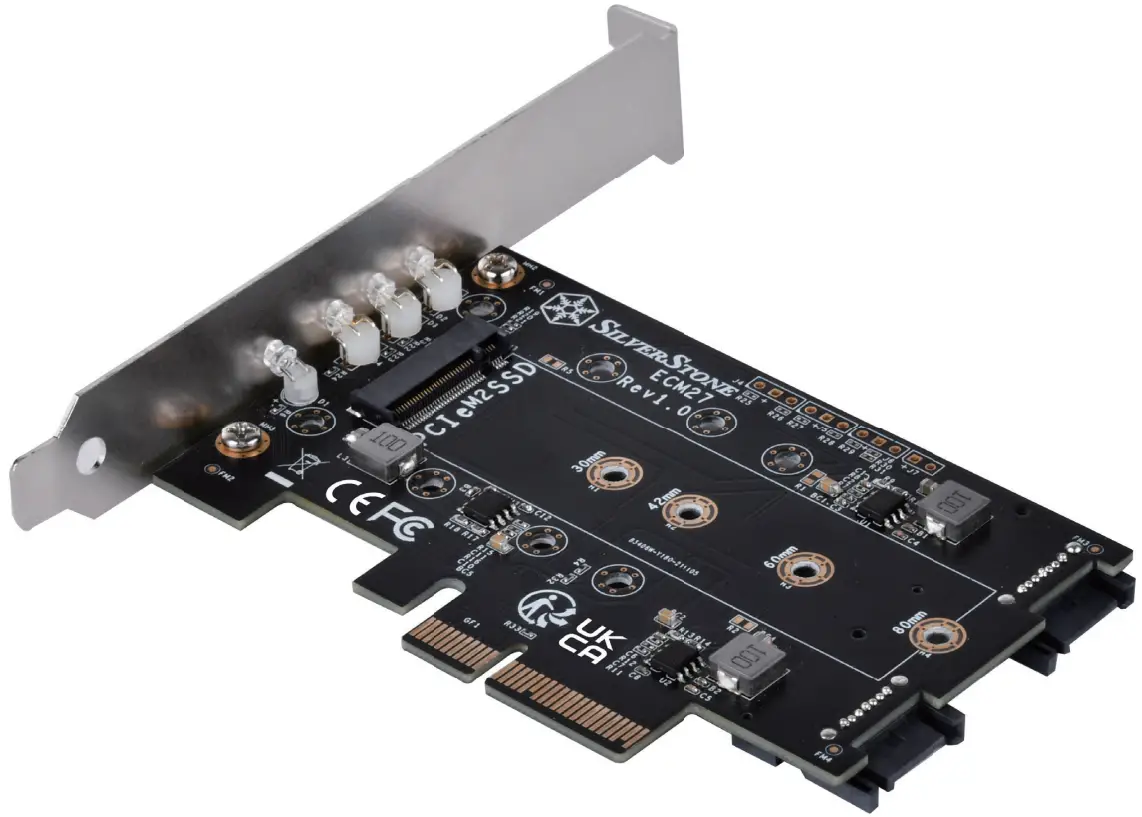
1-slot NVMe and 2-slot SATA M.2 SSD to PCI-E x4 adapter Card
www.silverstonetek.com
Installation Guide
ECM27 SATA M.2 SSD to PCI-E x4 Adapter Card
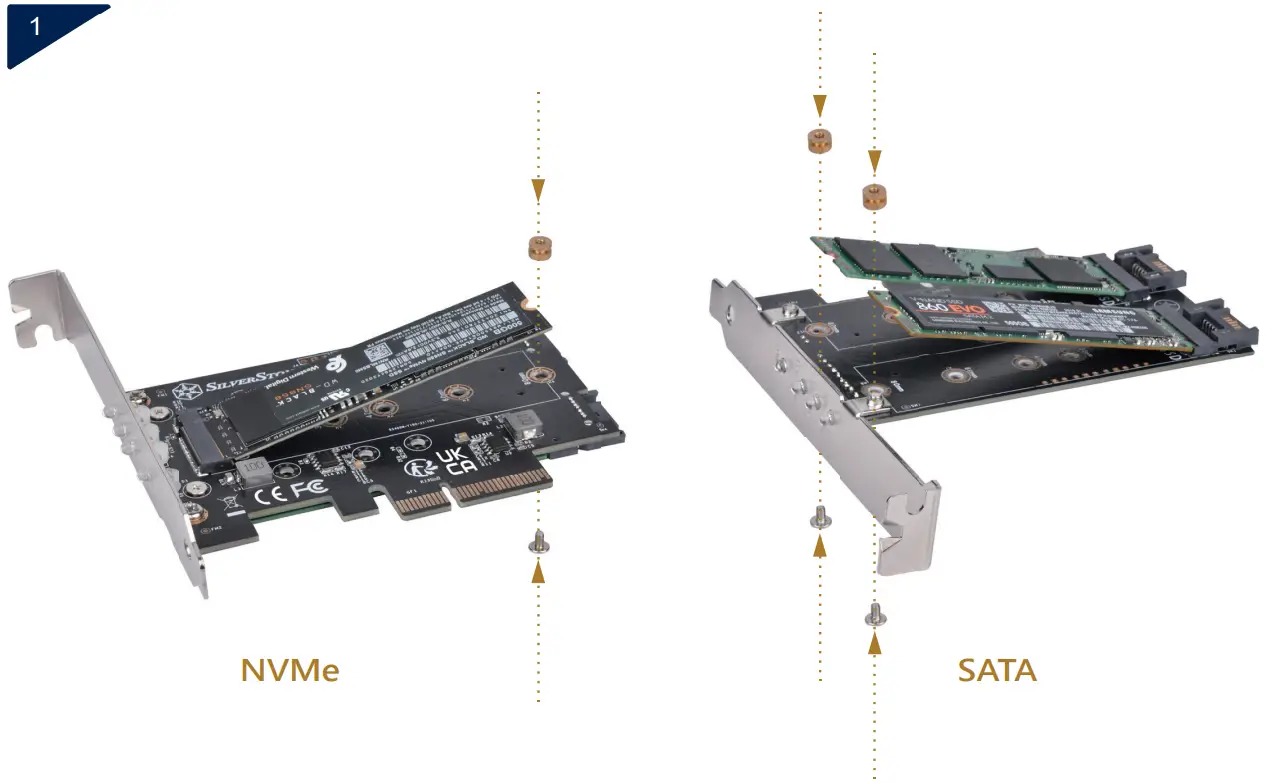
Please confirm the specifications of your M.2 SSD.
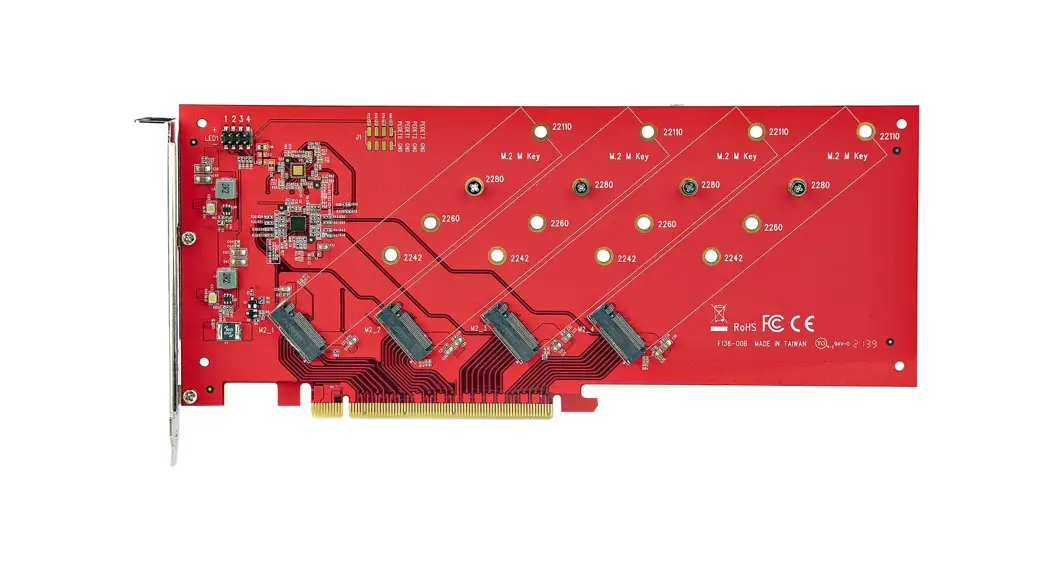
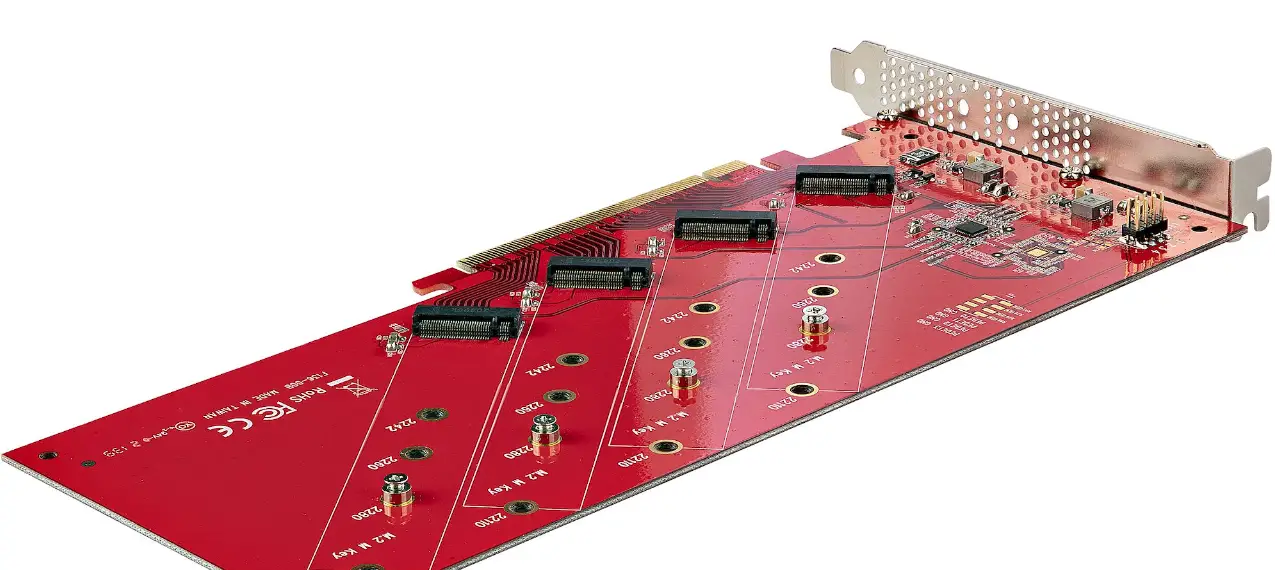
If it is an NVMe SSD, please install it in the PCIe M.2 slot. If it is a SATA interface, please install it in the SATA M.2 slot. Secure the standoff and screws to install the M.2 SSD.
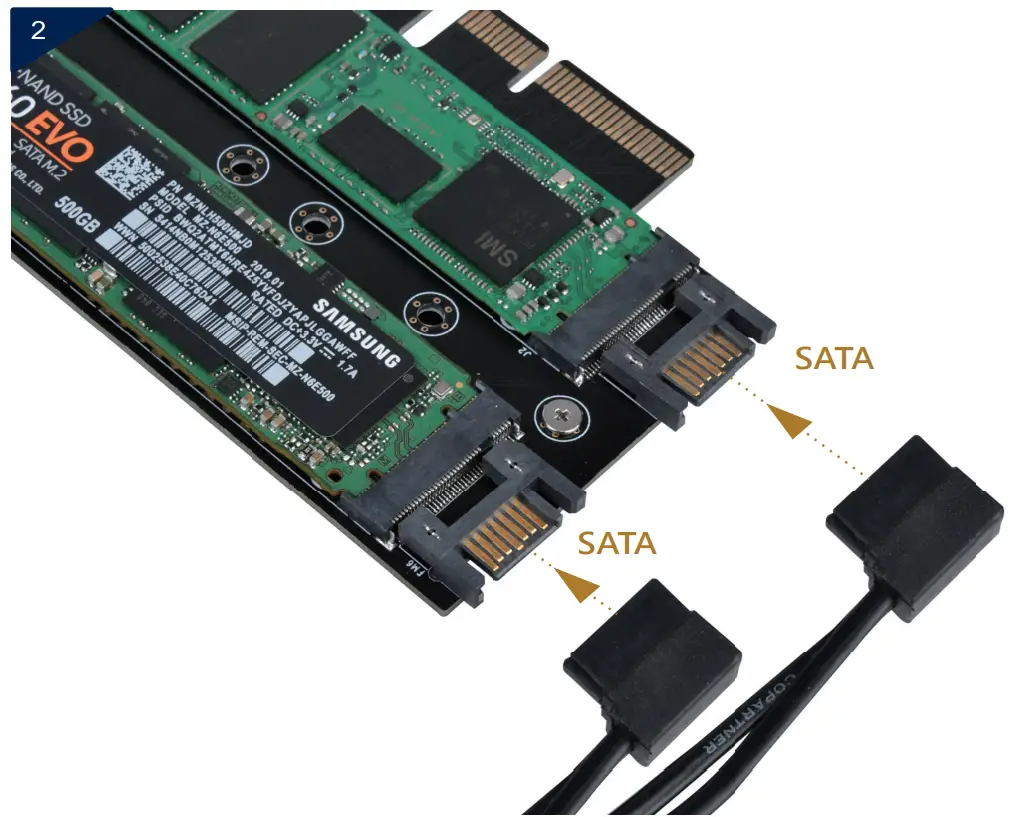
If a SATA M.2 SSD is installed, please connect the SATA cable to the SATA port of the ECM27 expansion card (If you are only installing NVMe SSD, please ignore this step.)
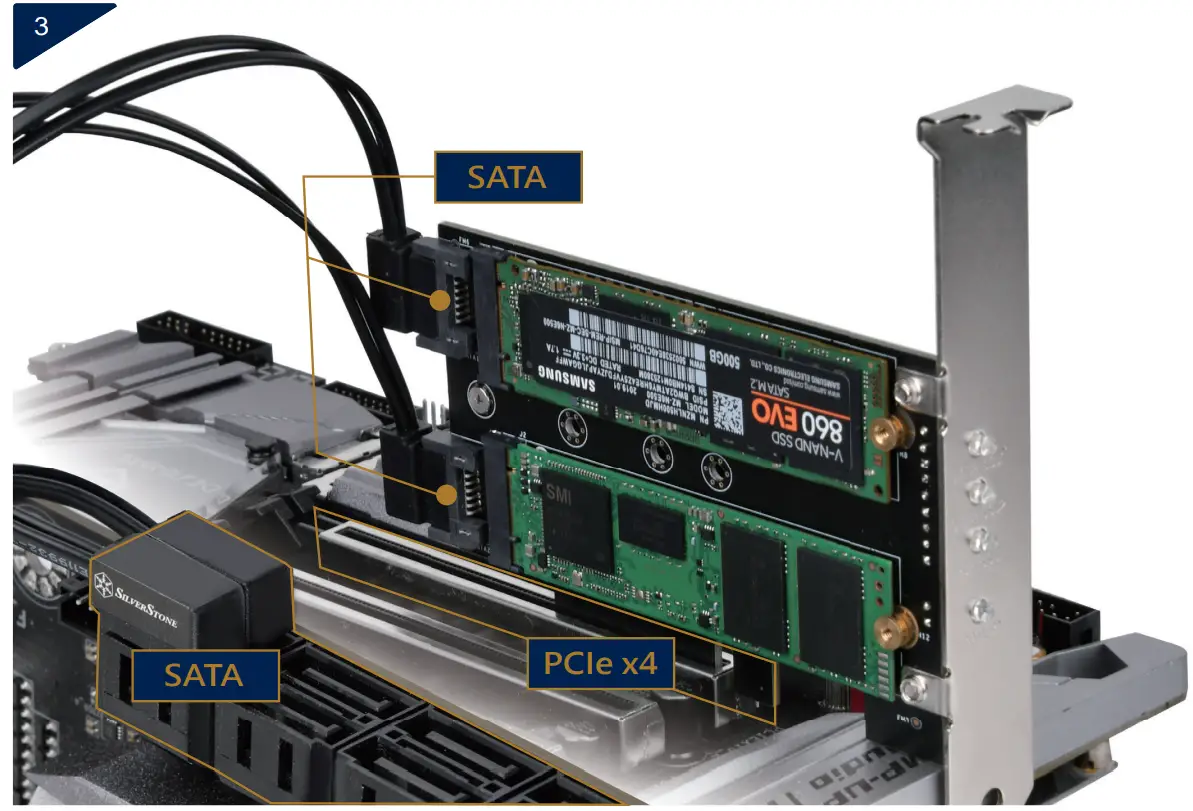
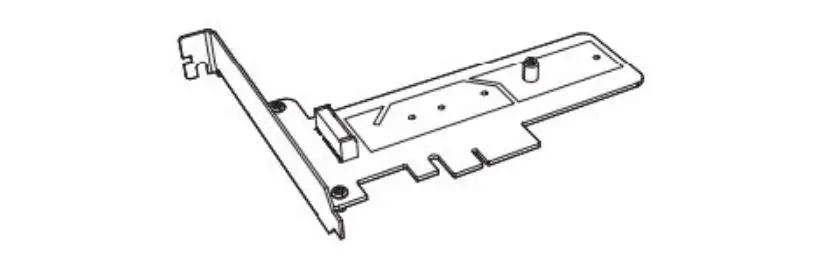
Insert ECM27 into a PCIe x4 or above slot on the motherboard.
If a SATA M.2 SSD is installed, please connect the SATA cable to the SATA port on the motherboard
SilverStone Technology Co., Ltd.
wwwsilverstonetek.com
[email protected]
 SilverStone