
Silverstone Ecd01 Internal Usb 2.0 To Dual Rs232 Port Adapter Installation Guide

Silverstone Ecd01 Internal Usb 2.0 To Dual Rs232 Port Adapter Installation Guide

SILVERSTONE logo

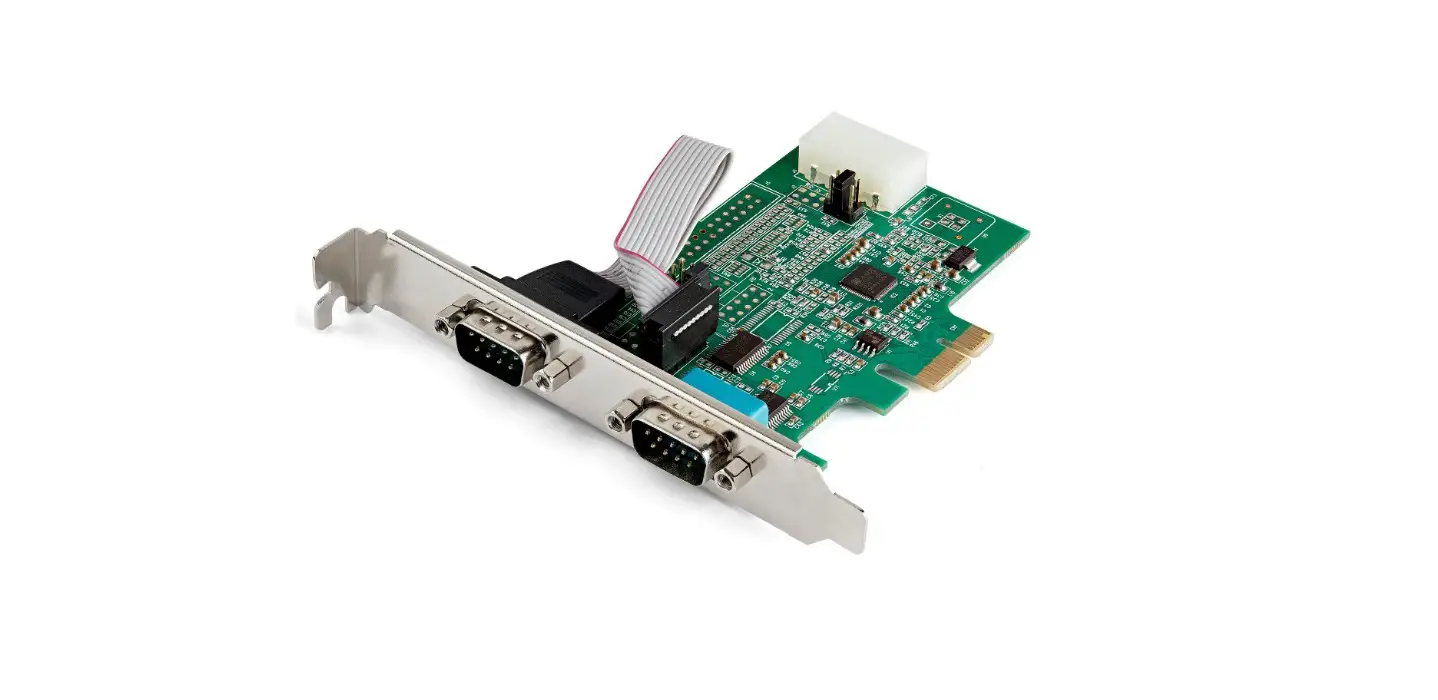
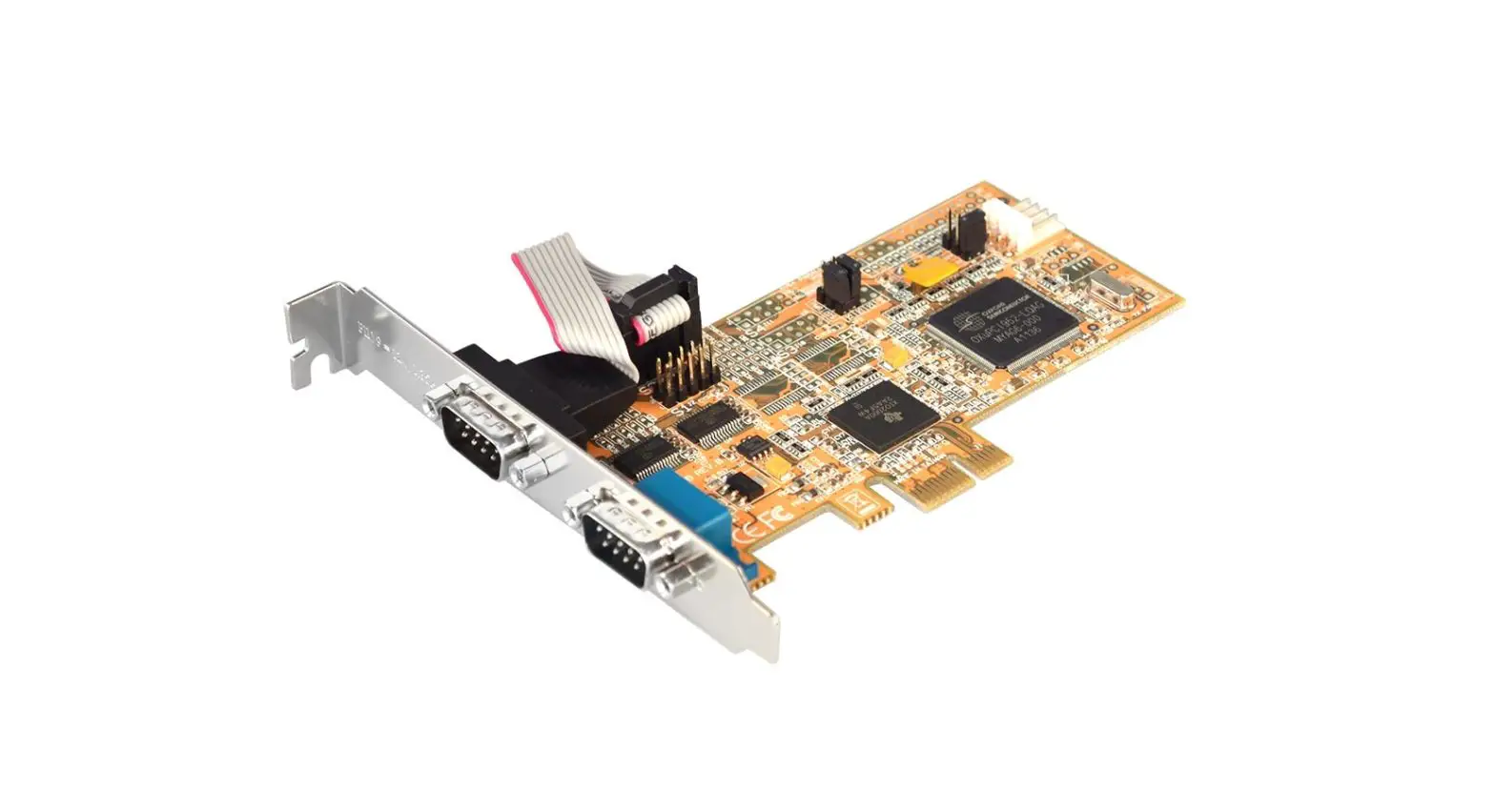
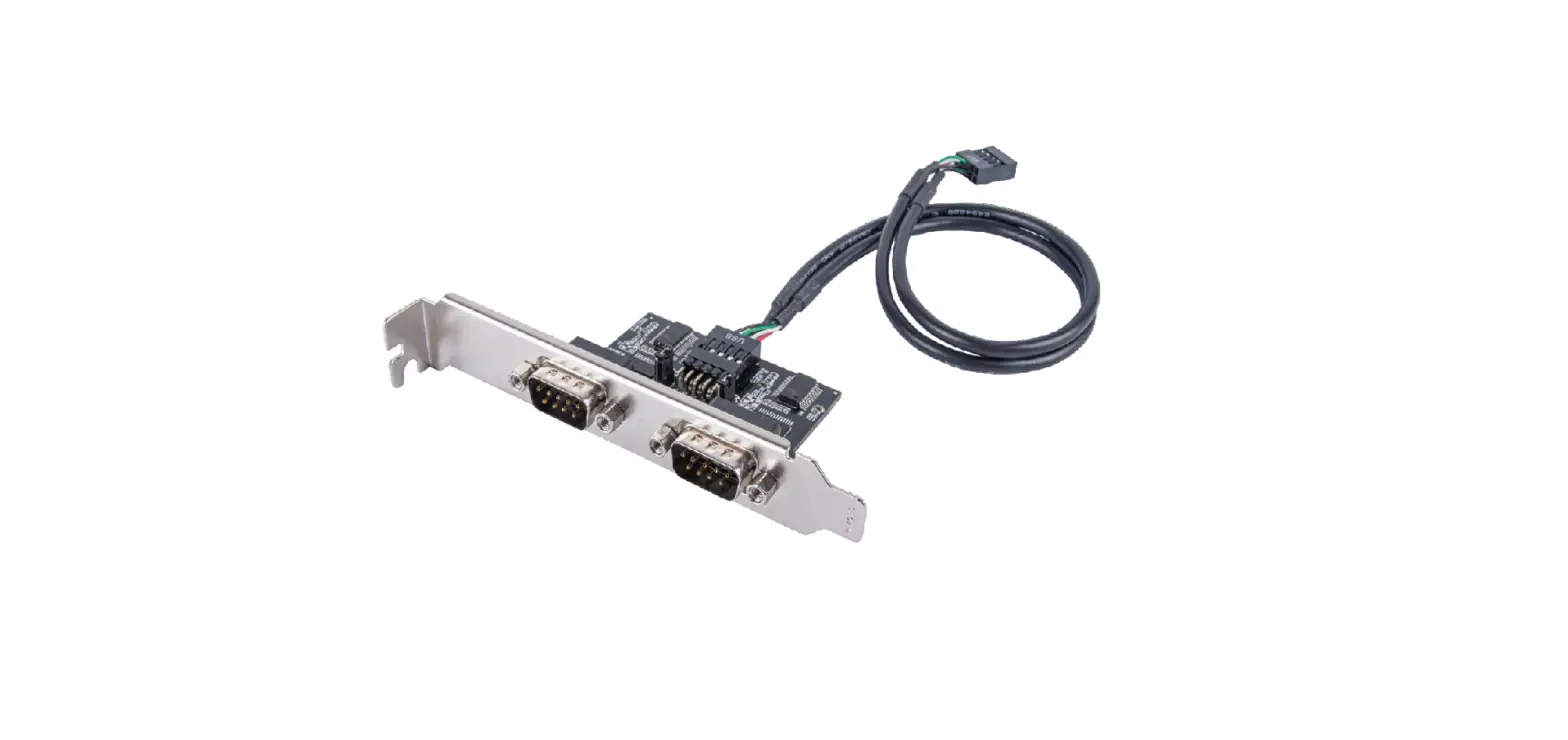
SILVERSTONE ECD01 Internal USB 2.0 to Dual RS232 Port Adapter
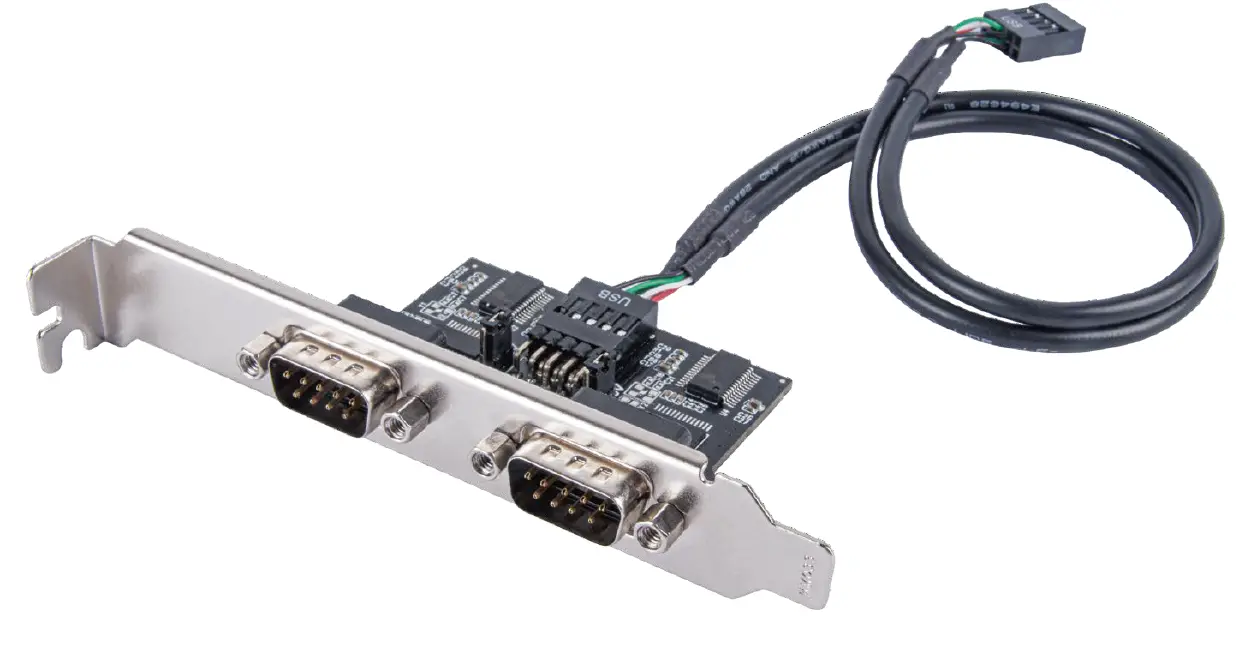
SILVERSTONE ECD01 Internal USB 2.0 to Dual RS232 Port Adapte

Installation Guide

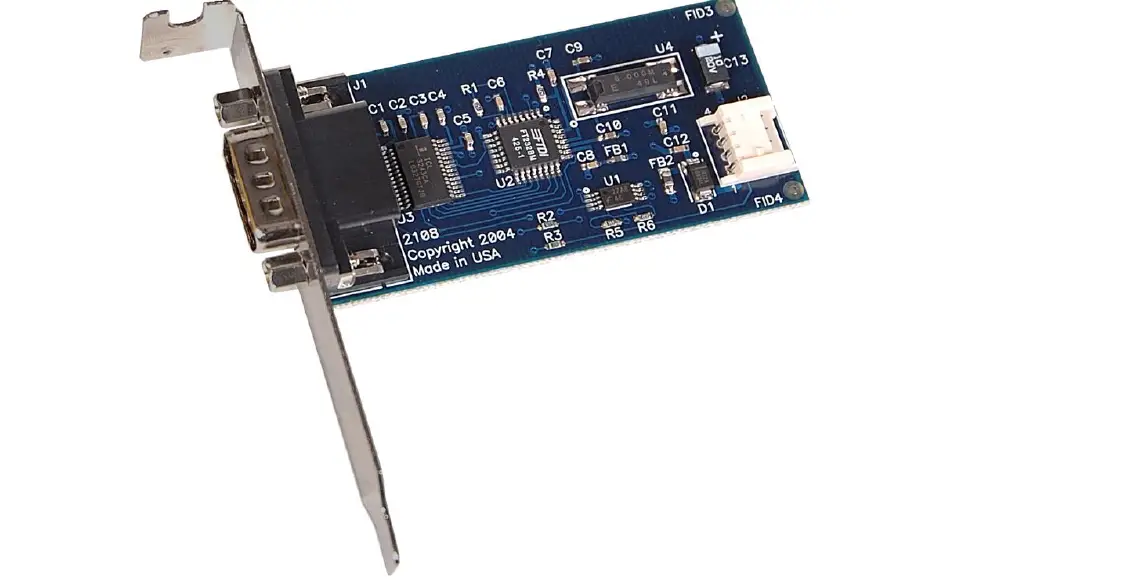
Position and secure ECD01 on chassis’ PCIe expansion slots.
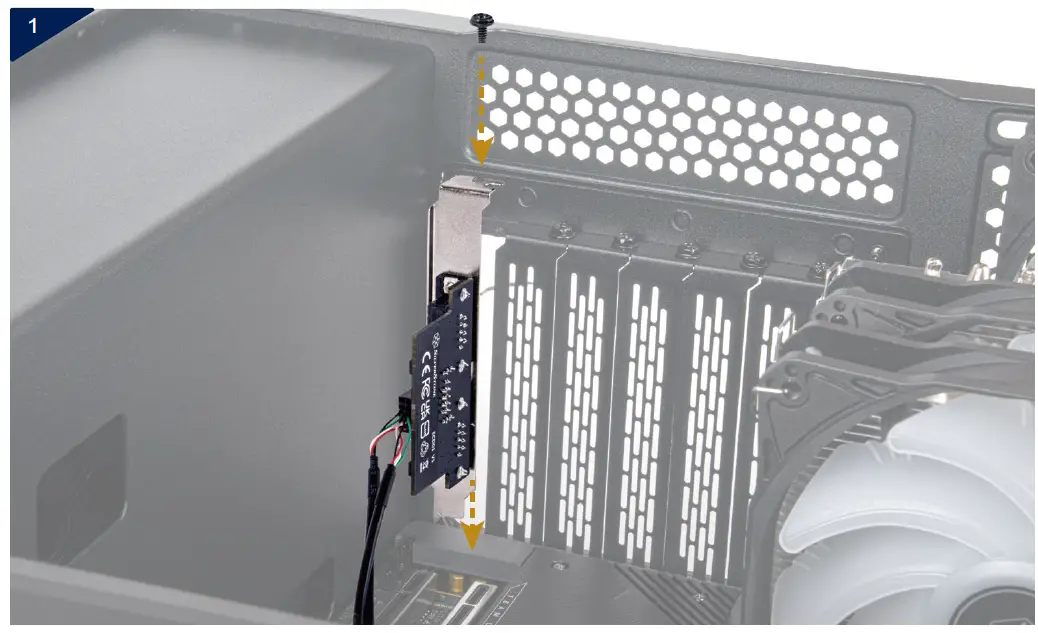
SILVERSTONE ECD01 Internal USB 2.0 to Dual RS232 Port Adapte 1

Connect ECD01 cable to the motherboard’s USB 2.0 (9 pin) header.
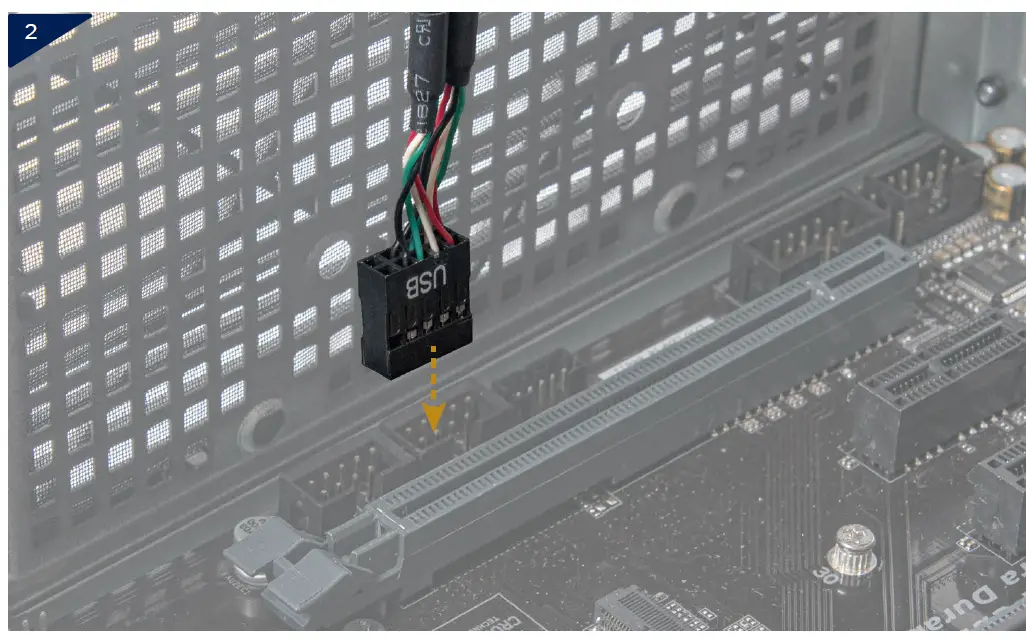
SILVERSTONE ECD01 Internal USB 2.0 to Dual RS232 Port Adapte 2

*Jumper switches explanation
Maintain the existing RI function 9th pin 5V power supply
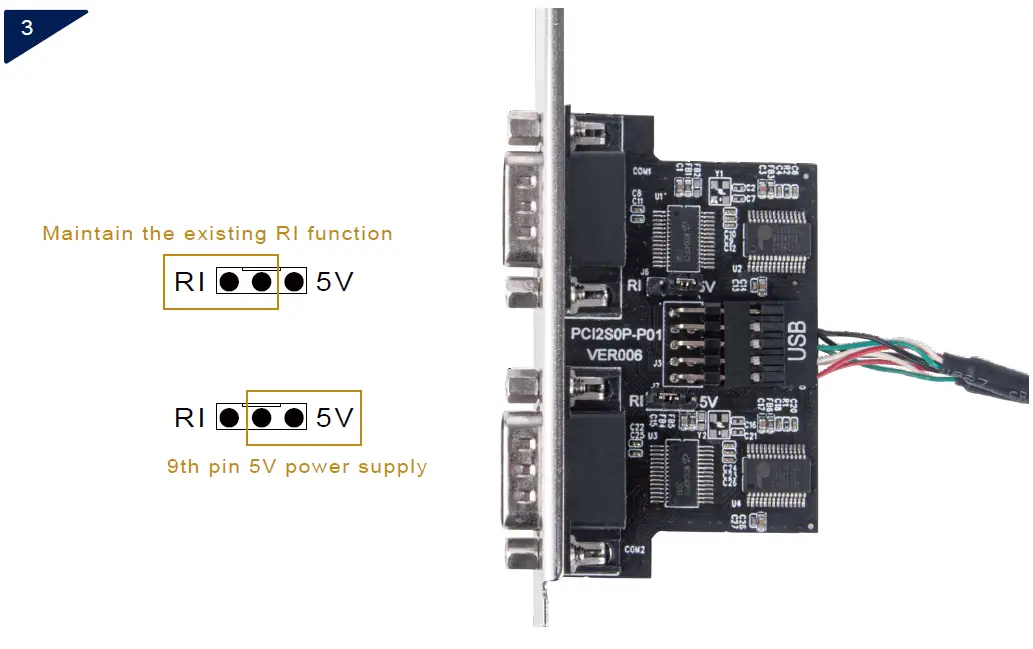
SILVERSTONE ECD01 Internal USB 2.0 to Dual RS232 Port Adapte 3

[email protected]

www.silverstonetek.com

References

Documents / Resouces

Download manual
Here you can download full pdf version of manual, it may contain additional safety instructions, warranty information, FCC rules, etc.


Related Manuals