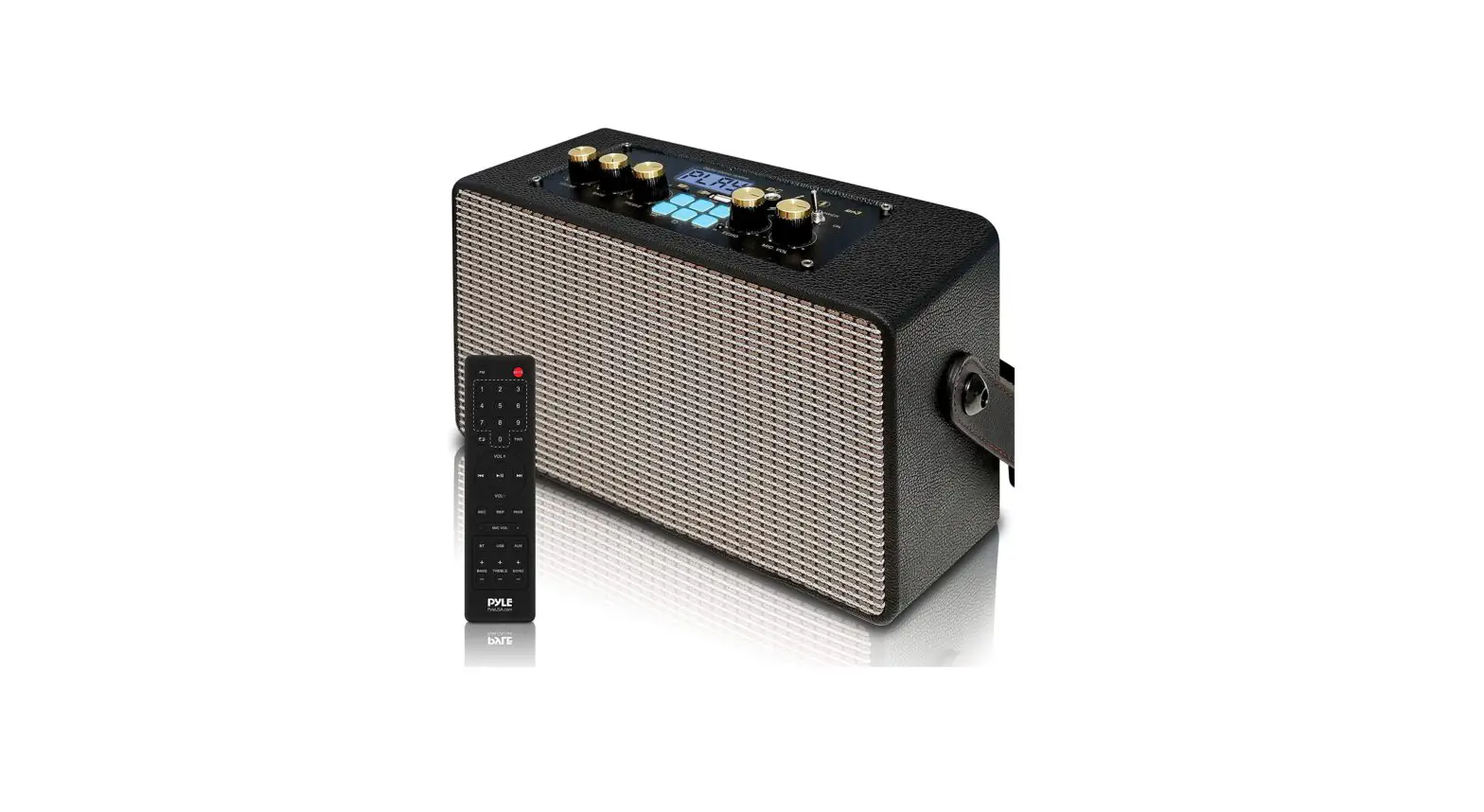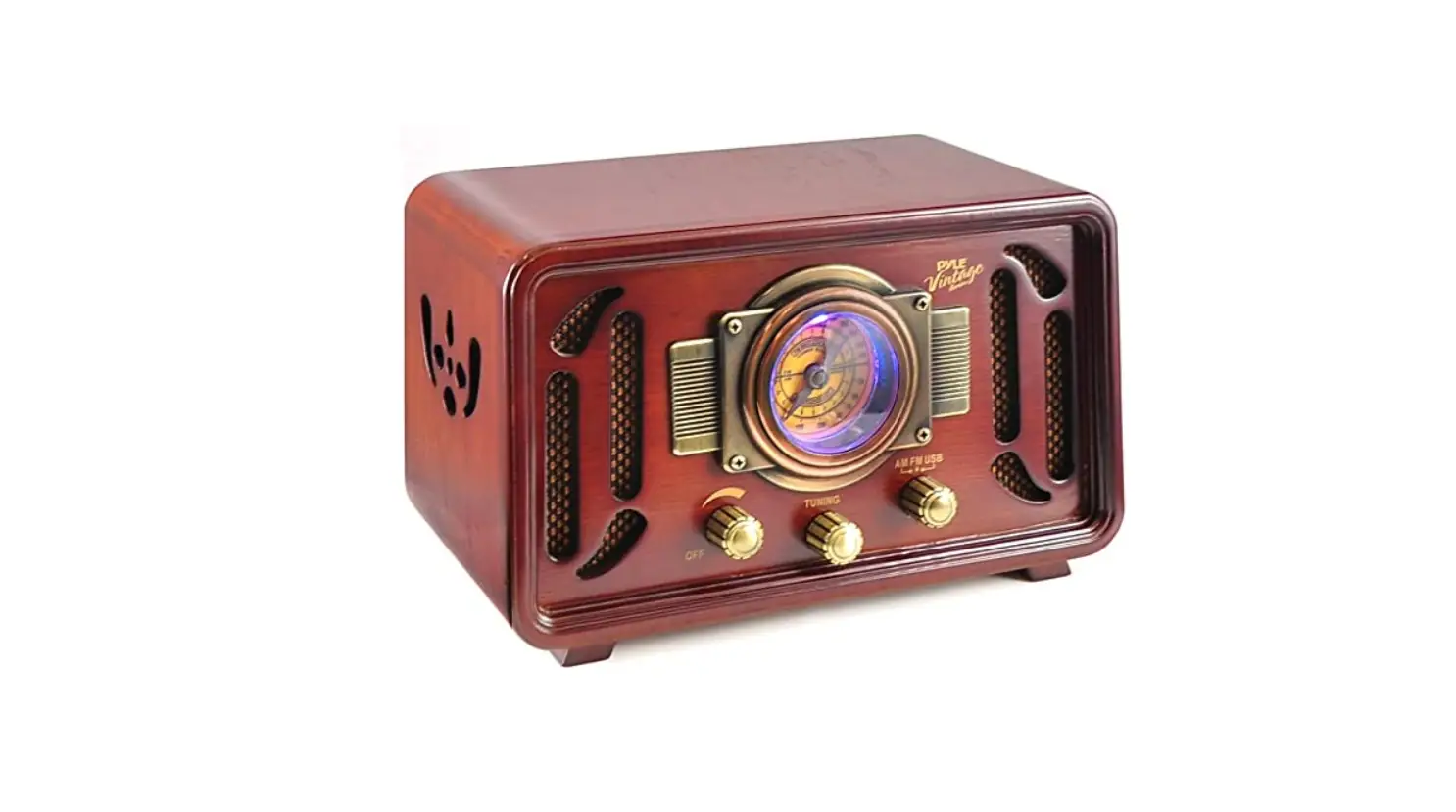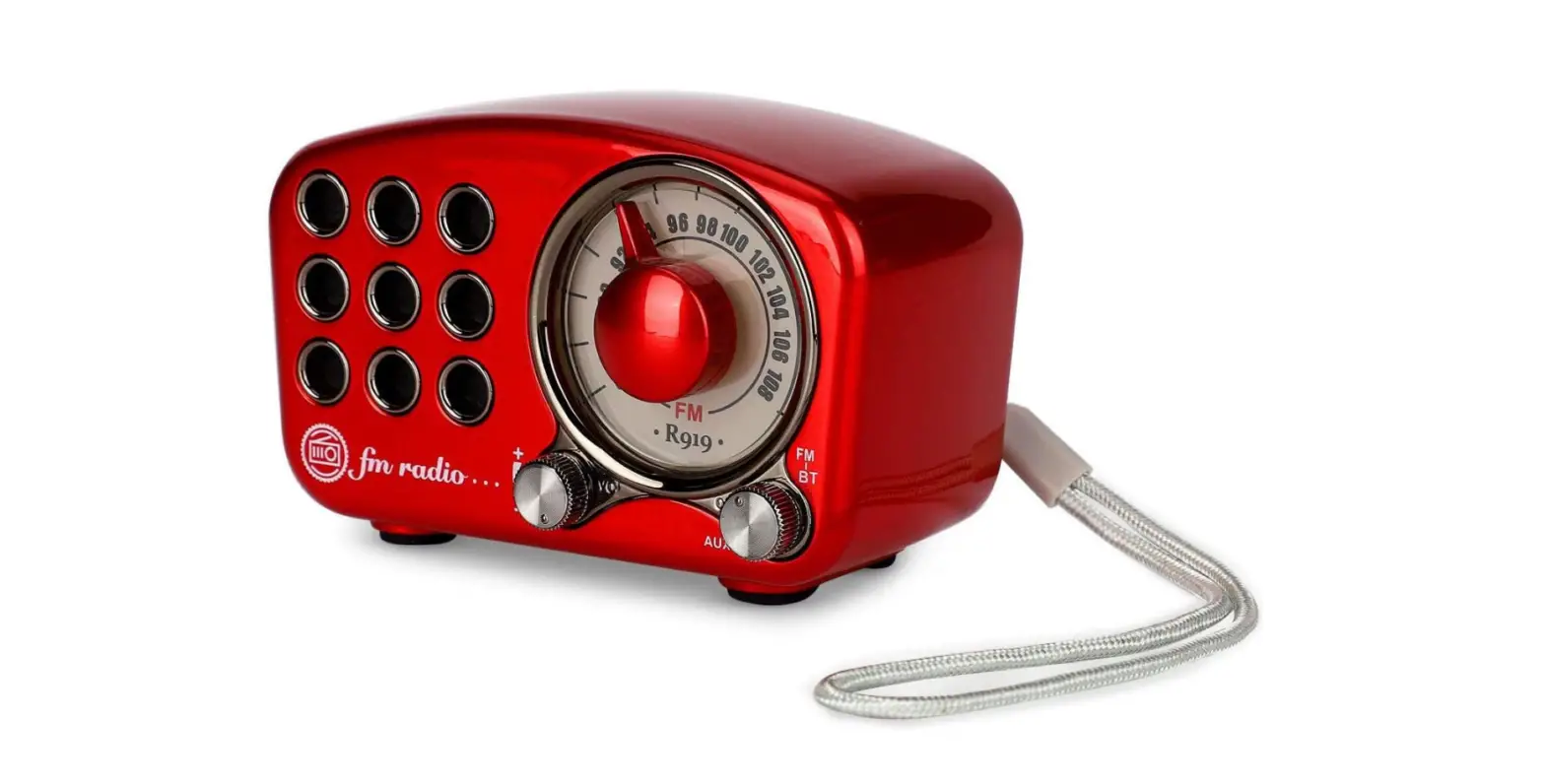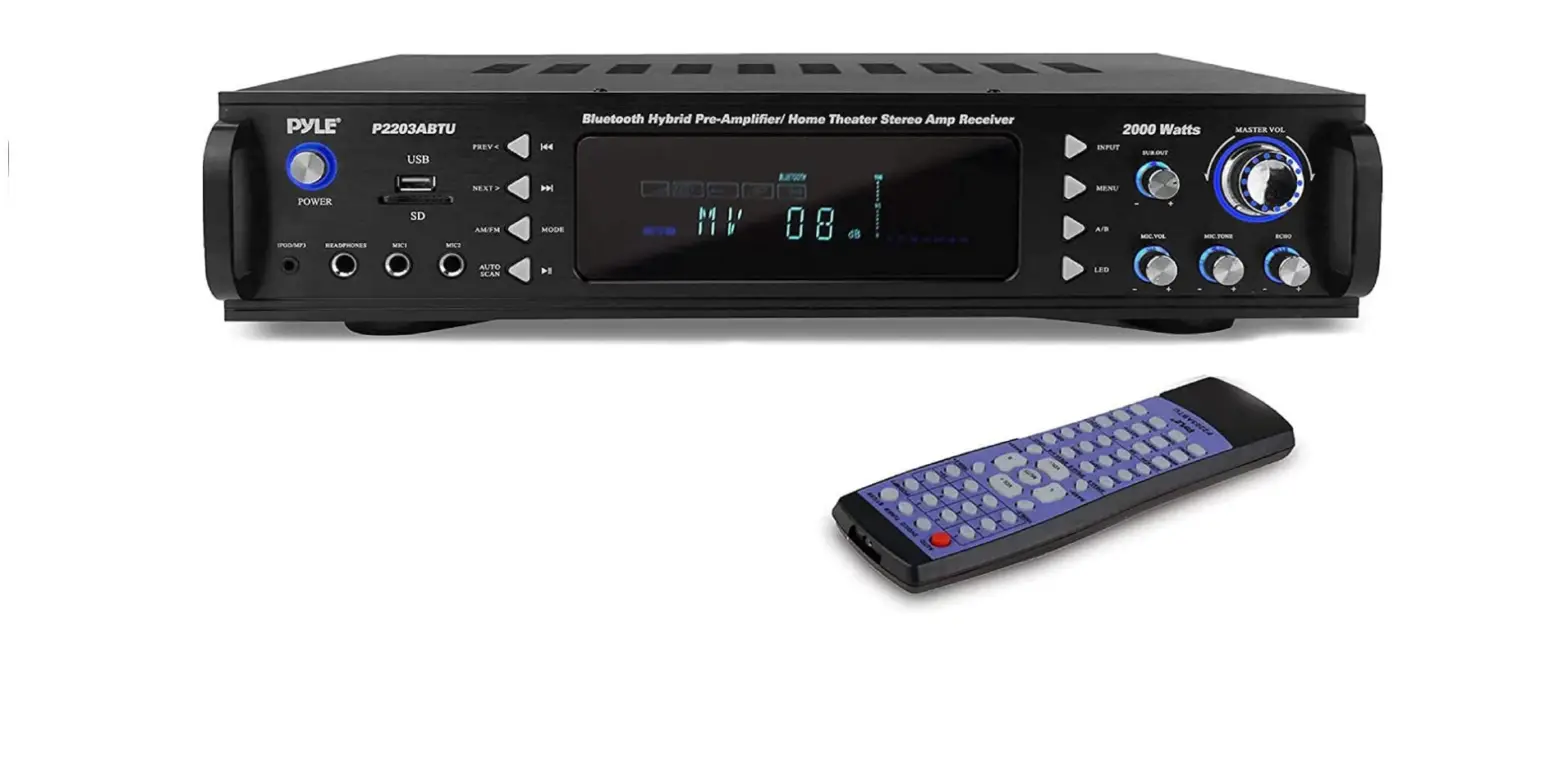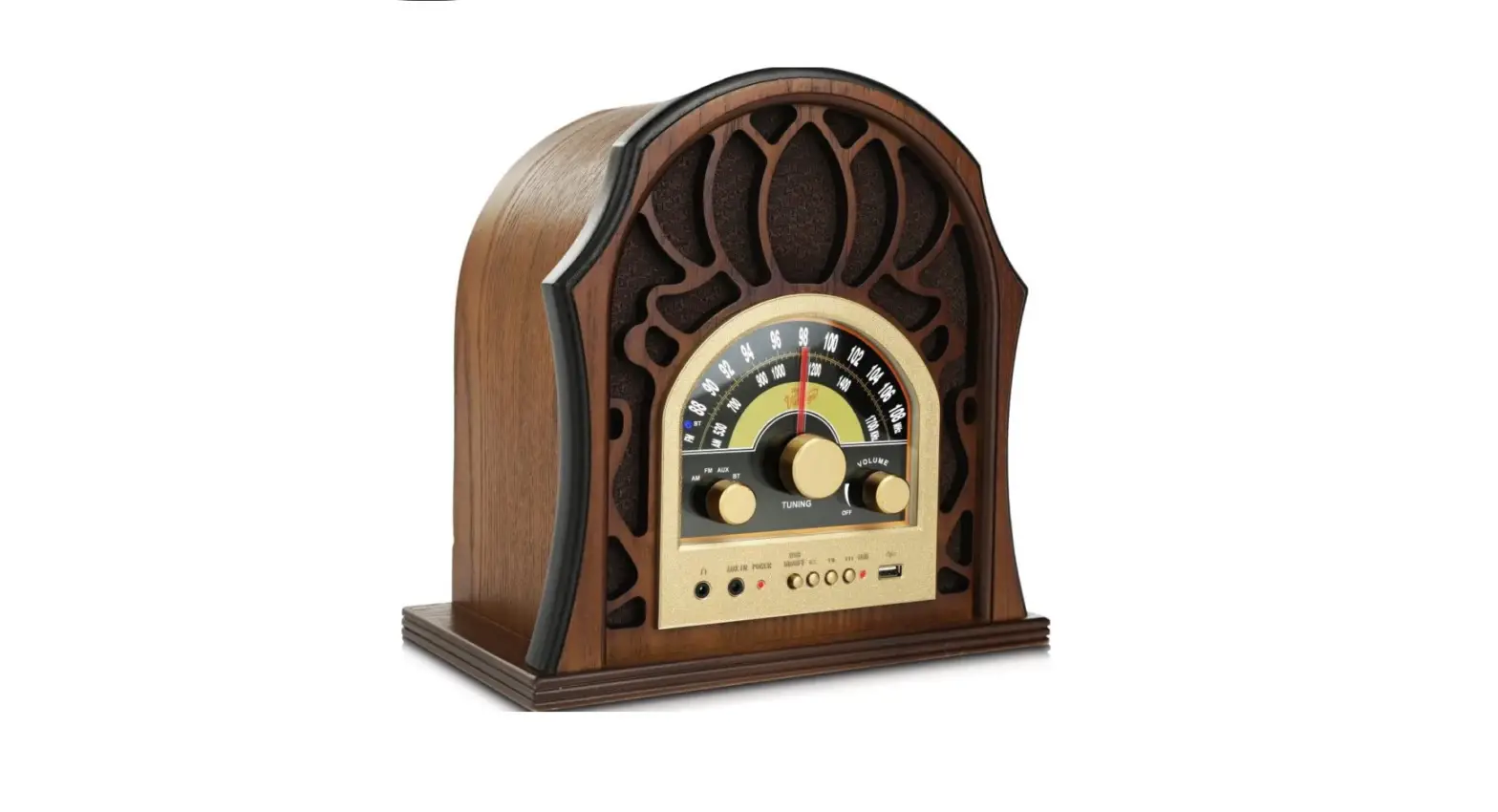

Pyle Retro Speaker Vintage Radio – Classic Style Stereo, Wireless Bluetooth Receiver Speakers
Specifications
- BRAND: Pyle
- COLOR: Black
- HARDWARE INTERFACE: USB, 3.5mm Audio
- CONNECTIVITY TECHNOLOGY: Bluetooth, USB, AUX
- ITEM WEIGHT: 4.86 Pounds
- FREQUENCY: 108 MHz
- ITEM DIMENSIONS LXWXH: 10.83 x 6.5 x 11.23 inches
- DIGITAL AUDIO FILE COMPATIBILITY: MP3 / WMA
- MAXIMUM USB FLASH/SD CARD SUPPORT: 32GB
- POWER: 120V, AC
- BLUETOOTH VERSION: 4.1
- BLUETOOTH WIRELESS RANGE: 30’+ Feet
Introduction
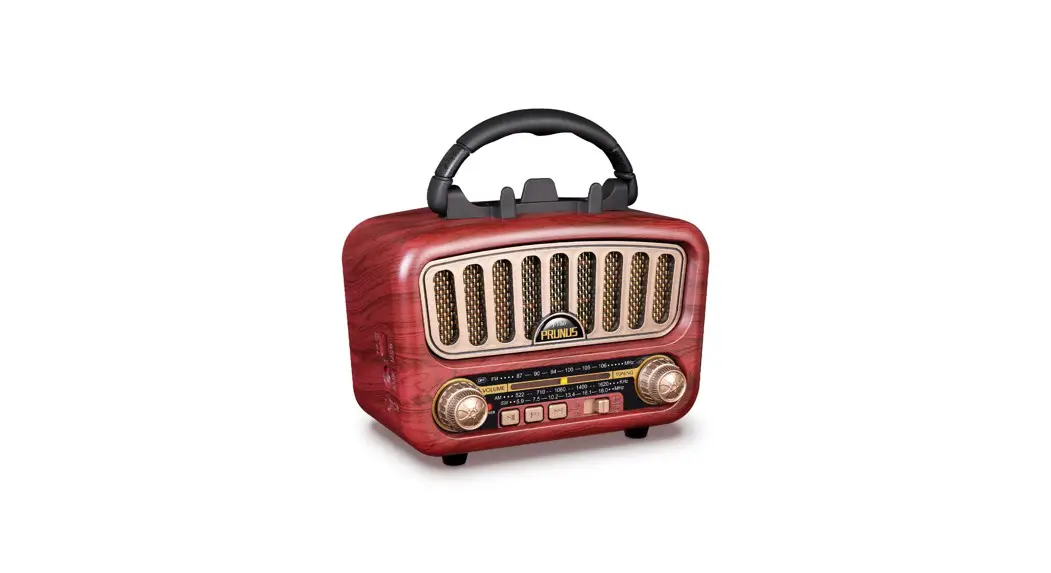
The Pyle throwback radio speakers support Bluetooth wireless music streaming and are compatible with the newest smartphones, tablets, and phones running Android and other operating systems. Simple audio streaming through the stereo speaker. It is the remarkable full bass sound system, full-range sound reproduction, and wide frequency response range of 88 to 108 MHz for FM Radio and 530 to 1700 KHz for AM Radio are all features of these built-in stereo speakers. It has Digital MP3/WMA audio files that support 32 GB and can be played back with a USB flash drive reader. Playback of audio from outside sources 3.5mm input jack for audio devices. Energy 120V AC Elegant-style speakers were expertly carved from wood and polished by hand. designed to mirror the traditional vintage styles of the past. In your home or business, perfect for tabletop use. A practical item that will be popular. You may connect to your cellphones and tablets using this. Your favorite digital audio files for MP3 players can be played on this vintage-style radio with ease. simple control panel with rotational knobs and buttons
CAUTION
To prevent fire or shock hazards, do not use this plug with an extension cord, receptacle or another outlet unless the blades can be fully inserted to prevent blade exposure. To prevent fire or shock hazards, do not expose this appliance to rain or moisture.
| The lightning flash with arrow head symbol, within an equipment triangle is intended to alert the user to the presence of uninsulated ‘dangerous voltage’ within the product’s enclosure that may be of sufficient magnitude to constitute a risk of electric shock to persons. | CAUTION | |
| RISK OF ELECTRIC SHOCK DO NOT OPEN | ||
| WARNING: TO REDUCE THE RISK OF ELECTRIC SHOCK DO NOT REMOVE COVER (OR BACK), NO USER SER- VICEABLE PARTS INSIDE REFER SERVICING TO QUALIFIED SERVICE PER- SONNEL. | The exclamation points with- in an equilateral triangle is intended to alert the user to the presence of operating and maintenance (service- Ing) instructions in the lit- erasure accompanying the appliance. |
IMPORTANT SAFETY INSTRUCTIONS
- Please read these instructions and keep them for future reference.
- Pay attention to all warnings.
- Follow all instructions.
- Do not use this apparatus near water.
- Clean only with a dry cloth.
- Do not block any ventilation openings.
- Install in accordance with the manufacturer’s instructions. Do not install near any heat sources such as radiators, heaters, stoves, or other apparatus (including amplifiers) that produce heat.
- Protect the power cord from being walked on or kinked, in particular where the plug is fitted and at the point where it exits from the apparatus.
- Only use attachments I accessories specified by the manufacturer.
- Unplug this apparatus during lightning storms or when unused for long periods of time.
- Refer all servicing to qualified service personnel. Servicing is required when the apparatus has been damaged in any way, such as power supply cord or plug is damaged, liquid has been spilled or objects have fallen into the apparatus, the apparatus has been exposed to rain or moisture, does not operate normally, or has been dropped.
- This appliance should not be exposed to dripping or splashing water and no object filled with liquids, such as vases, should be placed on the apparatus.
- Do not overload the wall power outlet. Use only power source as indicated – i.e.,120V AC mains.
IMPORTANT NOTES
Avoid installing this unit in places exposed to direct sunlight or close to heat radiating appliances such as electric heaters, on top of other stereo equipment that radiates too much heat, places lacking ventilation or dusty areas and places subject to constant vibration and/or humid or moist areas. Do not attempt to clean this unit with chemical solvents as this might damage the finish. Use a clean dry cloth. Operate controls and switches as described in the manual Before turning On the power, make certain the AC power cord is plugged in. When moving the set, be sure to first disconnect the power cord.
This product is designed to operate on 120V 60Hz AC Mains only. Attempting to operate this system from any other power source may cause damage to the system, and such damage is not covered by your warranty.
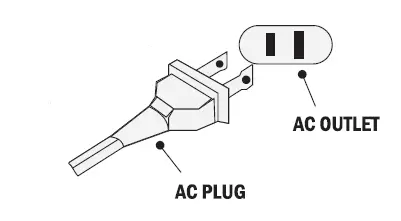
NOTE
You will note that this system is equipped with a domestic standard AC power 2-pin plug. If this plug does not fit into your existing.
PROTECT YOUR FURNITURE
This model is equipped with non-skid rubber ‘feet’ to prevent the product from moving when you operate the controls. These ‘feet’ are made from nonmigrating rubber material specially formulated to avoid leaving any marks or stains on your furniture. However certain types of oil-based furniture polishes, wood preservatives, or cleaning sprays may cause the rubber ‘feet’ to soften, and leave marks or a rubber residue on the furniture. To prevent any damage to your furniture we strongly recommend that you purchase small self-adhesive felt pads, available at hardware stores and home improvement centers everywhere, and apply these pads to the bottom of the rubber ‘feet’ before you place the product on fine wooden furniture.
LOCATION OF CONTROLS AND INDICATORS
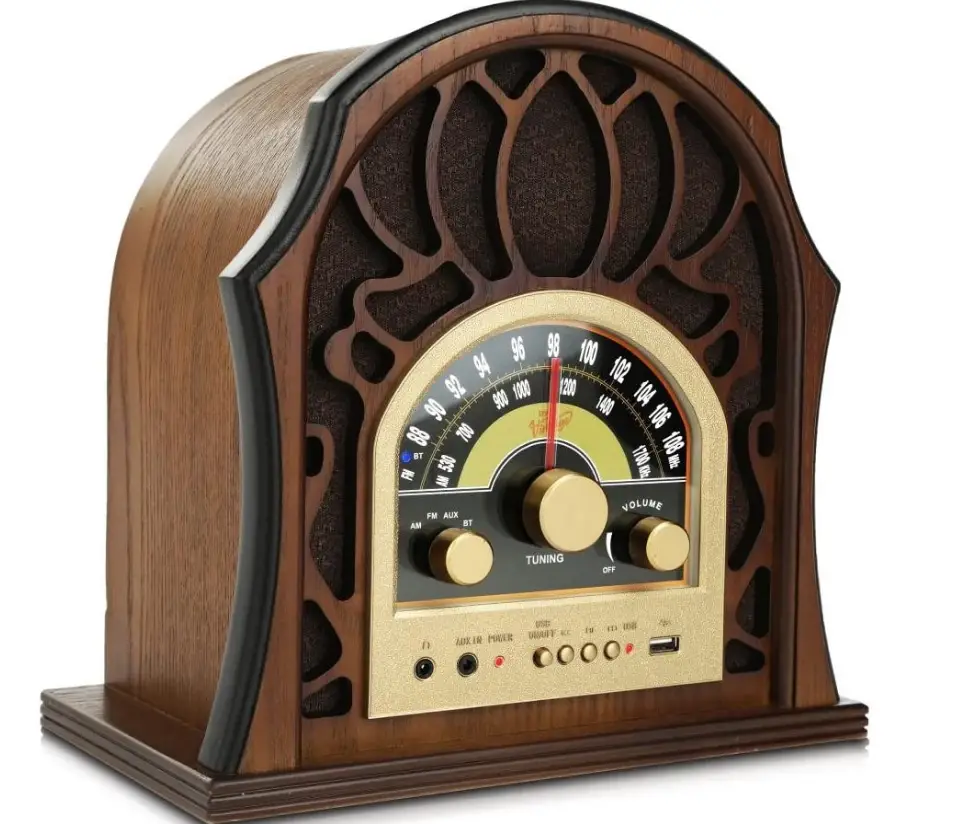
FRONT PANEL
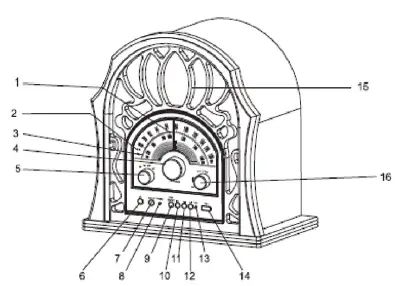
- Pointer
- BLUETOOTH Indicator
- Tuning Knob
- AM/FM Dial Scale
- Functions Knob (AM/FM/AUX/ BT)
- Headphone Jack
- AUX IN Jack
- Power Indicator Light
- USB/ON/OFF Button
- Backward Skip Button
- Play/Pause Button
- Forward Skip Button
- USB Indicator Light
- USB Socket
- Speakers
- Volume/Off Knob
BACK PANEL
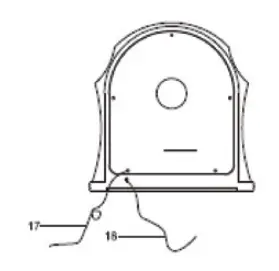
- FM Wire Antenna
- AC Power Cord
OPERATING INSTRUCTIONS
RADIO OPERATION
- Turn the unit on by rotating the VOLUME/ON/OFF Knob located of the front panel to the on position.
- Rotate the functions knob to select AM or FM mode.
- Select the desired station by rotating the TUNING knob.
- Adjust the VOLUME knob to the desired sound level.
ANTENNA INFORMATION
The AM antenna is inside the cabinet. If AM reception is unsatisfactory, Try repositioning the cabinet slightly until the internal antenna is picking up the strongest signal. The FM wire antenna is located on the back of the cabinet. If necessary, adjust the position and direction of this antenna until you find the position that provides the best reception.
USB OPERATION
- Insert the USB into the USB socket.
- Press the USB ON/OFF button to set the USB function on.
- Playback will start automatically, and the USB indicator will remain on.
- Adjust the VOLUME knob to the desired sound level.
- To pause playback, press the PLAY/PAUSE button.
- Press the Forward Skip button or Backward Skip button to select the desired track.
- To stop playback, Press the USB ON/OFF button again.
BLUETOOTH FUNCTION OPERATION
- Rotate the FUNCTIONS KNOB to select BLUETOOTH mode.
- Turn on your Bluetooth device and scan. lt will be displayed as “Pyle Radio” when discovered by your Bluetooth device. Enter password “0000” during pairing if necessary.
When the unit is paired with your Bluetooth device, you can hear a short tone from the speakers. Play your Bluetooth device as you normally do and the sound will be played from this unit. Then you may enjoy the music.
NOTE
- Make sure your Bluetooth device and this unit is within 1 0 meters
- Check and see if there are other Bluetooth devices nearby interfering the signal and connection.
- This unit is could be paired by multiple different Bluetooth devices, but could only be connected and played by one of them at a time.
- Make sure no others device is actively connected to it already when you are trying to connect the one you are wording on.
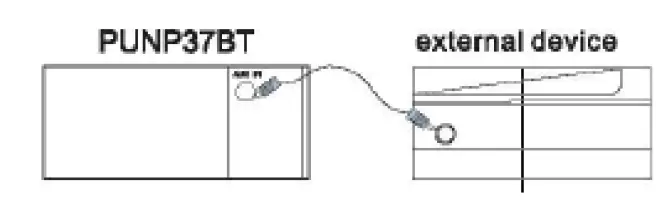
AUXIN OPERATION
- Rotate the FUNCTIONS KNOB to select AUX mode.
- Plug the auxiliary cable into AUX IN JACK on the front panel of the unit.
- Plug the other end of the auxiliary cable into the external devices.
- Play the external devices as you normally do and the playback will be played from the unit.
HEADPHONE OPERATION
- Connect a headphone to the HEADPHONE JACK.
- Adjust VOLUME KNOB to the desired level
NOTE
When using headphones, the sound of the unit speakers will be cut off. Headphones is not included with the unit.
Frequently Asked Questions
- Are Pyle speakers Bluetooth-enabled?
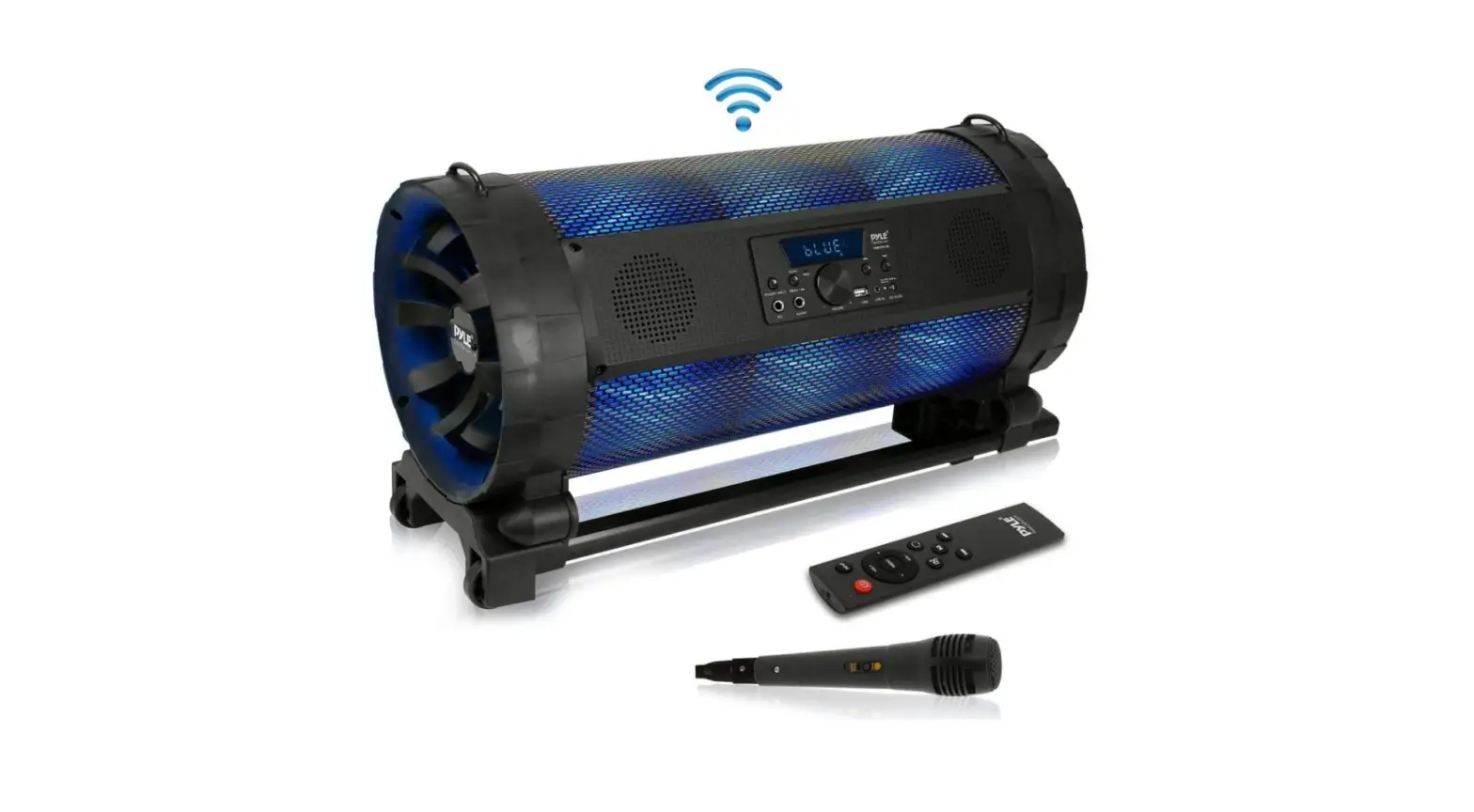
Enjoy music playback on the go with the Pyle Tube BoomBox Speaker! All of today’s newest devices, including smartphones, tablets, and laptops, may be connected and played music wirelessly using Bluetooth. - What is the Pyle Bluetooth speaker’s wattage?
Amazon.com: Pyle PPHP844B 400 Watts Portable Bluetooth Speaker System with Flashing Party Lights and Rechargeable Battery (2 Pack): Electronics. - Exactly why won’t my Pyle speaker connect?
The speaker may need to be unpaired, then repaired with your device. 1. Before starting the pairing process, make sure the Bluetooth Speaker is ON. - How is a Pyle speaker recharged?
Connect this amplifier system to the power supply by inserting the power cord into the socket. Turn the amplifier on. Red appears on the Power Indicator. When the battery is charging, the RECHARGE indication glows red, flashes when it is almost full, and turns off when it is fully charged. - On a Pyle speaker, how do you turn the lights off?
To turn the lighting function on or off, press and hold the BATT (battery) button and LIGHT button inside the speaker’s cap for around 3 seconds. The lighting function can be turned back on/off by pushing and holding the button for an additional three seconds. - What is the ideal speaker wattage for Bluetooth?
Any speaker with a wattage between 150 and 500 is ideal for a wonderful music listening experience and is inexpensive. Every sound has a frequency, which serves as a gauge for the volume of the sound. It’s quantified in Hertz (Hz). - Are Pyle speakers Alexa-compatible?
This is the way to go if you’re searching for an economical solution to add power and Alexa to your garage or backyard. 5 stars overall Alexa Dot is powered by a Pyle Bluetooth Amplifier and is now in the backyard! Fantastic System! - How can my Bluetooth speaker be reset?
You should only need to do this briefly with most Bluetooth speakers. The power and Bluetooth buttons must be pressed and held simultaneously in order for almost every Bluetooth speaker to be reset. - What about Pyle radios?
The waterproof marine radio from Pyle has been performing admirably. It is simple to use and has a pleasant tone. Anyone looking for a top-notch product should definitely consider this one, in my opinion. - Can a Bluetooth speaker serve as a public address system?
When the microphone glows blue, just tap it to begin speaking. You can lessen noise and echo by adjusting the gain and master volume using the top two sliders. Bluetooth speakers can be used with the app as well.