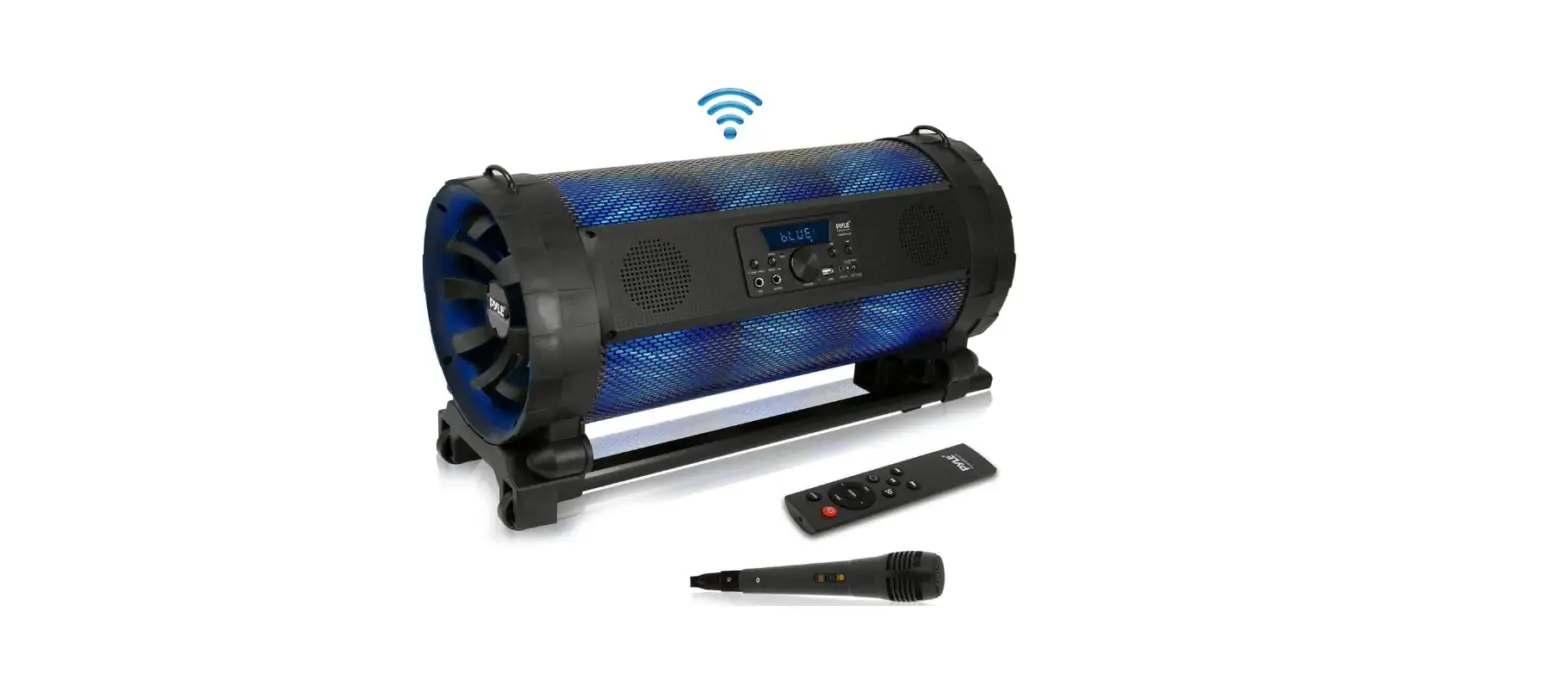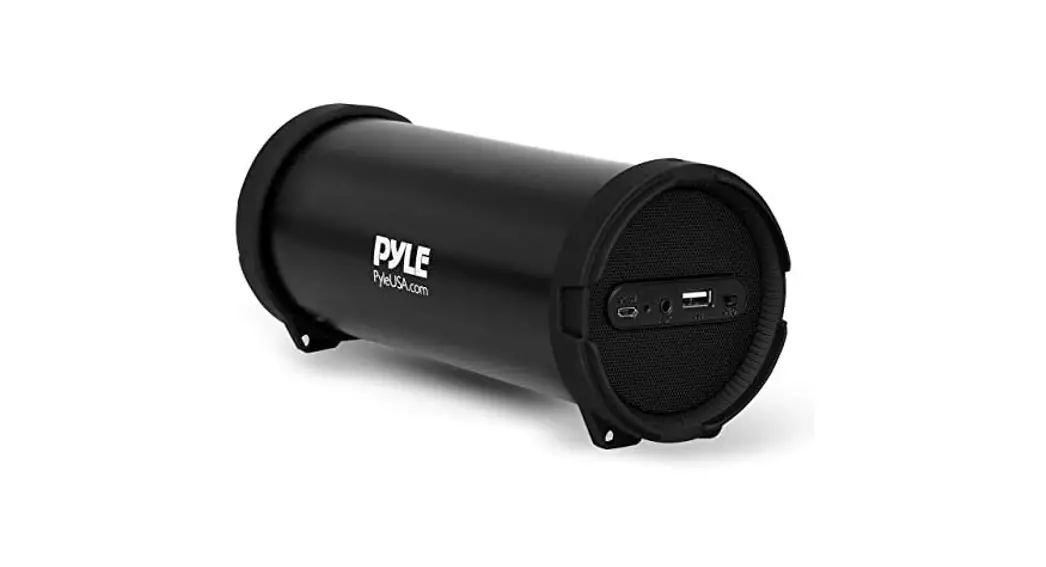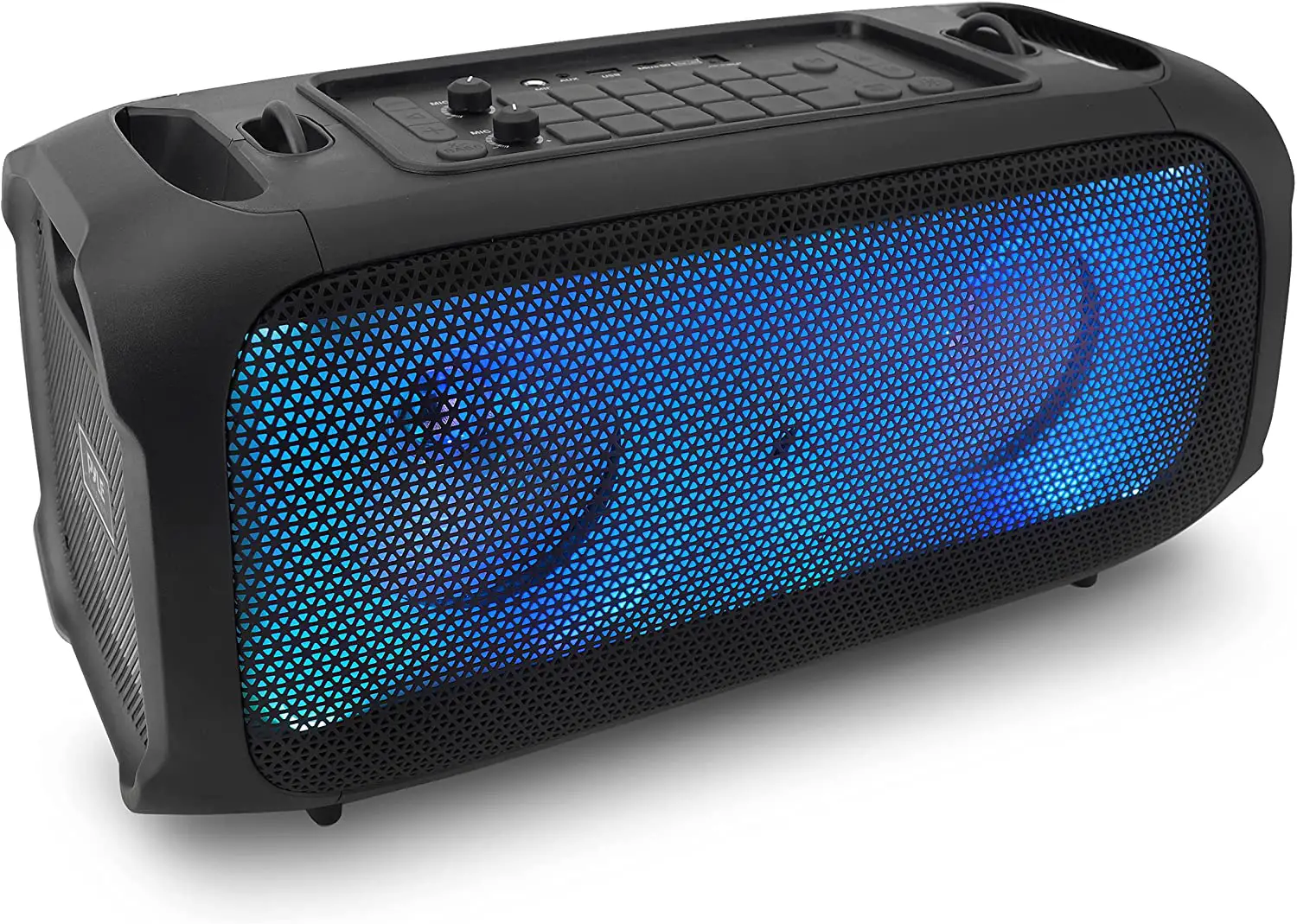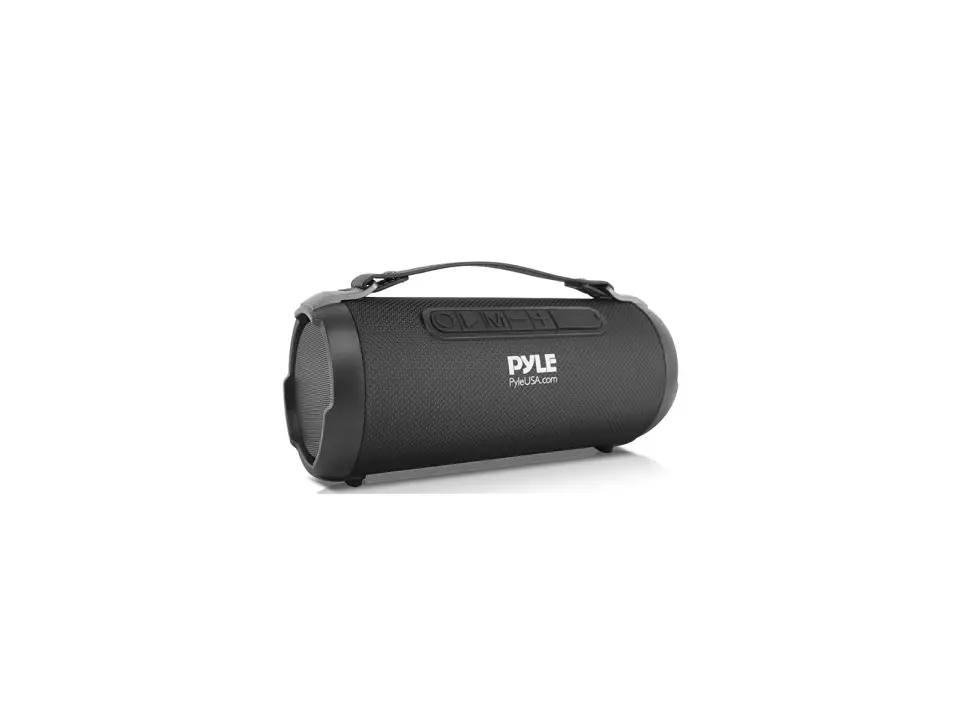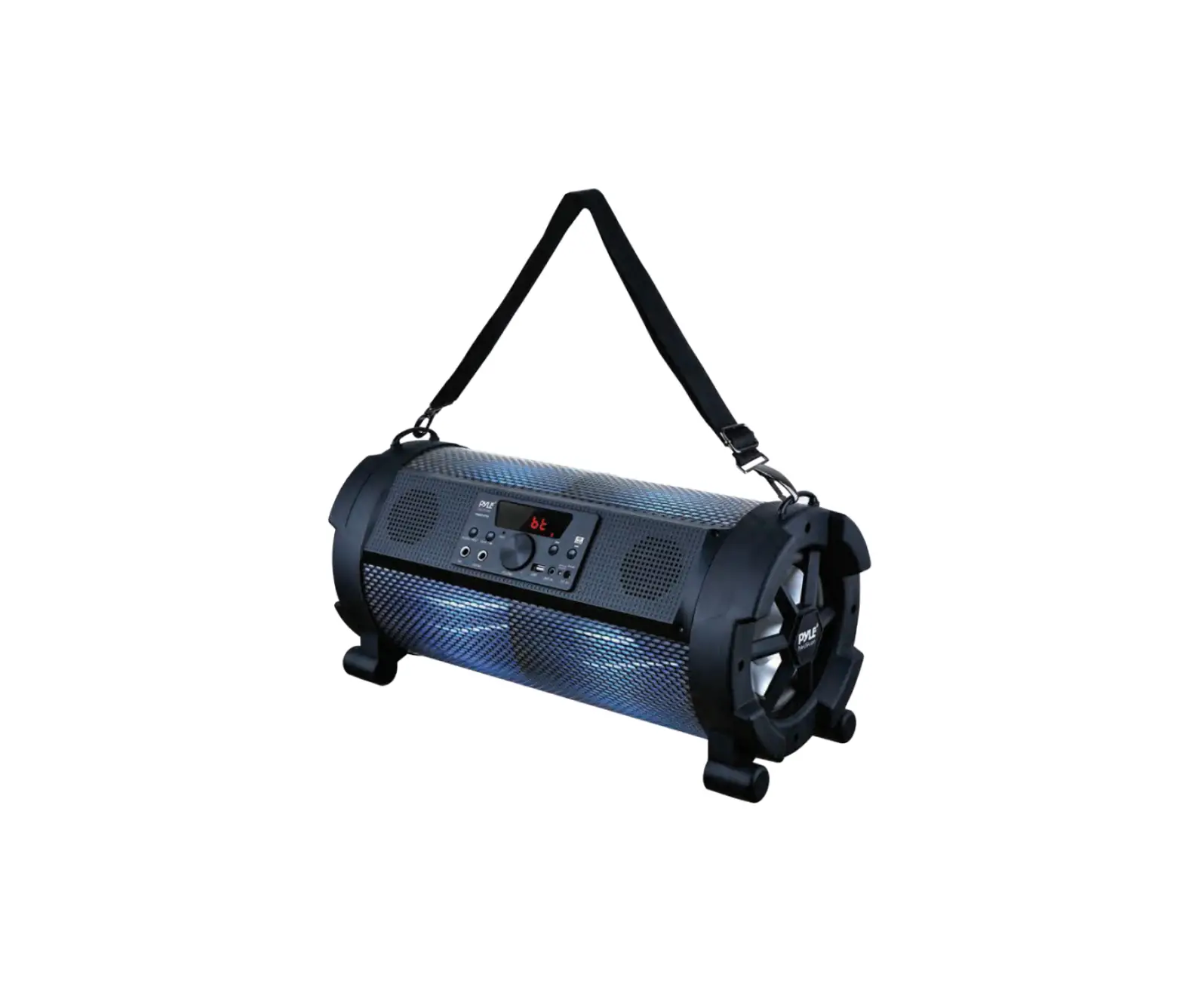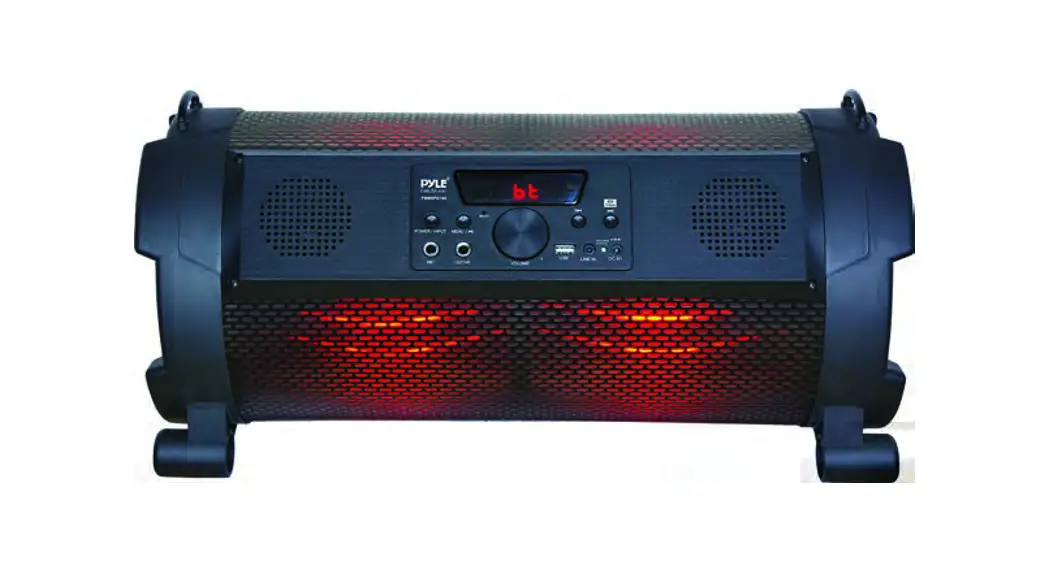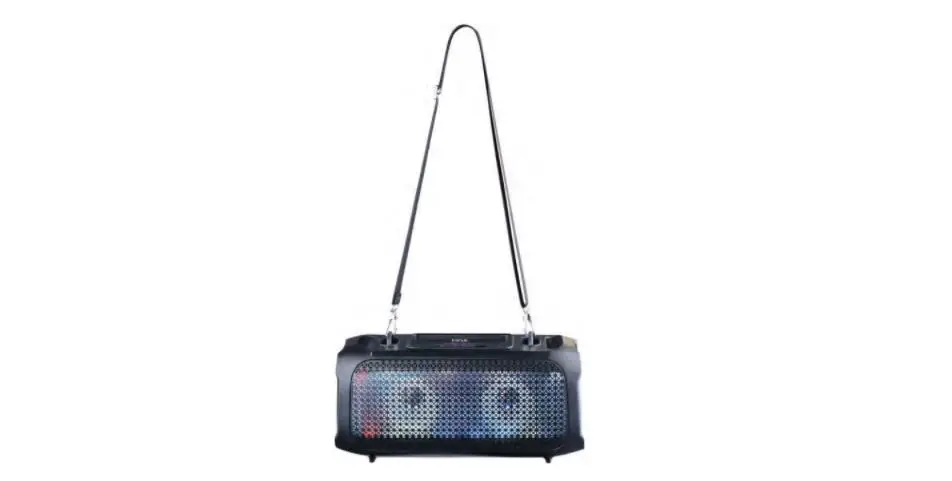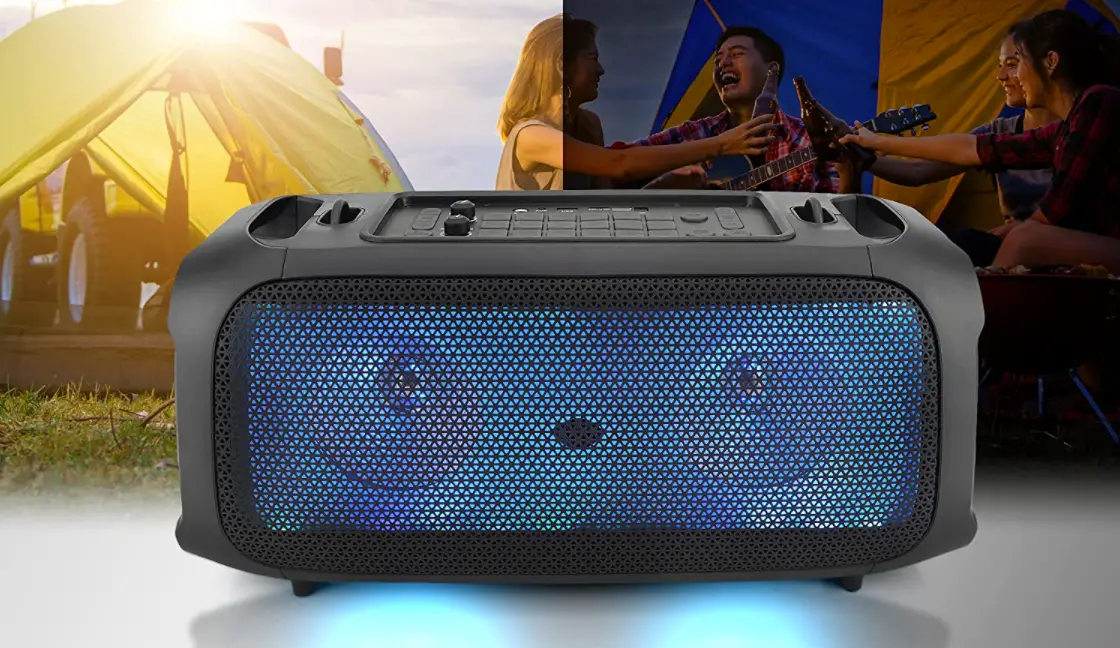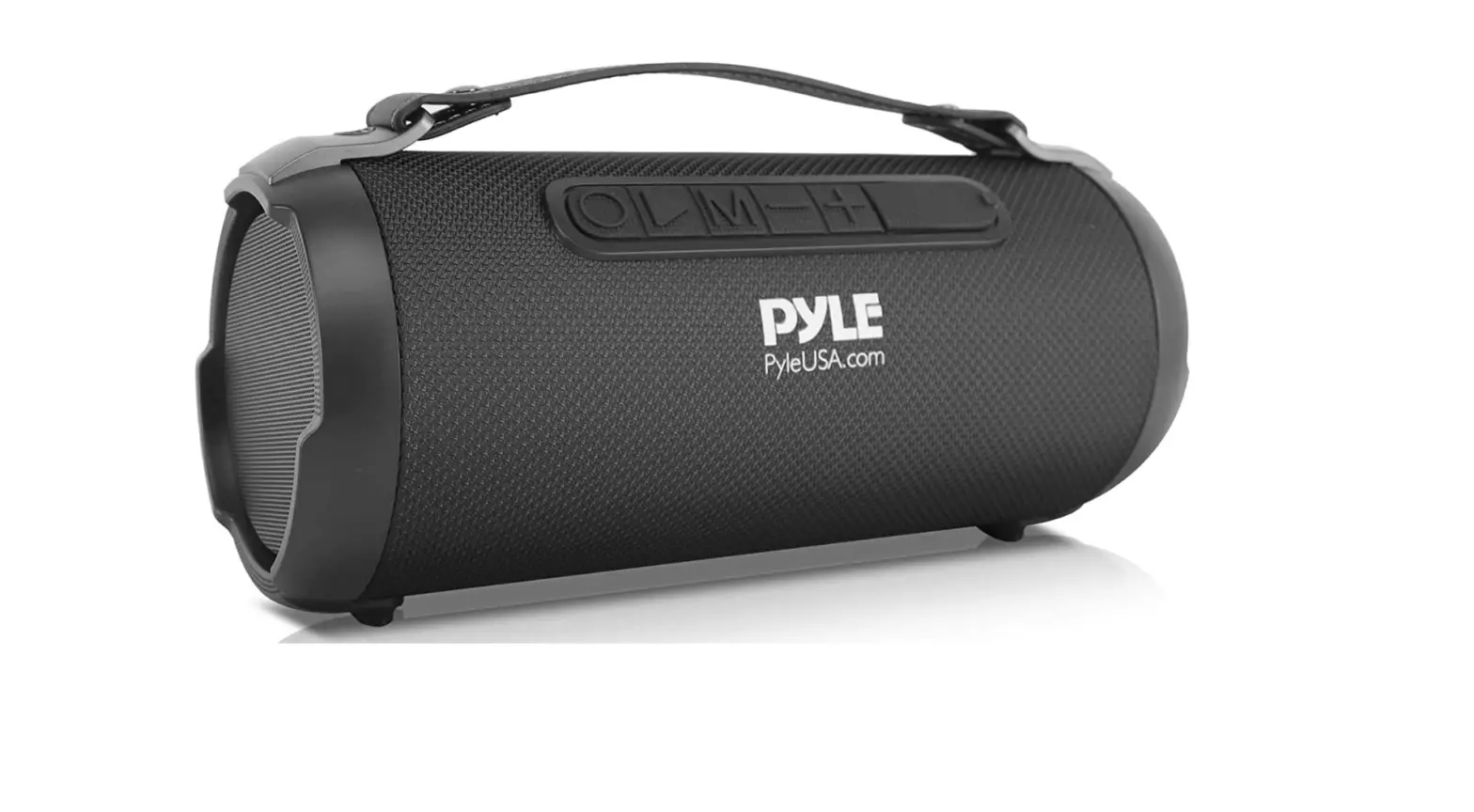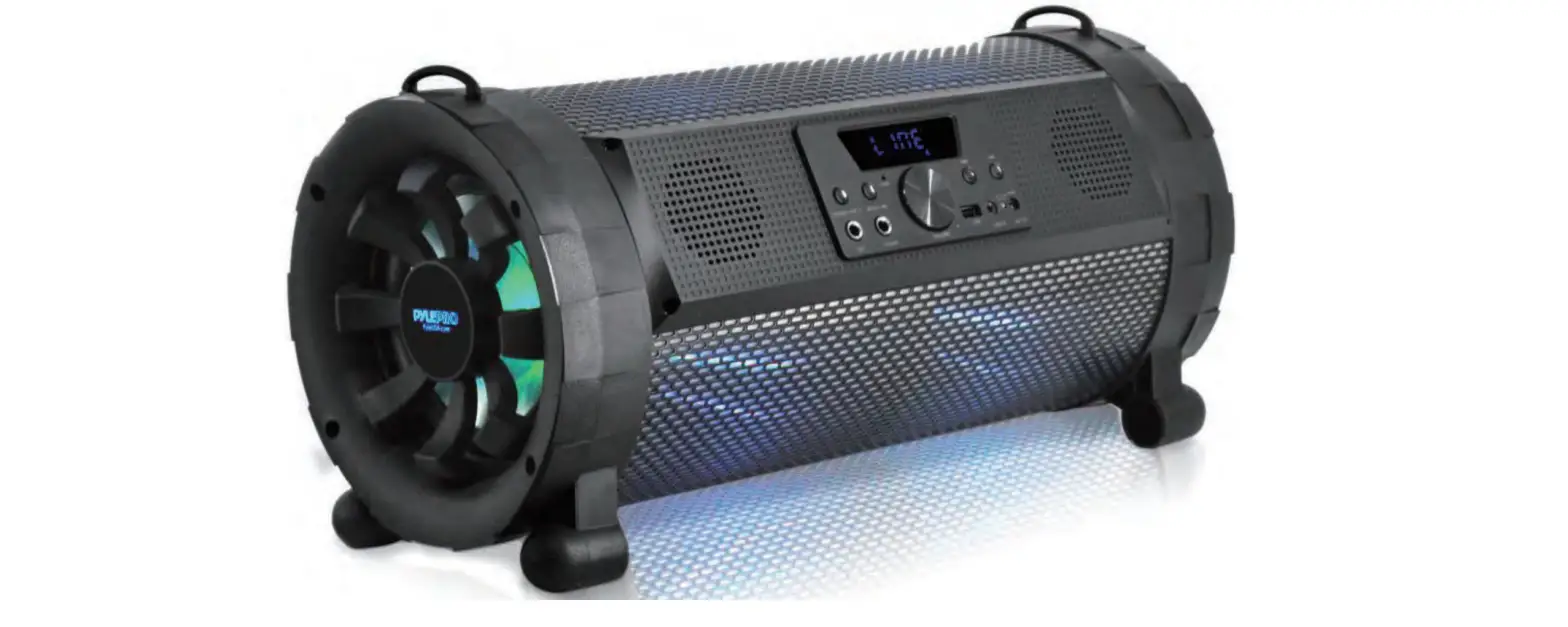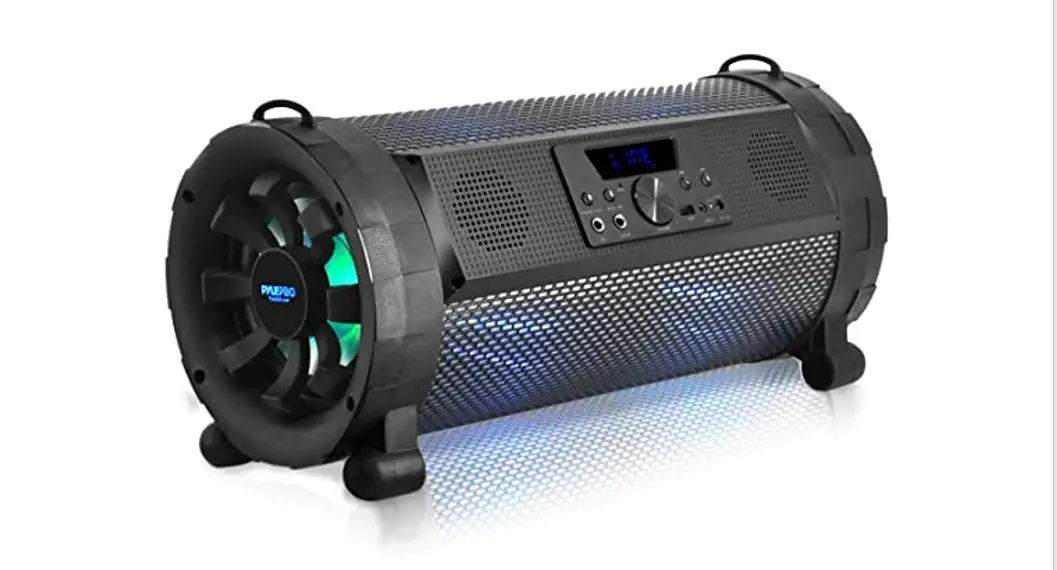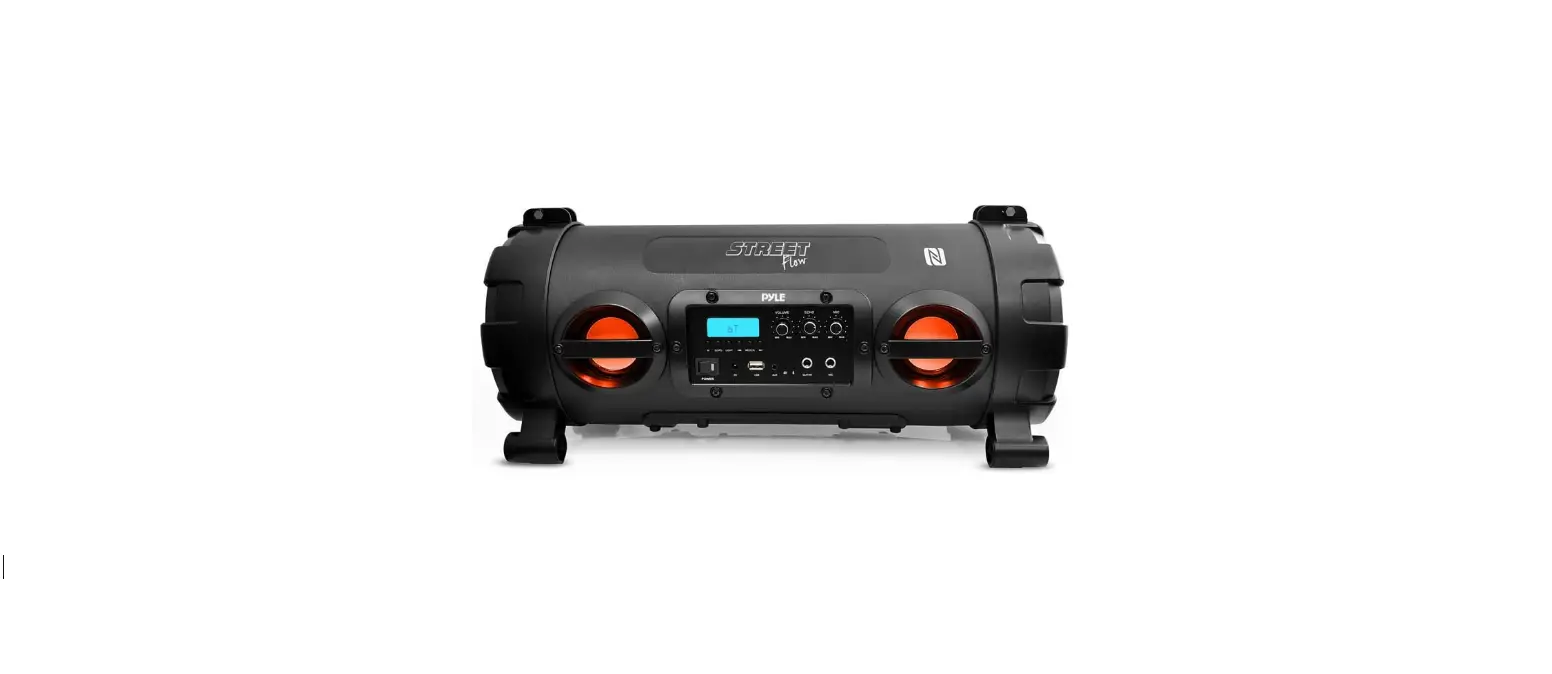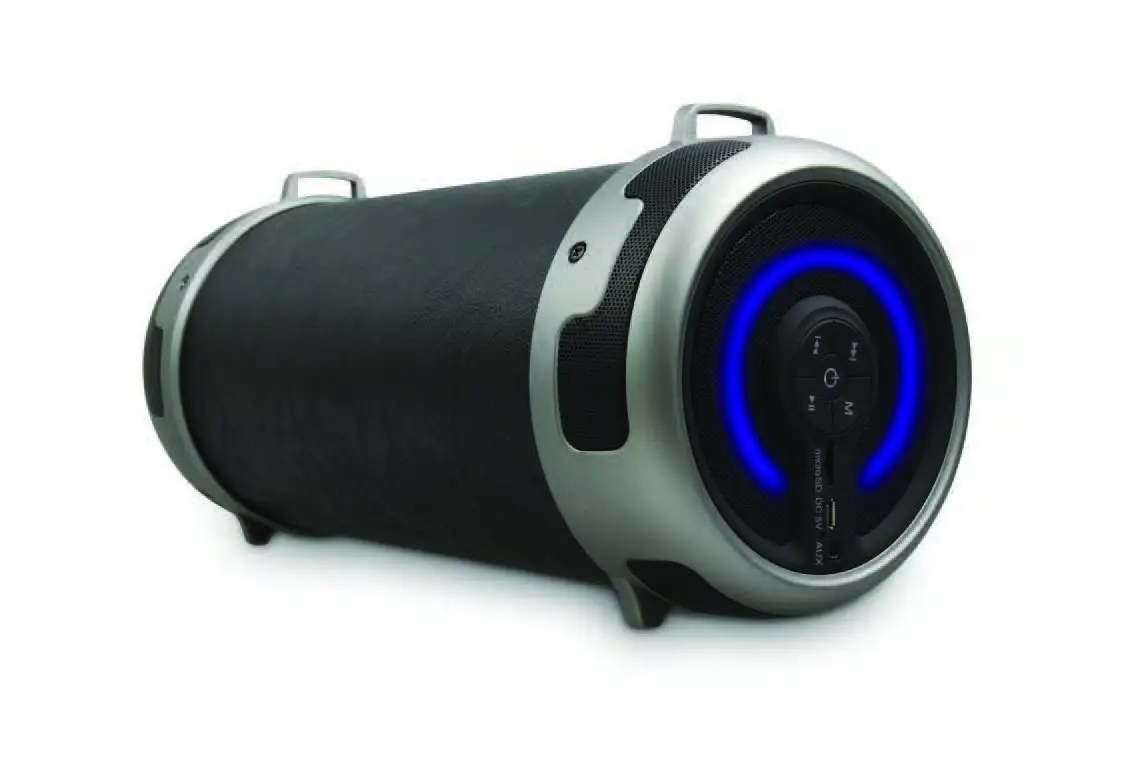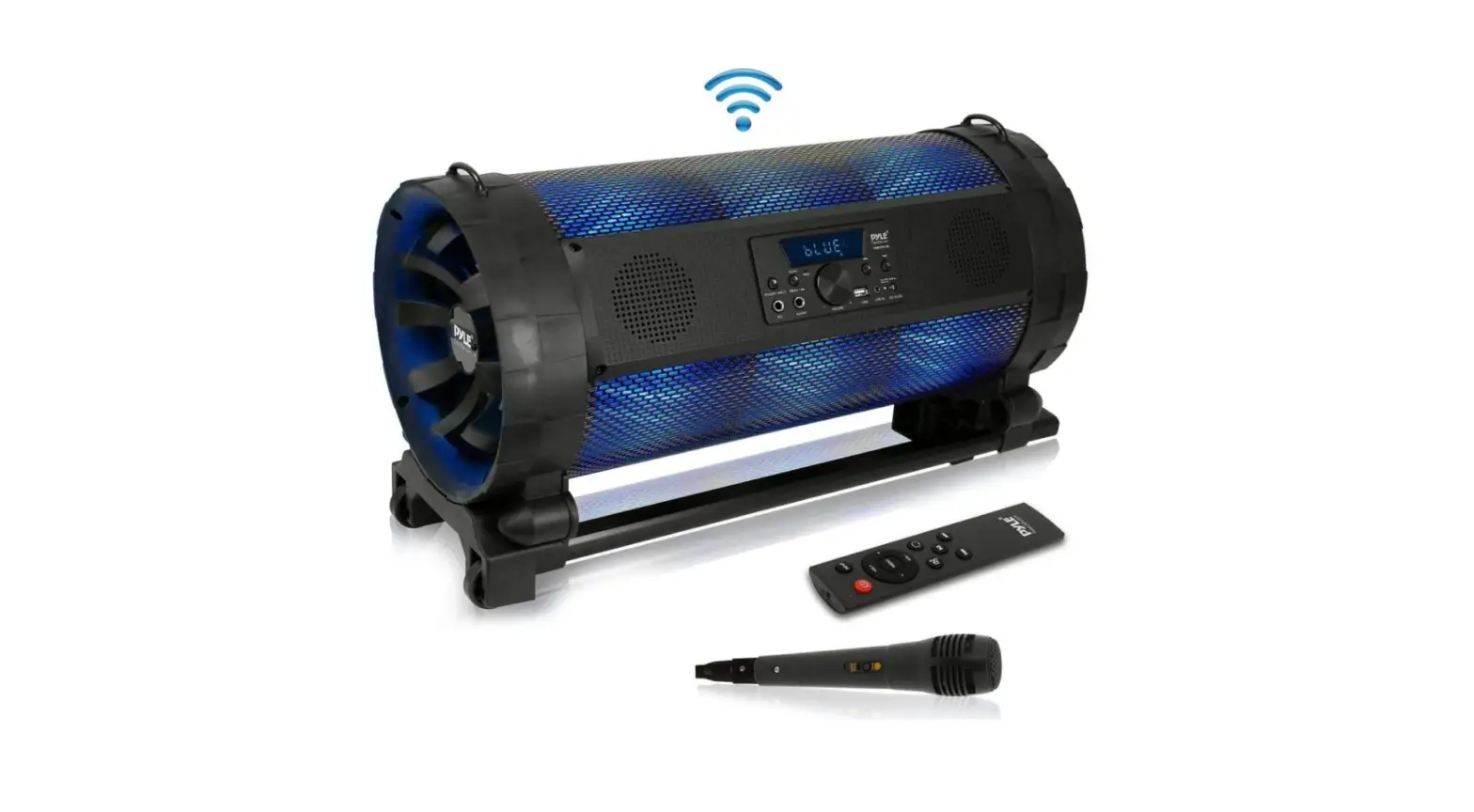
 Pyle Portable Bluetooth Boombox Stereo System – 600 W Digital Outdoor Wireless Loud Speaker
 Pyle Portable Bluetooth Boombox Stereo System – 600 W Digital Outdoor Wireless Loud Speaker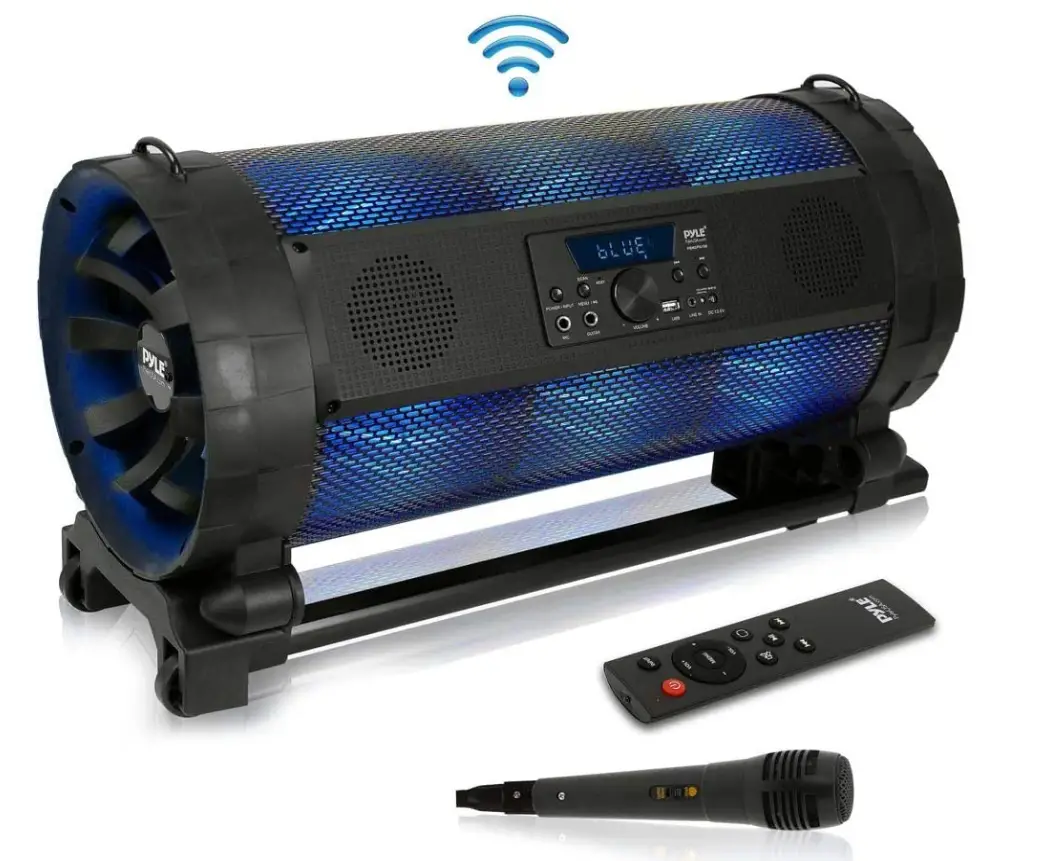
Specifications
- Product Dimensions
13.59 x 10.24 x 25.2 inches - Item Weight
14.3 pounds - Connectivity Technology
Wireless, Bluetooth, Wired, USB - Speaker Type
Stereo - MAX Power Output
600 Watt - Sound System
8.0” Subwoofers, x 3.0” Speakers - Rechargeable Battery
11.1V Li-ion 2600mAh - Power
DC, 5V/13 - Brand
Pyle
Introduction
You can take our portable Bluetooth boombox stereo system with you anywhere. A stylish and appealing design to complement any environment. a Bluetooth-connected boombox speaker that delivers music wirelessly. This transportable outdoor boom box has wheels, an incorporated extended carry handle, and a sturdy housing shell while being lightweight.
WARNING

- DO NOT place objects on top of the device, as objects may scratch the device.
- DO NOT expose the device to dirty or dusty environments.
- DO NOT insert any foreign objects into the device
- DO NOT expose the device to a strong magnetic or electrical field
- DO NOT use the device in the rain.
- Please check with your Local Authority or retailer for proper disposal of electronic products.
- DO NOT disassemble the device. Only a certified service technician should perform the repair.
- The device has apertures to disperse heat. DO NOT block the device ventilation, the device may become hot and malfunction as a result.
- Illegal operations may cause personal injury, which could be fatal.
- Illegal operations may cause damage to property.
FEATURES
This system includes one microphone and can be used with personal computers, mobile phones, DVDs, VCD, CDs, LD, TV, MP3s, radio, electronic piano, and any devices which have audio output. Amplifier circuits are using a high-performance, high-fidelity design, coupled with a high-quality professional speaker, in order to make the sound field to get positioned so clearly, with distinct levels of effect. The sound system is outstanding, with deep and powerful bass and the treble effect is strong, with a clear and bright pitch. The professional electronic frequency division circuit enhances the machine’s crossover point effect. Using professional design and manufacture of high-capacity batteries, and dedicated audio power capacitors, to make the speaker’s power reserve margin larger, more stable, better dynamics, and higher signal-to-noise ratio.
CHARGING THE SPEAKER
When charging, connect a matched power adapter to AC100V- AC240V. Charging time is approximately 6 to 10 hours. Once fully charged unplug the power supply as leaving a full battery on charge for a long time may cause damage to the battery.
Battery Charge Indicator
The LED panel has a battery status indicator. In the middle of the shape of the battery have three horizontal lines, each horizontal line represents 33% of the electricity remaining. When no horizontal line in the shape of the battery or the shape flashes, please power off and promptly charge to avoid damage to the battery. There is a battery charging indicator light on the front panel. When charging, the red light will be on. When it’s fully charged, the indicator light will turn green.
Warning
If the battery is under voltage, please fully charge it within 48 hours. If the speaker has to be left unused for a long time, please let the battery be fully charged, otherwise, it will cause damage to the battery. In the process of playing, keep the unit away from high-temperature environments, high magnetic fields, and high frequencies.
CONNECTIONS
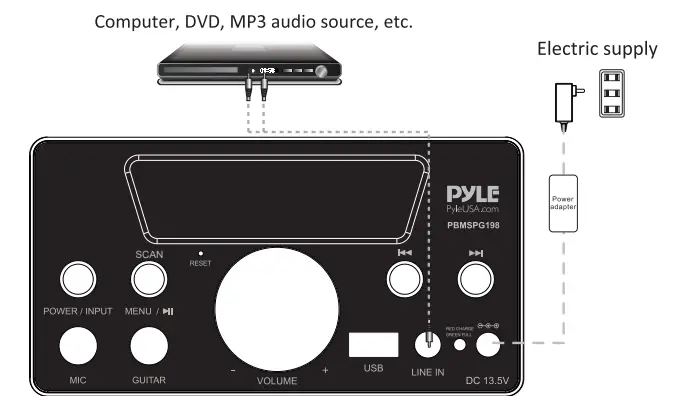
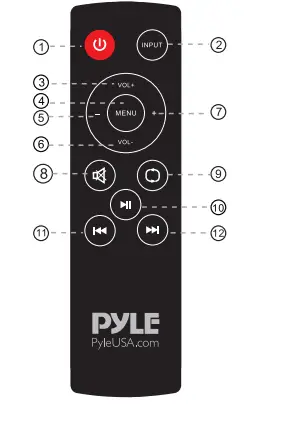
REMOTE CONTROL
- POWER OFF ONLY
- CHOOSE SIGNAL INPUT
- INCREASE MUSIC VOLUME
- MENU
- PREVIOUS LED MODE
- DECREASE MUSIC VOLUME
- NEXT LED MODE
- MUTE
- REPEAT
- PLAY / PAUSE KEY
- PREVIOUS SONG / CHANNEL
- NEXT SONG / CHANNEL
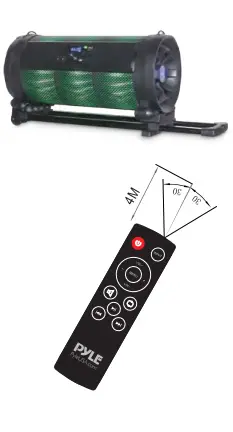
- Under normal circumstances, the remote control should be aimed directly at the receiving window of the remote control within about 4 meters and within a 30° angle.
- When operating the remote control, aim the remote control at the receiving window. Ensure that there are no obstacles between the remote control and the unit.
- If the remote receiver is in a position to directly receive glare, it may fail. In this case, move the speaker away to avoid direct sunlight.
- Avoid mixing old and new batteries. Replace the remote control batteries regularly.
Troubleshooting
| Fault | Possible Cause | Solution |
| No sound | 1. No input sound source 2. Volume is too low | 1. Use a better music signal 2. Adjust volume |
| Distortion of sound | 1. Volume too high 2. Speaker may be damaged | 1. Turn down the volume 2. Repair or replace it |
| Karaoke does not work | 1. Microphone plug is not fully inserted. 2. Microphone switch is not on 3. Microphone volume knob is at the lowest position 4. Wireless microphone has low battery | 1. Plug microphone properly into the socket 2. Turn on microphone switch 3. Adjust microphone volume properly 4. Replace battery |
| MP3 does not play | 1. The song format in the U disc is incorrect 2. Improper operation has caused a process disorder 3. USB disc is disconnected | 1. Transform song format into Mp3 format 2. Reboot the machine |
Main Technical Specification
- Peak Power ……………………………………………………………………………………………………. 600W
- Input Sensitivity …………………………………………………………………………………………. 200mV
- Frequency Response ………………………………………………………………………… 45-1 60KHz
- Power Supply ………………………………………………………. AC100V- AC240V, 60Hz/50Hz
The above specifications are the specifications of the sampling machine and are for reference purposes only. Due to continuous product development, specifications may be subject to change without prior notification.
PACKAGE CONTAINS
- 1x Remote Control
- 1x Power Adapter
- 1xWarranty Card
- 1x Carrying Belt
- 1x User Manual
- 1xWired Microphone
- 1x FM Antenna
FRONT PANEL FUNCTIONS
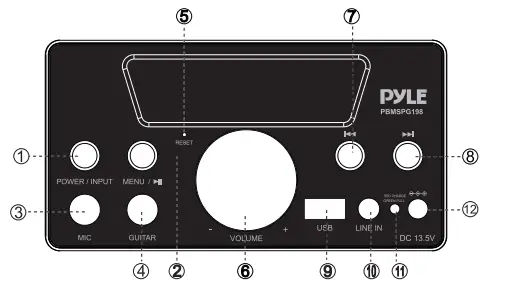
- Short press to power ON the unit, short press for input selection
(Line / FM / Bluetooth / USB); Long press to power off the unit. - Treble / Bass / Mic volume / Mic echo volume / Guitar volume / LED mode / Music volume selection
When in USB / Bluetooth mode, long press to play/pause the music; When in FM mode, long press to scan the FM channel automatically. - Wired Mic Slot.
- Guitar Slot
- Reset
- Adjust Music volume, Mic volume, Mic echo volume and LED mode.
- Short press to select the previous song on USB mode. On FM mode, short press to adjust FM-0.1. Press and hold for 5 seconds to select the next channel.
- Short press to select the next song on USB mode. On FM mode, short press to adjust FM+0.1, press and hold for 5 seconds to select the next channel.
- USB Slot
- Line IN- Connect with a personal computer, mobile phone, DVD, VCD, CD, LD, Mp3, radio, electronic piano, and any device that has audio output in AUX mode. On FM mode, connect the audio cable to improve the radio signal.
- Battery Indicator. Red light-charging; Green light-full.
- DC 13.5V charging interface.
BUILT-IN 4.0 BT FUNCTION
- Press the “POWER / INPUT” button to choose the input signal source as the BT channel when starting the machine.
- Please ensure the BT devices you want to connect are open. Then scan and connect the speaker with the device. When the connection is successful, a “tick” tone will prompt. If the speaker can’t be connected, please restart the speaker or the device and try again.
- After the mobile phone and the BT are successfully connected, you can play music. To ensure the continued stability of the music signal, try to keep the BT and the mobile phone facing one another.
- This unit supports iPad, iPhone, Samsung, HTC, MOTOROLA, Nokia, and other BT mobile devices wirelessly transmitting audio.
- The BT of the unit can be used up to 10 meters if there are no barriers.
FM FUNCTION
- Press the “POWER / INPUT” button to switch to FM radio.
- Press and hold “MENU ” for 5 seconds for automatic searching and saving.
- Short press ” and ” to select FM station manually.
- Press and hold ” and ” for 5 seconds to select the last or next channel directly.
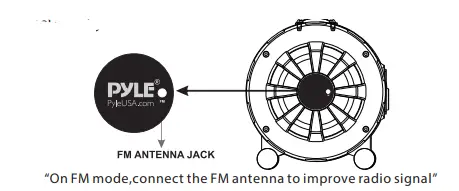
Frequently Asked Questions
- Is it waterproof?
Thank you for bringing this to our attention. Unfortunately, no. This is not a waterproof device. - How many DBS does it put out?
300 watts converts to 54.771212 dB, according to the online converter I used. - Can you leave this unit continuously plugged into an electrical outlet like any type of boom box?
Hi, you have to unplug the unit to your wall outlet after use. You may check other details of the unit by visiting our website pyleaudio.com. Type the model number on the search box PBMSPG198 for more details. - Are the wheels on this unit detachable?
yes, it is detachable - Is this really 600 watts? Is it loud?
yes, it is loud enough and you can use this unit inside or outside. - Can the led lights be turned off?
yes, you can turn off the Led Tube light but not the Led Lights on both sides. - Can i use it while it is charging?
You can use the unit while it is charging. However, highly suggest that you have to use it after charging or the battery is fully charged. - Can I power this unit with a 20v dc – 5a charger like the max oak?
We can provide the part/s that are available in our warehouse. - Can you charge this speaker with a phone USB Cord?
The USB port is designed for a USB thumb drive only. - My microphone wasn’t in the package that came with the input cord but no mic in the box?
I did not get the microphone.