Netmate Lite Card Software
Product Information:
The Netkit software is a package that includes the necessary
tools for network testing and configuration. It allows users to
simulate network environments and perform various network-related
tasks.
Software Installation Guide:
- Double click on the “setup.exe” file to start the installation
process. - Select the English language option and click “Next”.
- Browse for the desired installation location and click
“Next”. - Select the English installation option and click “Next”
twice. - Click “Next” and then “Finish” to complete the
installation.
Product Usage Instructions:
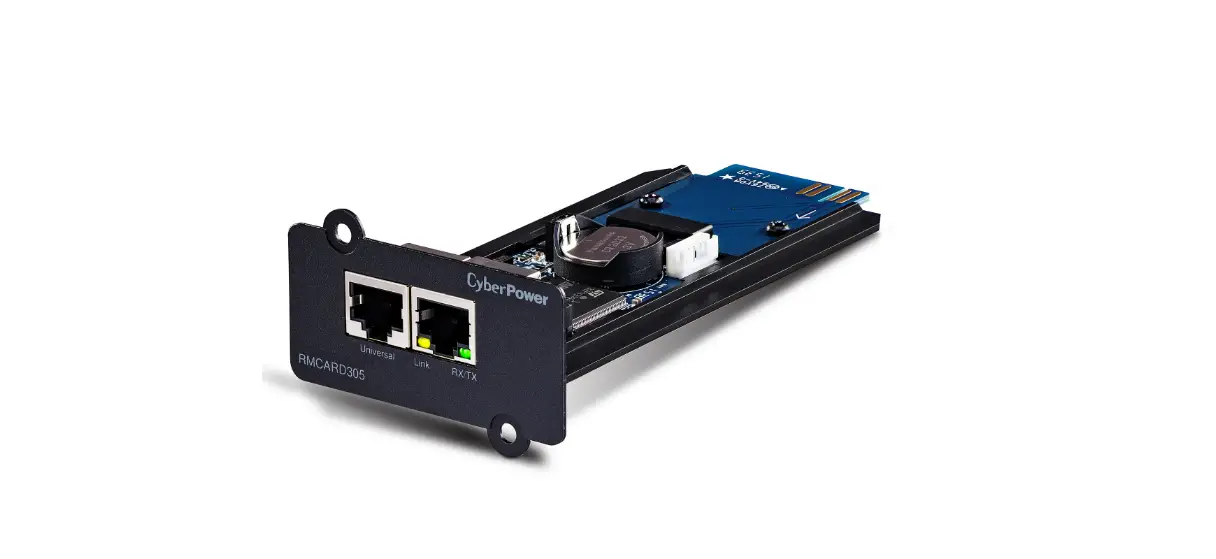
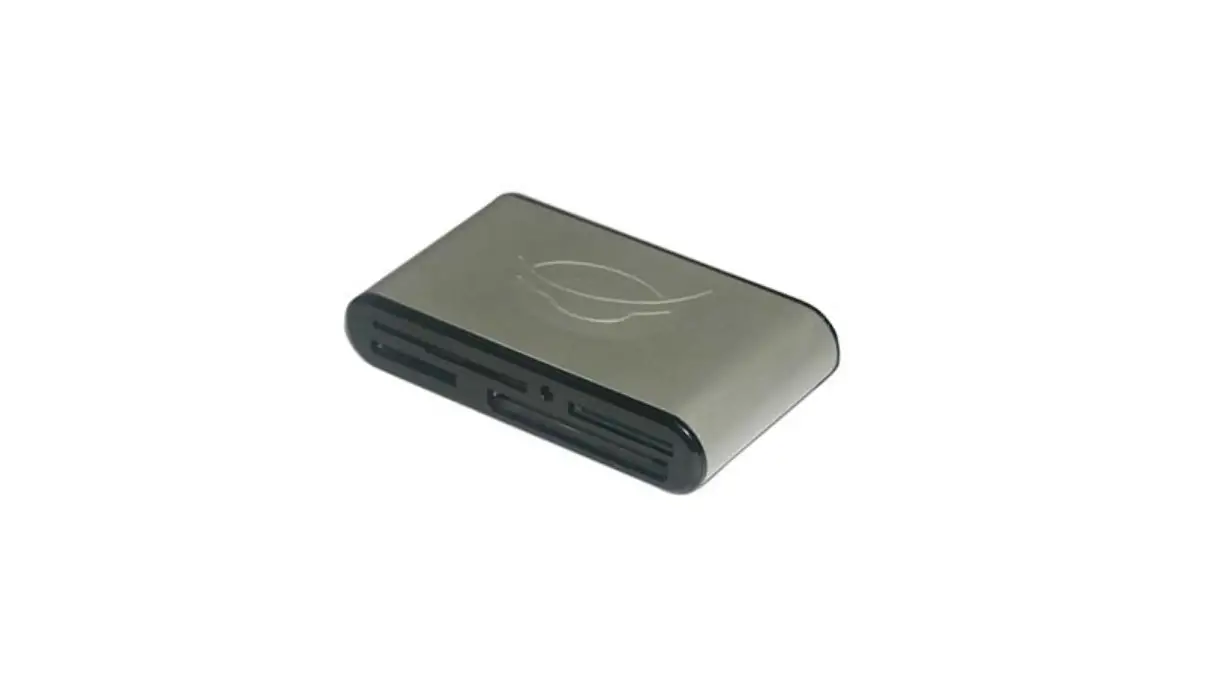
- Connect the NetmateLite card to the computer using a network
cable. - Open the “Netkit.exe” application.
- Select “NML” at the top right corner of the application.
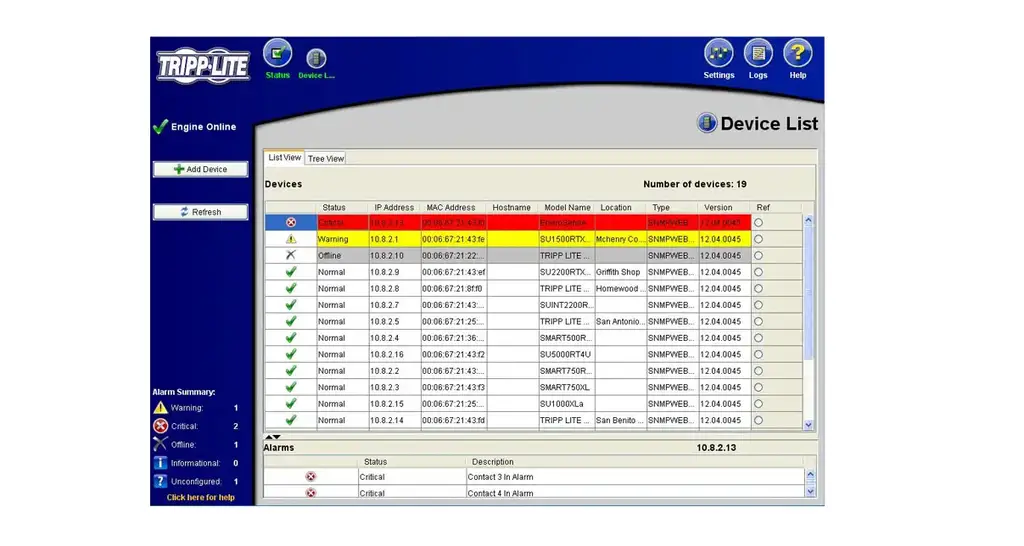
- Click on the “Search” button to obtain the IP address of the
connected device. - To change the IP address, click on “Network Settings”.
Netkit Software Installation Guide
Software Of Netkit Installation Way
1. Double click “setup.exe”, select English,then click “”.
NetKit(1).rar
Netkit Package
2. Click “Next”, browse the installed location,then click “Next”.
3. Select “English installation”,click “Next”,click “Next”again. 4. Click”Next”,click “Finish”.
1
The way to use Netkit software
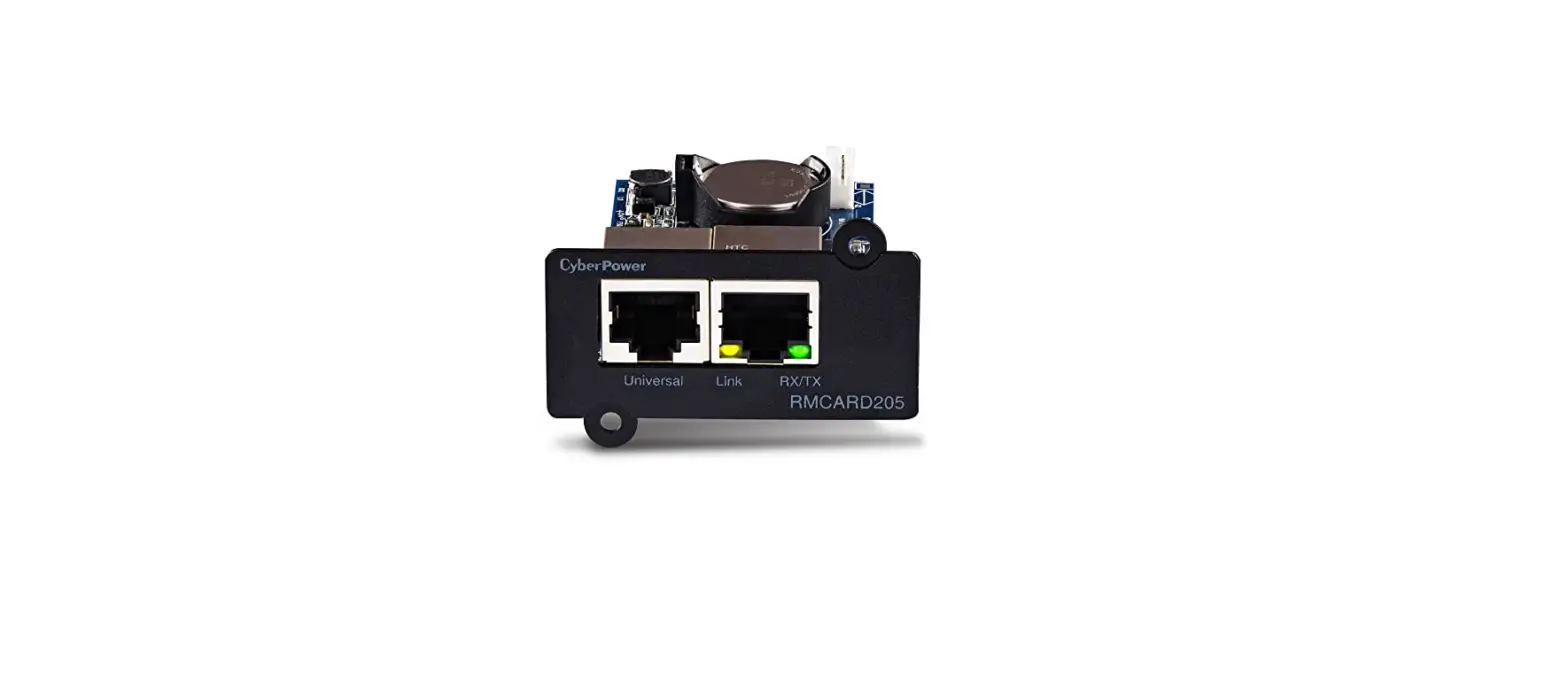
1. Connect the NetmateLite card to the computer with network cable.
2. Open “Netkit.exe”.
NetKit(1).rar
Netkit package
3. Select “NML” at the right top corner,and then click “Search”.
4.You will get its IP as follow. 4. You can also change its IP by clicking “Network Settings”.
2