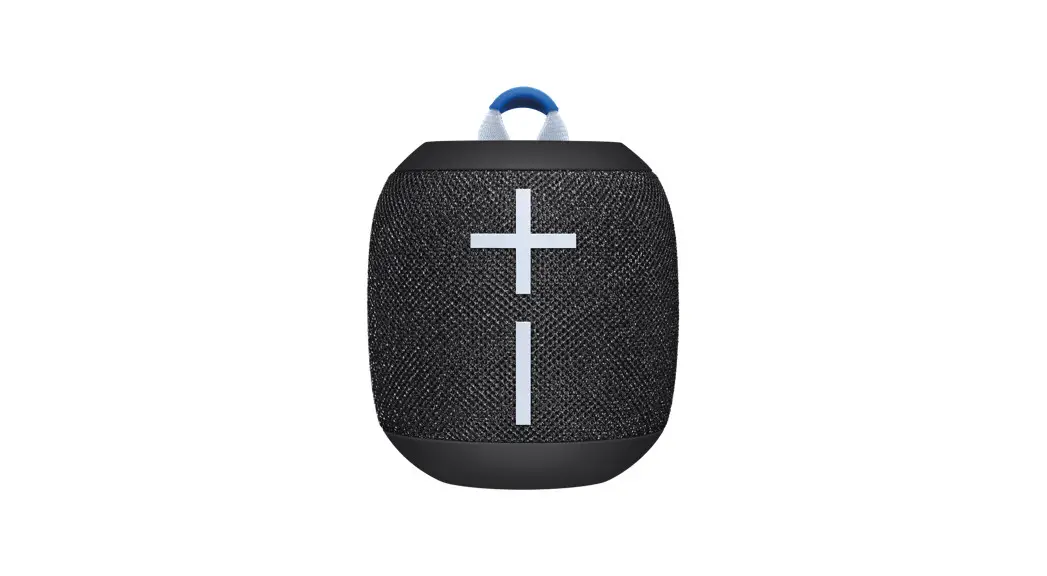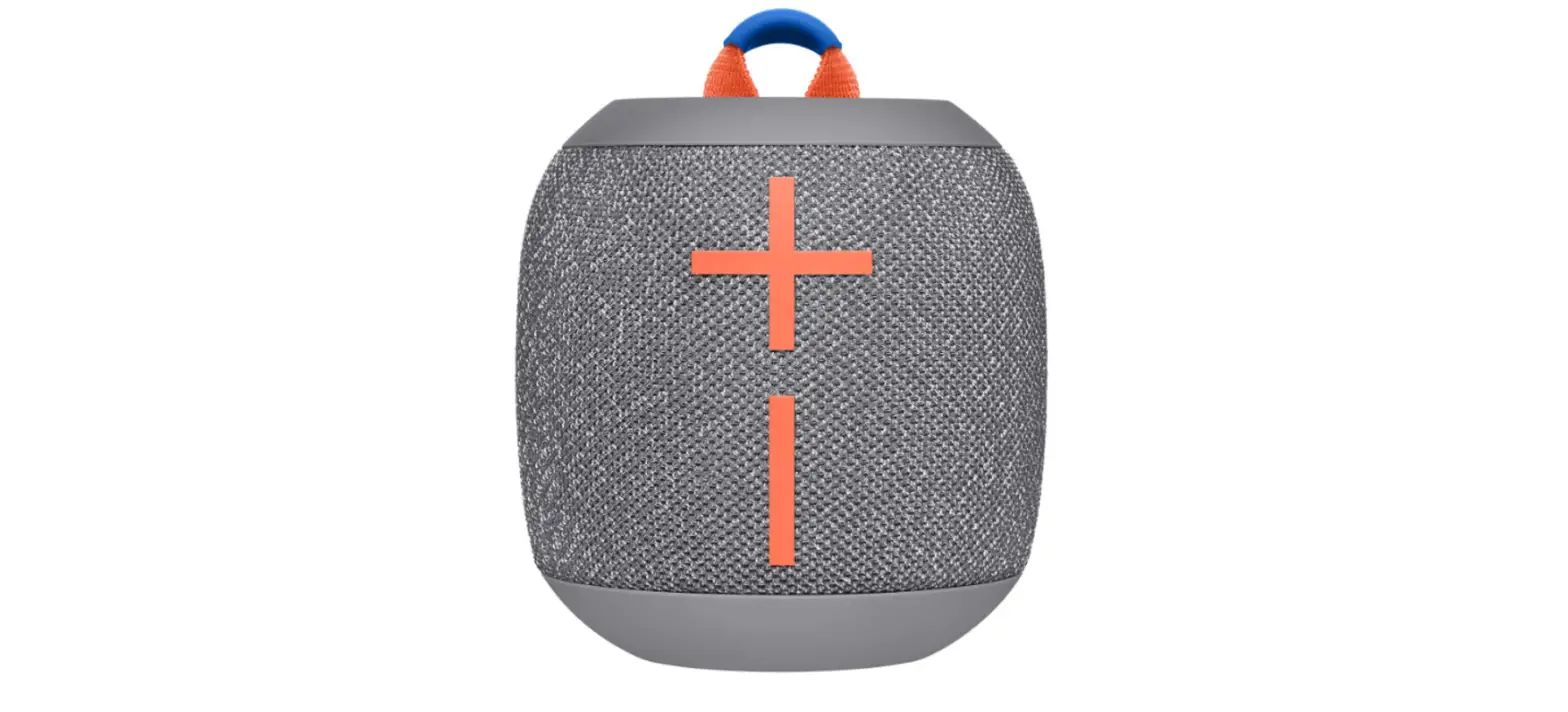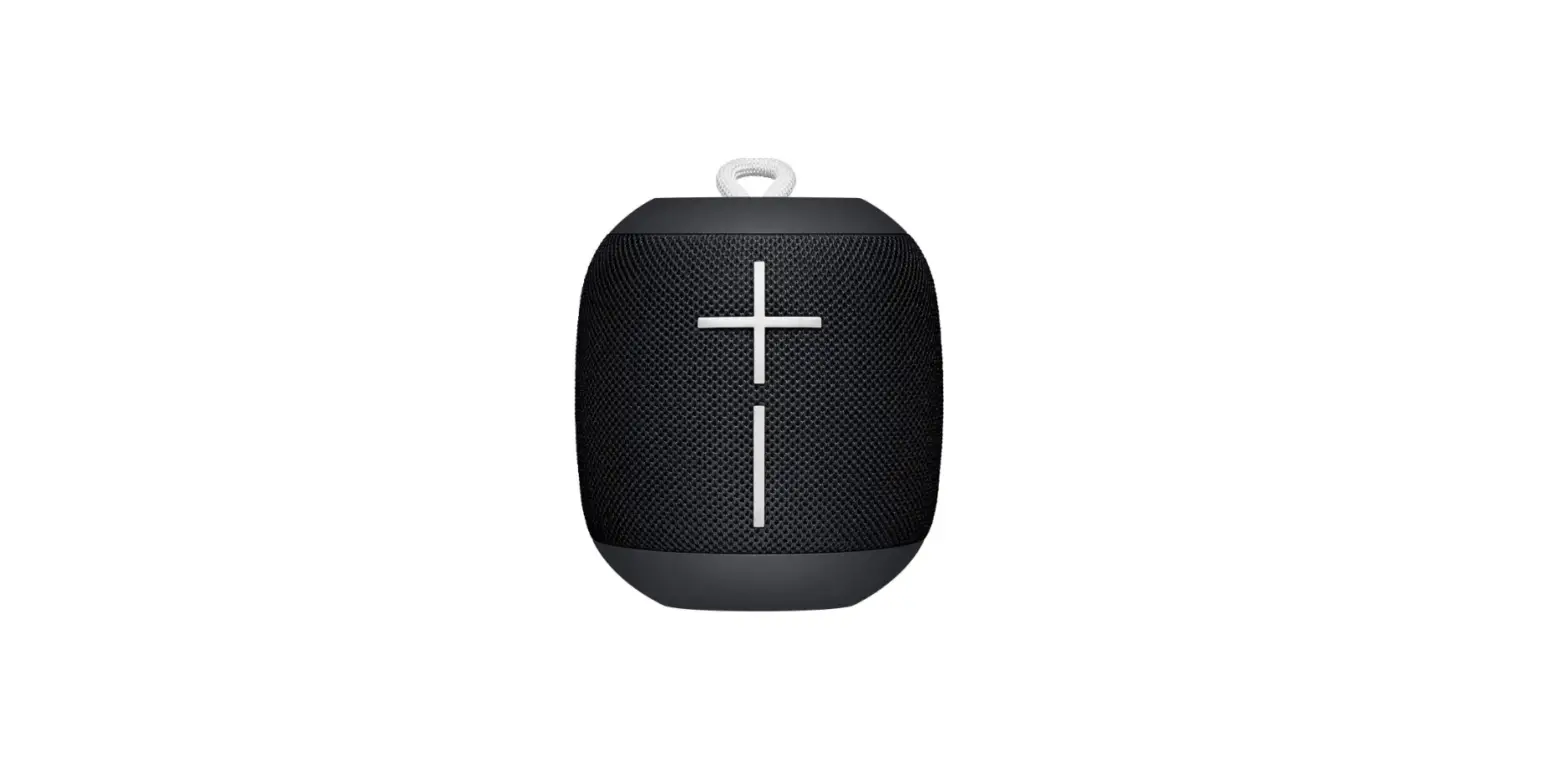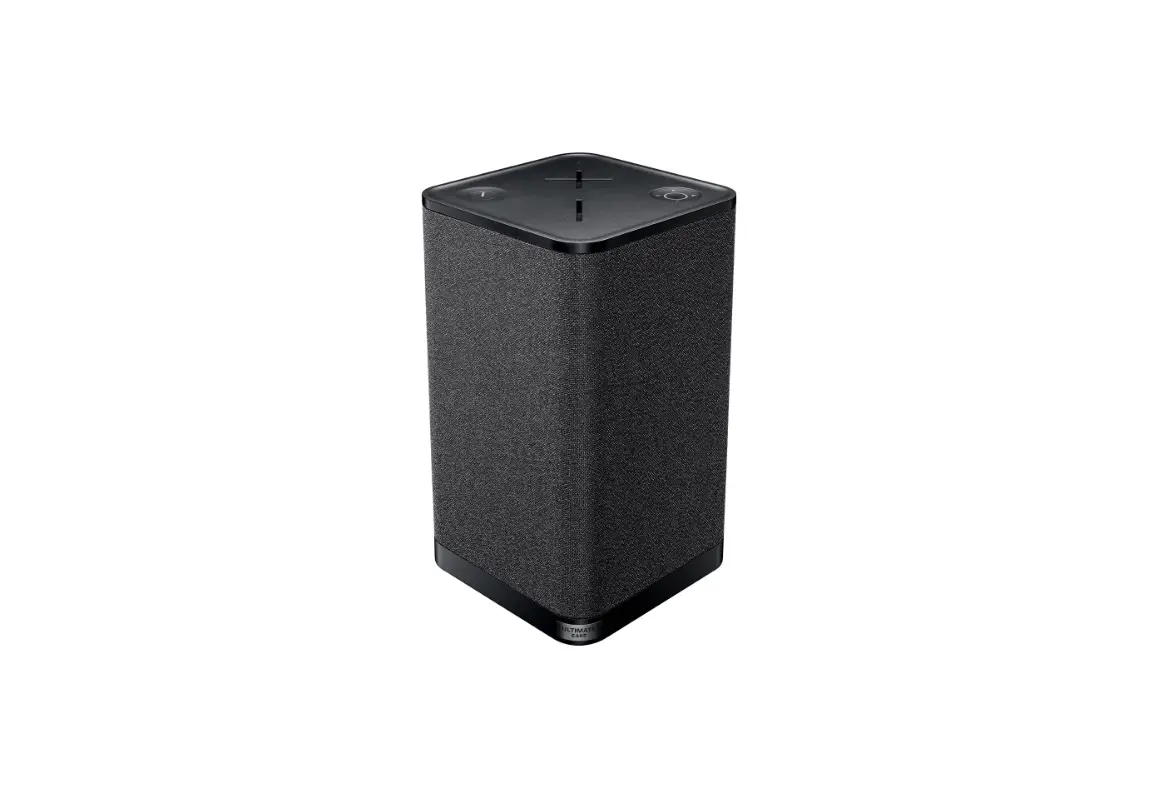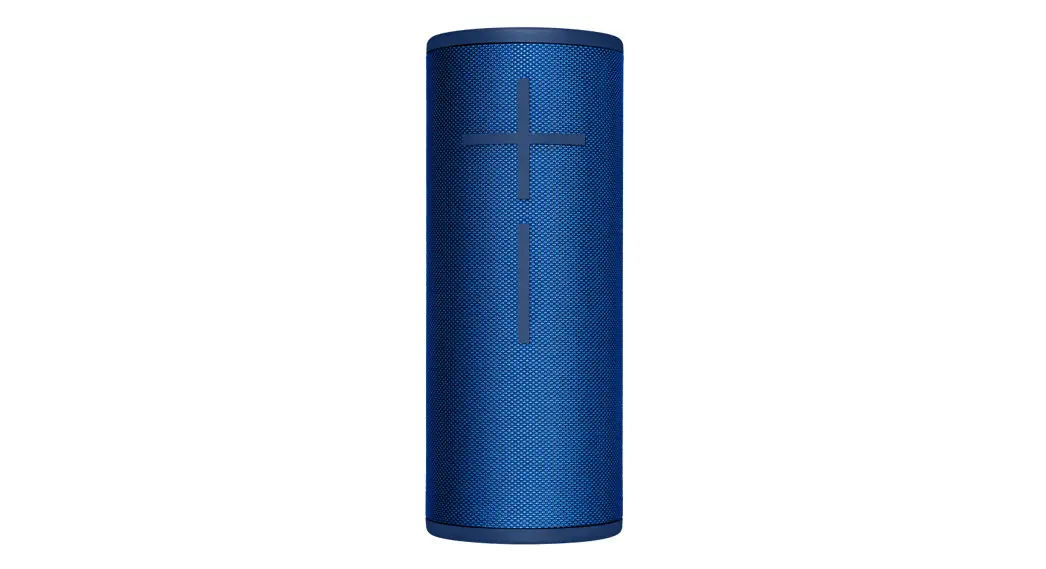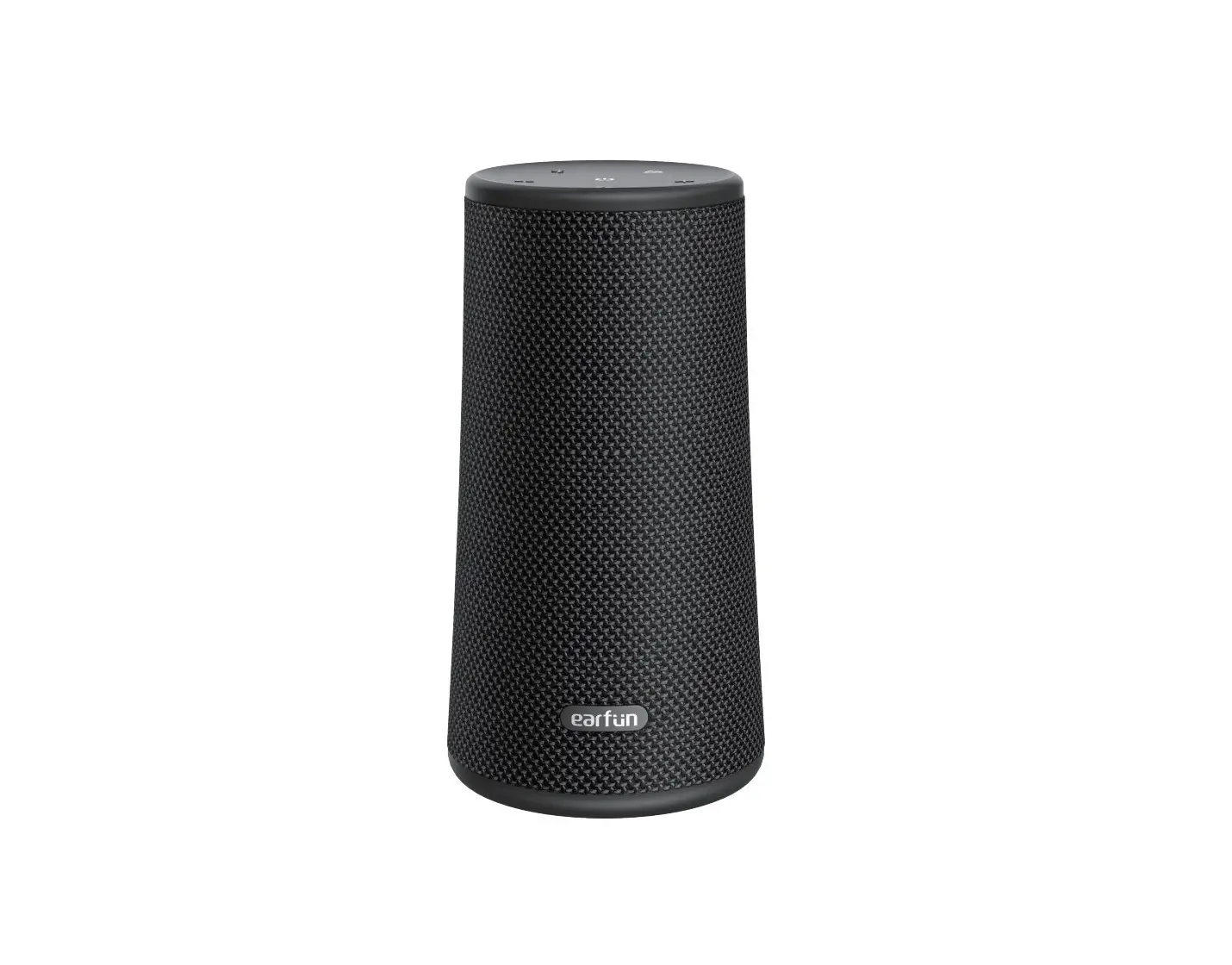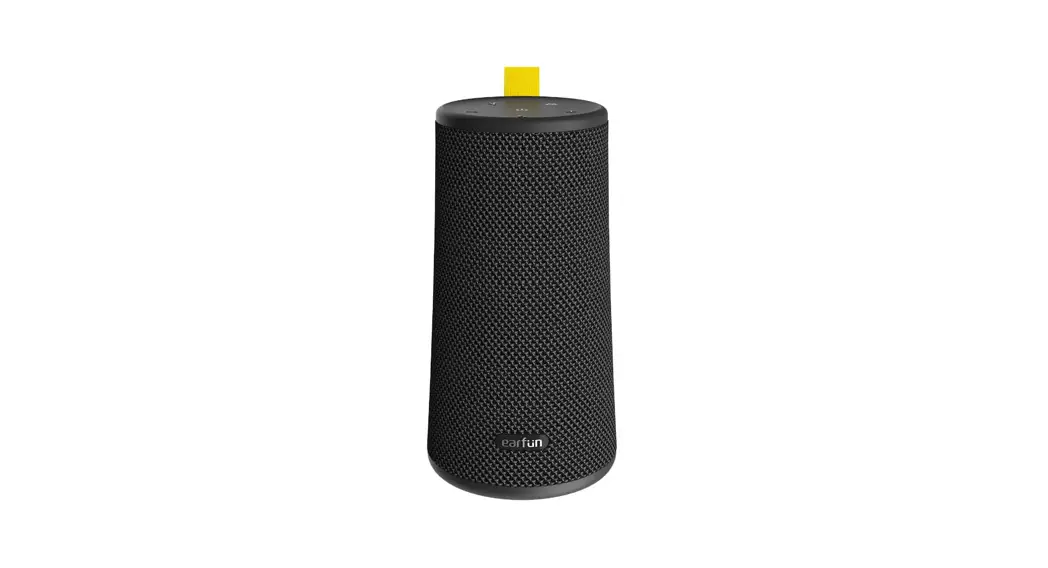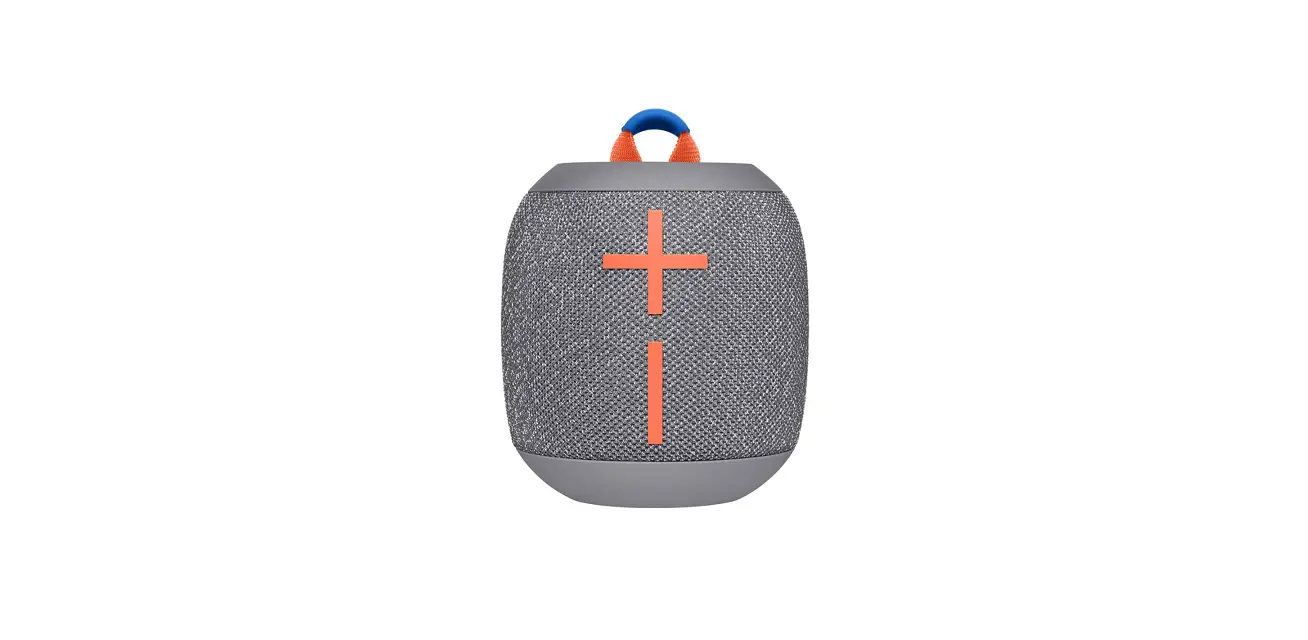

Ultimate Ears 097855149367 Wonderboom 2 Wireless Speaker, Bluetooth
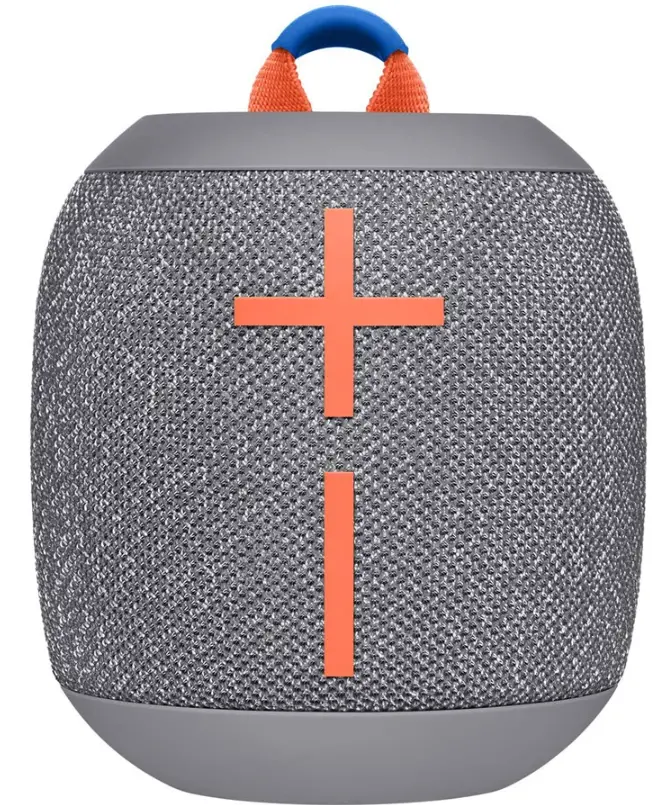
ULTIMATE EARS WONDERBOOM User Manual
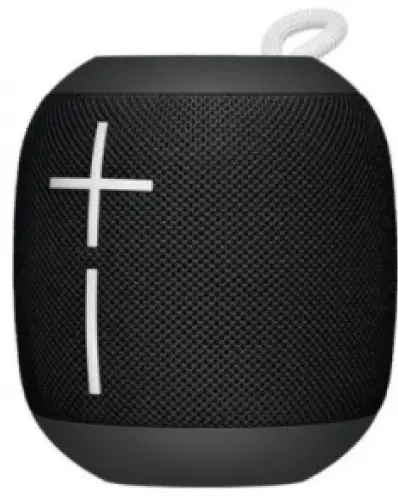
ULTIMATE EARS WONDERBOOM
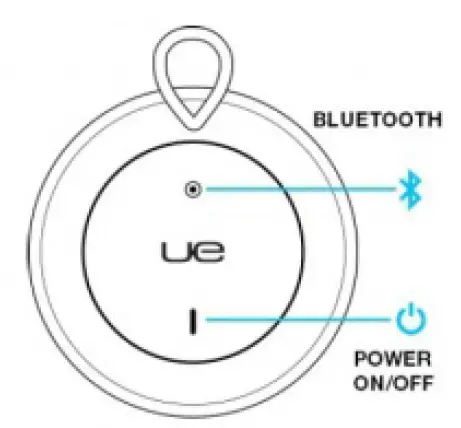
Step 1
POWER
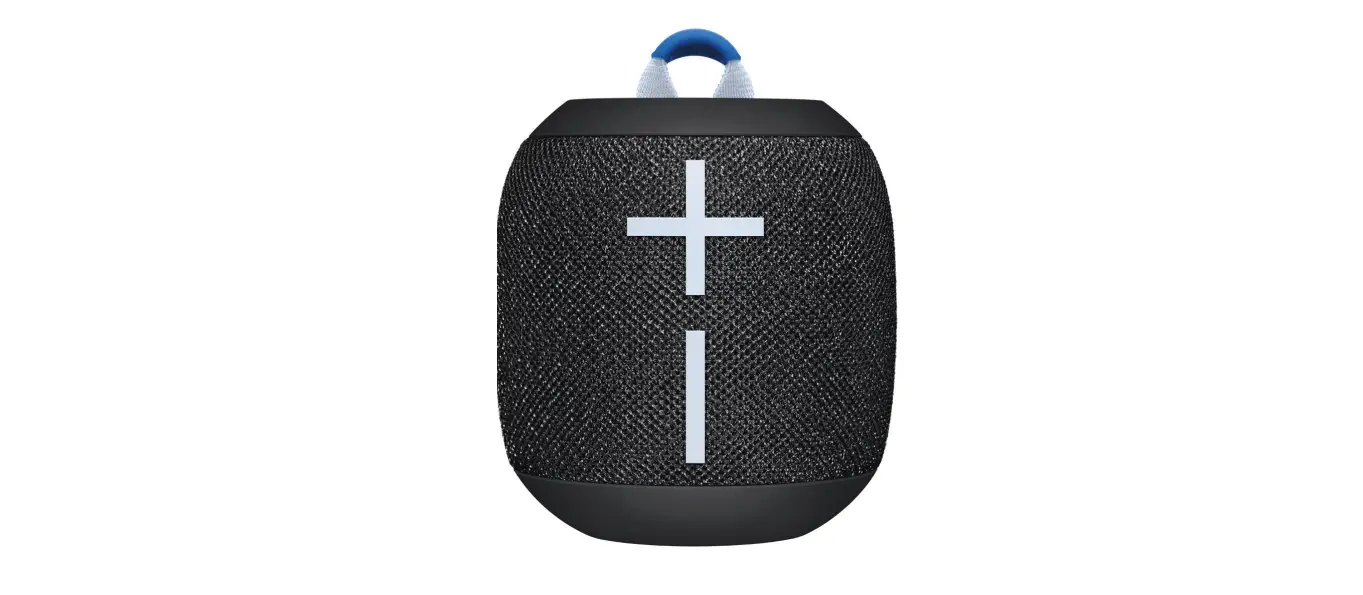
To get started with your WONDERBOOM, press the power button located on the top of your speaker. When powered on, WONDERBOOM automatically reconnects to the last mobile device it was connected to. WONDERBOOM will automatically turn itself off after 15 minutes of inactivity to save battery life.
WARNING! A wet or contaminated micro-USB connector may cause excessive heat or melting and may lead to fire damage or personal injury. Always charge your speaker with a clean, dry micro-USB connector.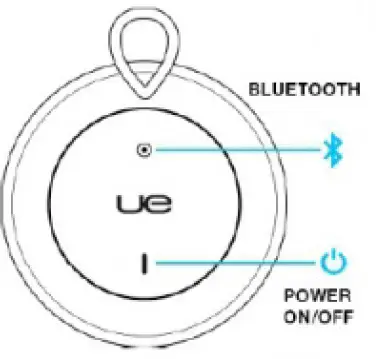
STEP 2
CONNECT
To pair WONDERBOOM with your mobile device, press and hold the Bluetooth button until you hear the tone. Go to the Bluetooth settings on your mobile device and select WONDERBOOM from the list.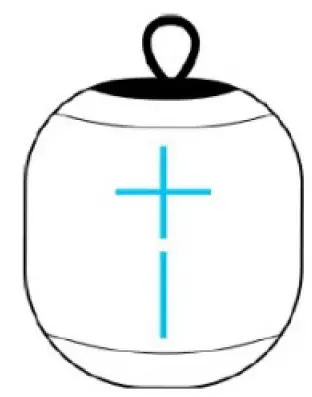
Step 3
PLAY MUSIC
Once WONDERBOOM is on and connected to your mobile device, just hit play to begin streaming your music. You can control the volume from your mobile device, or directly from your WONDERBOOM by pressing the “+” or “-” button.
Step 4
CONTROL MUSIC
You can control the music directly from your WONDERBOOM without picking up your phone. To pause the stream, simply press the UE button located on the top of the speaker. Press it again to resume playing. Double press the button will skip to the next track.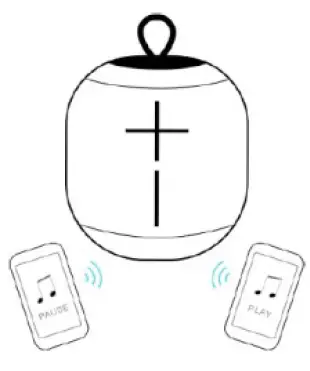
Step 5
MULTI-HOST
WONDERBOOM can simultaneously connect with up to two Bluetooth mobile devices. Simply pair and connect each mobile device to WONDERBOOM, then you can take turns playing music from each device.
Step 6
Double up- Connect two WONDERBOOMs together for bigger sound. Long press the UE button on both speakers at the same time until you hear the pairing tone. Once pairing succeeds, you will hear another tone and music playing on both speakers!
Step 7
BATTERY LEVEL
You can check the battery level of your WONDERBOOM by pressing both the volume + and volume – buttons simultaneously. High, Medium ,Low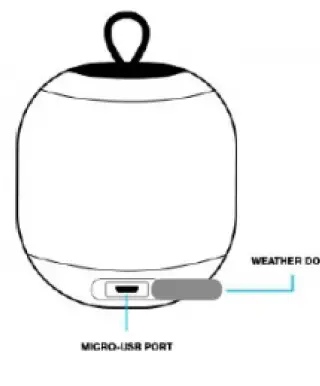
Step 8
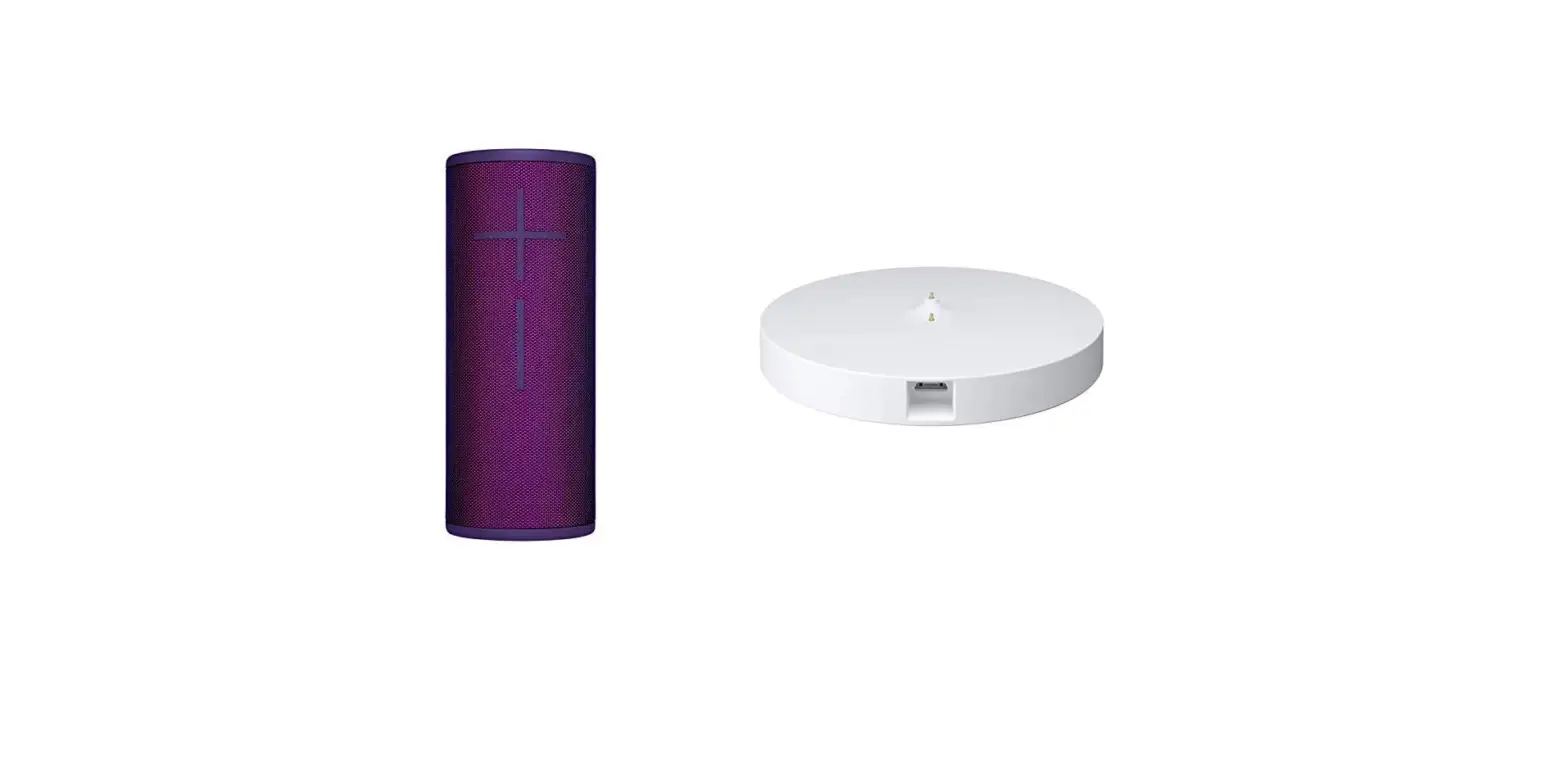
charge charge your WONDERBOOM, plug the included USB cable into the micro-USB port located inside the weather door
Read More About This Manual & Download PDF:
File Downloads
User Manual Download [optimized] ULTIMATE EARS, WONDERBOOM Download
- Wonderboom Ears Speaker FAQs Is my Ultimate Ears Speaker waterproof? Your Ultimate Ears…
- Liquid Ears Bluetooth Earphones User Manual LE16 / LE17 Liquid Ears Bluetooth Earphones User Manual LE16 / LE17 Specifications:…
- CREATIVE OUTLIER GOLD True Wireless Sweatproof In-Ears User Manual OUTLIER® GOLD TRUE WIRELESS SWEATPROOF IN-EARS Model No: EF0840 Serial…
- REMINGTON Ultimate Series Rotary Shaver User Manual REMINGTON Ultimate Series Rotary Shaver IMPORTANT SAFETY INSTRUCTIONS When using…
- REMINGTON Ultimate Series Head Shaver User Manual ULTIMATE SERIES Rx5 HEAD SHAVER To register your product go…
- Ultimate Jam Bluetooth Speaker BT-132 User Manual 2810 ULTIMATE JAM BLUETOOTH® SPEAKER Please read and understand all…