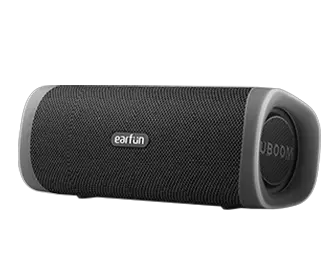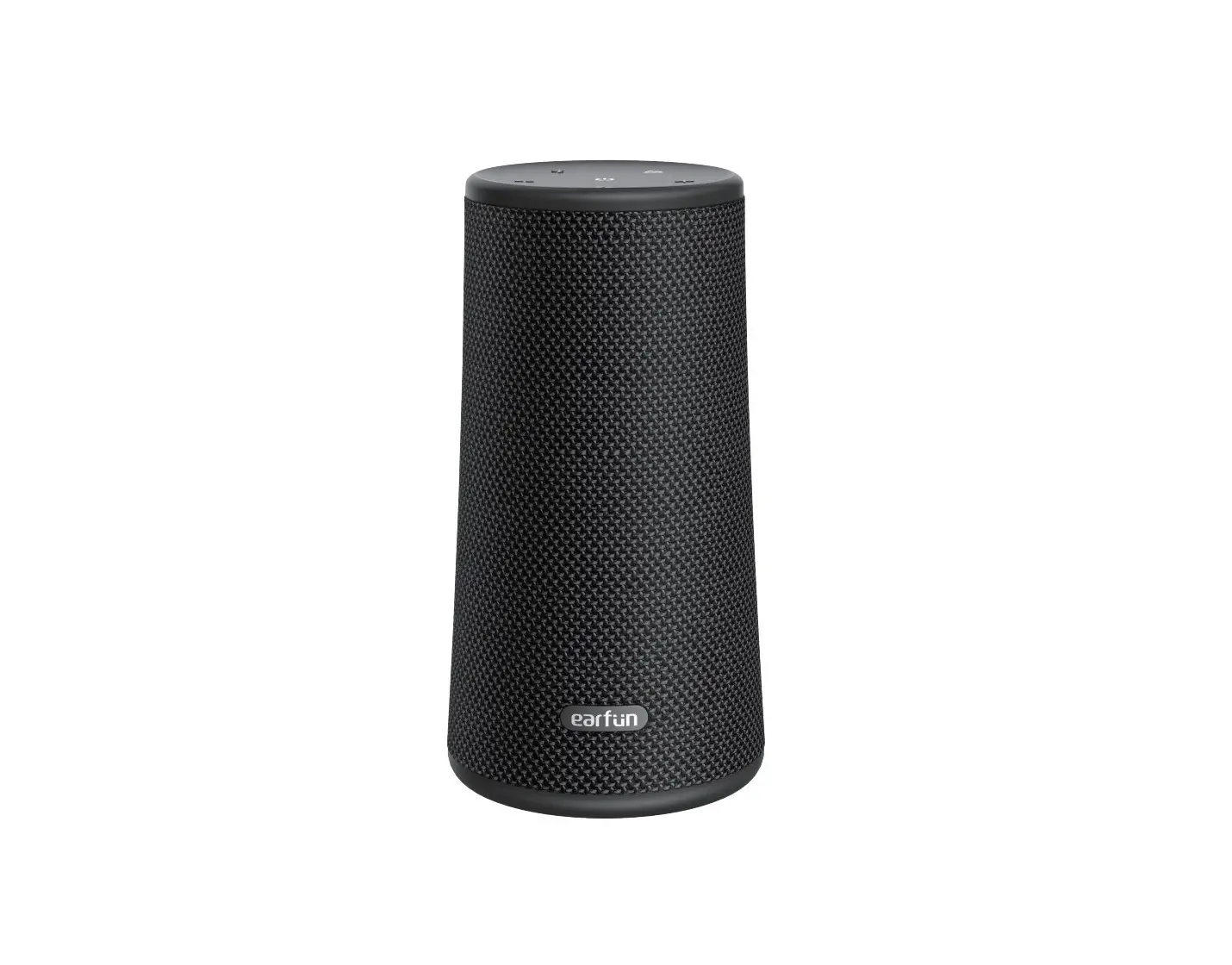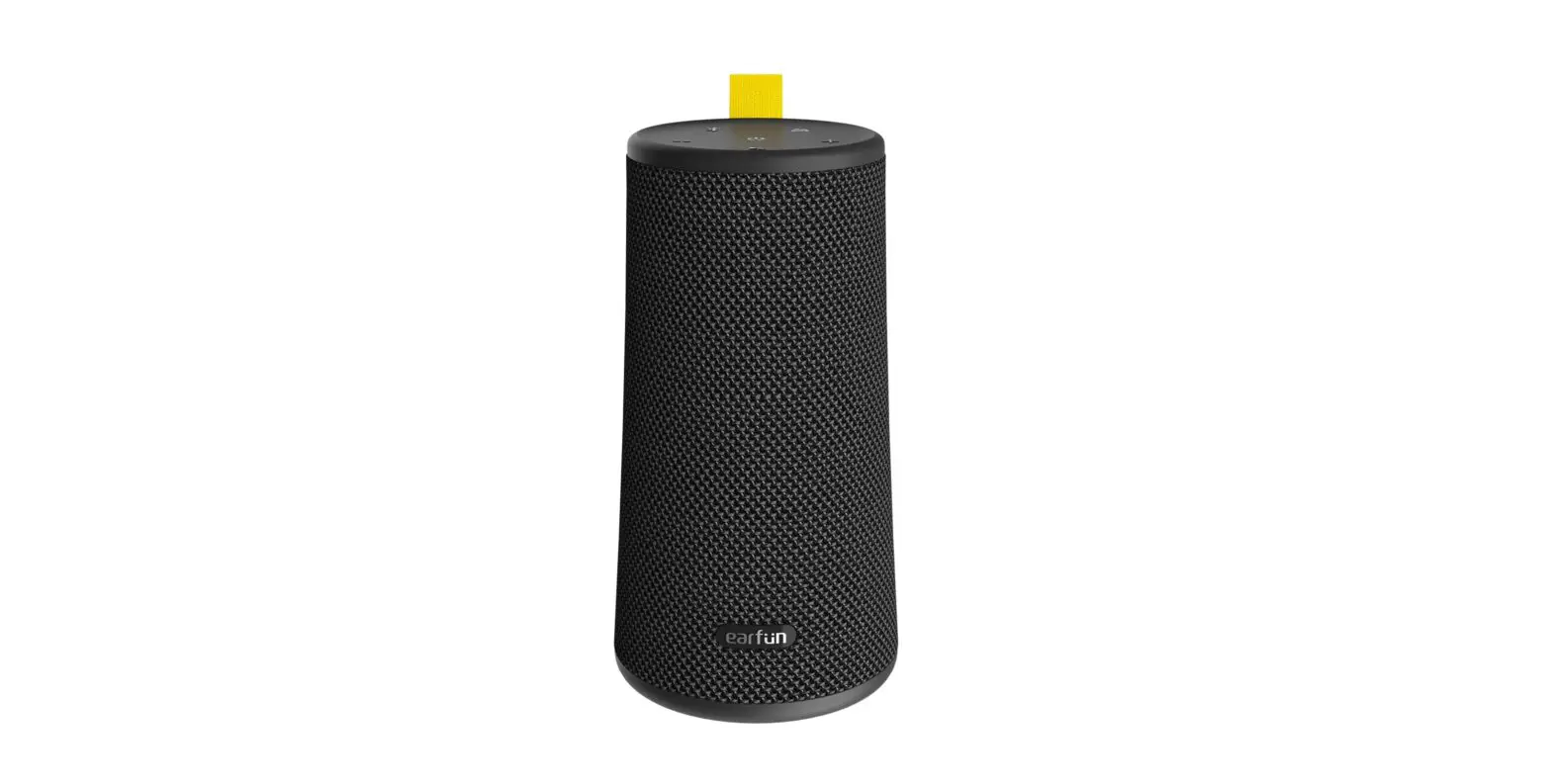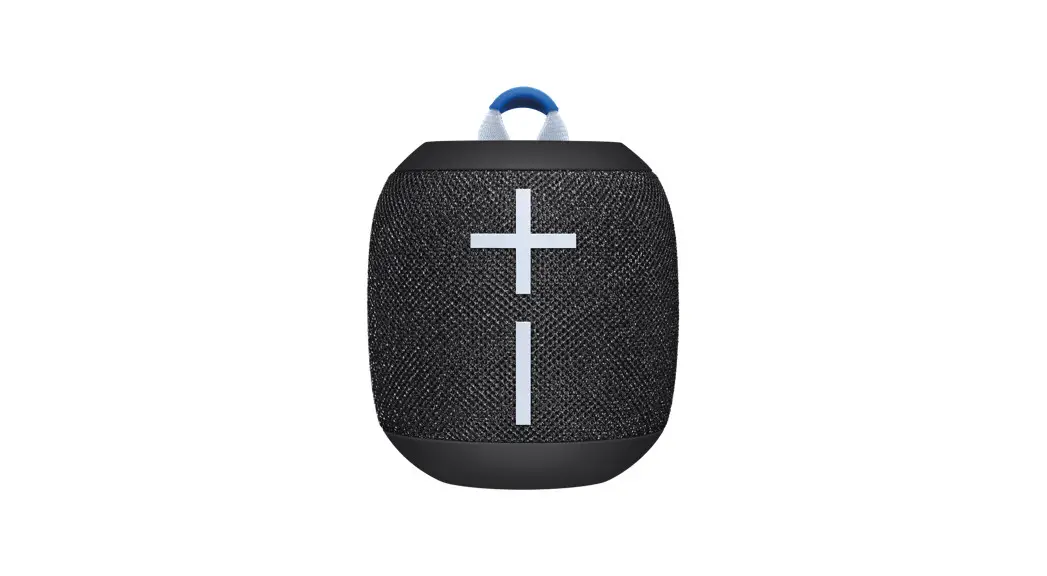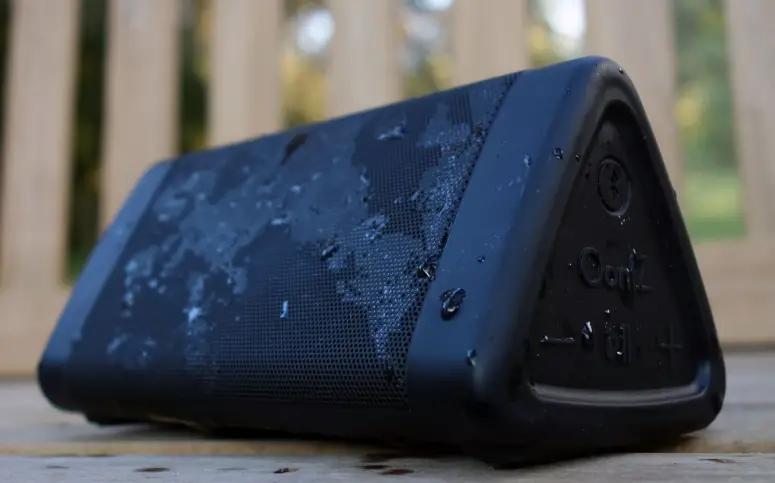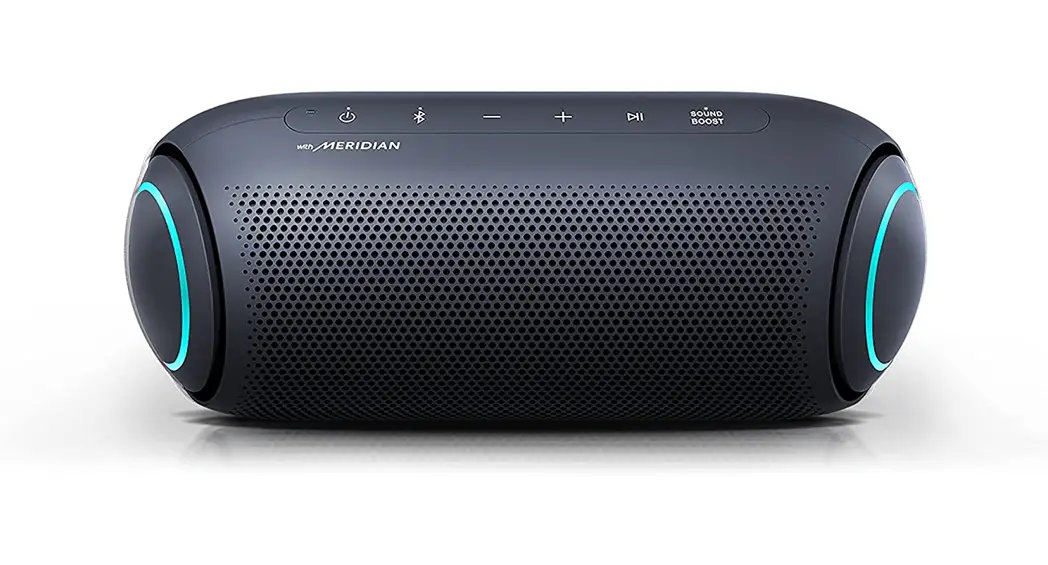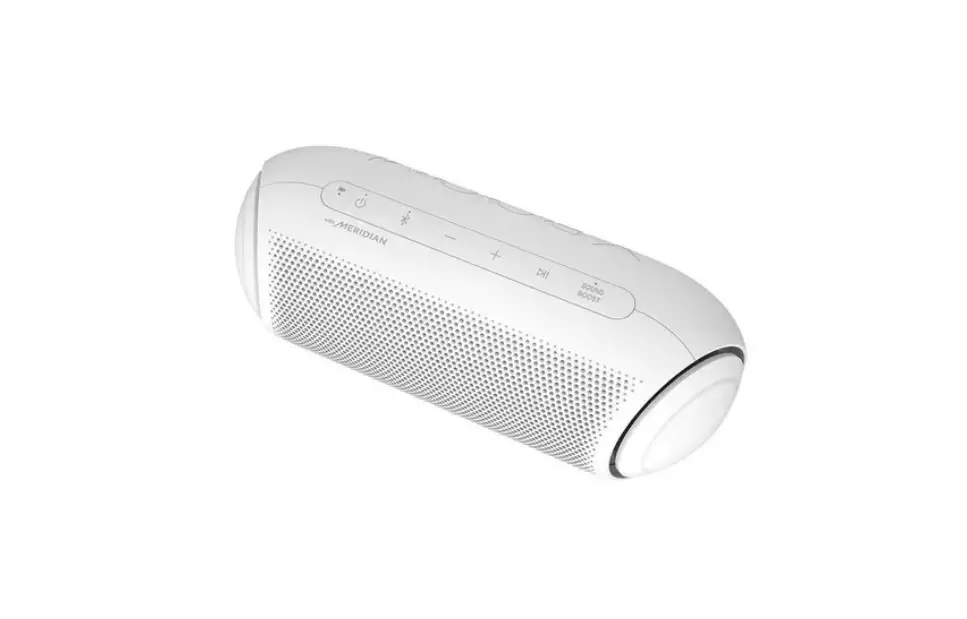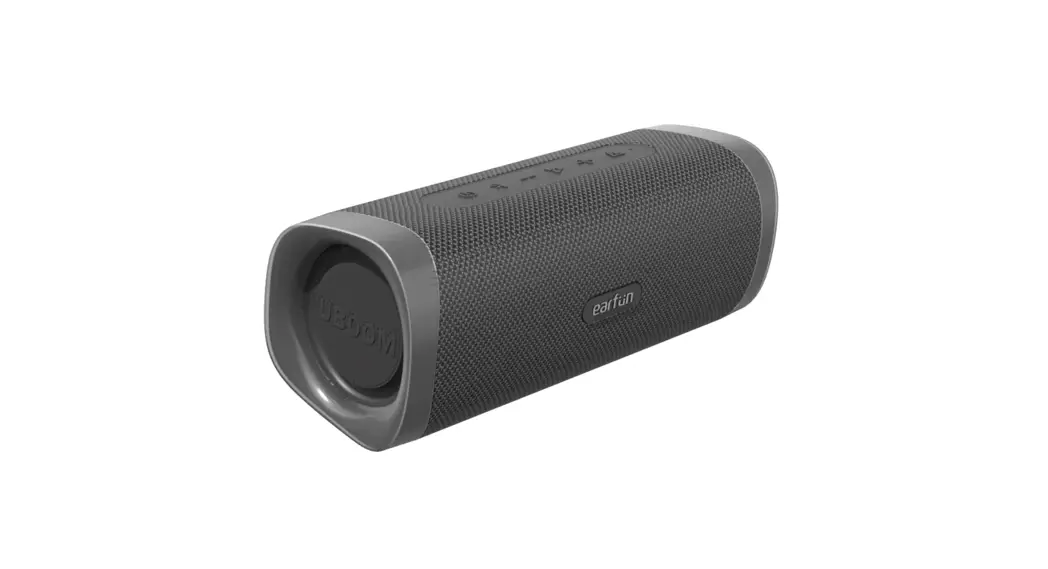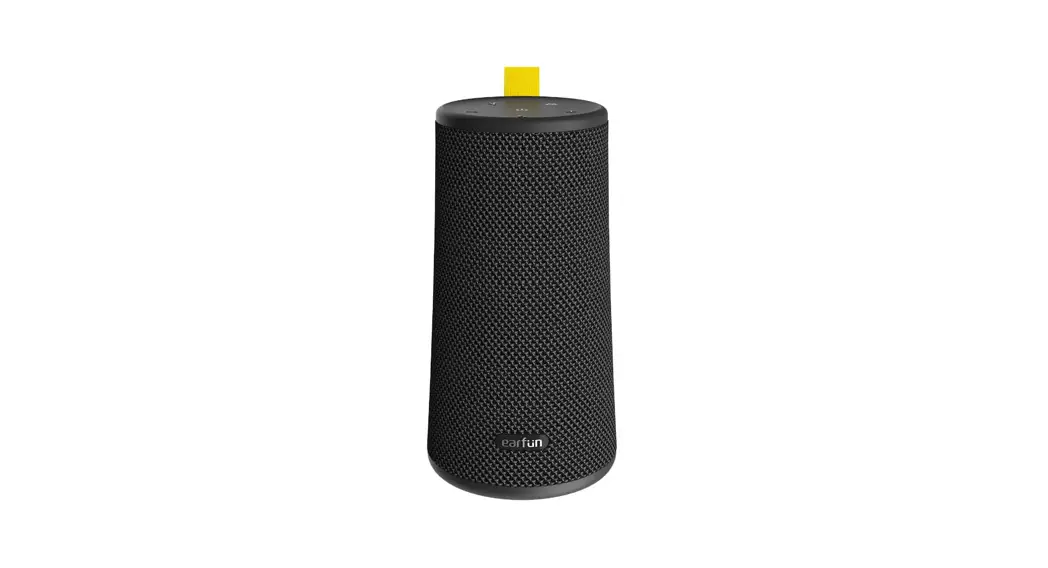

Earvin UBOOM L
Portable Bluetooth Speaker 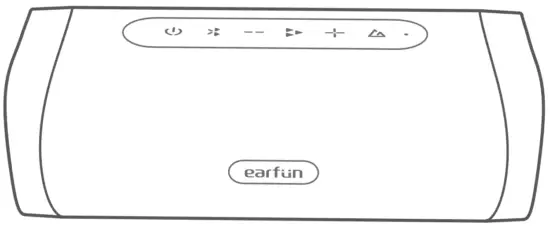
User Manual
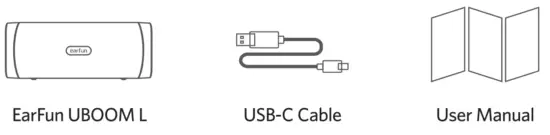
What in the Box
Product Diagram
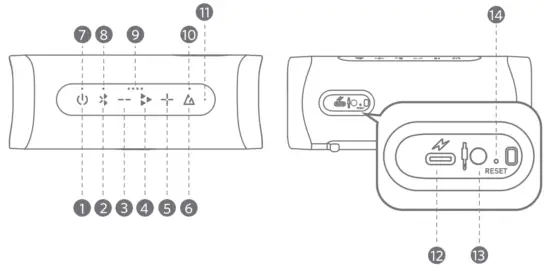
- Power button
- Bluetooth button
- Volume – button
- Play button
- Volume + button
- Sound Mode button
- Power LED indicator
- Video Mode LED indicator
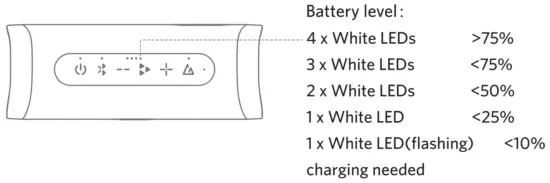
- Battery Level LED indicator
- Sound Mode LED indicator
- Microphone
- USB-C charging port
- 3.5mm Aux input
- Reset hole
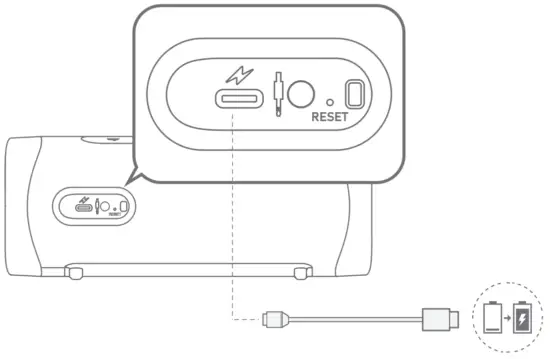
Charging
- Clean the USB-C charging port before charging.
- Fully charge the speaker before first use.
- Close the port cover to avoid water damage.
Connect the USB-C cable to the charging port for charging
Specifications
| Bluetooth version | V5.0 |
| Bluetooth frequency | 2.402GHz-2.480GHz |
| Bluetooth transmitter power | 4-dBm |
| Bluetooth profile | A2DP, AVRCP, HFP, HSP |
| Maximum working range | 15m(without obstacle) |
| Transducer | 2 x 55mm |
| Output power | 2 x 14W |
| Battery capacity | 7.4V, 2600mAh |
| Charging time | About 4 hours |
| Playtime | Up to 16 hours (varies by volume level and audio content) |
| Input | 5V  3A 3A |
| Dimensions | 78mm x 210mm x 72mm |
| Weight | 650g |
Bluetooth Pairing
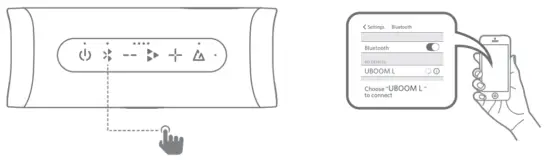
Step 1: Power on the Speaker, then press the Bluetooth button, and the speaker will enter pairing mode.
Step 2: Activate Bluetooth on your Bluetooth-enabled device and search for other Bluetooth devices.
Step 3: Select “EarFun UBOOM U’ from the list of Bluetooth devices shown (if the password is needed, please type ‘0000’).
True Wireless Stereo Connection with Two Speakers
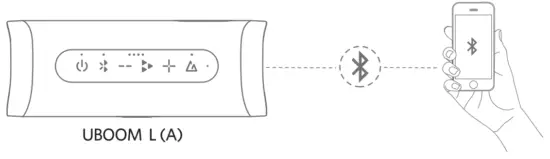
Step 1: Pair and connect speaker A to your Bluetooth device.
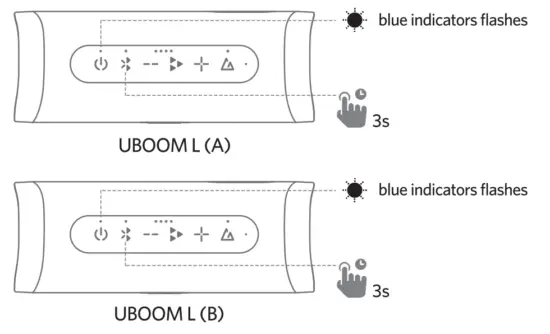
 Step 2: Power on speaker B, and then press and hold the Bluetooth buttons of both speakers(A and B) for 3 seconds at least and blue indicators of both speakers flash, then both speakers will begin to be connected to the same Bluetooth device.
Step 3: When the indicators stay blue, the two speakers are successfully connected in True Wireless Stereo mode. Speaker A will play the Left channel and speaker B will play the Right channel.
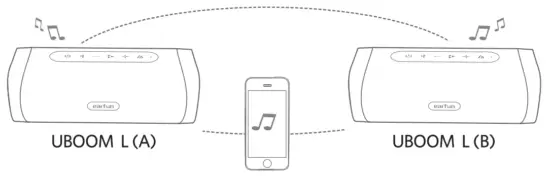
Note: Press and hold the sound modes button for 2 seconds to transfer stereo mode and party mode when true wireless stereo is connected. The party mode will be the same sound channel for speakers A and B, and speaker A is stereo as same as speaker B.
Functions
Buttons Operations Functions LED Indicators Power button Press x 1 Power ON Blue LED ON Power OFF Blue LED OFF Bluetooth button Press x 1 Bluetooth pairing Blue LED flash Press x 2 Video mode ON * White video mode LED ON Video mode OFF White video mode LED OFF Press and hold for 3s True Wireless Stereo pairing Blue LED flash Play button Press x1 Play/Pause / Answer/End a call / Press x 2 Next track / Press x 3 Previous track /
| Buttons | Operations | Functions | LED Indicators |
| Power button | Press x 1 | Power ON | Blue LED ON |
| Power OFF | Blue LED OFF | ||
| Bluetooth button | Press x 1 | Bluetooth pairing | Blue LED flash |
| Press x 2 | Video mode ON * | White video mode LED ON | |
| Video mode OFF | White video mode LED OFF | ||
| Press and hold for 3s | True Wireless Stereo pairing | Blue LED flash | |
| Play button | Press x1 | Play/Pause | / |
| Answer/End a call | / | ||
| Press x 2 | Next track | / | |
| Press x 3 | Previous track | / |
| Play button | Press and hold for 2s | Activate the voice assistant | / |
| Reject a call | / | ||
| Volume + button | Press or hold | Volume up | / |
| Volume – button | Press or hold | Volume down | / |
| Sound mode button | Press x 1 | Outdoor mode | White sound mode LED ON |
| Indoor mode | White sound mode LED OFF | ||
| Press and hold for 2s | True Wireless Stereo mode/Party mode | / |
Notes:
- Turning on the video mode can drop latency to about 150ms and improve the video watching experience, but it will shorten the connection distance. We suggest you turn off the video mode when you use the speaker for playing music.
- Video mode does not support the True Wireless Stereo connection mode.
- The normal mode provides a latency of about 250ms.
- Bluetooth technology can not fully eliminate the latency of Bluetooth audio.
Reset and Reconnecting
If this speaker becomes disconnected or has another connecting problem, you can simultaneously press and hold the “Volume +” and “Volume -” buttons simultaneously for 5 seconds at least to remove all paired devices from the speaker and remove the old pairing of the speaker in your Bluetooth device, then pair again.
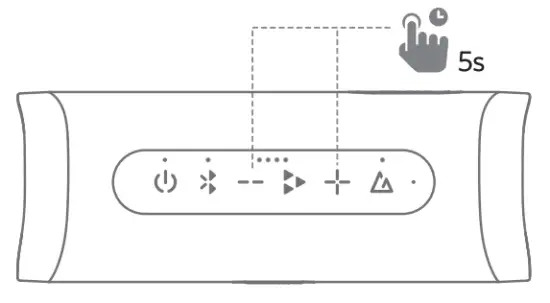
If this speaker crashes, you can try to press and hold the power button for 8 seconds at least to reboot. Also, you can directly put a straightened paper clip or similar item into the reset hole and depress the internal button to reset the speaker and power it on again, and the reset hole is located at the back of the speaker. 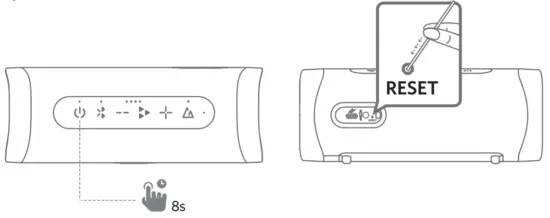
 EarFun Official Website | Better Sound. Better Life