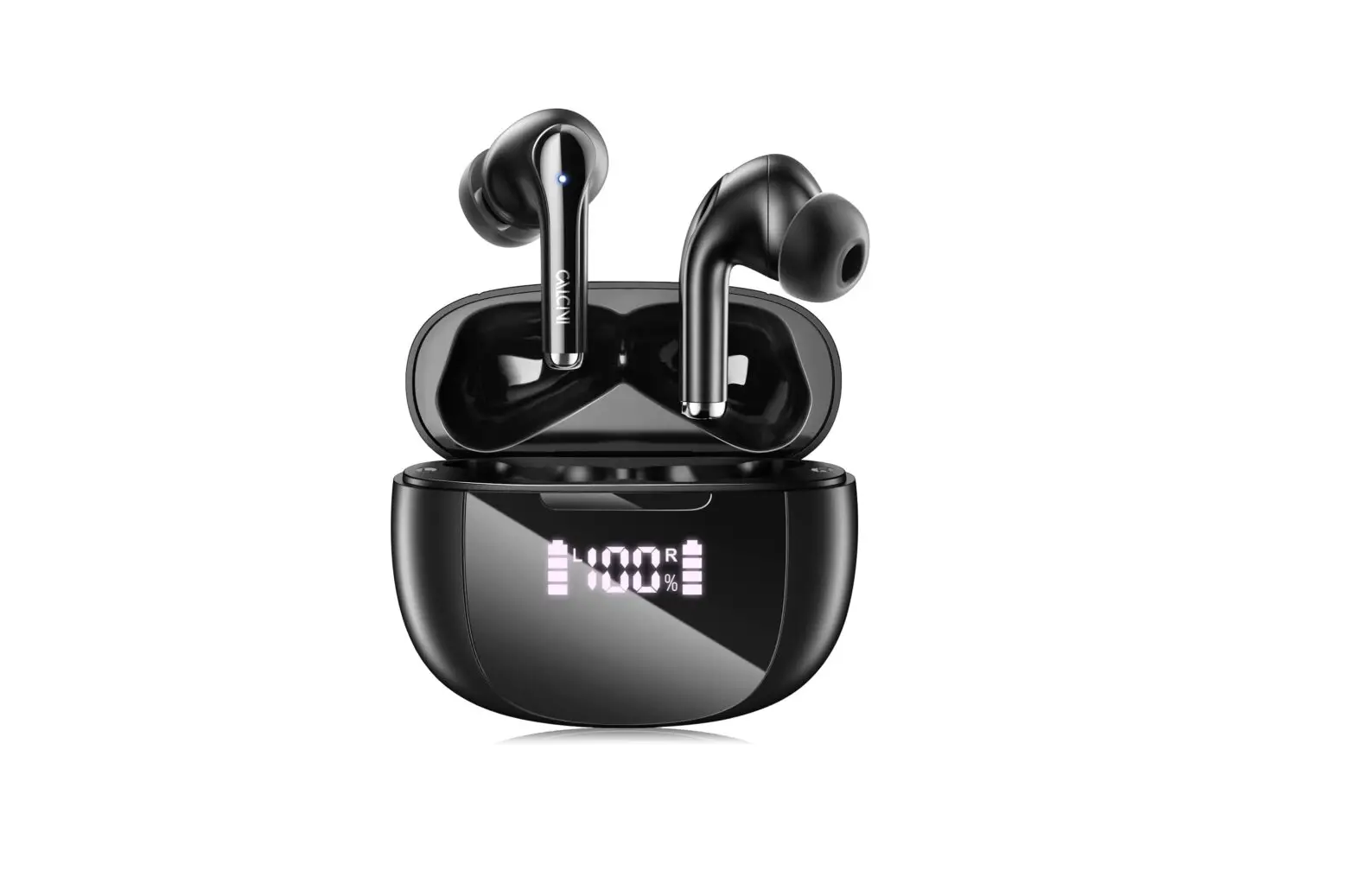

Punch3 • User Manual
(FCC ID: 2AYH6-EA09)
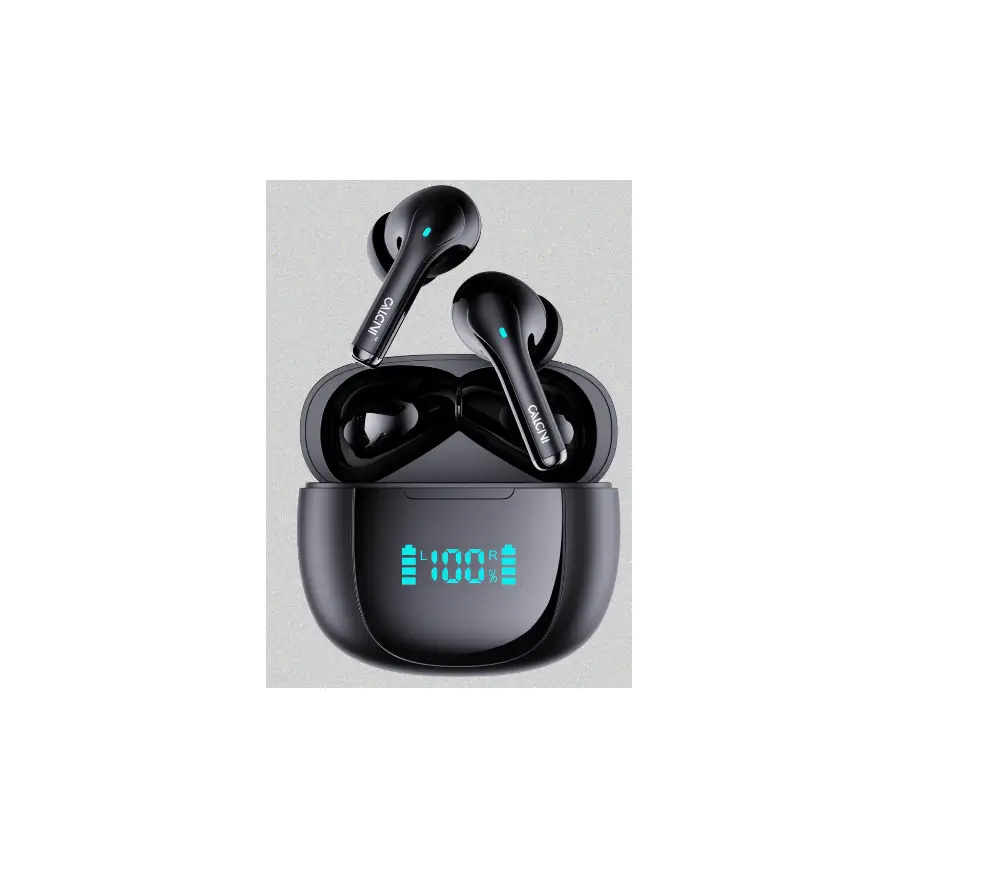
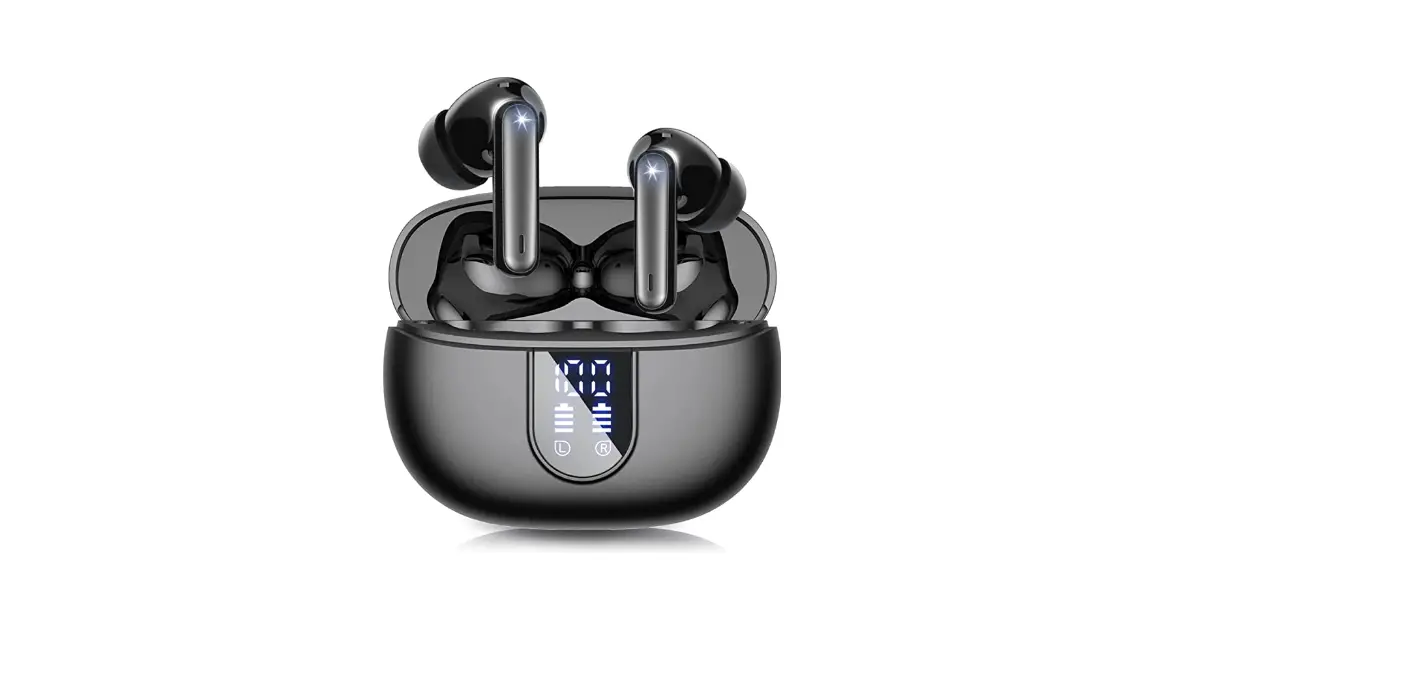
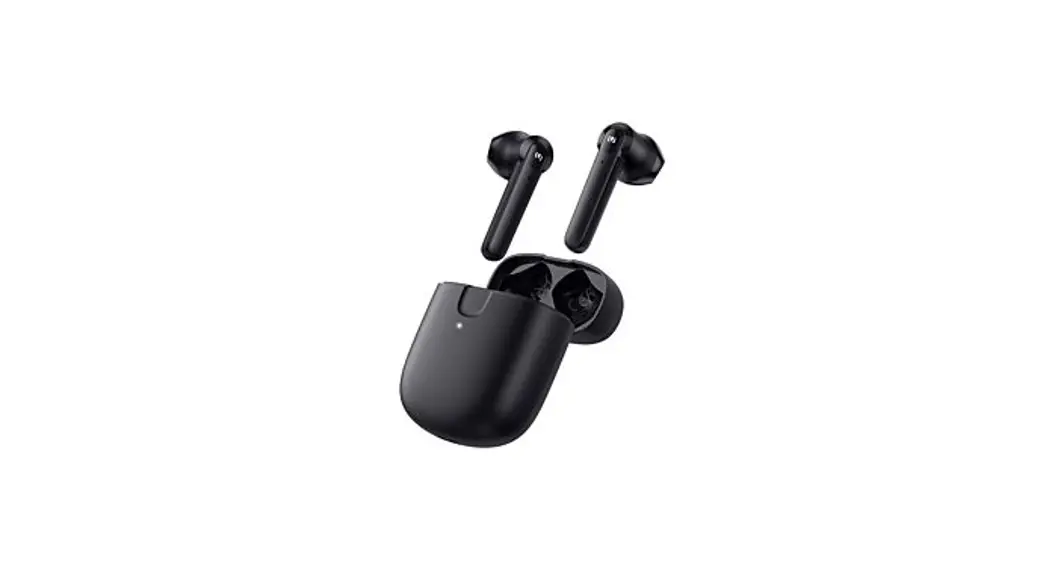
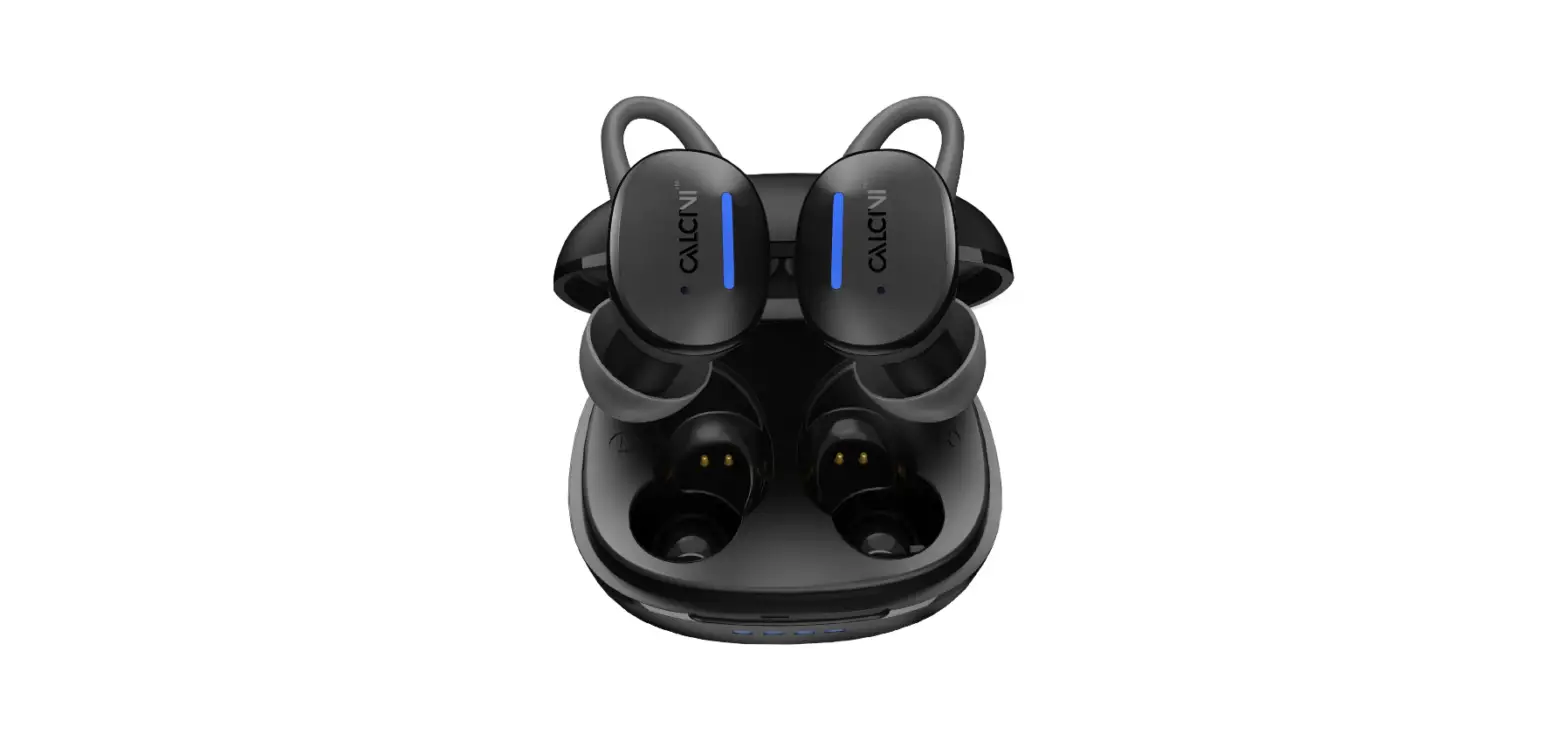
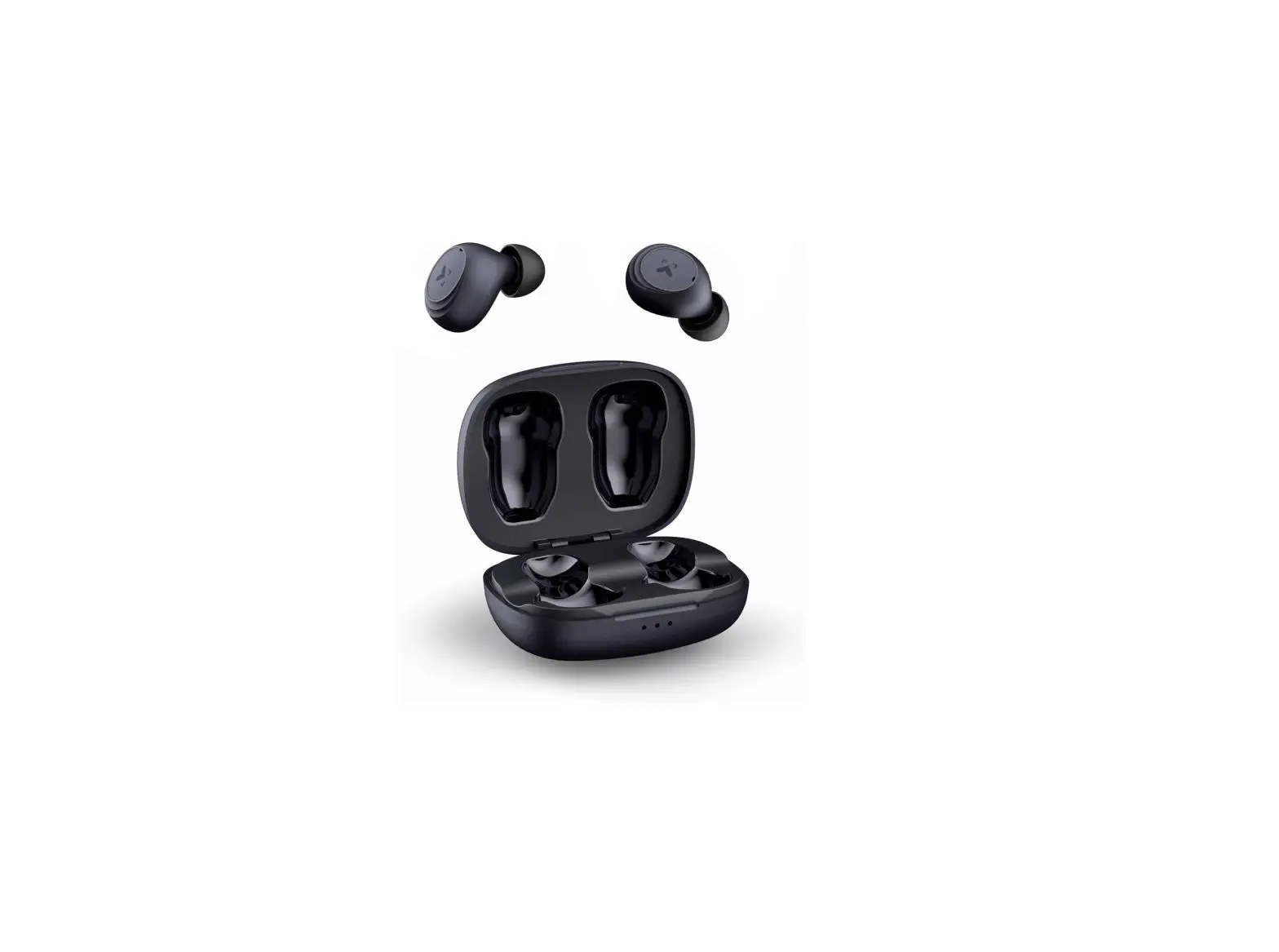
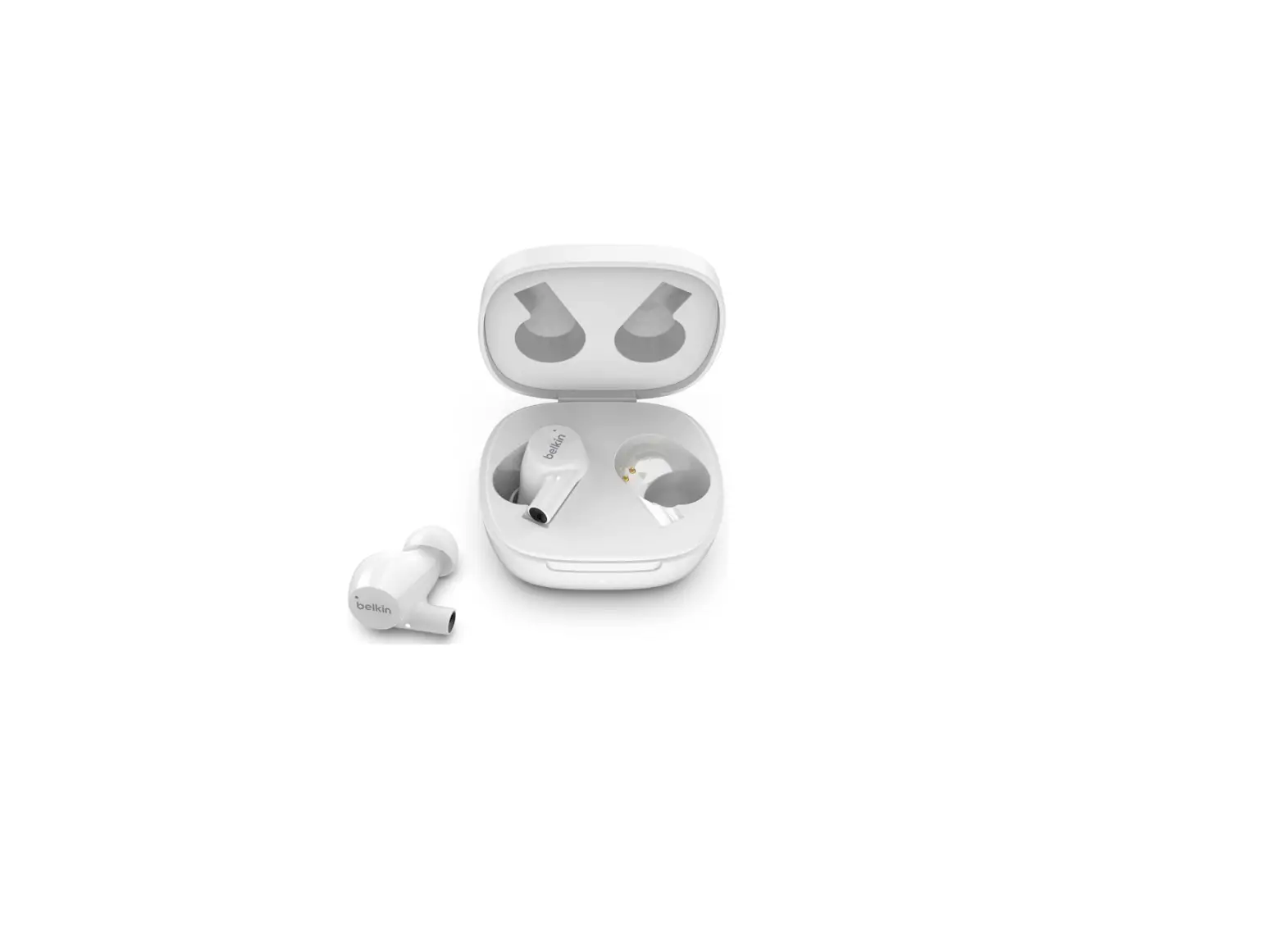
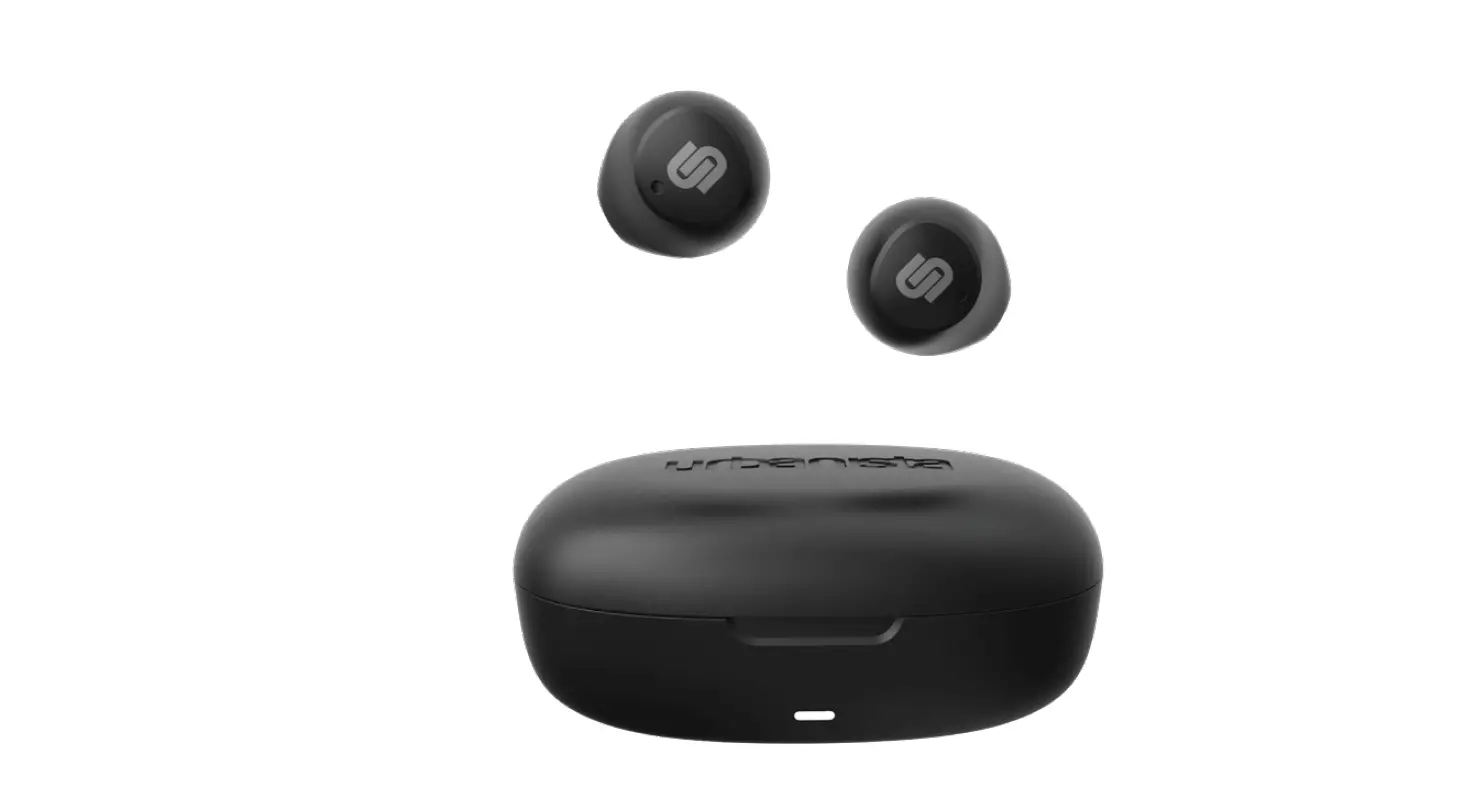
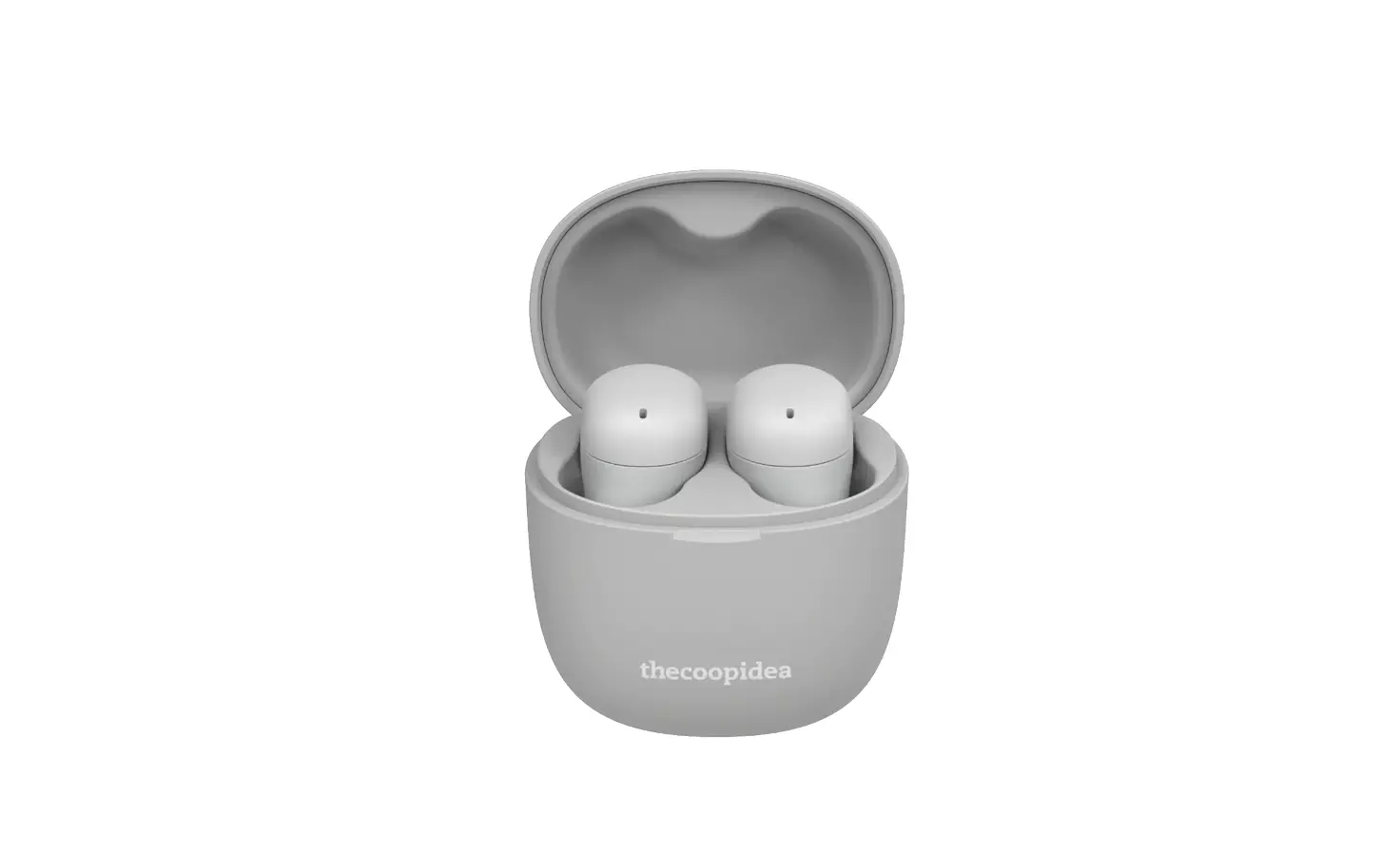
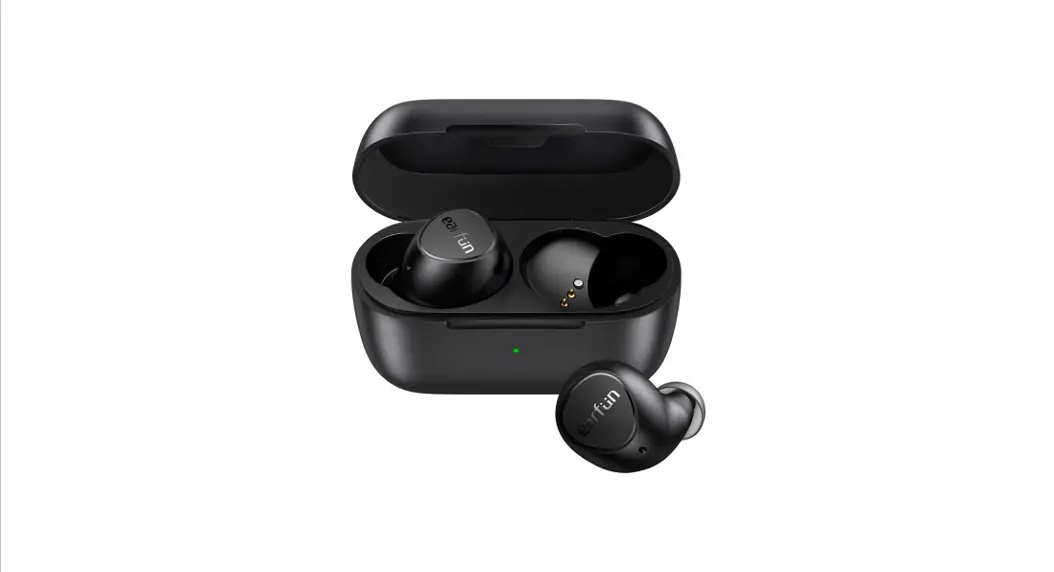
True wireless Earbuds
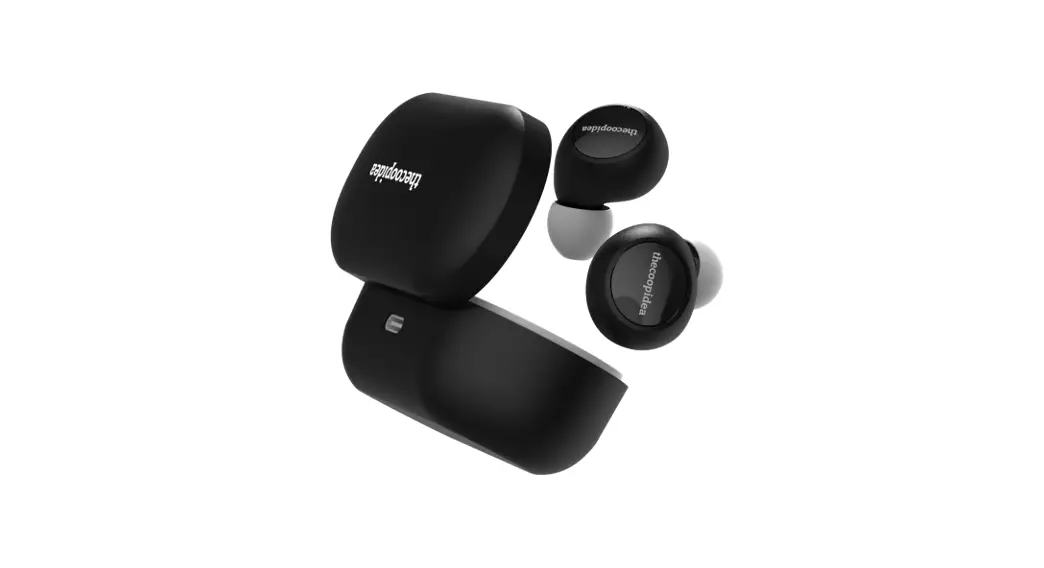
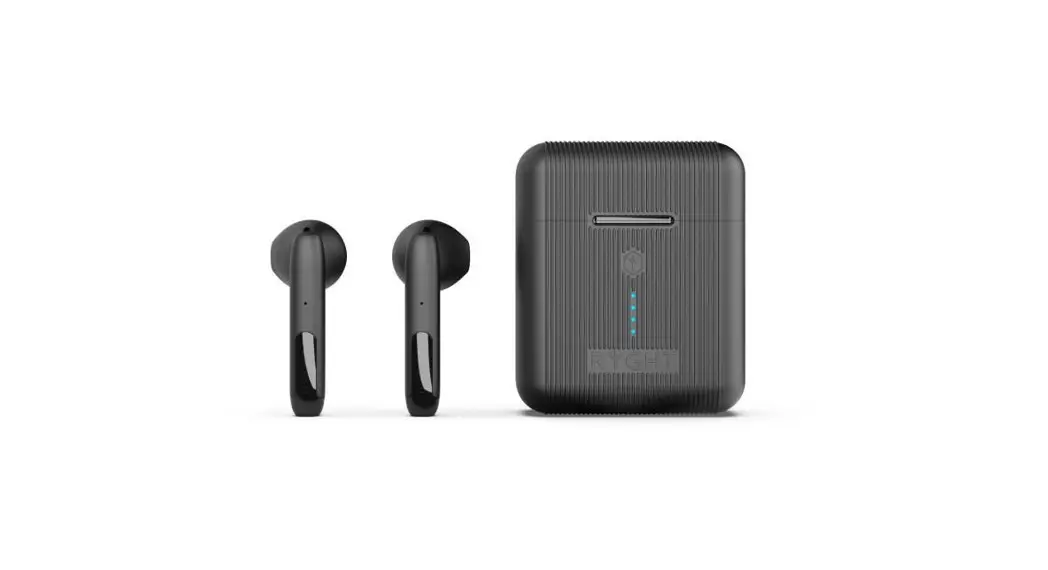
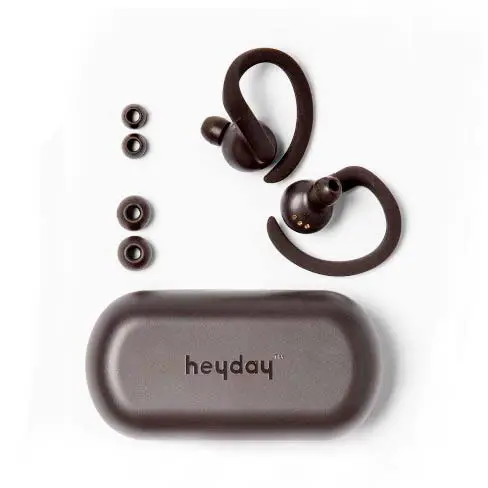
PACKAGE CONTENTS
- lx Charging Case
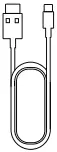
- lx USB-C Cable
- lx User Manual
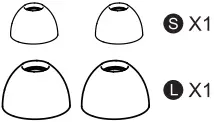
- 2x Ear Cap
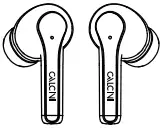
- A Pair of Earbuds
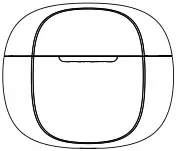
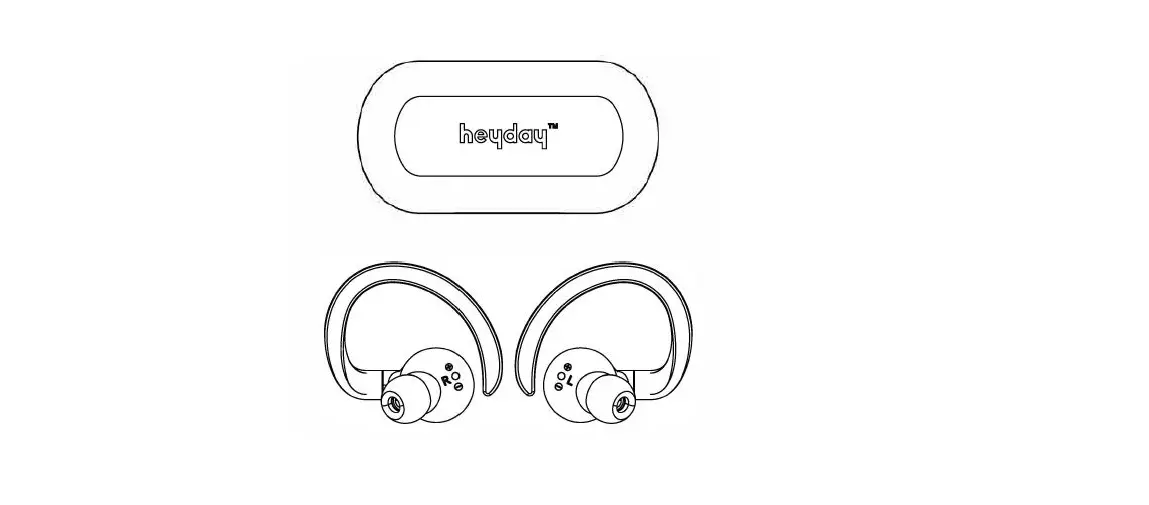
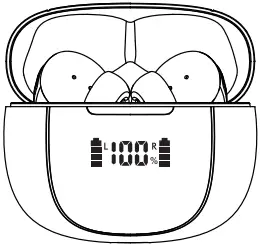
OVERVIEW
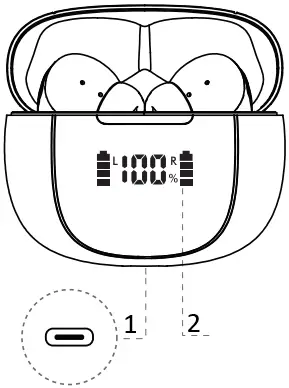
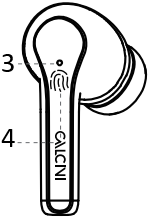
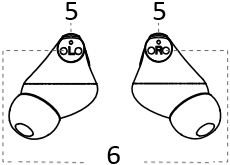
- Charging Port
- Battery Indicator
- Indicator
- Touch Panel
- Microphone
- charging interface
CHARGING
1. Charging earbuds
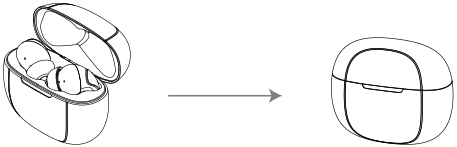
Put earbuds back to charging case and close
Put earbuds back to charging case, the indicators on earbuds flash.
2. Charging case
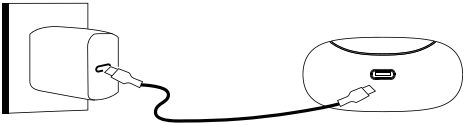
Plug in the cable to the charing case port, White indicator will flashing: the digital display on charging case flashes
SWITCH CONTROL
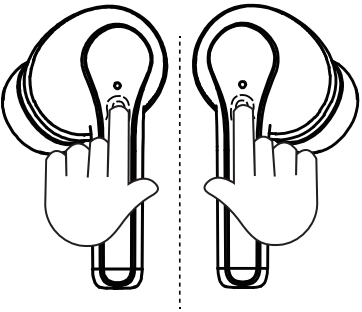
6S 6S
Turn On
Take the earbuds out of the charging case Or press the touch panel on earbud for 6s
6S 6S
Turn Off
Return the earbuds to the charging case and close the lid Or touch and hold the earbuds touch panel for 6s (when both earbuds are used, please touch and hold the both earbuds touch panel for 6s to turn them off. It cannot be turned off if you operate on single earbud
EARBUDS PAIRING
Once the earbuds are taken out from the charging case, they will automatically power on and enter into pairing mode
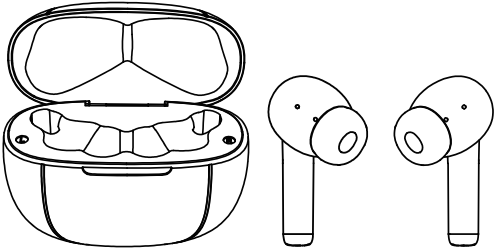
Once connecting your device successfully first time, earbuds will reconnect your device automatically when you take them out of the charging case again
DEVICE CONNECTING
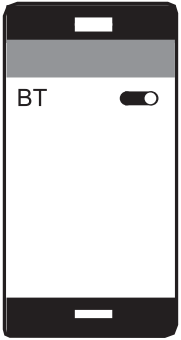
- Turn on the Bluetooth on your device
- Take earbuds out of charging case
- Select “Calcini Punch 3” from the list of available devices
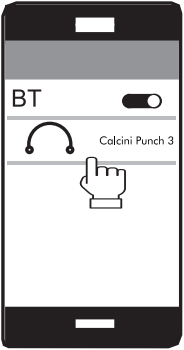
Once connecting your device successfully first time, earbuds reconnect your device automatically when you take them out of the charging case again
RESET THE EARBUDS
1: Take out the ears and it will automatically turn on, press 6S on both ears at the same time to turn off, let go.
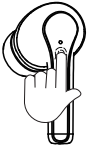 6S
6S 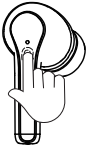
2: Press the 10S earphones on both ears at the same time from the white light flashing quickly to slow flashing, and the reset is successful at this time.
10S
MUSIC
Play/Pause
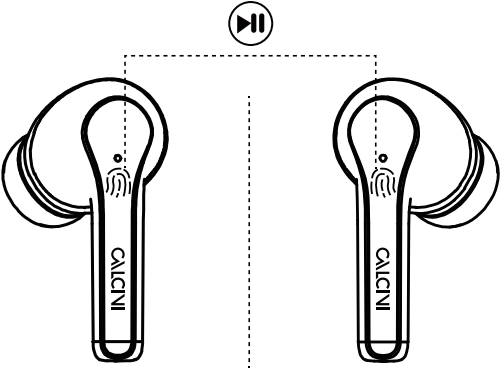
Double tap the L / R earbud
Prev Track Next Track
1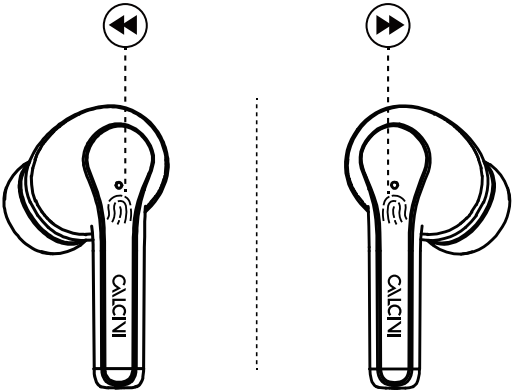 2
2
- Touch and hold the L earbud for 2s
- Touch and hold the R earbud for 2s
VOLUME
Volume- Volume+
1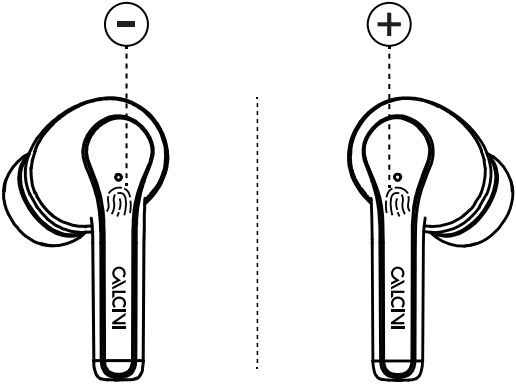 2
2
- Triple tap the L earbud
- Triple tap the R earbud
CALLS
Answer/End Calls
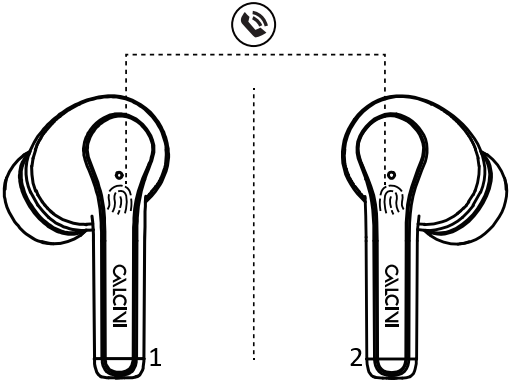
- Answer/Hang Up Calls
Double tap L/R earbud - Reject Calls
Touch and hold L/R for 2s
CONTROLS & LED INDICATORS
| Play /Pause | Double Tap L/R earbud |
| Prey Track | Touch and hold L earbud for 2s |
| Next Track | Touch and hold R earbud for 2s |
| Answer/Hang Up Calls | Double tap L/R earbud |
| Reject Calls | Touch and hold L/R for 2s |
| Volume – | Triple tap the L earbud |
| Volume + | Triple tap the R earbud |
Earbuds
| LED Status Indicator | Status |
| White flashing | Pairing |
| White always on | Charging |
| No indicator | Fully charged |
Charging Case
| LED Status Indicator | Status |
| White flashing | Charging |
| White always on | Fully charged |
SPECIFICATIONS
Earbuds
| Model | EA09 |
| Technology | A2DP, AVRCP, HFP, HSP, AAC,SBC |
| Speaker Sensitivity | 95dB±3dB@1 KHz |
| Frequency Range | 20Hz — 20KHz |
| Impedance | 32 |
| Charging Time | 1H |
| Battery Life | 5H x2 (max volume) |
| Battery Type | Li-polymer (40mAh x 2) |
| Operating Range | 10m/33ft |
| Weight | 3.5g x 2 |
Charging Case
| Charging Input | DC 5V |
| Charging Time | 1.5H |
| Battery Type | Li-polymer 300mAh |
| Number of Earbuds Recharges | 3 times (pair) |
| Weight | 38g |
ATTENTION:
(1) Take the earbuds out of the charging case before you use it. The earbuds will power on and enter into pairing mode automatically. Return the earbuds back to the charging case after use, they will power off automatically.
(2) Once the earbuds has been successfully connected to your device, they will automatically reconnect to your device when you take them out of the charging case next time.
(3) Before you want to conned a new device, please turn off the Bluetooth on the current device or as per the DEVICE CHANGING in this manual.
(4) When the earbuds are charging, please close the case lid.
(5) Keep this products away from liquid or fire. Do not put the earbuds into the charging case when they are wet.
(6) When the earbuds can’t be charged, please check and make sure the connector of the earbuds & charging case are clean and dry.
(7) If you need to use single earbud, please take one earbud from the charging case and then connect to your device. Also you can return one earbud back to the charging case when you are using both earbuds, keep using the other earbud without extra operation.
FCC WARNING STATEMENT:
Changes or modifications not expressly approved by the party responsible for compliance could void the user’s authority to operate the equipment. This equipment has been tested and found to comply with the limits for a Class B digital device, pursuant to Part 15 of the FCC Rules. These limits are designed to provide reasonable protection against harmful interference in a residential installation. This equipment generates uses and can radiate radio frequency energy. If not installed and used in accordance with the instructions, may cause harmful interference to radio communications. However, there is no guarantee that interference will not occur in a particular installation. If this equipment does cause harmful interference to radio or television reception, which can be determined by turning the equipment off and on, the user is encouraged to try to correct the interference by one or more of the following.
MEASURES:
-Reorient or relocate the receiving antenna.
-Increase the separation between the equipment and receiver.
-Conned the equipment into an outlet on a circuit different from that to which the receiver is connected.
-Consult the dealer or an experienced radio/TV technician for help. This device complies with part 15 of the FCC Rules. Operation is subject to the following two conditions:
(1) This device may not cause harmful interference
(2) This device must accept any interference received, including interference that may cause undesired operation. The device has been evaluated to meet general RF exposure requirement.
contact us
[email protected] | [email protected]
(active lifetime warranty)