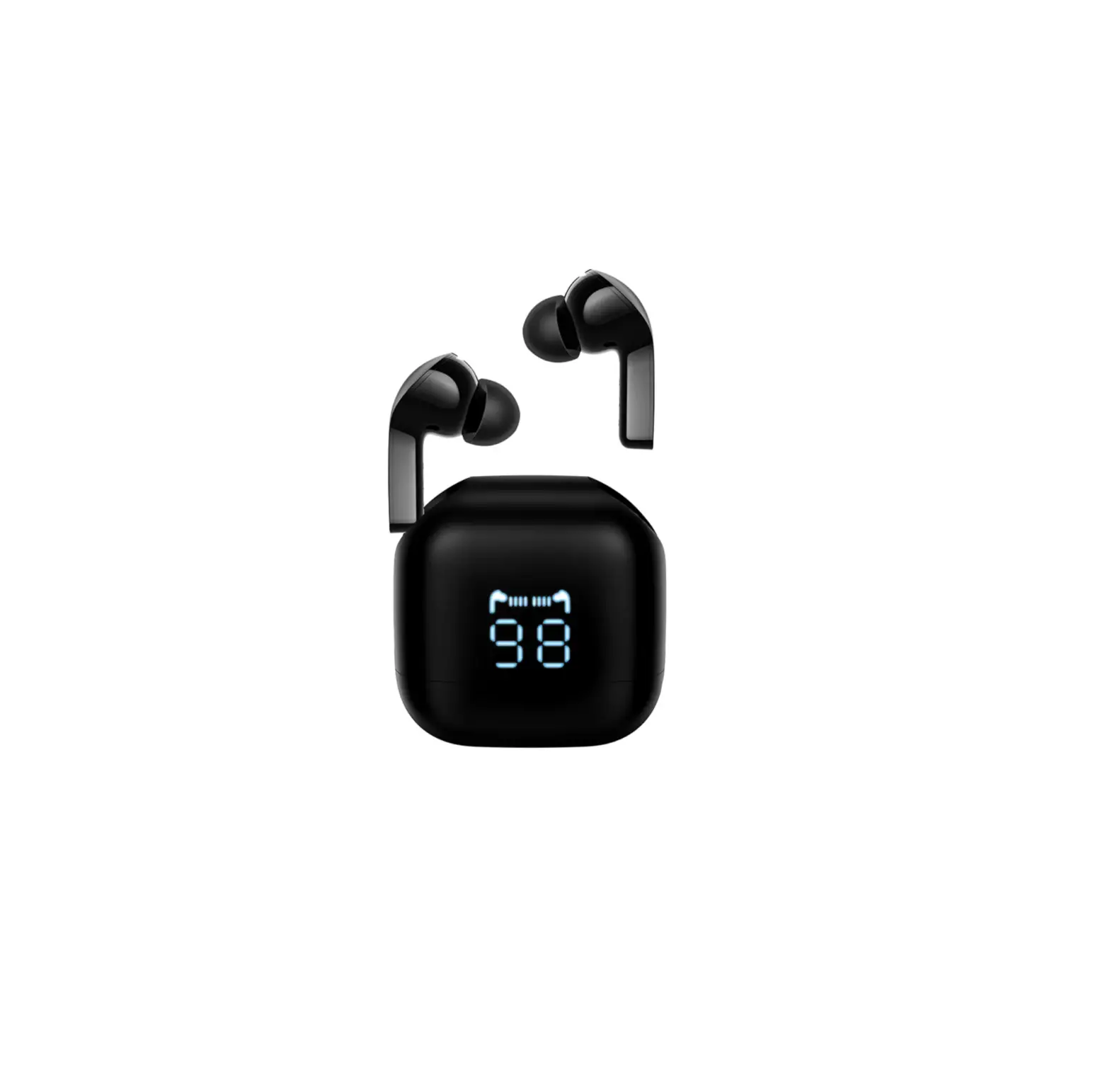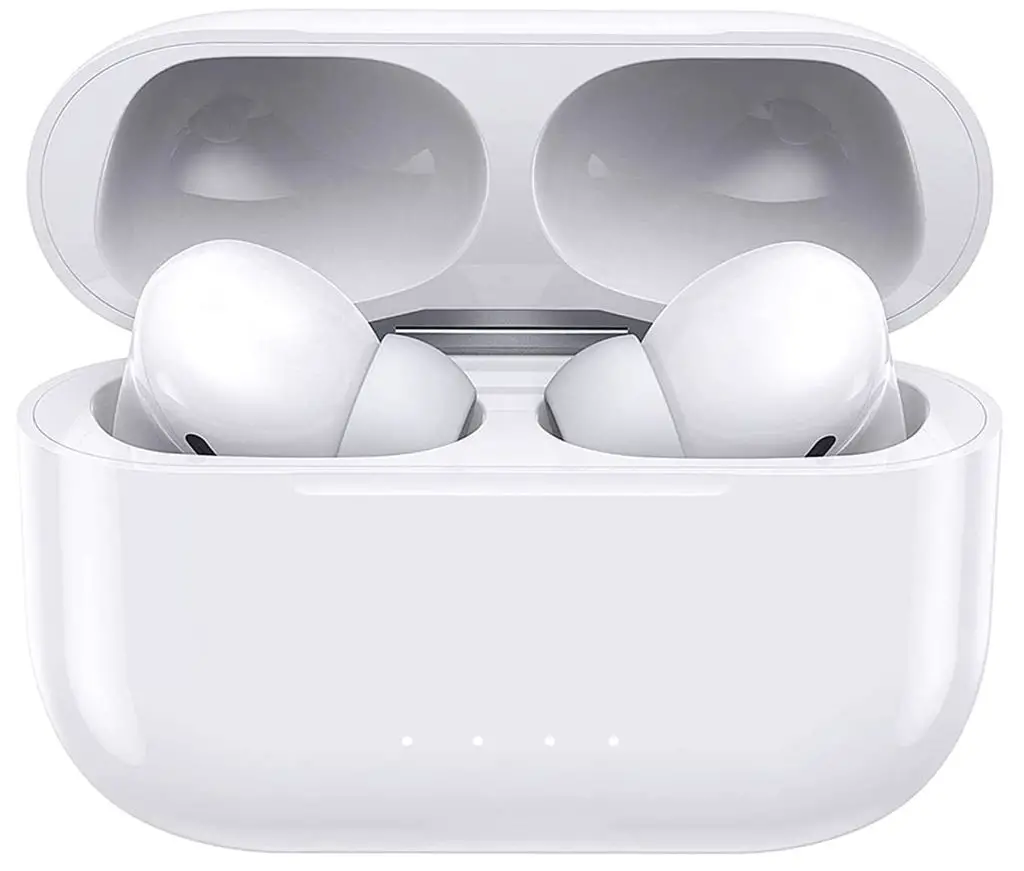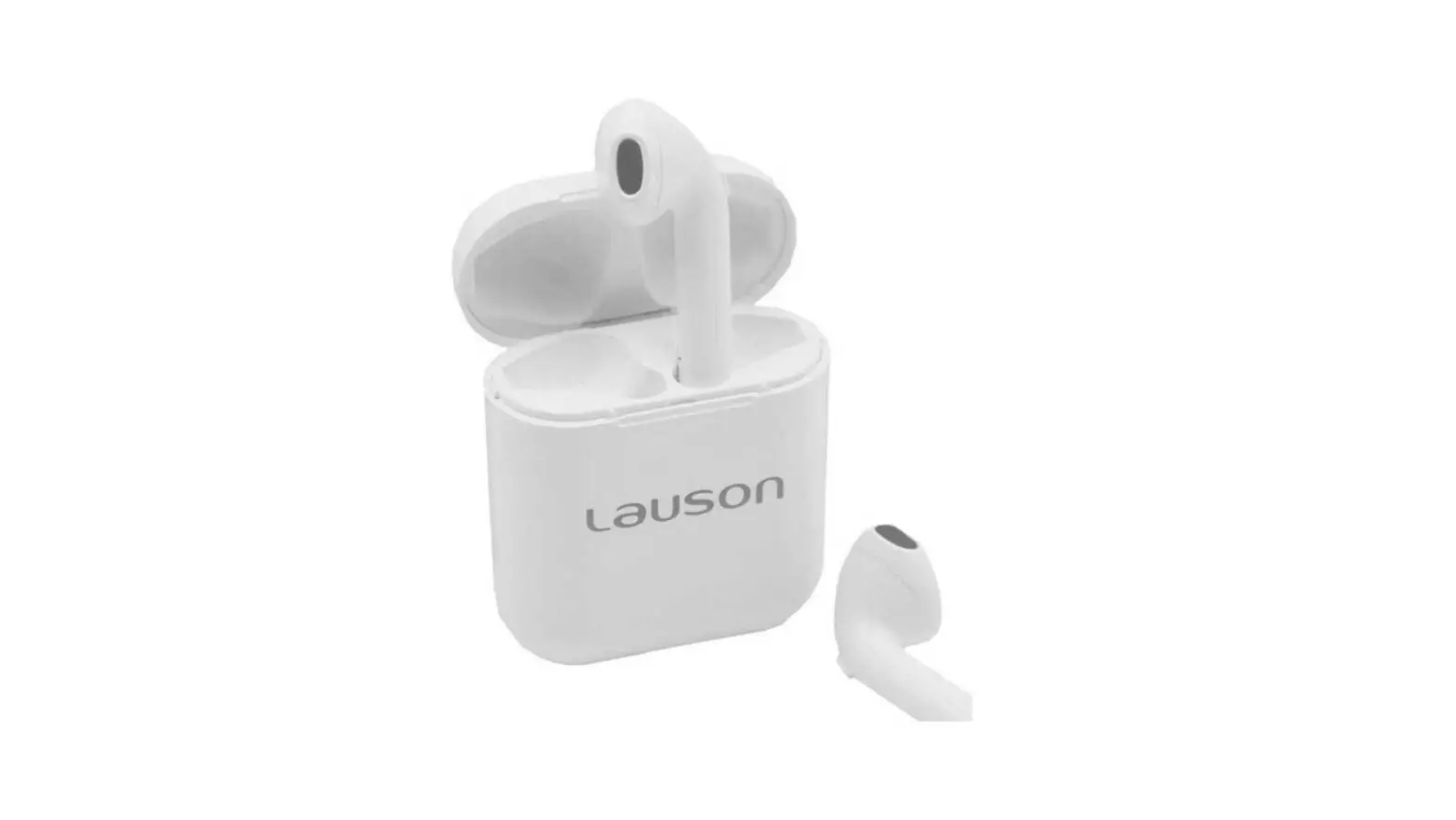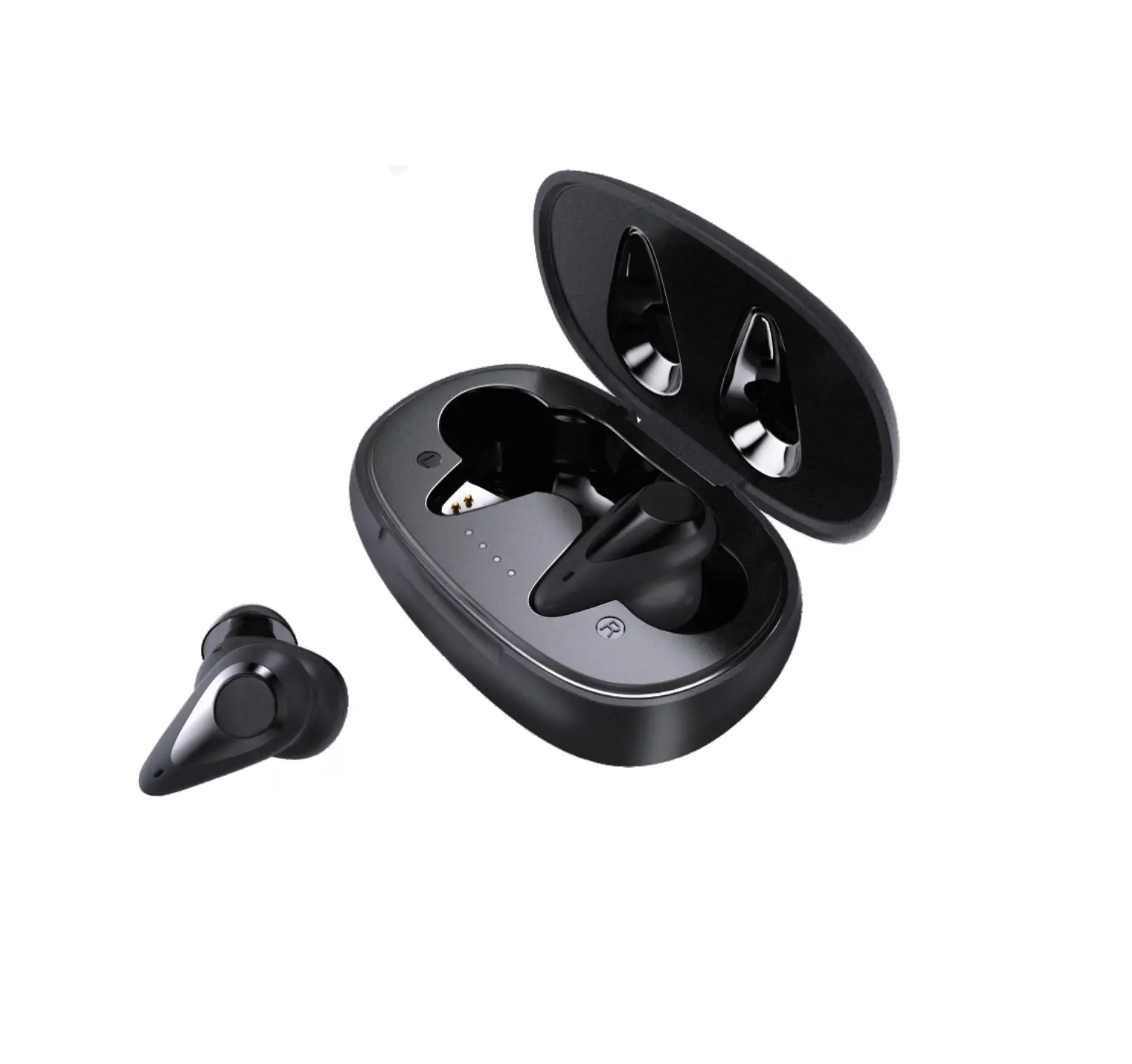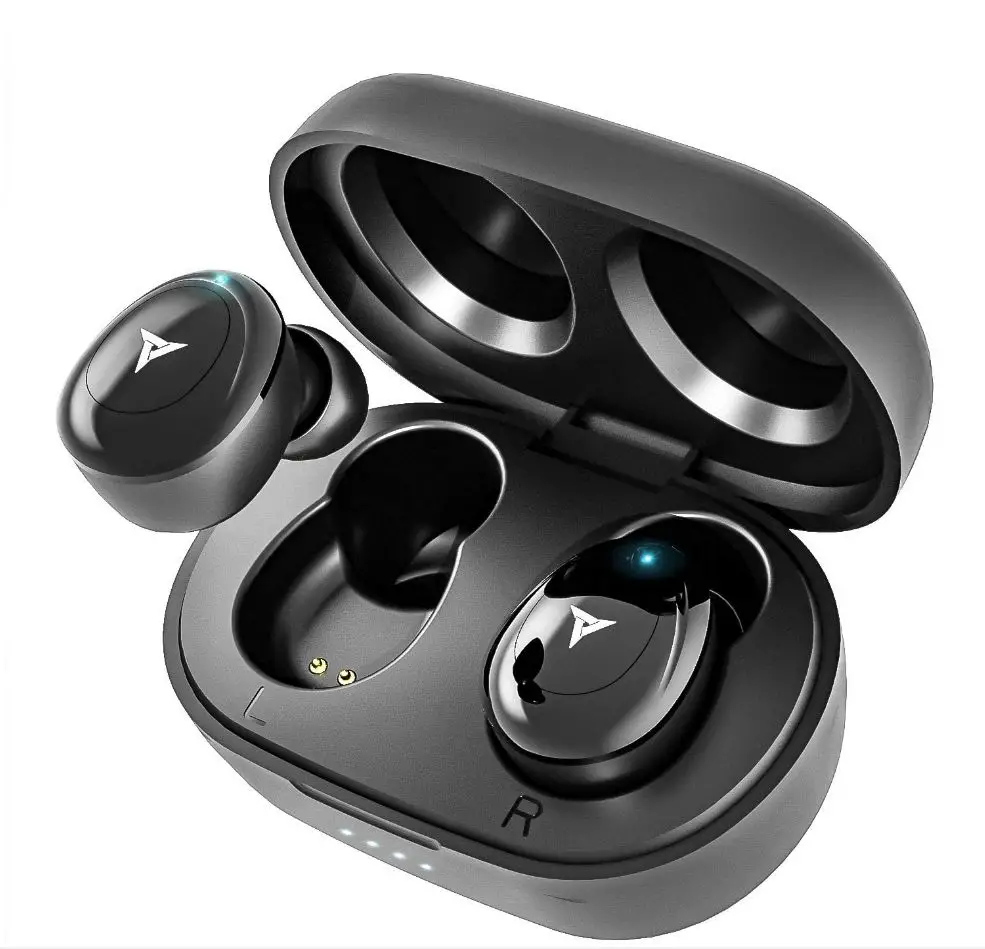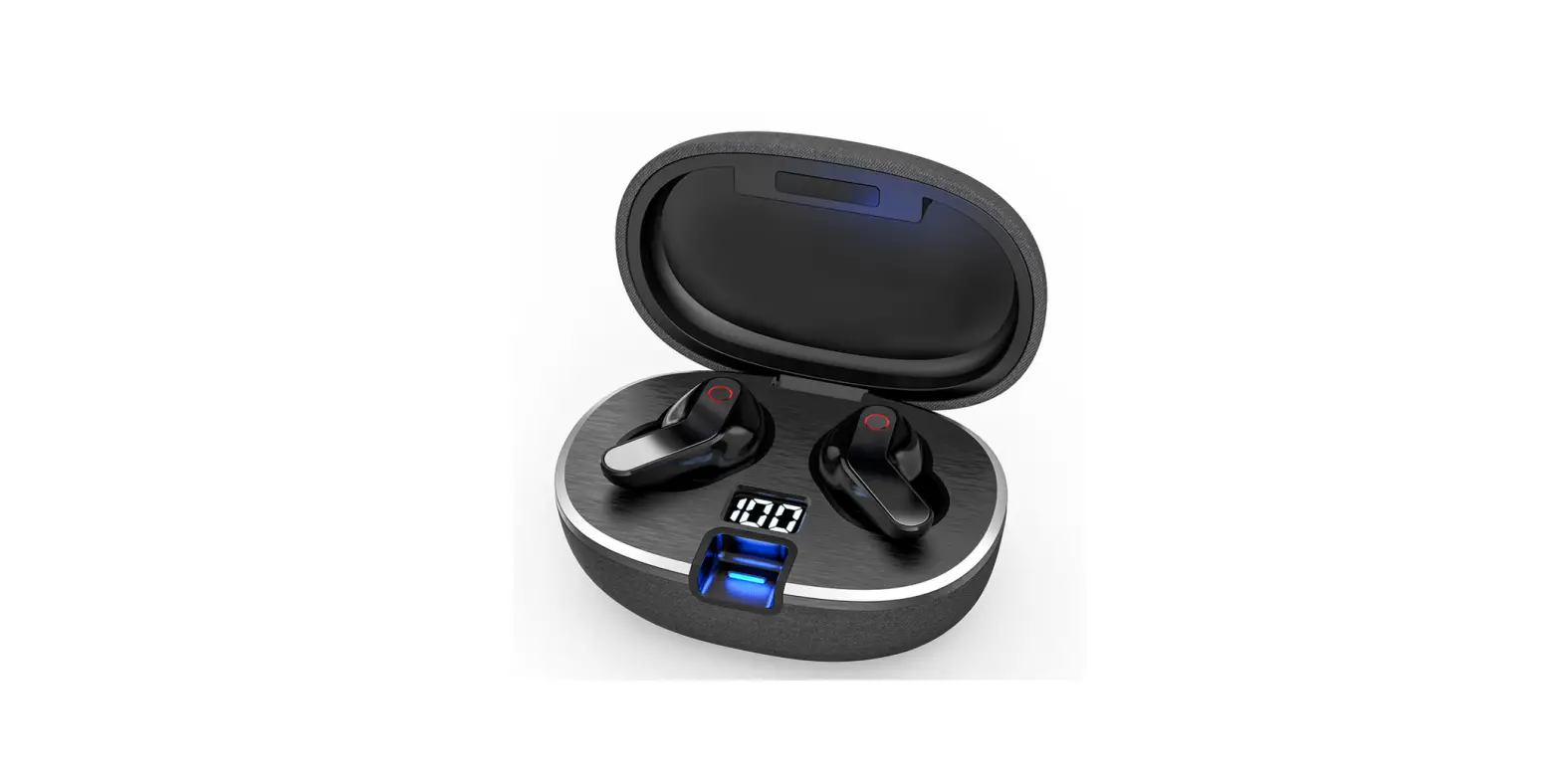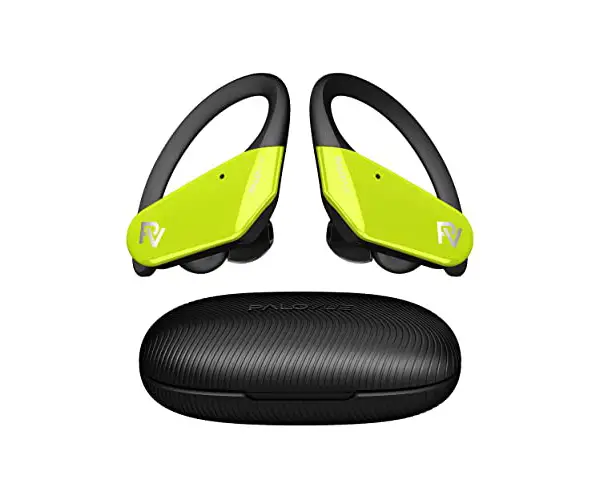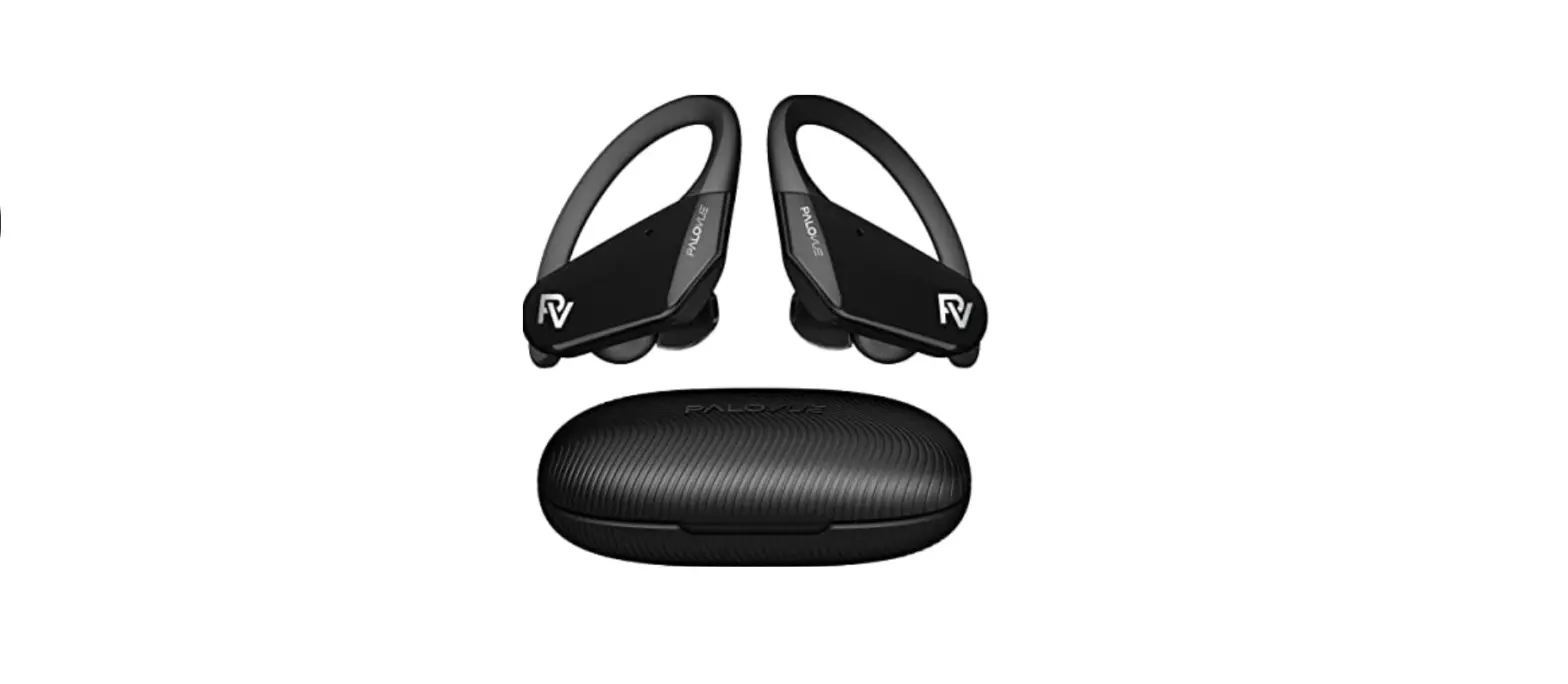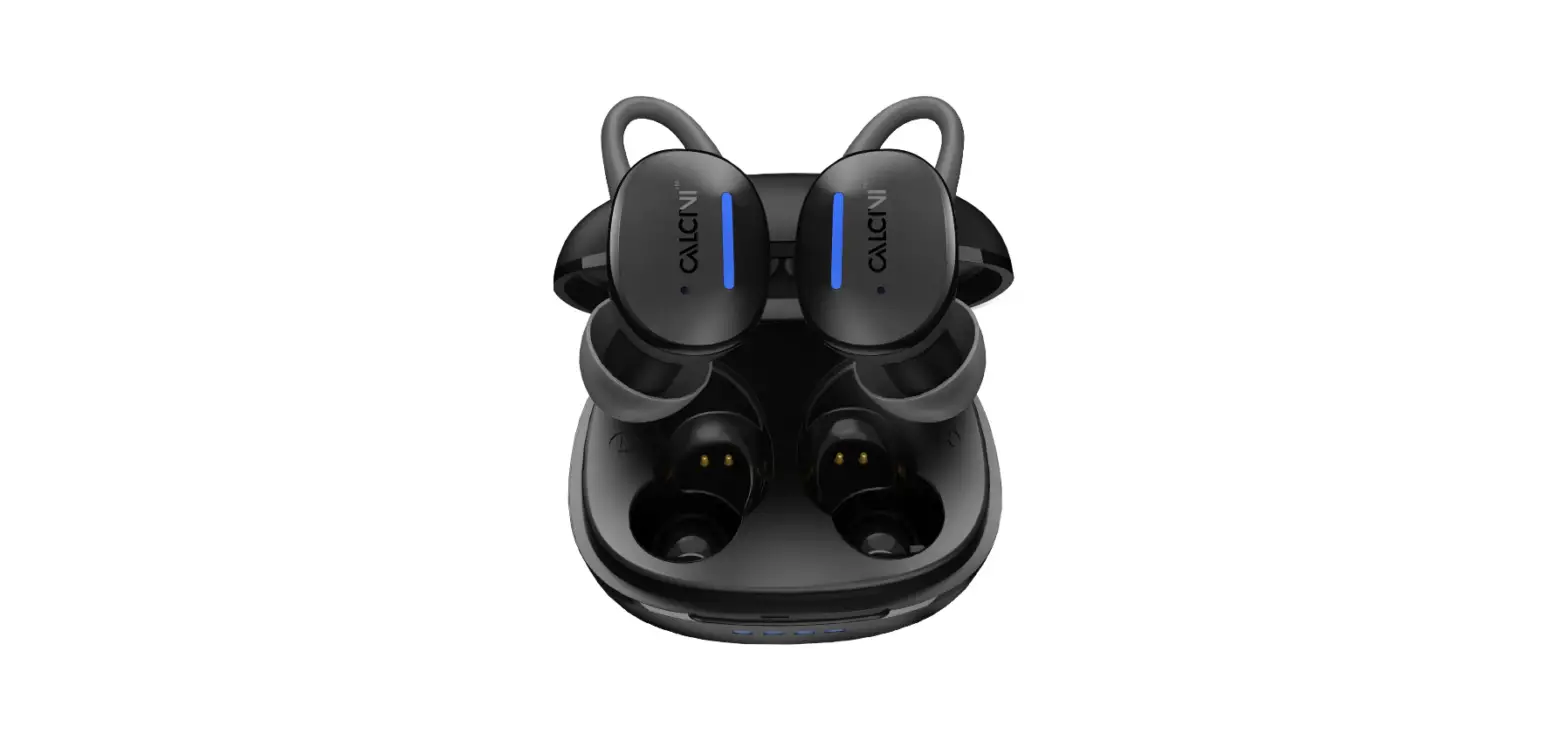
CALCINI SweatPro 3 Earbud User Manual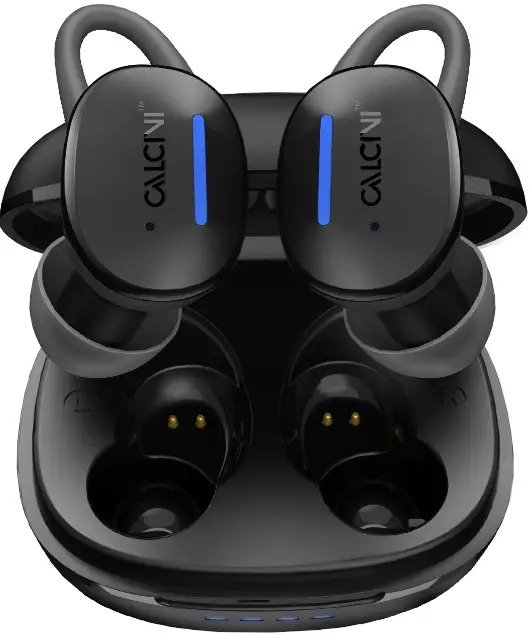
PACKAGE CONTENTS
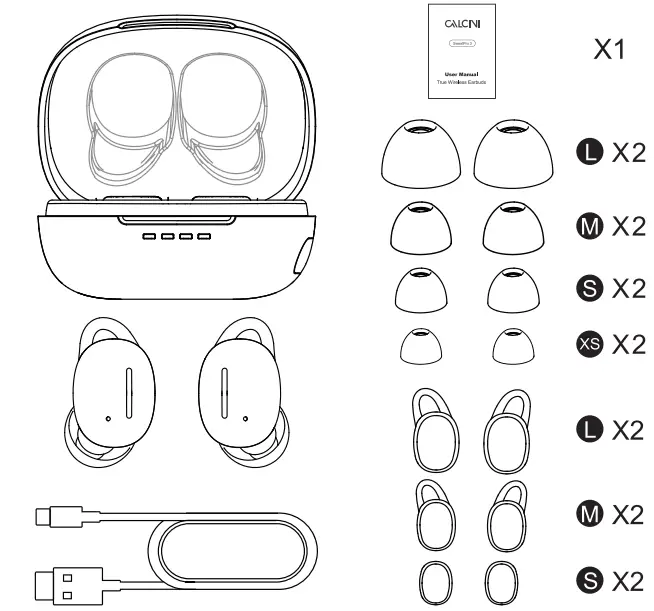
- 1 x Charging Case
- 1 x USB-C Cable
- 1 x User Manual • A pair of earbuds
- XS/S/M/L Eartips
- S/M/L Earwings
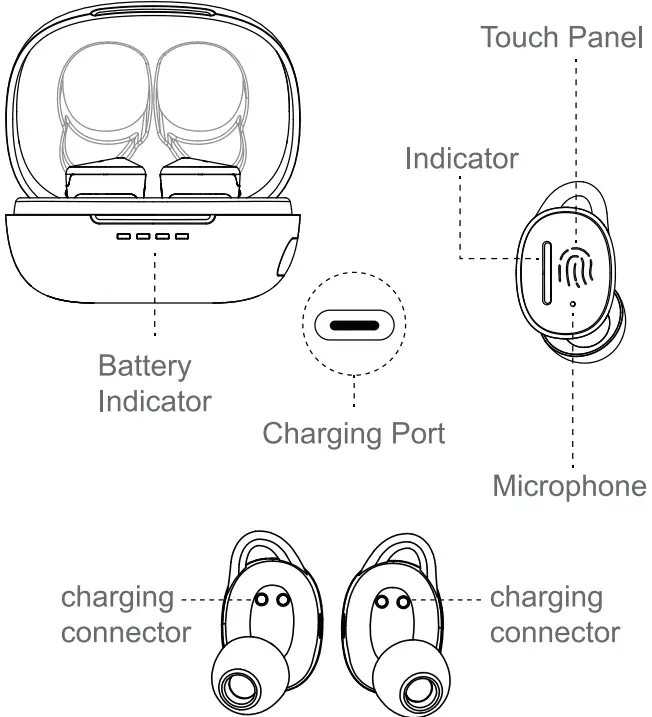
OVERVIEW
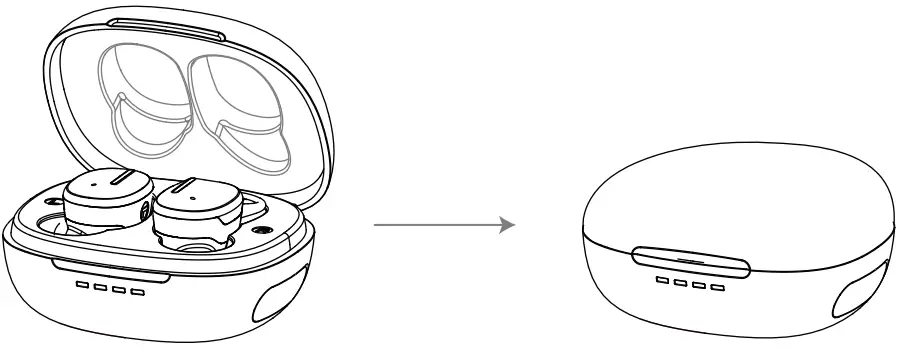
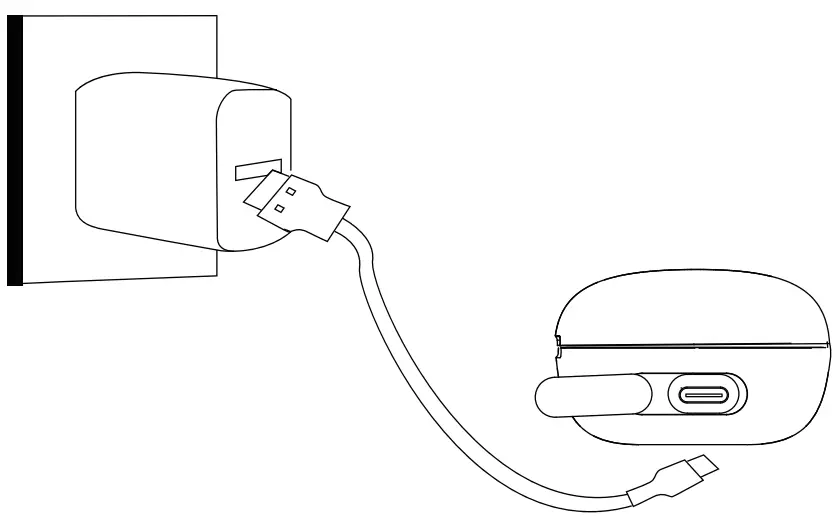
CHARGING
- Charge earbuds

Put earbuds back to Charging case - Case Charging

Plug in the cable to the Charging case port
FIND YOUR FIT
Choose your comfortable size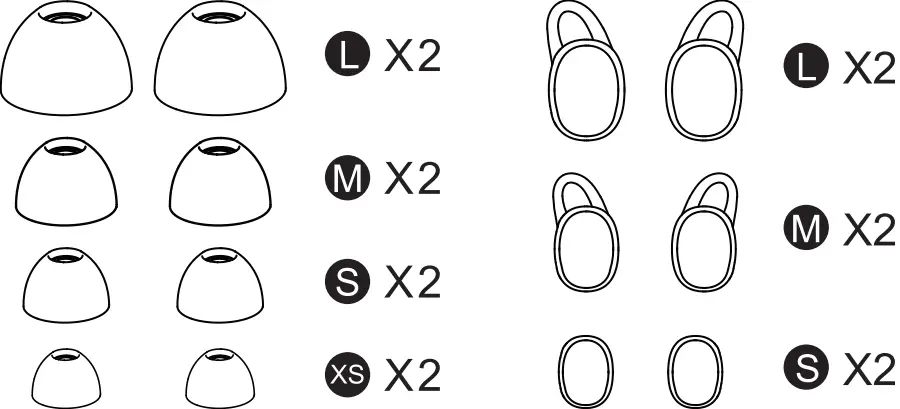
Adjust to the right angle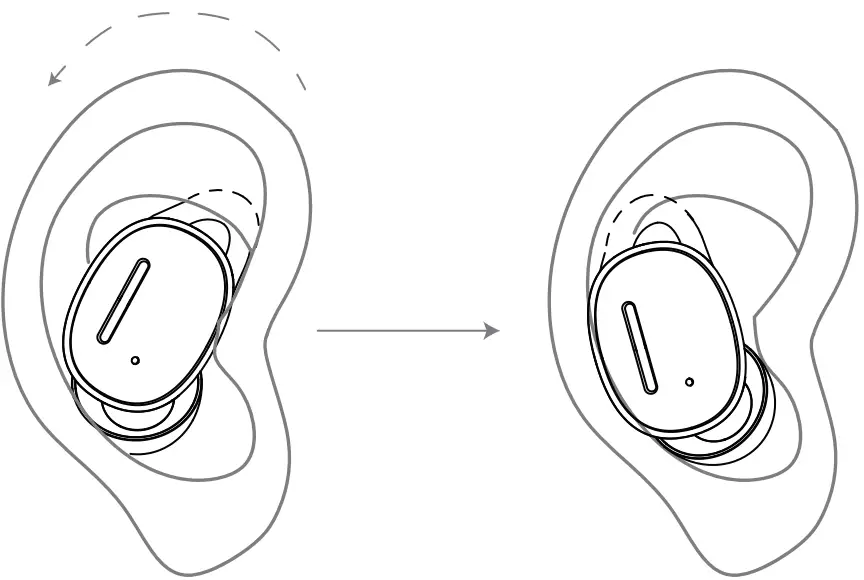
Earbuds Pairing
Take out the earbuds, the blue light of the earbuds flashes slowly, then both earbuds paired.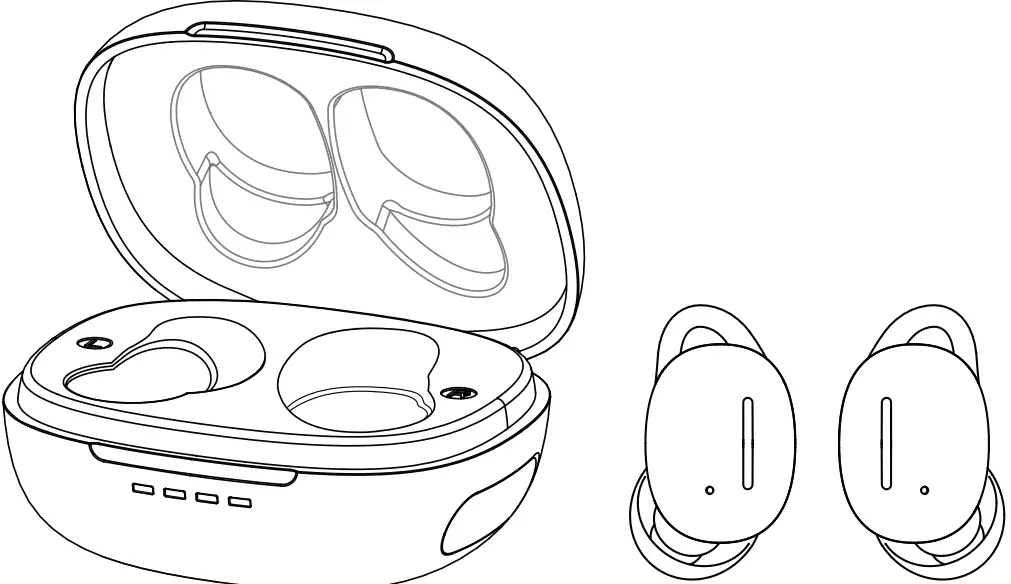
After the first connected to the device, the earbuds will auto connect the last connection device.
Device Connecting
- Turn on the Bluetooth on your device.

- Select “Calcini sweatPro3” from the list of available devices.

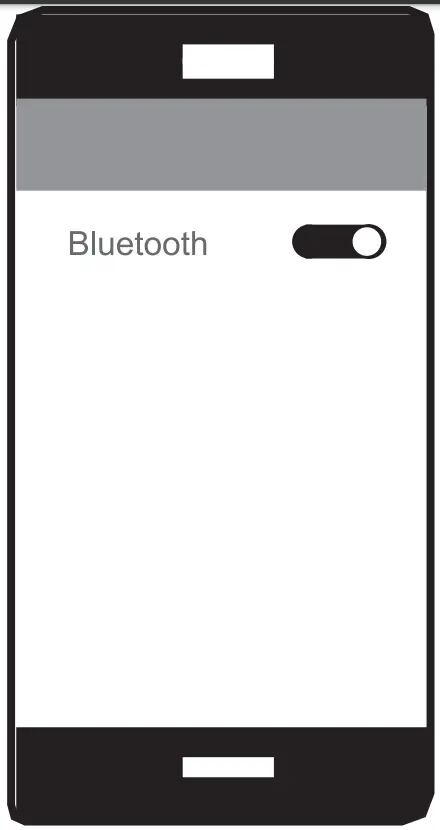
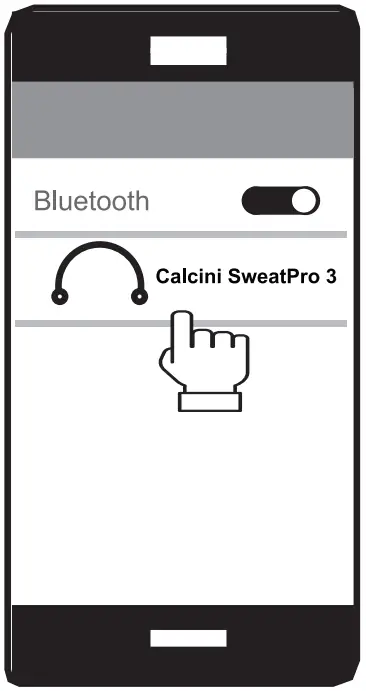
After the first connection, your earbuds will automatically connect to the last connection device. (Mobile phone Bluetooth should be turned on first)
MUSIC
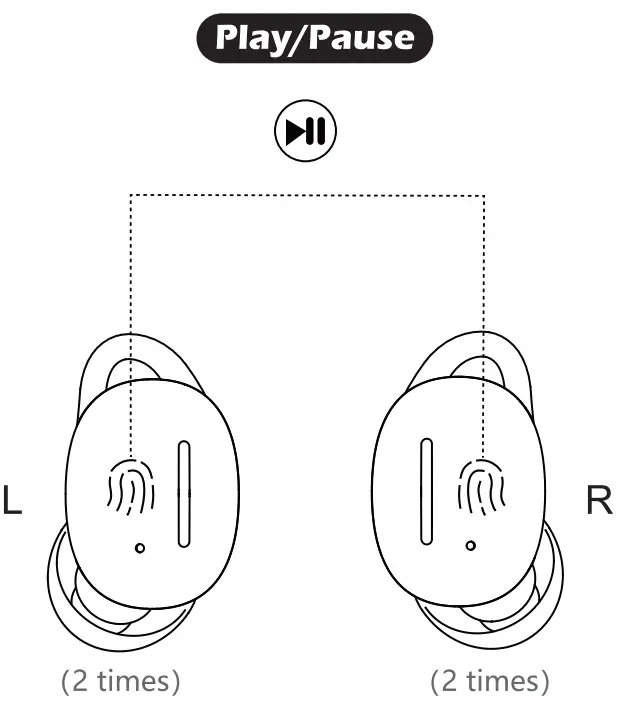
Double tap the left or right earbud.
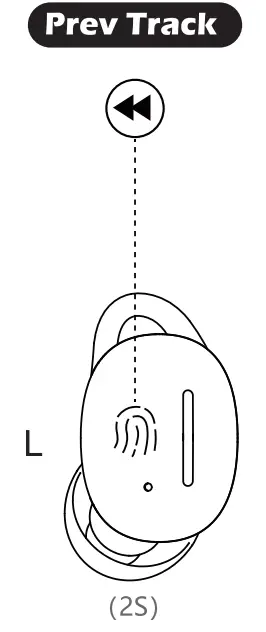
Long press the left earbud for 2s
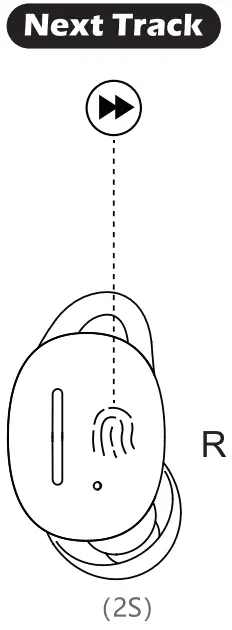
Long press the right earbud for 2s
CALLS
Answer calls/End calls /Reject calls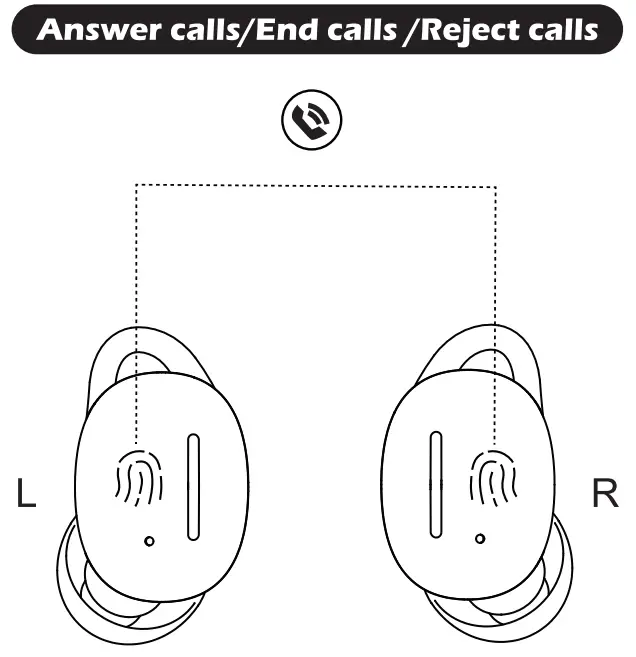
Answer calls/End calls
Double tap the left or right earbuds
Reject calls
long press the left or right earbuds
VOLUME
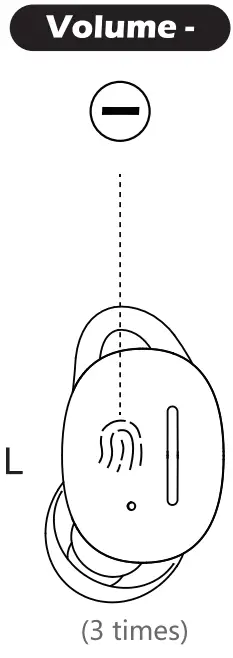
Triple tap the Learbud
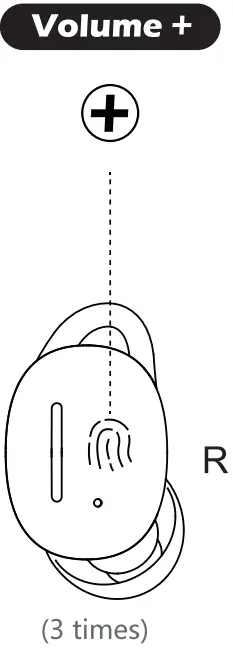
Triple tap the R earbud
IPX8 Waterproof
The earbuds will NOT RECEIVE the Bluetooth signal in the following situation:
- Diving with earbuds
- Under the water
It doesn’t matter for use if the earbuds be dropped into water and you can take shower wearing earbuds.
signal reception show as following picture: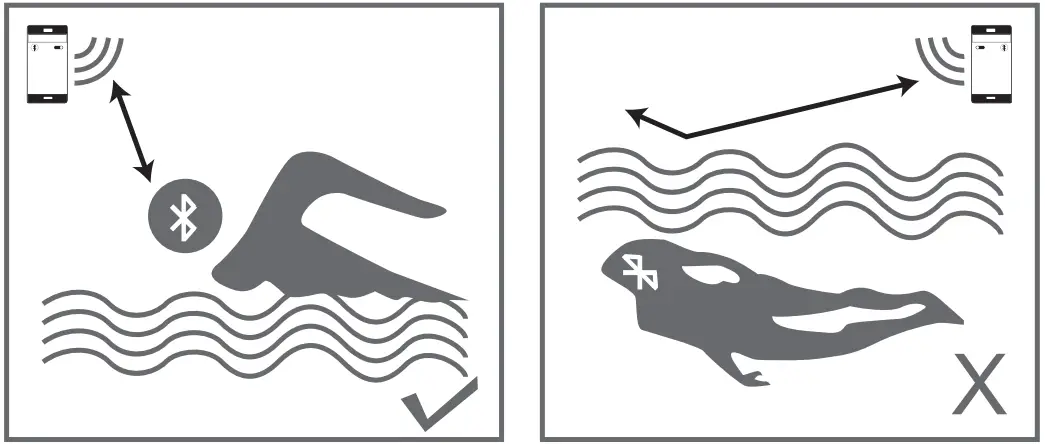
RESET THE EARBUDS
Please try to reset you earbuds in following situation.
- You want to connect the earbud to a new device
- Can not find what device your earbuds connected
- Only one earbud wokring or only one earbuds connection
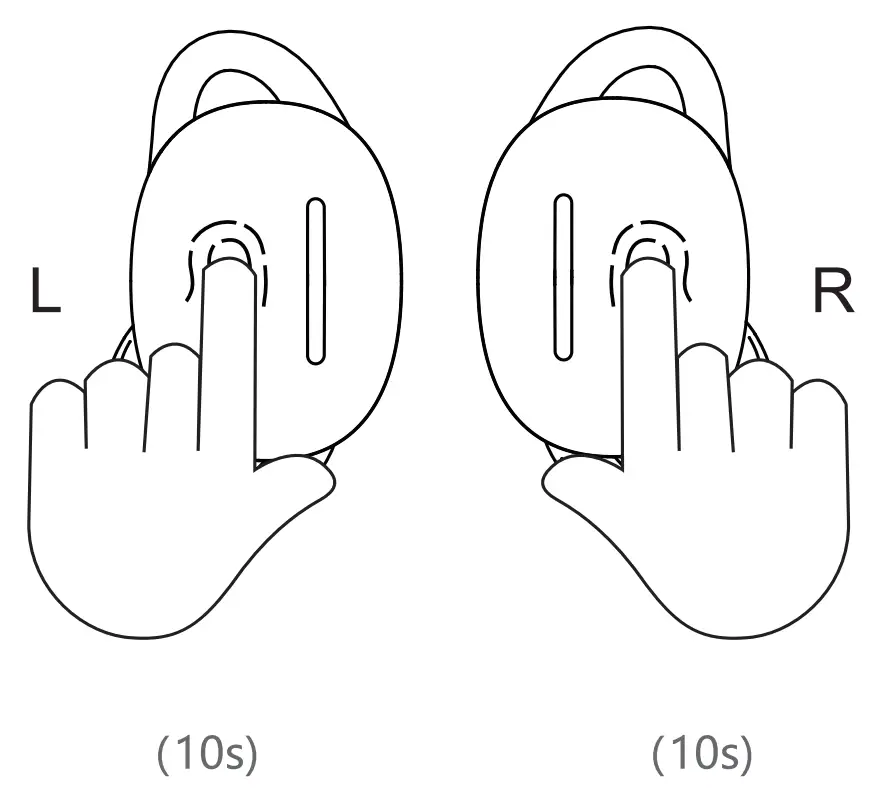
Reset operation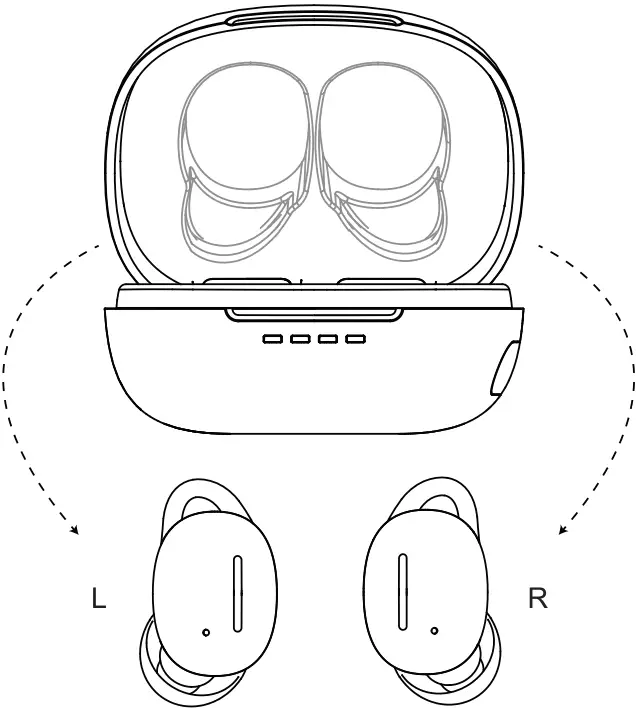
- Take both earbuds out of the charging case

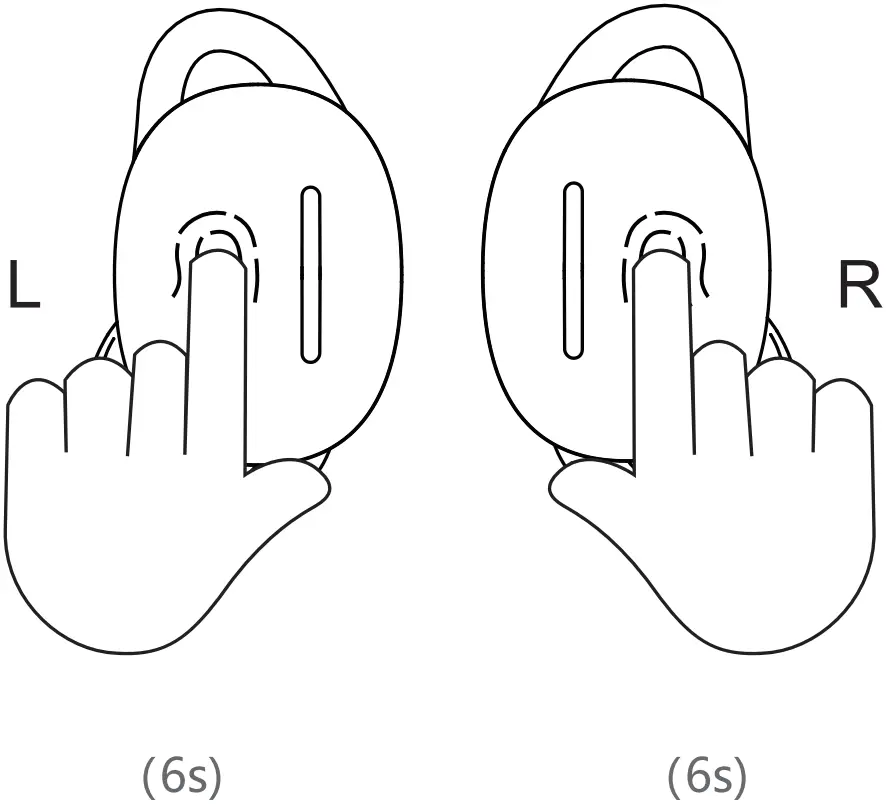
- Press the touch button for 6s to power off until red flashing.
- Hold the both earbuds touch button for 10 seconds, release button when both earbuds blink blue, then reset finished. You can search the bluetooth name again “SweatPro 3 “to reconnect after reset.
CONTROLS & LED INDICATORS
| Play or pause music | Double tap the UR earbud |
| Skip to previous track | Long press the L earbud for 2s |
| Skip to next track | Long press the R earbud for 2s |
| Answer call | Tap the L/R earbud |
| Hang up / Reject | Double tap the UR earbud |
| Cancel call | Double tap L/R earbud |
| Volume + | Triple tap the R earbud |
| Volume – | Triple tap the L earbud |
Earbuds
| LED Status Indicator | Status |
| Blue flashing | Pairing |
| blue flashing alternately | TWS pairing |
| Blue light flashes slowly | Reset |
Charging Case
| LED Status Indicator | Status |
| Steady red light | Earbuds charging |
| Blue always flashing | Charging case charging |
| Blue aways on | Charging case fully |
SPECIFICATIONS
Earbuds
| Product Name | Calcini SweatPro 3 |
| Model | EA07 |
| Technology | A2DP, AVRCP, HFP, HSP, AAC,SBC |
| Speaker Sensitivity | 95dB±3dB@1KHz |
| Frequency Range | 20Hz — 20KHz |
| Impedance | 320 |
| Charging Time | 1.5H |
| Battery Life | >7.5H |
| Battery Type | Li-polymer (2 x 50mAh) |
| Operating Range | 10m/33ft |
| Weight | 5g*2 |
Charging Case
| Charging Input | 5V |
| Charging Time | 1.5H |
| Battery Type | Li-polymer 500mAh |
| Number of Earbuds Recharges | 3 times |
| Weight | 38g |
Power On/Off
| Power On | The charging compartment remains charged, flip the cover to remove the earbuds |
| Power Off | The charging compartment remains charged, and the earbuds are placed in the charging compartment |
ATTENTION
- Earbuds will power on after open charging case. It will power off after it be backed into the charging case and dose the lid.
- After it connected device successfully first time, earbuds will power on and connect your device automatically after open the charging case next time you use.
- Before to connect the new device, you should turn off the previous connected device’s Bluetooth or forget the pairing data.
- When earbuds charging, please close the charging case lid.
- Keep away from corrosive liquid and fire source.
- The earbuds will power off when touch panel touch desktop or palm for 6s.
- When the earbuds can’t be charged normally, please try to manually return the earbuds to the correct position in charging case.
- Both earbuds must be reset at the same time, resetting only one earbuds will affect use normal!, need to reset both earbuds again. About to reset the earbuds, please refer to page 15.
FCC WARNING STATEMENT
Changes or modifications not expressly approved by the party responsible for compliance could void the user’s authority to operate the equipment. This equipment has been tested and found to comply with the limits for a Class B digital device,pursuant to Part 15 of the FCC Rules.These limits are designed to provide reasonable protection against harmful interference in a residential installation.This equipment generates uses and can radiate radio frequency energy. If not installed and used in accordance with the instructions.may cause harmful interference to radio communications.However, there is no guarantee that interference will not occur in a particular in stallation.lf this equipment does cause harmful interference to radio or television reception,which can be determined by turning the equipment off and on, the user is encouraged to try to correct the interference by one or more of the following.
MEASURES
- Reorient or relocate the receiving antenna. -Increase the separation between the equipment and receiver.
- Connect the equipment into an outlet on a circuit different from that to which the receiver is connected.
- Consult the dealer or an experienced radio/TV technician for help.
This device complies with part 15 of the FCC Rules.
Operation is subject to the following two conditions:
- This device may not cause harmful interference
- This device must accept any interference received,including interference that may cause undesired operation.
The device has been evaluated to meet general RF exposure requirement.
CONTACT US

Active Warranty
Official Website: www.calcini.com
Support Service: [email protected]
B2B Distributor: [email protected]