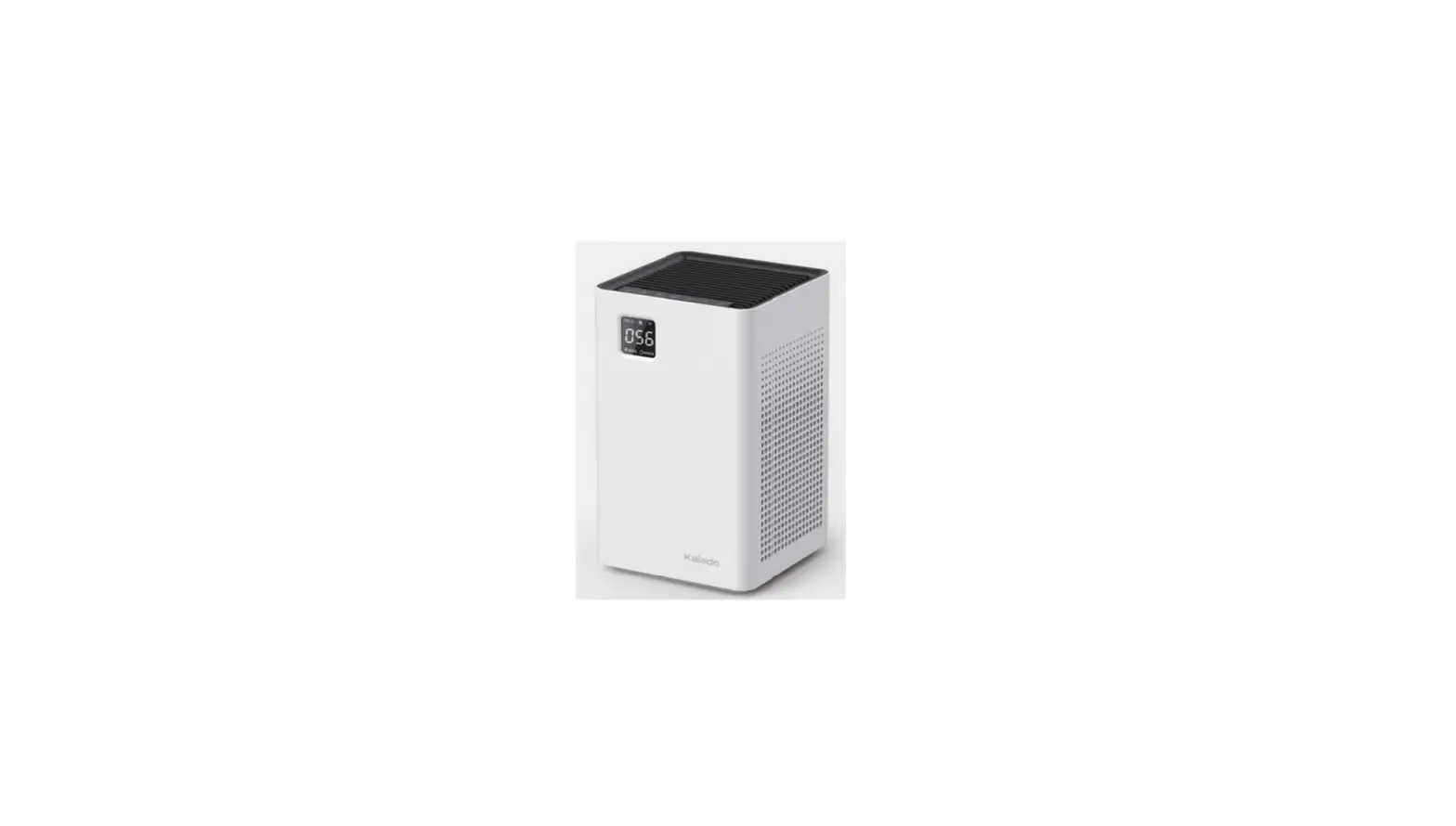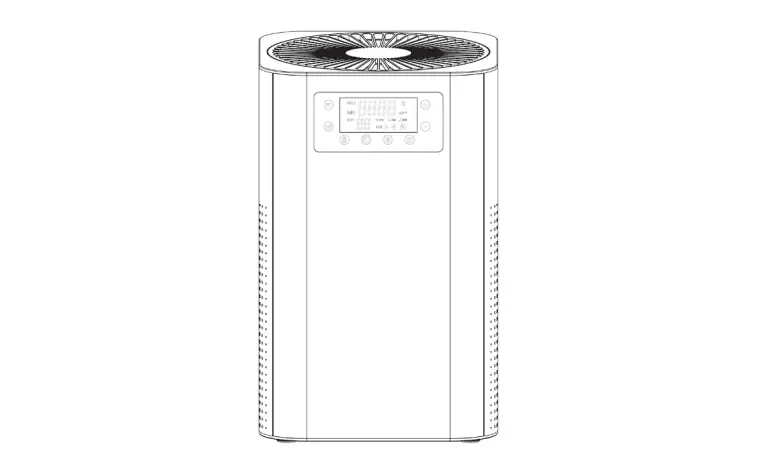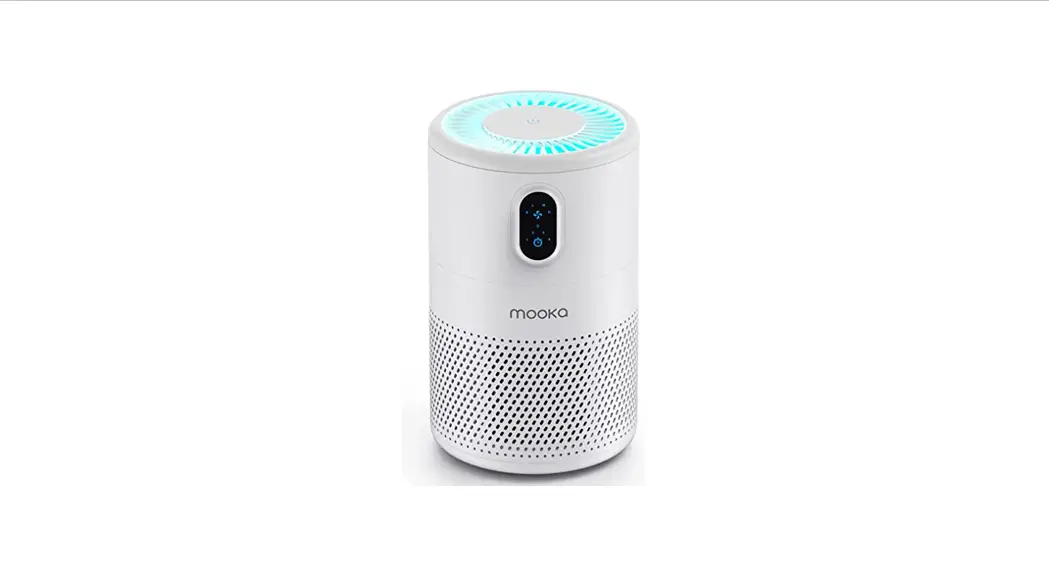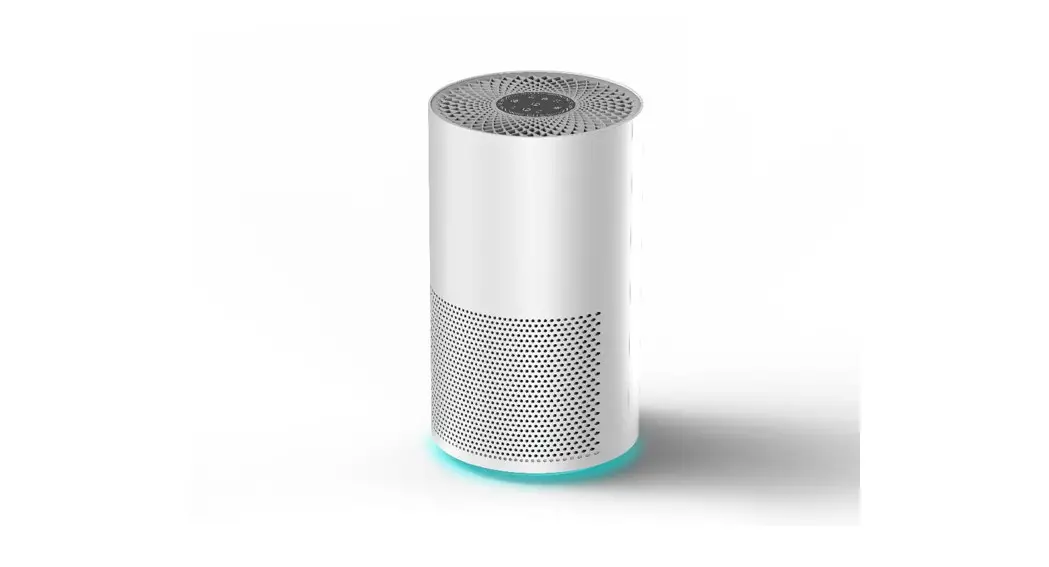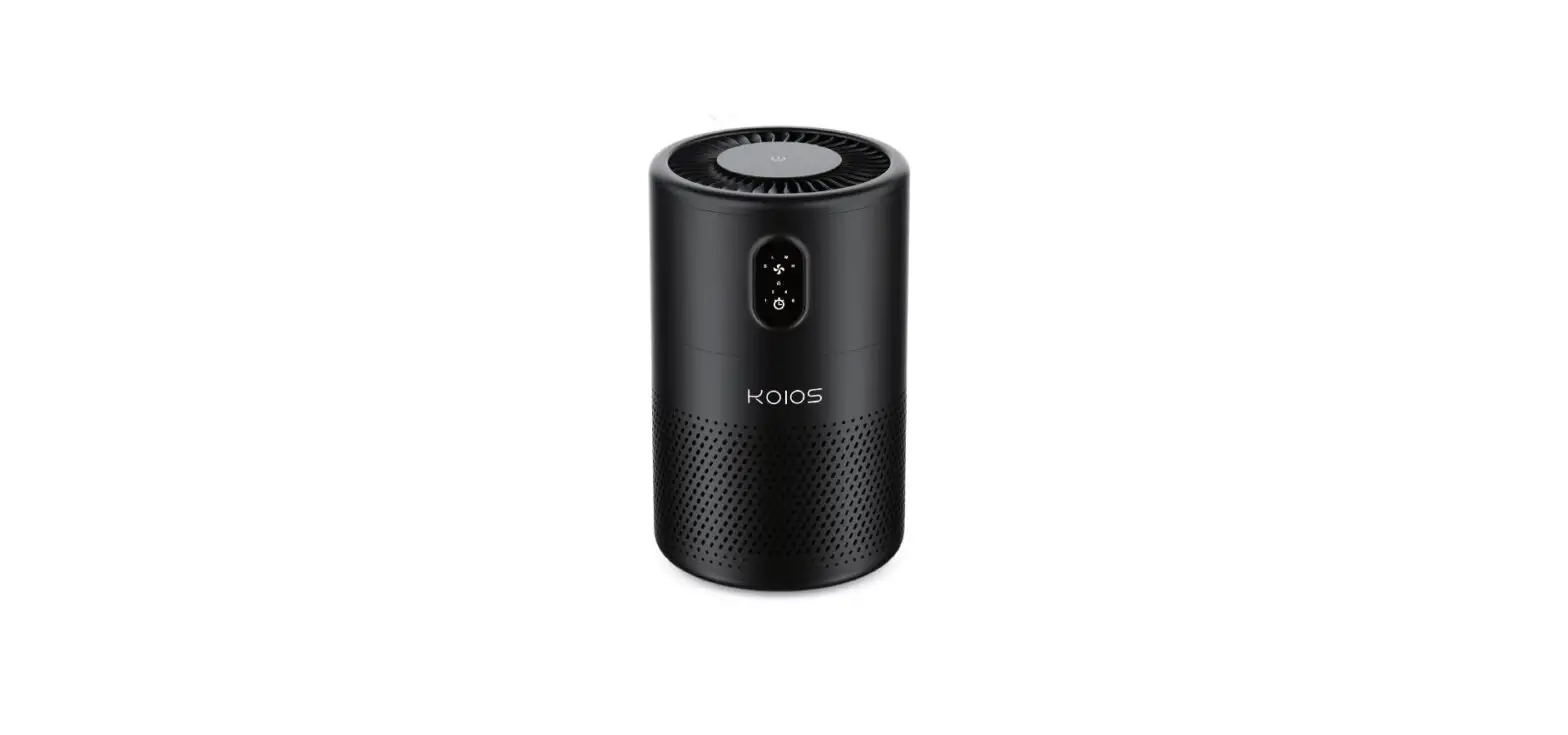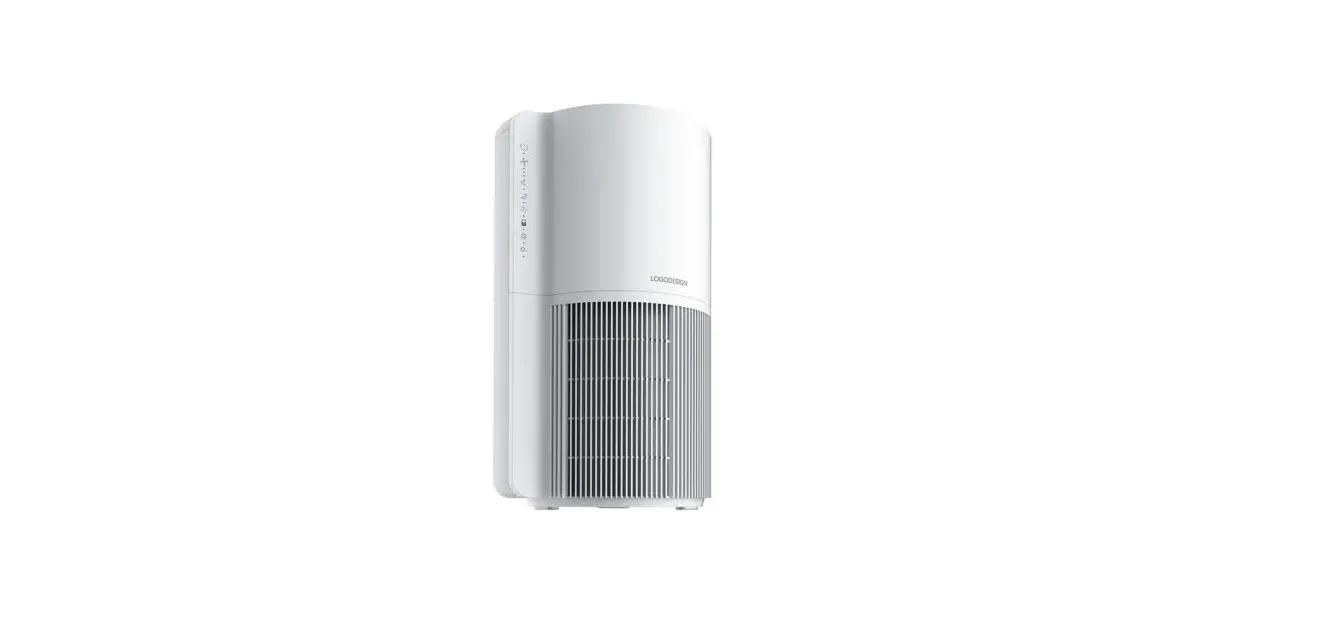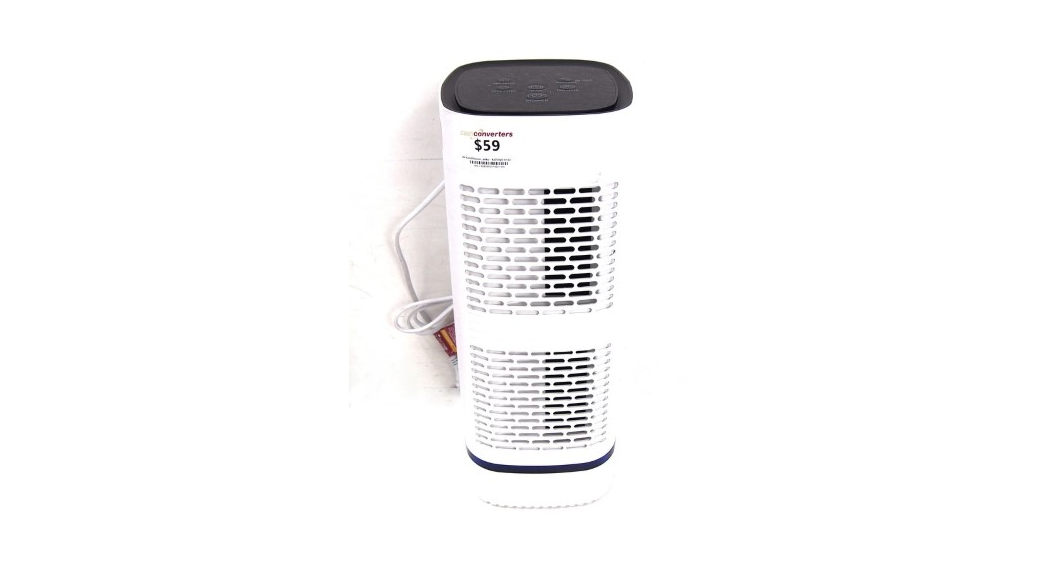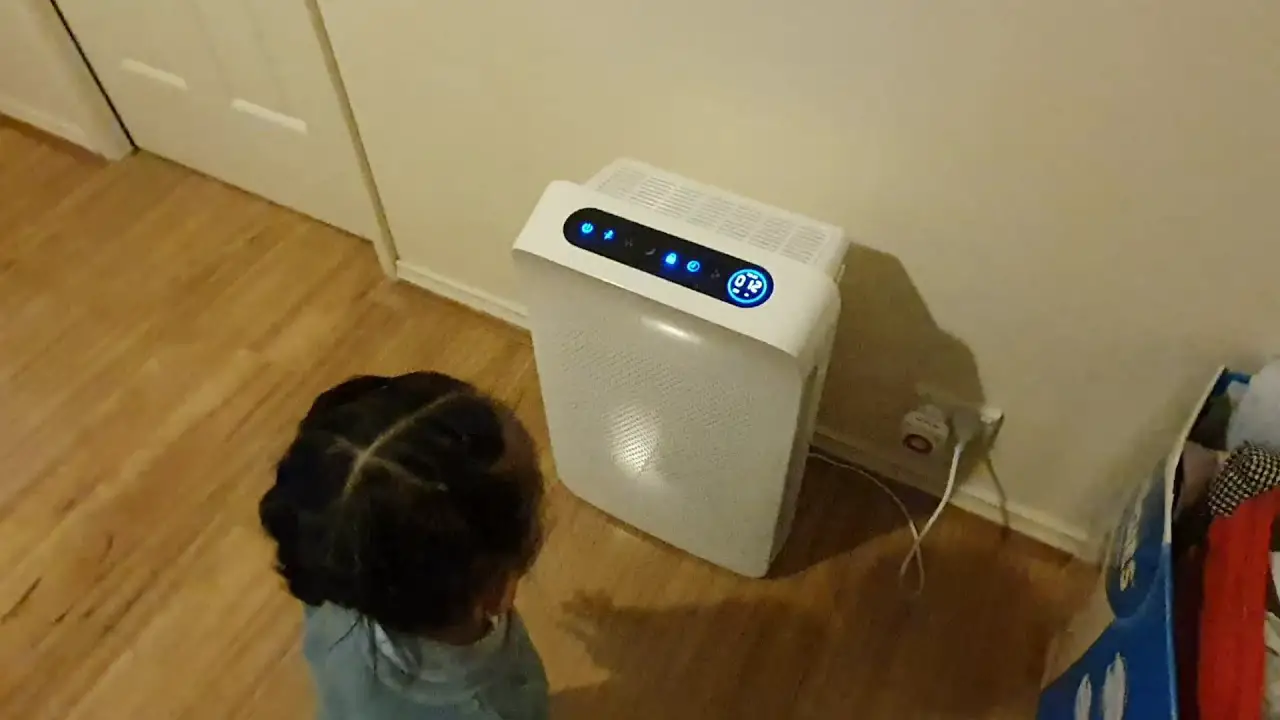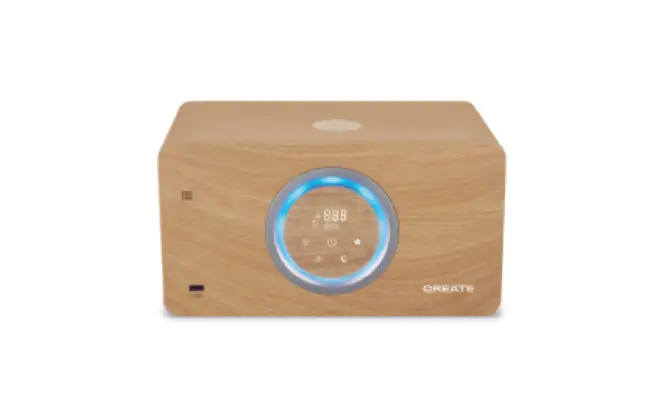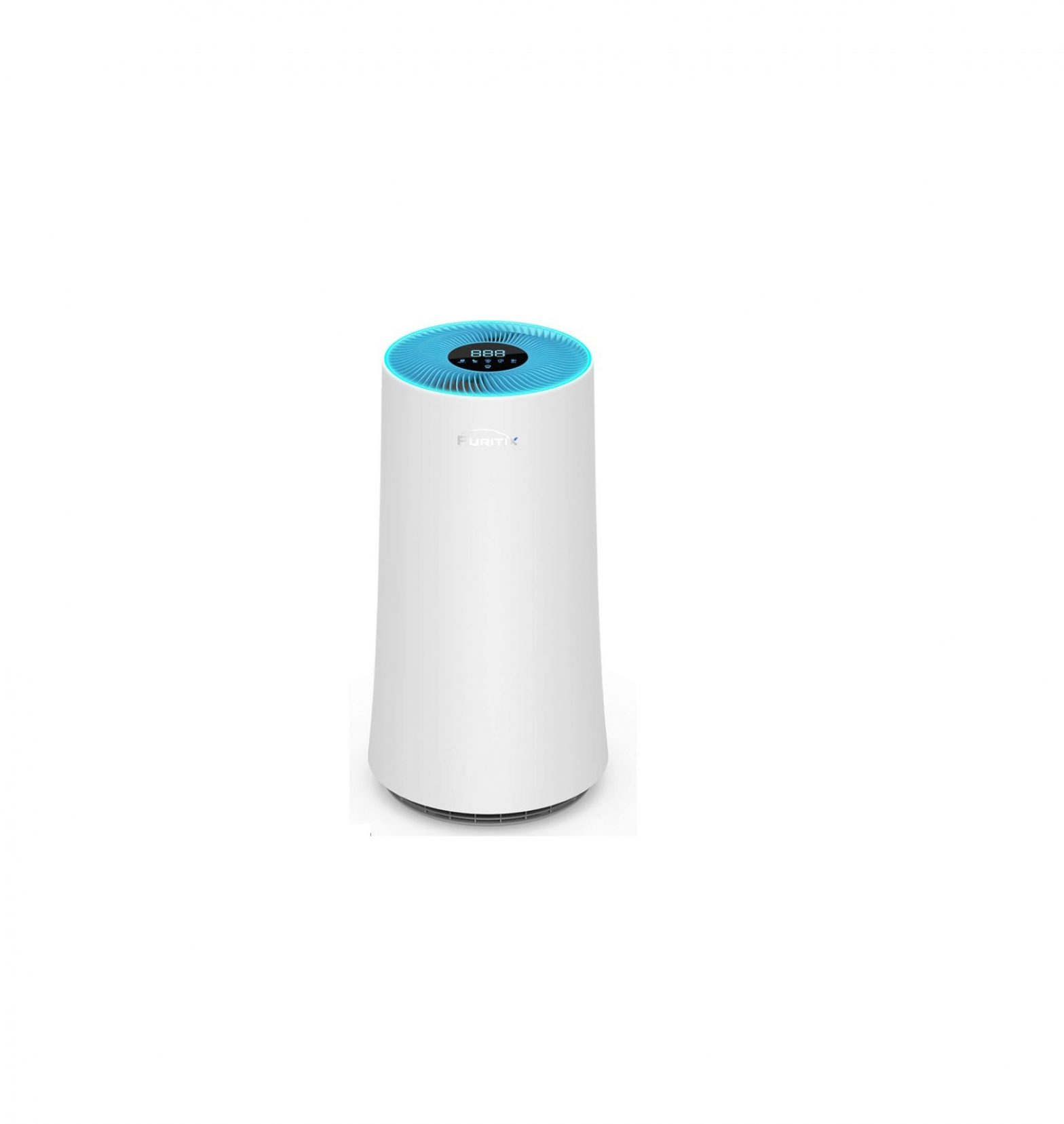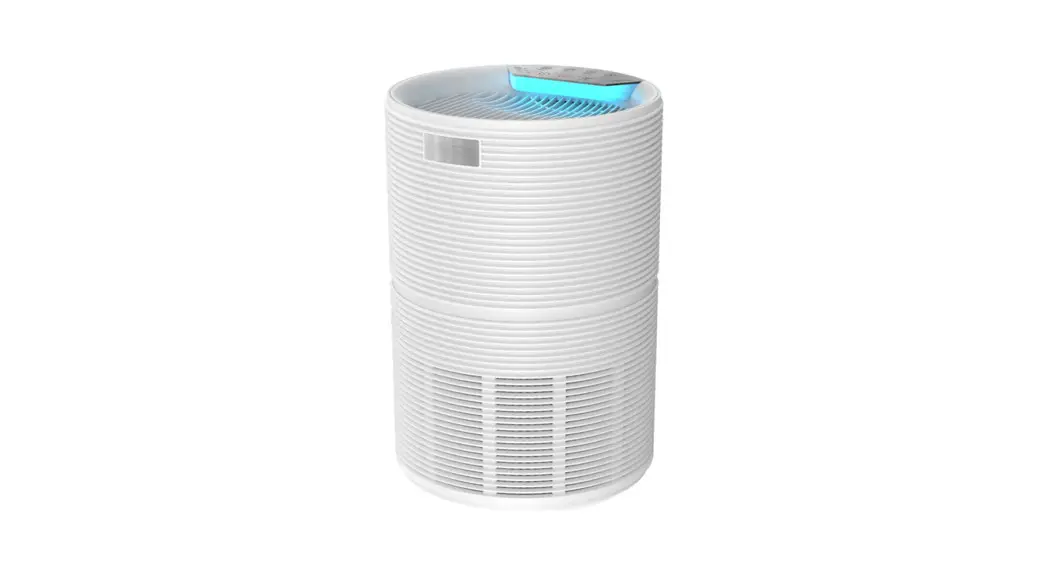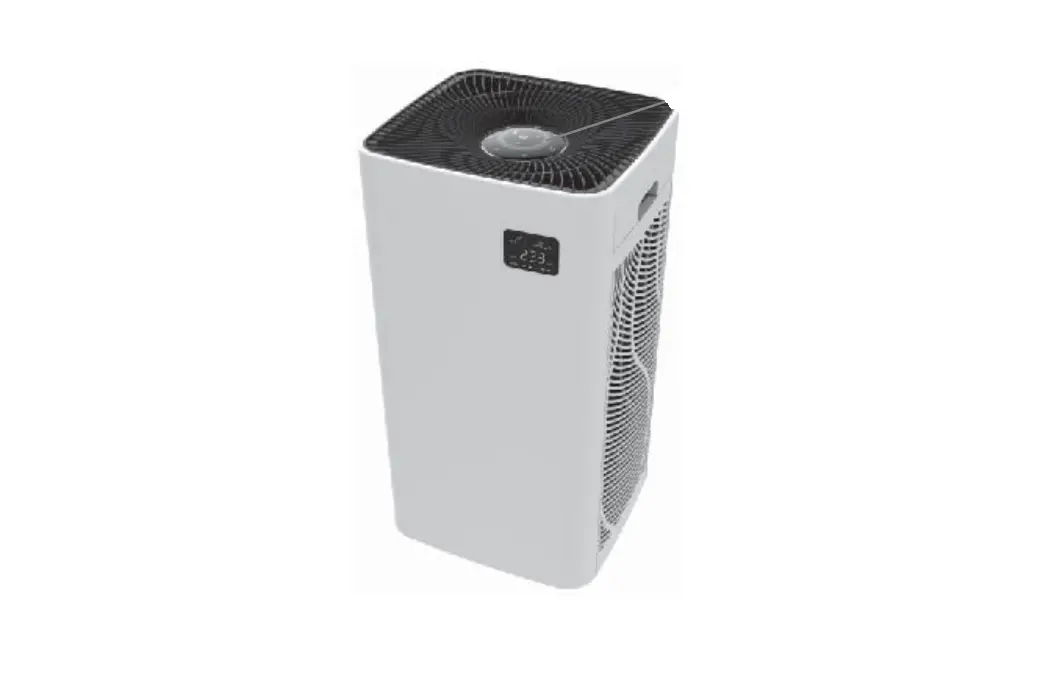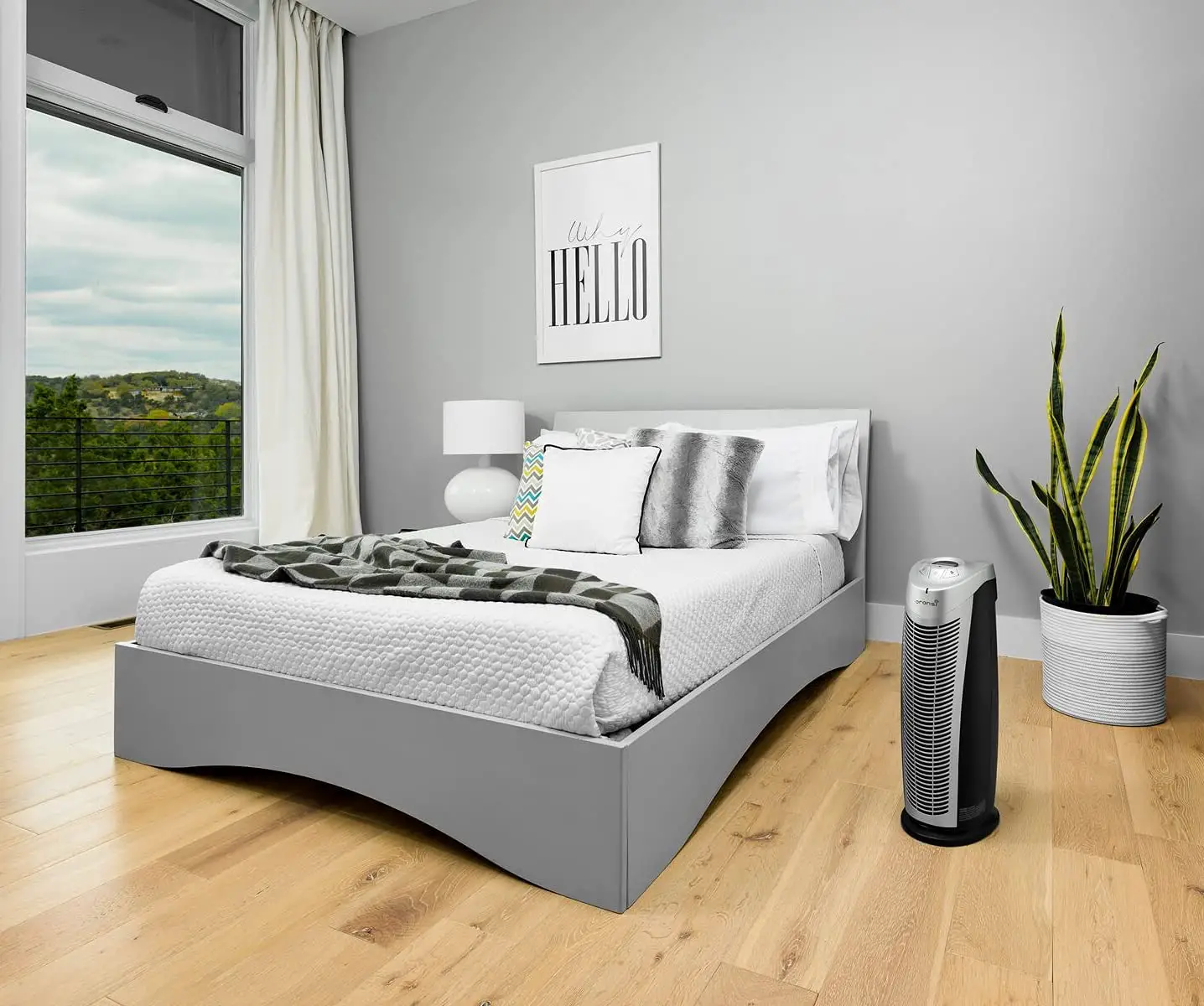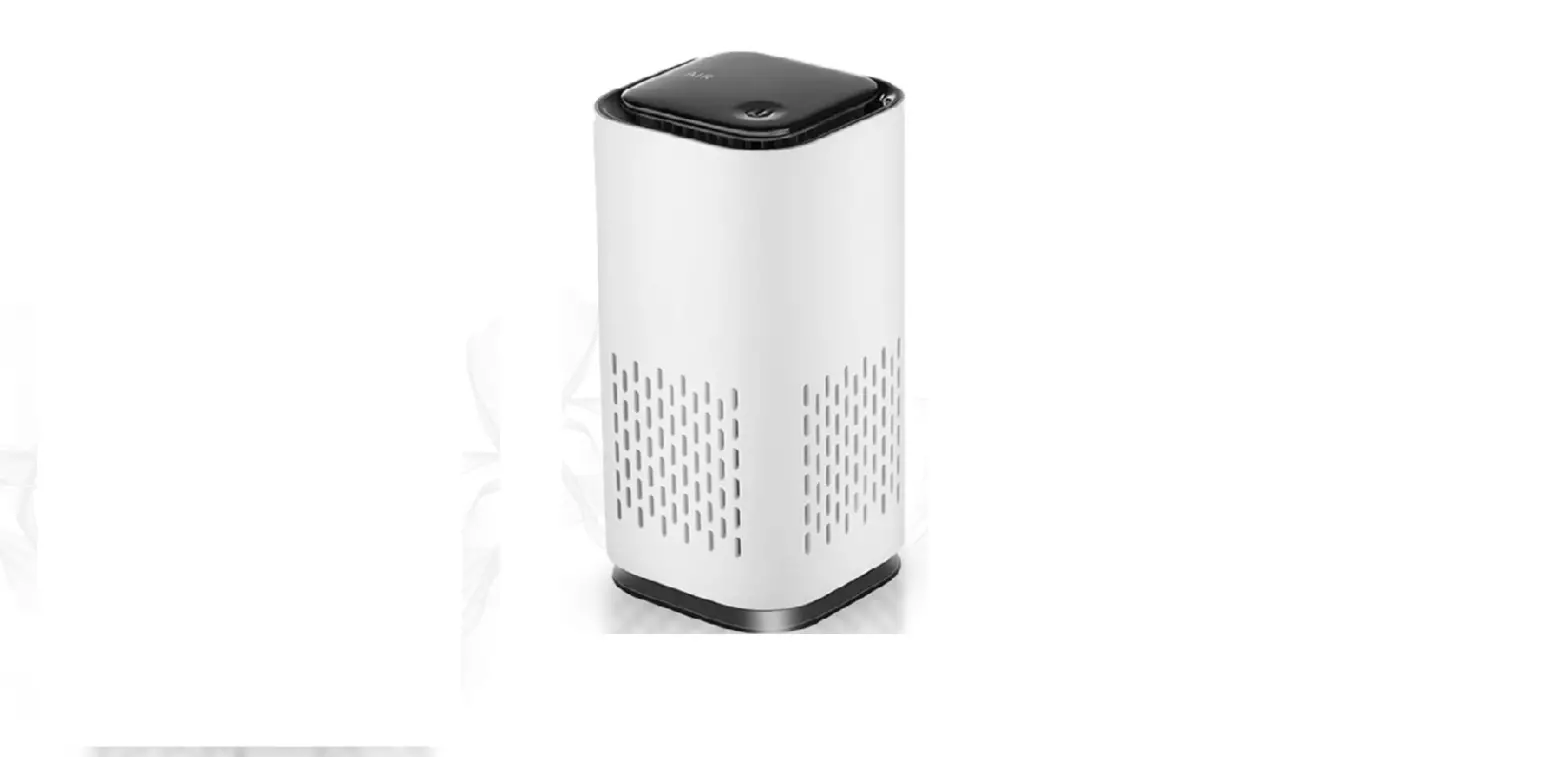

KIKI Pure Air Purifier
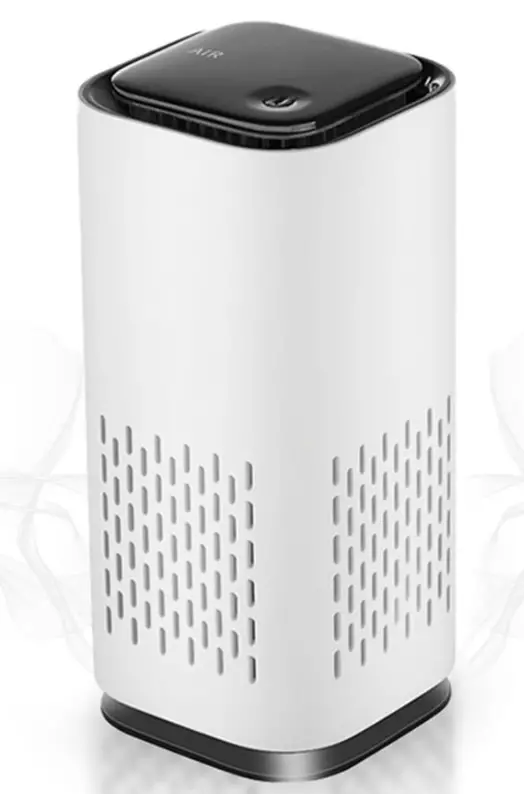
Whats in the box:
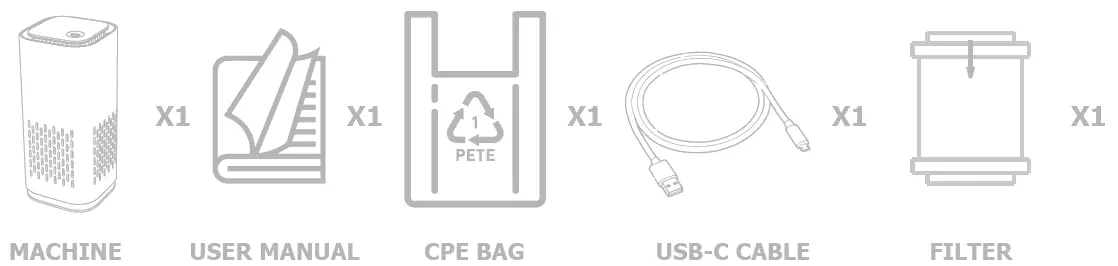
- KIKI Pure Air Purifier and filter(pre-installed)
- USB Type A to C cable
Getting Started
- Connect the USB C cable to your power source of USB port on your laptop
- Plug the C end of cable into your KIKI
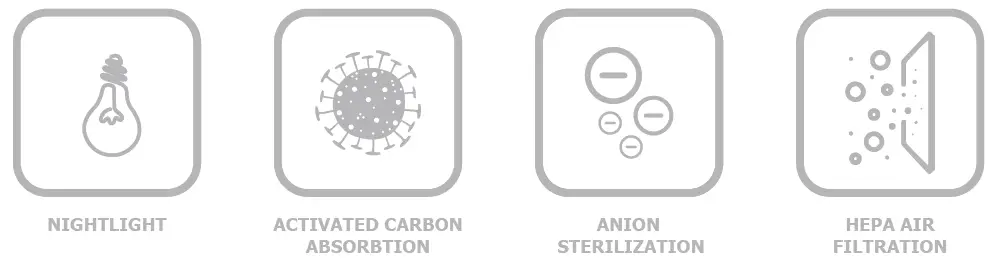
Product Features
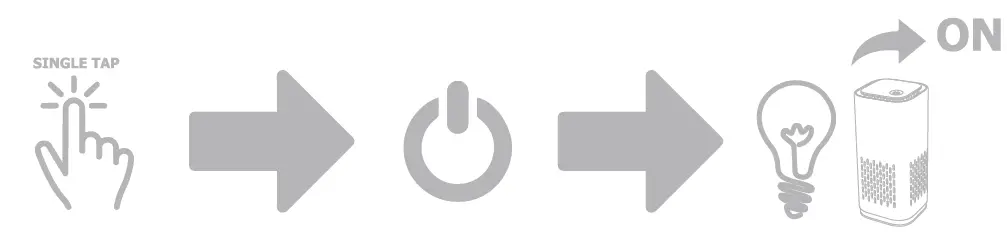
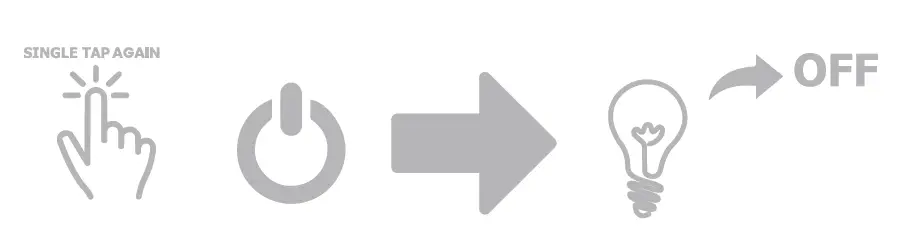
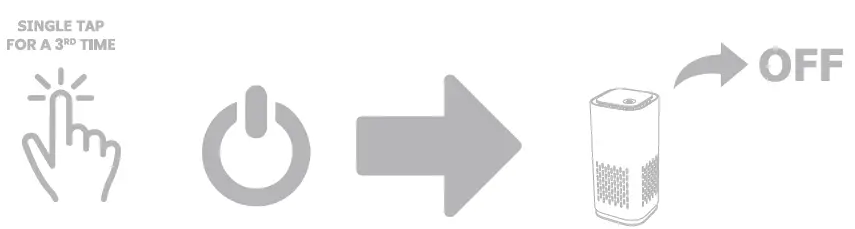
Usage Directions
Caring for your KIKI Pure
Changing the filter
Make sure to change your filter at least every six months for the best performance
Getting Help
Make sure to change your filter every 3-6 months. For information on where to purchase replacement please visit www.kikipure.com or contact us at [email protected].
Caution

 Mini Air Purifier | Kiki Pure | Home