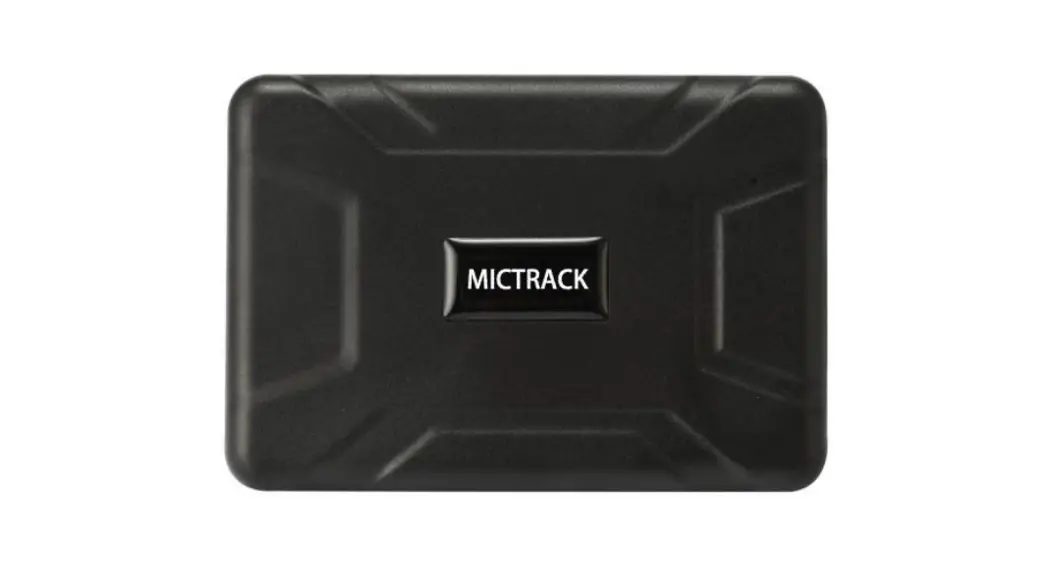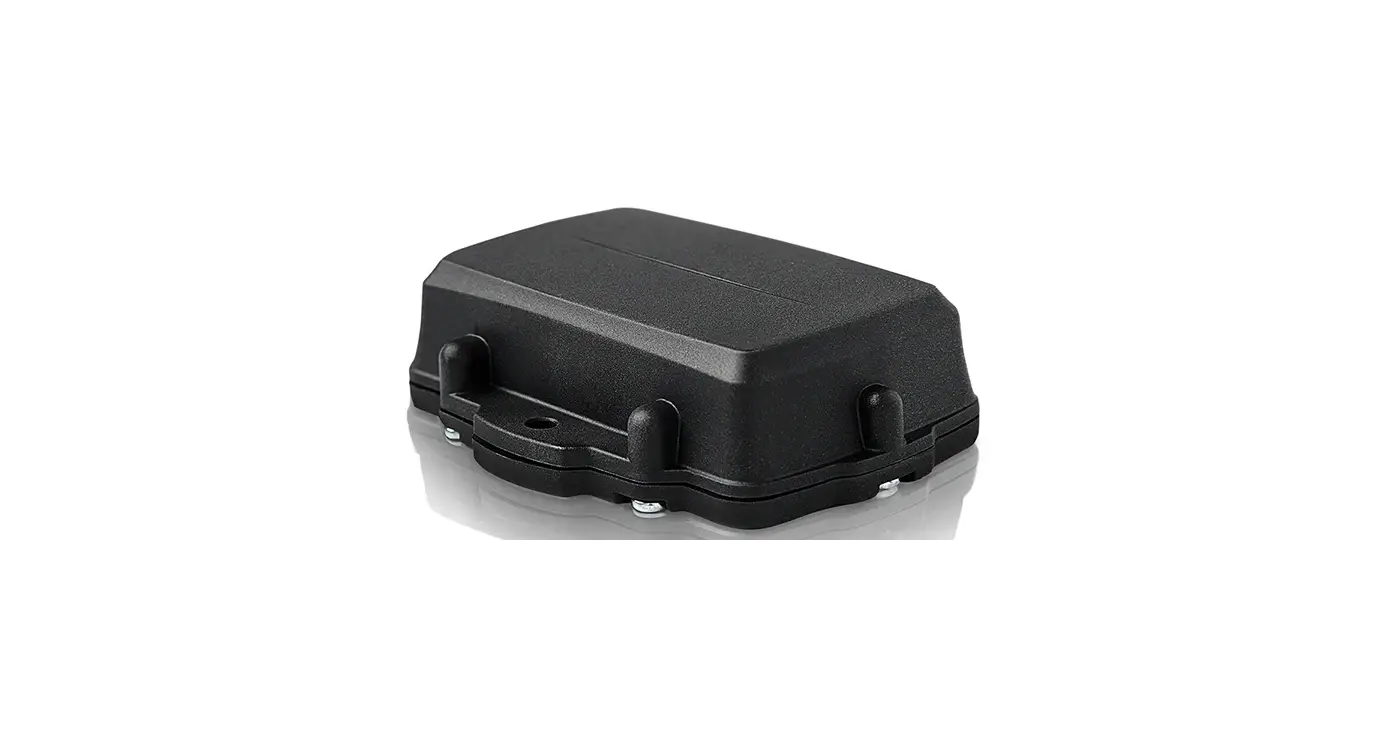

CloudHawk CH4G Asset Tracker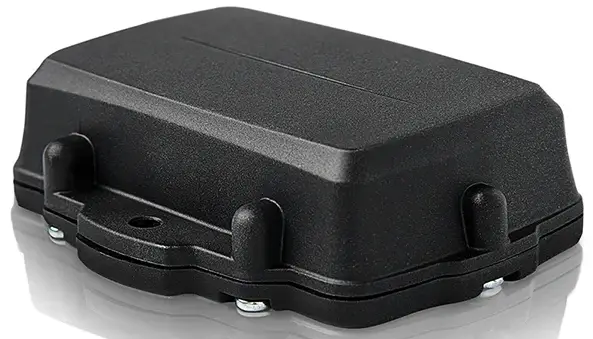
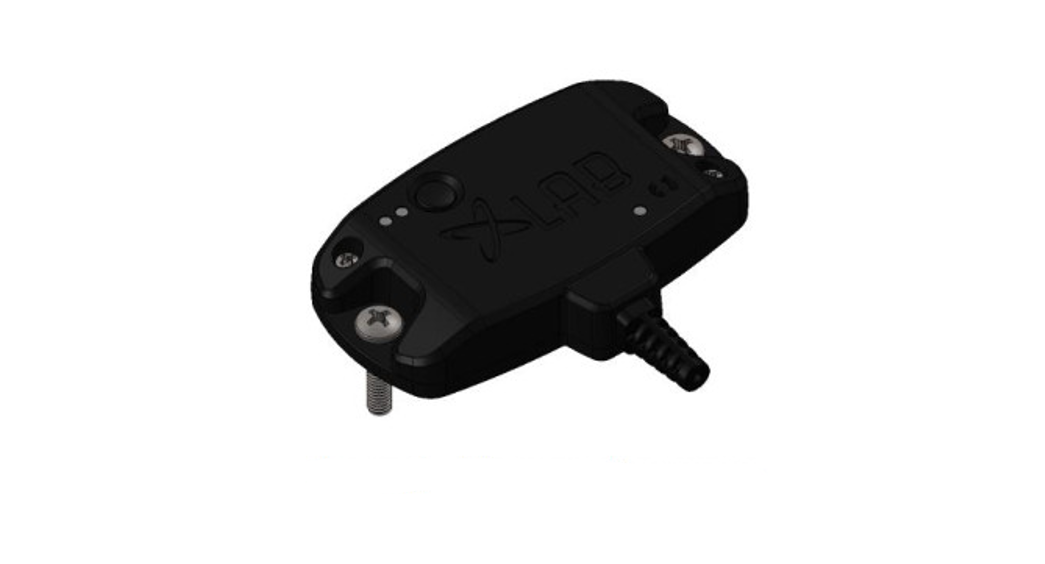
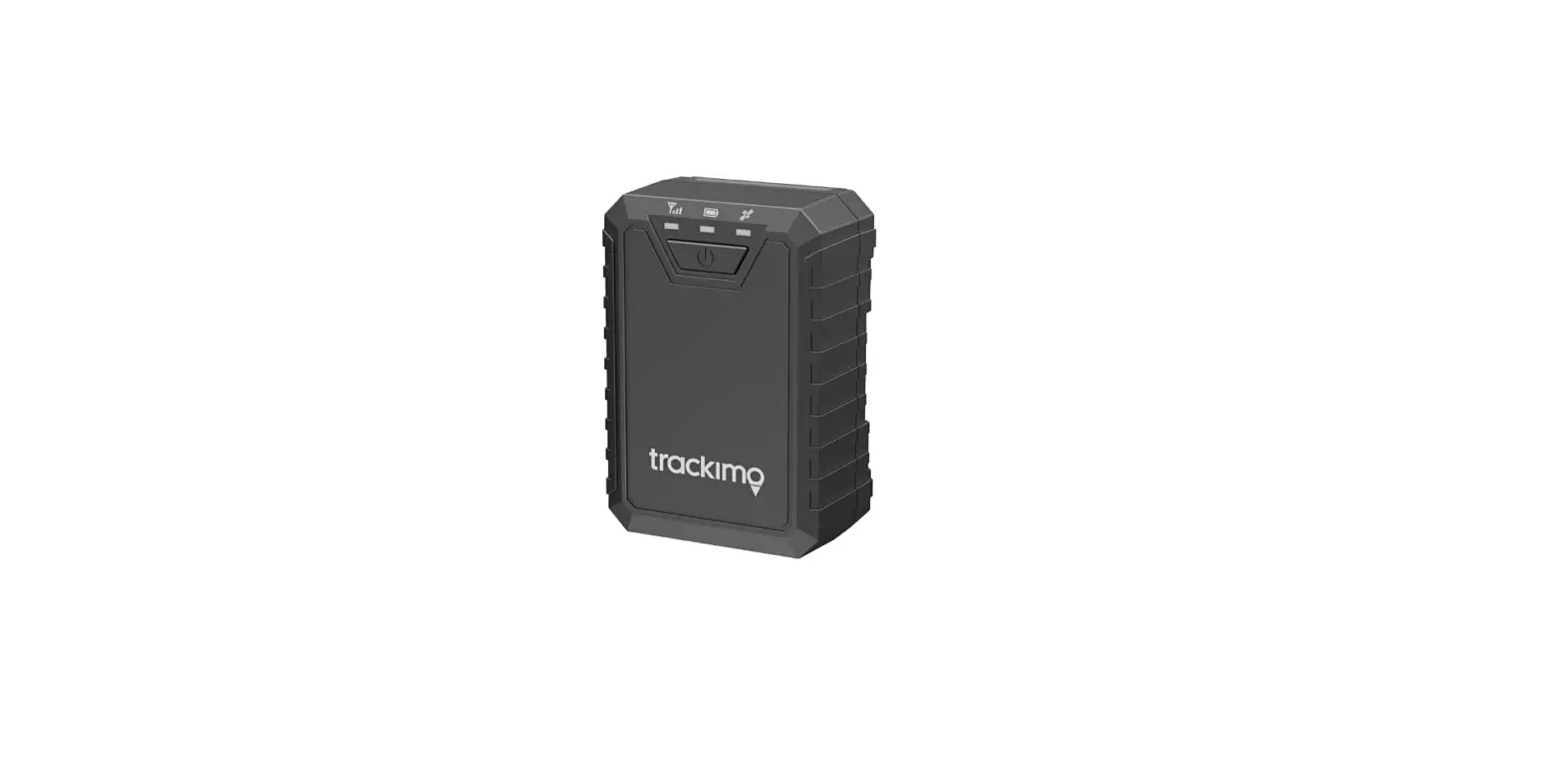
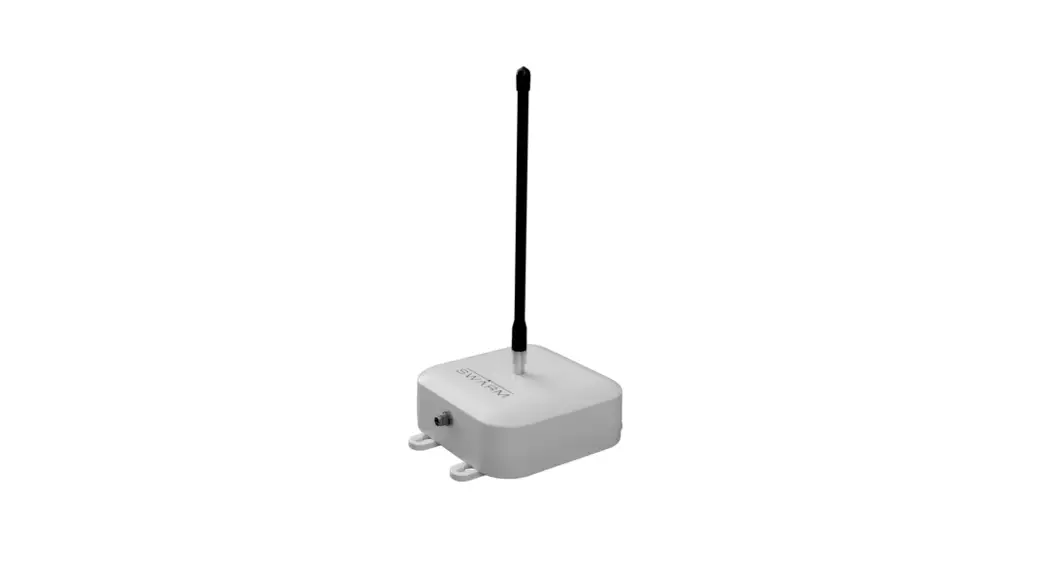
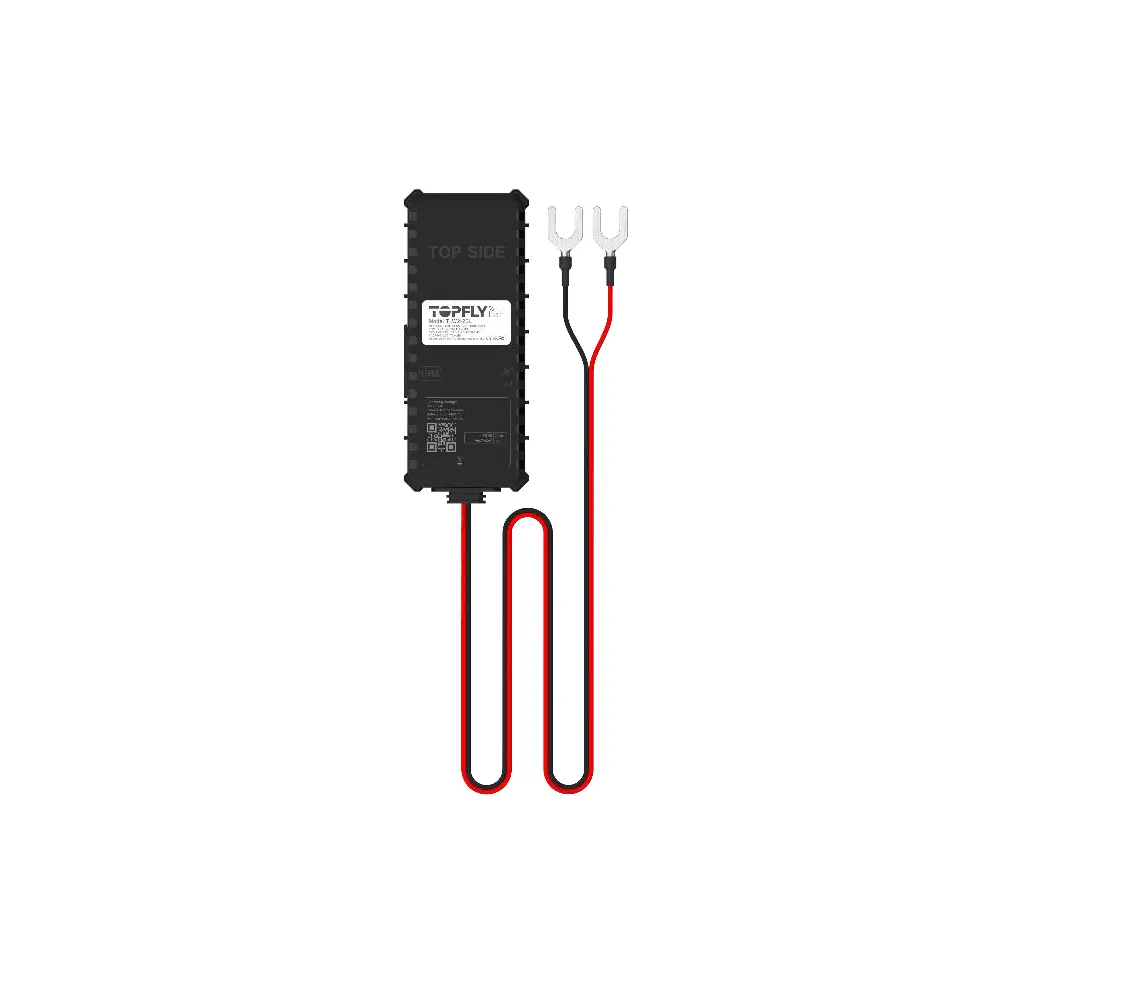
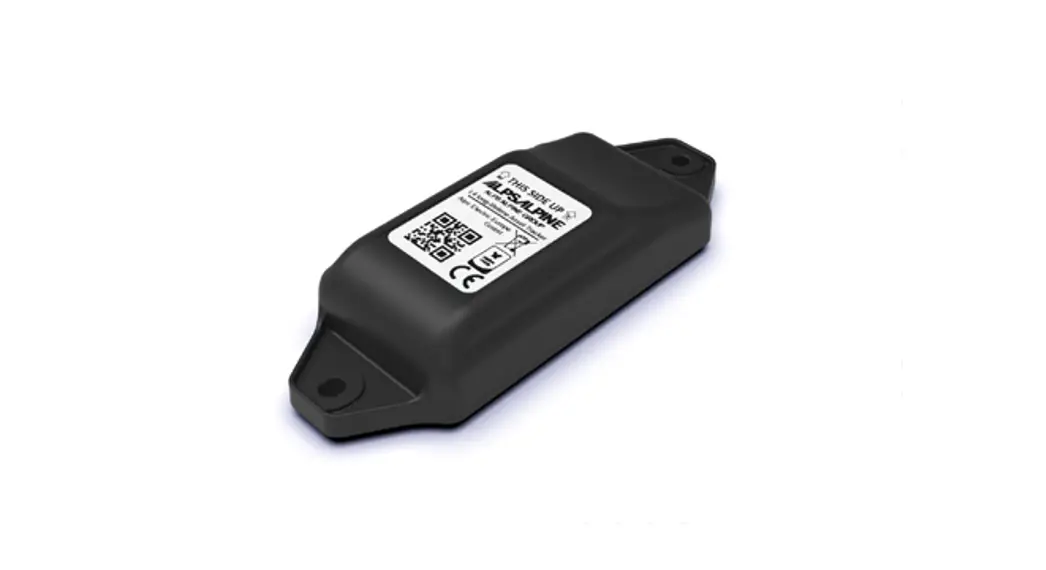
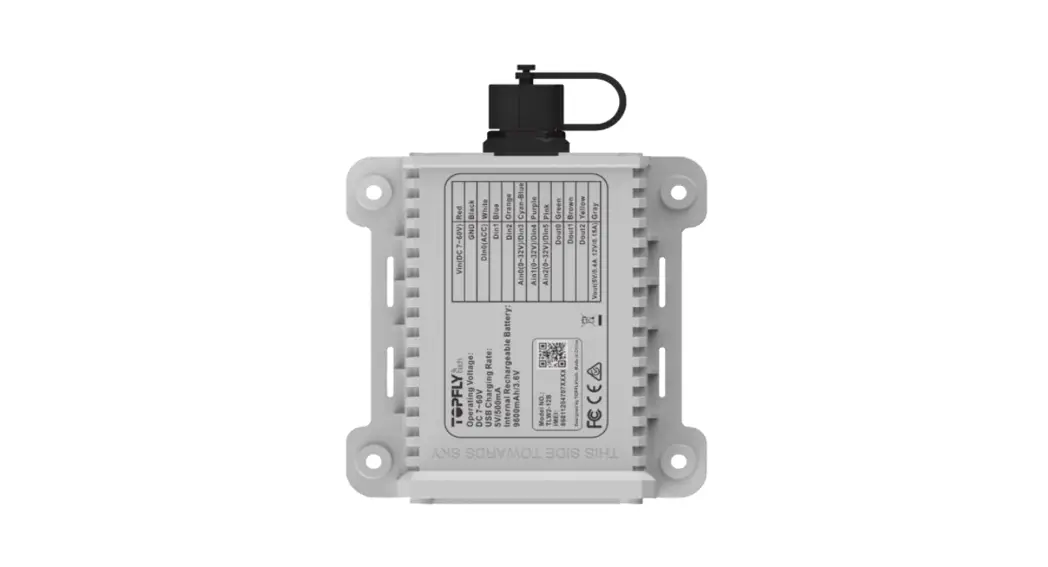
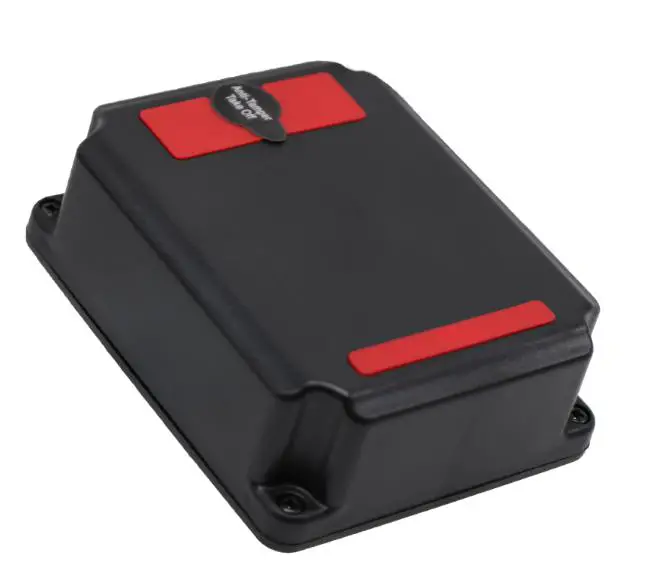
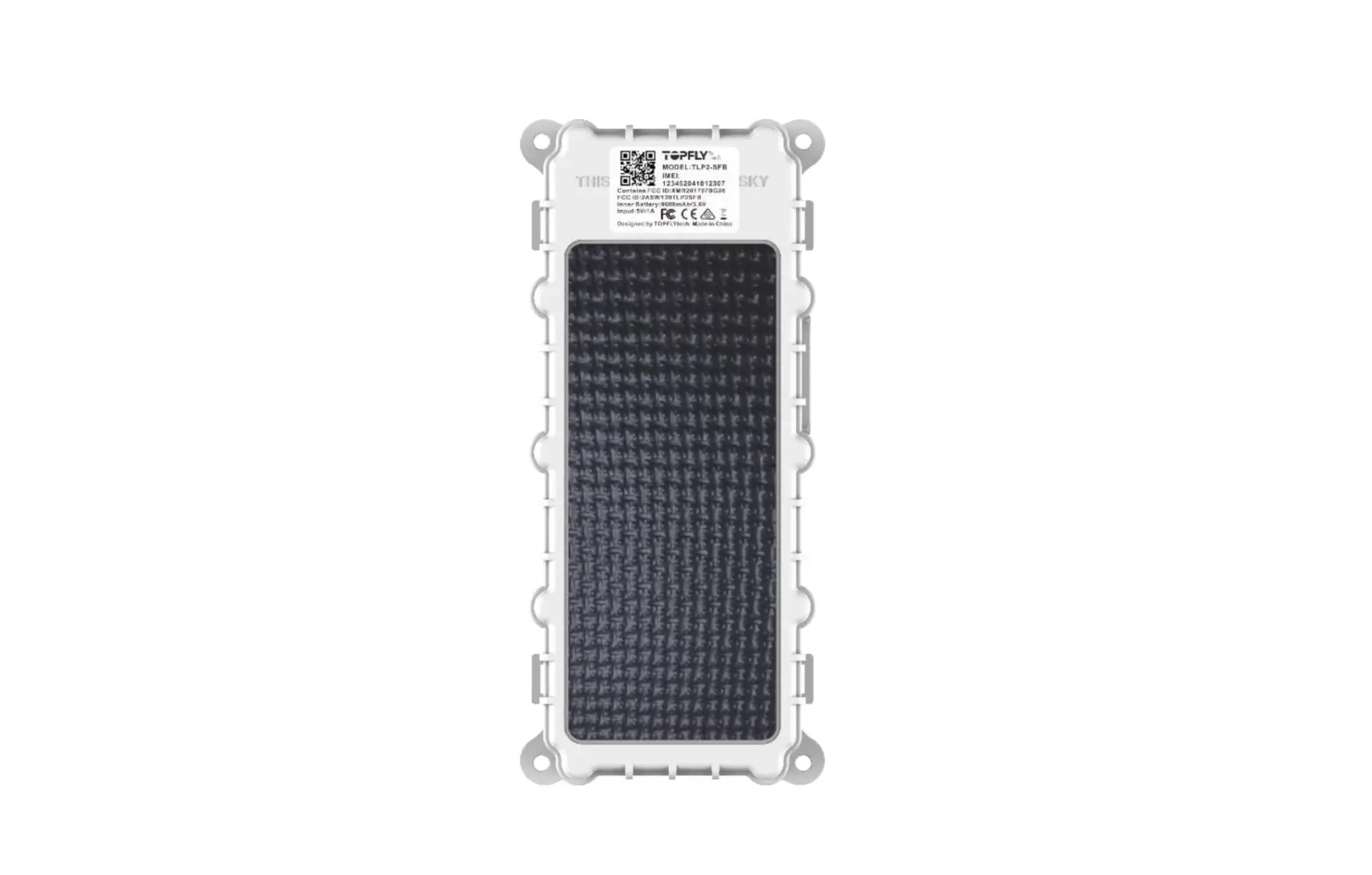
Hardware Overview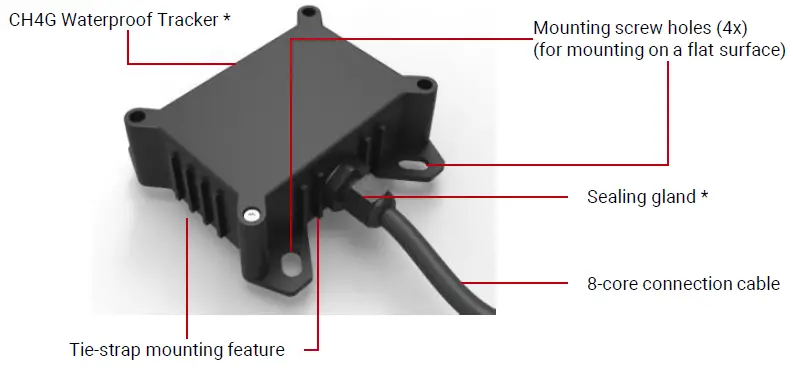
WARNING:
Please do not open the tracker or tamper with the gland as this may compromise the waterproofing capability of the device and will void the warranty
Wire Connection
NOTICE:
The CH4G tracker comes as a fully functional tracking device and only needs a connection to a 12~24V DC power for battery charging. If you are interested in connecting to external sensors, such as temperature sensors, door sensors, etc., please contact an authorized installer for installation service. Please contact CloudHawk customer service at 1-844-344-9955 to find an authorized installer close to you.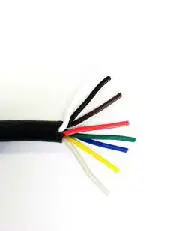
| Wire Color | Connect to |
| Red | Positive of a 12~24V DC source |
| Black | Negative of a 12~24V DC source |
| Brown | (optional) Ignition wire of your vehicle or equipment to detect ignition status |
| White | (optional) Door sensor to detect the door open/close of your vehicle or trailer |
| Green | (optional) Your choice of a temperature sensor, humidity sensor or cargo sensor, and more |
| Blue | |
| Yellow | |
| Grey | (optional) Sensor ground |
Specification
| Dimensions | 96.3 mm × 94.2 mm × 33 mm |
| Weight | 290 g |
| Battery | 5200 mAh Lithium-Ion |
| Power supply | 12~24V DC |
| Cellular technology | Quad-band GSM/GPRS LTE-M NB-IOT |
| Connectivity | Bluetooth 5.0 Low Energy |
| Positioning | A-GPS |
| GPS sensitivity | -161dBm (radiated, tracking) |
| GPS accuracy | 3m (in good GPS signal condition) |
 GPS Location Tracking and Monitoring for Fleets & Assets | Truck Trailer Heavy Equipment | CloudHawk