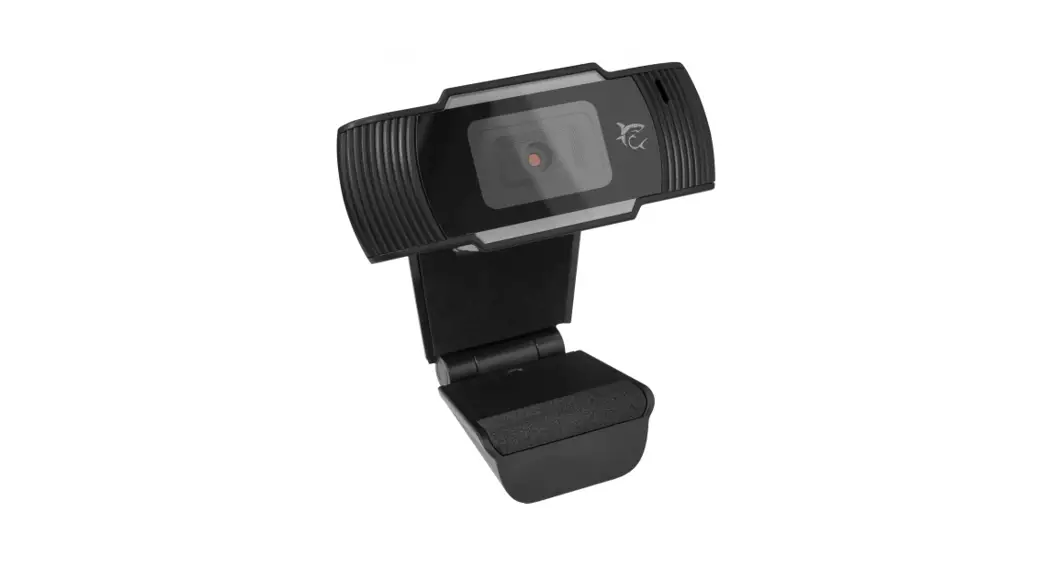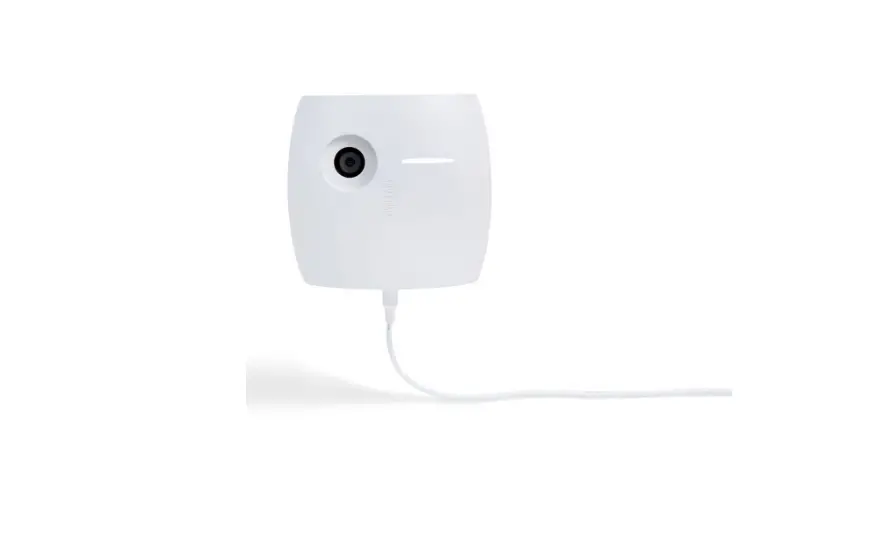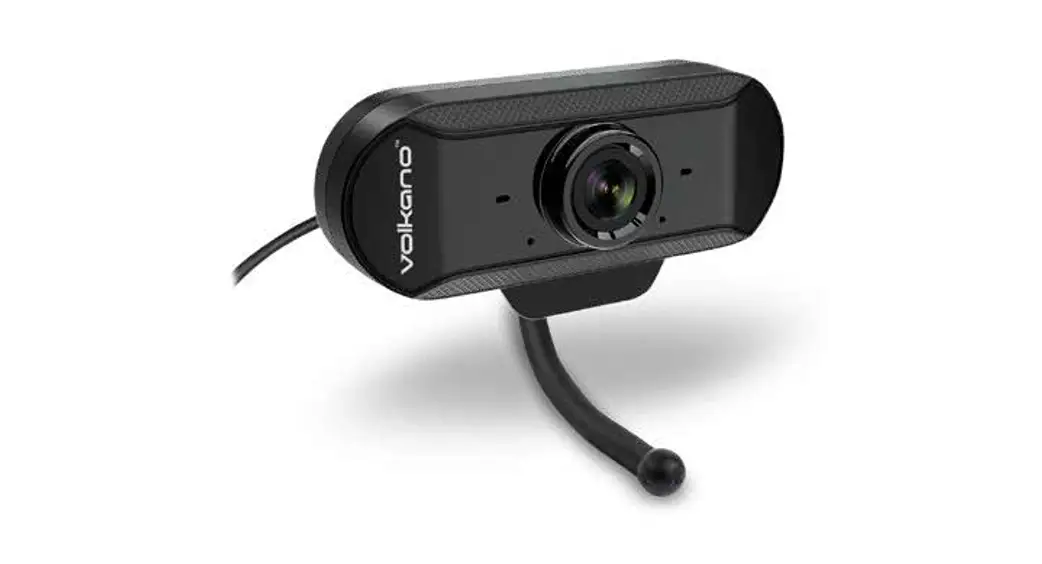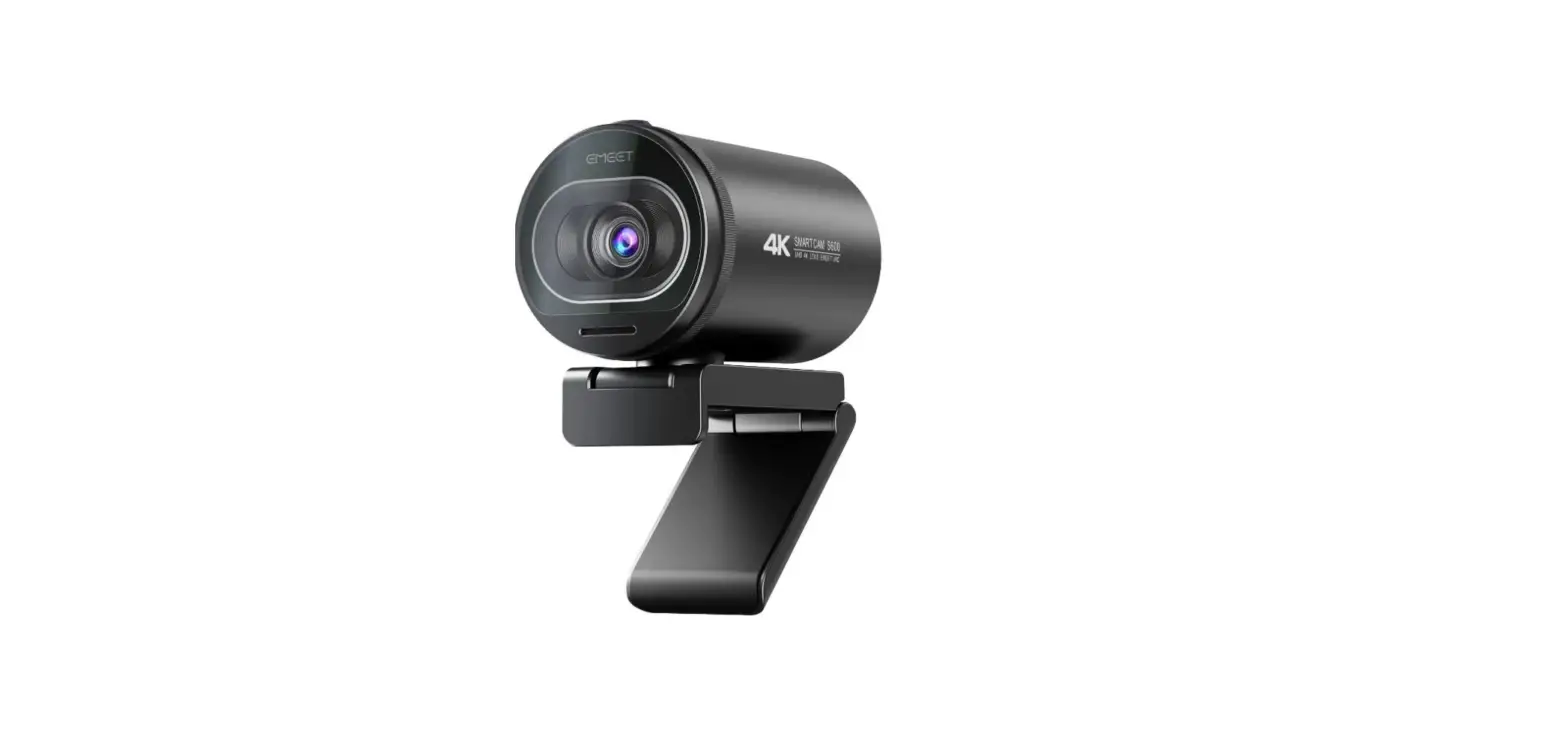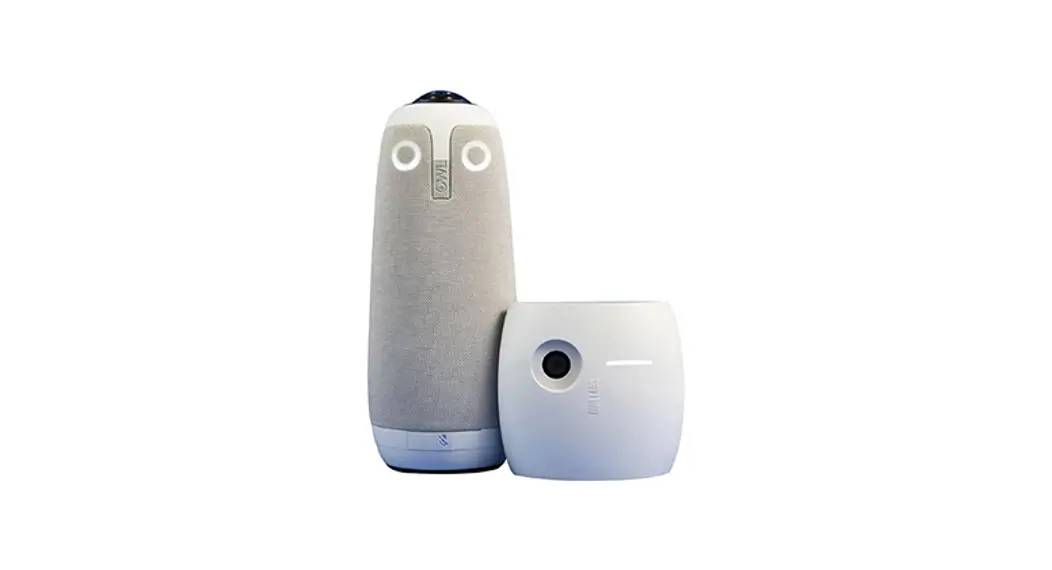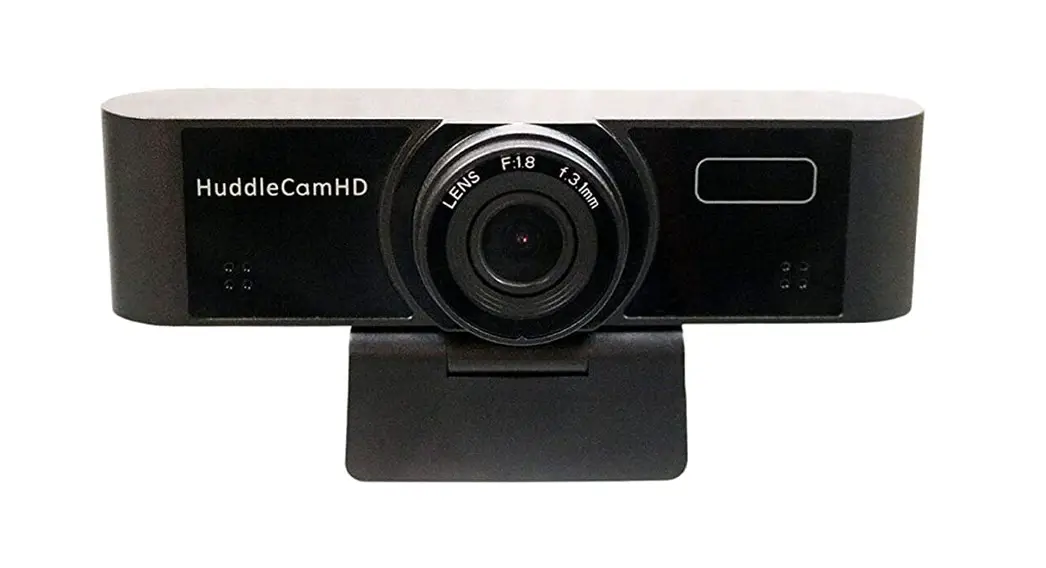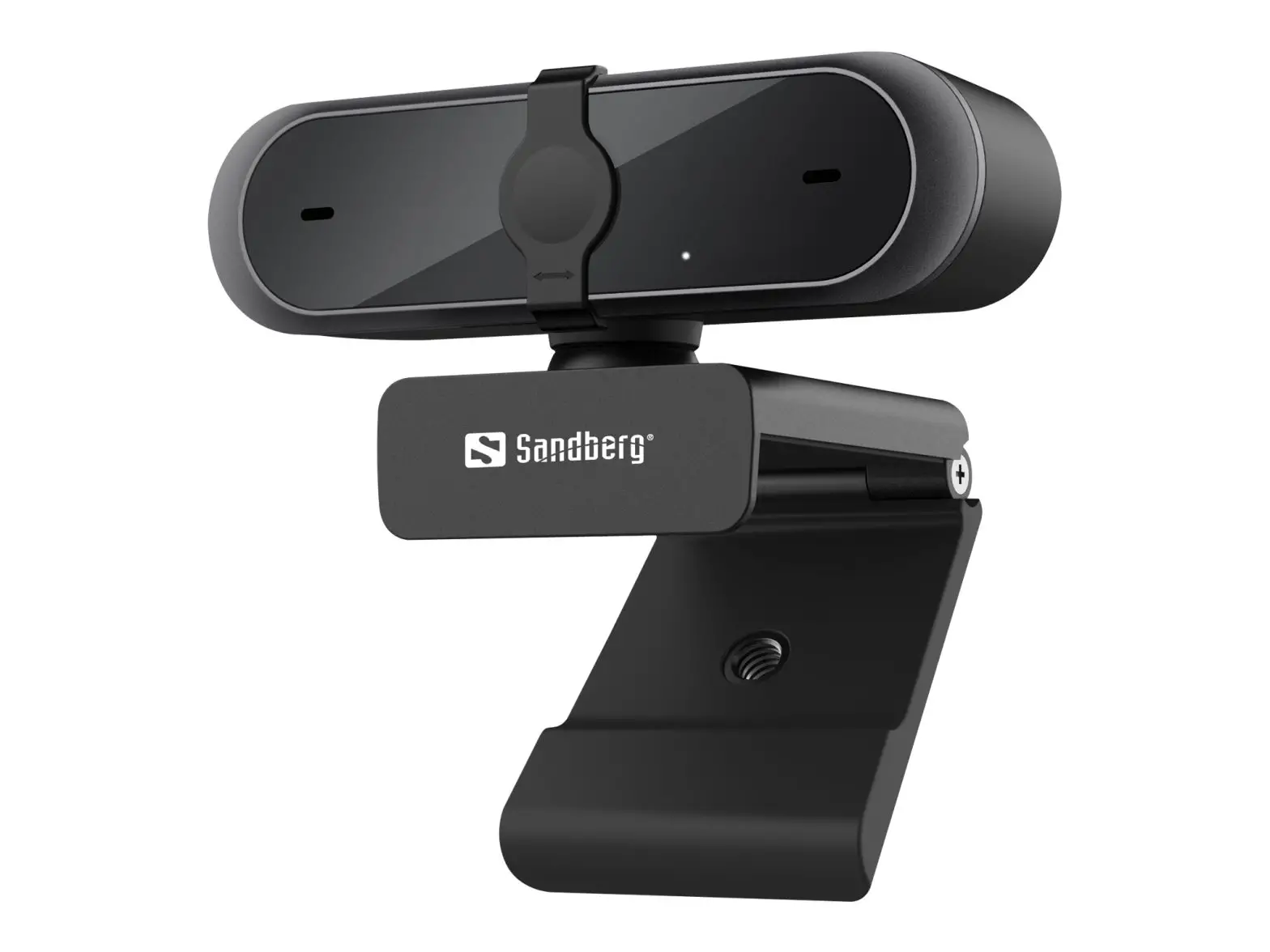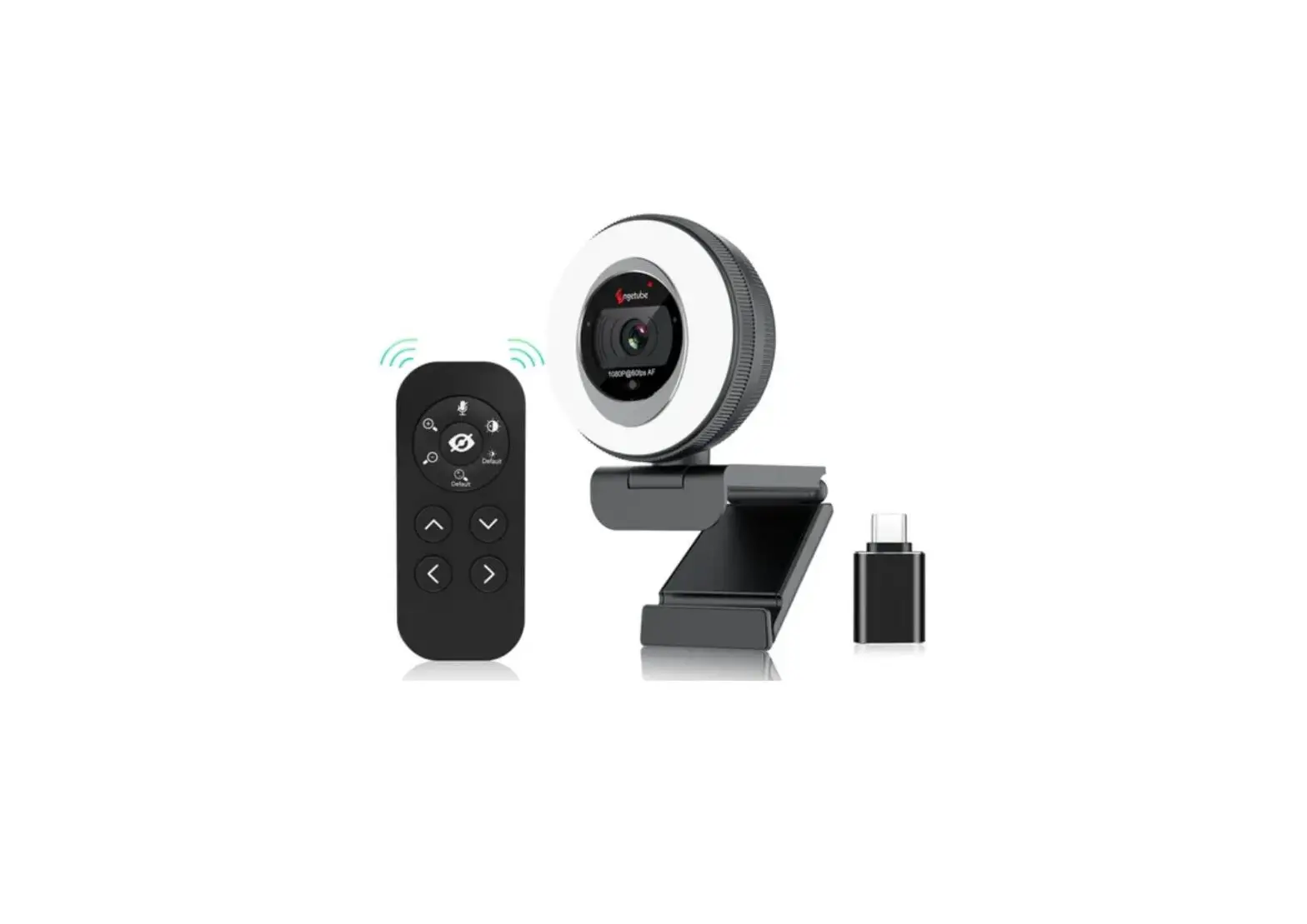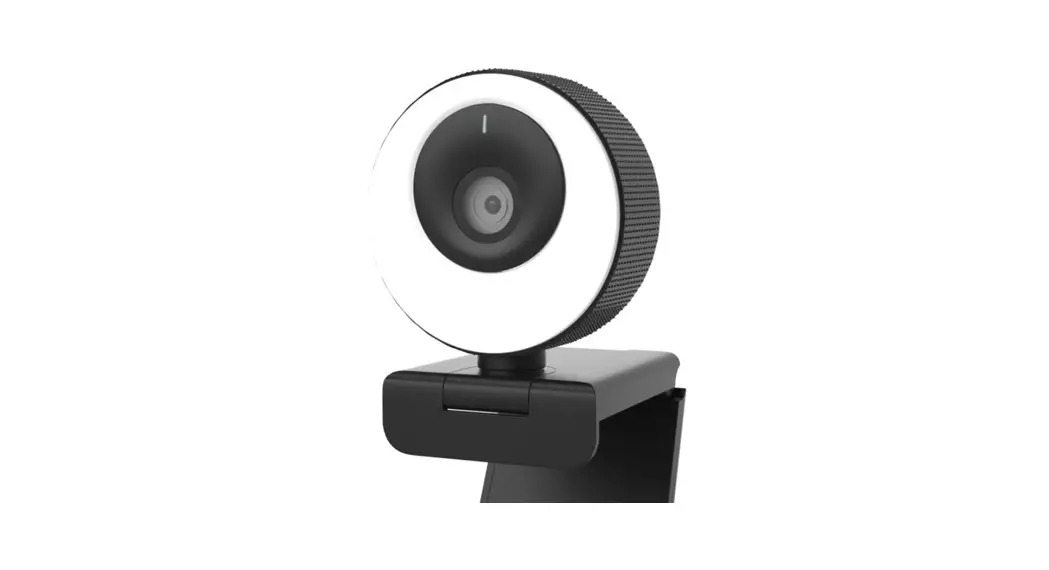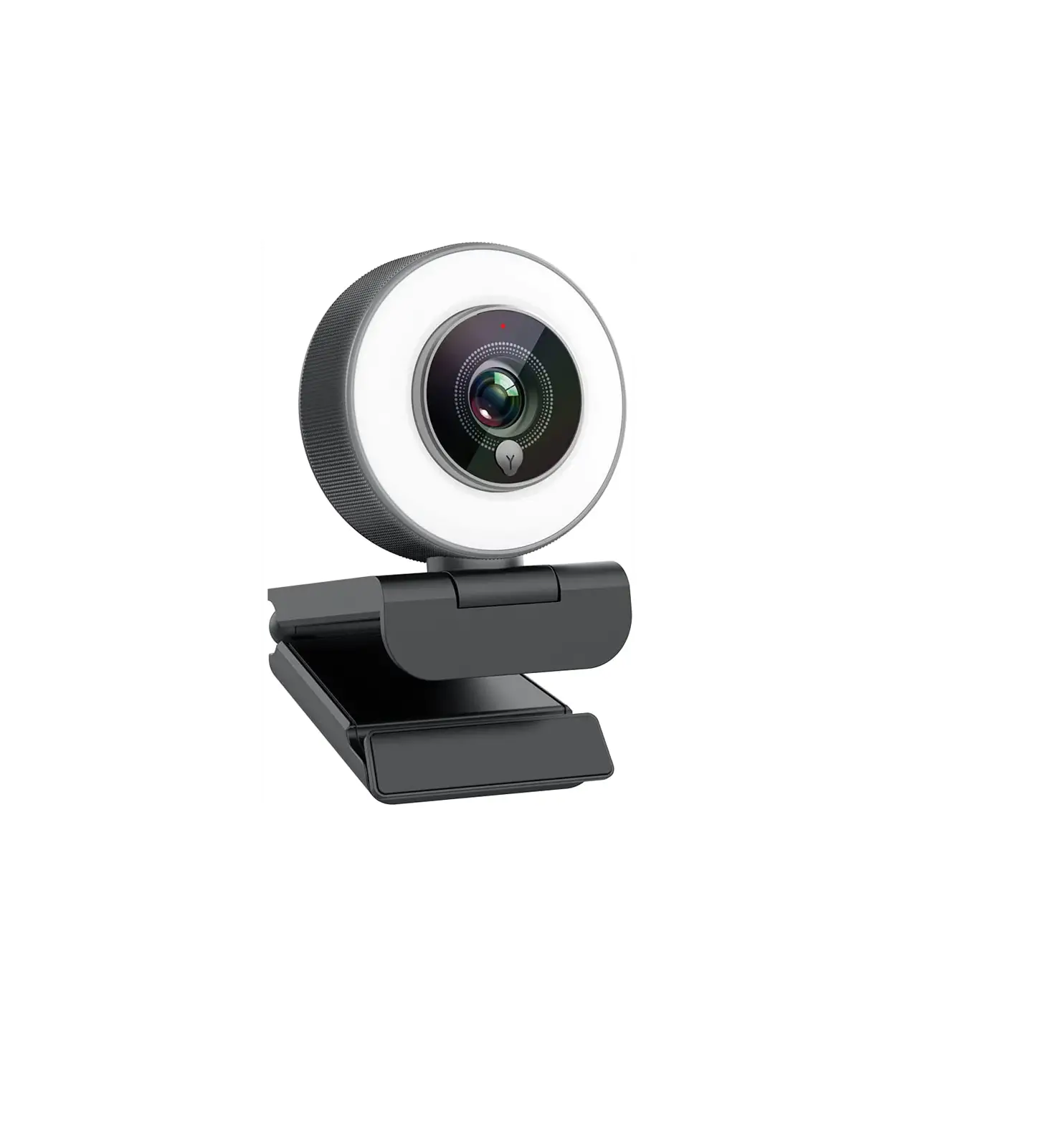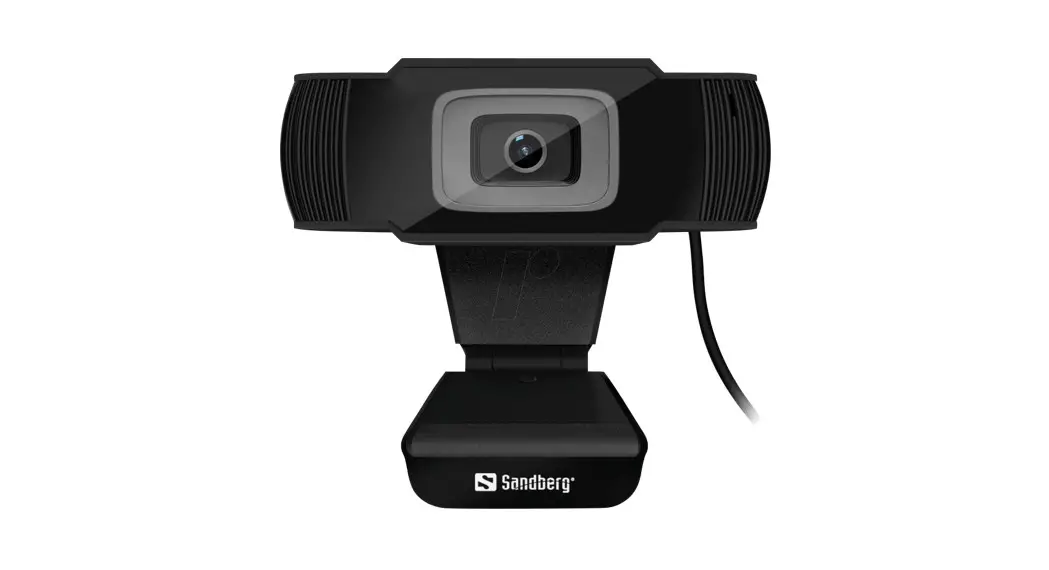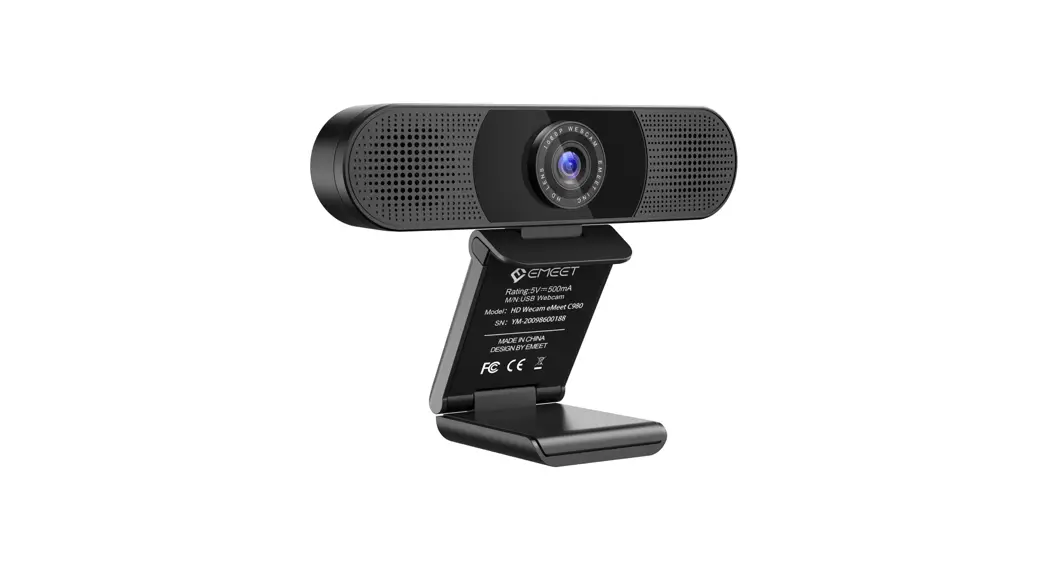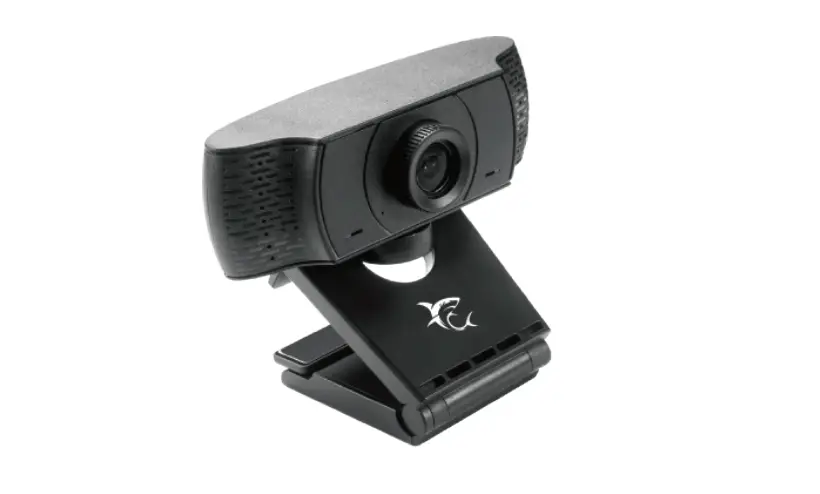

WHITE SHARK GWC-004 OWL USB Webcam
Instructions for use
- Attach the camera where you prefer to your desktop or monitor, making sure it is stable.
- Insert the cable into the USB port and wait for the automatic installation. To check if it is installed follow: Under Control Panel > System and Security > System > Device Manager.
- If you encounter any issues when trying to connect to different applications (Facebook, Skype), check the application settings – Settings/Audio-Video.