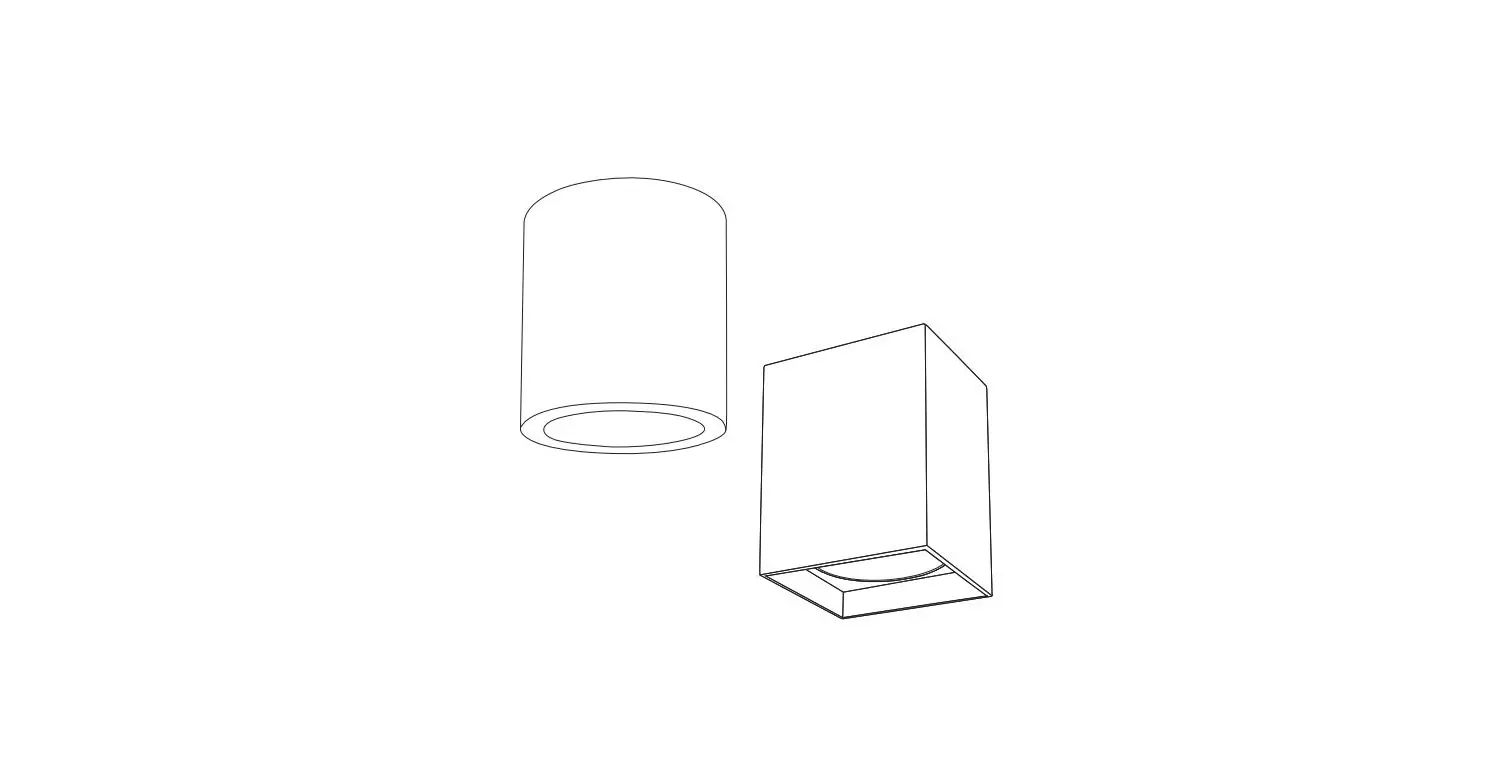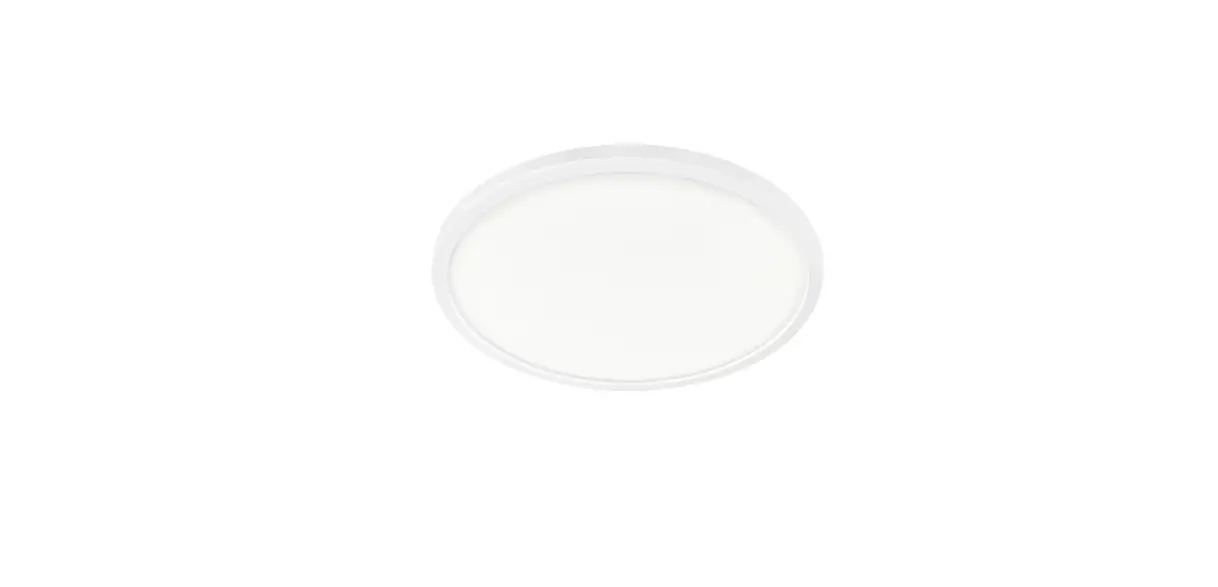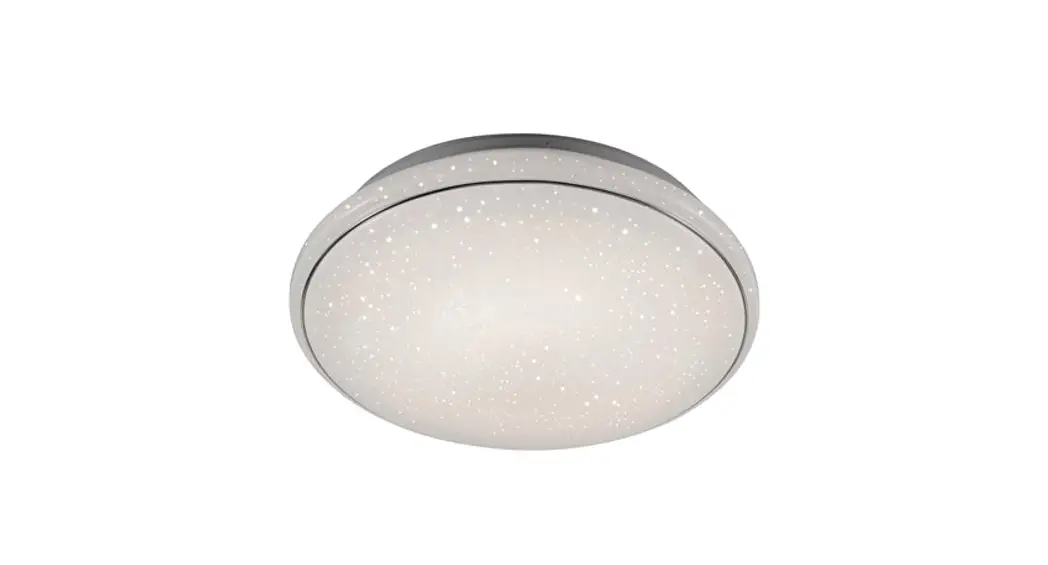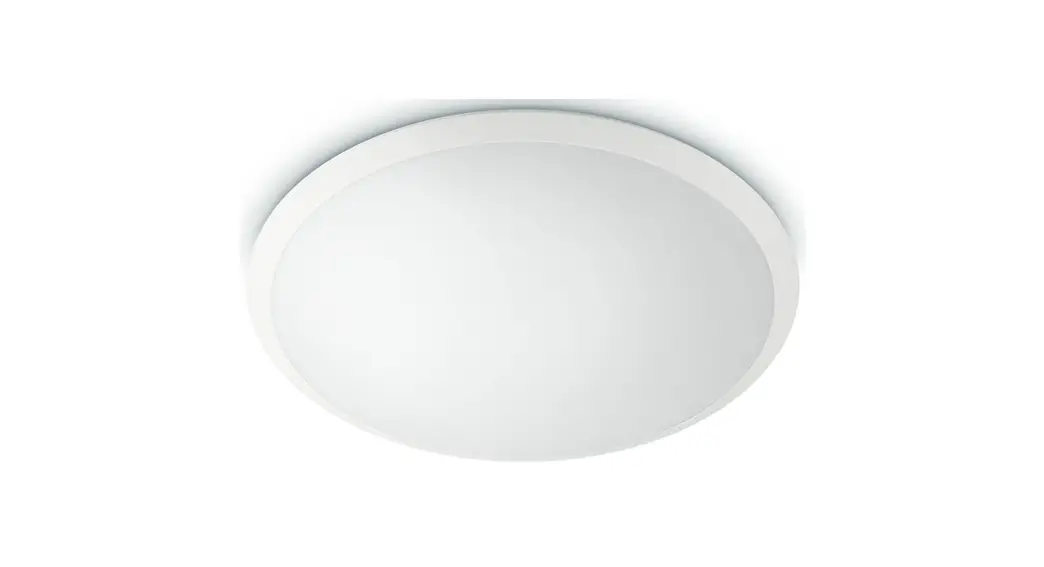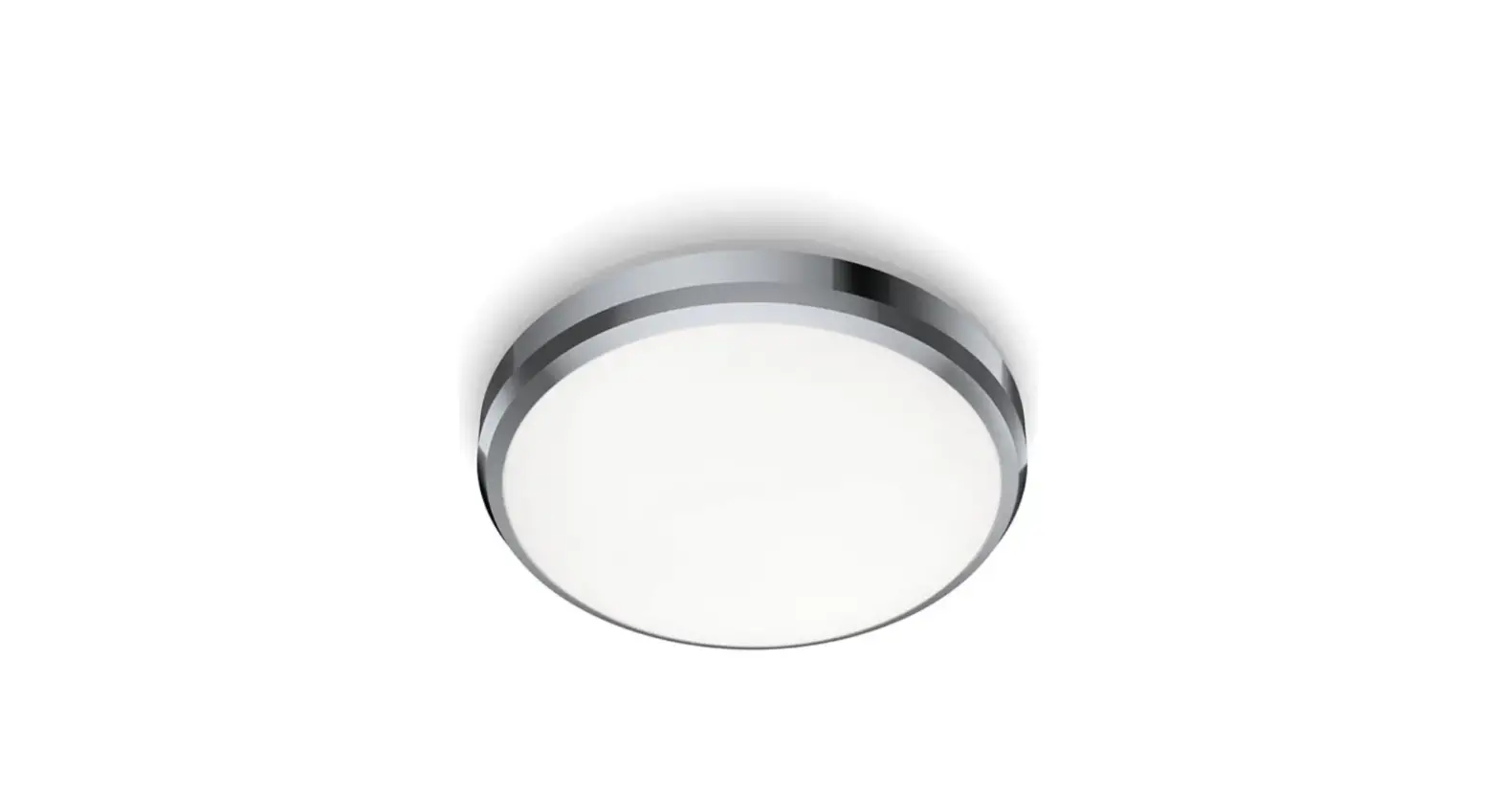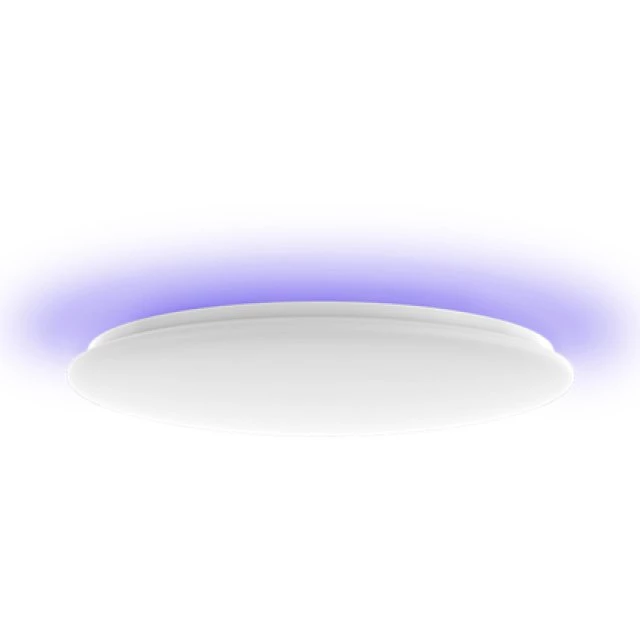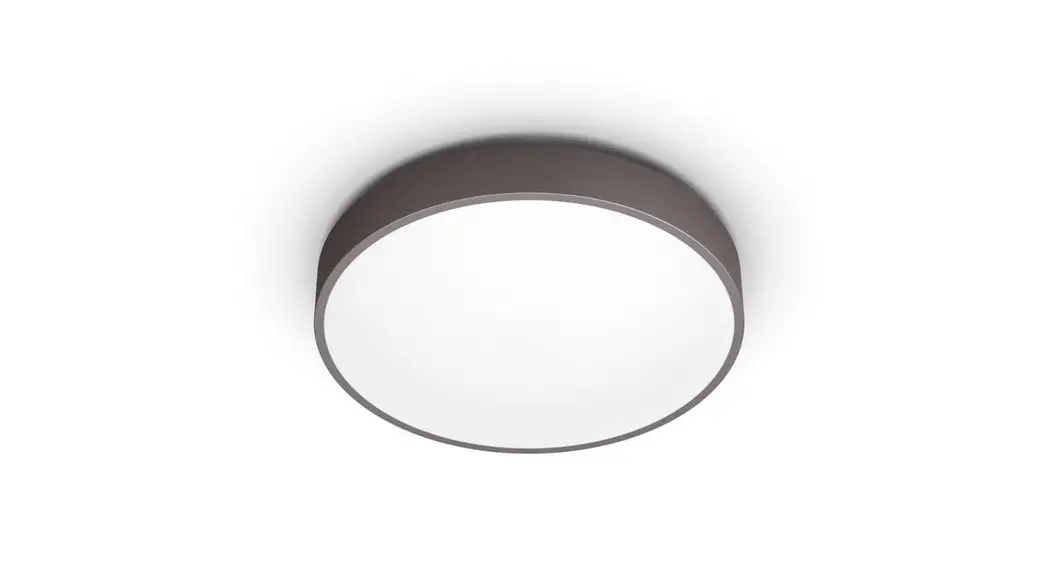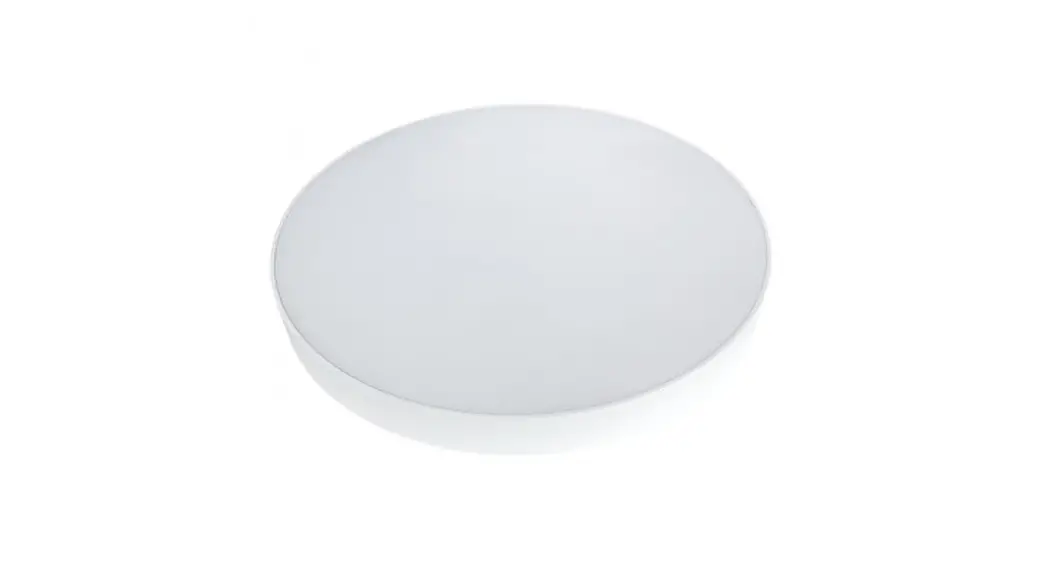
 DISC103BEME Disc Emergency Ceiling Light
Instruction Manual ENG Manual DISC SDE with microwave sensor + emergency unit 3h
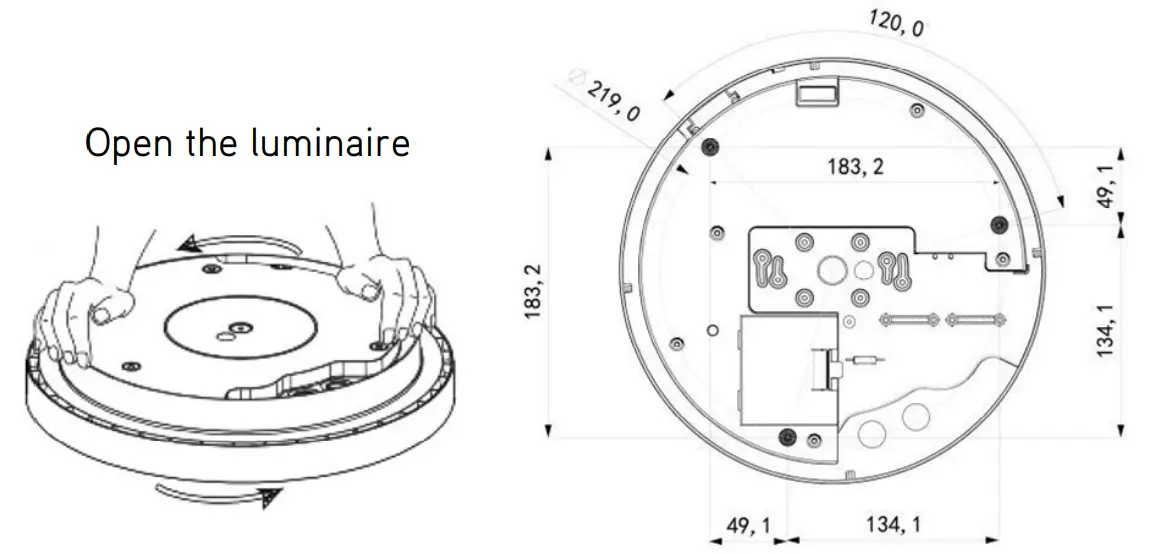
Dimensions:

Accessoires
| No | Pik | Qty | Usage |
| 1 |  | 3 | Fix light |
| 2 |  | 3 | Plastic parts |
| 3 |  | 1 | “Rubber plug |
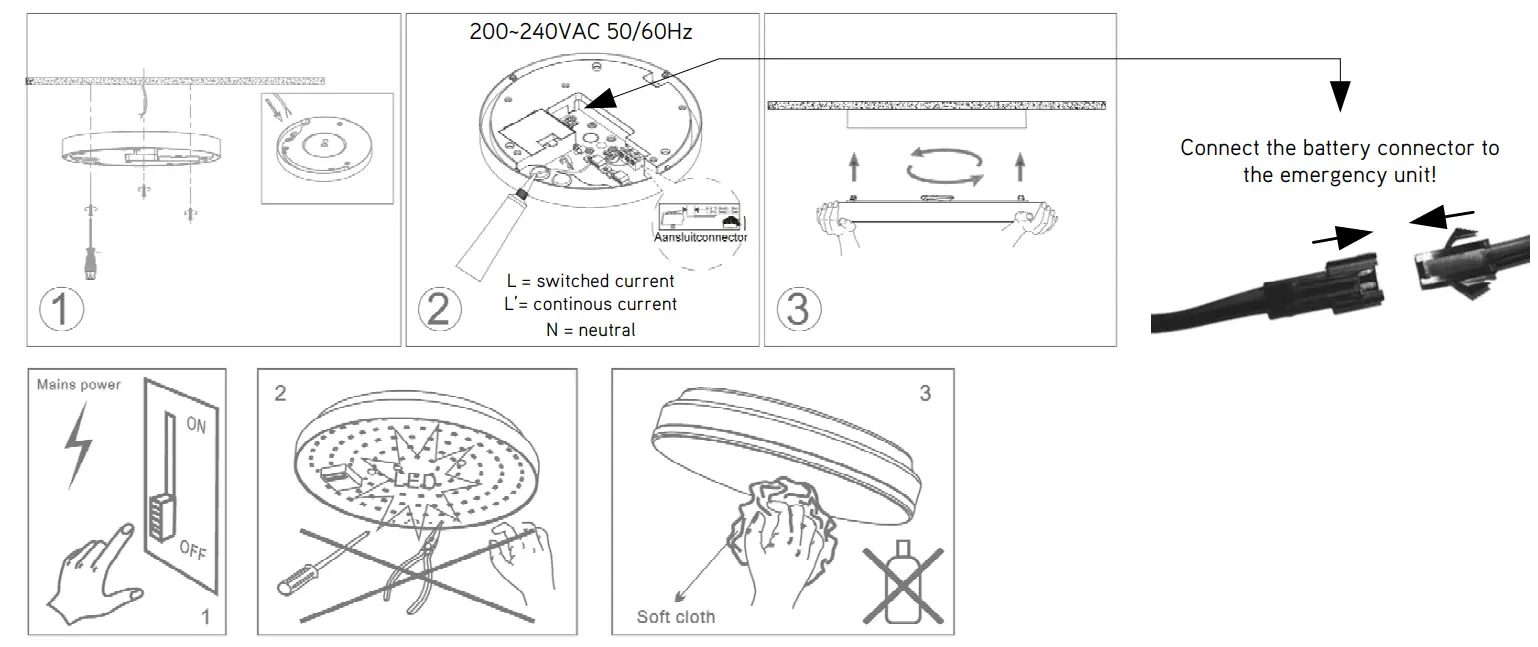
Montage:
| Ref. | P | CCT |
| DISC103STM | 10~11W | 3000K |
| DISC104STM | 10~11W | 4000K |
| DISC203STM | 20~22W | 3000K |
| DISC204STM | 20~22W | 4000K |
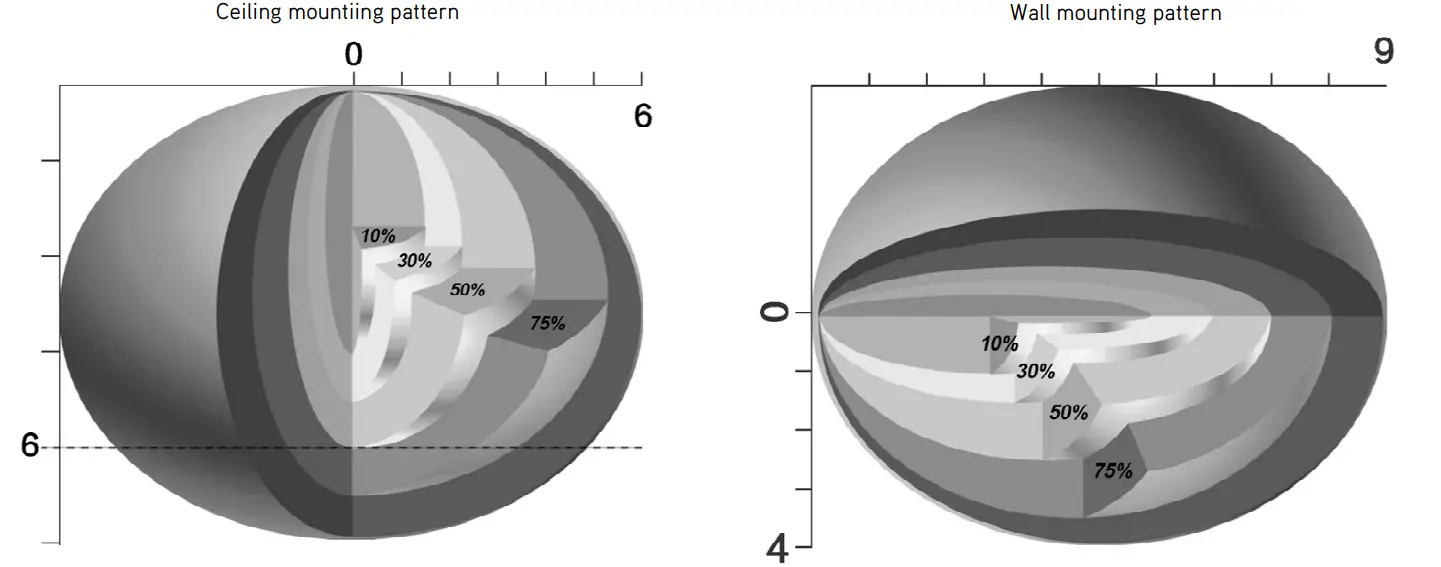
Detection Pattern
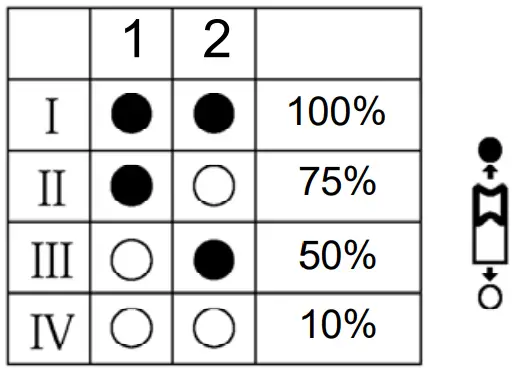
Sensor On-off / dimming setting options for sensor / emergency
Detection range
Sensor sensitivity can be adjusted by selecting the combination on the DIP switches to fit precisely for each specific application.
Hold time
Select the DIP switch configuration for the light on-time after presence detection. This function is disabled when natural light is sufficient.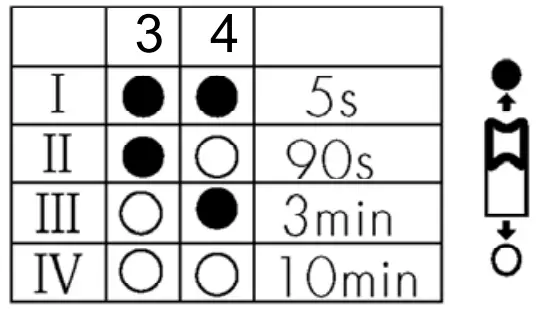
Daylight Threshold
Set the level according to the fixture and environment. The light will not turn on if ambient lux level exceeds the daylight threshold preset.
Please note that the ambient lux level refers to internal light reaching the sensor.
Disabling the daylight sensor will put the sensor into occupancy detection only mode.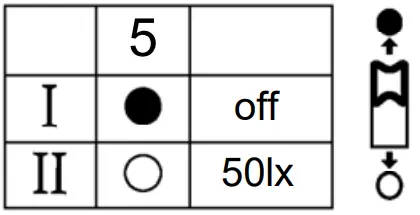
Stand-by period
This is the time period you would like to keep at the low light output level before it is completely switched off in the long absence of people.
Note: “0s” means on/off control; “ ”means the stand-by period is infinite and the light is effectively controlled by the daylight sensor, off when natural light is sufficient and automatically on at dimming level when insufficient.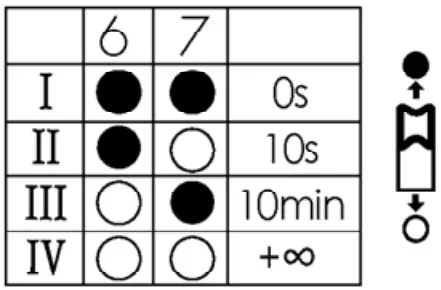
Stand-by dimming level
The setting is used to select the desired dimmed light level used in periods of absence for enhanced comfort and safety.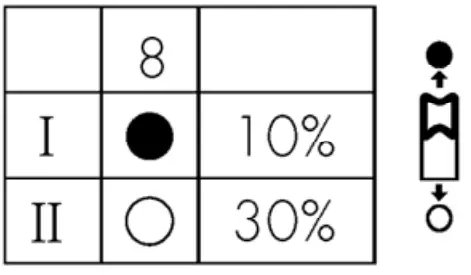
New ! Auto/manual mode
Use DISC in combination with a switch to use the auto/manual mode.
Switch the power off/on three times within 3 seconds, the fixture will now go to 100% brightness for 8 hours and then return to sensor mode. Manual mode can also be turned off by turning the power off/on within 1 second.
Specifications if with emergency unit
Battery: LiFePO4, 6.4V, 1500mAH
Lumenoutput emergency light: 180lm – 210lm
Batteries duration: 3uur
Battery charging period: 24uur
Battery charging & fully charged status: LED indicator is always on
Battery discharge: LED indicator is off
Battery life >4 years
Max. battery operating temperature: 60℃
Min. battery operating temperature: 0℃
Discharge frequency: Once a year

 Installation and maintenance may only be performed by authorized and qualified personnel.
The lightsource of the luminaire is non-replaceable, at the end of its life-expectancy the luminaire needs to be replaced.
Damaged devices in the original packaging can be swapped under warranty.
The grounding has to be permanently properly connected to avoid safety issues.
Always check if the connection voltage is present.
 Utilization of used lamps
LED lamps must be disposed of in accordance with current regulations concerning environmental protection. Used lamps should be returned to the applicable collection point, where they will be accepted free of charge. Proper utilization of equipment enables preserving valuable environmental resources and avoiding adverse impacts on health and the environment, which may be threatened by inappropriate waste handling.
Integratech bvba – Groenstraat 48
BE3270 Scherpenheuvel – Belgium