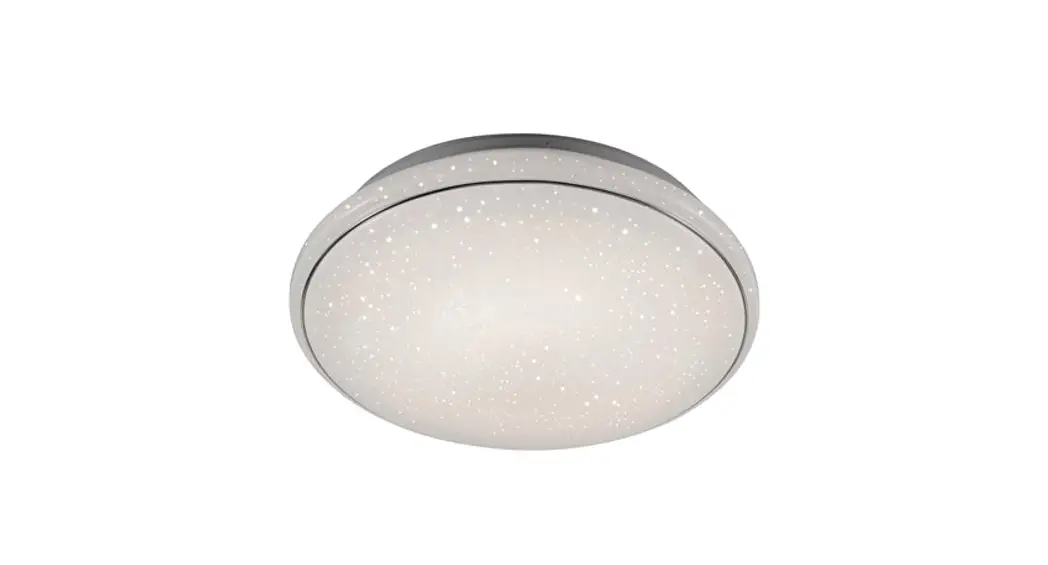
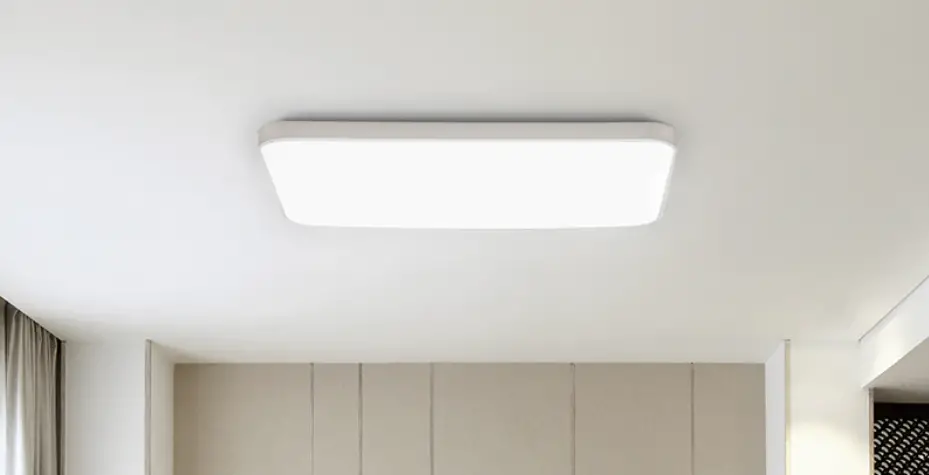
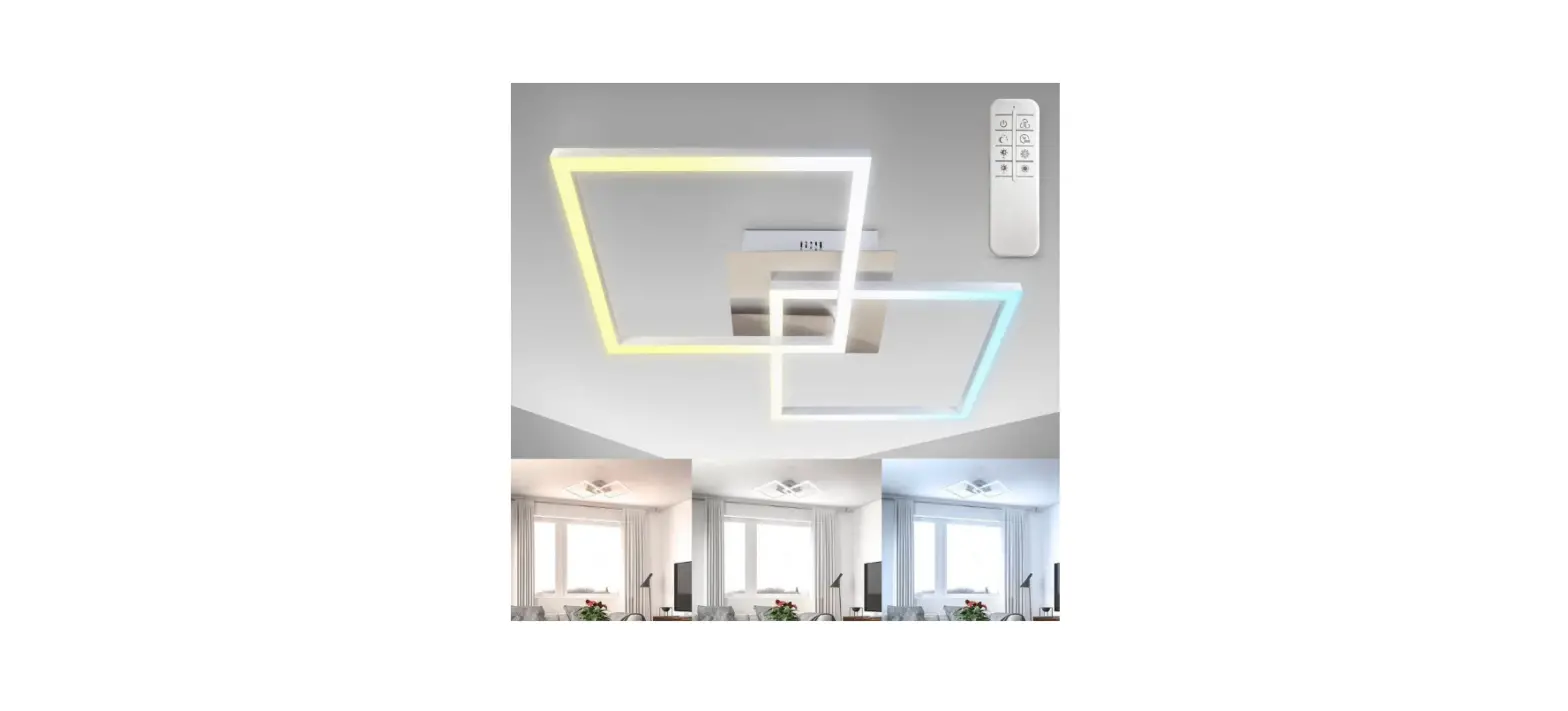
Sciaire Pro Ceiling Light
Product Information: Sciaire Pro Ceiling / Ceiling Light
The Sciaire Pro Ceiling / Ceiling Light is a state-of-the-art
air circulation and disinfection device that combines nature and
science. It utilizes Plasma Technology to ensure safe and
comfortable indoor air circulation. The device features HEPA
filtration and L-PlasmaShield ions to effectively remove pollutants
and provide a clean and healthy environment. It is designed for
commercial office spaces and can be easily installed on the
ceiling. The Sciaire Pro Ceiling Light also offers optional panel
lighting function, providing a multi-functional experience.
Manufacturer: Dernier & Hamlyn Inc.
Address: 720 Northgate Parkway Wheeling, IL 60090
Contact: 1-877-548-9722
EPA EST. NO.: 99117-CHN-1
Country of Origin: Made in China
Product Usage Instructions
- Before using the device, read all safety instructions provided
in the manual. - Ensure that the power to the device is cut off before servicing
or replacing filters to avoid electric shock or injury. - The device complies with the maximum allowable concentration of
ozone of 0.050 parts per million by volume (ppmv) in a 24-hour
period. - Follow the assembly and installation instructions carefully to
prevent electric shock, fire, or other injuries. - Avoid letting power supply cords touch hot surfaces.
- The installation and operation of the device should be carried
out by a qualified electrician or technician in accordance with
local codes. - Ensure that the final installation is approved by the
appropriate qualified electrical/building inspector(s). - Mount the device in locations and at heights where it is not
easily accessible to unauthorized personnel. - Always shut off the electricity to the wires you are working on
by removing the fuse or turning off the circuit breaker. - Use only recommended accessory equipment to avoid unsafe
conditions. - The device is suitable for indoor and dry locations. Do not
mount near flammable materials or electric heaters. - Use the device only for its intended purpose and do not use it
outdoors. - Prevent foreign objects from entering the ventilation or
exhaust openings to avoid electric shock or damage to the device.
Do not cover the inlet and outlet of the device with fabrics or
other materials. - Ensure that the electrical outlet used with the device is not
loose or damaged to prevent overheating and damage to the power
cord. - Keep the device away from small children and pets as it is not
intended for their use. - Persons with reduced physical, sensory, or reasoning
capabilities should be supervised or instructed on the proper use
of the device by a responsible person for their safety.
Note: This device is intended for household and indoor use only.
Please dispose of used products according to local regulations.
Sciaire Pro Ceiling / Ceiling Light
INSTRUCTION MANUAL
Created by nature. Engineered by science.
Need Help?
1-877-548-9722
9 AM6 PM, CST, MondayFriday
EPA EST. NO. 99117-CHN-1
MADE IN CHINA
Dernier & Hamlyn Inc. 720 Northgate Parkway Wheeling, IL 60090
*The Sciaire Pro Ceiling / Ceiling Light use Plasma Technology.
**Dispose used products according to local regulations.
Thank you for your purchase. Now you can breathe easy.
The Sciaire Pro Ceiling ensures safe and comfortable circulation of air with HEPA filtration and L-PlasmaShield ions in the indoor space. The device can be perfectly matched to the commercial office environment and can be easily installed on the ceiling. It can meet the disinfection needs of various scenarios such as offices and conference rooms. The Sciaire Pro Ceiling Light provides optional panel lighting function with multi-functional experience.
Sciaire Pro Ceiling Disinfection Only
Sciaire Pro Ceiling Light Disinfection + Lighting
All the things you need to know are here.
Safety Instructions . . . . . . . . . . . . . . . . . . . 1 Product Overview . . . . . . . . . . . . . . . . . . . 3 How It Works . . . . . . . . . . . . . . . . . . . . . . . 4 Device Specifications . . . . . . . . . . . . . . . . 5 Dimension . . . . . . . . . . . . . . . . . . . . . . . . . 6 Unpacking and Setup . . . . . . . . . . . . . . . . 6 Installation . . . . . . . . . . . . . . . . . . . . . . . . . 7 Operation . . . . . . . . . . . . . . . . . . . . . . . . . 9 Cleaning and Maintenance . . . . . . . . . . . 11 Troubleshooting . . . . . . . . . . . . . . . . . . . 13 Product Warranty . . . . . . . . . . . . . . . . . . 14 FCC Statement . . . . . . . . . . . . . . . . . . . . 15
Your safety is important to us.
Read all safety instructions before you use the device.
WARNING! TO REDUCE THE RISK OF
!
FIRE, ELECTRIC SHOCK OR INJURY
PLEASE ADHERE TO THE FOLLOWING:
! Cut power to the device before servicing or replacing filters. Failure to do so could result in serious personal injury and death.
! This device complies with the maxiumum allowable concentration of ozone of 0.050 parts per million by volume (ppmv) in a 24 hour period.
! Carefully read and understand the information given in this manual before beginning the assembly and installation. Failure to do so could lead to electric shock, fire, or other injuries which could be hazardous or even fatal.
! Do not let power supply cords touch a hot surface.
! The device should be installed and operated by a qualified electrician or technician in accordance with relevant local codes.
! The final installation must be approved by the appropriate qualified electrical/ building inspector(s).
! The device should be mounted in locations and at heights where it will not readily be subjected to tampering by unauthorized personnel.
! Ensure the electricity to the wires you are working on is shut off. Either remove the fuse or turn off the circuit breaker.
! The use of accessory equipment not recommended by the manufacturer may cause an unsafe condition.
! Suitable for indoor and dry locations.
! Do not mount near flammable materials or electric heaters.
! Do not use this device for other than intended use.
1
! THIS Device IS NOT INTENDED FOR USE BY CHILDREN. Keep away from small children and pets.
! This device is not intended for use by persons with reduced physical, sensory or reasoning capabilites or lack of experience or knowledge unless they have been given supervisionn or instruction concerning the use of the device by a person responsible for their safety.
! This device is intended for household and indoor use only. Do not use outdoors.
! Do not allow foreign objects to enter ventilation or exhaust opening as this may cause electric shock or damage to the device. Do not use fabrics or other material to cover the inlet and outlet of the device.
! Ensure the electrical outlet used with the device is not loose or damaged. A poor electrical connection can result in overheating and damage to the power cord.
! To prevent electric shock, do not dismantle, repair or modify this device. Maintenance and cleaning instructions should be followed exactly as directed in this manual. In case of malfunction, please contact customer support for service instructions.
! To reduce the risk of electric shock, the device has grounding type wiring that has a third (grounding) wire. The device must be hard wired and all wiring must comply with applicable electrical codes and ordinances. Do not alter the wiring.
! The device is not user serviceable. Do not attempt to repair the device yourself. In the event of failure, contact customer support for repair or replacement.
! Shut off the power at the circuit breaker or fuse panel before removing the old device. If you are unfamiliar with electrical installations, we recommend you contact a qualified electrician to do the installation. Two people are recommended for installation of this device.
! Do not use if you believe the device
! SAVE THESE INSTRUCTIONS.
has been damaged or is faulty. If the
device is not working properly or has been dropped or damaged, contact customer support for repair.
Read all safety
instructions in the
instruction manual,
!
and on device.
Copyright © 2023 Dernier & Hamlyn Inc. All rights reserved.
2
Product Overview
1
2 3
5
3
2
4
5
6
1. Air inlet 2. Air outlet 3. Lighting (Optional) 4. H13 HEPA filter 5. Indicator & Filter Reset Button 6. Plasma generators (inside the device)
3
How It Works
The Sciaire Pro Ceiling / Ceiling Light incorporates a 3-stage cleaning system to help clean the air. A fan forces air through the device from air inlet to air outlets. The Sciaire Pro Ceiling Light provides optional panel lighting function with multi-functional experience.
Stage 1: The air comes in through the air inlet grill, capturing the large particles in the air.
Stage 2: The true HEPA filter captures the bacteria, viruses and pollutants down to 0.3 microns in the air.
Stage 3: The PlasmaShield generators diffuse a lot of positive and negative ions into the space. Bacteria, viruses and pollutants are actively inactivated. The powerful motor circulation system helps dispersing ions out through the air outlet grill to the space actively. The device works 24/7 continuously to help facilitate air cycle and disinfection for the whole space.
Copyright © 2023 Dernier & Hamlyn Inc. All rights reserved.
4
Device Specifications
Product Name
Sciaire Pro Ceiling
Sciaire Pro Ceiling Light
Model No.
CAHP-35WH17PRO CAHP-35WH17LPRO
Product Size
47.76* 23.74*7.05in. (1213*603*179mm)
Rated Voltage Power Consumption Weight Noise Certification Connecting method
120-277V AC, 50/60Hz
38W
75W
23.37 lbs (10.6 kg)
25.35 lbs (11.5 kg)
52dB
52dB
UL867, UL2998, FCC, IC, EPA Est. No. 99117-CHN-1
Connecting terminals Connecting terminals
Warranty
3 years
3 years
Air Purification Specification
Air Purification Technology HEPA filtration + Plasma disinfection
HEPA level Filter replacement cycle Suggested room size Air flow rate Control method Fan speed
Indicator
Color temperature CCT Lighting Life Lumens (3000K) Wattage Dimmable range Control method
H13
12 months 376 sq ft (35 m2) 223CFM (380 m3/h)
Wall switch
2 fan speeds: High speed mode + Silent mode Solid green: High speed mode Solid blue: Silent mode Flashing blue: Filter replacement Flashing red: Motor error Lighting Specification
/
3000K/ 3500K/ 4000K/ 5000K
/
50,000 hrs
/
2481lm/ 3070lm/ 3679lm/ 4153lm
/
20W/ 26W/ 32W/ 37W
/
Knob adjustment 0-10V by dimmer
/
Wall switch
5
Dimension
Unpacking and Setup
1. Remove the device from the package and check that all the items shown are included. It is a good idea to retain the packaging for storing the device or in the event it must be shipped back for service.
2. Select a suitable location that can support the weight of the device. Place the main body on a cloth to avoid marking its surface.
3. The device is shipped with the H13 HEPA filter sealed inside a protective plastic bag. Detach the air inlet and remove the H13 HEPA filter from the plastic bag, then replace it inside the device and replace the air inlet.
4. Determine the method of mounting before beginning installation. 5. Note: The device is to be hard wired and does not have a power cord.
Copyright © 2023 Dernier & Hamlyn Inc. All rights reserved.
6
Installation
WARNING: Shut off the power at the circuit breaker or fuse panel before installation. If you are unfamiliar with electrical installations, we recommend you contact a qualified electrician to do the installation. NOTE: Two people are recommended for installation of this device. NOTE: MOUNT THIS DEVICE AT LEAST 90.55 INCHES (2.3 M) ABOVE THE FLOOR. CAUTION: Installer is responsible to ensure grid location is rated for device’s weight prior to installation. If uncertain, use cable to support device from the retention clips to a suitable support structure. Failure to do so can cause serious injury. NOTE: FOR USE IN NON-FIRE-RATED INSTALLATIONS ONLY.
Making Electrical Connections
NOTE: The device must be hard wired. All wiring must comply with applicable electrical codes and ordinances.
1 Carefully place the device face down.
2 Remove the driver box cover plate and punch out the knock out hole.
3 Feed the conduit or Romex (based on local electrical code) through the knock
out hole. NOTE: A lead that is intended to be spliced in the field to a branchcircuit conductor shall not be smaller than 18AWG (0.82mm2) and the insulation, if rubber or thermoplastic, shall not be less than 1/32 inch (0.79mm) thick.
4
Make the electrical connections: Connect black (L) wire with black wire in the driver.
Connect white (N) wire with white wire in the driver.
Connect ground wire with green wire in the driver.
If a 0-10v dimming circuit is available, connect purple wire to driver DIM+ and
pink wire to driver DIM-.
NOTE: Black wire and White wire are the power carries. The short set is for
the disinfection function connection, while the long set is for the lighting function
connection (only available for the Sciaire Pro Ceiling Light).
5 Tuck wires inside the driver box and reattach the driver cover.
A 7
Optimal Installation Location
Note: Locate and install the device such that it can be easily accessed and opened for periodic filter replacement. – It is best to install the device in the center of the room, so that contaminated air is drawn into the bottom of the device and clean air is evenly discharged from the sides. This dynamic creates a circular flow pattern, referred to as Coanda Flow. – The device is designed to be installed in place of a standard 2’x4′ ceiling tile, and it must be securely attached to the building structure for adequate support. – Depending on the type of building structure, whether the ceiling has an I-Beam or concrete construction, follow the appropriate protocol for proper installation and support of the device.
Grid Ceiling Installation
6A Bend each of the mounting clips on the back of the device upward and then twist the top 90°. Place the device into the ceiling grid, hook the mounting clips over the grid ceiling supports and make sure it is secure.
Suspension Mounting
6B Depending on mounting location, install 8 toggle bolts into drywall or 8 hook screws into wood. NOTICE: Toggle bolts are not considered an acceptable means of support in Canada, in accordance with CSA C22.2 No. 250.4. NOTICE: There are many installation applications to suspension mount the device. Installer is responsible to ensure mounting accessories and hardware are compatible with attachment method to surface or structure in accordance with any local code requirements for installation and inspection.
Copyright © 2023 Dernier & Hamlyn Inc. All rights reserved.
8
7B Attach the aircraft cable to the toggle bolts or hook screws. NOTE: Please prepare aircraft cable for suspension mounting
in advance. 8B Bend each of the mounting clips on the back of the device
upward. Connect the mounting clips to the aircraft cables by
using S hooks. Adjust the aircraft cables to level the device.
NOTICE: The device must hang a minimum of 3 in. (76.2mm)
from the ceiling. 9B Make the electrical connections per page 7.
Restore power at the electrical panel.
Turn on the switch to activate the device.
Operation
NOTE: The Sciaire Pro Ceiling Light allows you to control disinfection part and lighting part by two different wall switches.
Air Purification Operation
This device allows you to choose between two working modes by using your wall switch and flipping it on/off/on within 5 seconds. HIGH SPEED MODE: – First time turn on the wall switch, the device will be running in high fan speed with green indicator light. SILENT MODE: – Turn off the device in high fan speed by wall switch, and turn back on within 5 seconds to active the silent mode, it will be running in low fan speed with blue indicator light. – Turn off the device in silent mode by wall switch, and turn back on within 5 seconds, the device will be running in high fan speed. – Turn off the device in either mode by wall switch, and turn back on after 5 seconds, the device will always be running in high fan speed per default setting. NOTE: The default setting from the factory is high fan speed.
High Speed mode Green light always on
Silent mode Blue light always on
9
Lighting Operation (Only available for Sciaire Pro Ceiling Light)
This device allows you to customize the color temperature of the light using four settings from soft white to daylight. · Choose your favorite correlated color temperature (CCT) from four options: 3000K soft white, 3500K neutral white, 4000K cool white, or 5000K daylight. · Move the toggle switch on the back side of the device to make your selection before inserting the device into the ceiling. NOTE: The factory setting for the correlated color temperature (CCT) is 3000K, which is soft white. · Choose the desired brightness (lumen output) from four options: 2480lm, 3070lm, 3680lm, 4153lm. · Move the toggle switch on the back of the device to make your selection before pushing the device into the ceiling. NOTE: The factory setting for the brightness (lumen output) is 4153lm.
Indicators
High Speed mode Green light always on
Silent mode Blue light always on
HEPA filter replacment Indicator
Blue light flashing
Motor Error Alarm Red light flashing
Copyright © 2023 Dernier & Hamlyn Inc. All rights reserved.
10
Cleaning and Maintenance
! WARNING: THE DEVICE MUST BE ISOLATED FROM THE POWER SUPPLY BEFORE ANY CLEANING AND MAINTENANCE TAKES PLACE.
! CAUTION: ALWAYS WEAR SUITABLE GLOVES WHEN CLEANING. · Use a dry cloth to clean the exterior of the device. Do not use any chemicals
or cleaners. · The device may not operate effectively in very low temperatures. The
device can be damaged when exposed to sub-freezing temperatures. Suggest operating temperature: -4°F~86°F, Suggest storage temperature: -40°F~104°F. · To extent the effective of the device, check the air inlet grill and air outlet grills from time-to-time and clean them with a standard vacuum. · Visually inspect the interior compartment of the device when the inside is empty during the filter replacement process, if particulate has accumulated in the device, clean the interior compartment of the device with a standard vacuum. · The power supply is specially adapted, please do not replace the power supply without permission. The use of accessory equipment not recommended by the manufacturer may cause an unsafe condition. ! Contact a qualified electrician or customer support for cleaning and maintenance instruction if your are unfamiliar with the device.
HEPA Filter Replacement
The filter should be replaced every 12 months or whenever indicated by the flashing blue indicator. Depending on usage and contaminates in the environment, the filter may need to be replaced before the default cycle expires. When the air volume is reduced, replace the filter to a new one.
Only use genuine DH Lifelabs Filter with your device. Use of any other filter may compromise the proper operation of your device and potentially void your warranty.
HEPA Filter Part No.: CA17FT-1
Contact customer support if you need to replace the filter.
NOTE: The HEPA filter is not washable. DO NOT immerse it in water.
11
1. Make sure the device is power off. 2. Move the left and right pegs on the air intake grill to the middle to release the air inlet grill. 3. Gently pull the air intake grill straight down, to access the filter. Remove the used HEPA filter out by the pull tabs. 4. Install a new HEPA filter inside the device. Ensure that any plastic wrapping is removed from the filter prior to installing them in the device. NOTE: Ensure that the pull tabs are facing outward to facilitate filter removal later. 5. Replace the air inlet grill back, and the two pegs will be locking in place directly. 6. Turn on the device. After replacing the filter, press and hold down the RESET button for 3 seconds to reset the filter life countdown. Once filter reset is done, the flashing blue indicator light will changed to green solid light.
HEPA filter replacment Indicator Blue light flashing
12
Troubleshooting
The basic service guide as follows should cover most performance issues. If you continue to experience issues after referring to this list, please contact DH Lifelabs customer support.
Symptom
Air purification is inoperable.
Air purification indicator is on but inoperable.
Reduced airflow.
Air coming in disinfection mode has a bad odor.
Probable Cause/Solution
If the device fails to power on, the issue may be the result of one of the following causes. In some cases, the device will require service by the manufacturer or a professionally licensed electrician. 1. blown fuse: replace the fuse 2. PCB board malfunction: replace PCB board
If the device powers on but failes to operate, the issue may be the result of one of the following causes, and will require service by the manufacturer or a professionally licensed electrician. 1. fan/ motor malfunction: check if the indicator flashing in red, if so, replace the fan/ motor 2. PCB board malfunction: replace PCB board
1. HEPA filter may be dirty or obstructed. Replace filter. 2. Air inlet grill and air outlet grill may be dirty or obstructed. Clean the grill.
The first time you use the device, you might perceive a plastic or paint smell. This is normal, but it should disappear quickly. If the smell persists or if you sense a burning smell, please turn off the device and contact customer support.
Air quality does not improve as the disinfection mode operates.
Windows or doors are open. Constant introduction of dirty air from outside the room can reduce the effectiveness of the disinfection. Close all exterior doors and windows.
The device is functioning with very loud noise.
The indicator light flashing.
Check and ensure that there are no obstacles near the device.
Check what color is flashing. Flashing red: Motor error. Replace motor, requiring service by the manufacturer or a professionally licensed electrician. Flashing blue: Filter change cycle timer expired. Replace filter and reset timer.
13
Troubleshooting (Cont.)
Symptom
Lighting function is off or slightly bright. (only available for Sciaire Pro Ceiling Light device)
Probable Cause/Solution
The issue may be the result of one of the following causes, and will require service by the manufacturer or a professionally licensed electrician. 1. The CCT switch is not in good contact: Re-flip the CCT switch a few times, if the fault persists, replace the PCB board. 2. The dimmer knob is turn to the minimum position: Adjust the dimmer from the minimum position to other positions.
Product Warranty
This 3 year limited warranty applies to repair or replacement of product found to be defective in material or workmanship. This warranty does not apply to damage resulting from commercial, abusive, unreasonable use or supplemental damage. Defects that are the result of normal wear and tear will not be considered manufacturing defects under this warranty.
DH Lifelabs IS NOT LIABLE FOR INCIDENTAL OR CONSEQUENTIAL DAMAGES OF ANY NATURE, ANY IMPLIED WARRANTY OF MERCHANTABILITY OR FITNESS FOR A PARTICULAR PURPOSE ON THIS PRODUCT IS LIMITED IN DURATION TO THE DURATION OF THIS WARRANTY.
Some jurisdictions do not allow the exclusion or limitation of incidental or consequential damages or limitations on how long an implied warranty lasts, so the above limitations or exclusions may not apply to you. This warranty gives you specific legal rights, and you also may have other rights which vary from jurisdiction to jurisdiction. This warranty applies only to the original purchaser of this product from the original date of purchase
At its option, DH Lifelabs will repair or replace this product if it is found to be defective in material or workmanship. This warranty does not cover damage resulting from any unauthorized attempts to repair or from any use not in accordance with the instruction manual. This warranty does not cover the filter except for material or workmanship defects.
14
FCC Statement
Supplier’s Declaration of Comformity: Trade Name: DH Lifelabs Models: CAHP-35XX17Pro/CAHP-35XX17LPro Responsible Party: Dernier & Hamlyn Inc. Address: Dernier & Hamlyn Inc., 720 Northgate Parkway, Wheeling, IL 60090 Telephone Number: 1-877-548-9722 This device complies with Part 15 of the FCC Rules. Operation is subject to the following two conditions: (1) this device may not cause harmful interference, and (2) this device must accept any interference received, including interference that may cause undesired operation.
Caution: The user is cautioned that changes or modifications not expressly approved by the party responsible for compliance could void the user’s authority to operate the equipment. Note: This equipment has been tested and found to comply with the limits for a Class A digital device, pursuant to part 15 of the FCC Rules. These limits are designed to provide reasonable protection against harmful interference in a residential installation. This equipment generates uses and can radiate radio frequency energy and, if not installed and used in accordance with the instructions, may cause harmful interference to radio communications. However, there is no guarantee that interference will not occur in a particular installation. If this equipment does cause harmful interference to radio or television reception, which can be determined by turning the equipment off and on, the user is encouraged to try to correct the interference by one or more of the following measures:
· Reorient or relocate the receiving antenna.
· Increase the separation between the equipment and receiver.
· Connect the equipment into an outlet on a circuit different from that to which the
· receiver is connected.
· Consult the dealer or an experienced radio/TV technician for help.
15
16