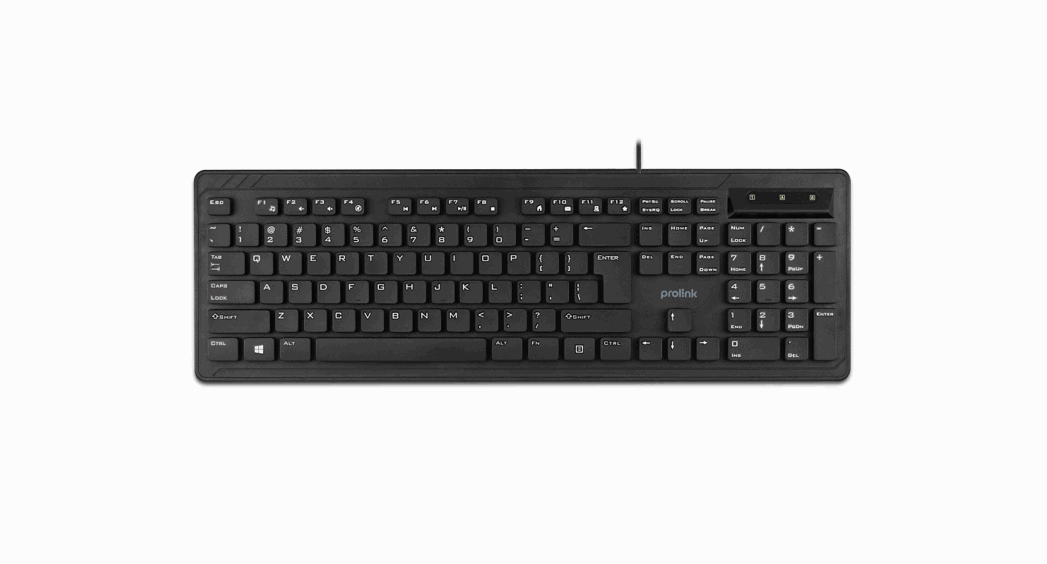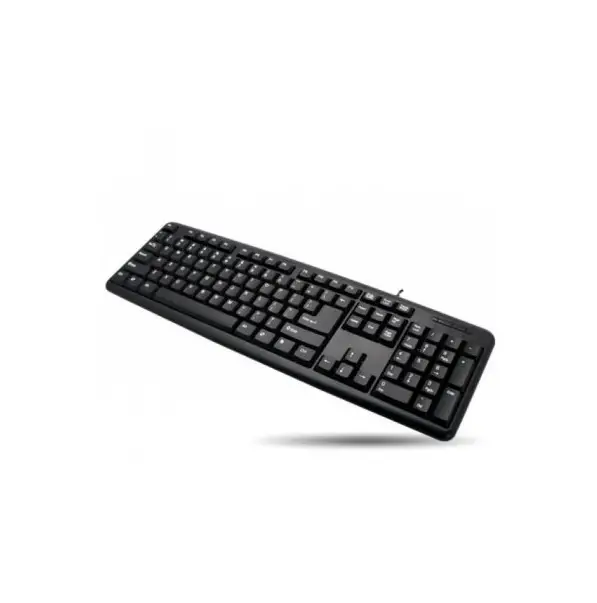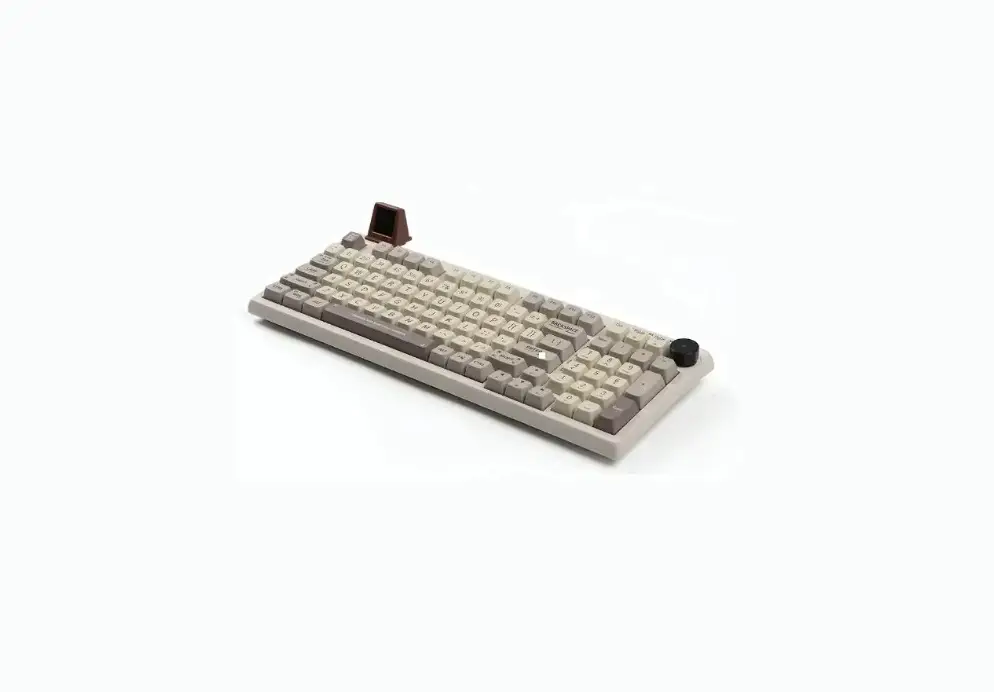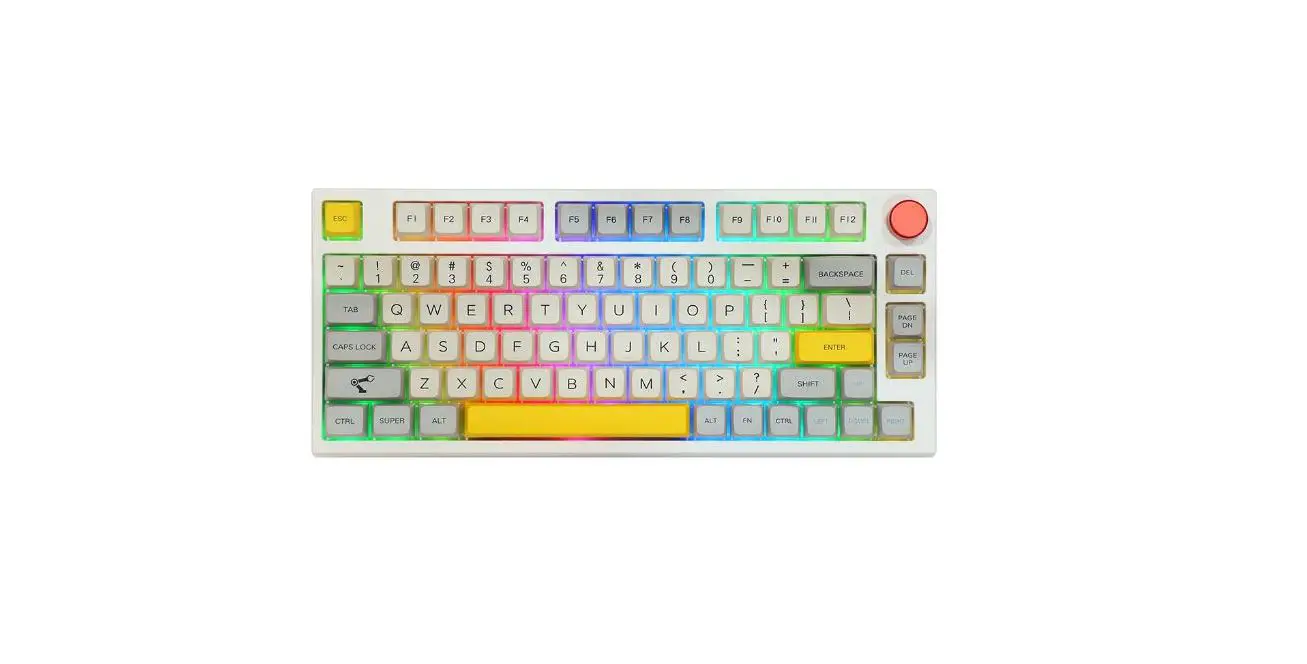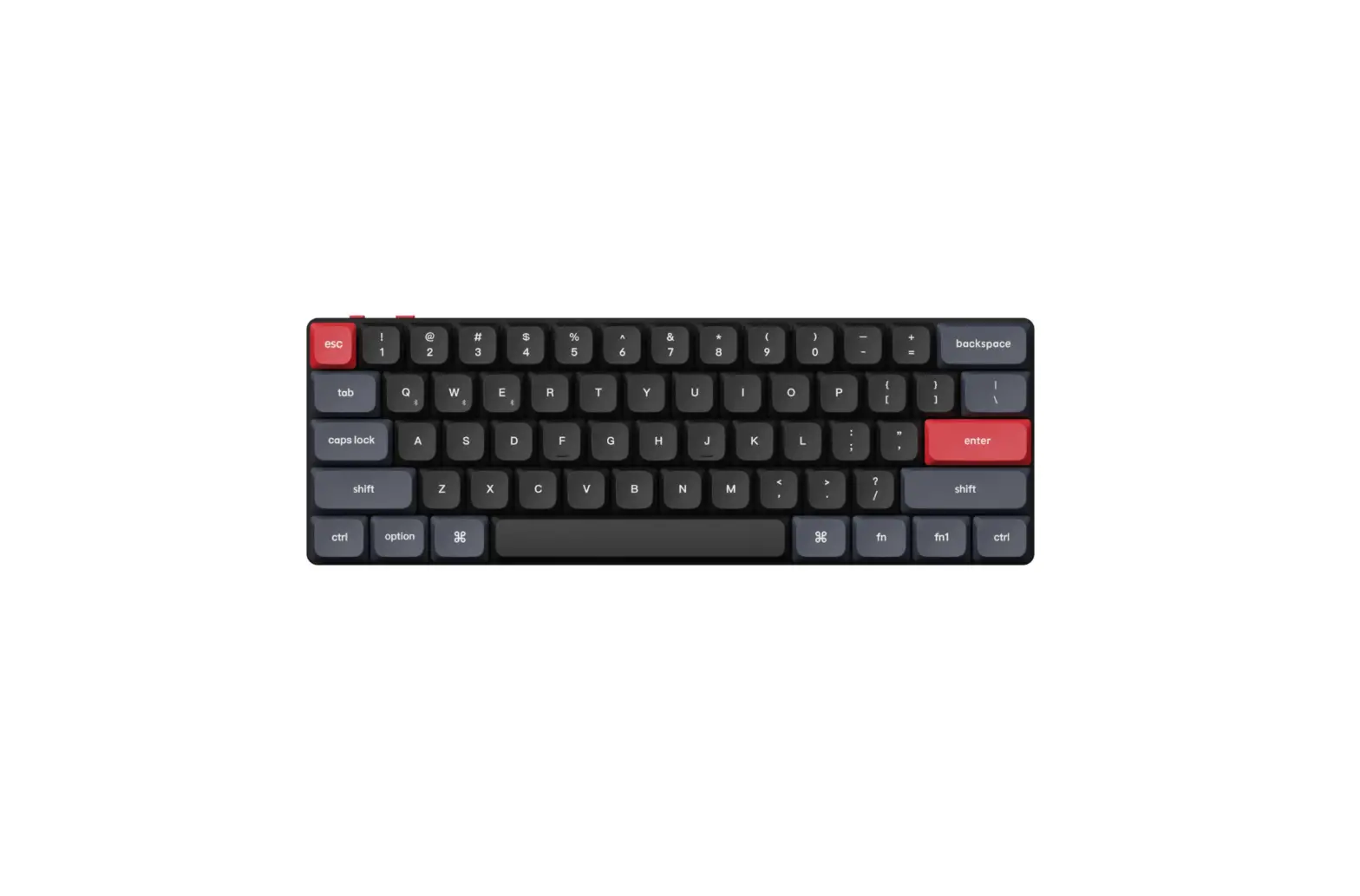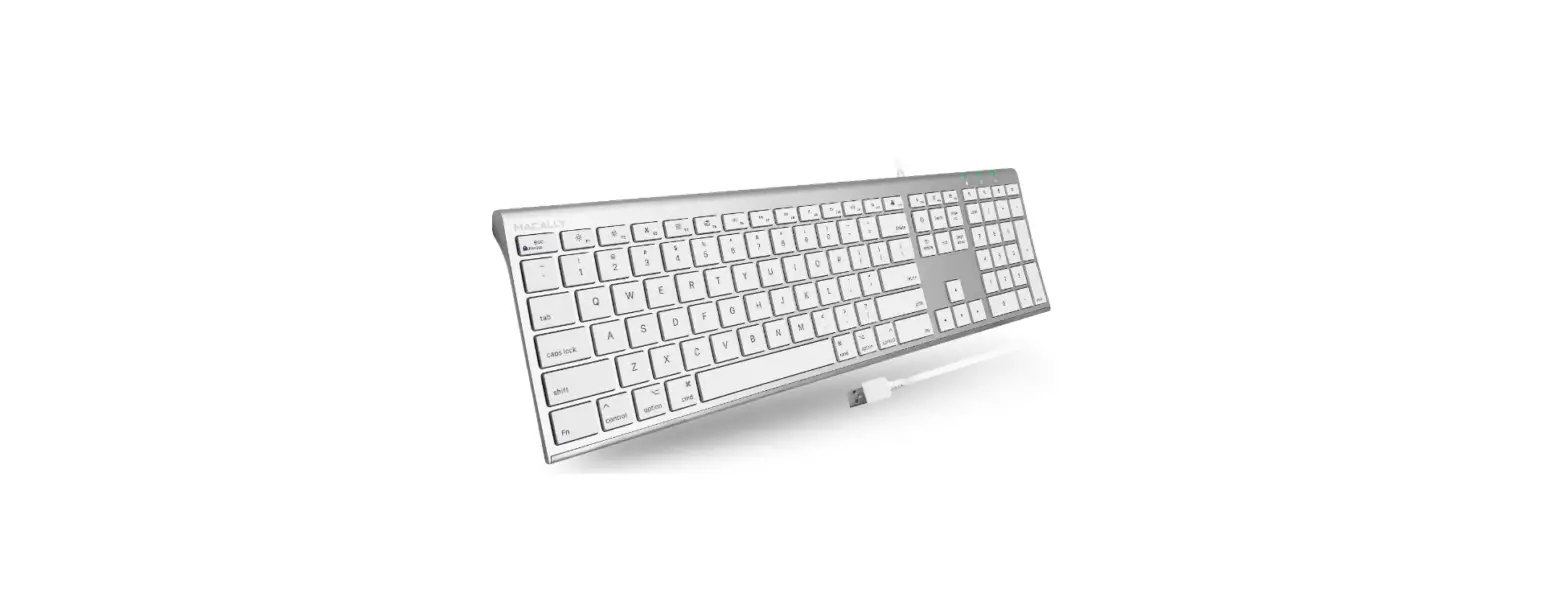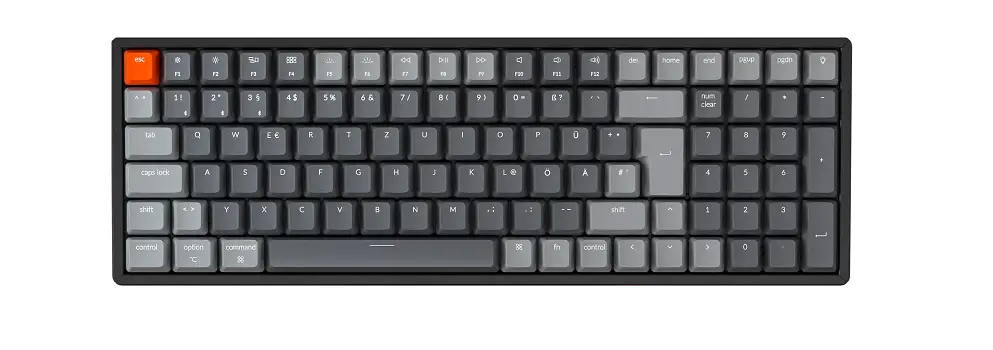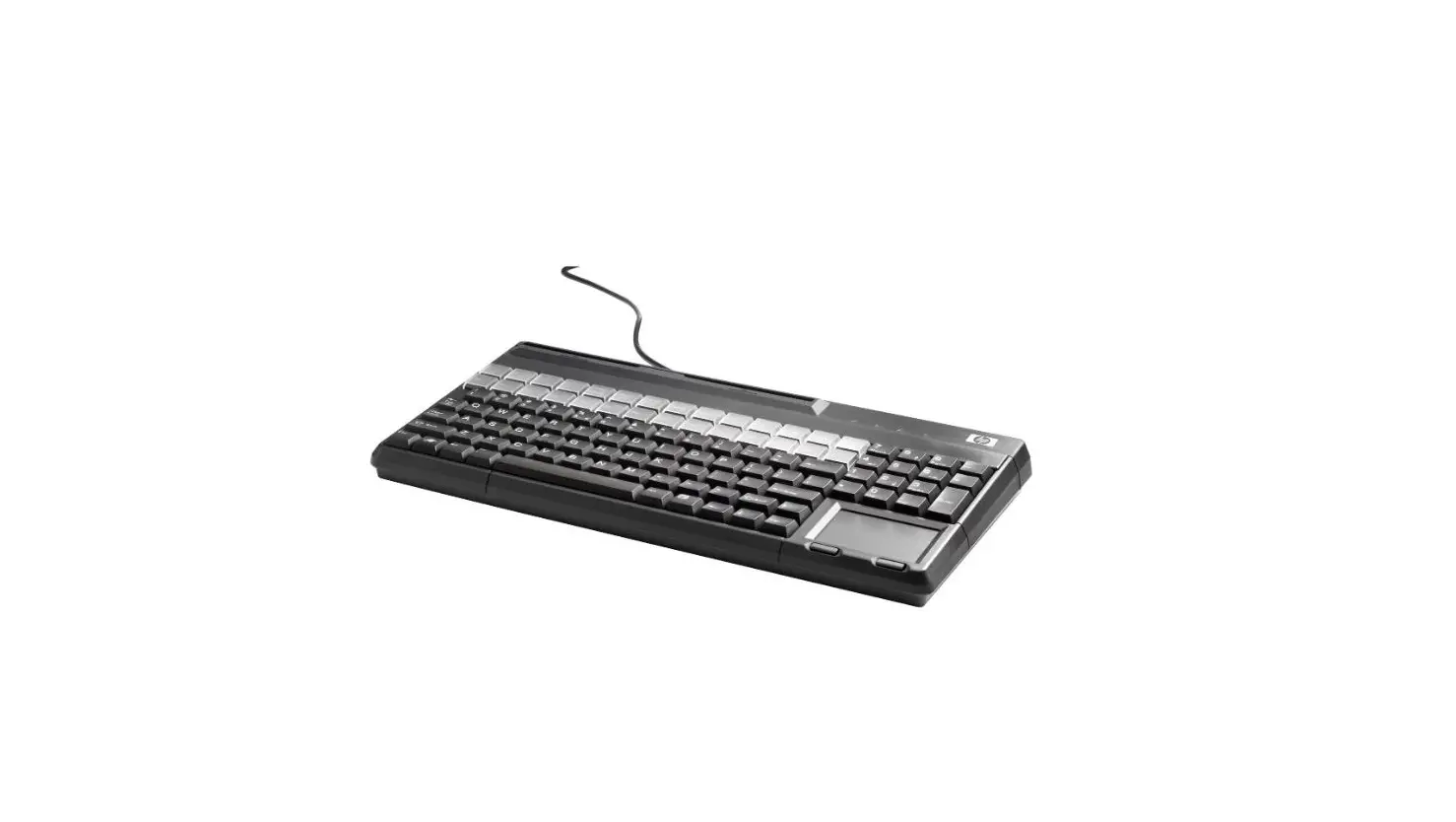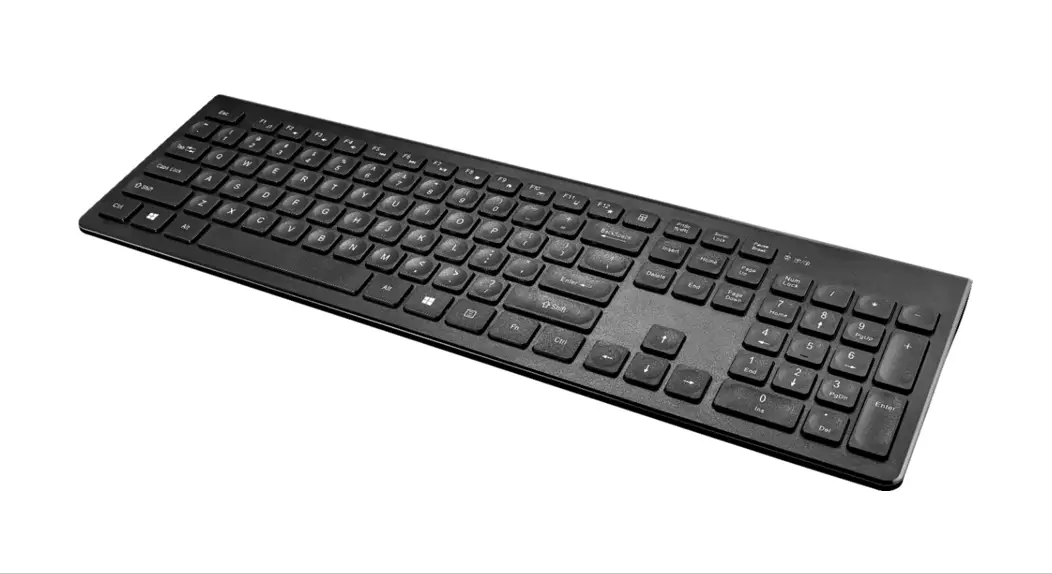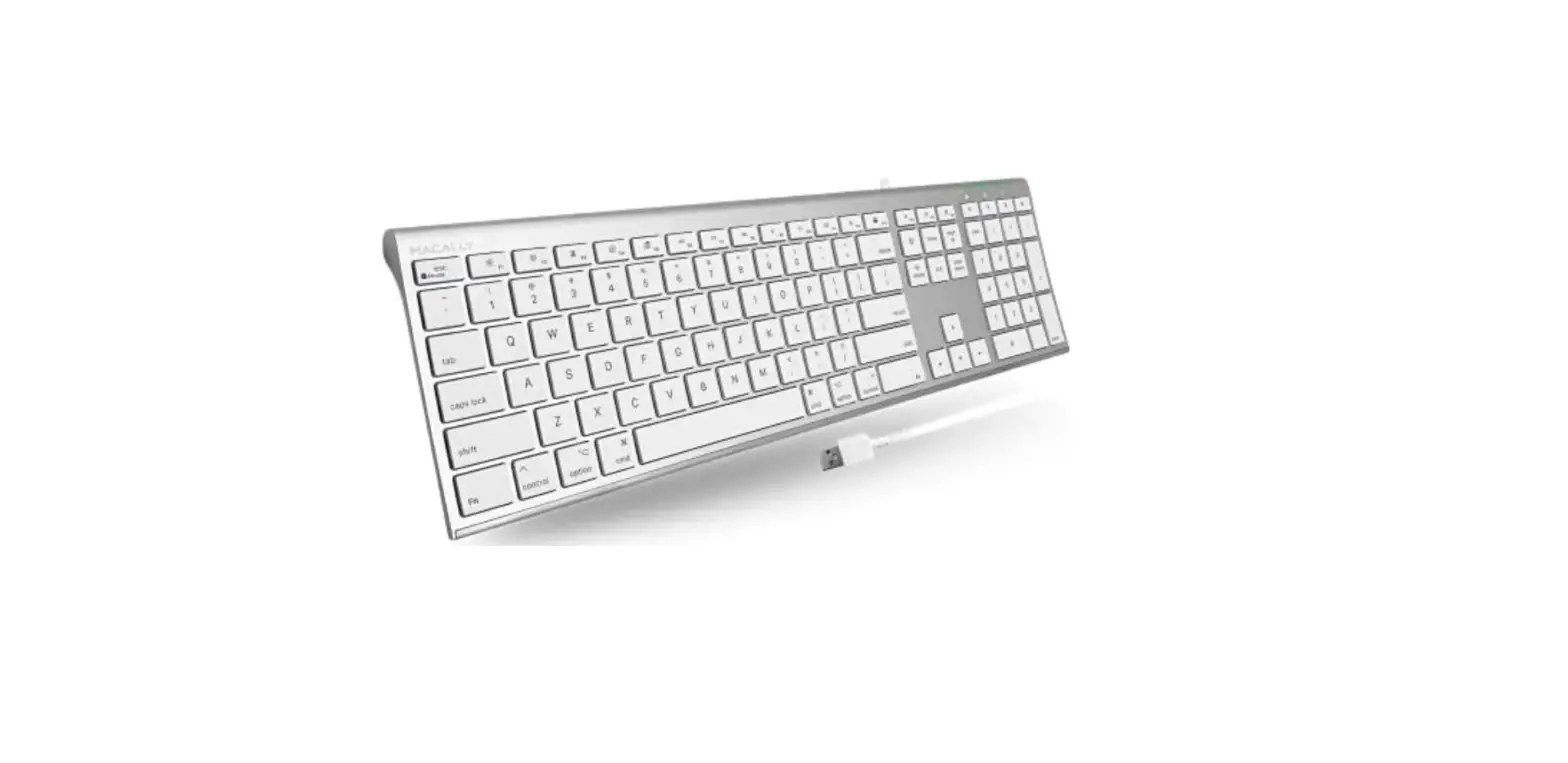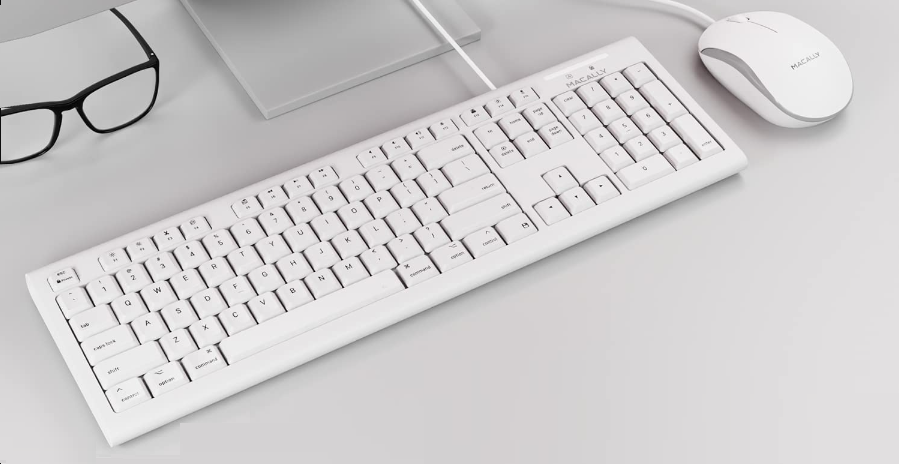

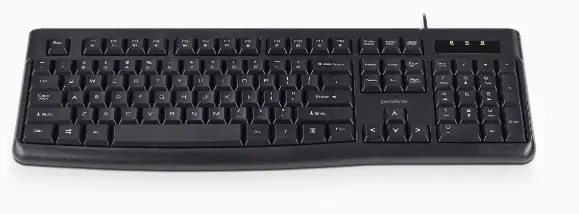
PROLiNK PKCS-1008 USB Keyboard
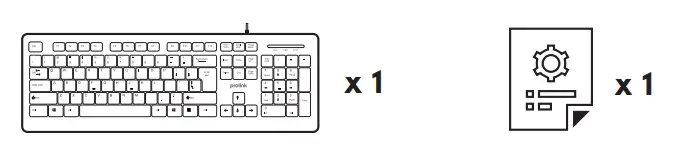
Package Contents

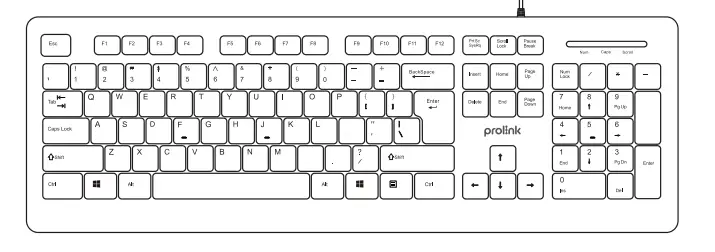
Overview
Using the Device
Setting Up Your Keyboard
To set up your keyboard, simply plug the USB cable from your Prolink keyboard into an available USB port on your computer
Note:
If no response from the keyboard, please try inserting into another USB port of your computer
- Try to avoid contact with strongly medicated hand creams/sanitizers whilst using the keyboard.
- Do not immerse any part of this product in water or other liquid.
- Do not spray liquid on this product or allow excess liquid to drip inside.
- Disconnect this product before cleaning.
Worldwide Customer Care Centers
INDONESIA Office
PT PROLiNK INTIDATA NUSANTARA
Walk-In: Jl. Cideng Barat No. 79, Jakarta Pusat 10150, Indonesia.
Telephone : +62 21 3483 1777
Email Support: [email protected]
MALAYSIA Office
FIDA SYSTEMS (M) SDN BHD
Walk-In : 29 Jalan USJ 1/31, 47600 Subang Jaya,Selangor Darul Ehsan, Malaysia.
Telephone : +60 3 8024 9151
Email Support: [email protected]
SINGAPORE Office
FIDA INTERNATIONAL (S) PTE LTD
Walk-In: Block 16 Kallang Place #06-02, Kallang Basin Industrial Estate, Singapore 339156.
Telephone : +65 6357 0668
Email Support: [email protected]
Technical Support Hotline
- INDONESIA : +62 21 3483 1717
- MALAYSIA : +60 3 8023 9151
- SINGAPORE : +65 6357 0666
Note: Closed on Saturdays, Sundays and local/regional Public Holidays.
Prolink is a registered trademark of Fida International (S) Pte Ltd. Other brands and product names are trademarks or registered trademarks of their respective holders. Product images are purely for illustrative purposes and may defer from the actual product. Specifications are subjected to changes without prior notice. Copyright © 2021 Fida Interna