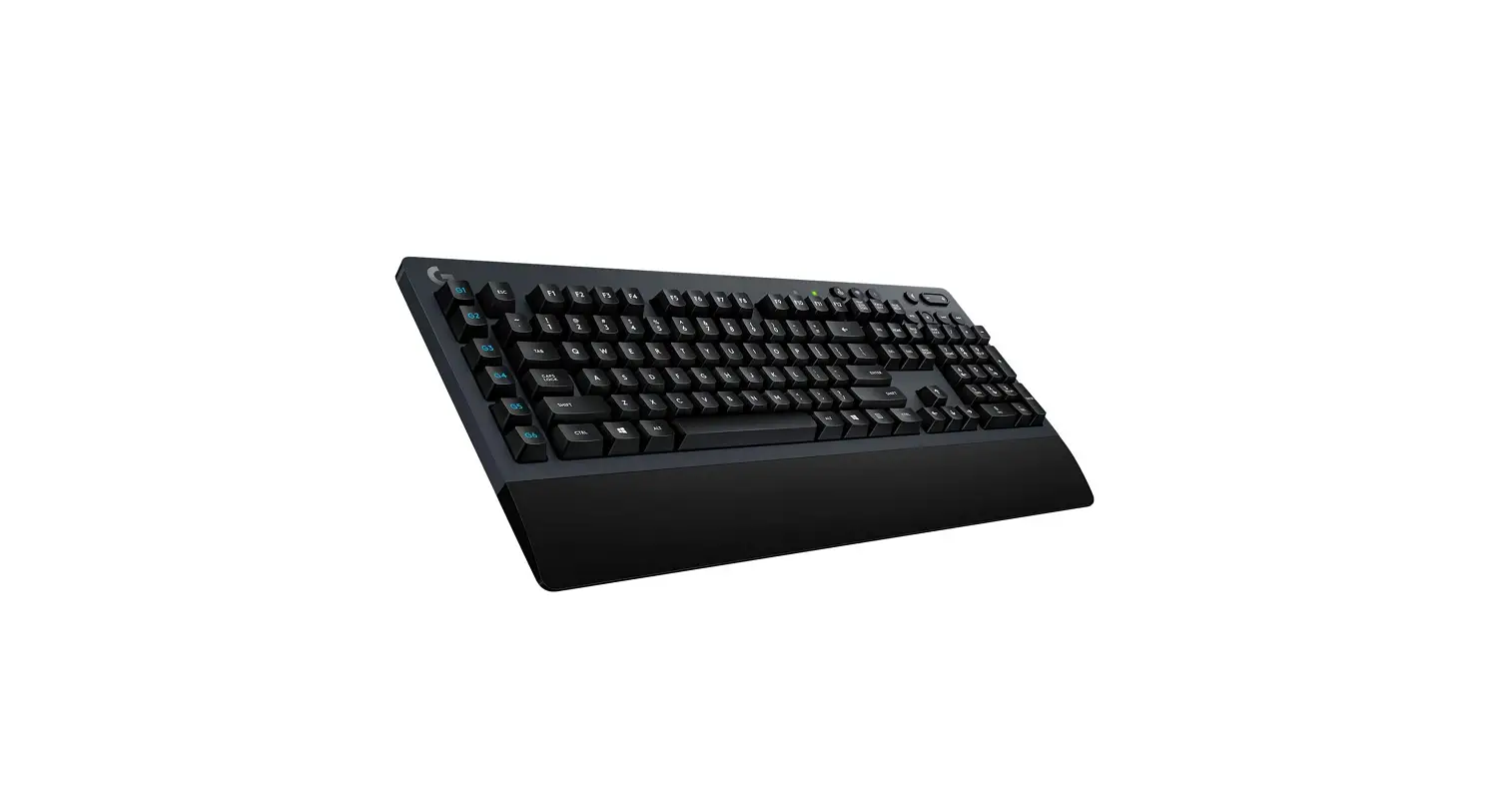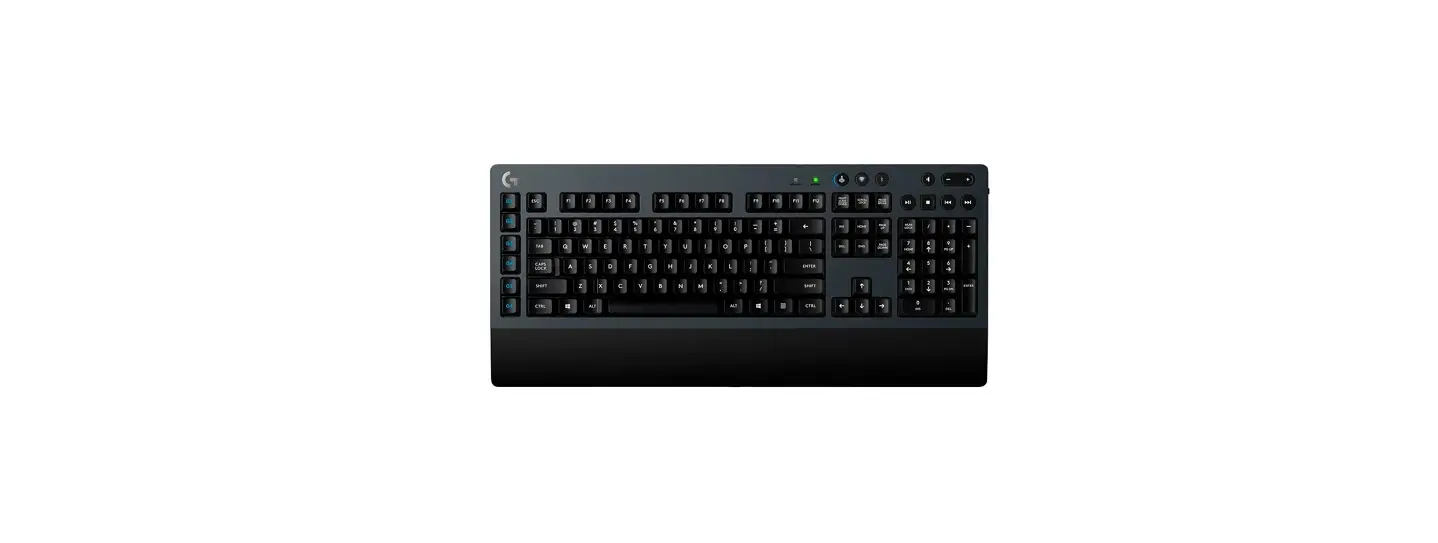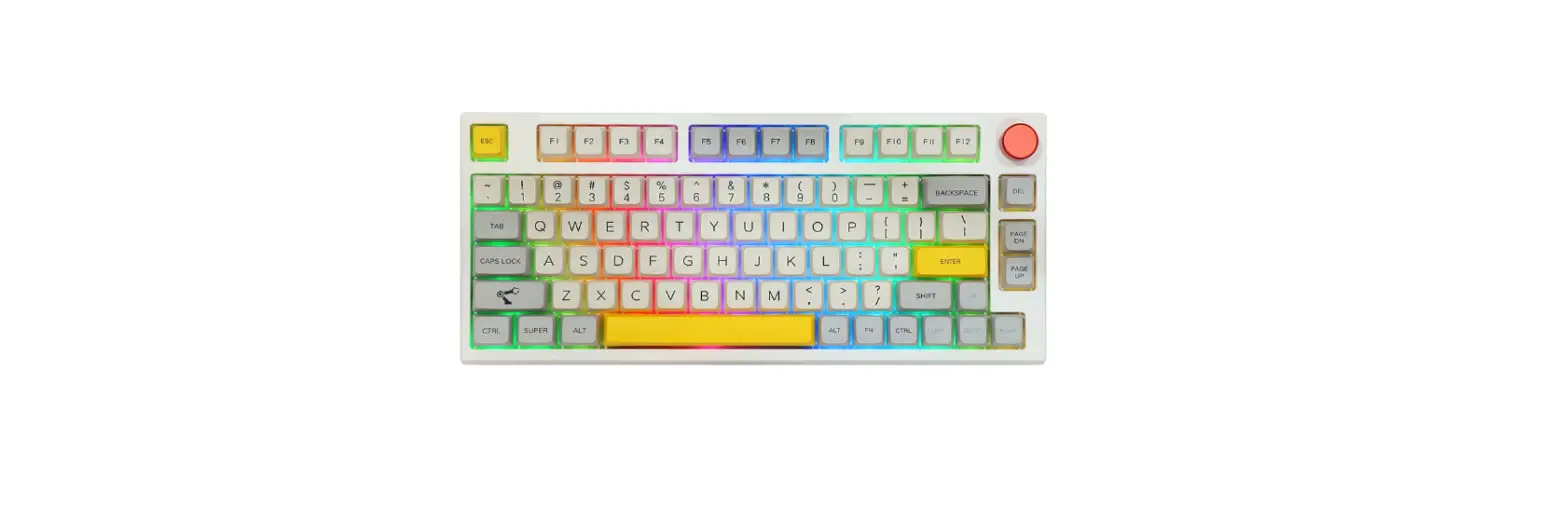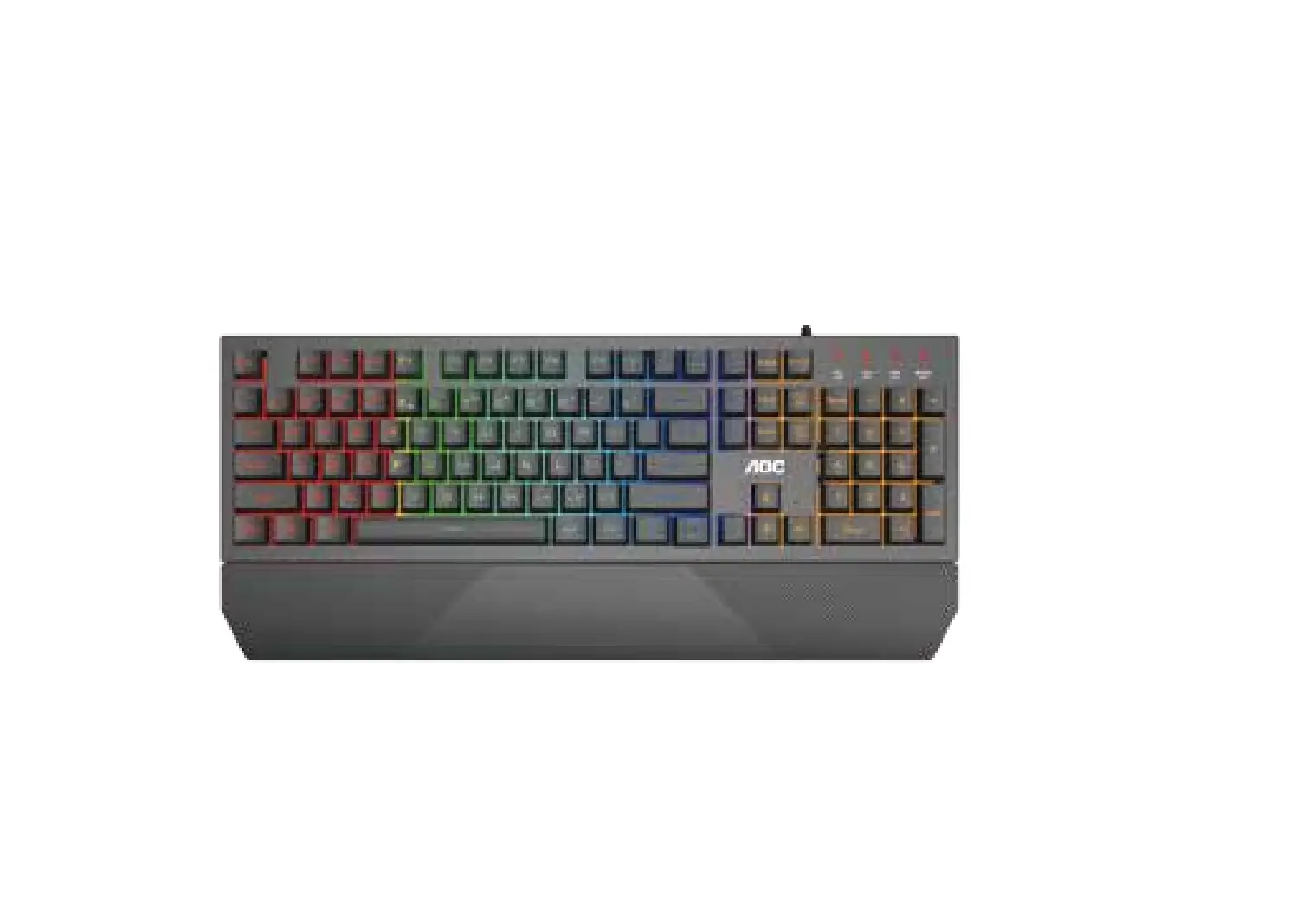

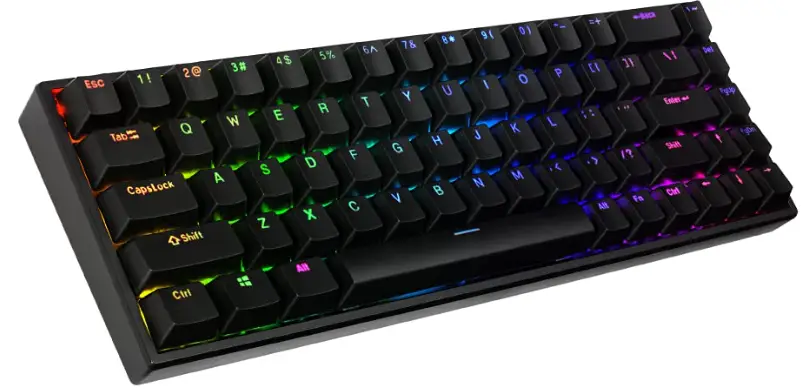
prolink GK-6002MS Mechanical Gaming Keyboard
Package Contents
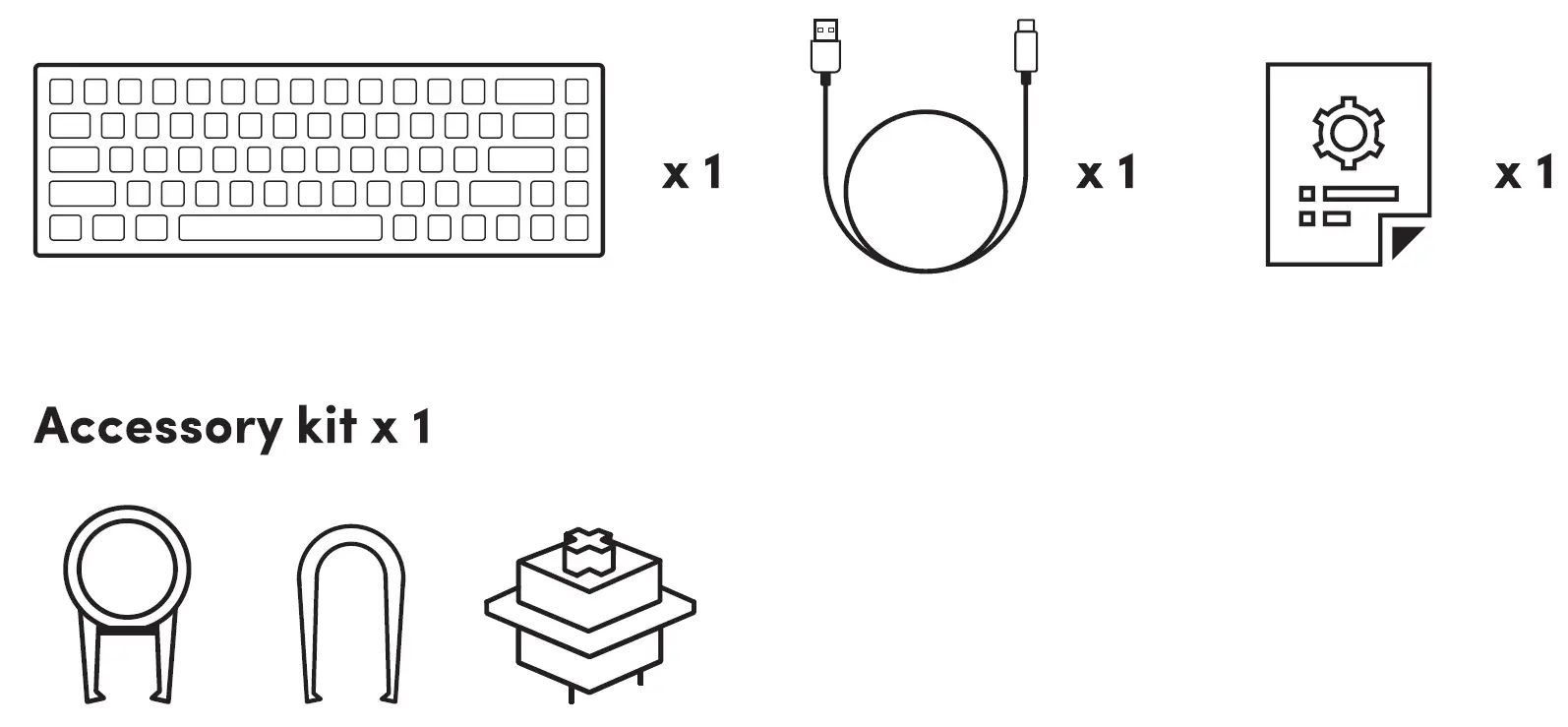
- Applicable for GK-6002MS hot-swap version only
Overview
Side View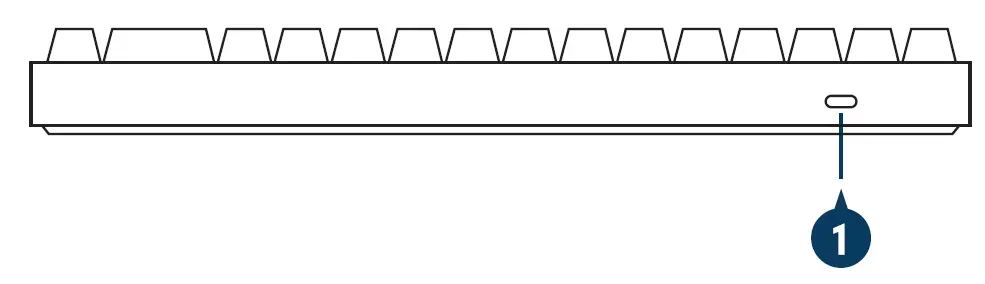 Botom View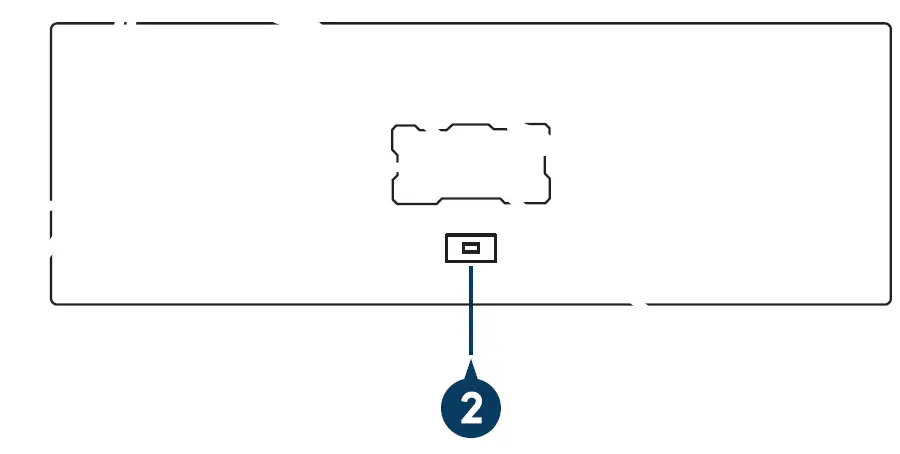
- USB-C port
- LED on/off switch
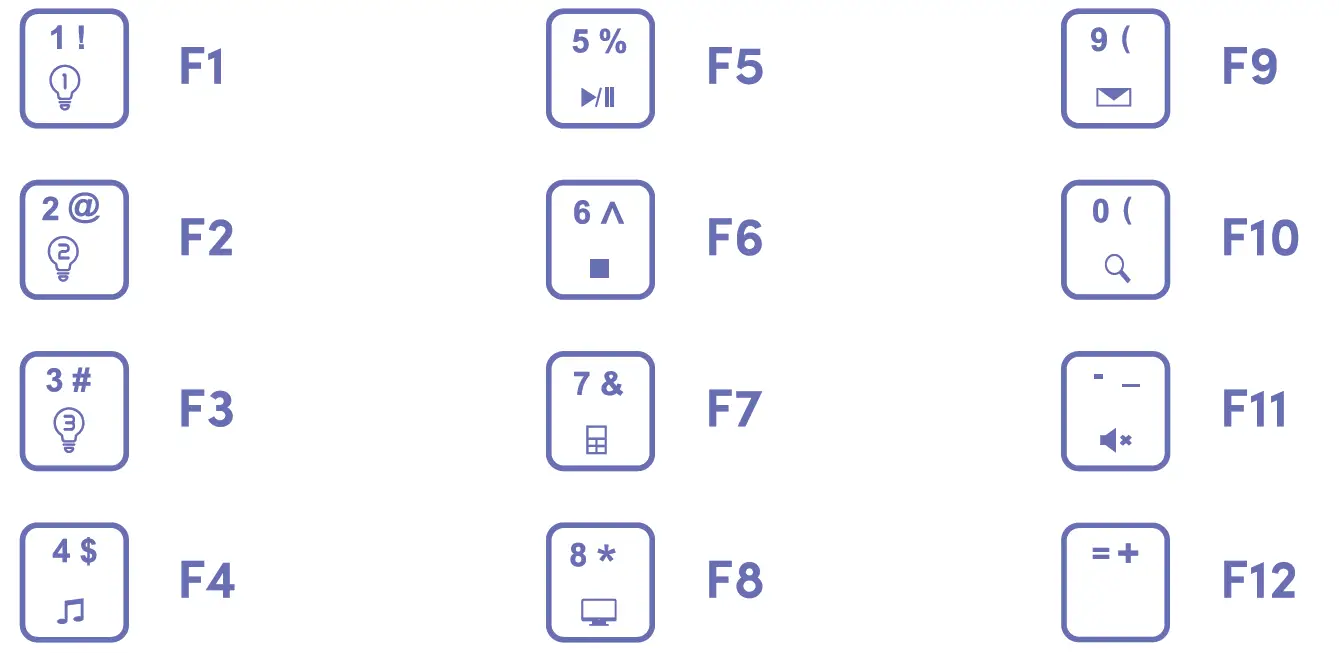
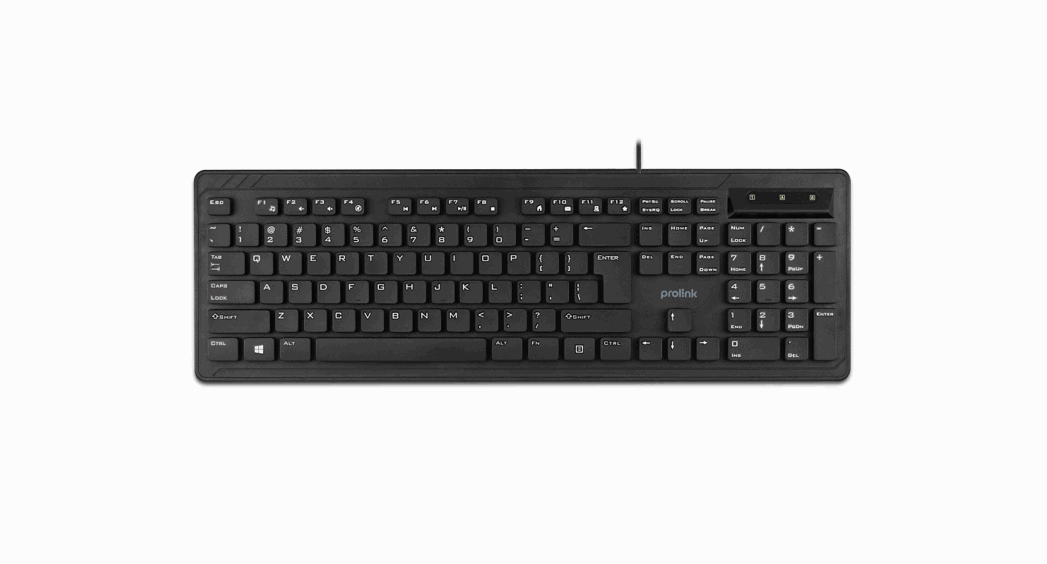
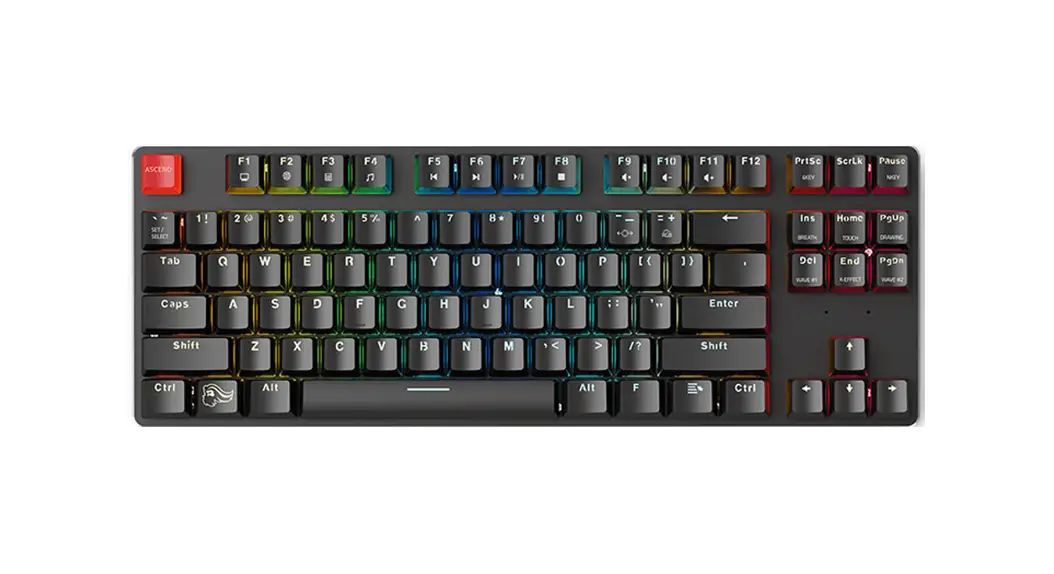
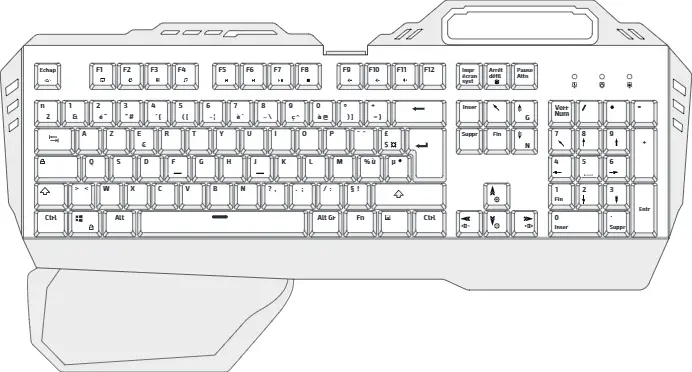
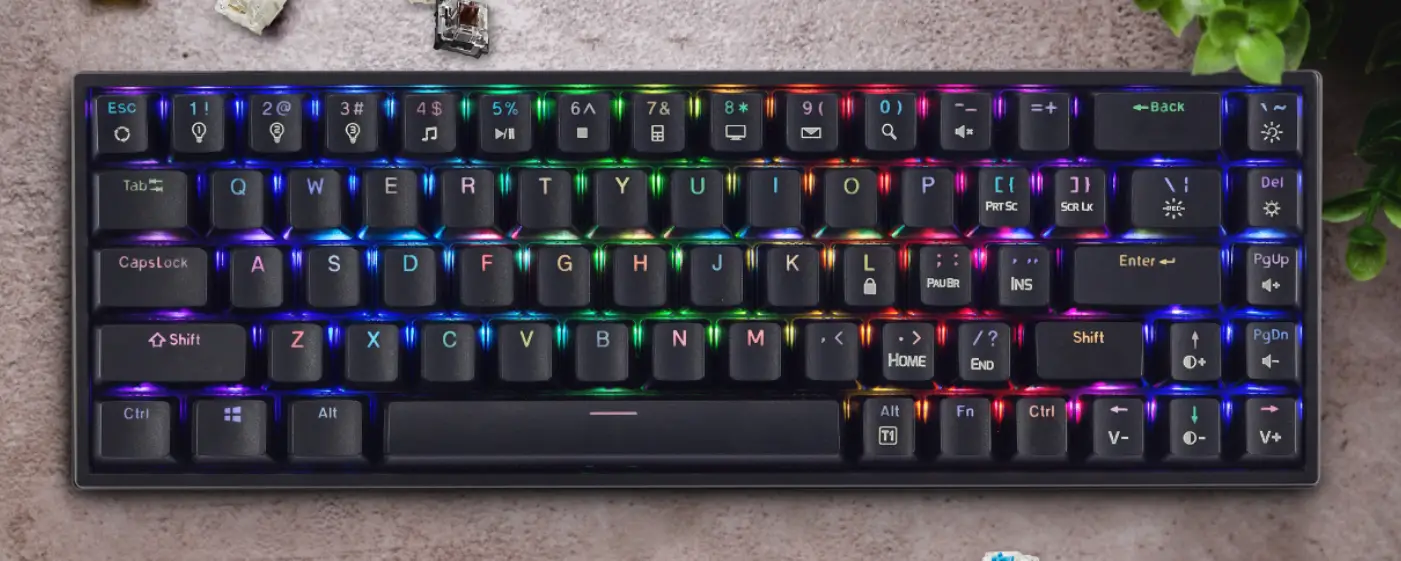
Front View F n shortcuts
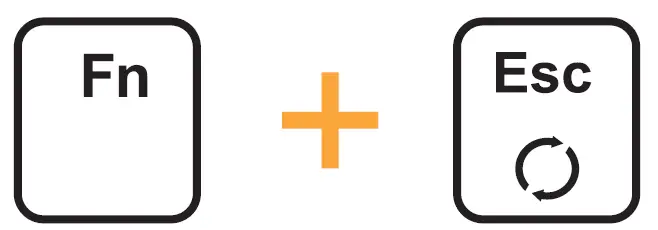
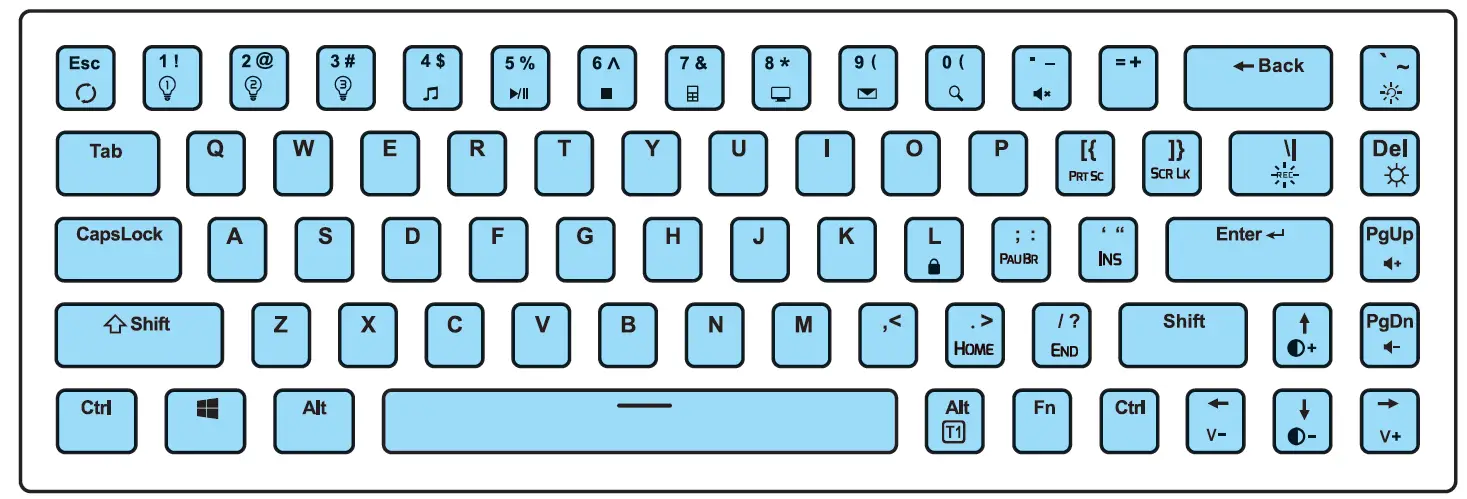
 - Fn + (ESC) Restore factory default (press and hold for 3 – 5 seconds)
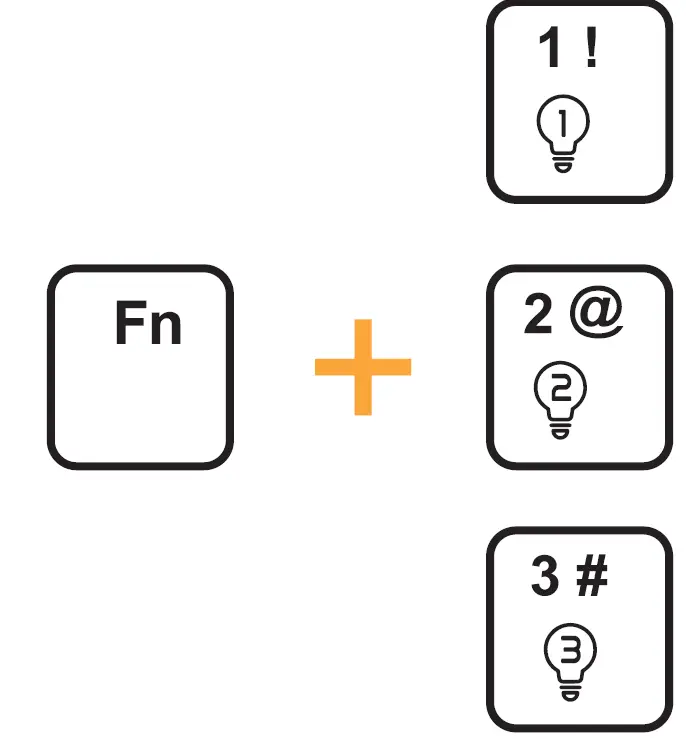
- Fn + (1 – 3) Lighting profile 1 – 3
- Fn + (4) Media player
- Fn + (5) Play/ Pause
- Fn + (6) Stop
- Fn + (7) Calculator
- Fn + (8) My Computer
- Fn + (9) Mail
- Fn + (0) Search
- Fn +(-_)Mute
- Fn + ([() Print Screen
- Fn + (]}) Scroll Lock
- Fn + (Pg. Up) Increase Volume
- Fn + (Pg. Dn) Decrease Volume
- Fn + (•” ) Insert
- Fn + ( /?) End
- Fn + ( ;: ) Pause Break
- Fn + ( .> ) Home
- Fn + ( L ) Lock/ unlock the keyboard (press and hold for 3 – 5 seconds). L Key will light up in White to indicate that keyboard is locked
- Fn + (Win) Win lock
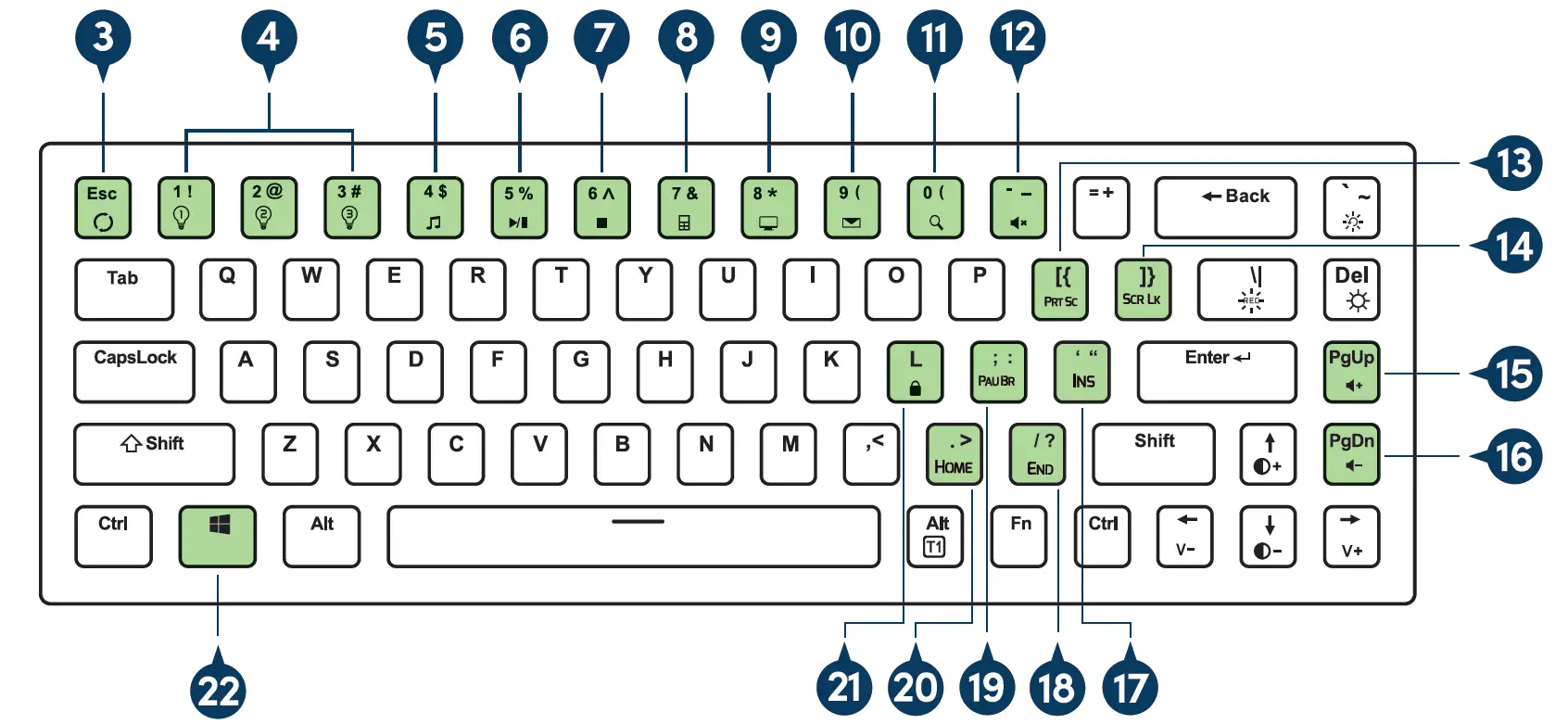 F n shortcuts
Features
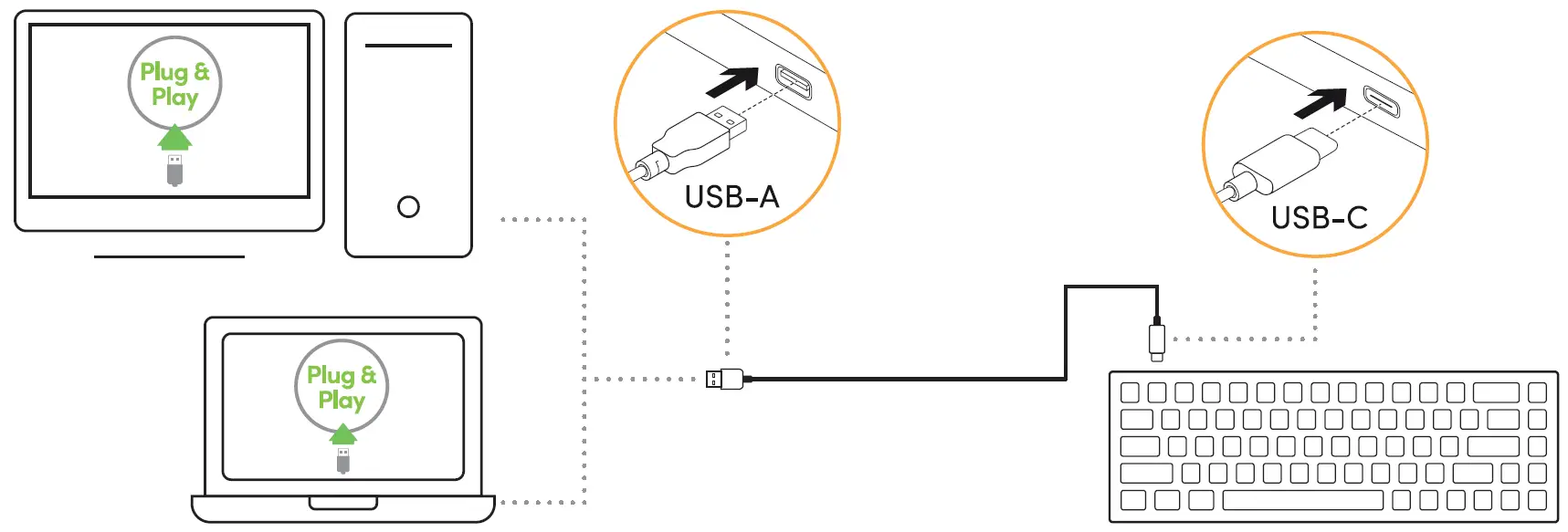
- Plug & play
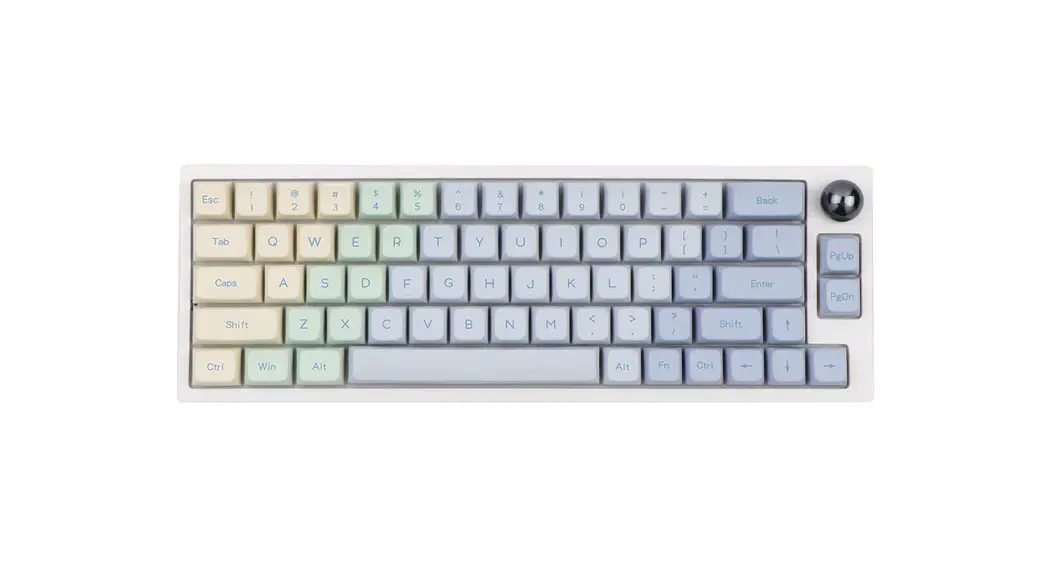
- 68 keys space-saving design
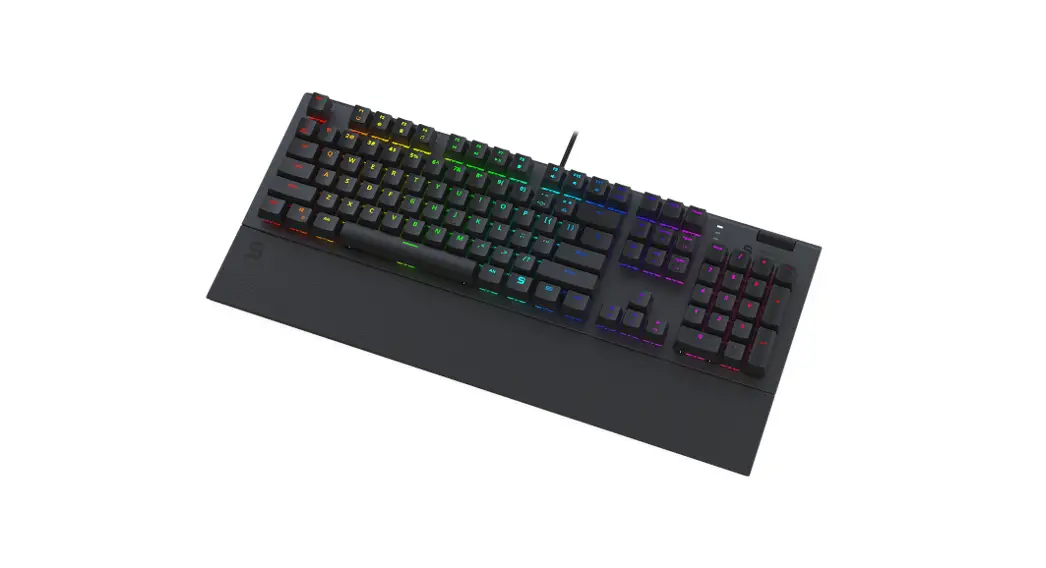
- RGB backlighting
- 12 preset lighting effects
- 3 customizable lighting profiles
- Outemu switches
- Detachable 1.75m USB-A to C braided cable
- Full N-key rollover (68 anti-ghosting keys)
- Durable double-injection keycaps
- 50 million keystrokes
- Windows lock function
Hardware Installation
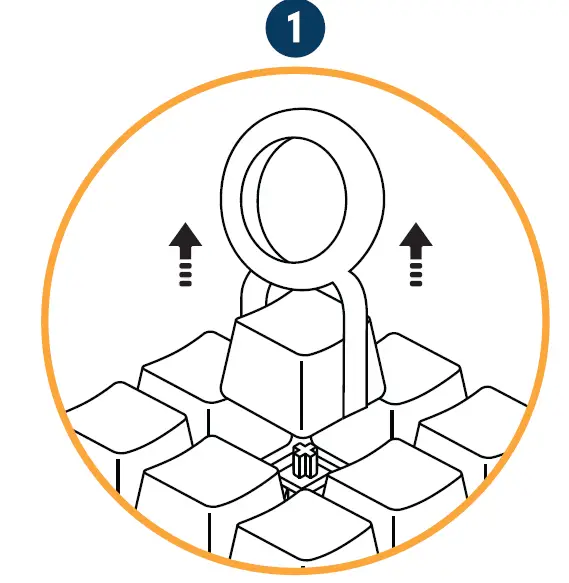
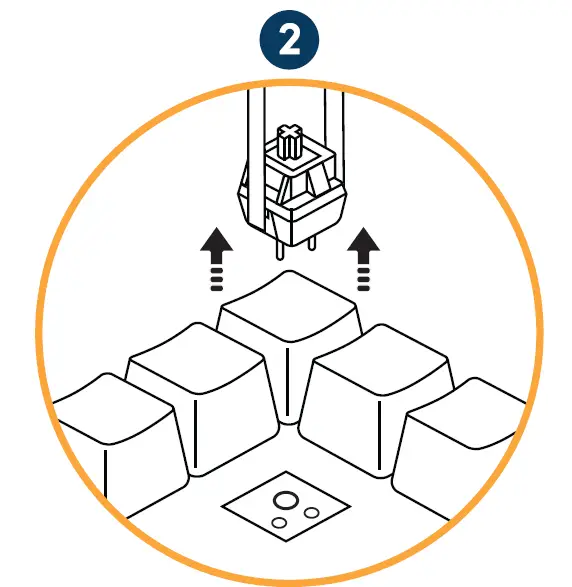
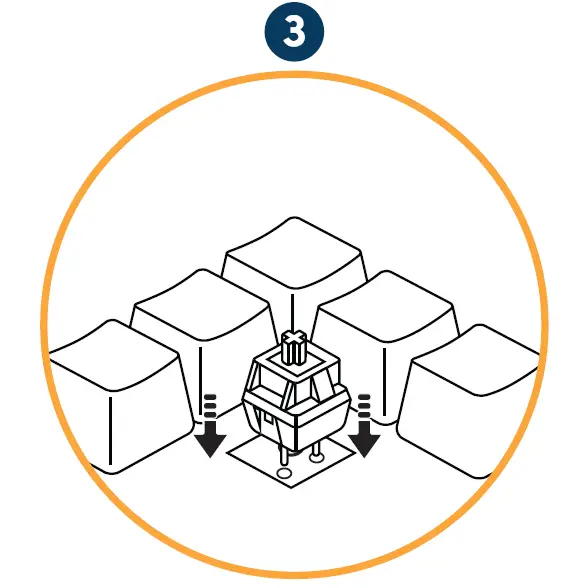
How to change the mechanical switch
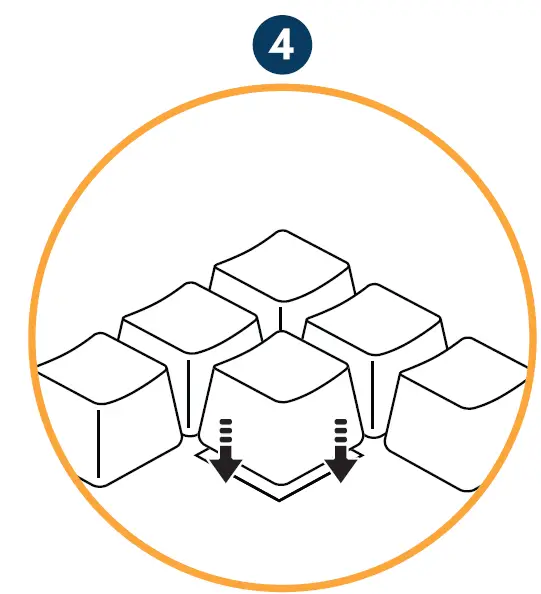
- Use the keycap puller to detach the keycaps

- Place the switch puller on the tiny tabs of each switch. Squeeze the switch puller to press the tabs in, allowing you to pull the switch up to remove it from the keyboard

- Ensure the two copper pins of the switch are straightened before inserting into each slot. Align switch with the respective slots and push in gently

- Check if each switch is properly secured before reattaching the keycap

LED Illumination (Keyboard)
- On/Off LED
Switch on/ off RGB lighting
- Toggle between 12 preset lighting effects
Basic Glow, Snake, Touch to Glow, RGB Spectrum, Linear, Rainbow Wave, Strobe, Waterfall, Ripple, Inwards Wave, Mystical and Static
- Toggle between 7 LED colours
Turquoise, Red, Green, Blue, Pink, Yellow and White (applicable for single-colour lighting modes only)
- Adjust LED brightness
Increase/ decrease lighting intensity
- Adjust backlight speed
Increase/ decrease dynamic lighting movement





Customize lighting profiles
Design up to 3 sets of static lighting profiles.
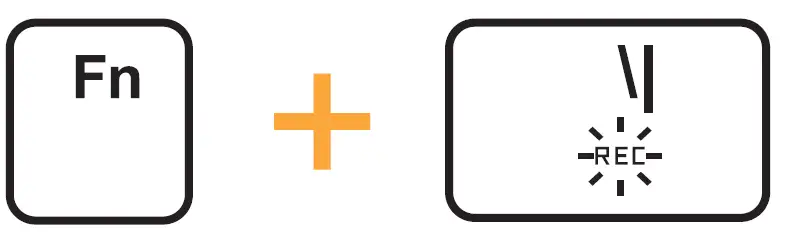
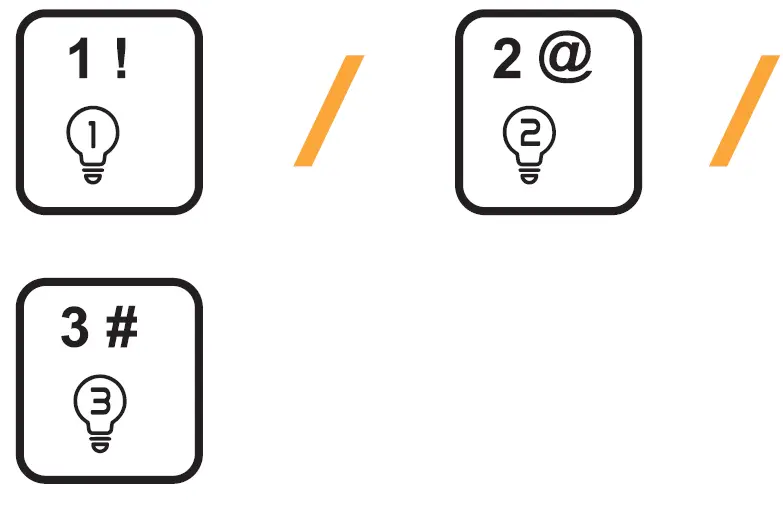
- Start creating by clicking on Fn + \. Numeric 1, 2 اnd 3 will start flashing

- Select any of the flashing Numeric keys to customize desired lighting pattern. Change a key’s colour by tapping repetitively to cycle through the colour spectrum

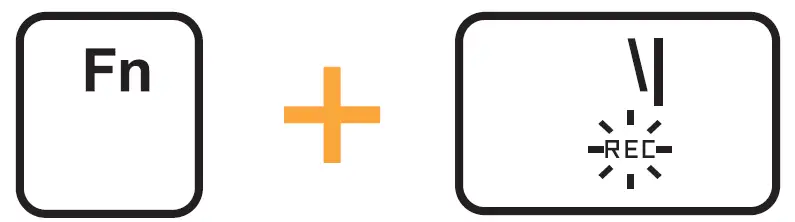
- Save your configuration and exit. Repeat above step to customize other two keys

- Launch your customized lighting profiles 1, 2, or 3

- Press and hold 3 – 5 seconds to restore factory default

Anti-Ghosting Keys
- N-key rollover (NKRO) enables each keypress to be correctly detected, regardless of the number of keys being pressed simultaneously.
- This prevents “ghosting”, where certain keystrokes may not be registered when two or more keys are pressed together.

Key Mapping
Transcoding-1
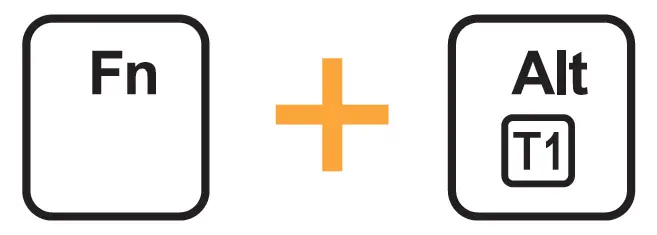
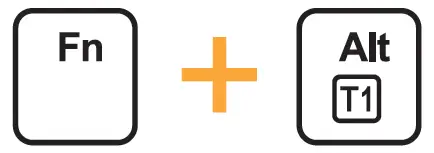
- To activate
Press and hold for 3 – 5 seconds. Alt key will light up in White

- To deactivate
Press and hold for 3 – 5 seconds. LED of Alt key will return to the current lighting effect