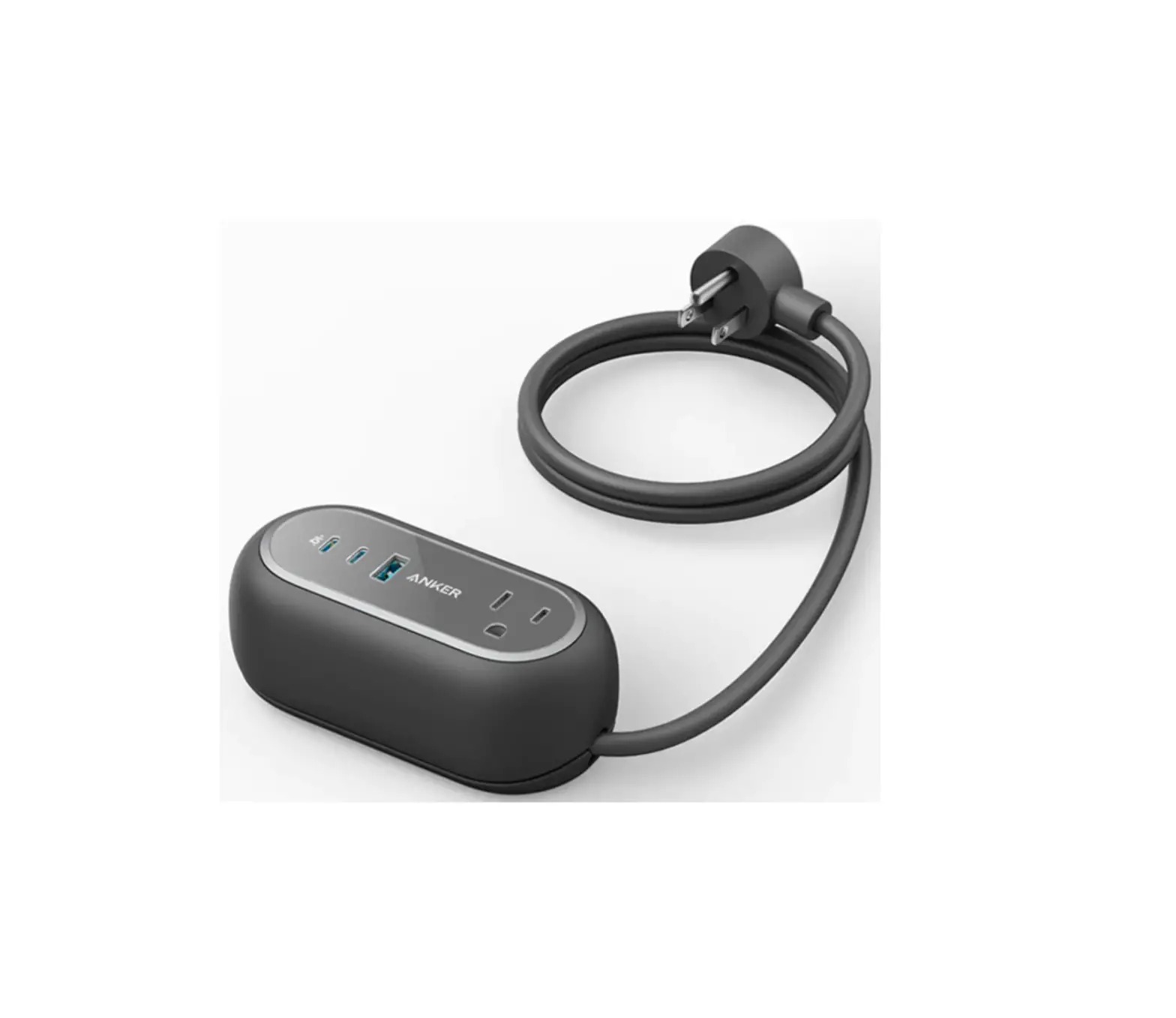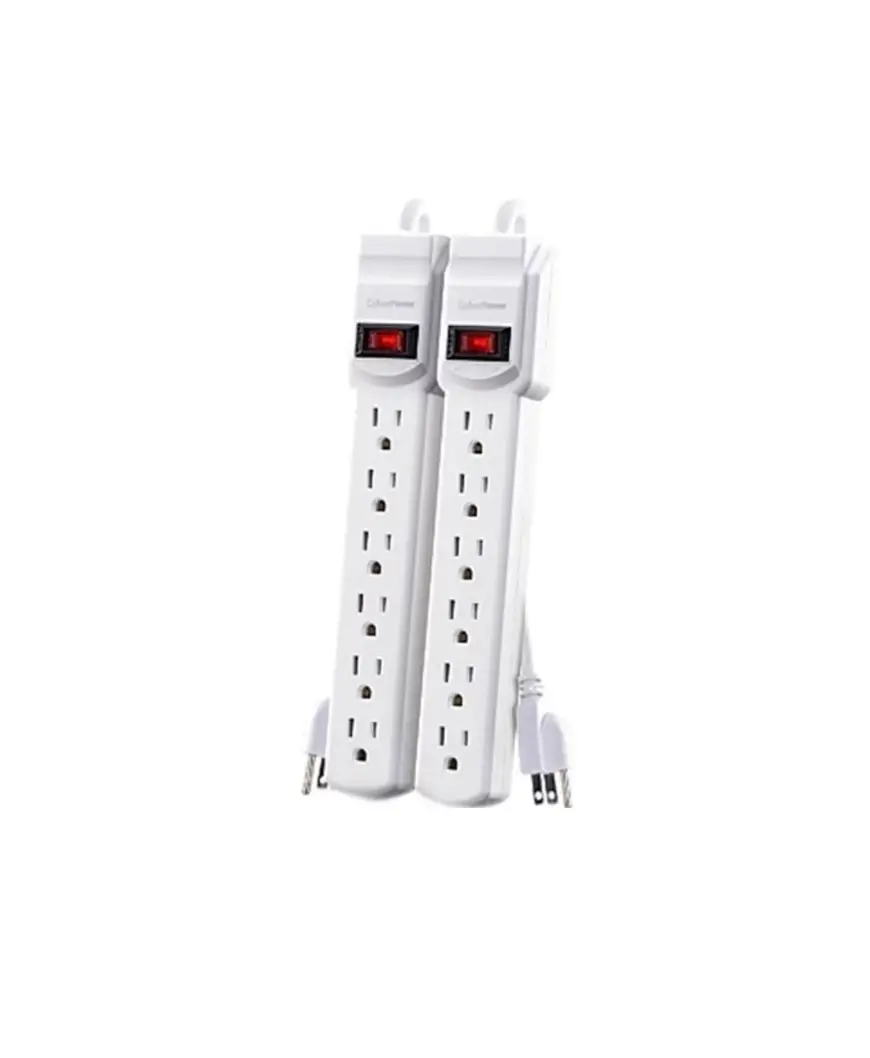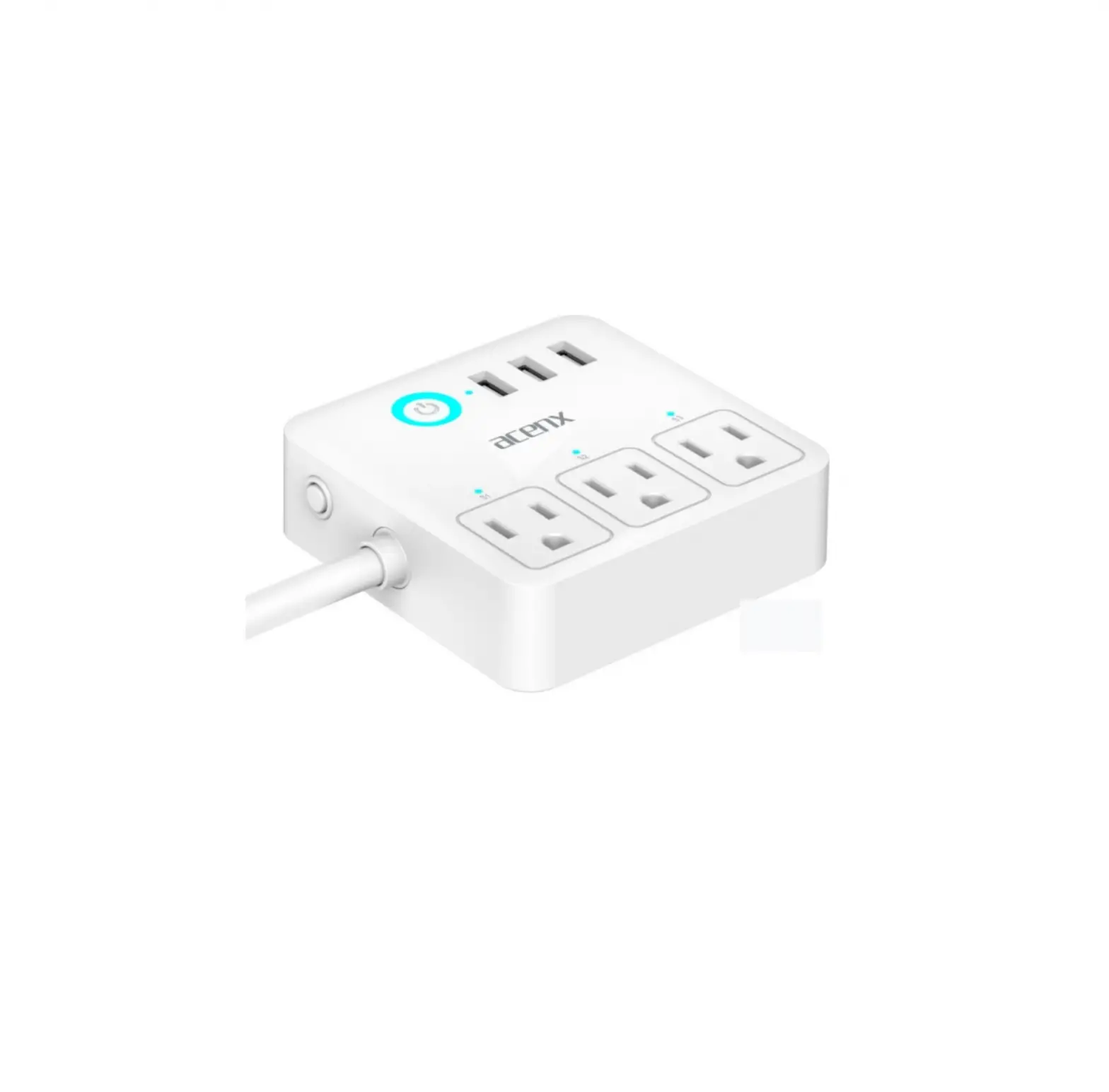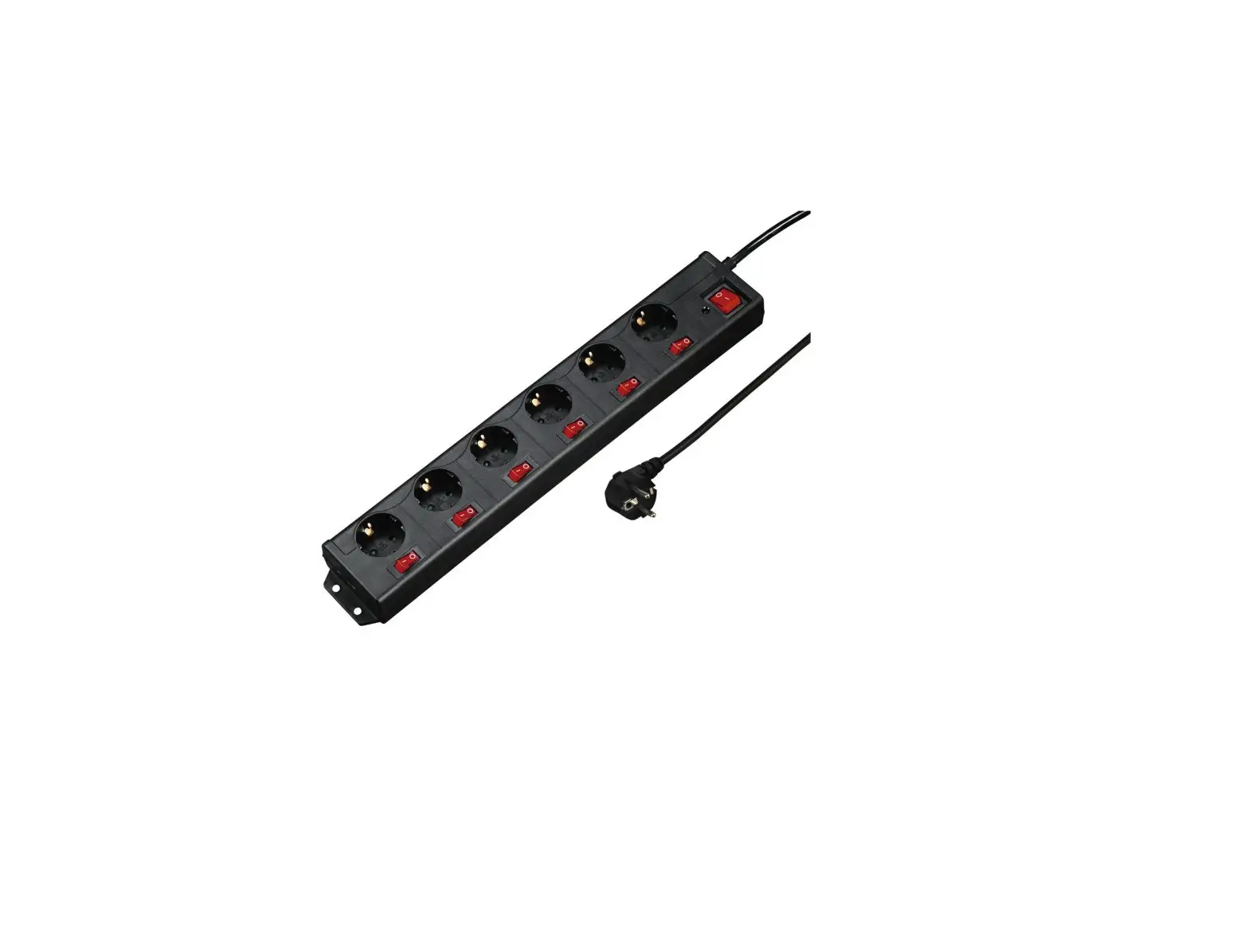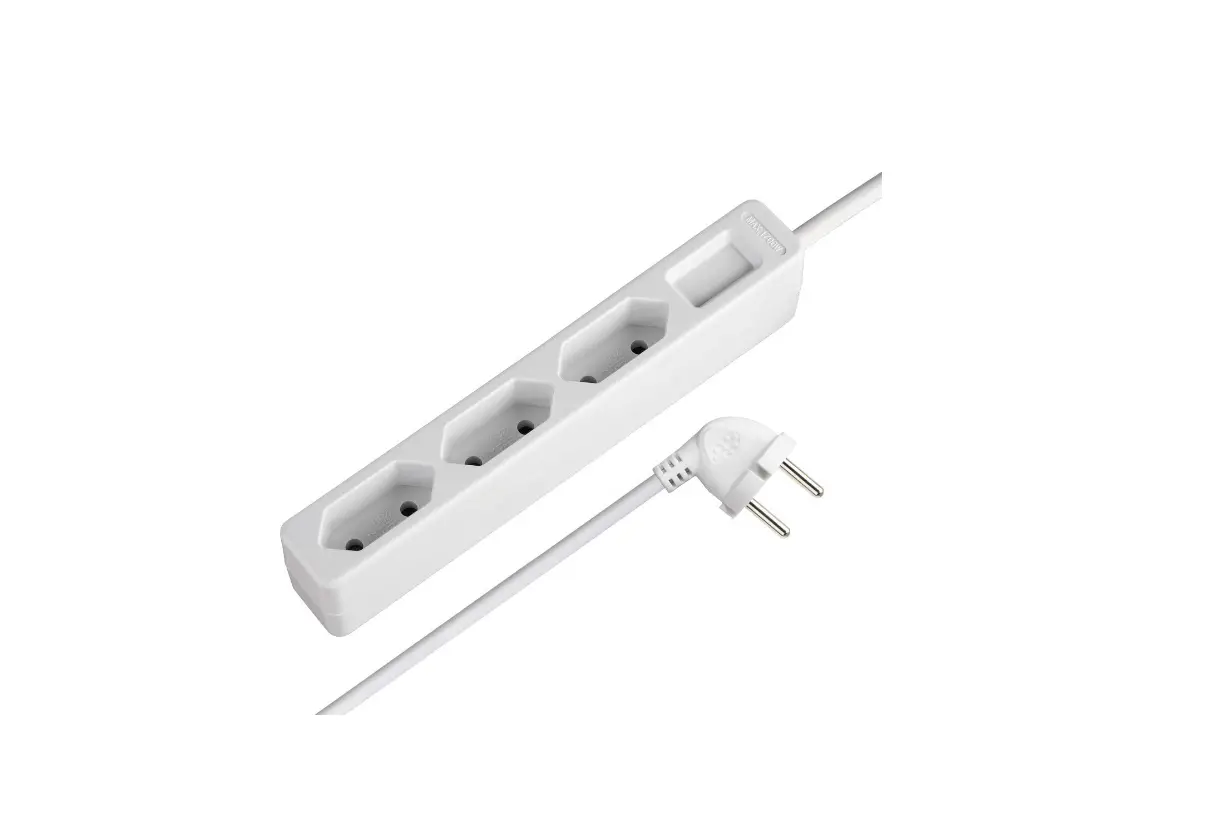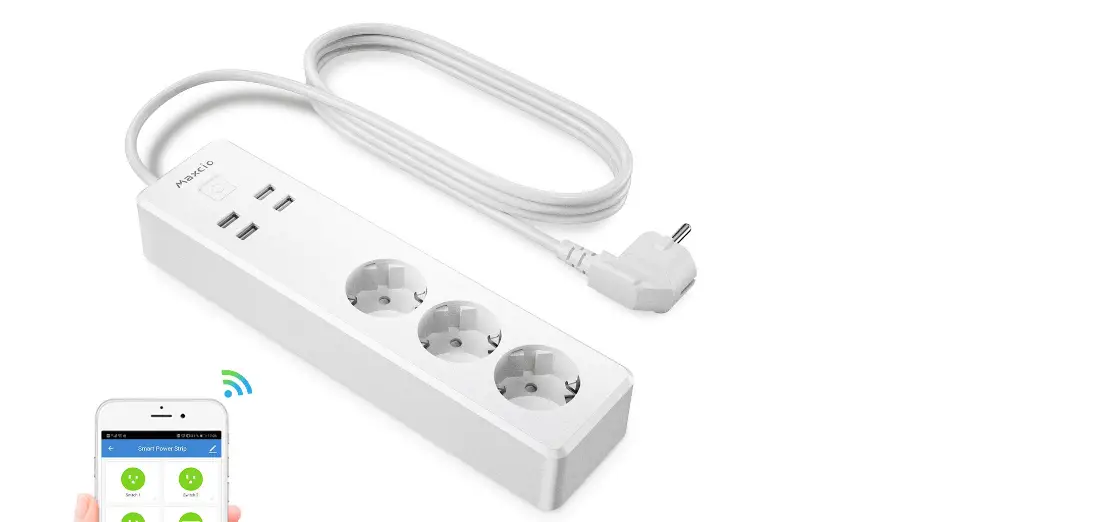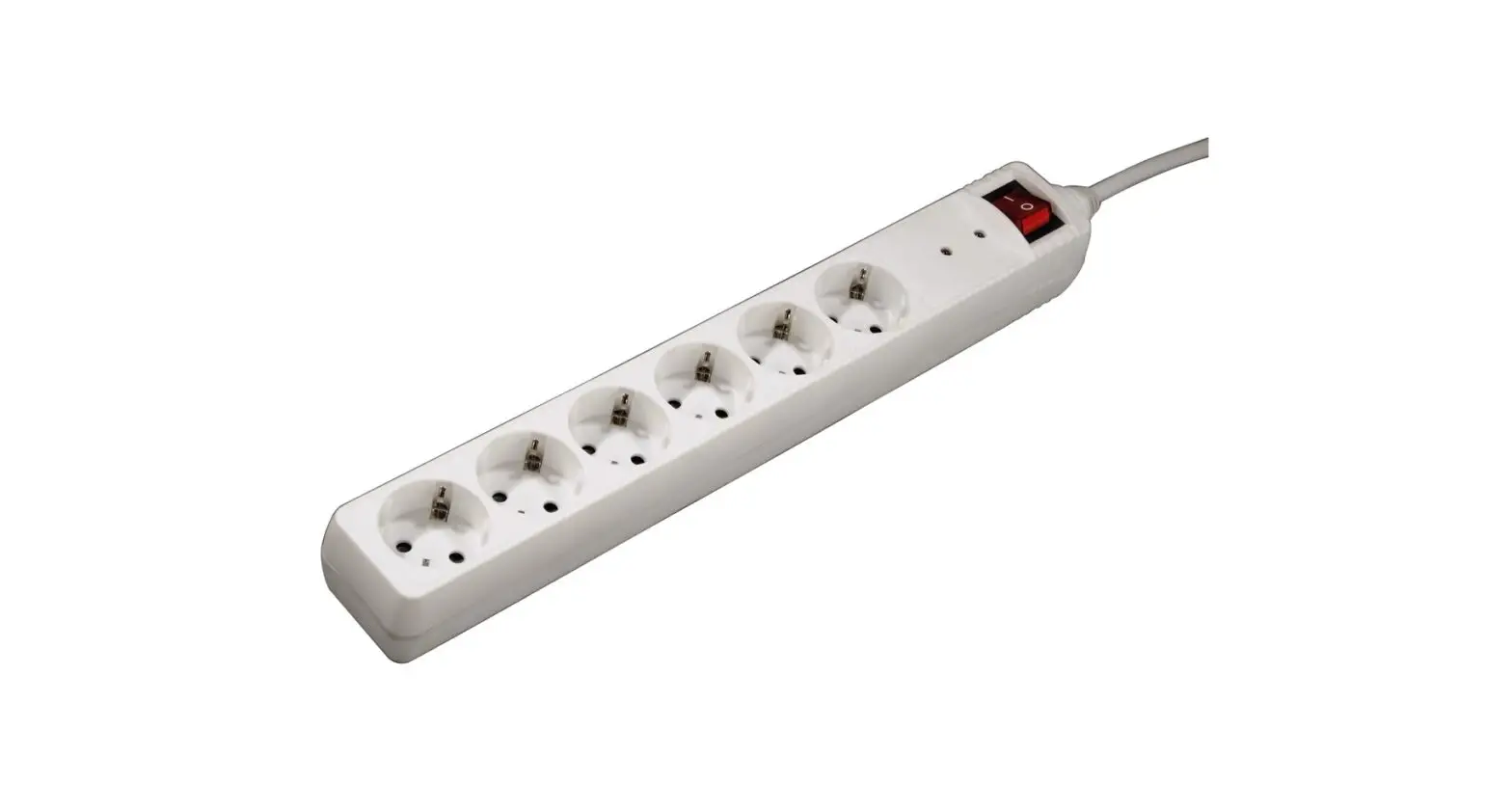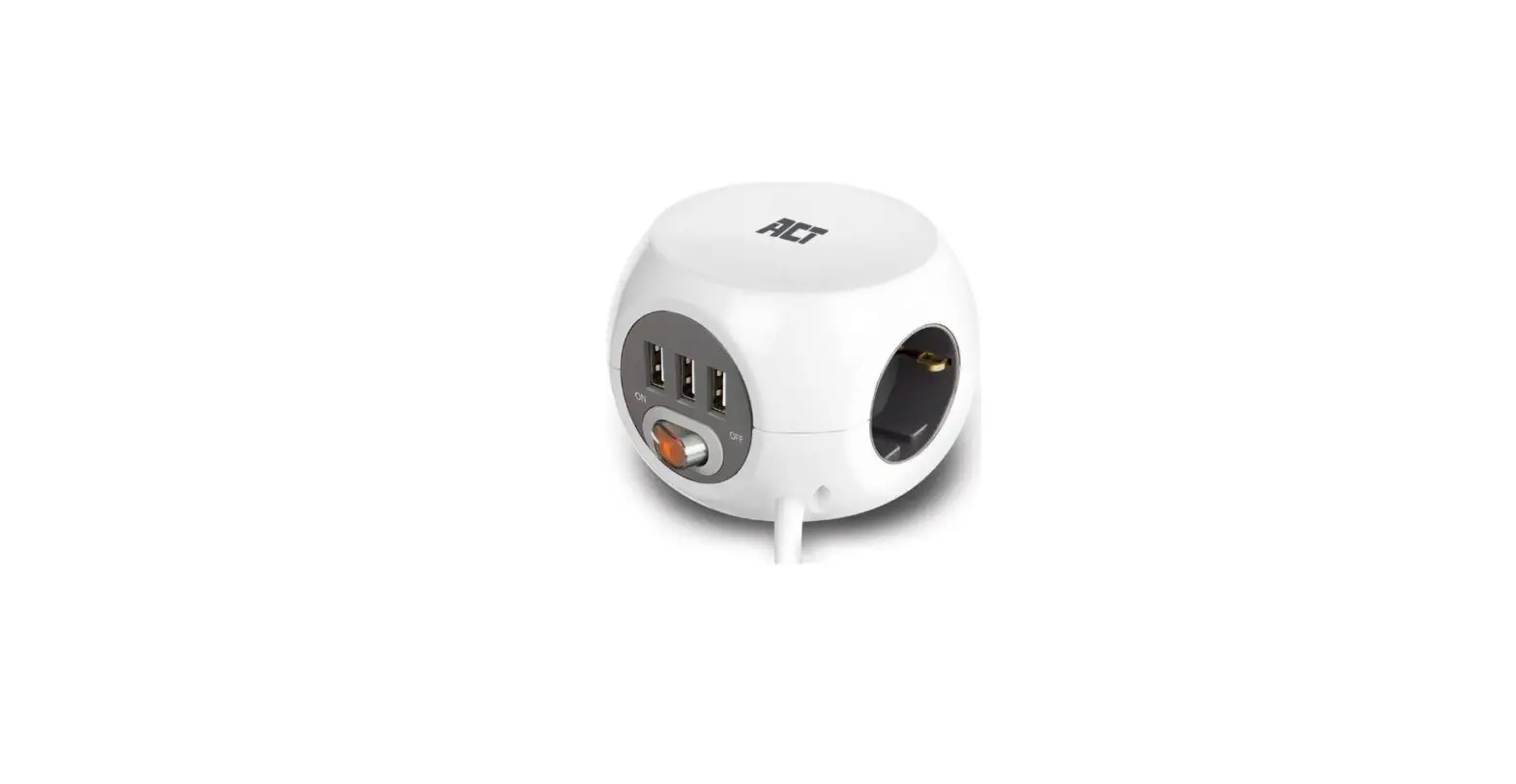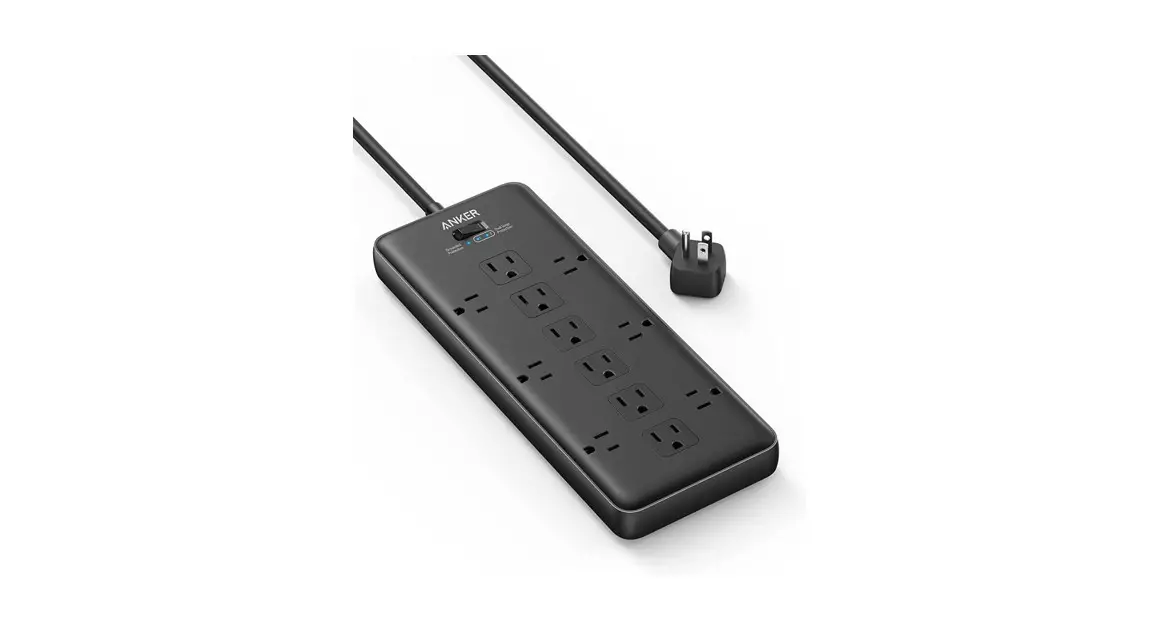

PowerExtend 12 Strip
Overview
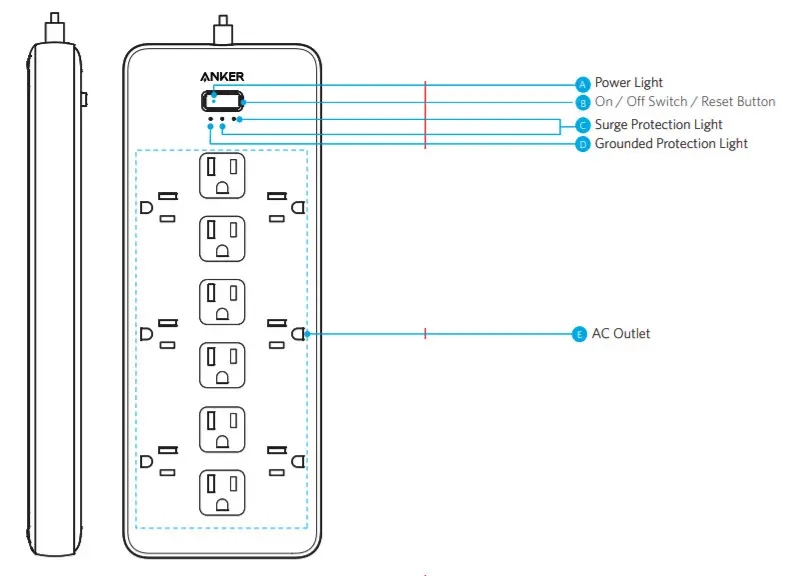
Using Your PowerExtend Strip
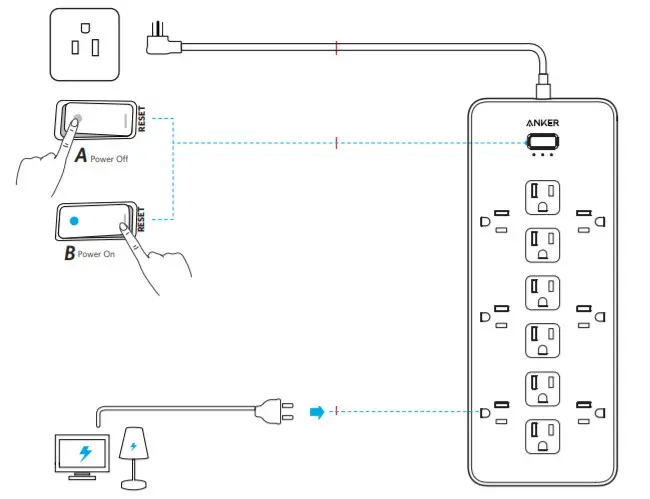
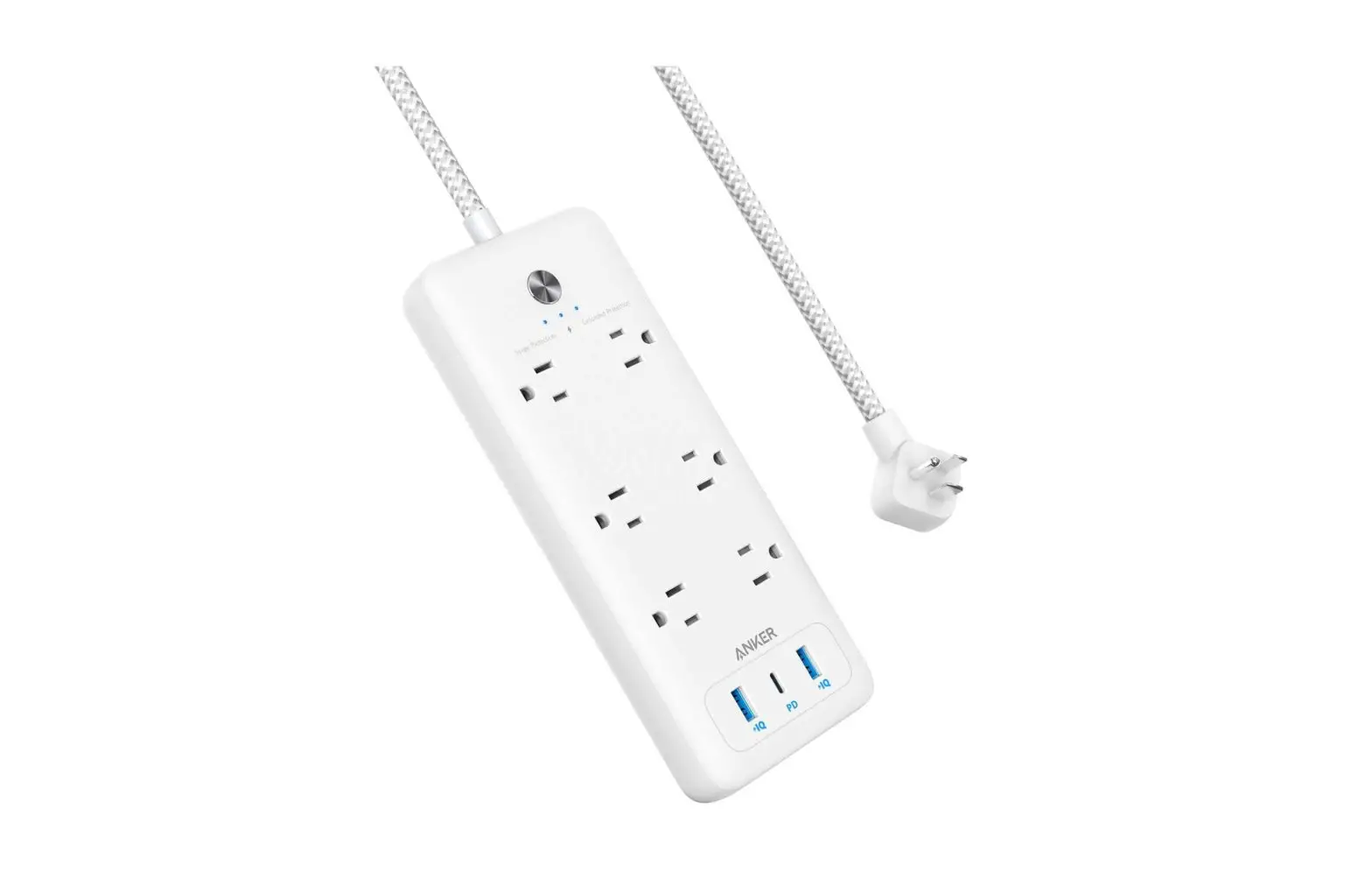
- When the switch is turned on, the two Surge Protection Lights and Grounded Protection Light will turn blue. The Power Light will turn white.
- Tip 1: The surge protection feature can protect your computers, smartphones, and other electronic equipment against voltage fluctuations, surges, and spikes. If the two Surge Protection Lights are off, it indicates the surge protection is not functioning normally.
- Tip 2: In the event of a power overload, the On / Off Switch will cut off the power automatically.
Safety
- Do not connect PowerExtend to an ungrounded outlet.
- Do not use extension cords.
- Do not exceed electrical ratings.
- Use in dry locations and indoors only.
- Install PowerExtend away from heat-emitting appliances such as radiators.
- Keep children away from PowerExtend.
Specifications
| AC Input | 125V AC 60Hz 15A |
| AC Output | 125V AC 60Hz 15A 1875W |
| Surge Energy | 4000J |
| Size | 293 x 113 x 30 mm / 11.5 x 4.5 x 1.2 in |
| Cable Length | 1.8 m/ 6 It |
Customer Service
 18-Month Limited Warranty
 Lifetime Technical Support
 [email protected]
 +1 (800) 988 7973 Mon – Fri 9:00am – 5:00pm (PT)
 http://goo.gl/jesXbf
anker.com/support
FCC Statement
This device complies with Part 15 of the FCC Rules. Operation is subject to the following two conditions: (1) This device may not cause harmful interference, and (2) this device must accept any interference received, including interference that may cause undesired operation.
Warning: Changes or modifications not expressly approved by the party responsible for compliance could void the user’s authority to operate the equipment.
Note: This equipment has been tested and found to comply with the limits for a Class B digital device, pursuant to Part 15 of the FCC Rules. These limits are designed to provide reasonable protection against harmful interference in a residential installation.
This equipment generates, uses, and can radiate radio frequency energy and, if not installed and used in accordance with the instructions, may cause harmful interference to radio communications. However, there is no guarantee that interference will not occur in a particular installation. If this equipment does cause harmful interference to radio or television reception, which can be determined by turning the equipment off and on, the user is encouraged to try to correct the interference by one or more of the following measures:
- Reorient or relocate the receiving antenna.
- Increase the separation between the equipment and receiver.
- Connect the equipment into an outlet on a circuit different from that to which the receiver is connected.
- Consult the dealer or an experienced radio / TV technician for help.
The following importer is the responsible party.
Company Name: Fantasia Trading LLC
Address: 9155 Archibald Avenue, Suite 202, Rancho Cucamonga, CA, 91730, US
Telephone: +1 (909) 484 1530
IC Statement
This device complies with Industry Canada license-ICES-003.
Operation is subject to the following two conditions: (1) This device may not cause interference, and (2) This device must accept any interference, including interference that may cause undesired operation of the device.
Anker Innovations Limited
Room 1318-19, Hollywood Plaza, 610 Nathan
Road, Mongkok, Kowloon, Hong Kong
Product Number A9191
PowerExtend 12 Strip
51005002344 V02