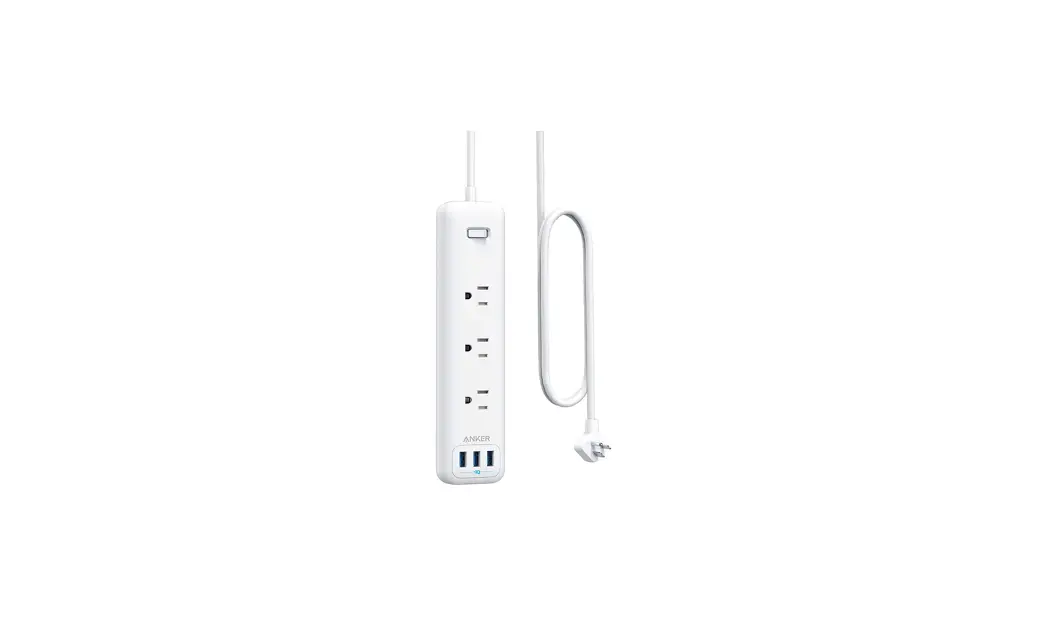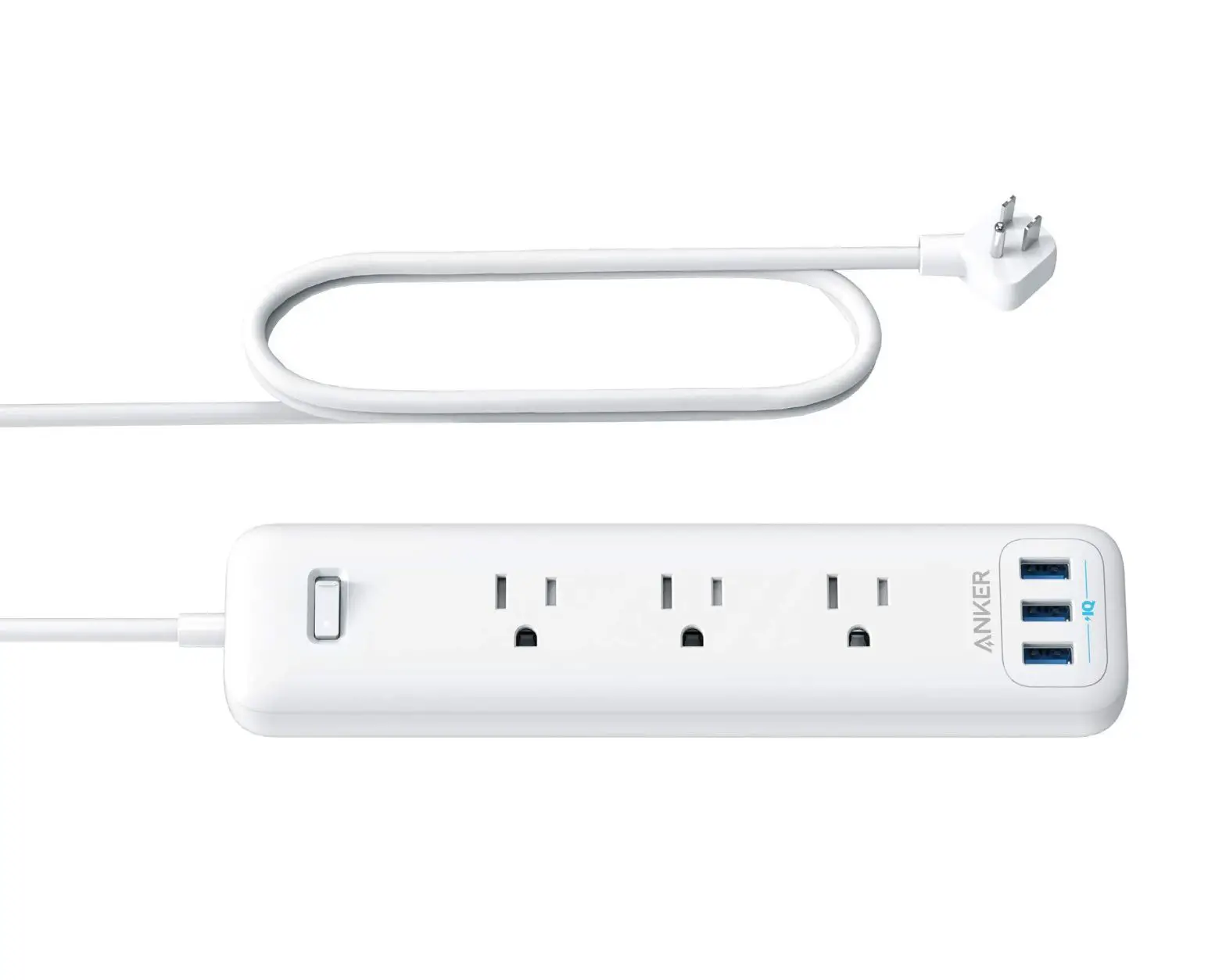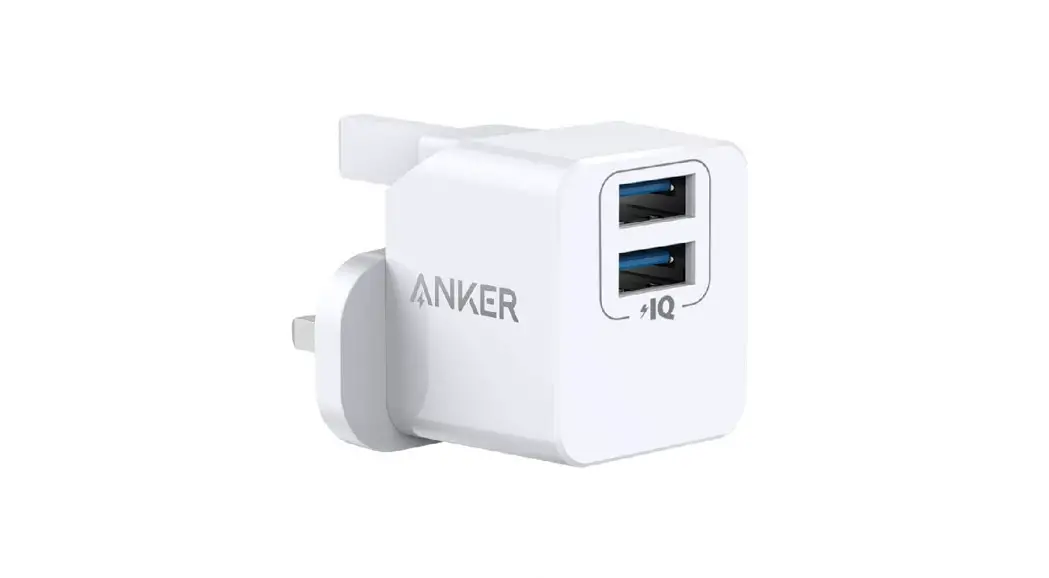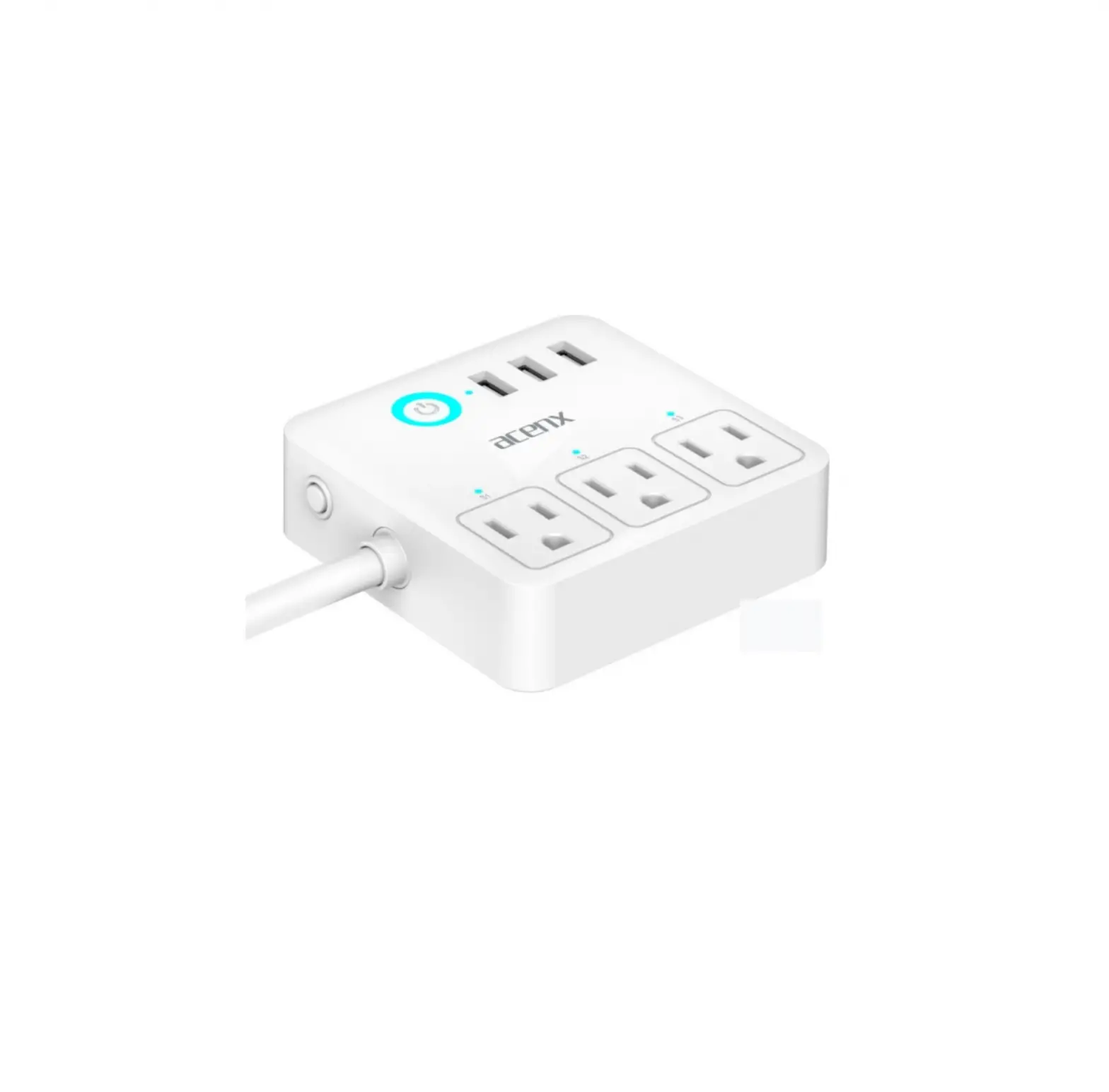
ANKER 615 USB Power Strip
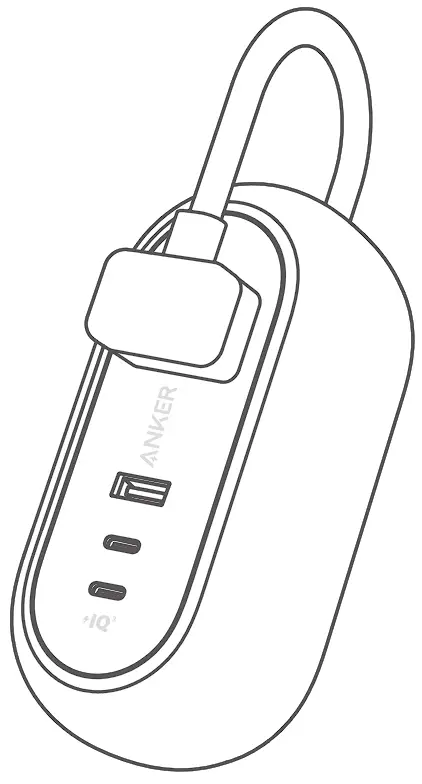
Overview
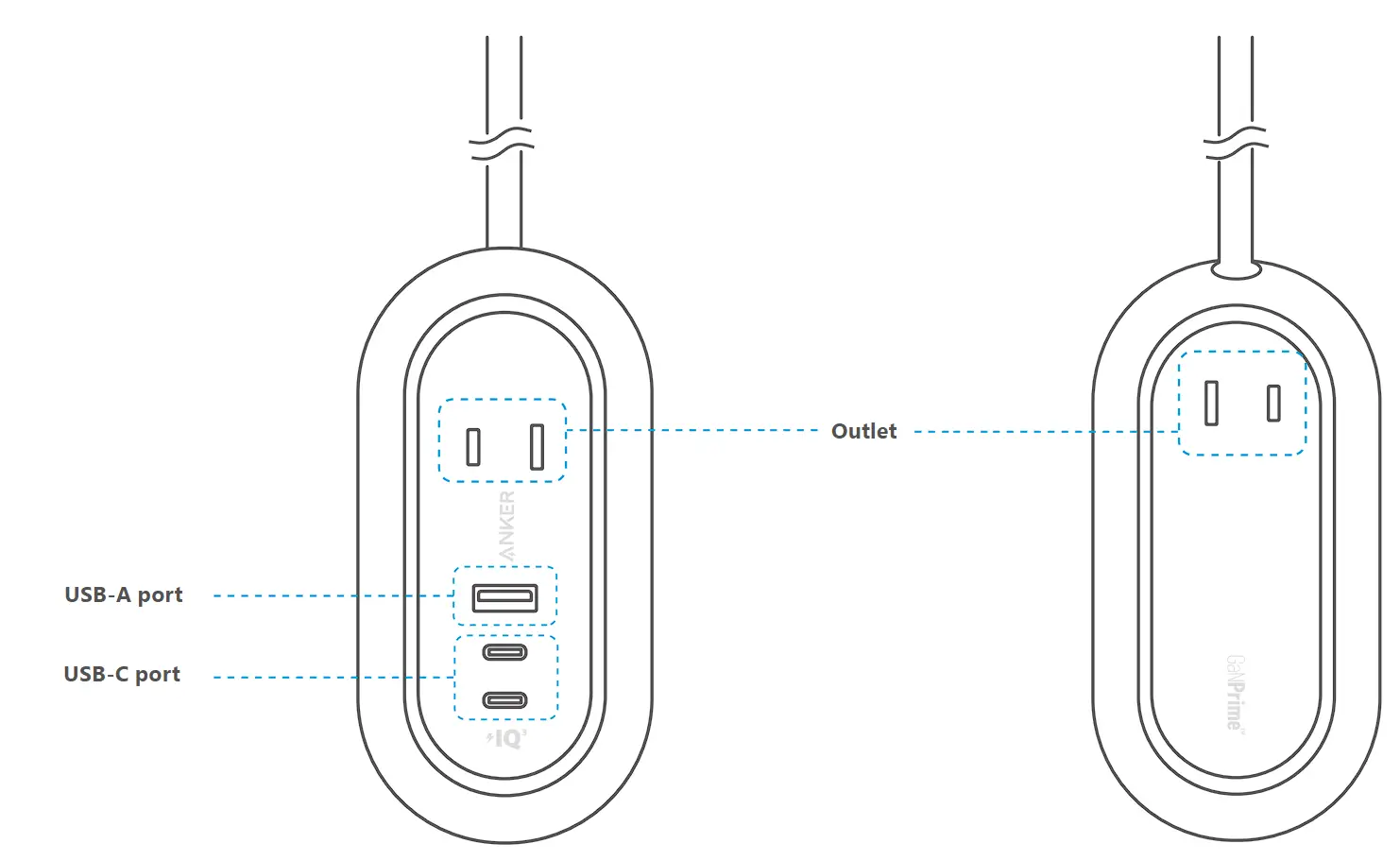
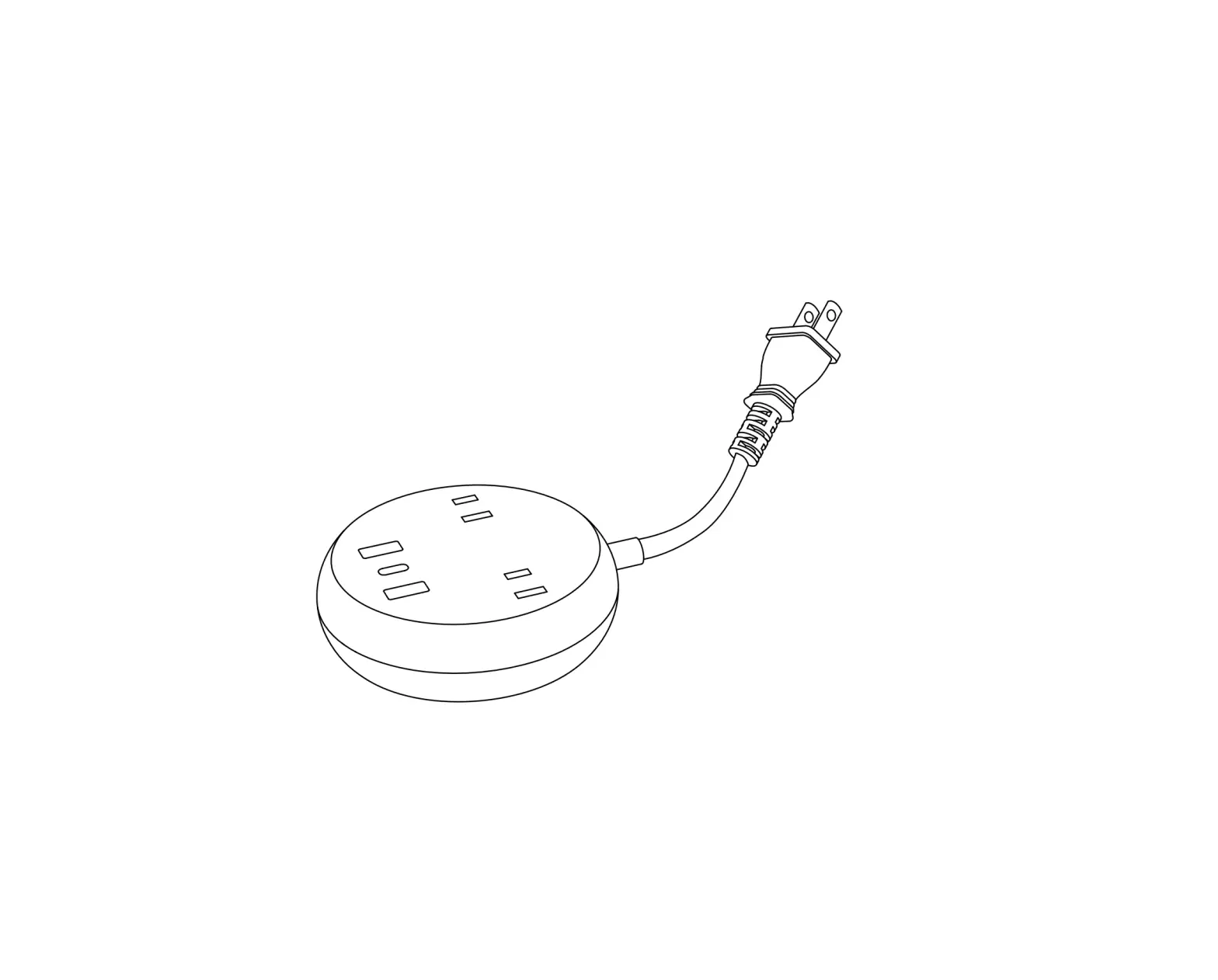
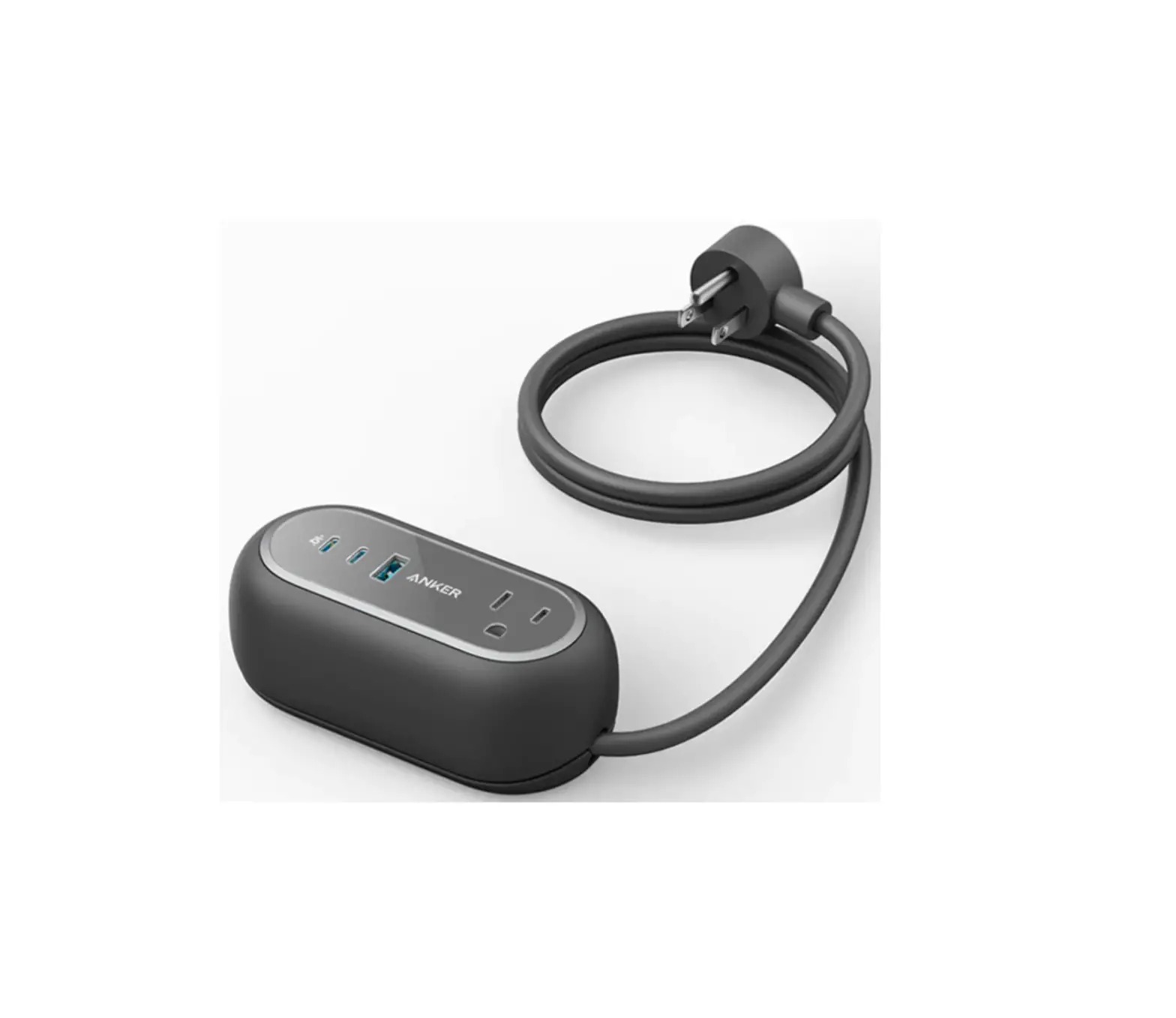
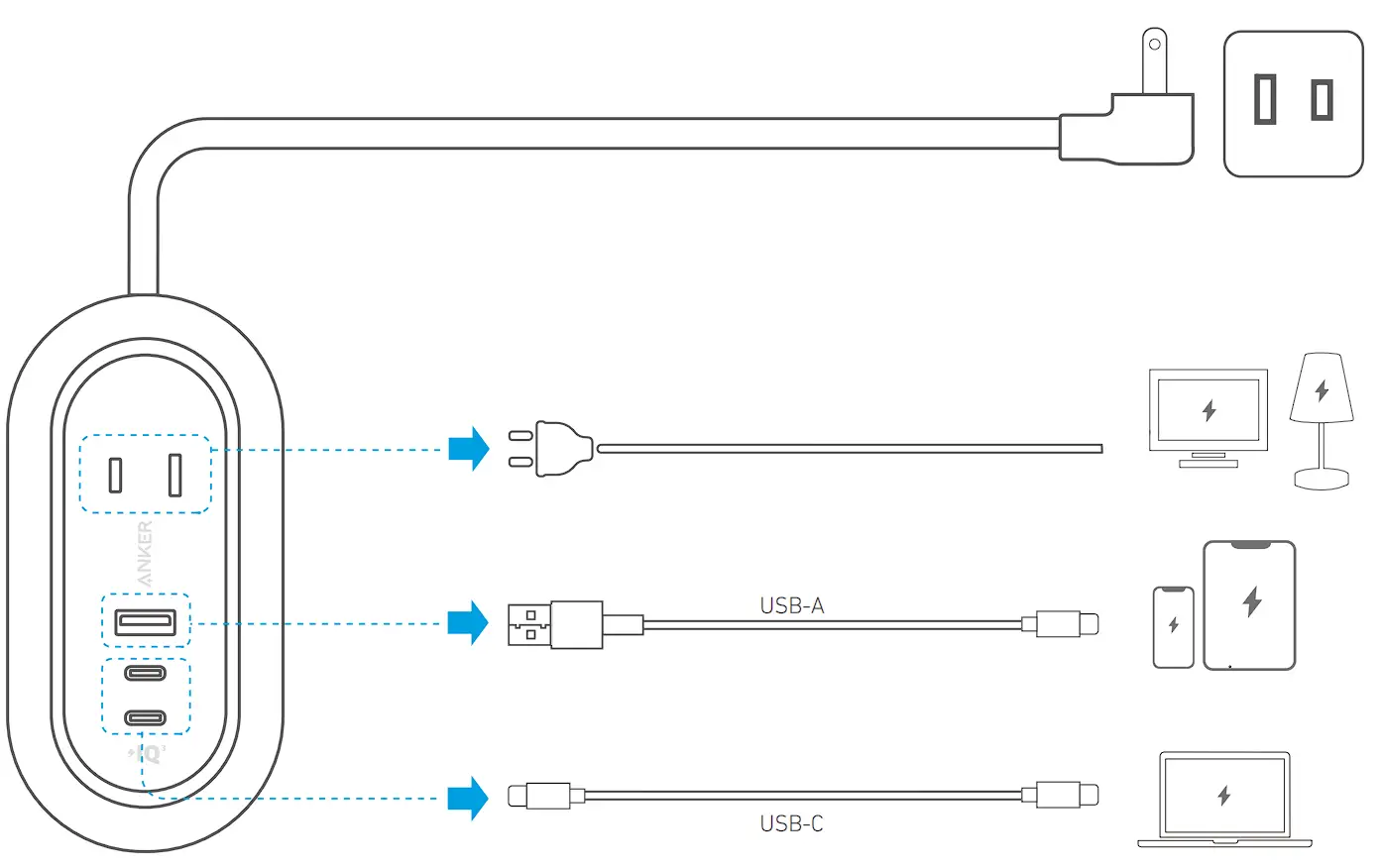
How to use this product
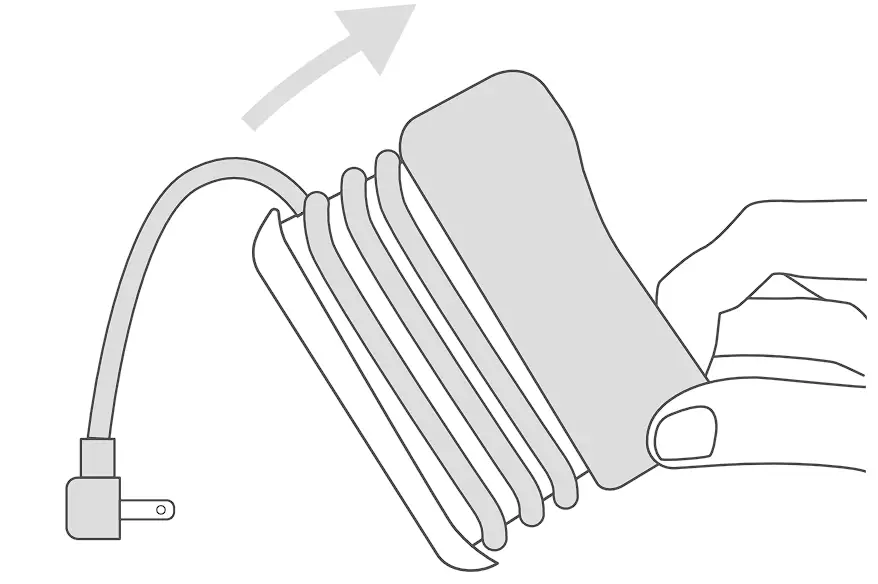
Open the silicone cover and take out the power cord.
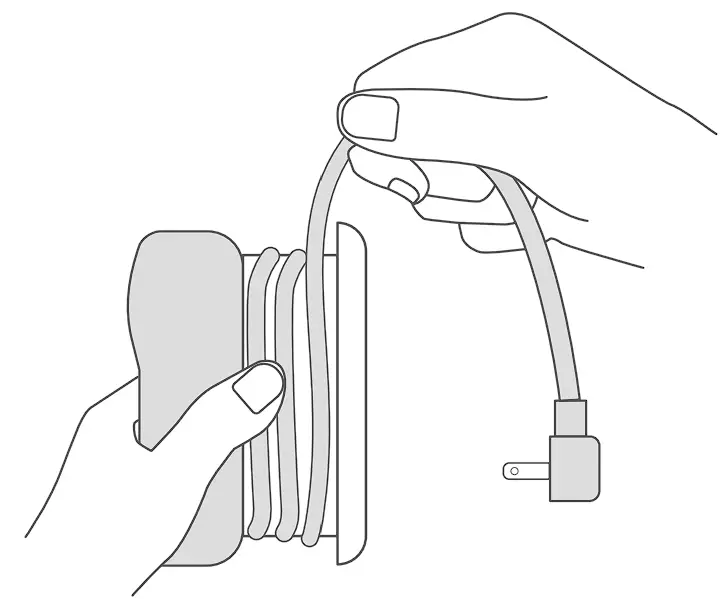
After use, wrap the power cord and fold the silicone cover. Insert the AC plug into the outlet with.
Product specifications
| Rated voltage/current | 100 – 125V 50 / 60Hz 10A |
| Freeze frame power | 1000W |
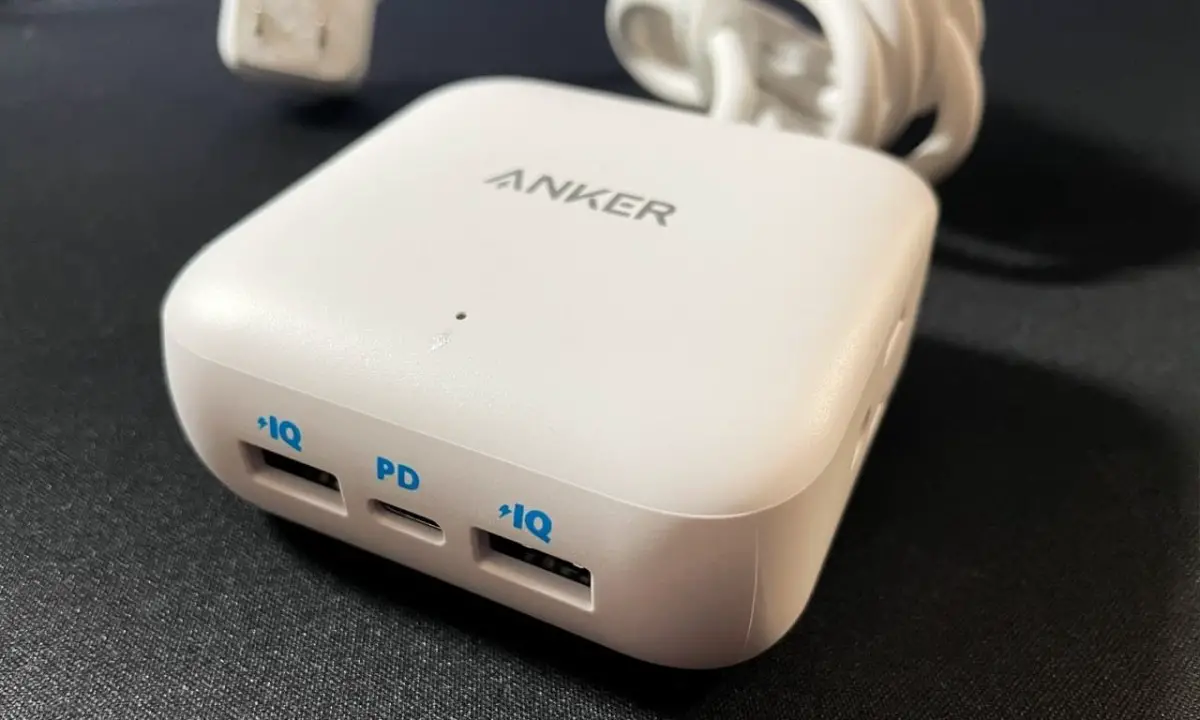
| USB-A output | 5V ⎓ 2.4A |
| USB-C1/USB-C2 output | 5V ⎓ 3A / 9V ⎓ 3A / 15V ⎓ 3A / 20V ⎓ 3.25A (Maximum 65W per port) |
| USB-C1 + USB-C2 output | USB-C1 : 5V ⎓ 3A / 9V ⎓ 3A / 15V ⎓ 3A / 20V ⎓ 2.25A (Max 45W) USB-C2 : 5V 3A / 9V 2A (Max 18W) |
| USB-C1 + USB-C2 + USB-A output | USB-C1 : 5V ⎓ 3A / 9V ⎓ 3A / 15V ⎓ 2A / 20V ⎓ 1.5A (Max 30W) USB-C2 : 5V ⎓ 3A / 9V ⎓ 2.22A (Max 20W) USB-A : 5V ⎓ 2.4A (Max 12W) |
| USB-C1/USB-C2 + USB-A output | USB-C1 / USB-C2 : 5V ⎓ 3A / 9V 3A / 15V ⎓ 3A / 20V 2.25A (Max 45W) USB-A : 5V ⎓ 2.4A (Max 12W) |
| Cable length | About 0.9 m |
| Size | About 119 × 59 × 47 mm |
Safety precautions
- Do not use extension cords.
- Do not use beyond the rated output.
- For dry indoor use only.
- Keep away from devices that generate heat such as heaters.
- Keep out of reach of children.
- Use only a dry cloth or brush for cleaning.
- Contact customer support if the product is damaged or parts are damaged.
Please contact - Do not use the power cord while it is folded.
Customer support
 | Standard warranty 24 months (with extension) |
 | Technical support |
 | [email protected] |
 | 03 4455 7823 (9:00-17:00 on weekdays / except year-end and New Year holidays) |
For FAQs and more information, please visit: anker.com/support


 download - Anker US