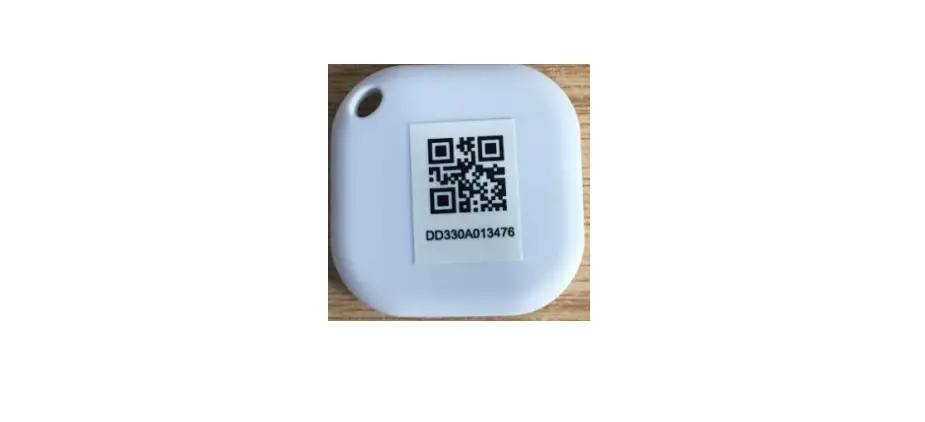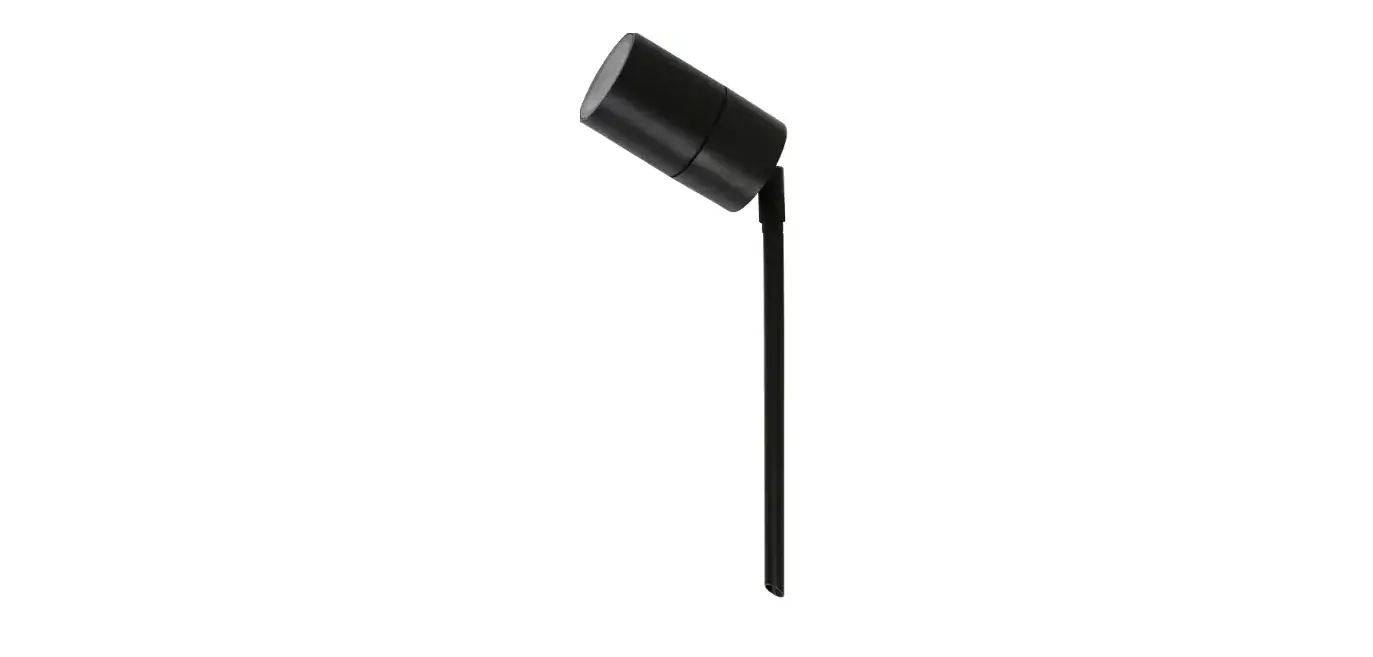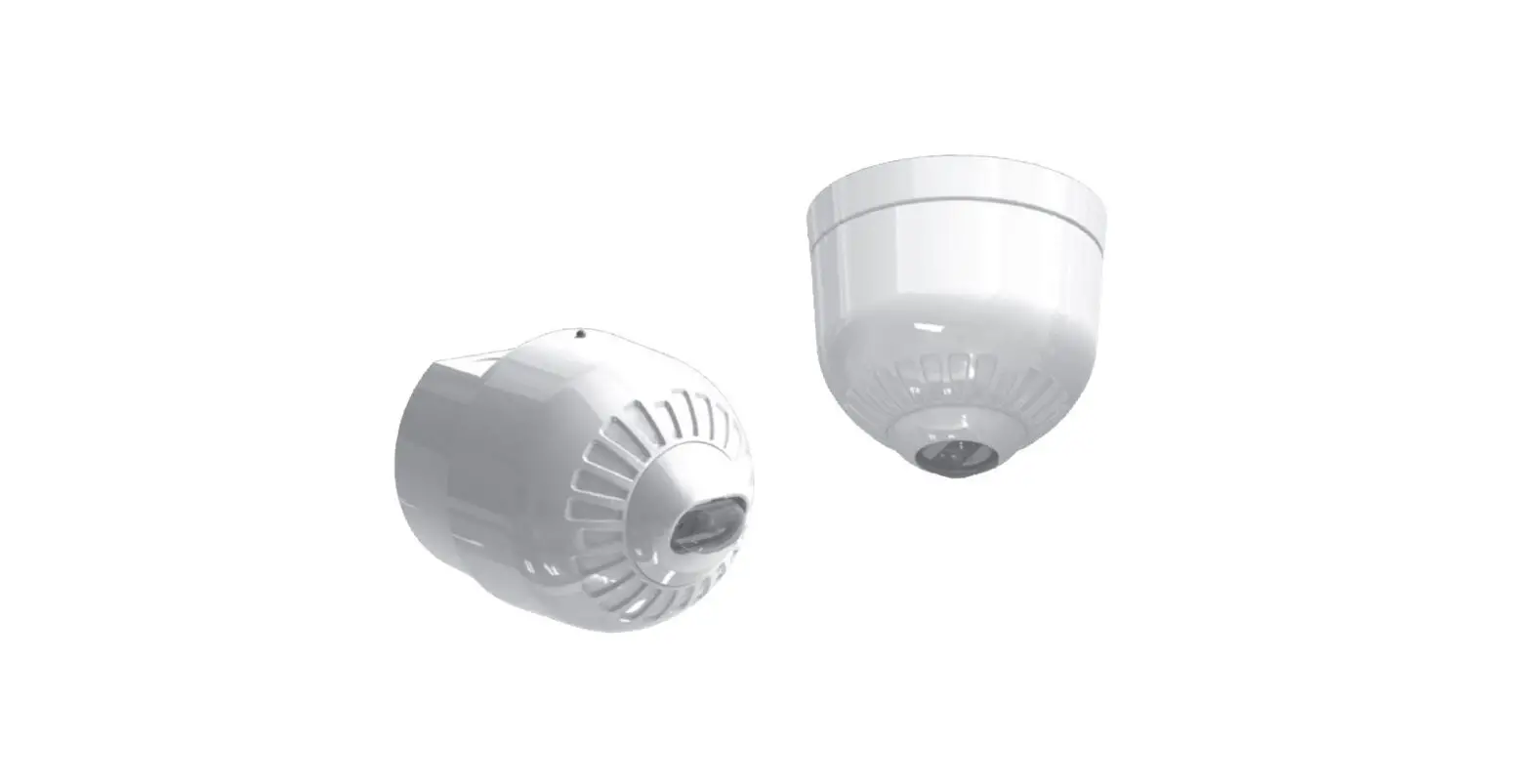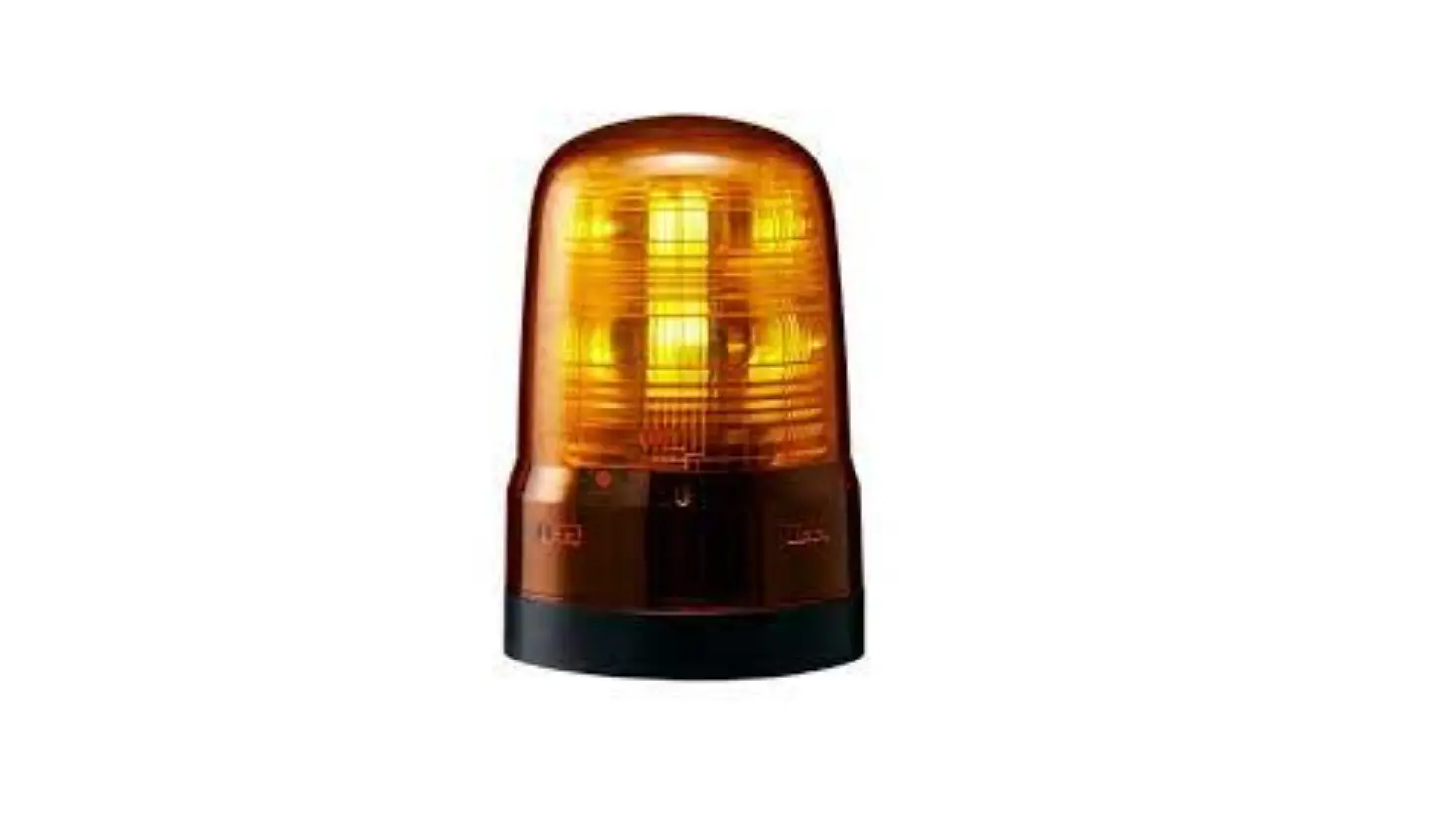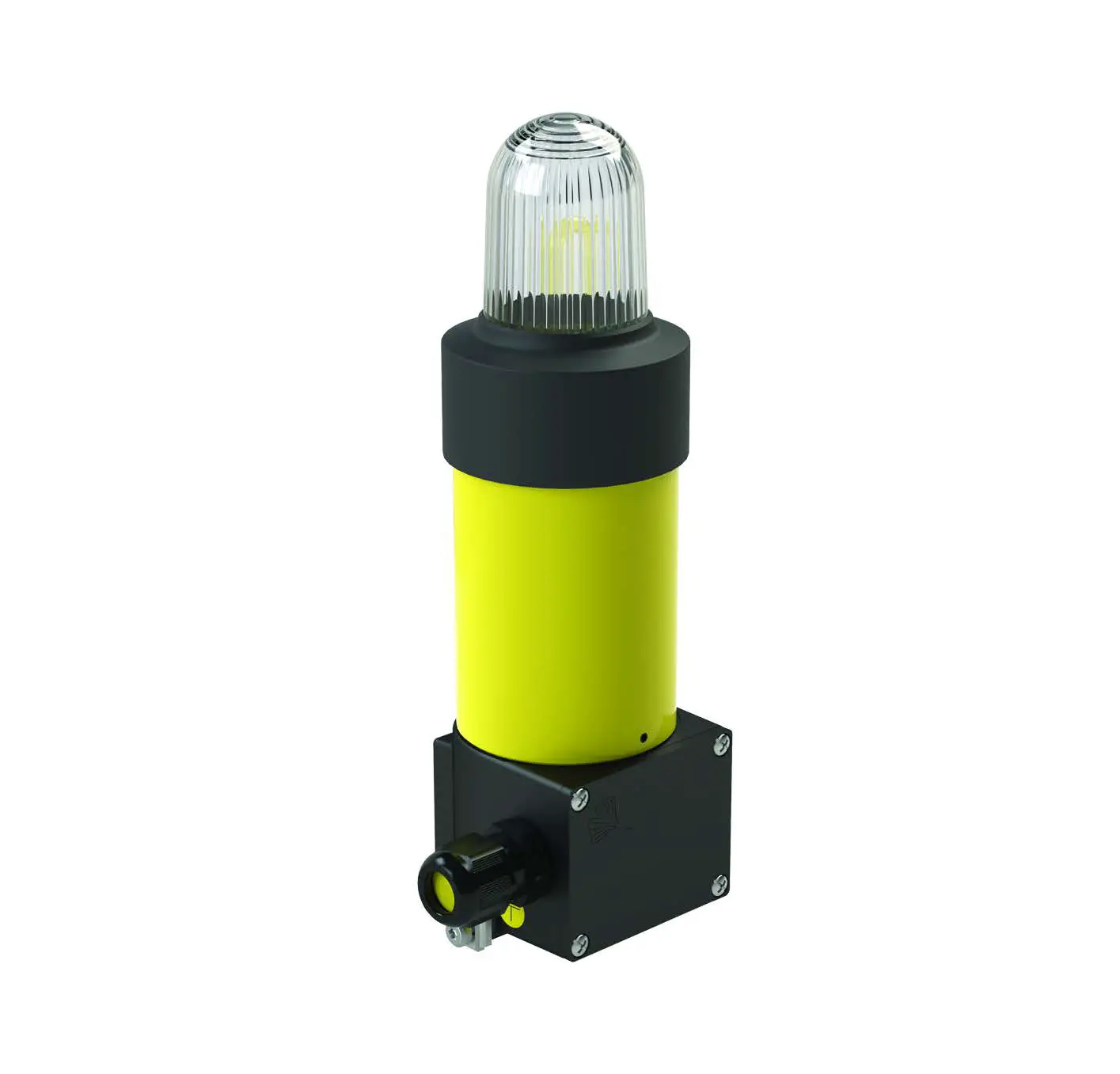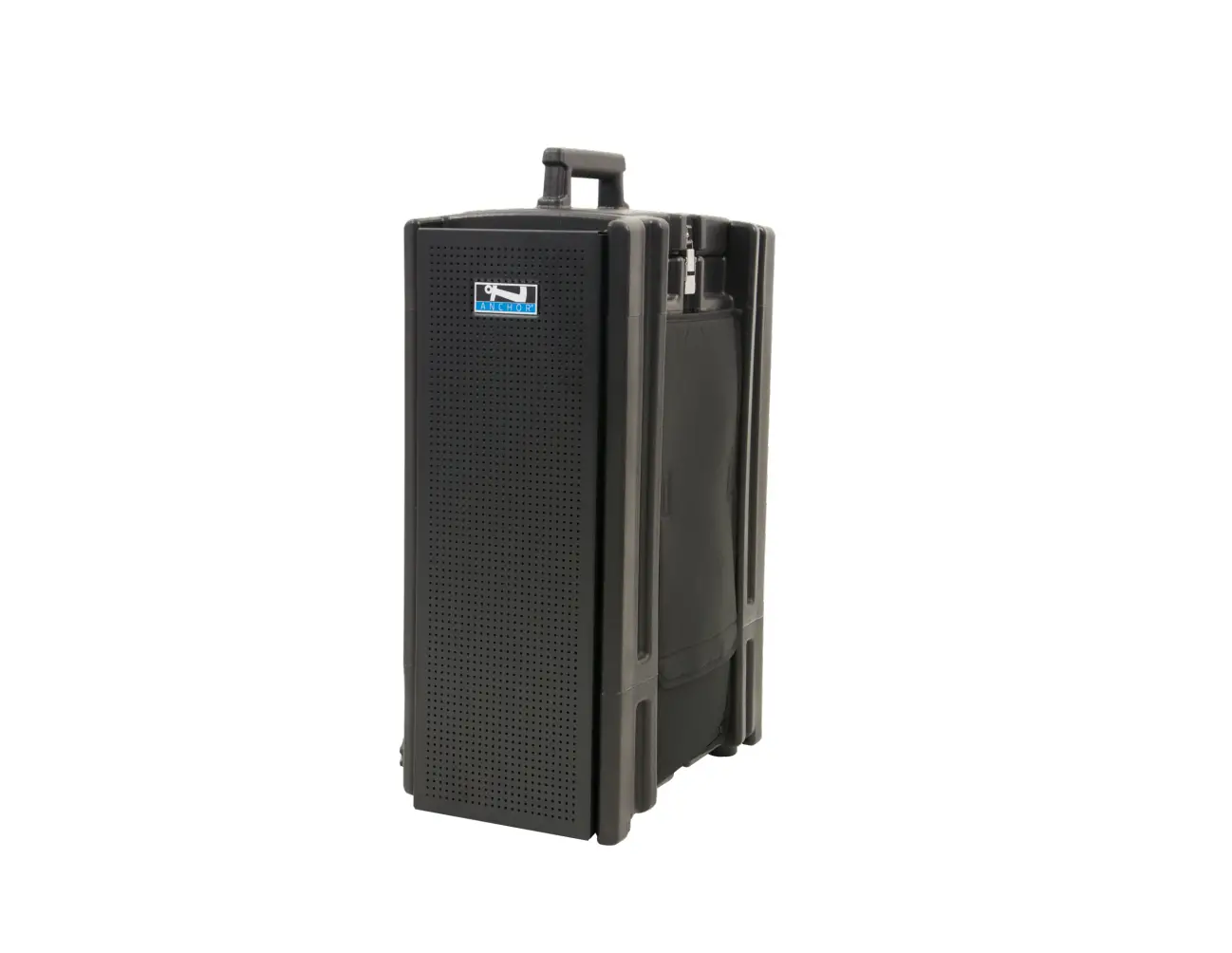
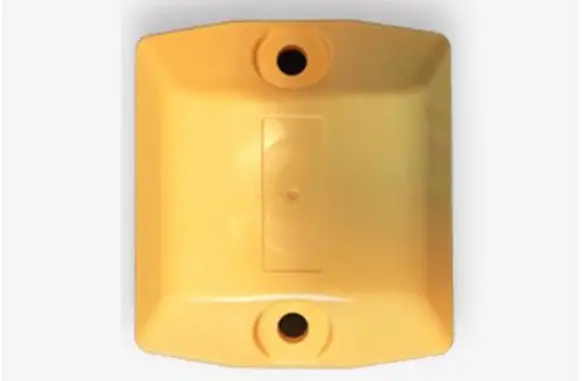
April Brother beacon-01 Road Stud Beacon
Instruction Manual
Introduction
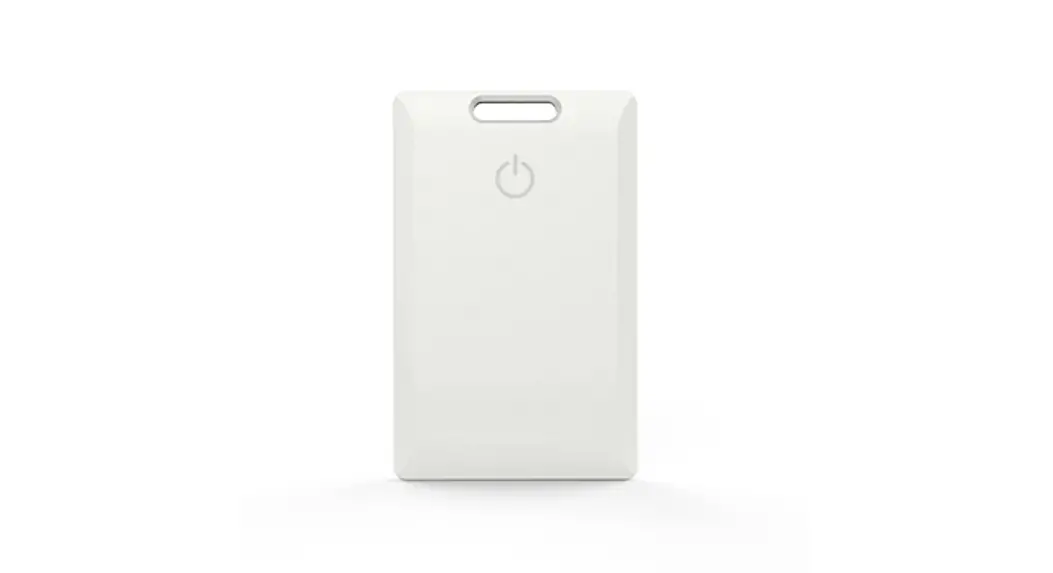
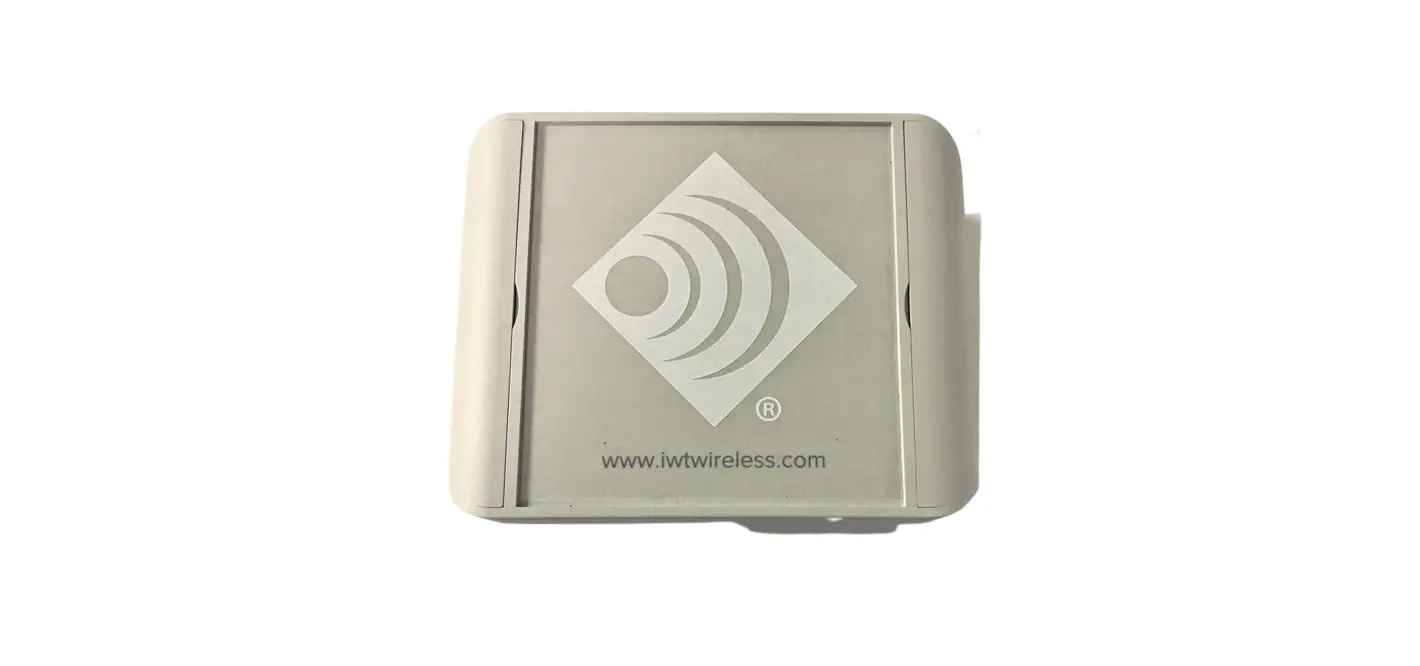
Road Stud beacon is one of the most commonly used beacons. Battery levels can be shown in the advertising data or via a Bluetooth GATT connection.
While this beacon has both iOS and Android configuration apps, the iOS app is easier to use and is more functional. If you are setting up Eddystone-URL (for Android notifications) and you consider yourself to be non-technical then you will need to use an iOS device for setup.
Features
- Support both iBeacon and Eddystone
- Configurable including UUID, major, minor, and TX power, etc
- Upgrade Over-The-Air supported.
Technical Details
- Power supply by Two AA Buttery (replaceable).
- Dimensions: Height 107mm, Width 97mm, Depth 20mm
- Signal range 3m – 60m.
- Waterproof Beacon IP68
- BLE micro controller NRF52810
- The battery can be replaced
| Model | Road Stud beacon |
| Brand | April Brother |
| Type of Product | Bluetooth Beacon |
| Operating Supply | 2*AA (3V DC) |
| Dimensions | 107mm*97mm*20mm |
Wireless Specification
| Operating Frequency(RF) | 2.402Ghz-2480Ghz |
| Type of modulation | GFSK |
| Channel Spacing | 2MHz |
| RF Output Power (EIRP) | 0.95dBm |
| Bandwidth | 2Mhz |
Antenna Requirement
| Antenna Gain | 2dBi |
| Polarization | Horizontal polarization |
Default Settings
| Name | Parameters |
| Advertising Type | iBeacon |
| Advertising Interval | 700ms |
| TX Power | Adam |
| Proximity UUID | B5B182C7-EAB1-4988-AA99-B5C1517008D9 |
| Major | 1 |
| Minor | Last 2 bytes of the mac address |
How to make the equipment start work
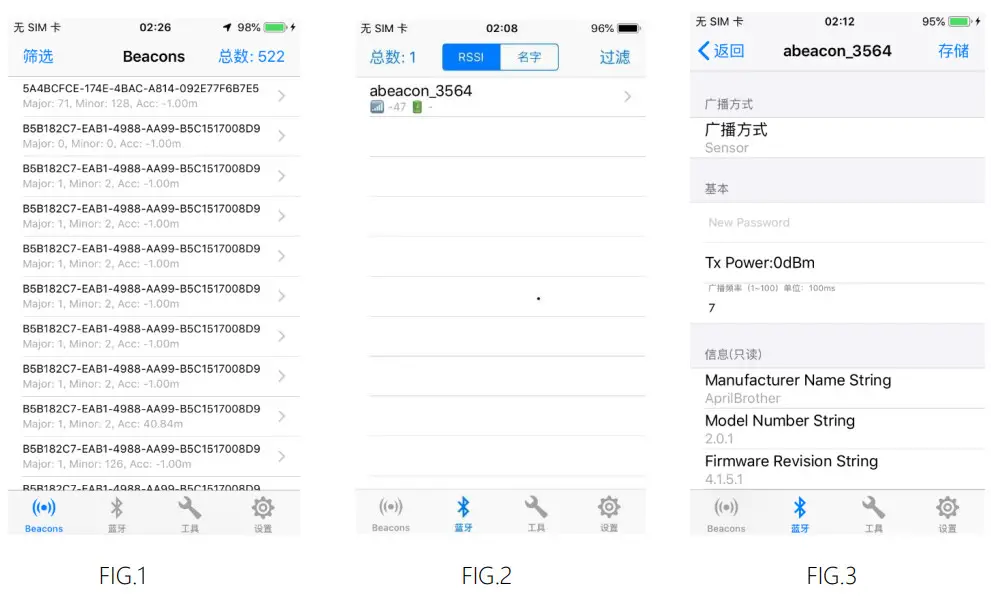
Equipped with batteries or connected to power equipment that begins to work, start with Search and connected devices: (1) search AprilBeacon through shaking assistant software; (2) in the search list, select you to configure the Beacon, below we abeacon_3564, for example; (3) as shown in figure 2, click “abeacon_3564”, enter the connection as shown in figure 3.
Here is how to through the shake assistant software to configure and modify parameters
Note: shake assistant before use, please open the mobile phone Bluetooth, mobile phone android 4.3 system requirements, iOS 7.0, Bluetooth 4.0;
- Open the Bluetooth device, equipped with batteries;
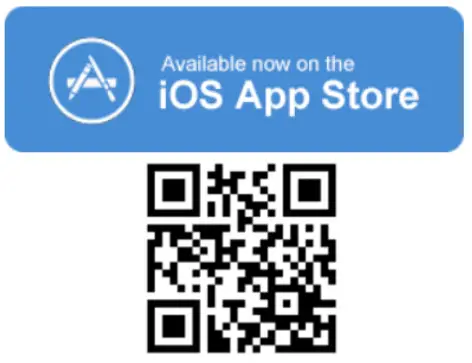
- Open shake assistant (iOS download in the APP Store, the android APP Store download), iOS as for example in figure 1 below
- Search and connected devices: (1) search AprilBeacon through shake assistant software; (2) in the search list, select you to configure the Beacon, below we abeacon_3564, for example; (3) as shown in figure 2, click “abeacon_3564”, enter the connection as shown in figure 3.

FCC STATEMENT :
This device complies with Part 15 of the FCC Rules. Operation is subject to the following two conditions: (1) This device may not cause harmful interference, and (2) This device must accept any interference received, including interference that may cause undesired operation.
Warning: Changes or modifications not expressly approved by the party responsible for compliance could void the user’s authority to operate the equipment.
NOTE: This equipment has been tested and found to comply with the limits for a Class B digital device, pursuant to Part 15 of the FCC Rules. These limits are designed to provide reasonable protection against harmful interference in a residential installation. This equipment generates uses and can radiate radio frequency energy and, if not installed and used in accordance with the instructions, may cause harmful interference to radio communications. However, there is no guarantee that interference will not occur in a particular installation. If this equipment does cause harmful interference to radio or television reception, which can be determined by turning the equipment off and on, the user is encouraged to try to correct the interference by one or more of the following measures:
Reorient or relocate the receiving antenna.
Increase the separation between the equipment and receiver.
Connect the equipment into an outlet on a circuit different from that to which the receiver is connected.
Consult the dealer or an experienced radio/TV technician for help.
FCC Radiation Exposure Statement:
This equipment complies with FCC radiation exposure limits set forth for an uncontrolled environment. This equipment should be installed and operated with a minimum distance of 20cm between the radiator & your body