
Firmware Update Guide
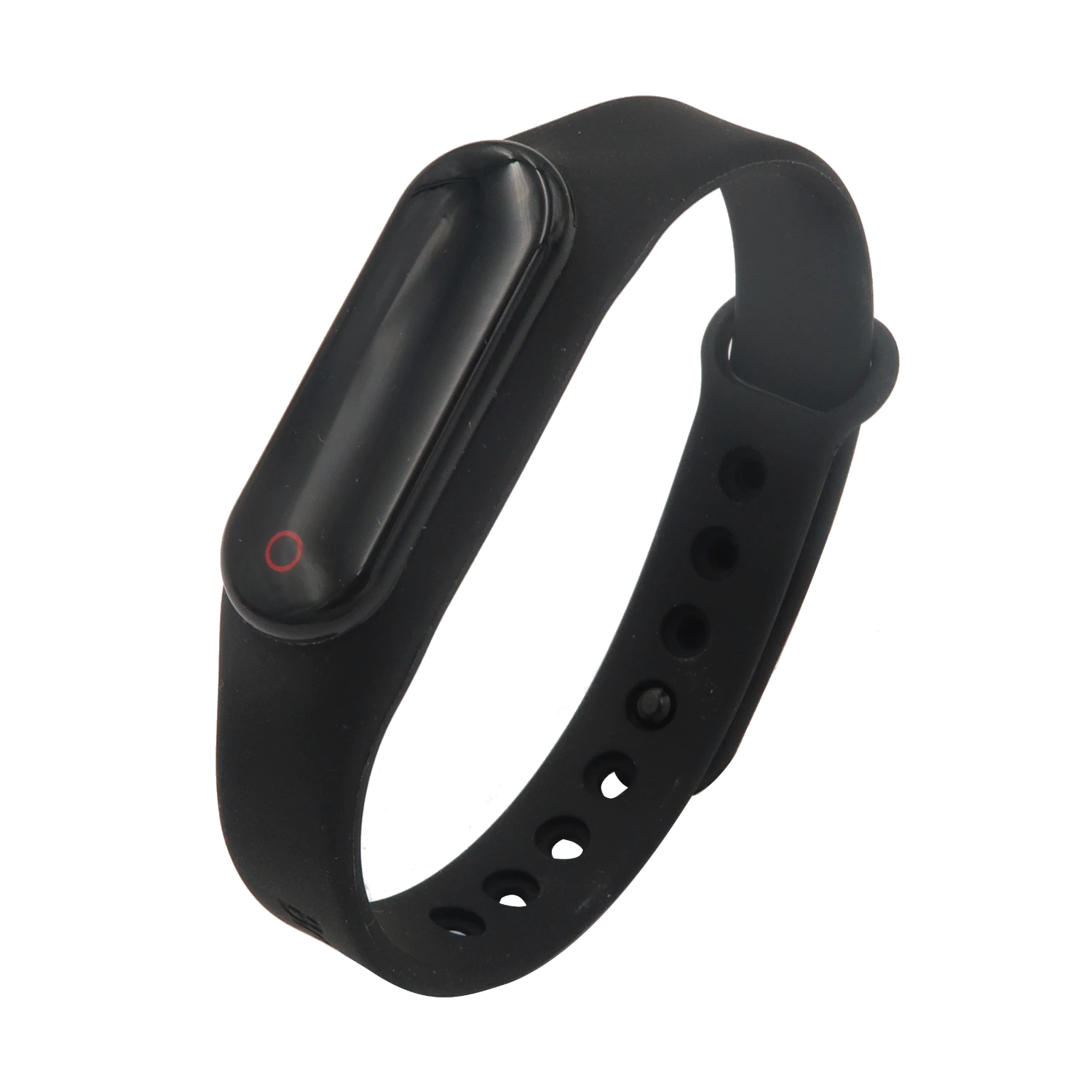
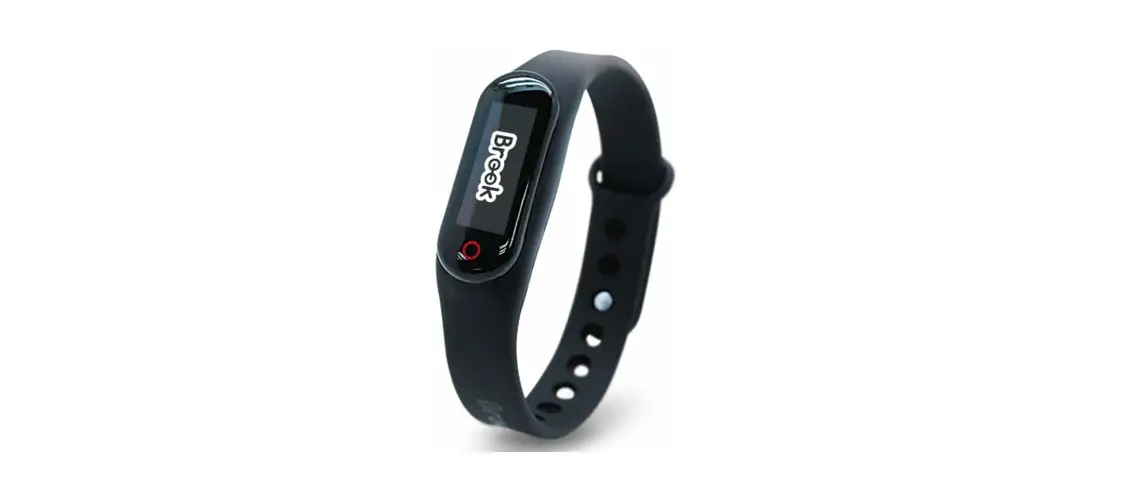
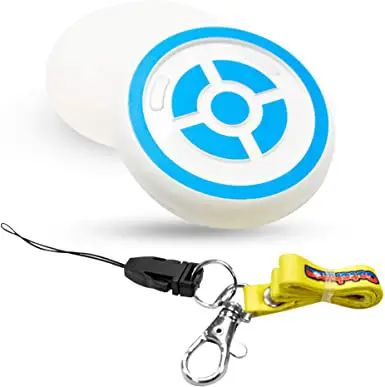
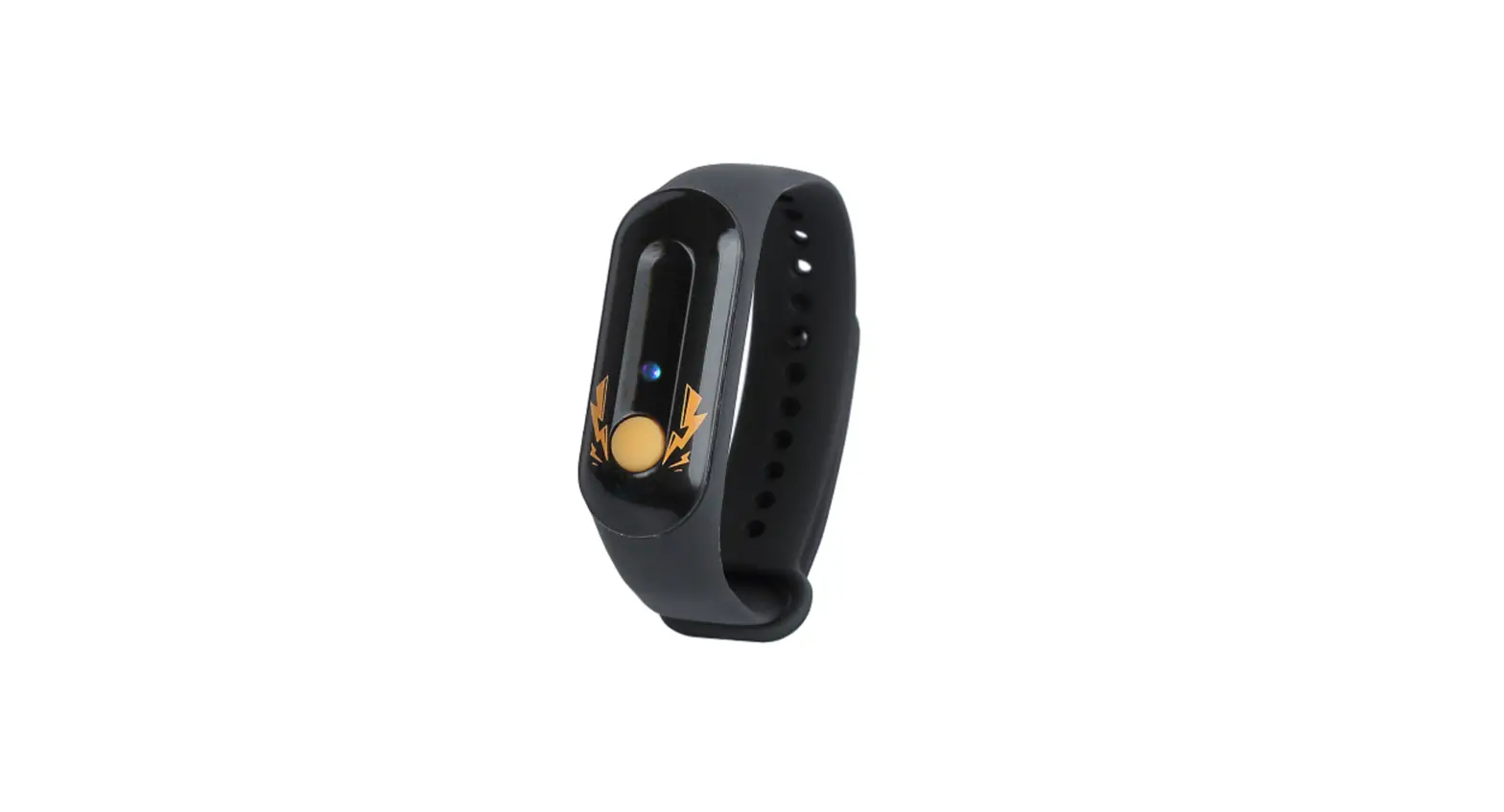
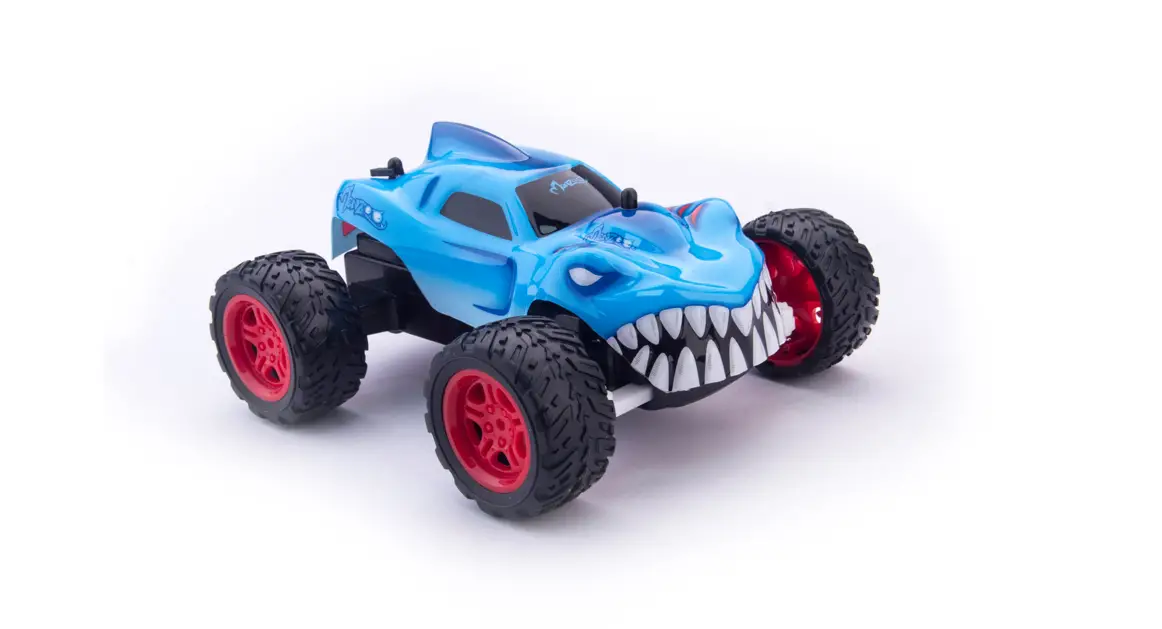
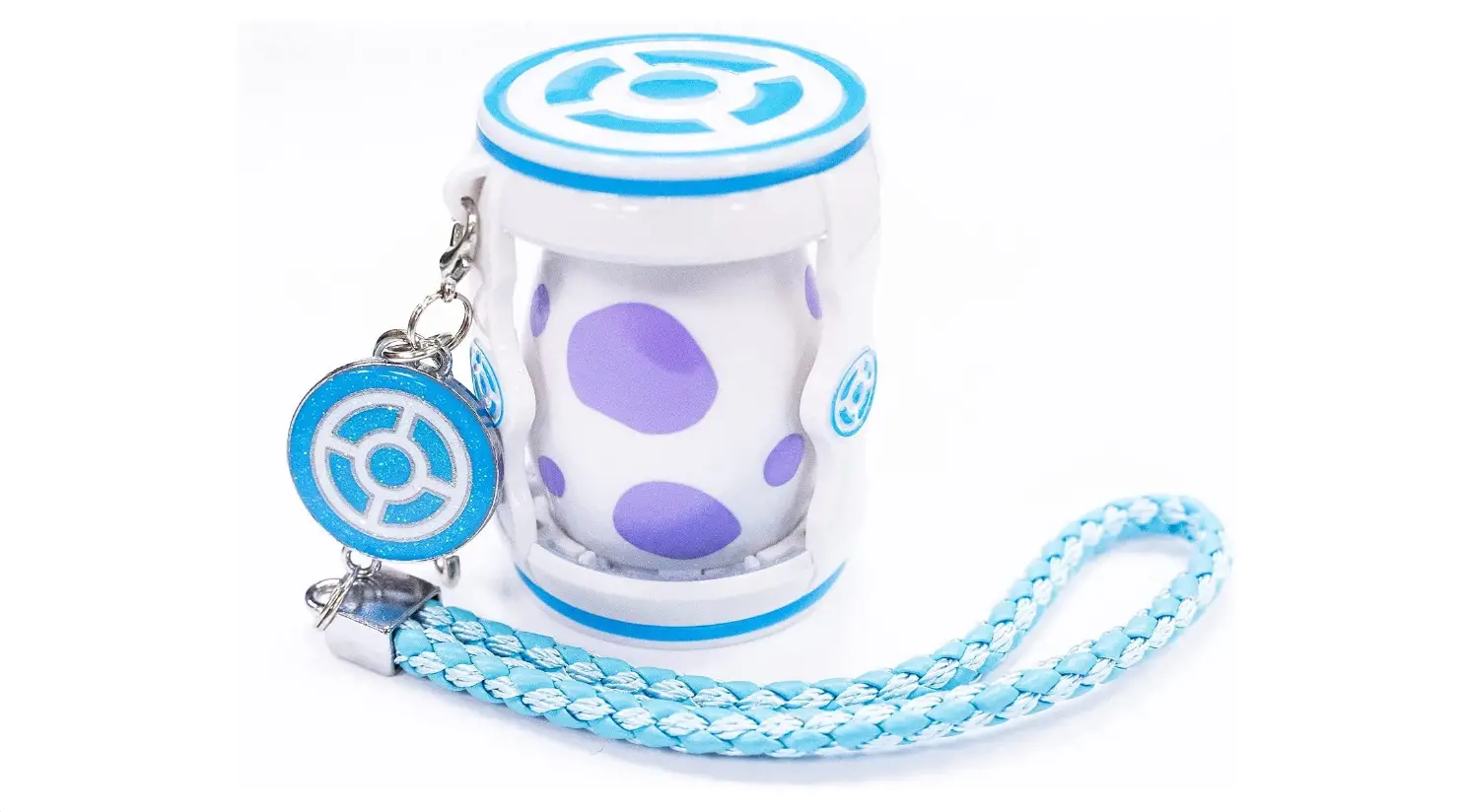
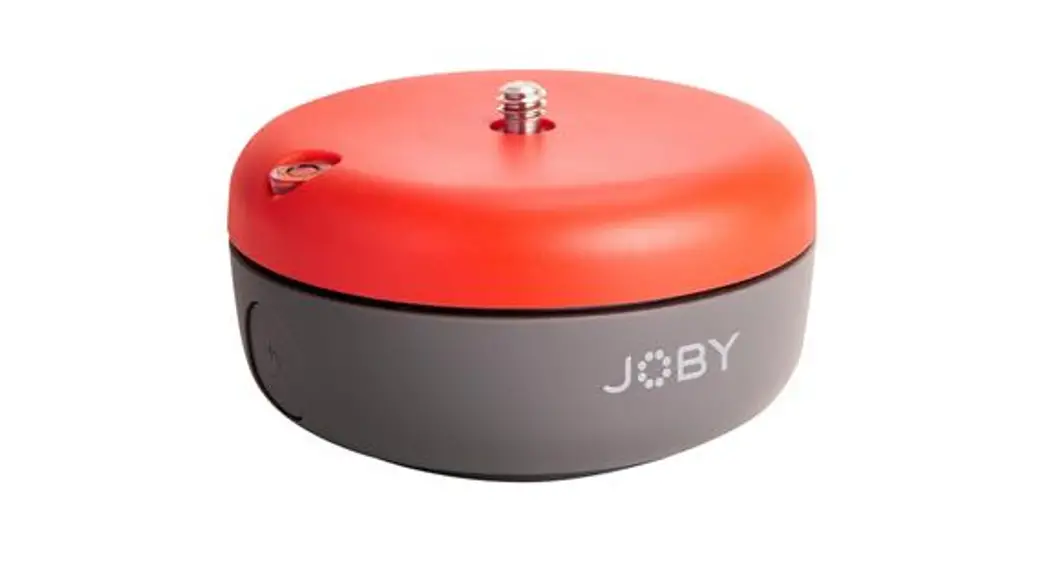
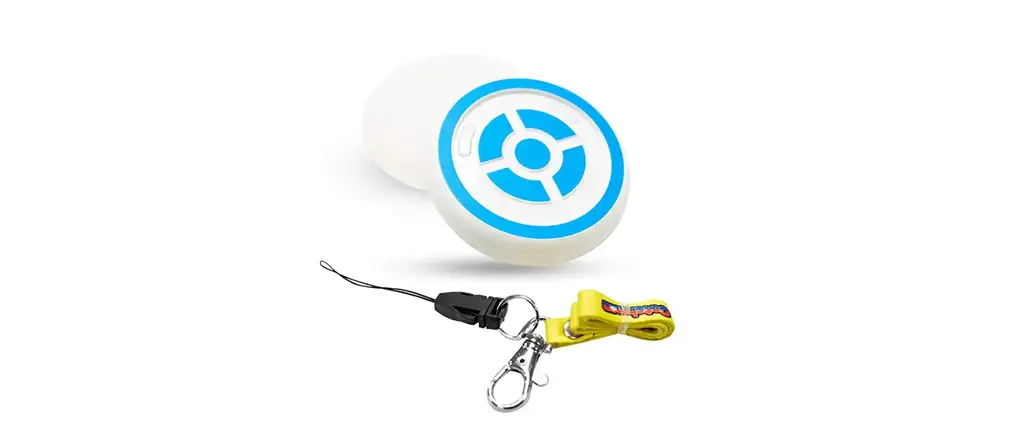
Auto Catch Meteor / Reviver / Auto Catch 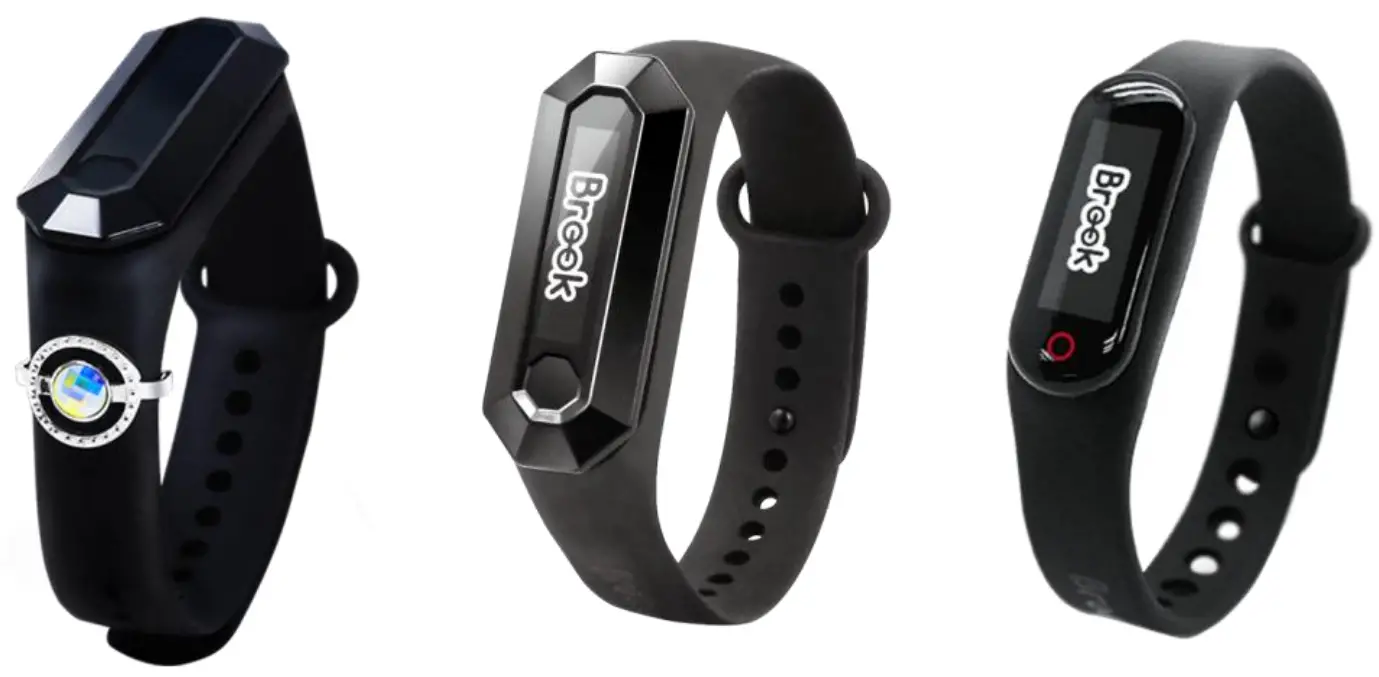
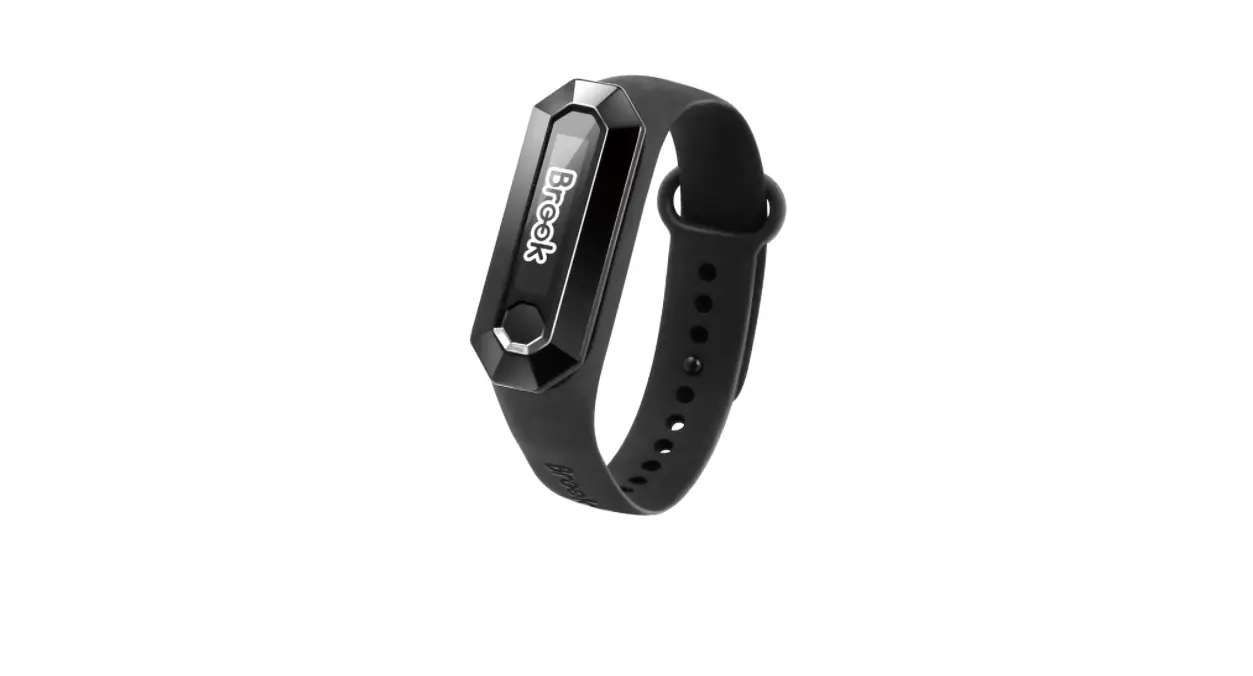
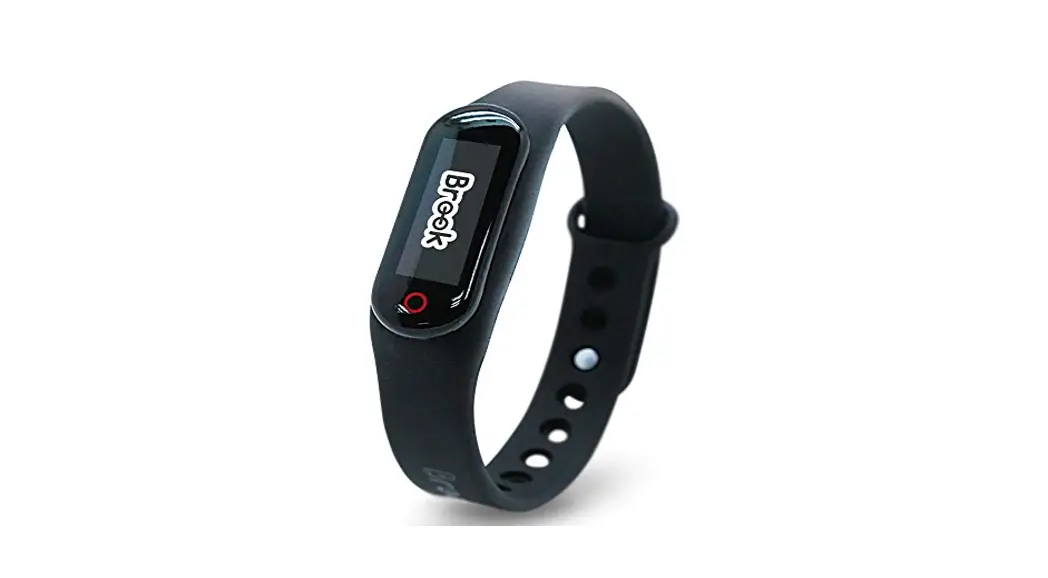
This document describes how to update the firmware of the Brook Device, including Pocket Auto Catch /
Meteor / Reviver / Reviver
Dia
STEP 1 Download the Brook Star App from “Google Play (Android)” 
https://play.google.com/store/apps/details?id=com.brookaccessory.auto
STEP 2 Turn GPS Location and Bluetooth On, Run “Brook Star App”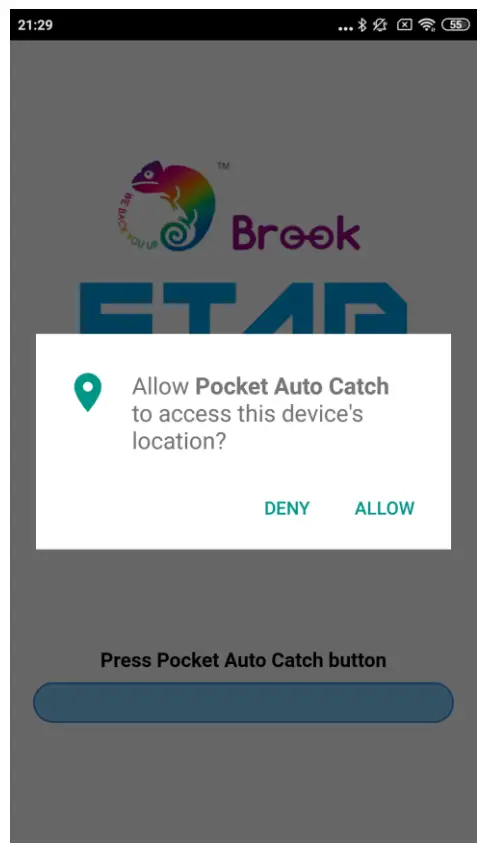
STEP 3 Click Button or Touch Area on Brook device to connect the device to the “Brook Star App”.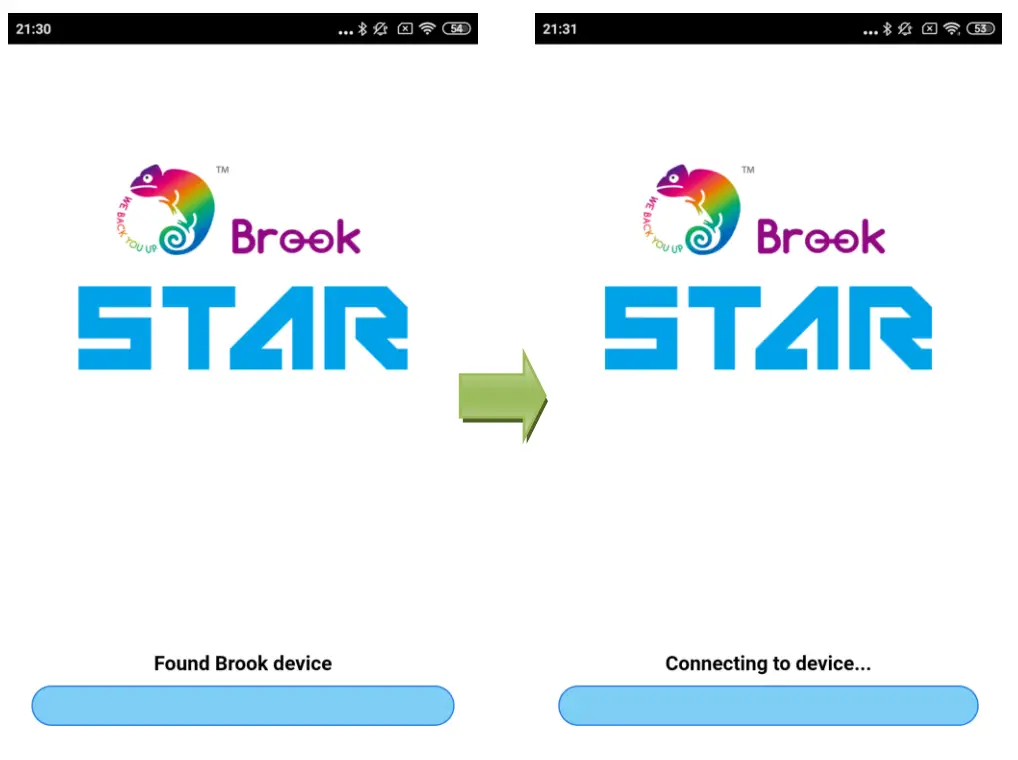
STEP 4 If the Brook Device’s firmware needs to be updated, the “Brook Star App” will display an update message. If no update is needed, “Already up-to-date” will be displayed.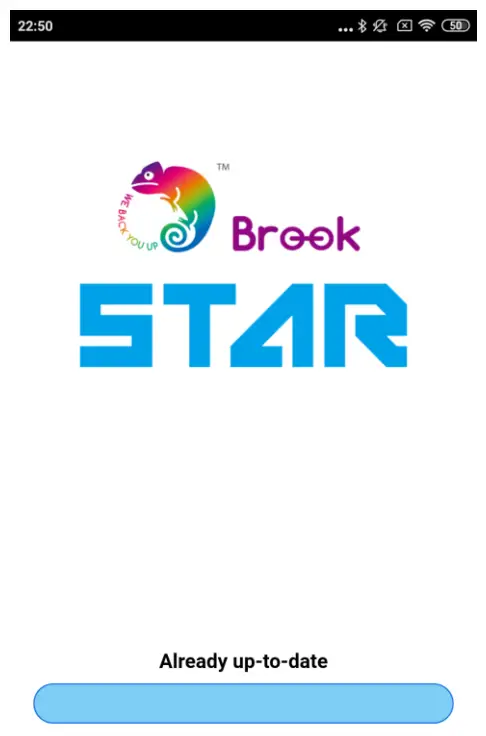
STEP 5 Wait for the progress bar to run and finish, and the update process is complete.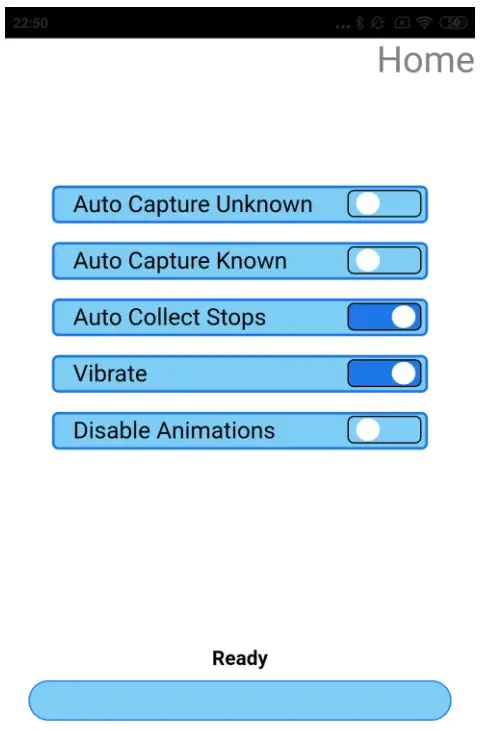

http://www.zeroplus.com.tw/ad.php?id=0NJm8G2h
© Brook All Rights Reserved.
www.brookaccessory.com
April 2016
 Brook Gaming