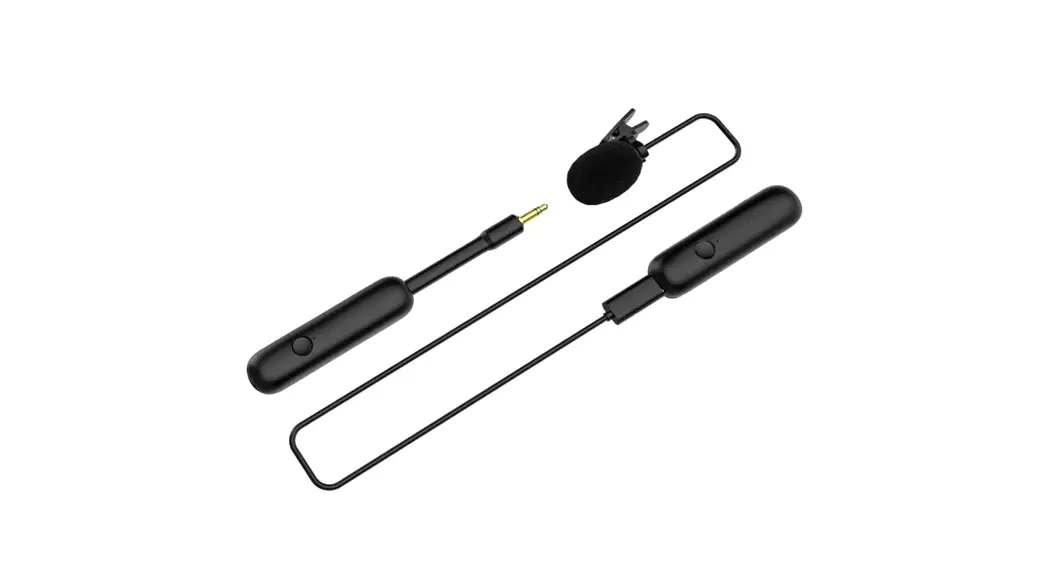
3S PLUS Universal Microphone Kit
Product Information
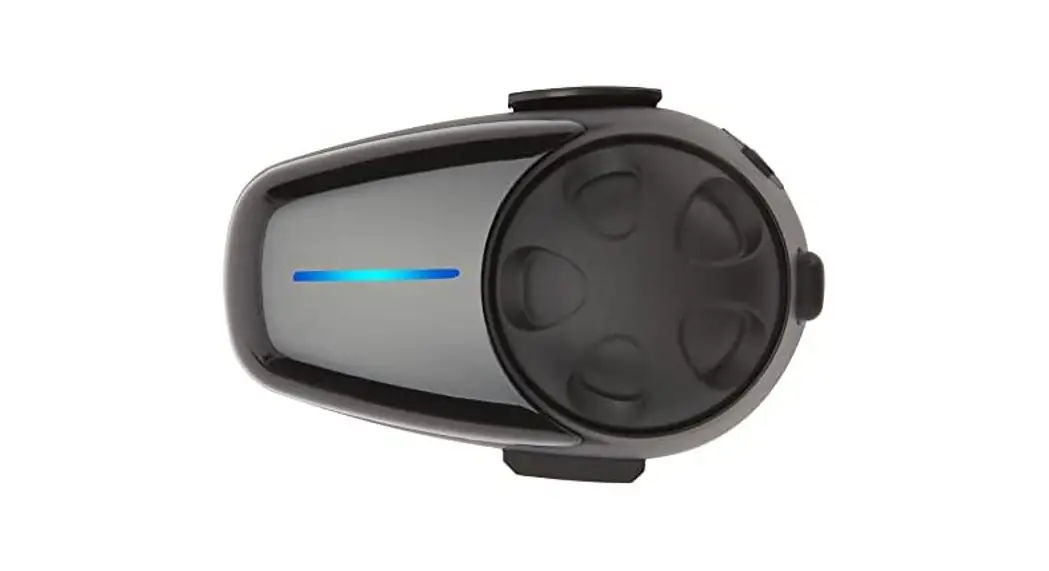
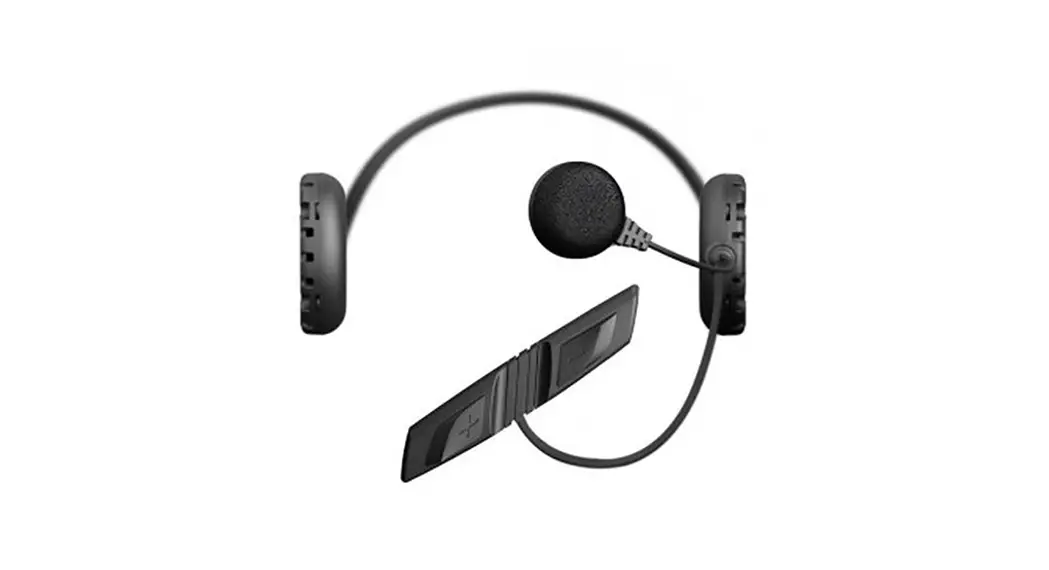
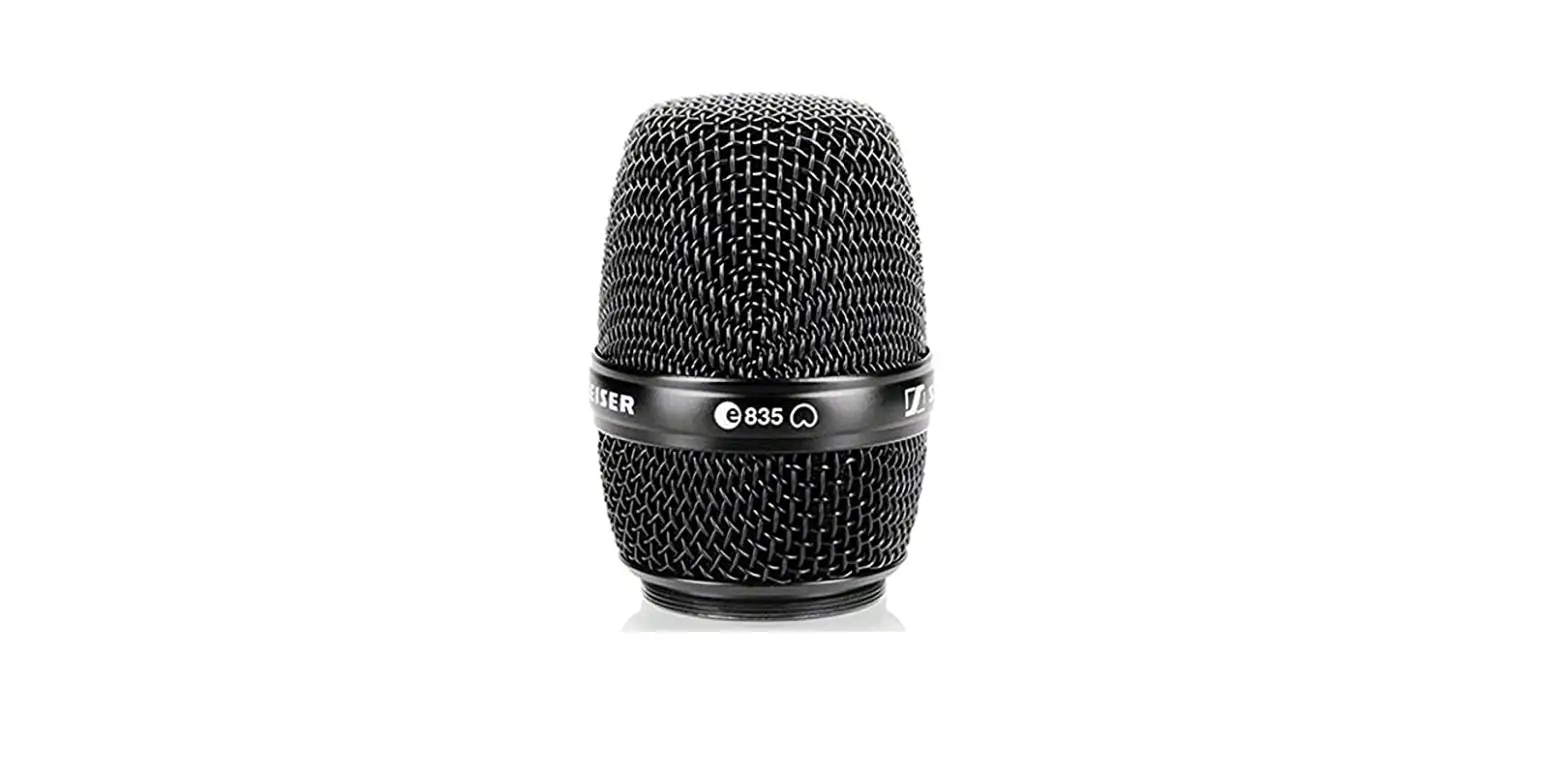
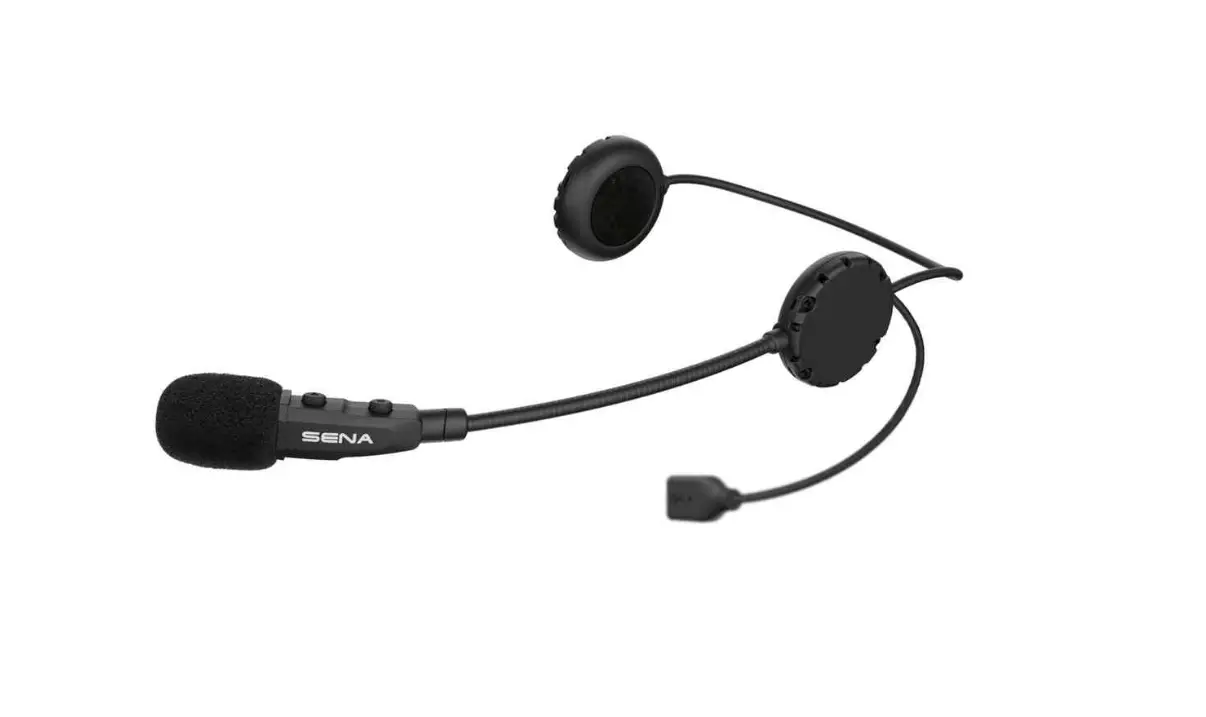
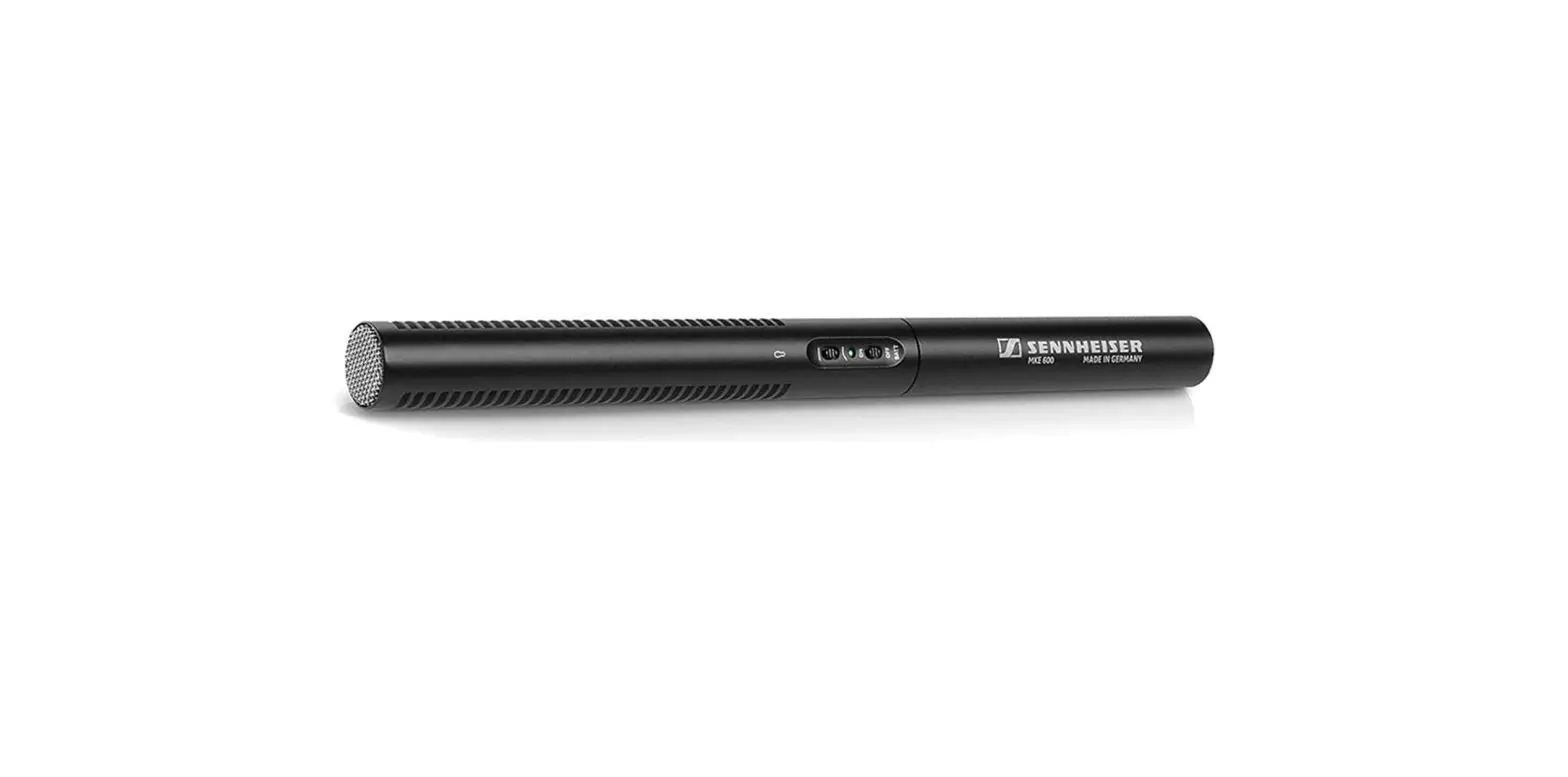
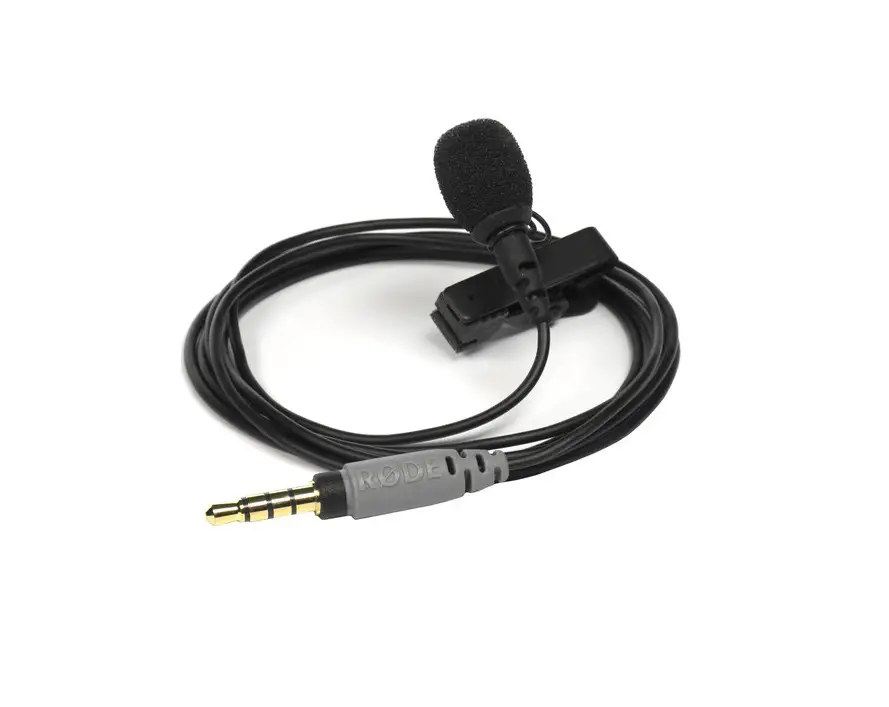
This product is the Sena 3S PLUS, a communication device
designed for motorcyclists. It features a boom microphone type and
a universal microphone type, along with status LED indicators,
pin-hole reset buttons, DC power charging and firmware upgrade
ports, and microphone speakers. It also includes advanced features
such as Two-Way Intercom, which allows for intercom communication
up to 400 meters in open terrain, and Advanced Noise Control for
improved audio quality.
Getting Started
- For detailed instructions, download the full version of the
User’s Guide from sena.com. - To enjoy the latest advanced features, update the product
firmware for free. Visit sena.com for instructions on how to
update. - Stay up to date with Sena products by following them on
Facebook, YouTube, Twitter, and Instagram.
Installation
To install the Sena 3S PLUS, follow these steps:
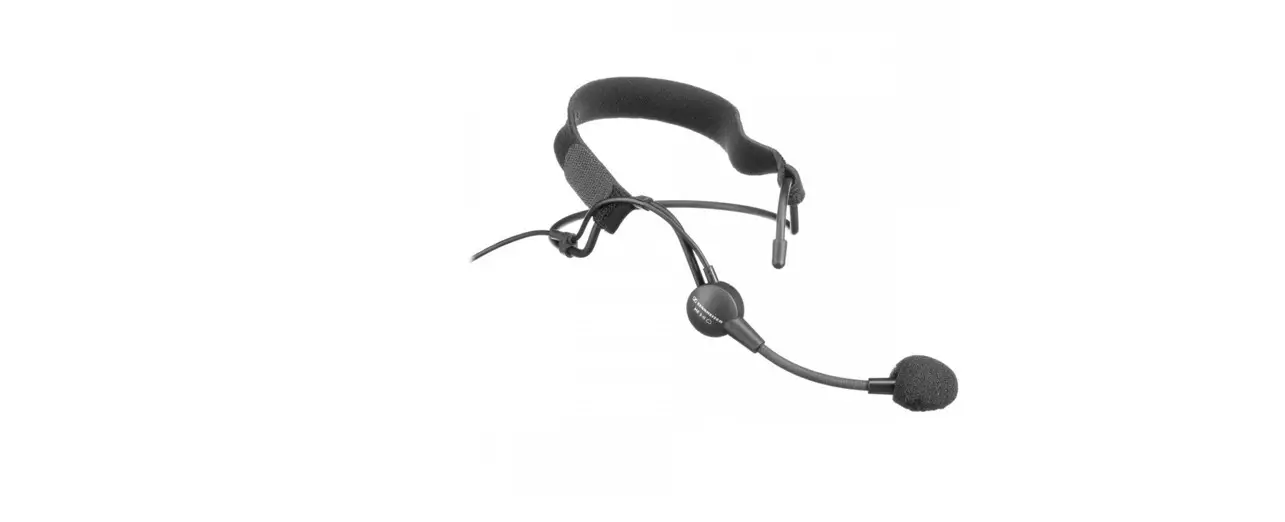
- Choose the appropriate microphone type (boom or
universal). - Connect the wired boom microphone or wired microphone to the
device. - Download the Sena Motorcycles App from Google Play Store or App
Store.
Basic Operations
To perform basic operations on the Sena 3S PLUS, use the
following button actions:
- Power On: Tap the button for 1 second.
- Power Off: Hold the button for 1 second.
- Volume Up: Tap the button once.
- Volume Down: Tap the button once.
Phone Pairing
To pair your mobile phone with the Sena 3S PLUS, follow these
steps:
- Power on the headset.
- Hold the button for 5 seconds to enter Bluetooth pairing
mode. - Select “3S PLUS” on your mobile phone’s Bluetooth
settings.
Mobile Phone Functions
Use the following button actions for various mobile phone
functions:
- Answer a Call: Tap the button once.
- End a Call: Hold the button for 2 seconds.
- Reject a Call: Hold the button for 2 seconds.
- Redial Last Number: Hold the button for 3 seconds.
- Make a Call with the Voice Dialer: Hold the button for 3
seconds.
Music Controls
Control your music playback with the following button
actions:
- Play/Pause: Hold the button for 1 second.
- Next Track: Hold the button for 2 seconds.
- Previous Track: Hold the button for 2 seconds.
Bluetooth Intercom
The Sena 3S PLUS can be paired with another headset for
Bluetooth intercom conversation. Follow these steps to pair:
- Pair your mobile phone with the headset.
- Open the Sena Motorcycles App and tap “Smart Intercom Pairing
Menu”. - Scan the QR code displayed on your friend’s mobile phone to
pair.
QUICK START GUIDE ENGLISH
Boom Microphone Type
Status LED
Pin-hole Reset Button
() Button (+) Button
DC Power Charging & Firmware Upgrade Port
Microphone Speakers
Universal Microphone Type
Status LED
Pin-hole Reset Button
(+) Button () Button
DC Power Charging & Firmware Upgrade Port
Microphone Connector Speakers
2.0.1
RIDE CONNECTED
Bluetooth® 5.1 advanced signal processing enables the 3S PLUS headset for scooter or motorcycle to deliver incoming and outgoing audio for music, phone calls, GPS directions, and talk over the intercom with your buddies.
Bluetooth® 5.1
Two-Way Intercom
Intercom up to 400 m (0.2 mi)*
Advanced Noise ControlTM
* in open terrain
GETTING STARTED
1. This product comes with a Quick Start Guide, which is a basic version of the User’s Guide. A FULL VERSION OF THE USER’S GUIDE CAN BE DOWNLOADED AT SENA.COM.
2. Update this product for free with the latest firmware to fully enjoy the new advanced features built into this product. Visit sena.com to see how to update your product.
3. Users can follow Sena on Facebook, YouTube, Twitter and Instagram to receive the most up to date information on products, helpful tips and all other announcements regarding Sena products.
SENA Technologies, Inc. Customer Support: sena.com
3S PLUS
GETTING STARTED
GETTING STARTED
How to Use This Guide
The legend and callouts are here to help you read the illustrations. New technology can be confusing, but we’ve created a simple way to perform actions using illustrations.
=
HOLD
1s
Function = Button(s) to Tap or Hold
Icon Legend
TAP
1x
Tap button the specified number of times
“Hello”
HOLD
10s
Press and Hold button for the specified amount of time
Audible prompt
Buttons
(+) Button
Boom Microphone Type
() Button Universal Microphone Type
QUICK START GUIDE
Installation
Boom Microphone Type
1
2
3
1
2
3S PLUS
QUICK START GUIDE
QUICK START GUIDE
Universal Microphone Type
1
2
3
4-1
4-2
Wired Boom Microphone
Wired Microphone
5 2
1
QUICK START GUIDE
Sena Motorcycles App
Download the Sena Motorcycles App on Google Play Store or App Store.
Sena Motorcycles · Device configuration setting
Sena Device Manager
The Sena Device Manager allows you to upgrade firmware and configure settings directly from your PC. Download the Sena Device Manager from sena.com.
NOTICE
· This Quick Start Guide (Version 2.0.0 or higher) explains how to operate the 3S PLUS with firmware version 2.0 or higher.
· For operating the 3S PLUS with a firmware version lower than 2.0, refer to the 3S PLUS Quick Start Guide that is available when you connect the 3S PLUS to the Motorcycles App.
QUICK START GUIDE
Basic Operations
Power On
Power Off
HOLD
TAP
=
1s
=
1x
Volume Up
TAP
=
1x
Volume Down
TAP
=
1x
Checking the Battery Level
Instruction is for when powering the headset on.
Visual Method
HOLD
=
1s
= = =
QUICK START GUIDE
Phone Pairing
HOLD
=
5s
Select 3S PLUS
Bluetooth
ll
=
LED STATUS
Device A Sena 3S PLUS v1.0 Device B ……
=
PIN NUMBER
· For more information on phone pairing, refer to the User’s Guide.
QUICK START GUIDE
Mobile Phone
Answer a Call
TAP
=
1x
End a Call
HOLD
=
2s
Reject a call
HOLD
=
2s
Redial Last Number
HOLD
=
3s
Make a Call with the Voice Dialer
HOLD
=
3s
Music Controls
Play/Pause
HOLD
=
1s
Next Track
HOLD
=
2s
Previous Track
HOLD
=
2s
QUICK START GUIDE
Bluetooth Intercom
The 3S PLUS can be paired with another headset for Bluetooth intercom conversation.
B
A
INTERCOM FRIEND
YOU
Intercom Pairing There are two ways to pair the headset.
Using the Smart Intercom Pairing (SIP)
SIP allows you to quickly pair with your friends for intercom communication by scanning the QR code on the Sena Motorcycles App without remembering the button operation.
1. Pair the mobile phone with the headset.
2. Open the Sena Motorcycles App and tap (Smart Intercom Pairing Menu).
3. Scan the QR code displayed on your friend (B)’s mobile phone.
· Your friend (B) can display the QR code on the mobile phone by tapping > QR code ( ) on the Sena Motorcycles App.
QUICK START GUIDE
4. Tap Save and check that your friend (B) is paired with you (A) correctly.
Note: The Smart Intercom Pairing (SIP) is not compatible with Sena products that use Bluetooth 3.0 or below.
Using the Button
A
and = B
HOLD
5s
A
TAP
or =
1x
B
“Intercom pairing”
Flashing blue LED = confirms intercoms are
paired.
LED STATUS
Start/End Conversation with Intercom Friend
B =
HOLD
1s
QUICK START GUIDE
Configuration Menu
Access the Configuration Menu
HOLD
=
10s
Navigate Between Menu Options
TAP
=
1x
Execute Menu Options
TAP
=
1x
Troubleshooting
Factory Reset
HOLD
=
10s
TAP
=
5x
TAP
=
1x
Fault Reset
=
Press the Pin-hole Reset Button for a second with light pressure. The headset will automatically be turned off and a fault reset will occur.
Note: Fault Reset will not restore the headset to the factory default settings.
QUICK REFERENCE
TYPE
OPERATION Power on
Basic Operations
Power off Volume up/down
Answer a call
End a call
Mobile Phone
Reject a call Voice dial
BUTTON COMMANDS
HOLD
1s
TAP
1x
TAP
or
1x
TAP
1x
HOLD
2s
HOLD
2s
HOLD
3s
3S PLUS
QUICK REFERENCE
QUICK REFERENCE
TYPE
OPERATION Play/Pause music
Music
Next track Previous track
Intercom pairing
Intercom
Start/End intercom
BUTTON COMMANDS
HOLD
1s
HOLD
2s
HOLD
2s
HOLD
5s
TAP
1x
HOLD
1s
2.0.1_EN_March2023
 The Best Motorcycle & Action Sport Bluetooth Devices | Sena