 IFIXIT Compaq Presario CQ58 HDD Replacement
 IFIXIT Compaq Presario CQ58 HDD Replacement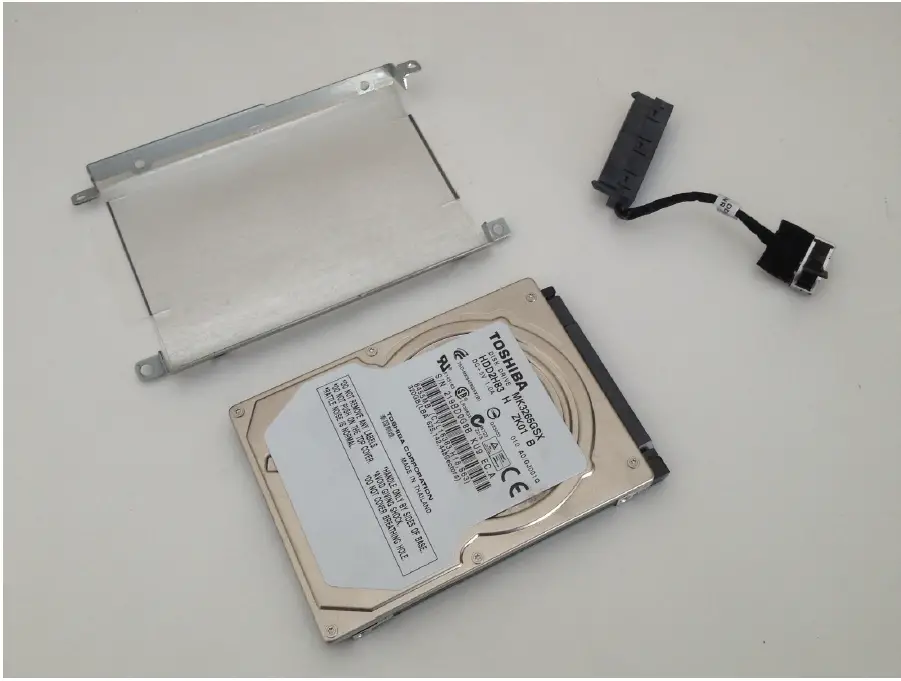
INTRODUCTION
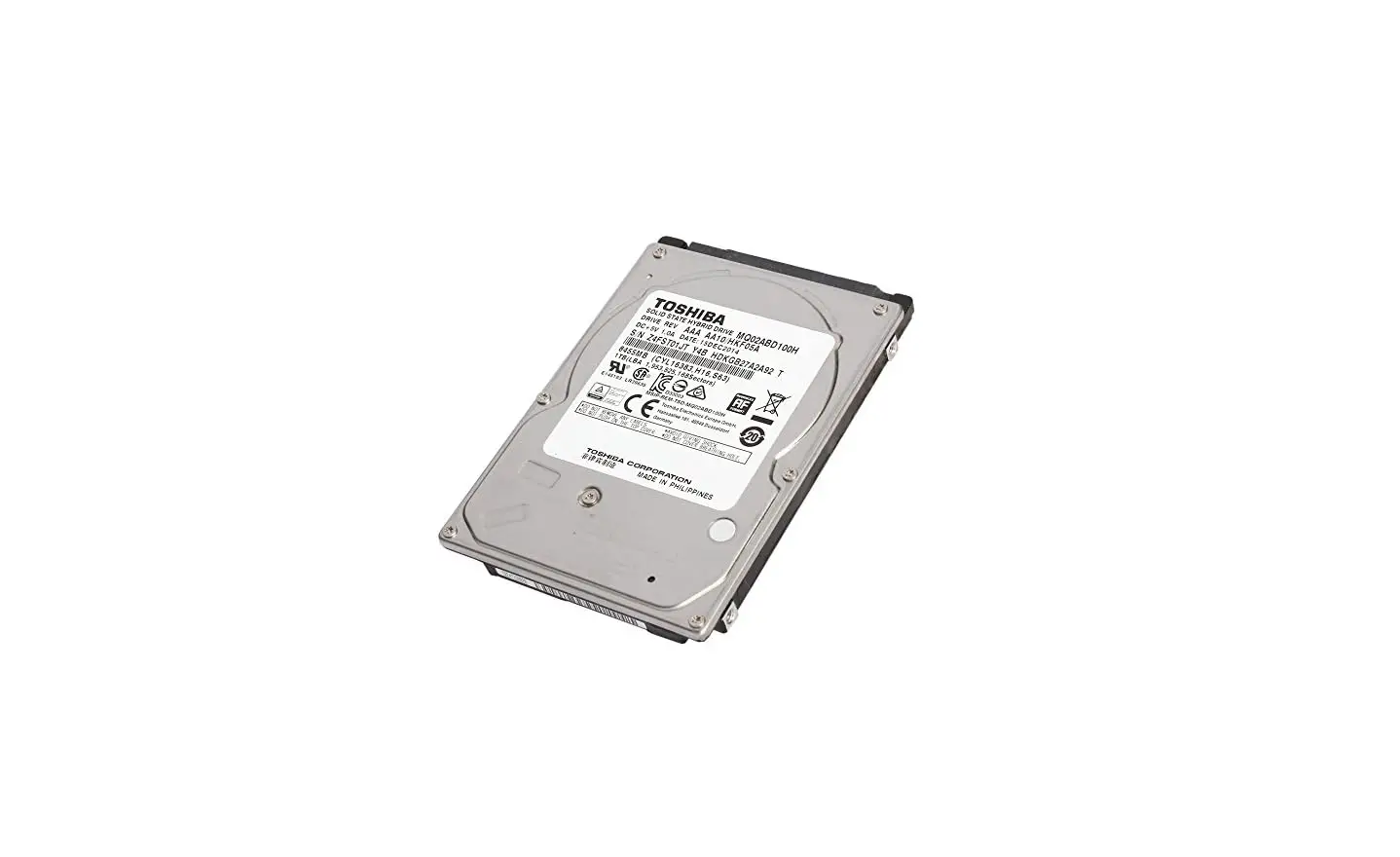
If you want to change not working Hard Disk Drive (HDD) or you want to upgrade it, this manual will help you to do this.
TOOLS
Phillips #0 Screwdriver (1)
PARTS
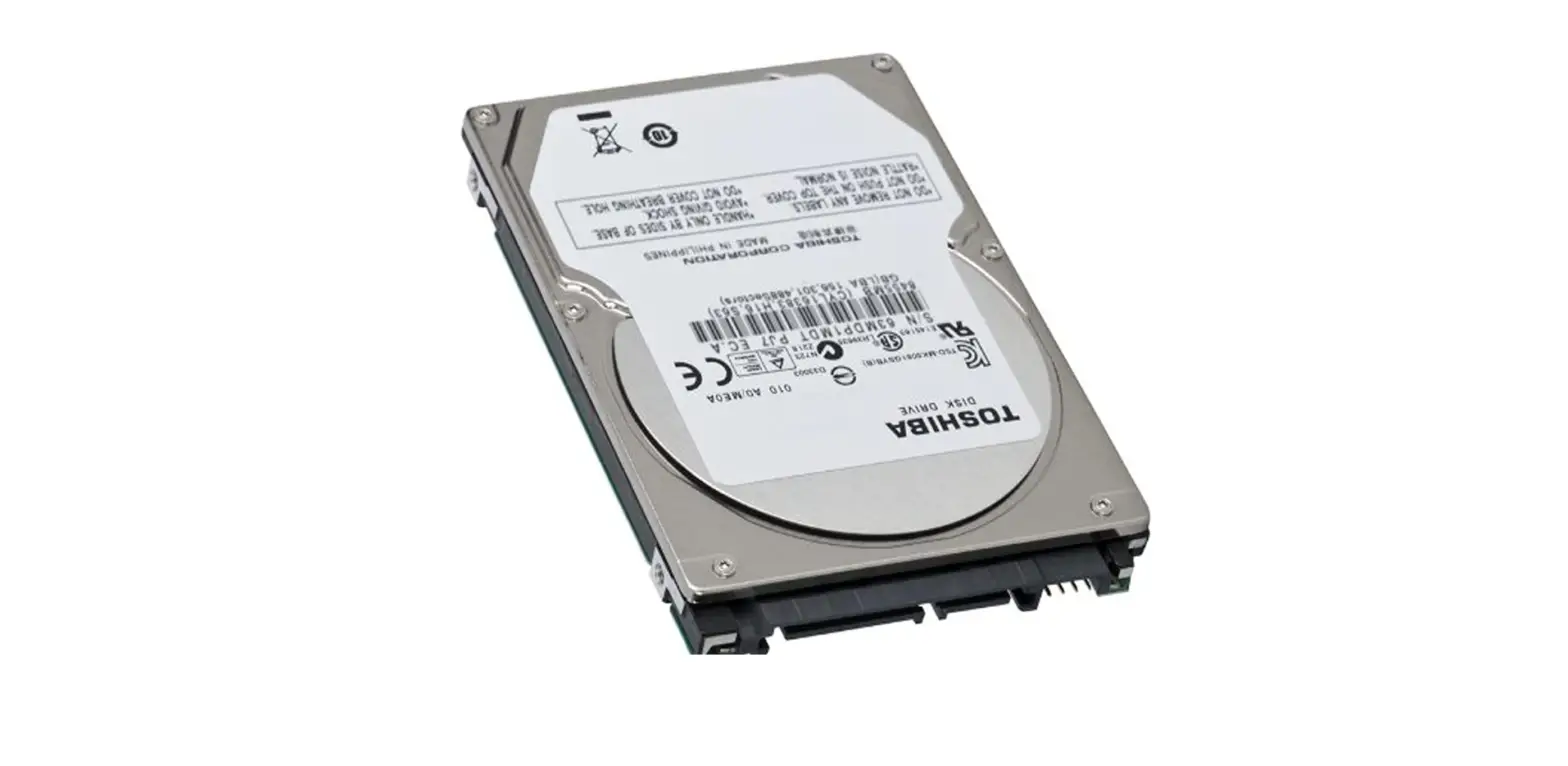
- 500 GB 5400 RPM 2.5″ Hard Drive (1)
Step 1 — HDD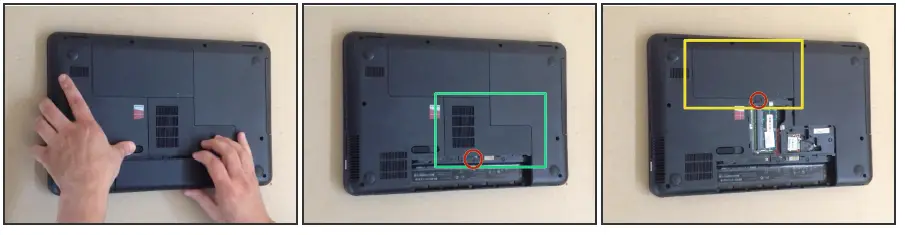
- Remove the battery.
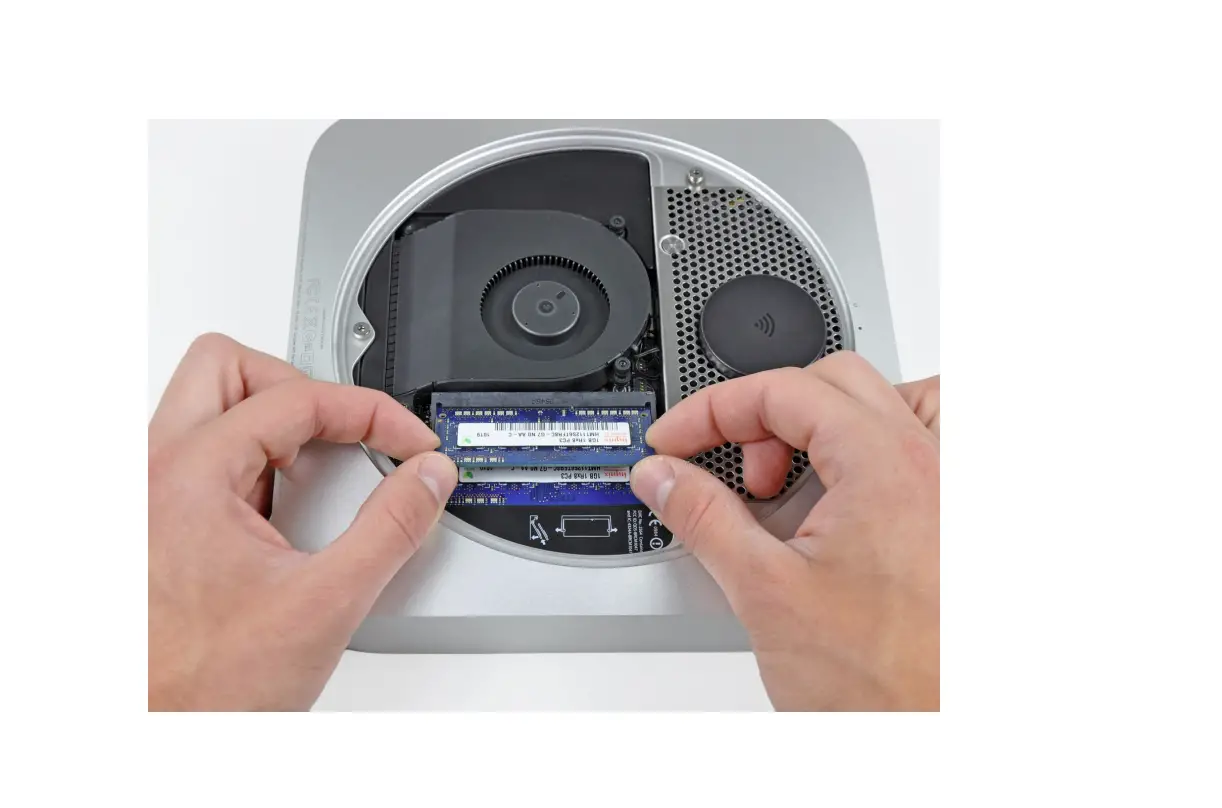
- Remove the RAM Memory Cover.
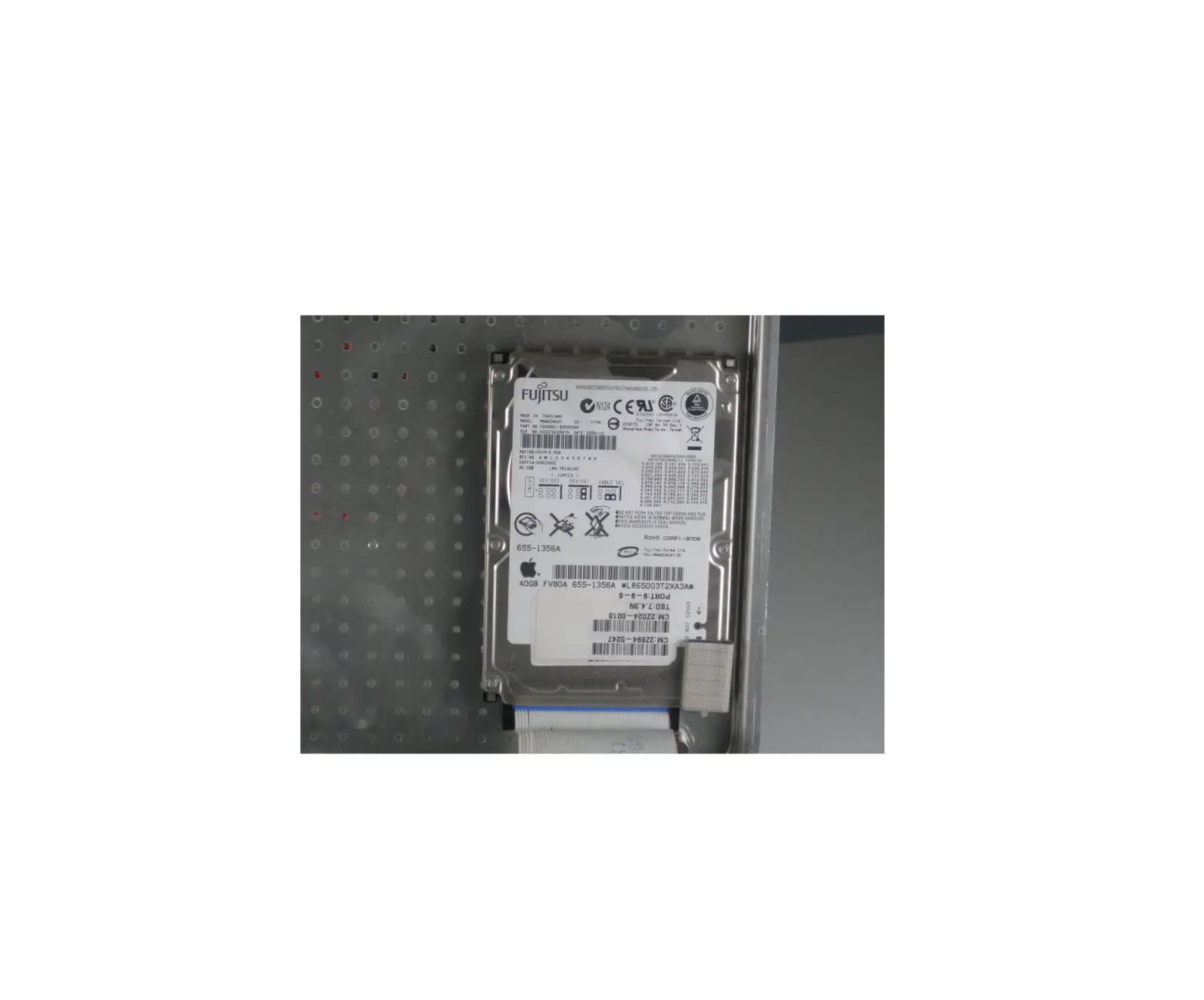
- Remove the HDD Cover.
Step 2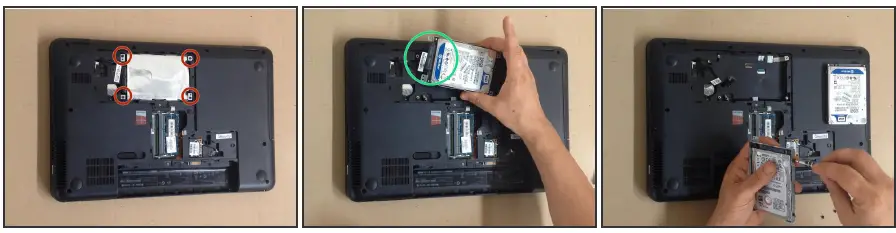
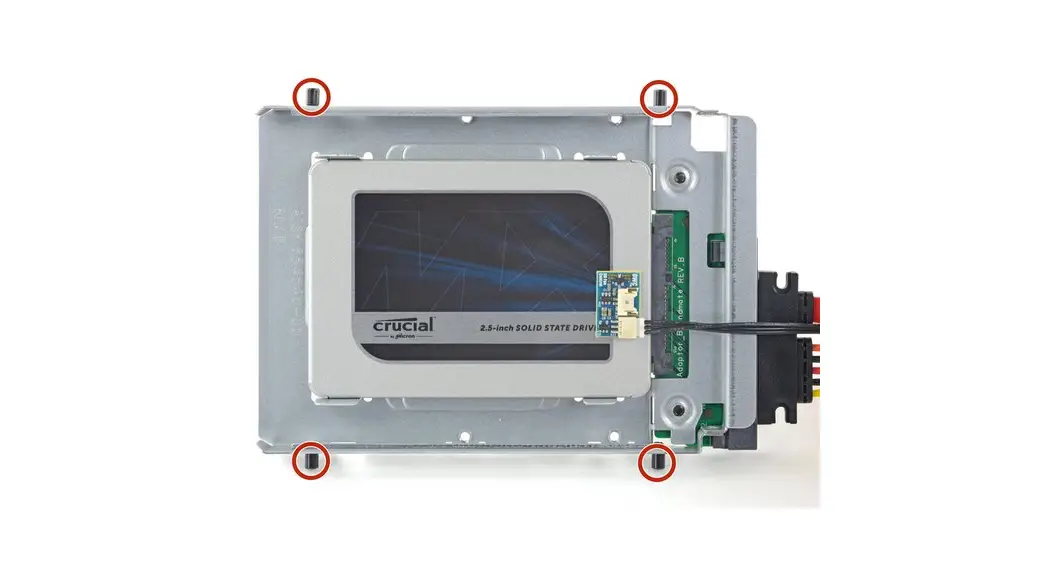
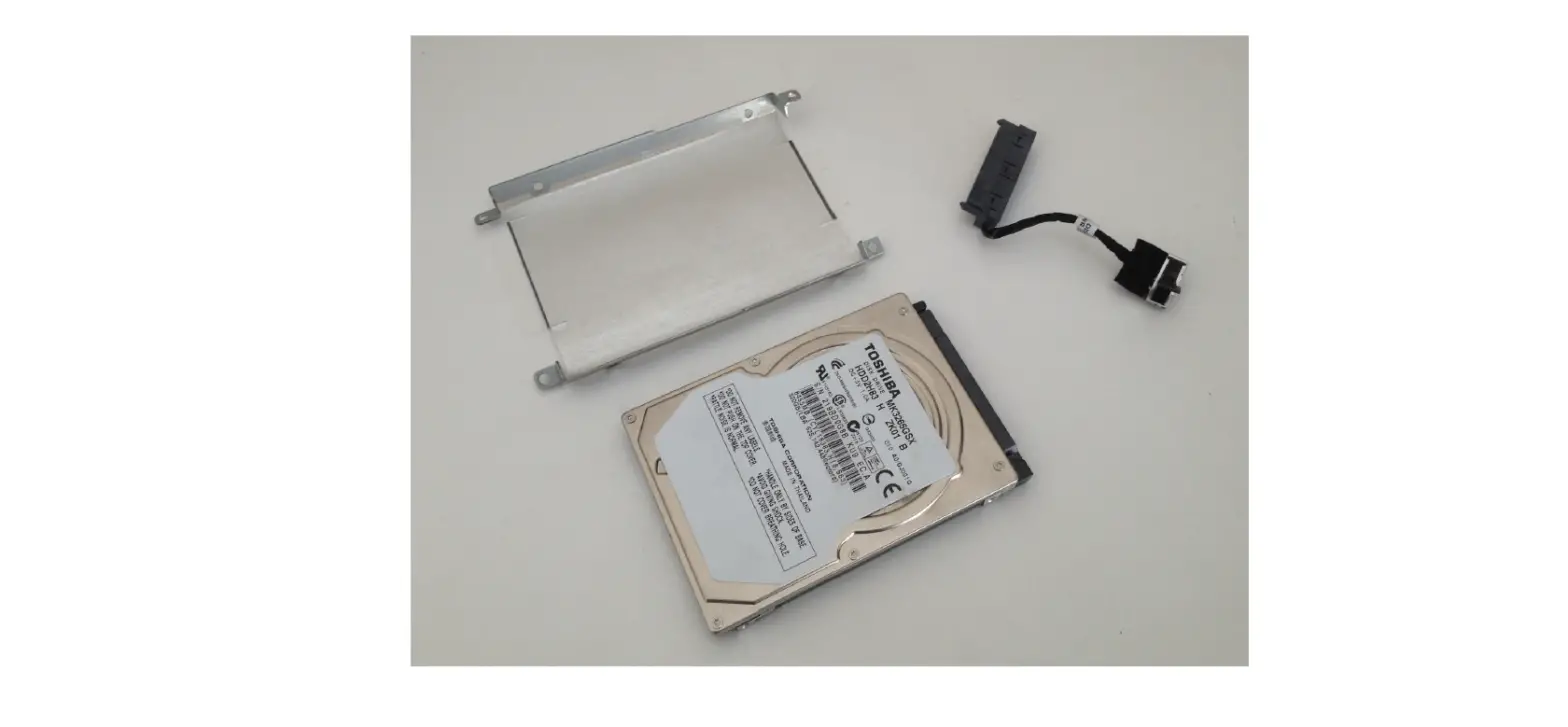
- Remove the 4x screws and take out the HDD.
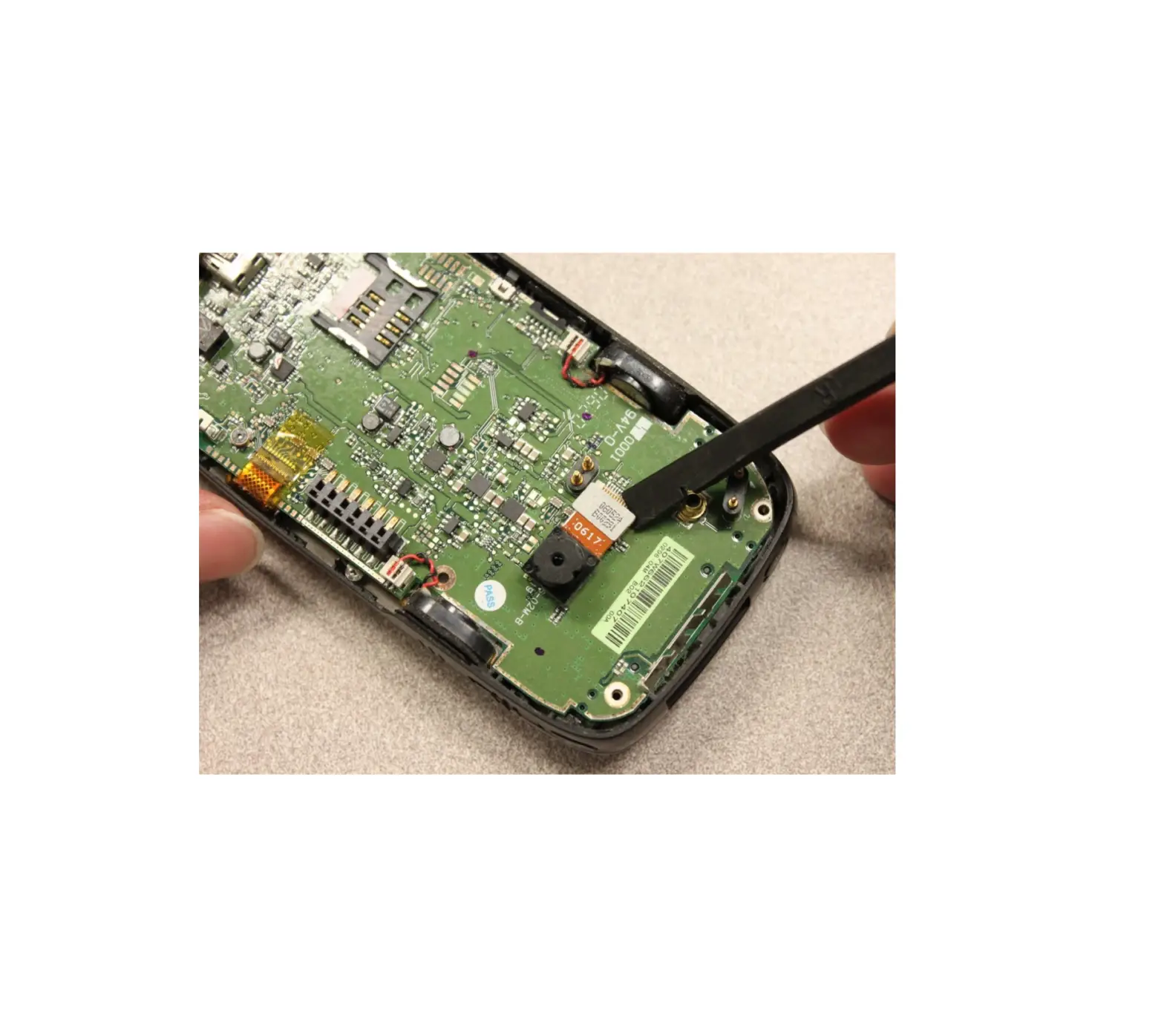
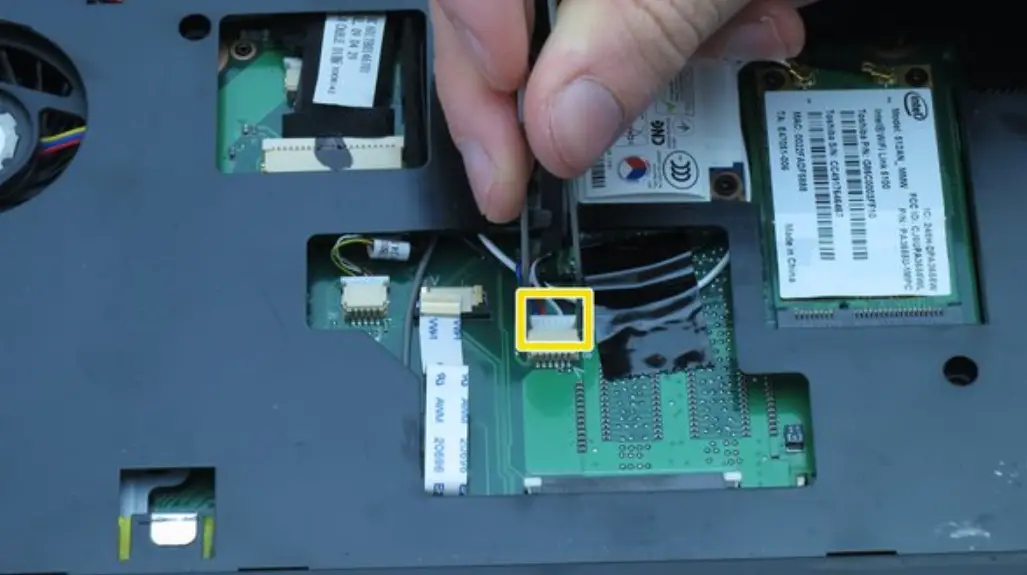
- Disconnect the SATA cable.
- The Hard Drive is held in the HDD Caddy by 4x screws.
Did you do it successfully?
To reassemble your device, follow these instructions in reverse order. This document was generated on 2021-11-14 at 11:43:01 PM (MST).