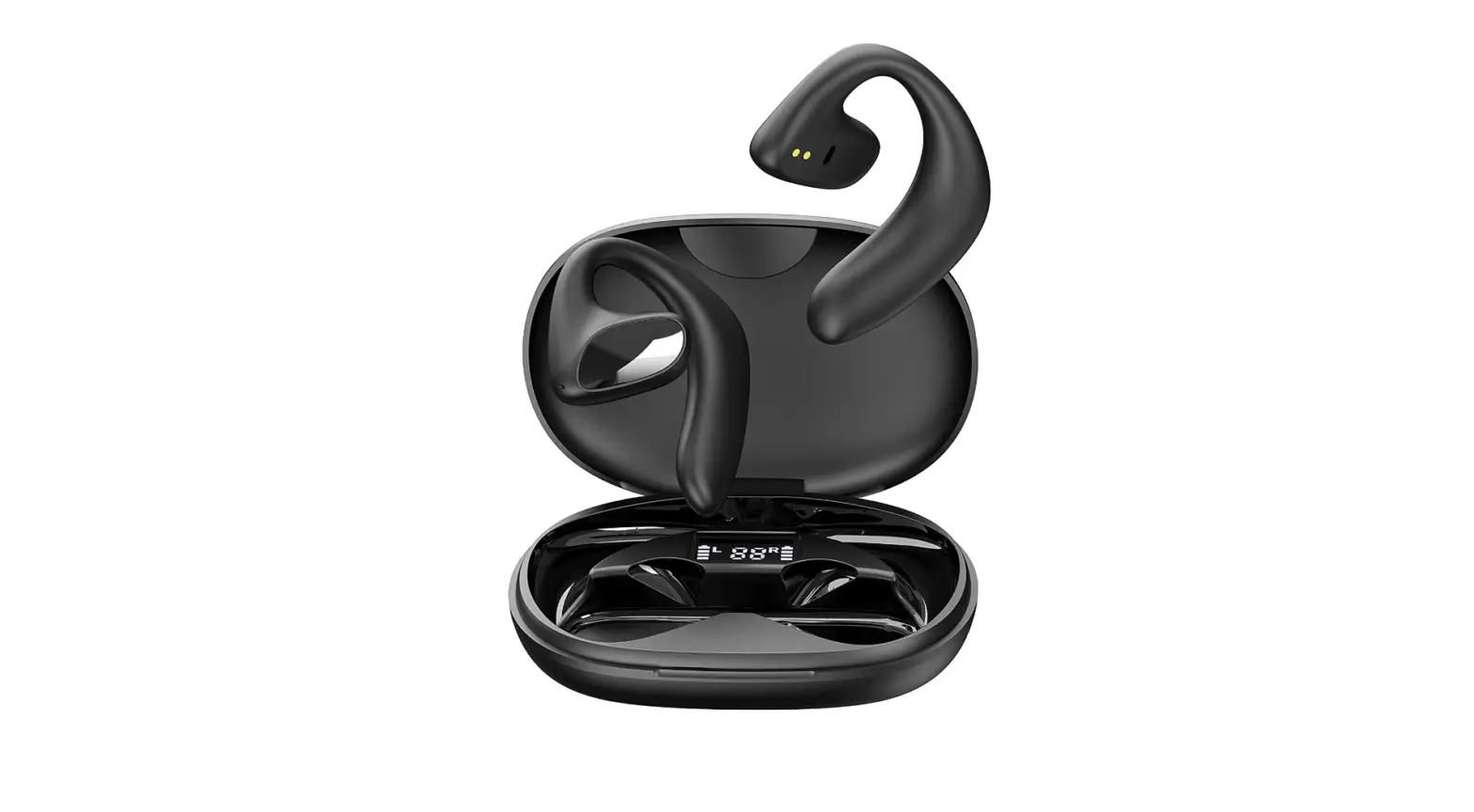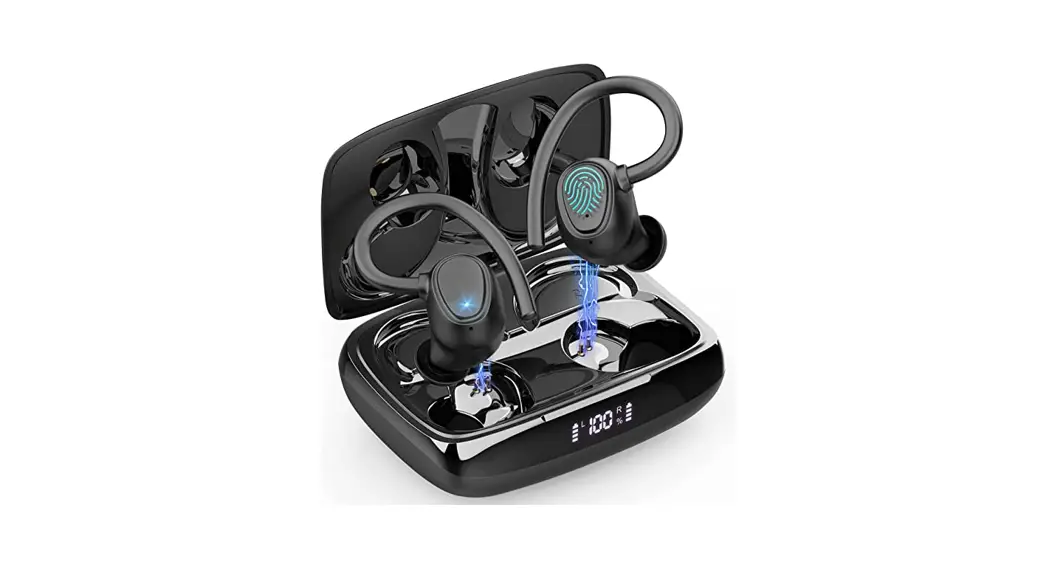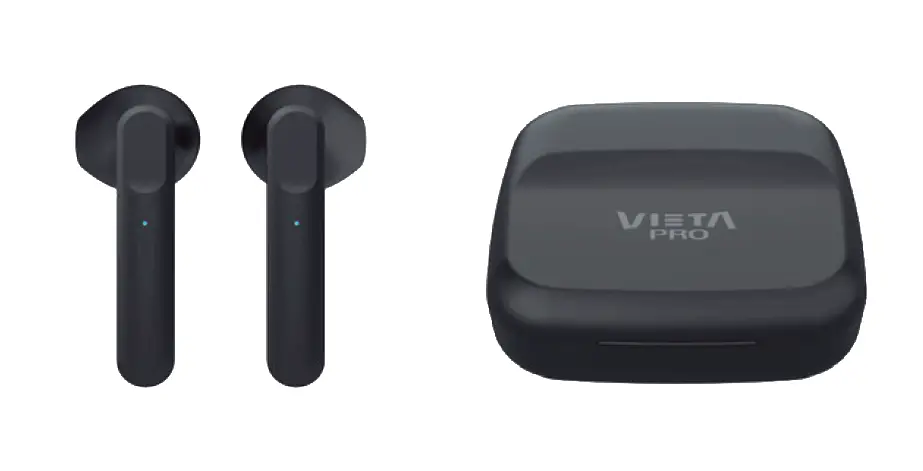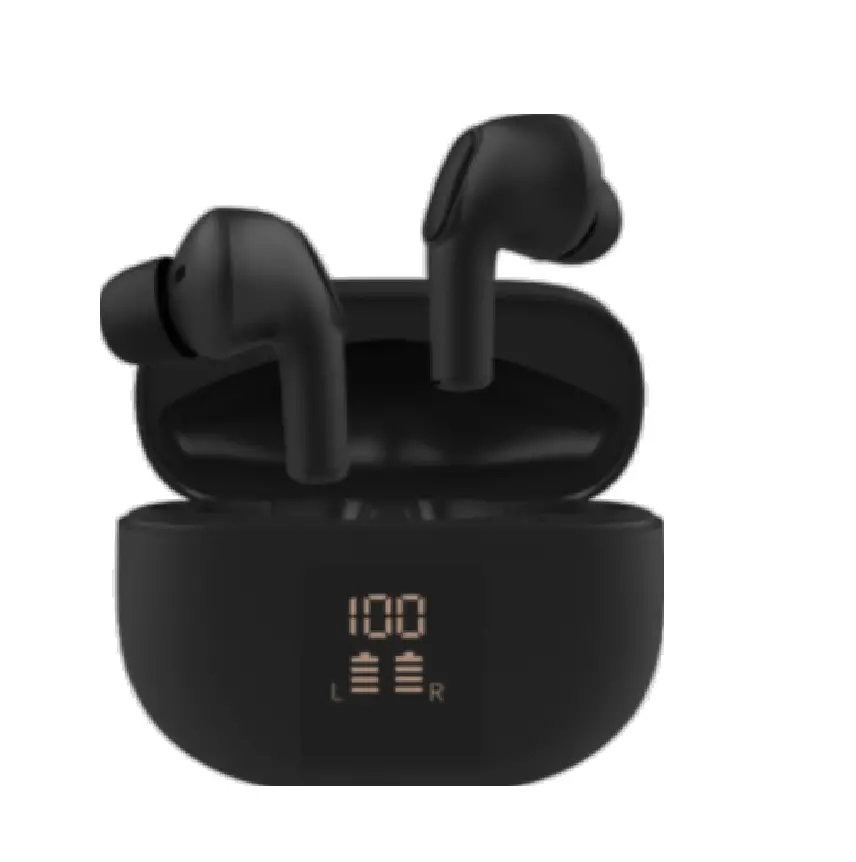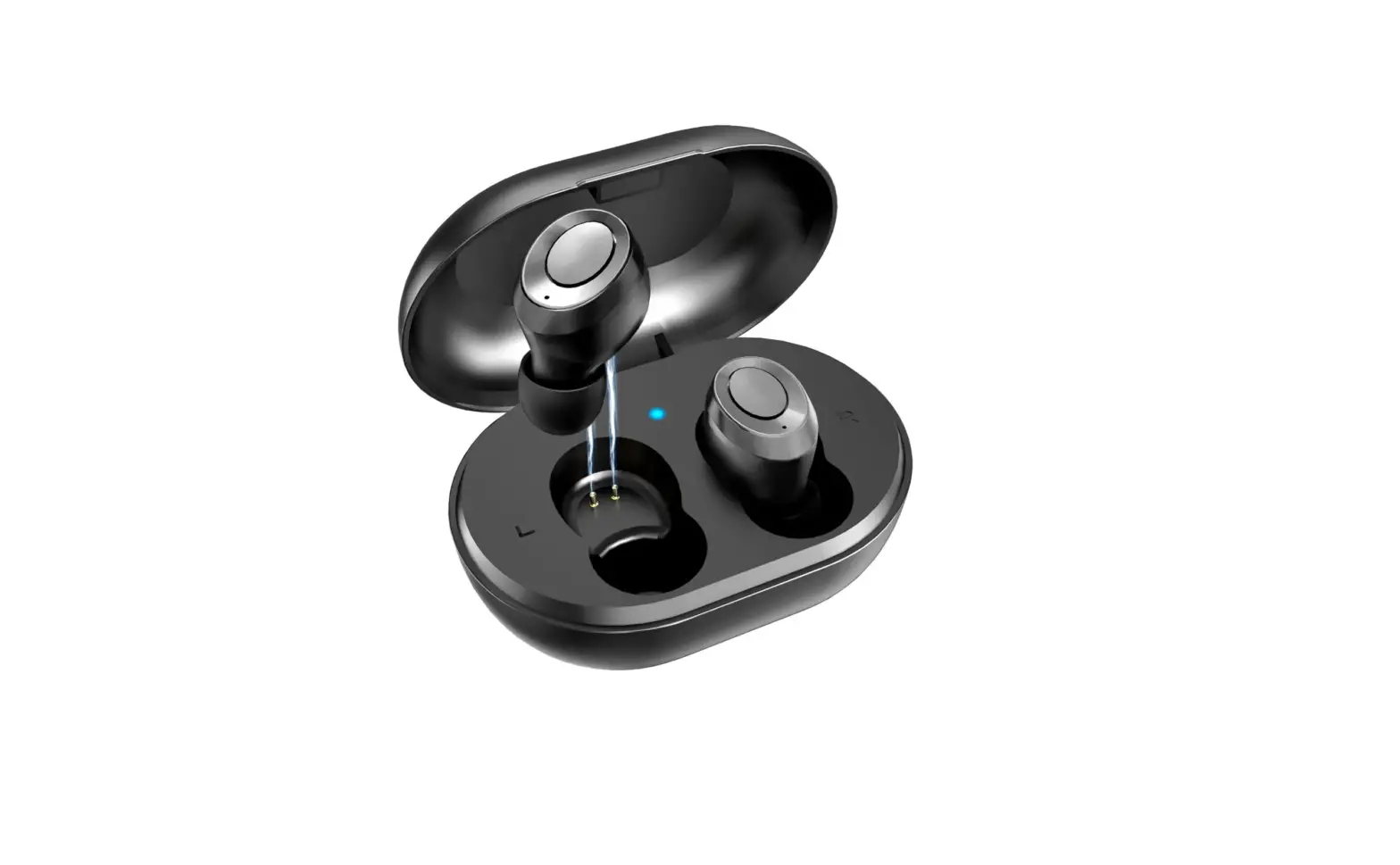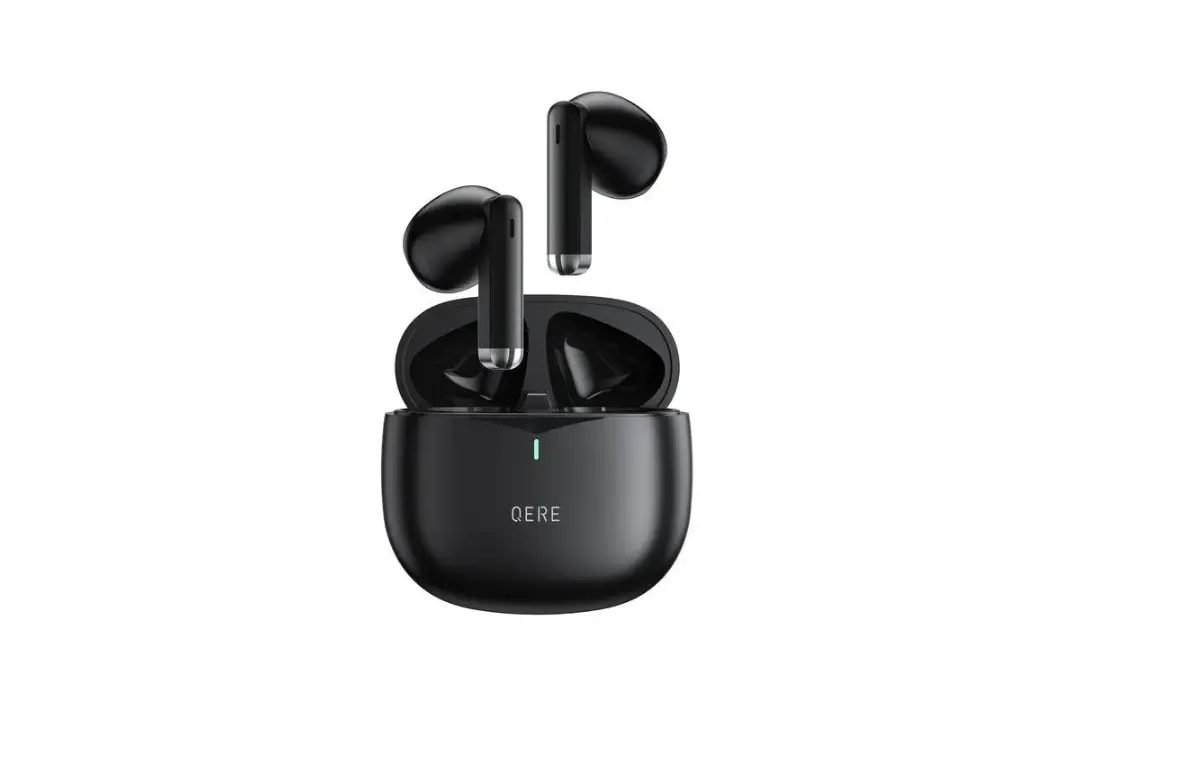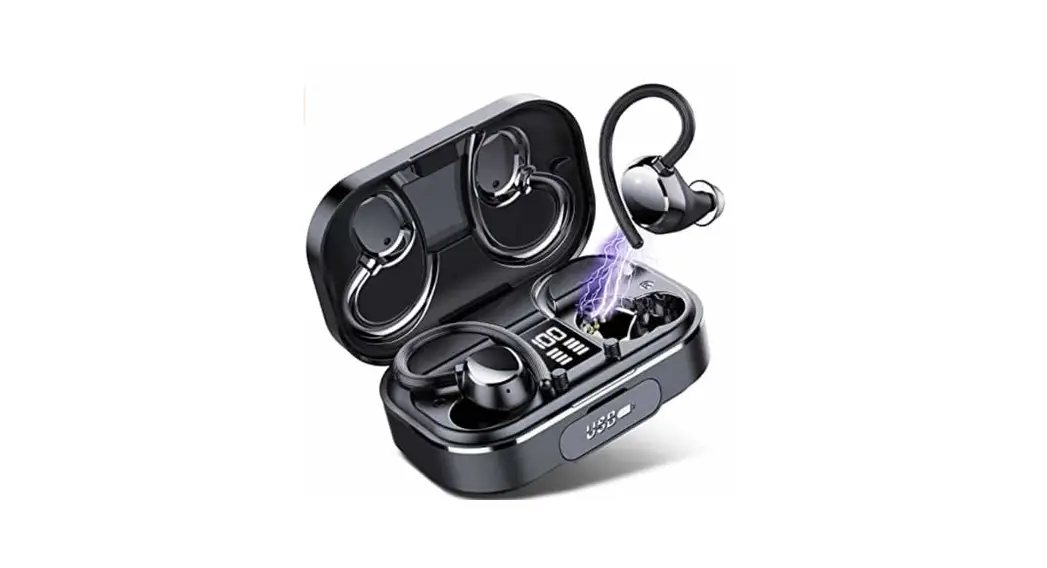
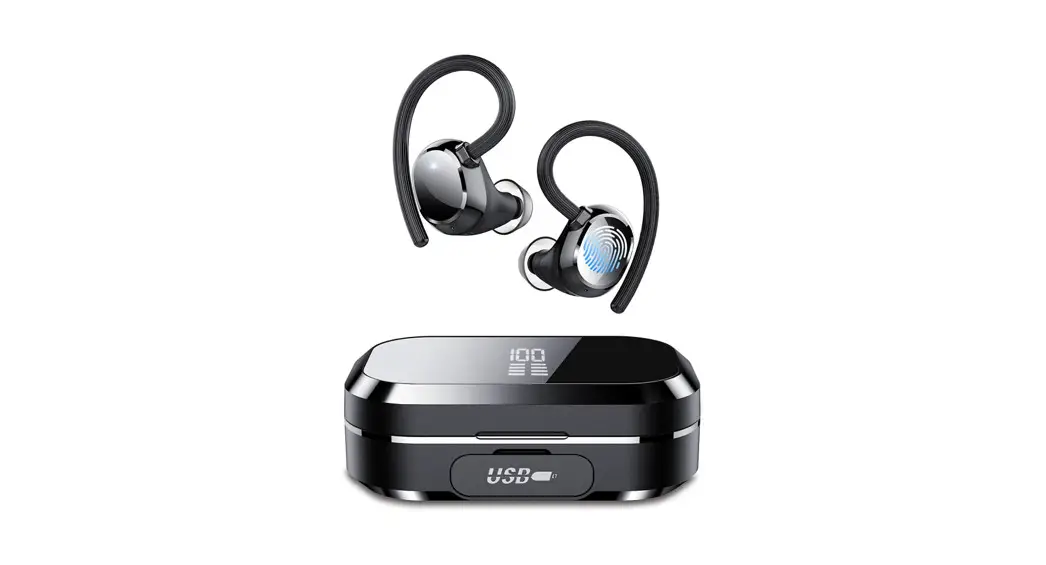
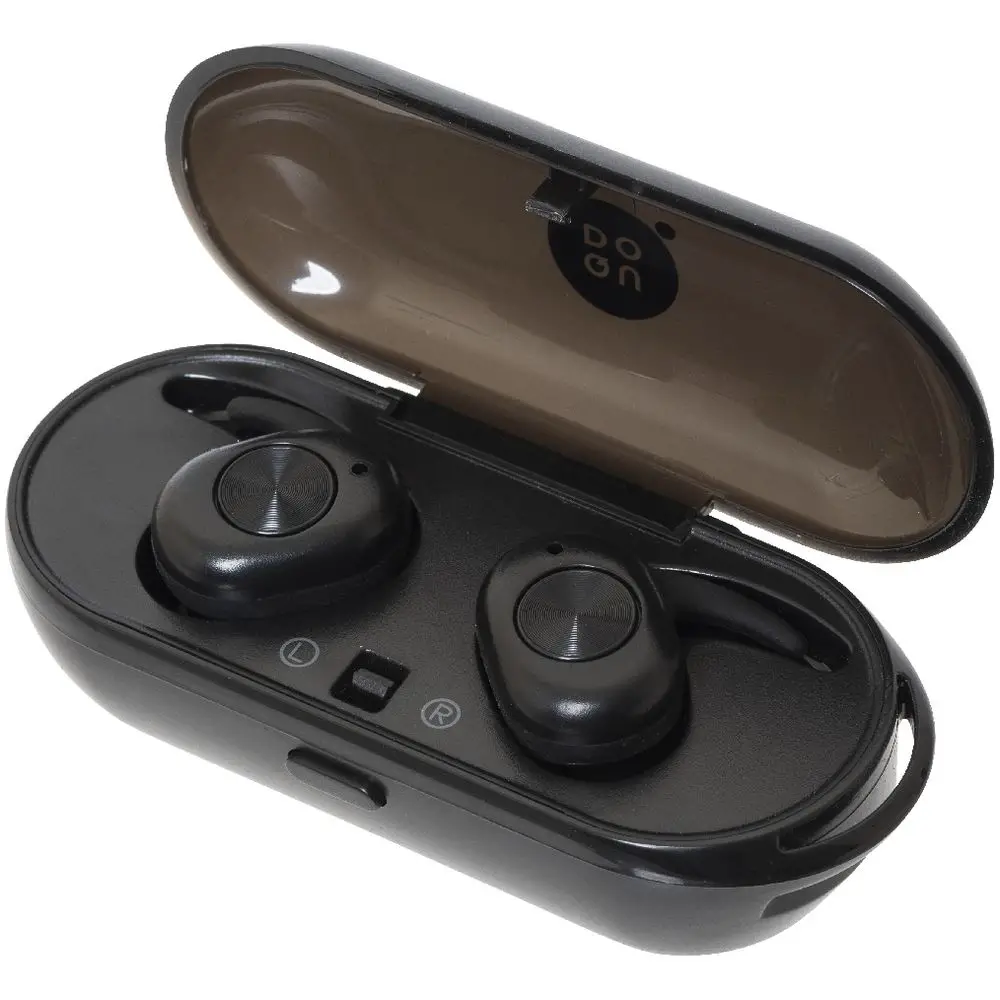
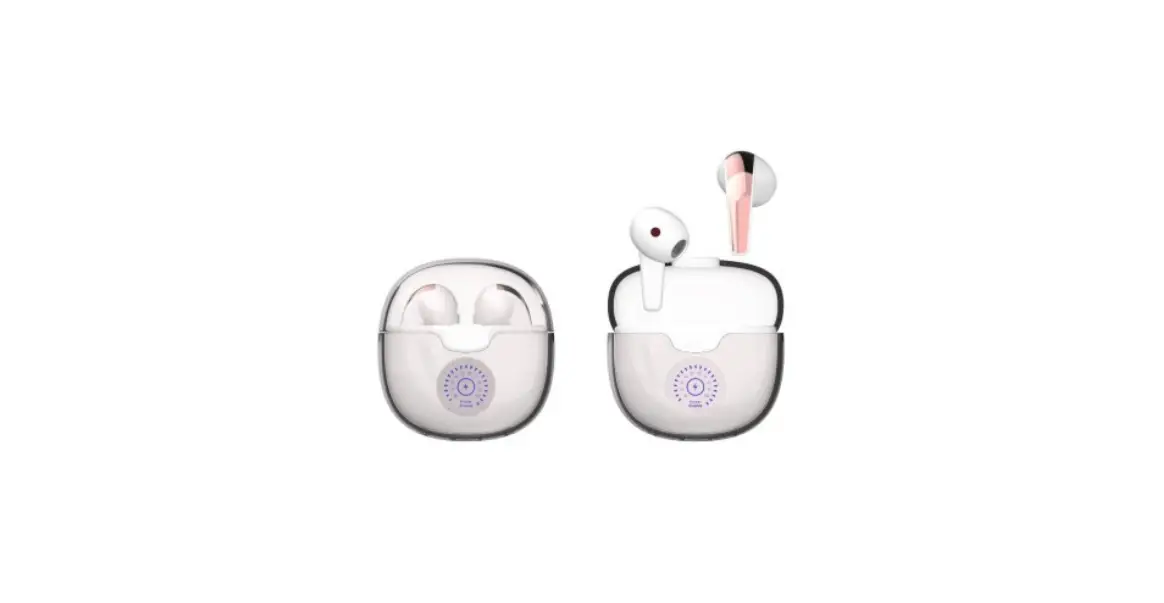
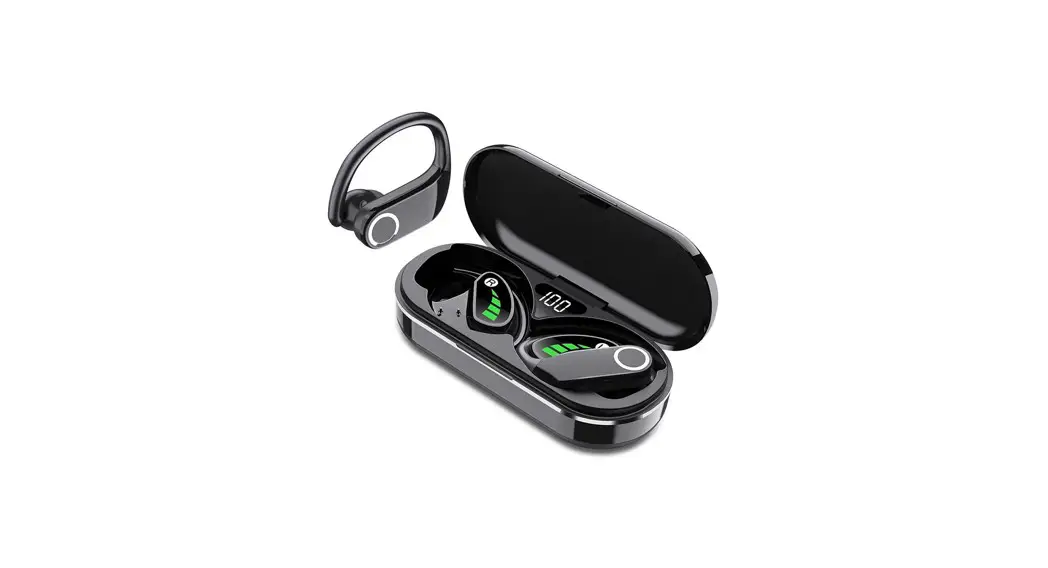
 Wireless Earbuds
Instruction Manual
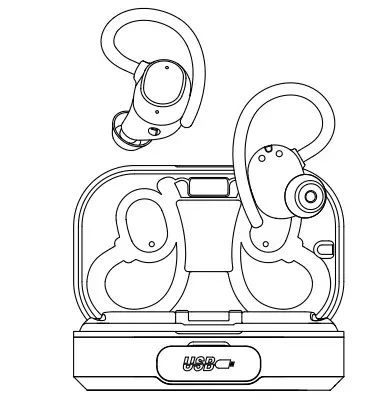
Please read the instructions before use.
Before Use
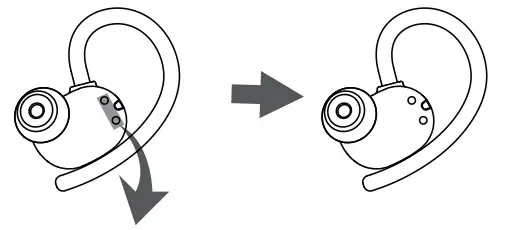
- Remove the protective film before charging.

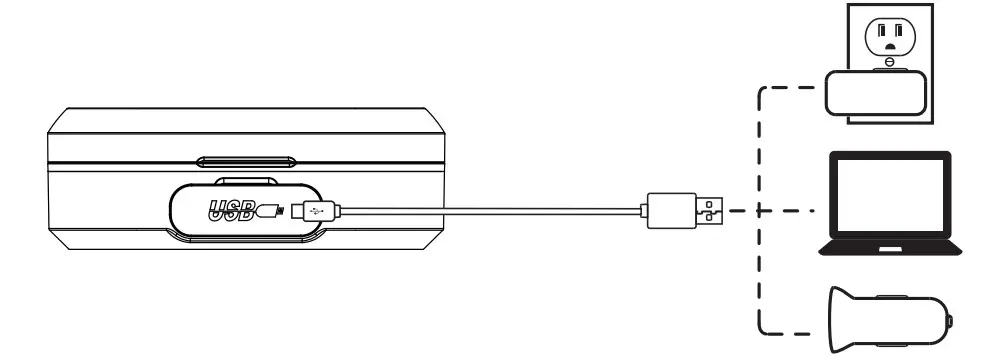
- Fully charge the earbuds and charging case.

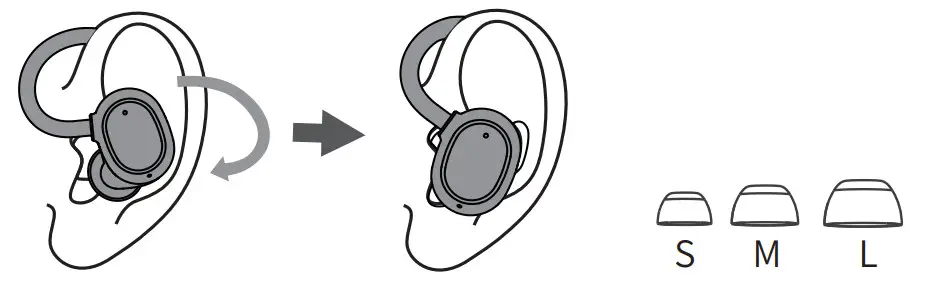
- Choose the right angle and ear tips.

Connect
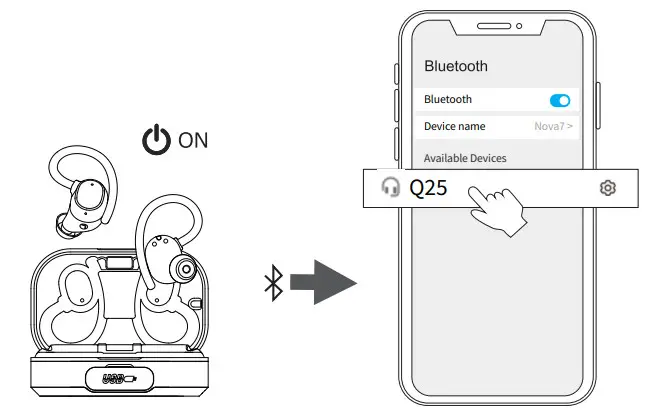 | |
| 1.Take out the earbuds (Earbuds auto power on) | 2. After open the phone Bluetooth, Click the to Pairing |
Reset
If earbuds has any connection or function problems, please reset the earbuds
- Delete the BT pairing information on the phone.
- Take the earbuds into the charging case to charge.
- Take out the earbuds and wait for seconds. (If the above operation does not work, please try again)
Operation
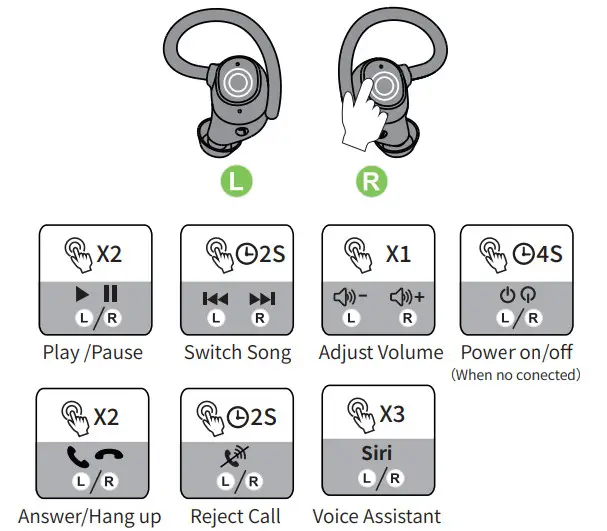
X1: Click Once
X2: Click 2 times 2S: Press and hold for 2 seconds
Battery Indicator
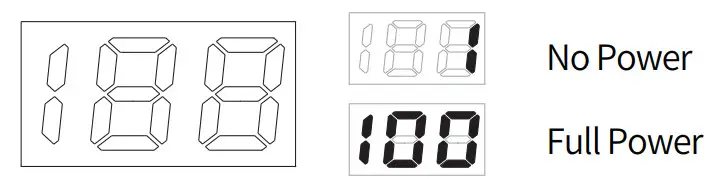
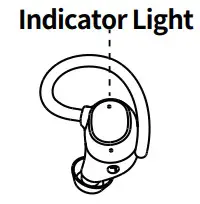
| Pairing | Connected | Charging |
 Flashing Flashing | No Light |  Red Red |
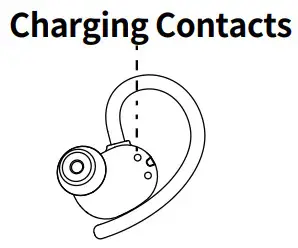
 Wipe and dry charging contacts if earbuds can’t be charge.
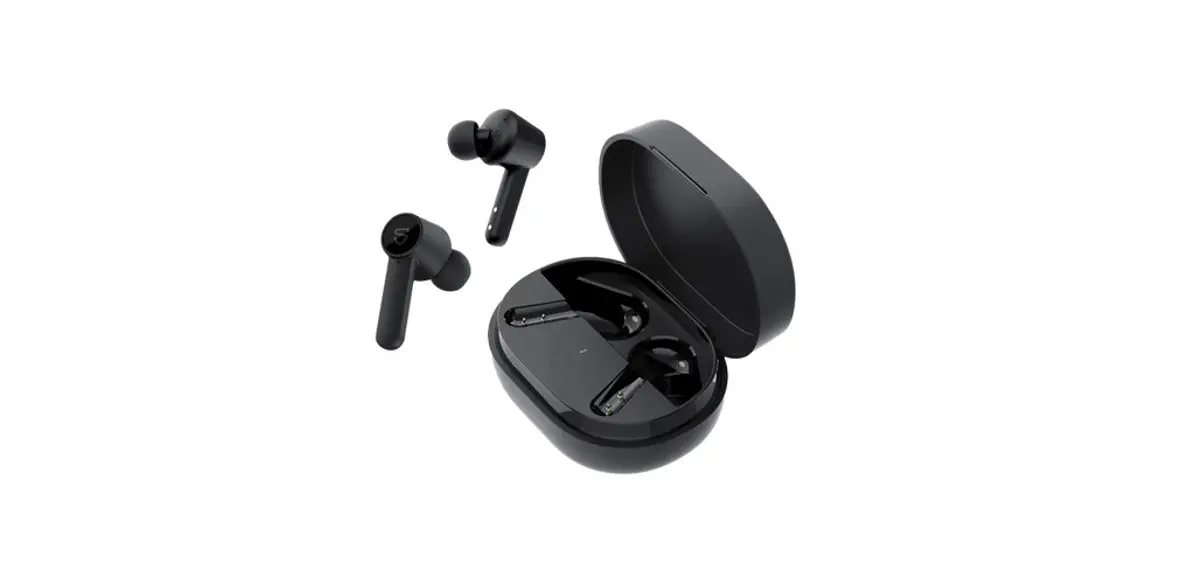
![Qudo Wireless Bluetooth Earbuds User Manual [qdsltmc12b]](https://static-data1.manualsee.com/1/img/290/21644/2020/12/0-29.jpg "Qudo Wireless Bluetooth Earbuds User Manual [qdsltmc12b]")