 Instruction Manual
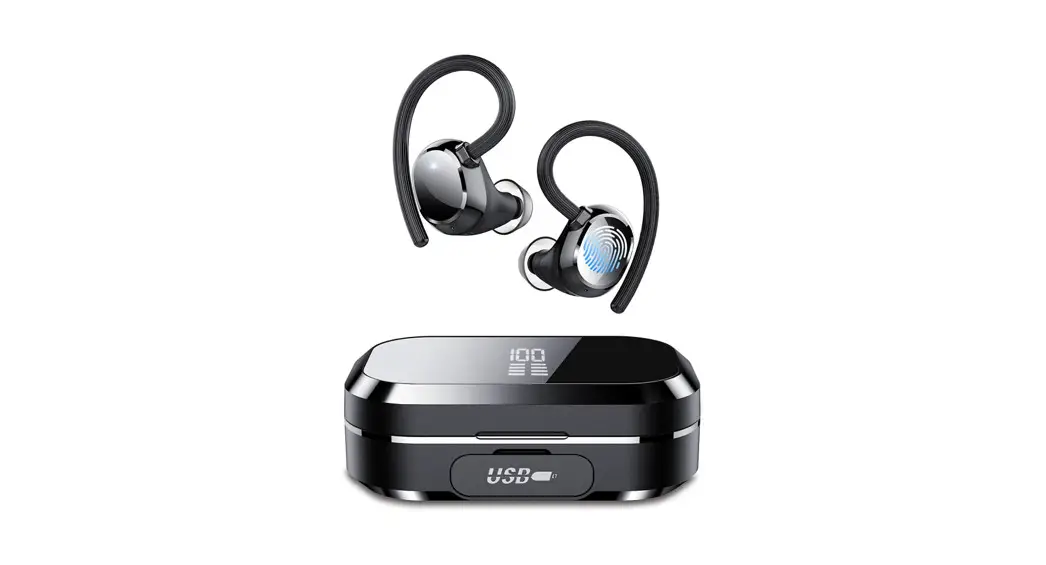
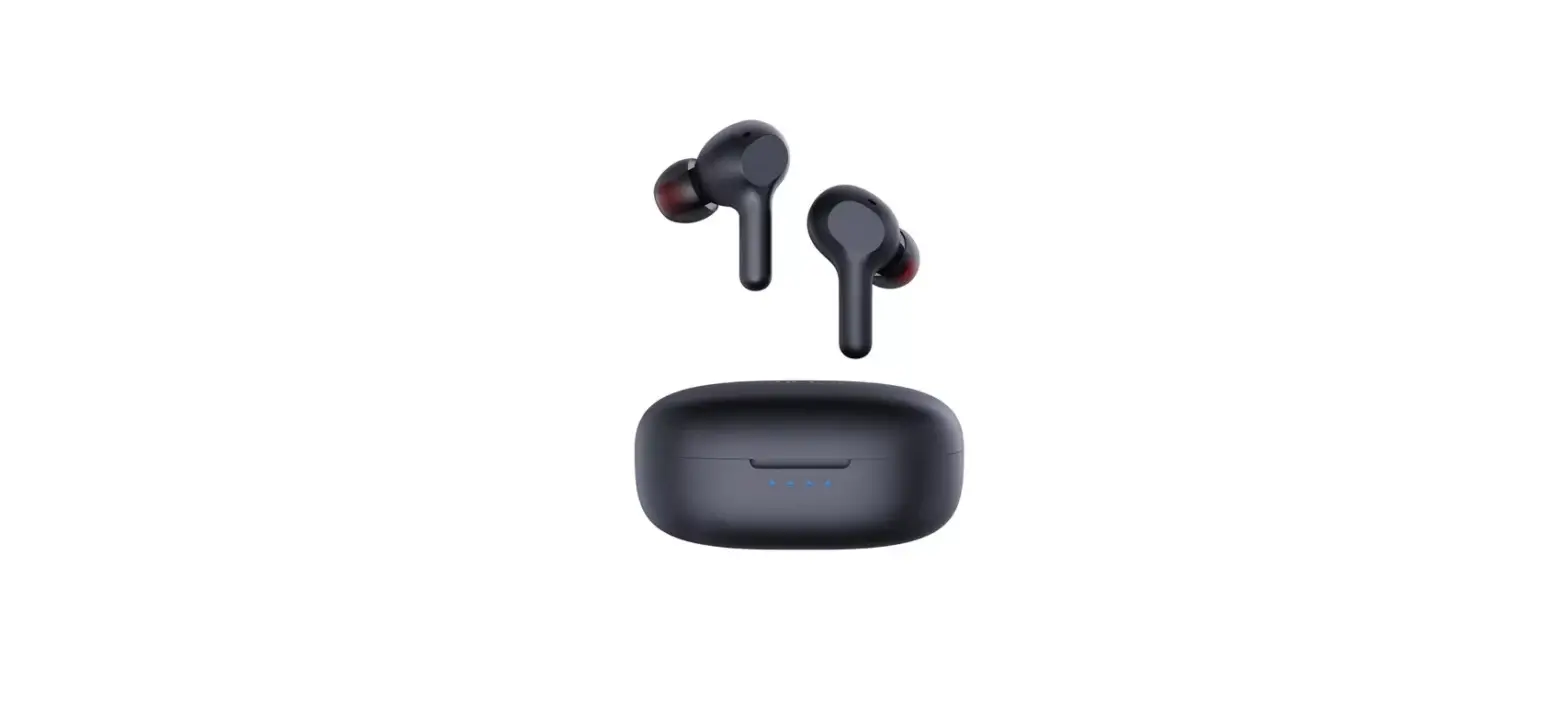
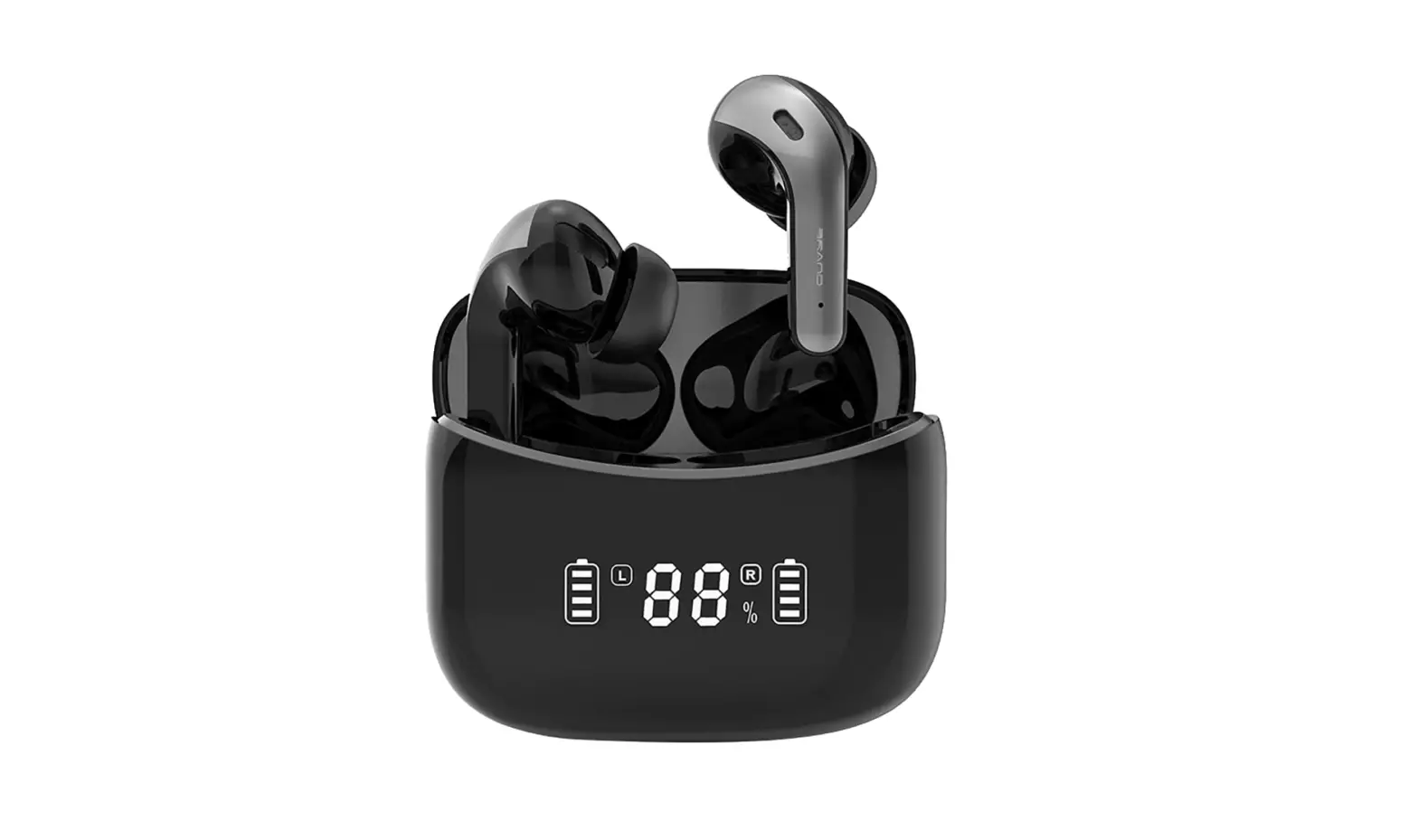
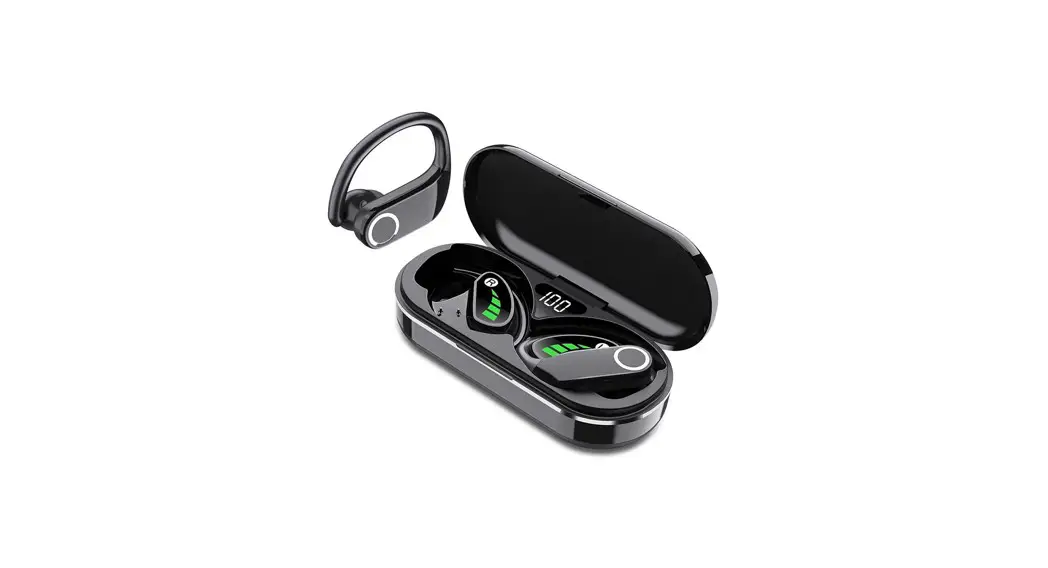
Q30 Wireless Earbuds
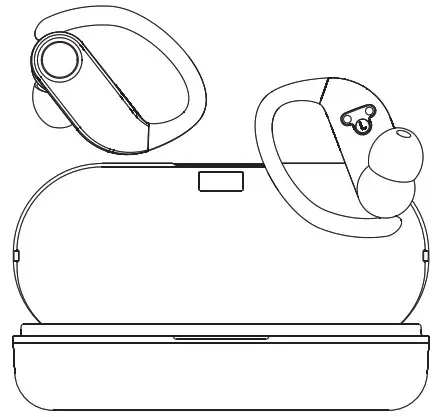 Please read the instructions before use
Q30 Wireless Earbuds
Hello:
If the product have any problems, please contact us on Amazon in time. We promise to give you the best service
Active 2-Year Warranty
Scan the code enter the website (xtikland.com) to activate warranty.

Before Use
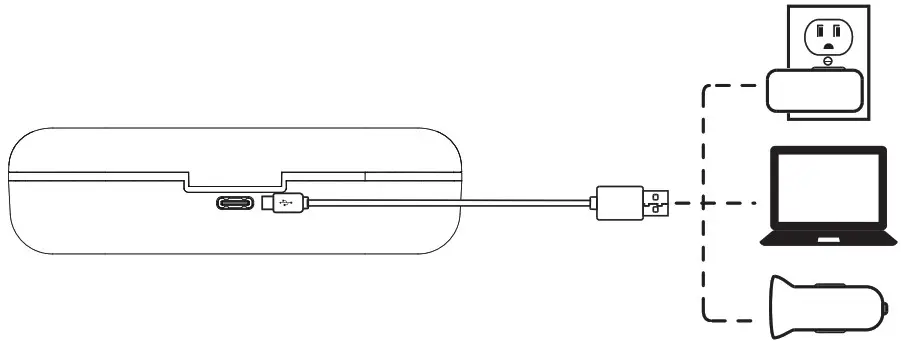
- Remove the protective film before charging.
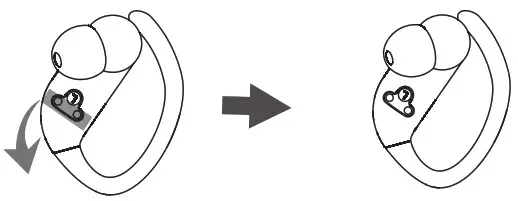
- Fully charge the earbuds and charging case.
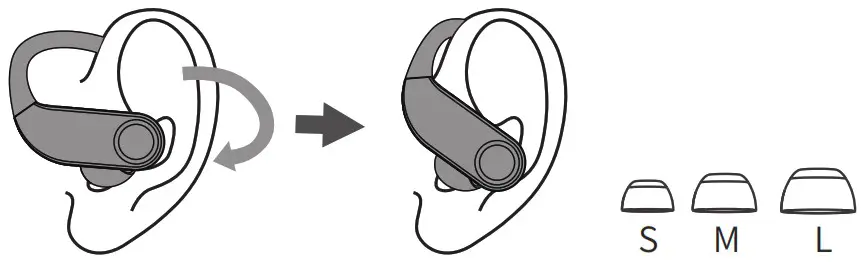
- Choose the right angle and eartips.
Connect
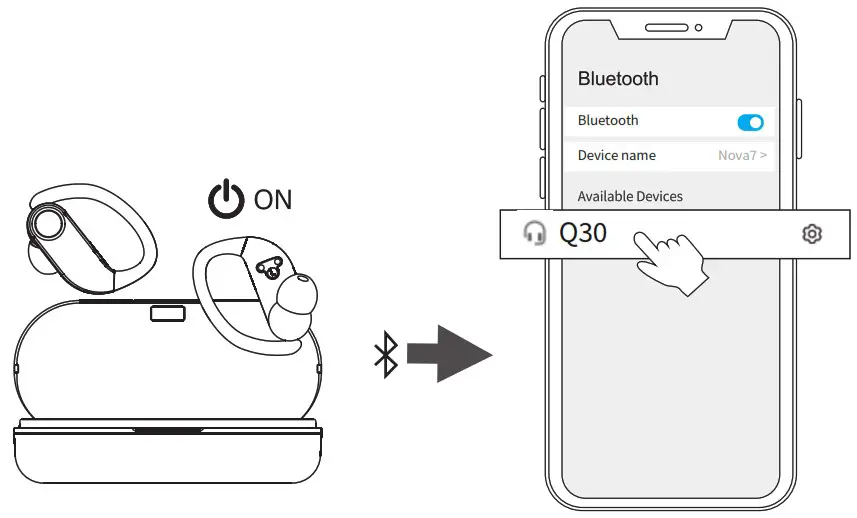
- Take out the earbuds (Earbuds auto power on)
- After open the phone Bluetooth, Click the <Q30> to Pairing
Reset
If earbuds has any connection or function problems, please reset the earbuds
- Delete the BT pairing information on the phone.
- Take the earbuds into the charging case to charge.
- Take out the earbuds and wait for 20 seconds.
If the above operation does not work, please try again)
Operation
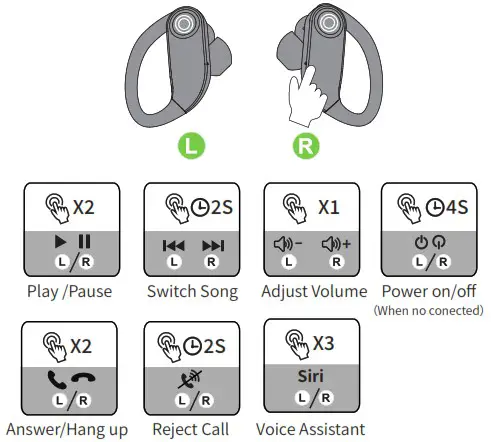
X1: Click Once
X2: Click 2 times 2S: Press and hold for 2 seconds
Battery Indicator
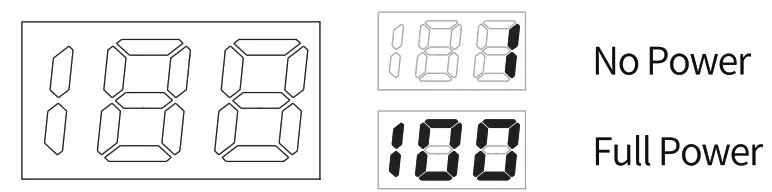
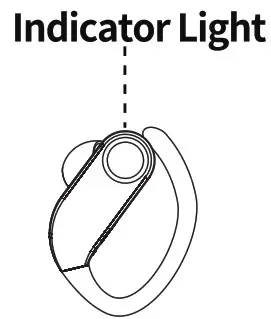
| Pairing | Connected | Charging |
 Flashing Flashing |
No Light |  Red Red |
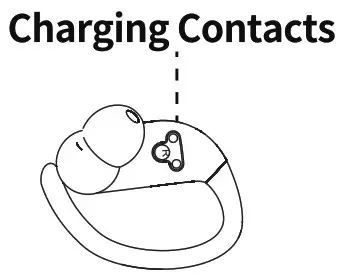
 Wipe and dry charging contacts if earbuds can’t be charge.