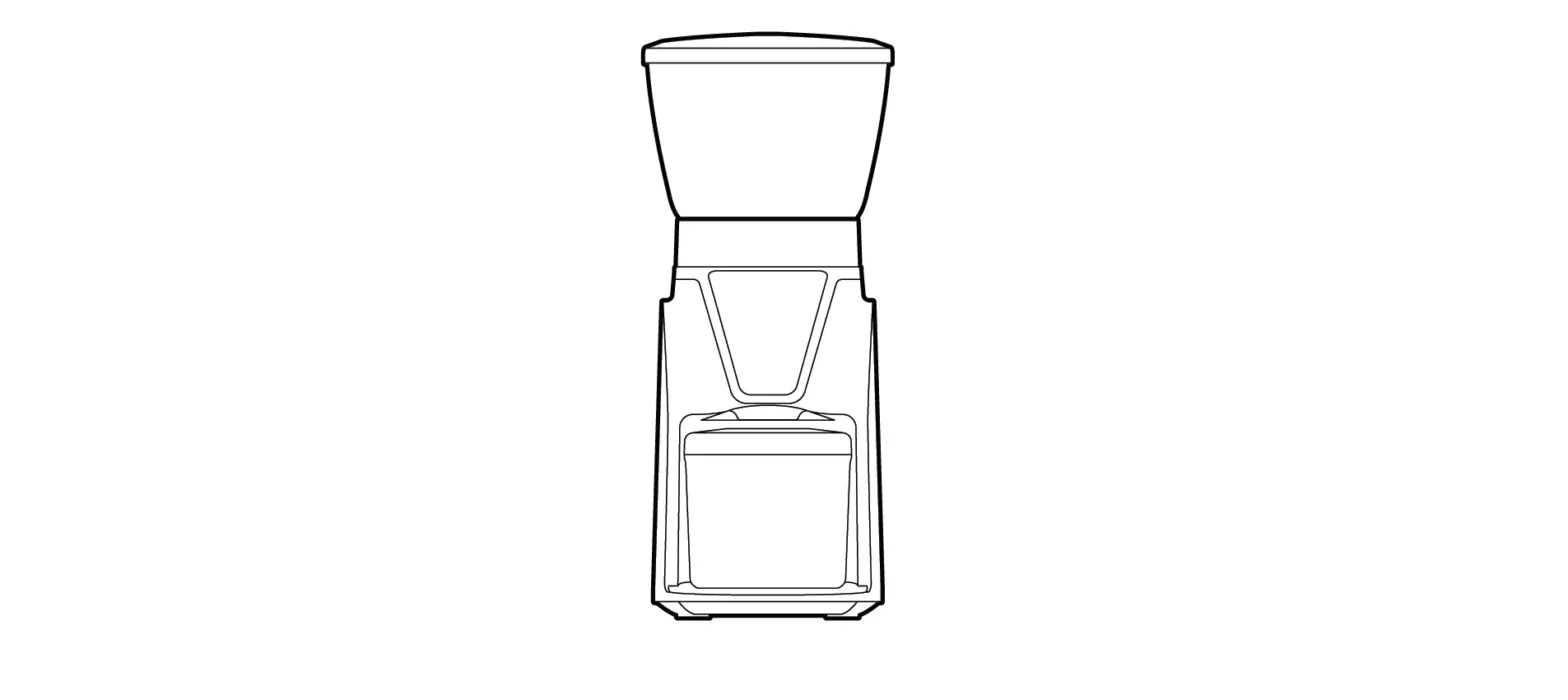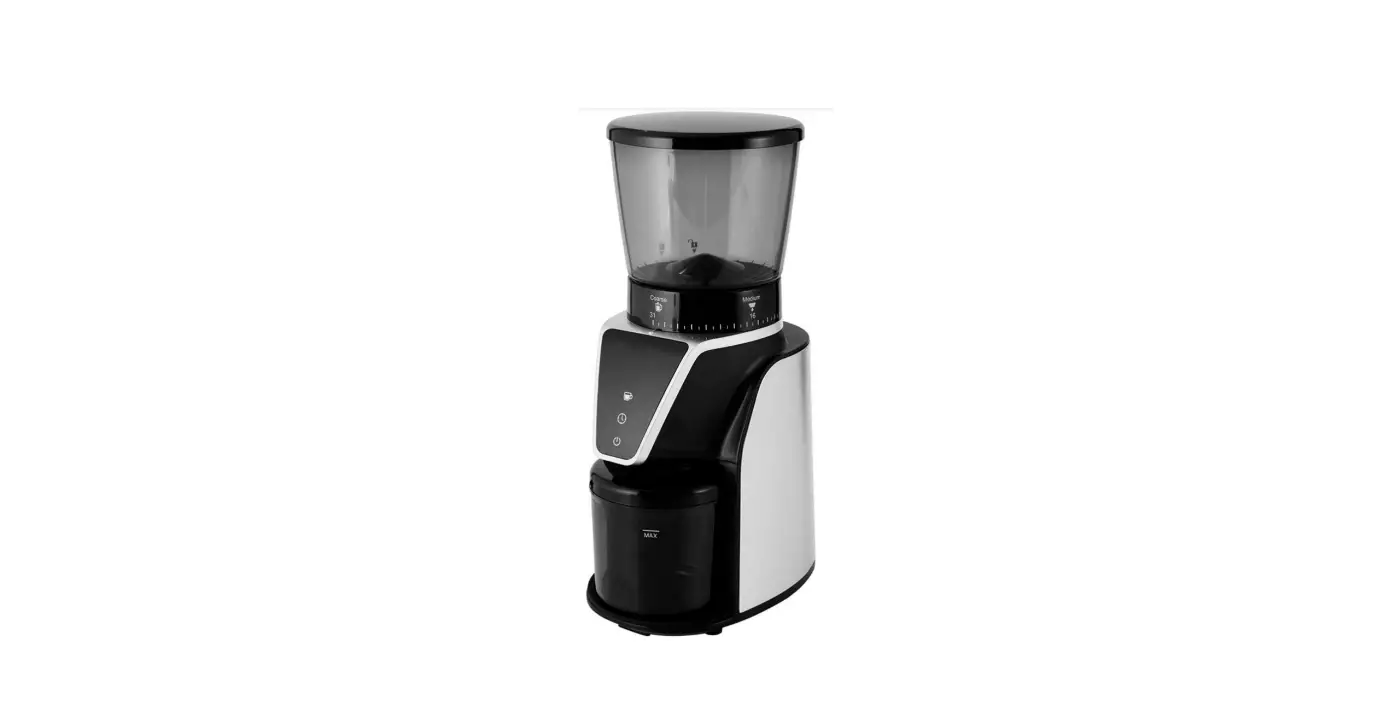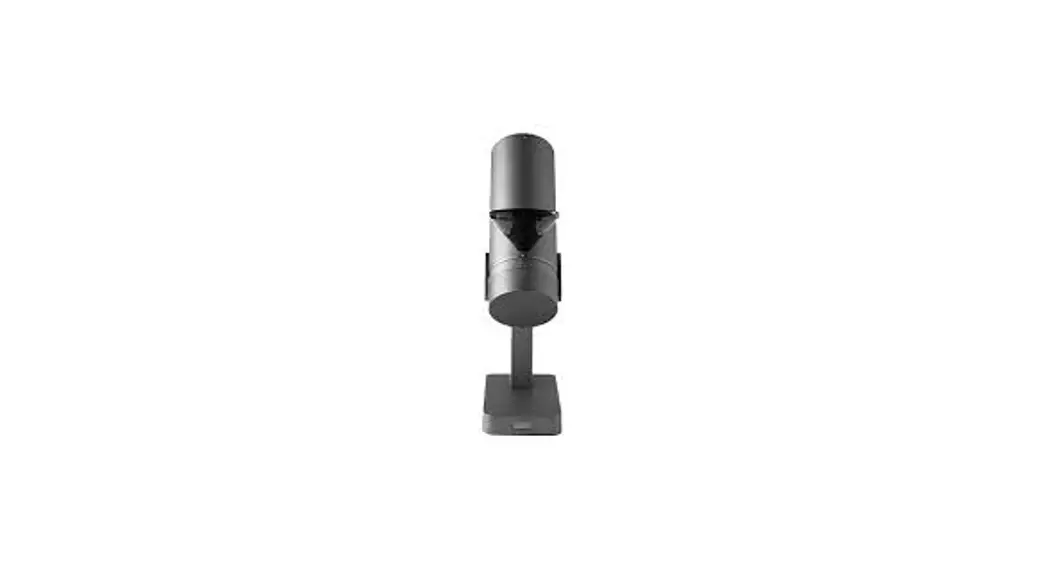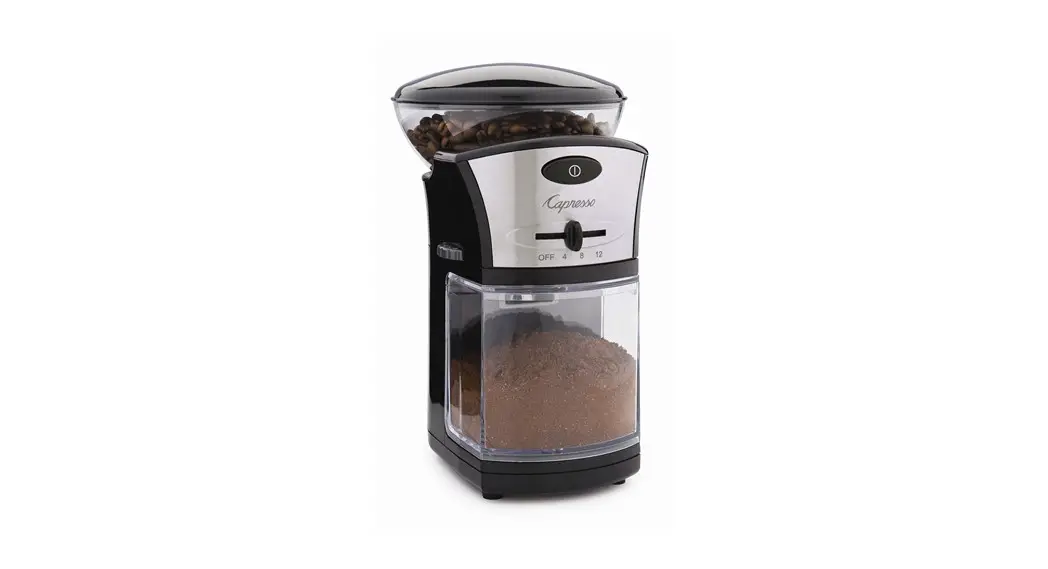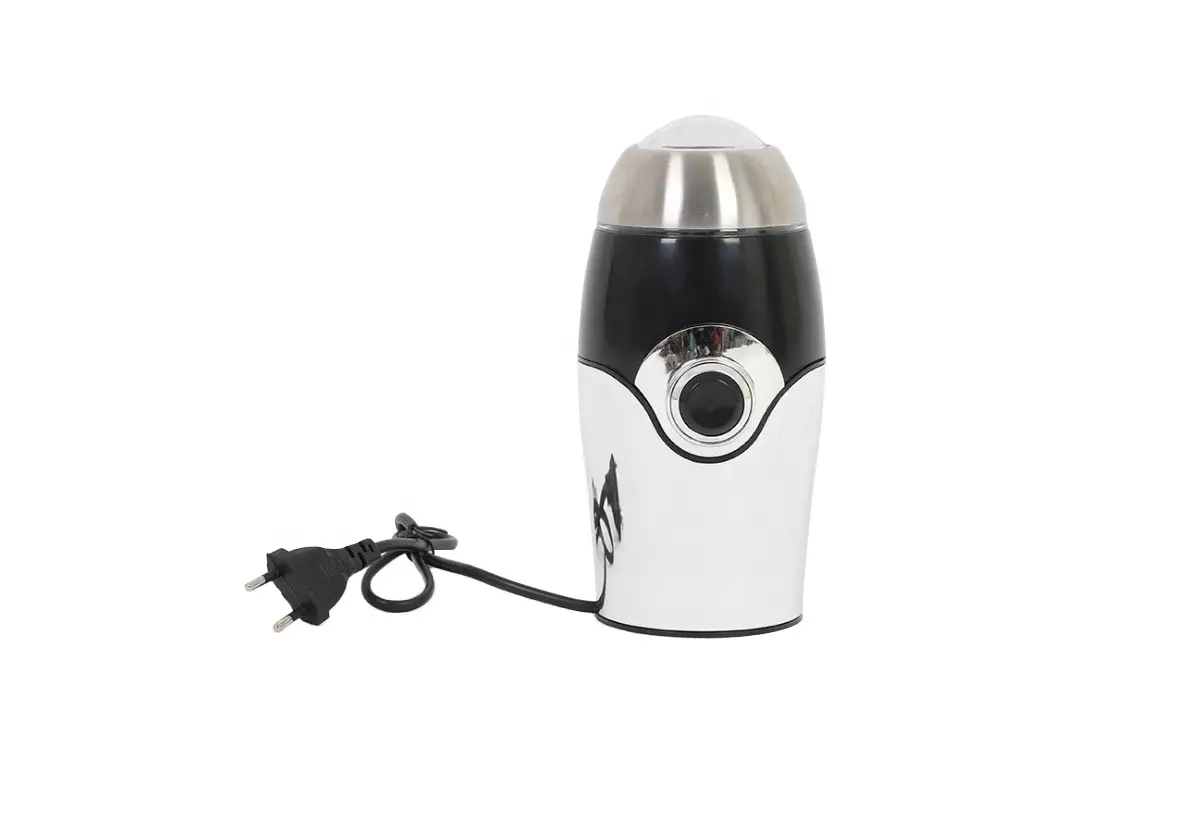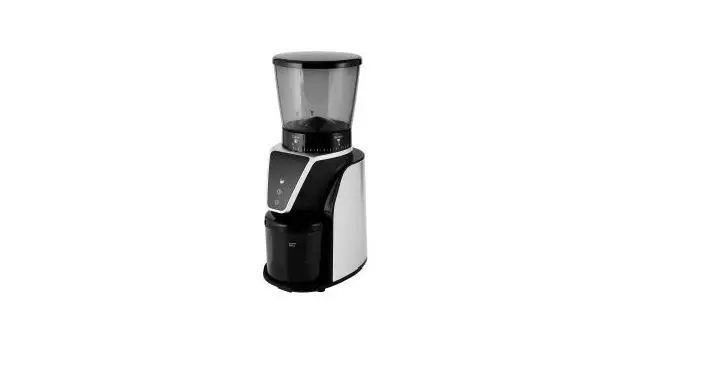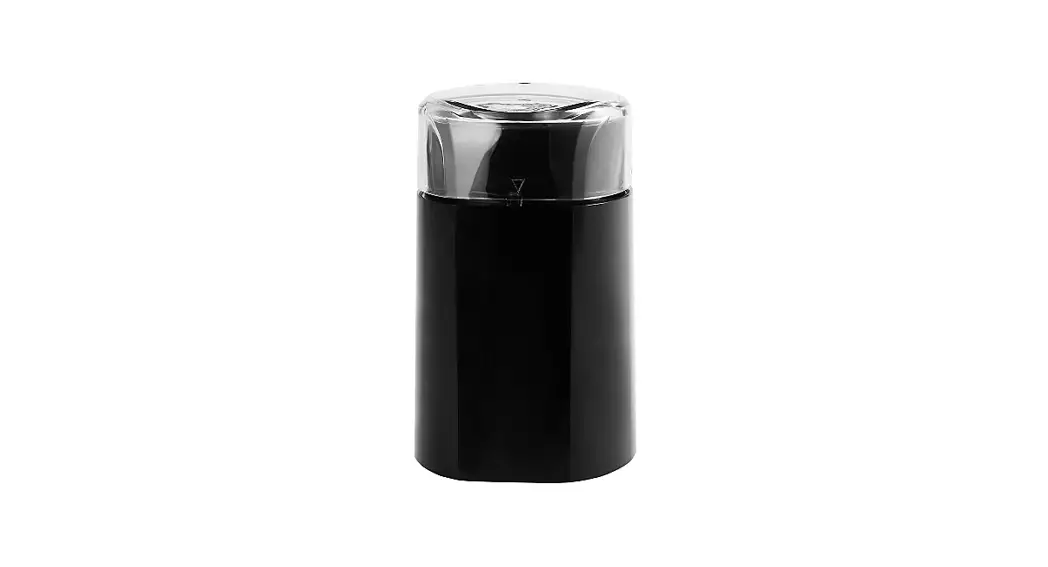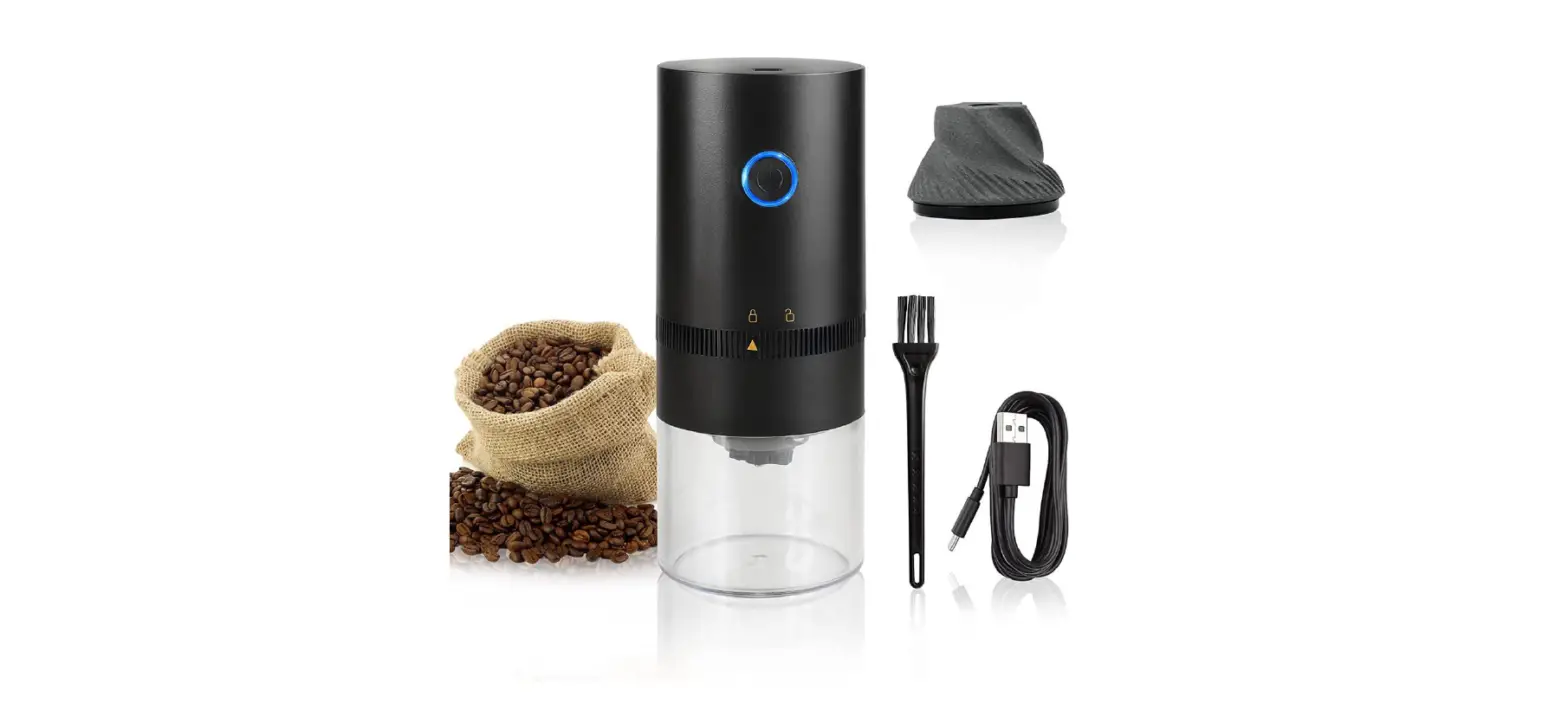

OFRANK HB-985 Electric Burr Coffee Grinder
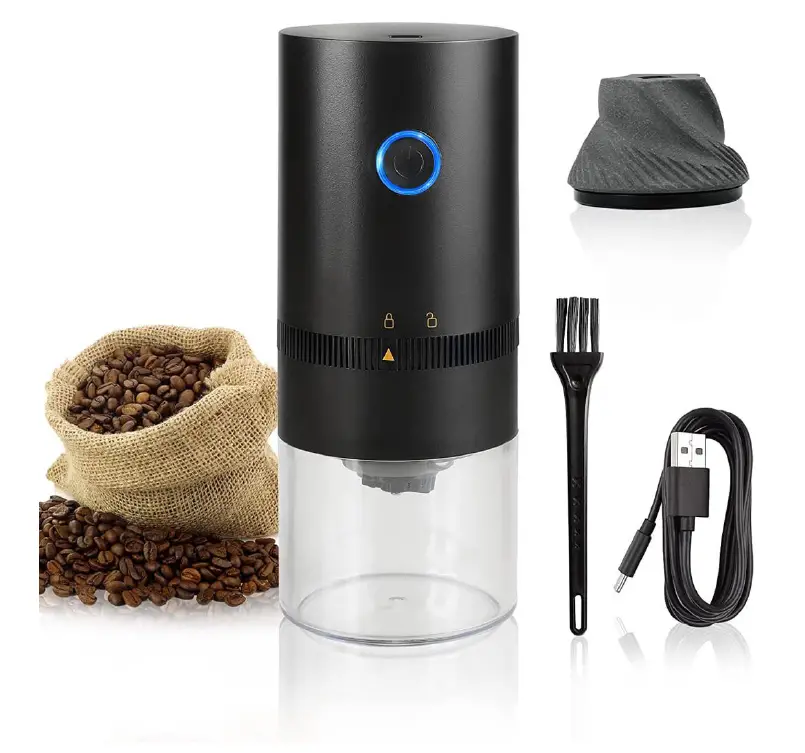
Technical parameters
| Model: HB-985 | Capacity: 120ml |
| Battery parameter: 3.7V/1250mAh | Bean hopper: 25g |
| Power: 13W | Voltage: DC3.7V |
Troubleshooting
| Charging failure | 1. Check whether the charging line is correctly connected; 2. Whether the motor is damaged. |
| The motor doesn’t work | 1. Whether the motor is energized; 2. Whether the foreign matter is in the coffee bean hopper; 3. Whether the installation is correct. |
| The motor works for a short time | 1. Charge it due to insufficient electric quantity; |
Warranty card
| 1. The warranty period of the motor is one year as of the purchase date. The remaining accessories aren’t within the warranty scope; | User name: |
| 2. To ensure the service, fill in the form and send it to the nearby after-sales service point; | Tel.: |
| 3. Provide the proof of purchase when repair. | Purchase date: |
| The following circumstances are beyond the warranty scope: | |
| 1. Any natural wear and tear, and product damage arising from overload work; | Product model: |
| 2. Artificial damage resulting from improper use; | Purchase channel: |
| 3. Any product modified, dismantled or repaired without permission; | Order No. |
| 4. Artificial damage. | Contact address: |
Product Operation Instruction
|
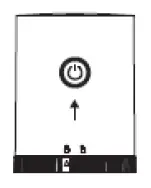
| 
| 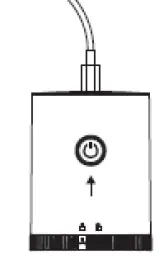 |
| Press the button to start grinding. The indicator light is blue when working. | The grinder will automatically stop working after all the coffee beans are ground, and grinding can be stopped by pressing the button anew. |
The USB-C charging port is on the top of grinder. |
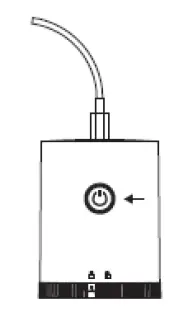 |
| 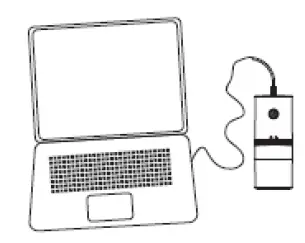 |
| The indicator light will trun red when the grinder is charging. The blue light will be on after being fully charged. |
The grinder can be charged via plug |
You can use your computer to charge it |
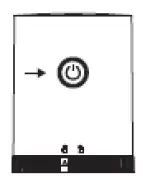
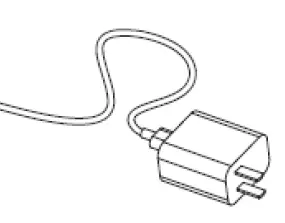
Adding coffee bean
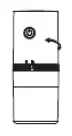 | 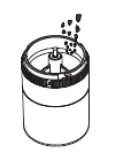 | 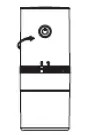 |
| Clockwise rotate the top host to open the coffee bean hopper. | Put the coffee beans into the middle bean hopper. To ensure the grinding process work well, we suggest to fill 80% full. | Anticlockwise rotate the top host to lock the coffee bean hopper tight. |
Adjust the grinding thickness
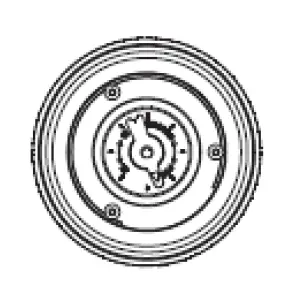
The adjustment knob is at the bottom of the grinder. Clockwise rotate such nut to make the particle formed after grinding thinner; Anticlockwise rotate such nut to make the particle formed after grinding thicker.
Note:
- Please wipe up the grinder exterior with wet towel. Don’t put the top core to the water.
- When the product works continuously, it needs to be started after 30 minutes intermittently after finishing a grinding cycle
- Please Keep and use the product in a dry place.