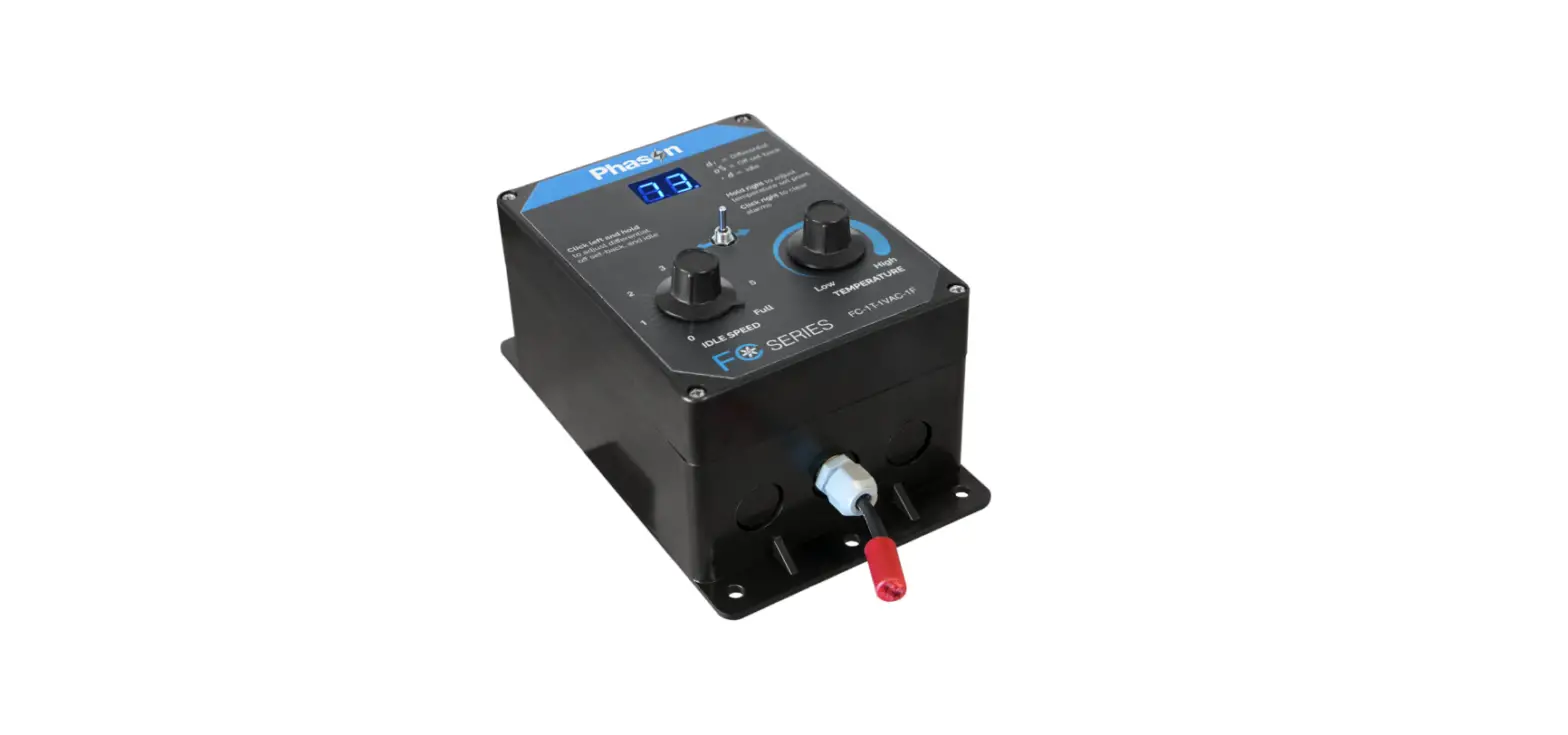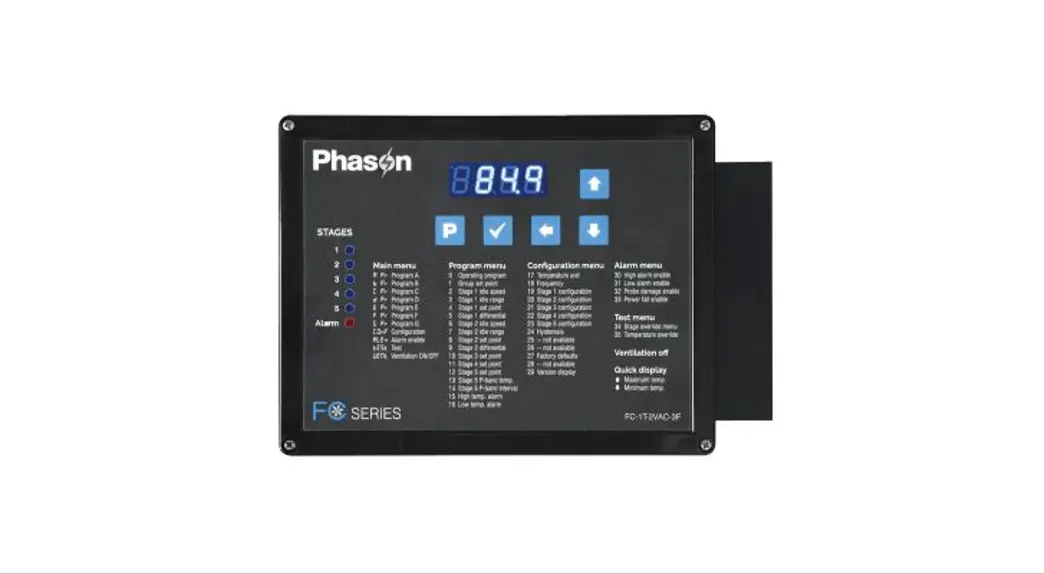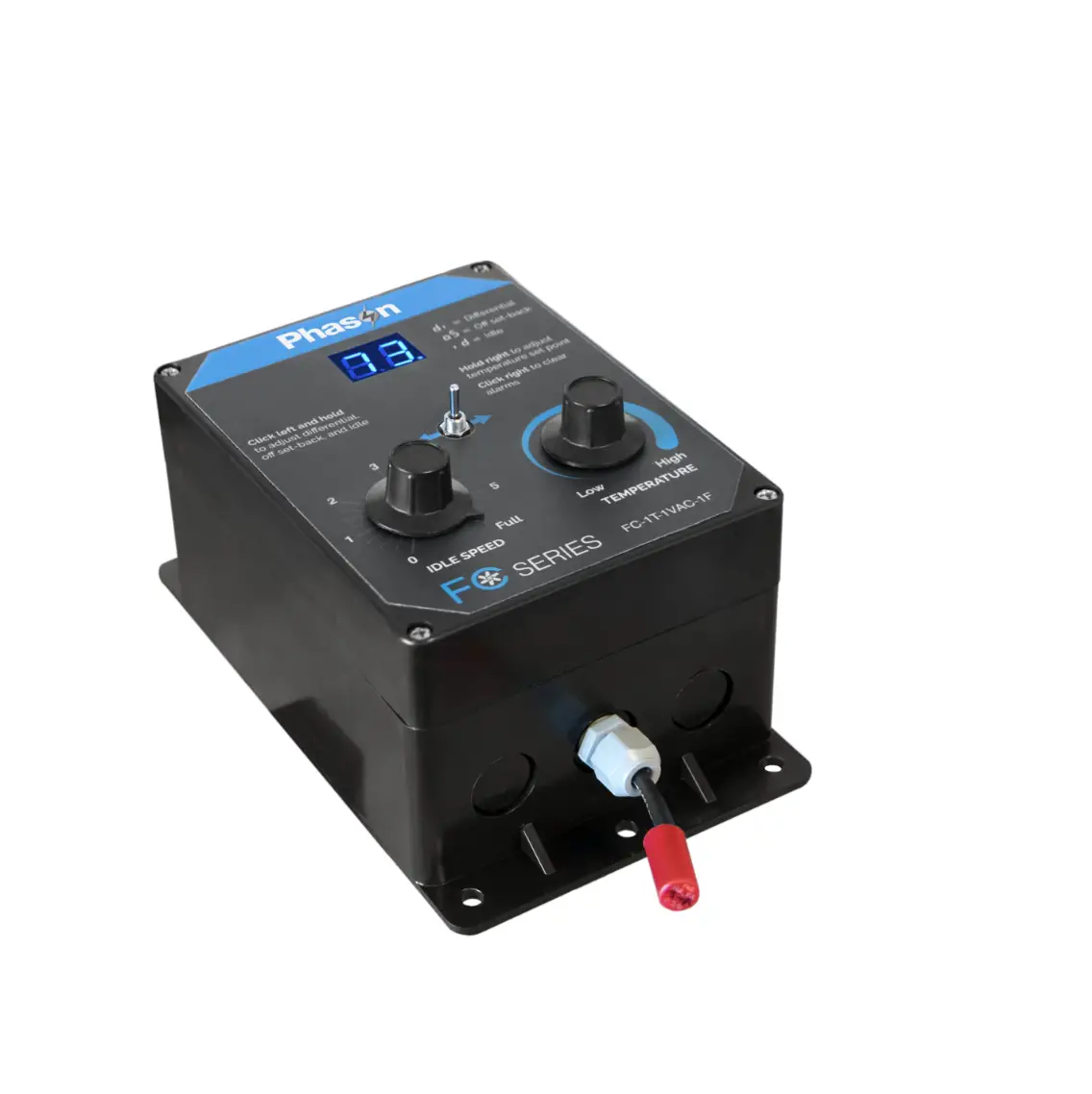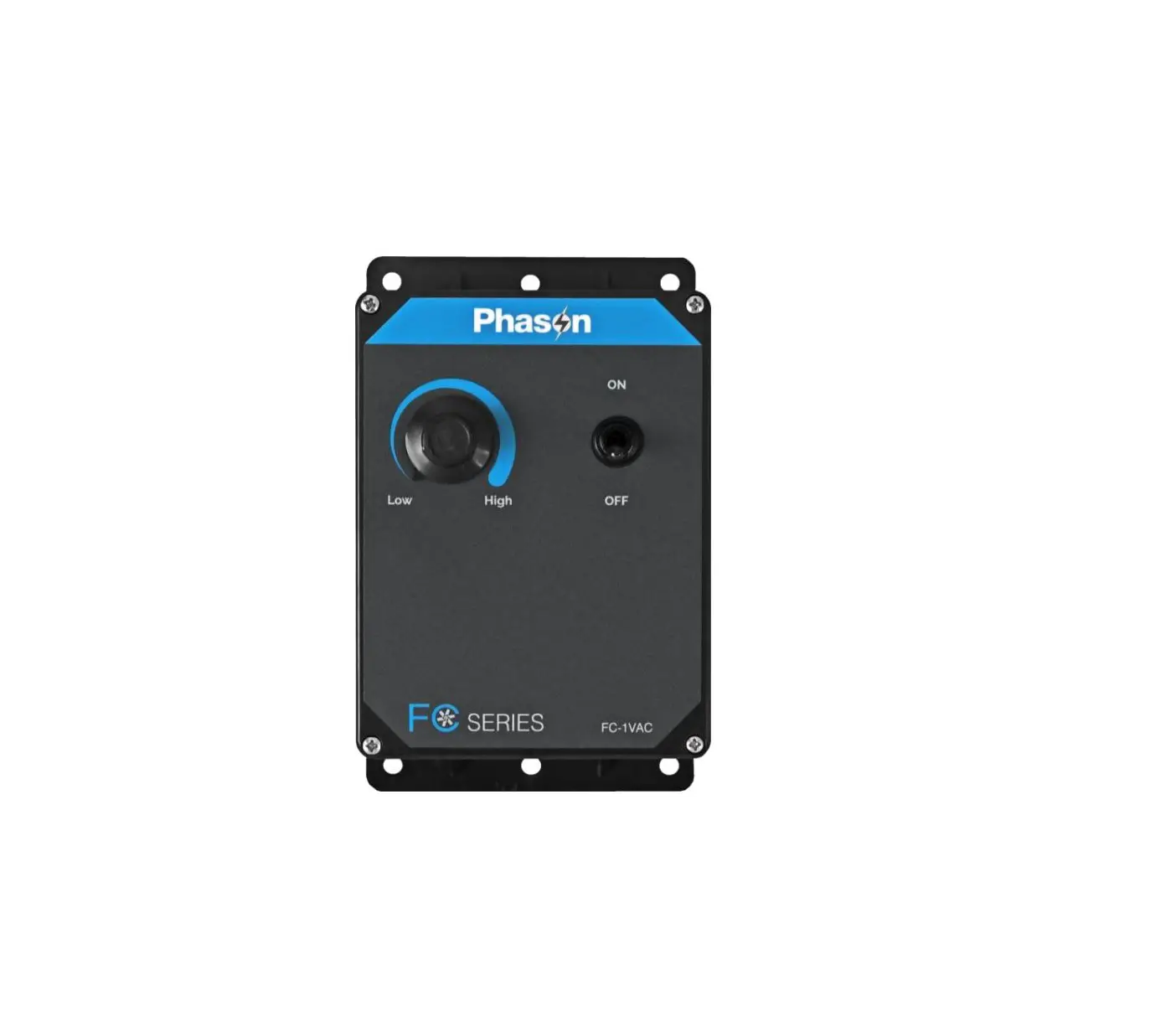
 FC-1T-2VAC-3F FC Series Fan Control
User Guide

FC-1T-2VAC-3F FC Series Fan Control
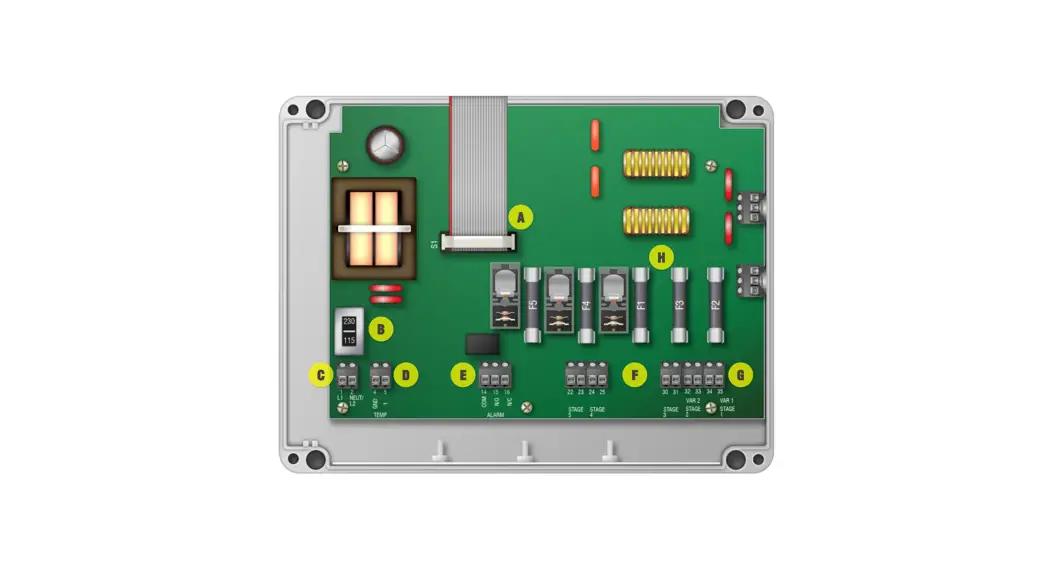
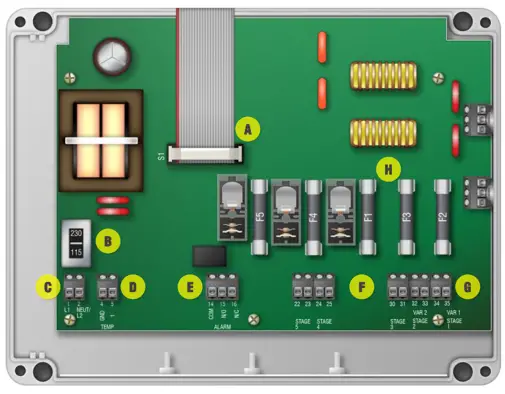
Display cable (A)
Disconnect the cable during installation. Reconnect it when done.
Voltage switch (B) 
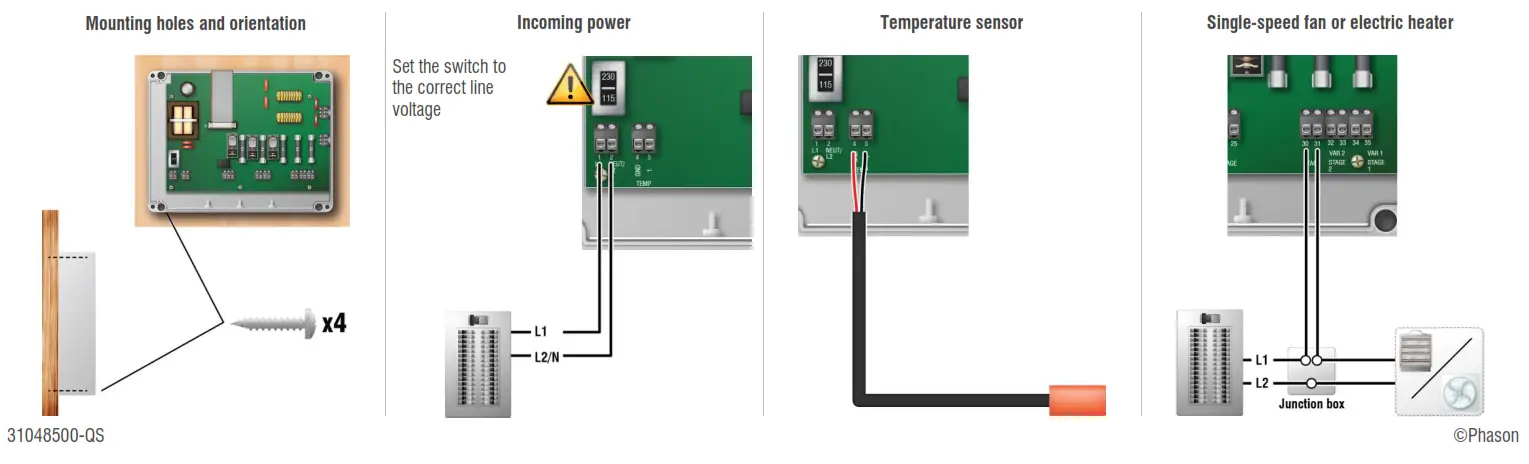
Set the switch to the correct line voltage.
Incoming power (C: 1, 2)
Connect the incoming power from the panel.
Temperature sensor (D: 4, 5)
Connect the temperature sensor.
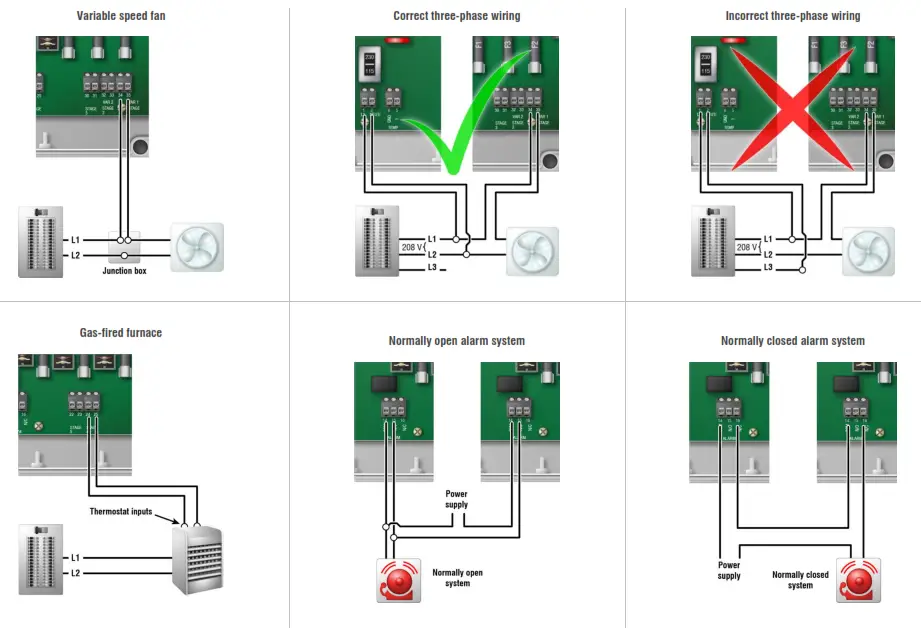
Alarm relay (E: 14 -16)
Connect an external alarm system or siren.
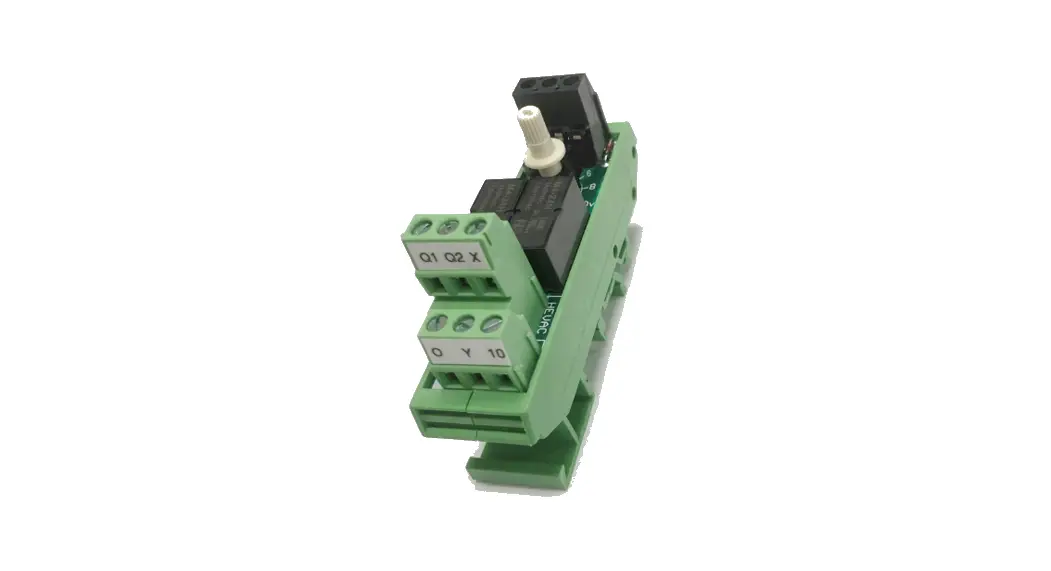
General-purpose relays (F: 22 – 25, 30 – 31)
Connect single-speed/stage heating/cooling equipment.
Variable stages (G: 32 – 35)
Connect variable speed fans.
Fuses (H)
Fuses F2 and F3 are for the variable stages. Fl, F4, and F5 are for the relays. You can connect more than one piece of equipment to a variable stage or relay as long as it is the same type (for example, two fans) and the total current draw does not exceed the ratings.
31048500-QS
©Phason