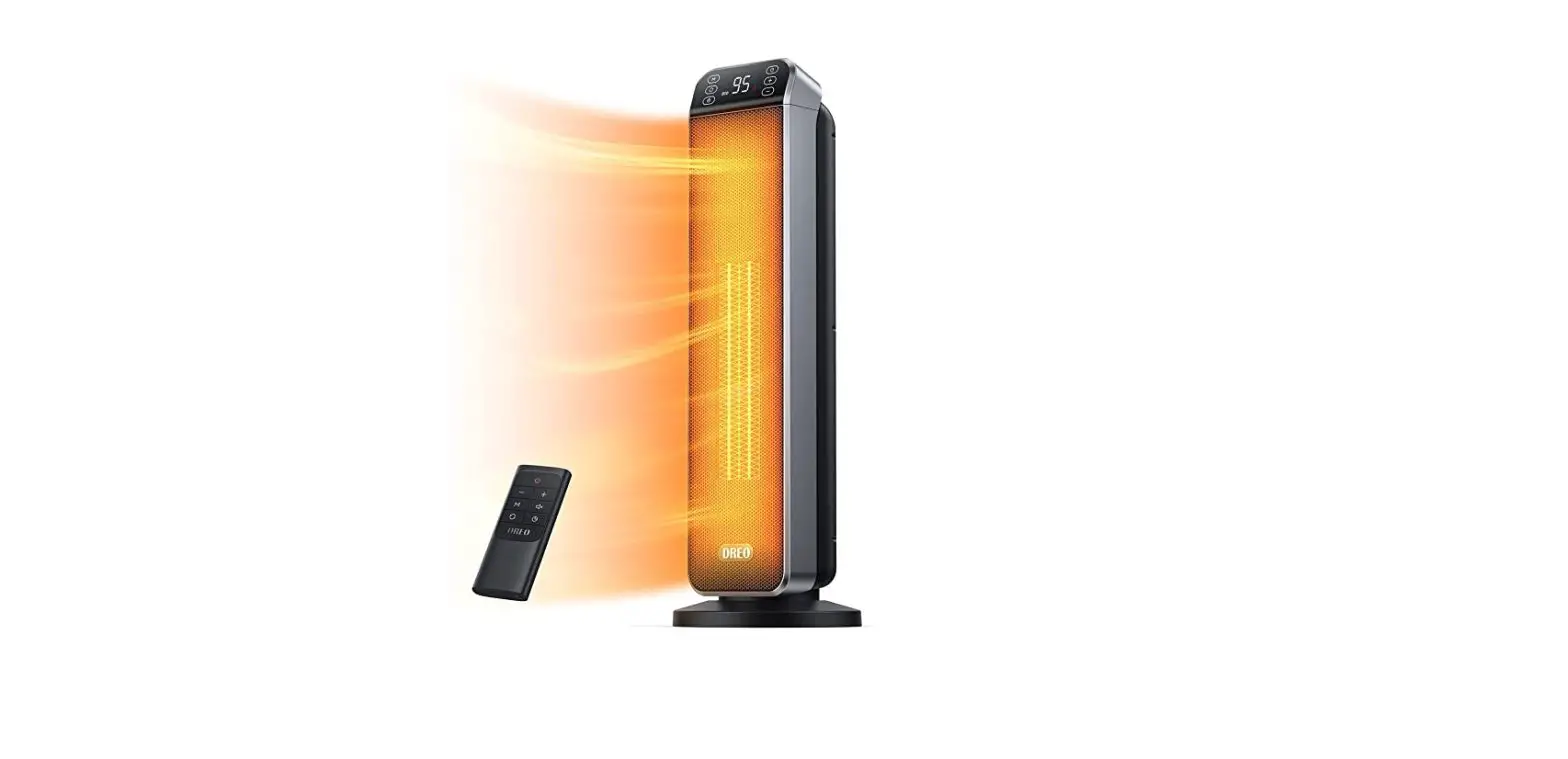
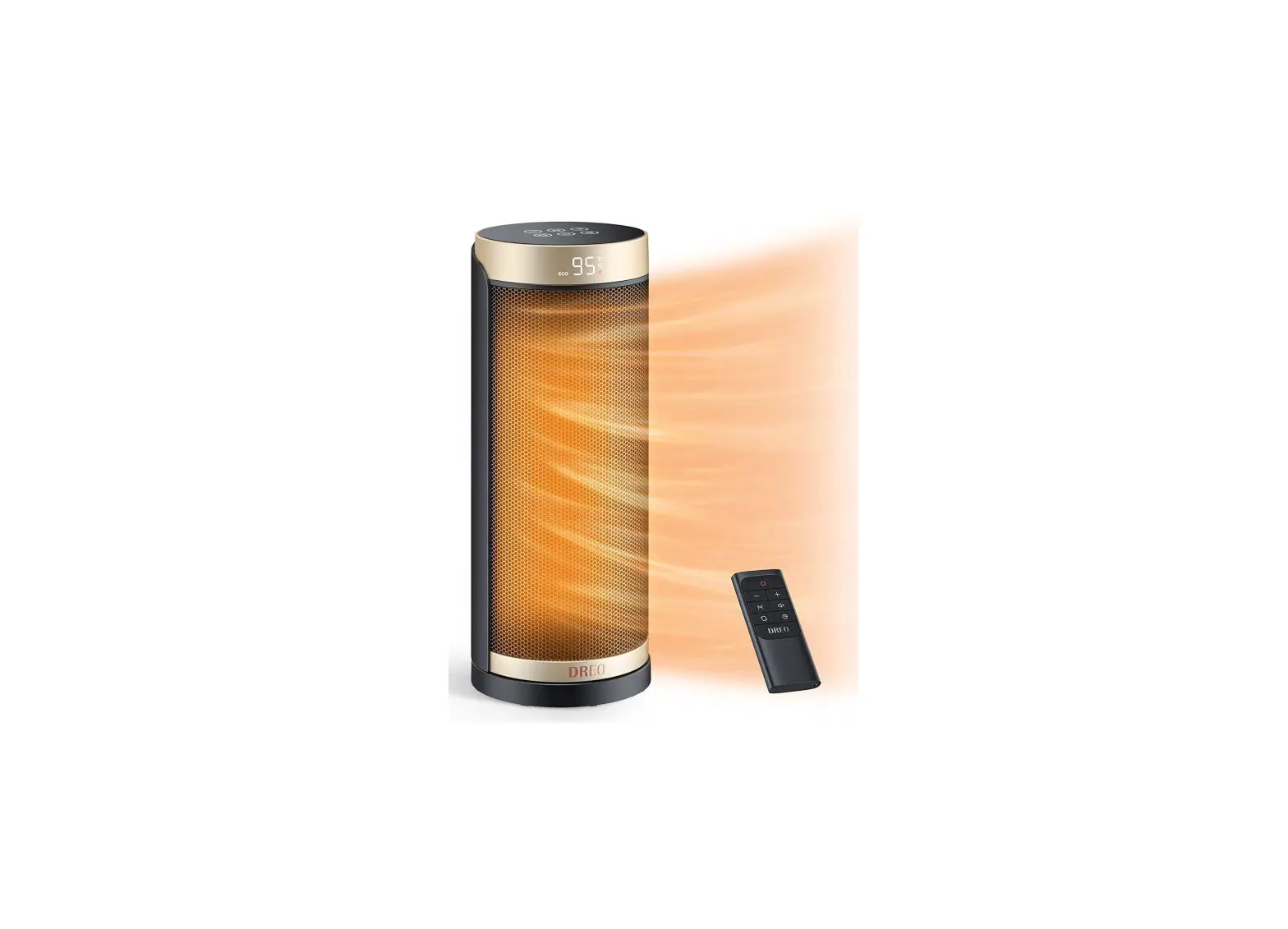
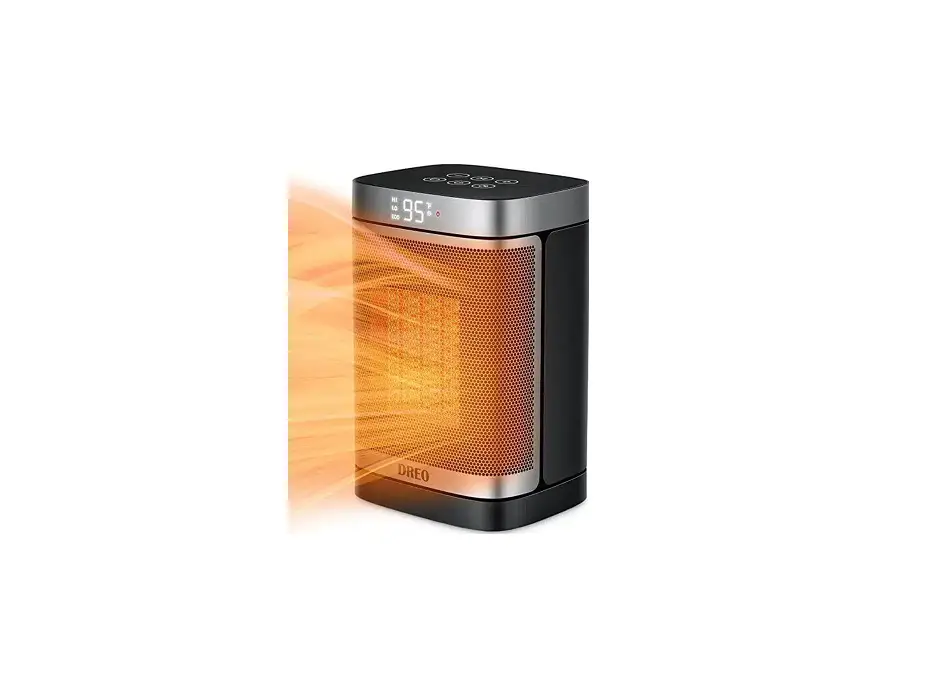
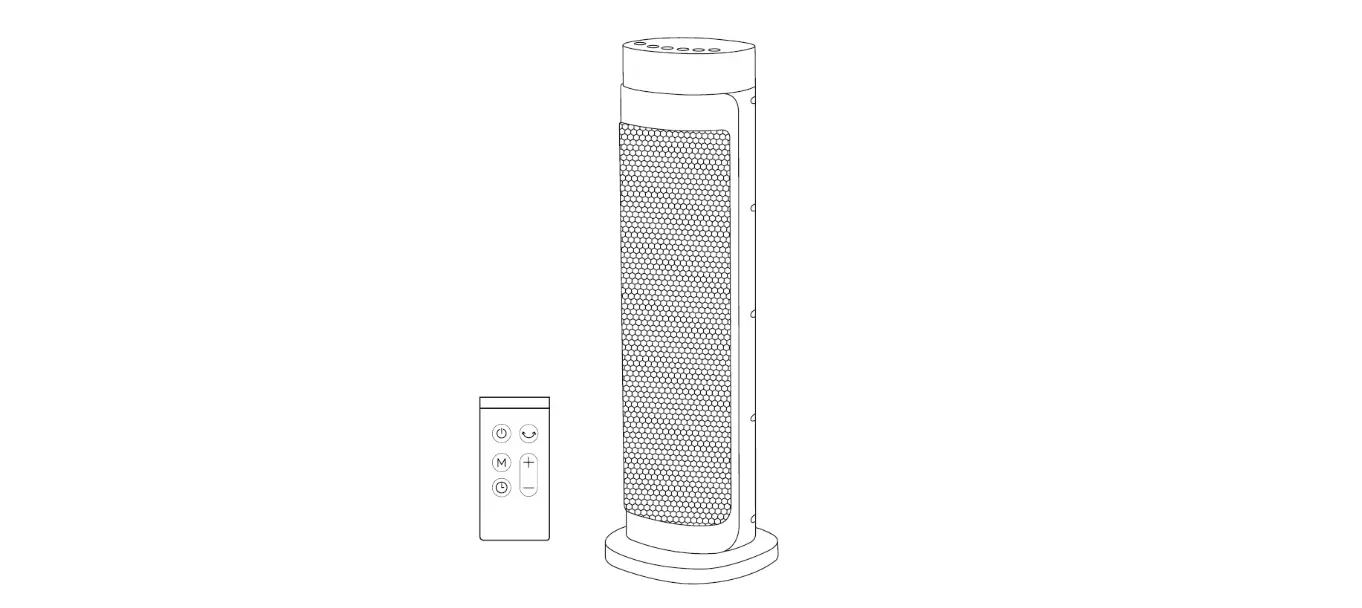
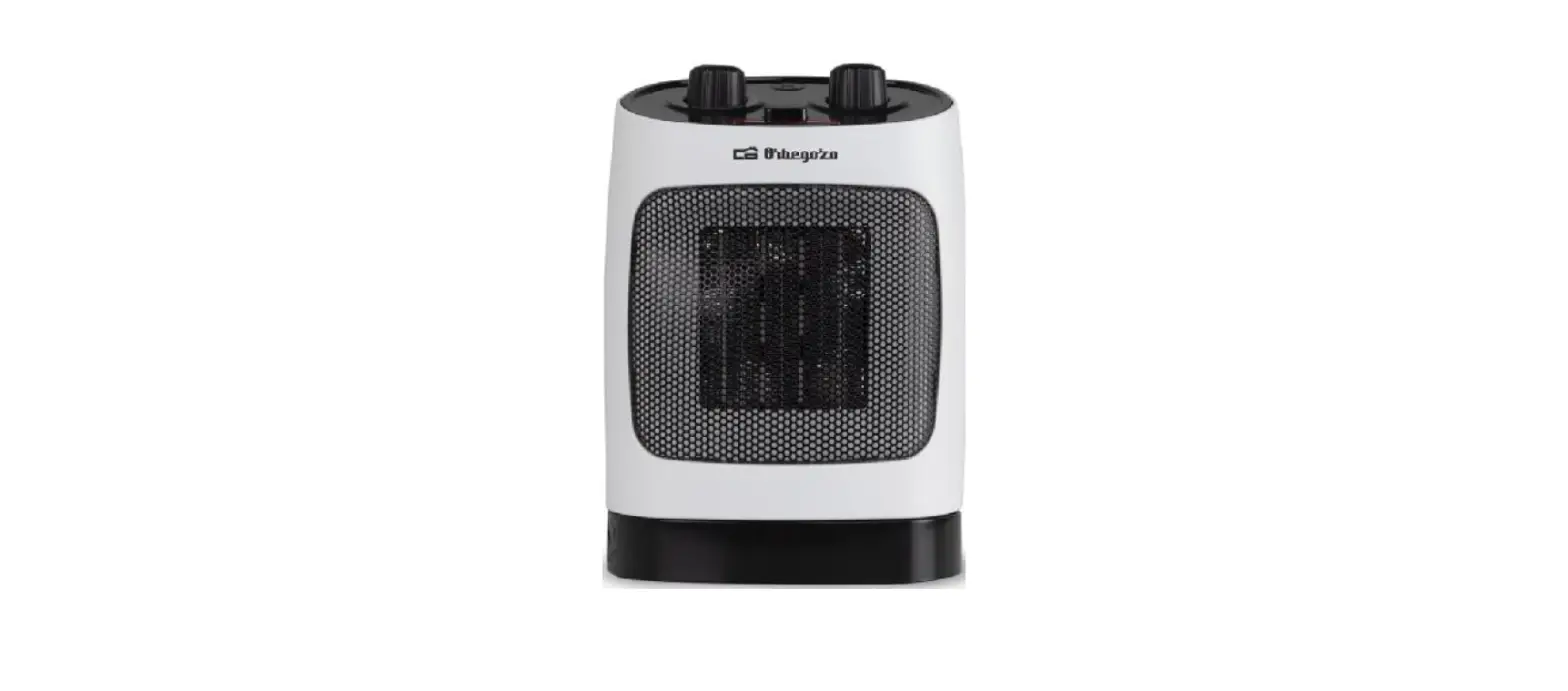
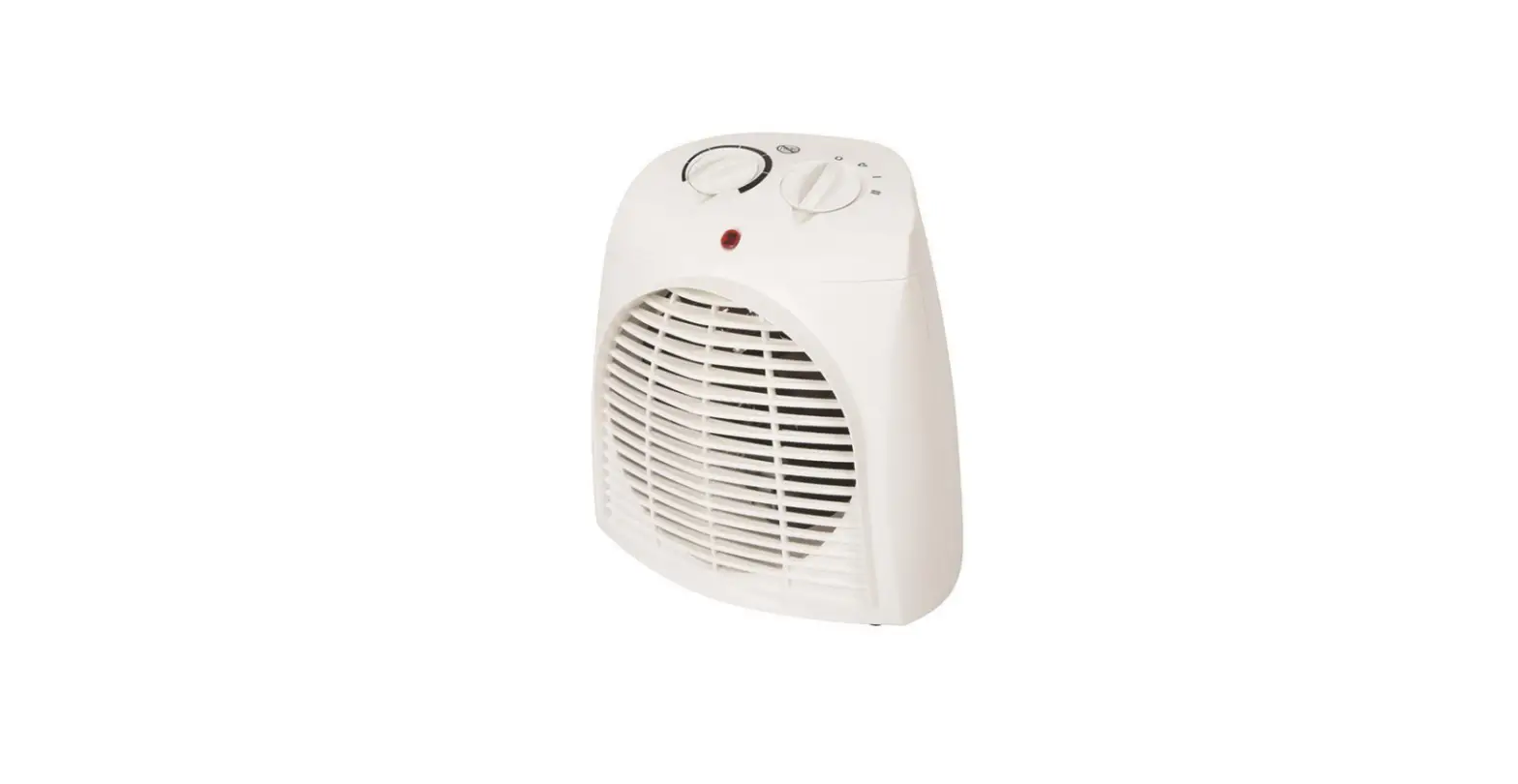
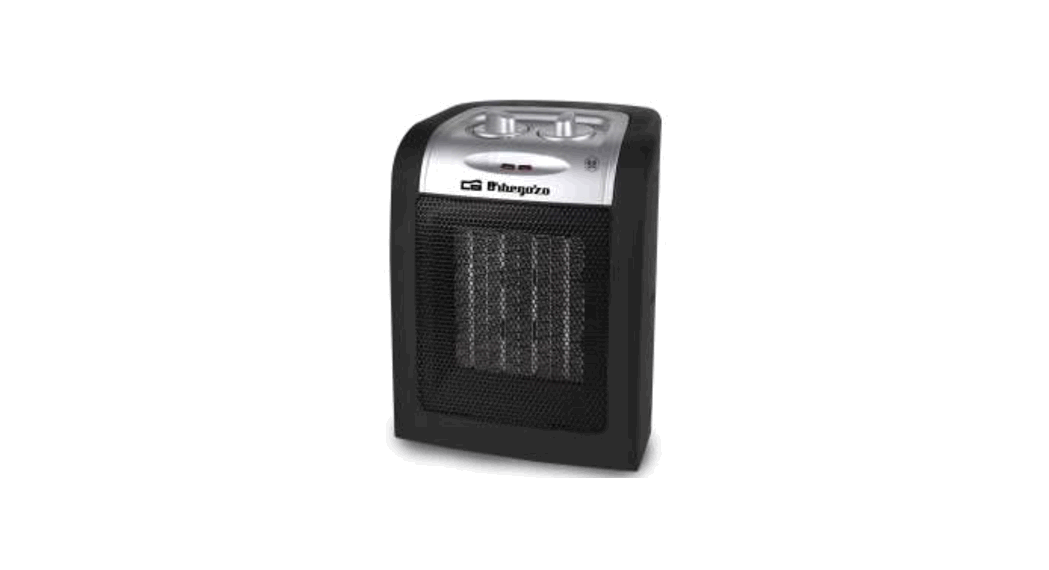
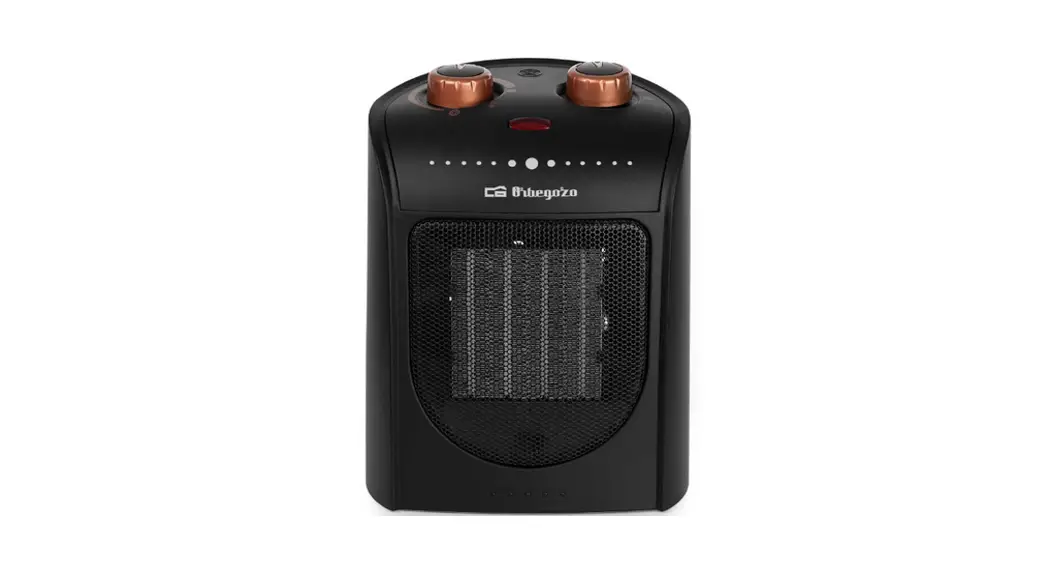
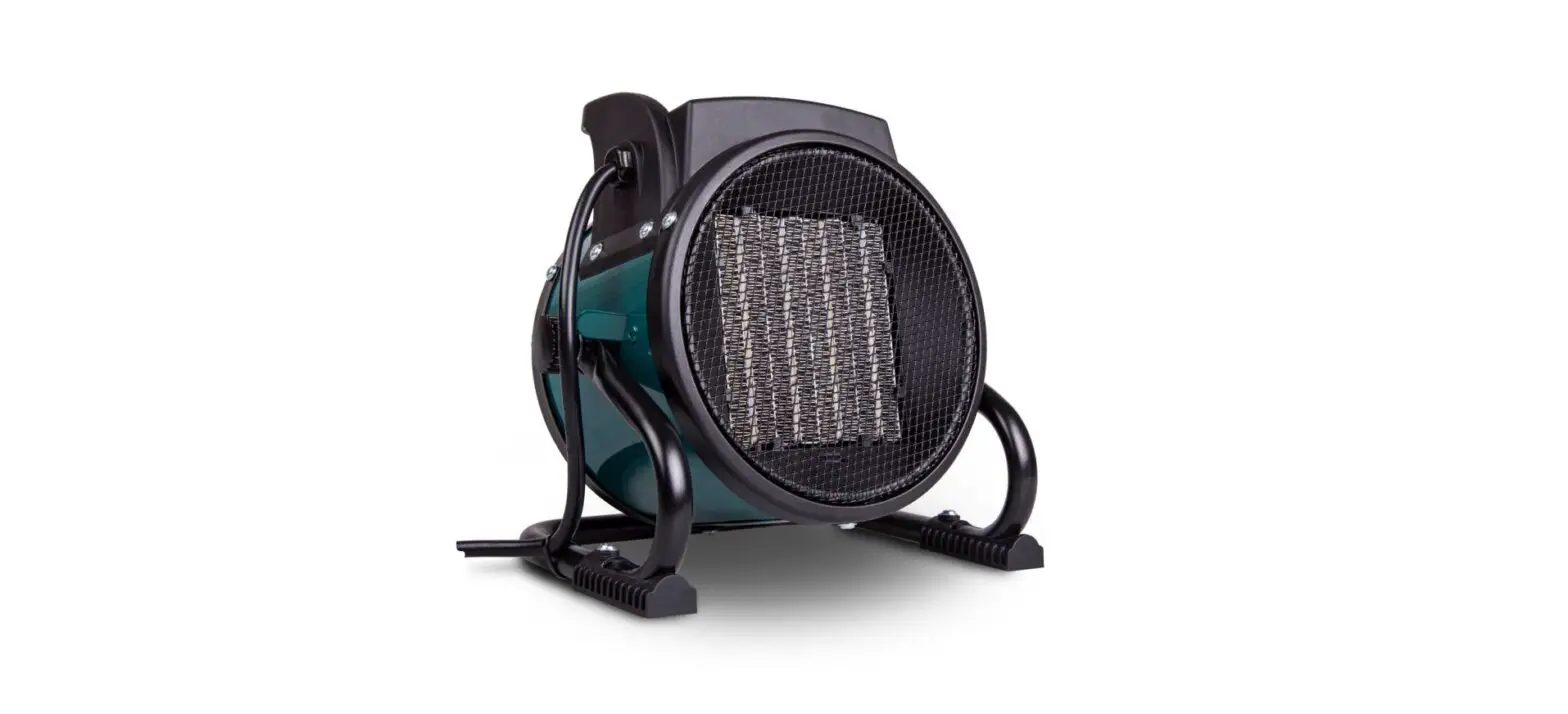
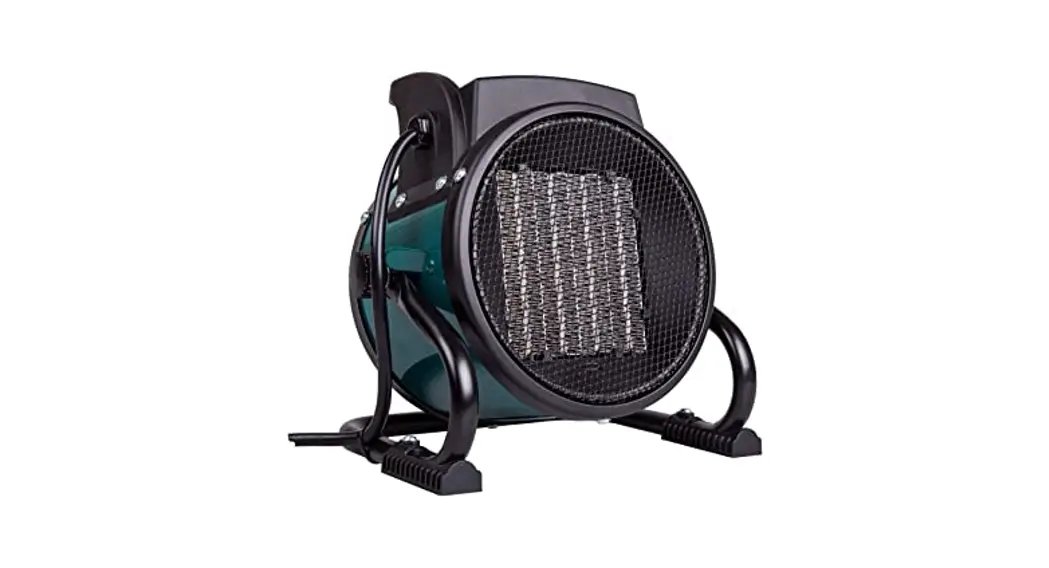
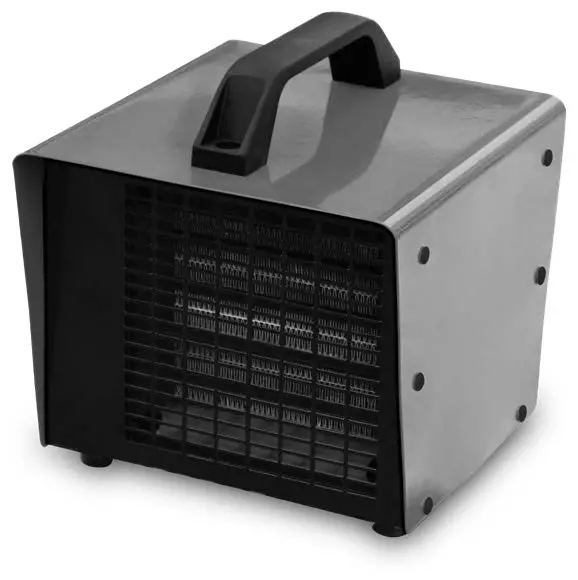
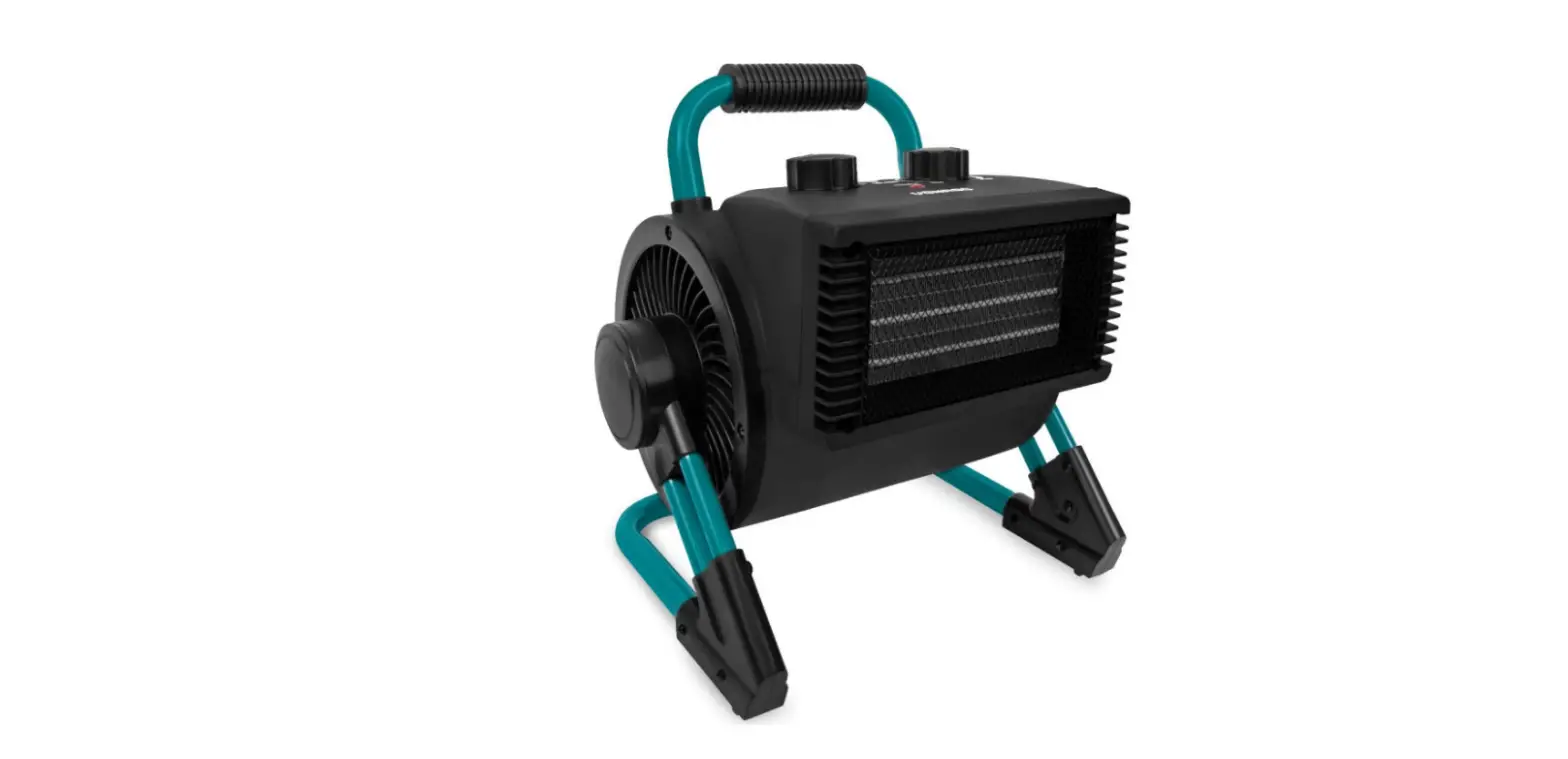
DR-HSH001 PTC Fan Heater
Product Information: The product is a
multi-purpose device designed to provide various functionalities.
It is equipped with advanced features and built-in sensors to
enhance user experience. The device is powered by a high-capacity
battery and can be easily charged using the included USB cable. It
also supports wireless connectivity options, allowing seamless
integration with other devices. Product Usage
Instructions:
- Charging: To charge the device, connect one
end of the USB cable to the charging port on the device and the
other end to a power source. The LED indicator will turn on to
indicate that the device is being charged. Once fully charged, the
LED indicator will turn off. - Power On/Off: To power on the device, press
and hold the power button for a few seconds until the LED indicator
lights up. To power off the device, press and hold the power button
again until the LED indicator turns off. - Function Selection: The device offers various
functions such as A, B, C, and D. To select a function, use the
navigation buttons or touch screen (if applicable) to navigate
through the menu and highlight the desired function. Press the
confirmation button to activate the selected function. - Adjusting Settings: The device allows users to
adjust settings such as volume, brightness, language, etc. To
access the settings menu, navigate to the settings icon and press
the confirmation button. Use the navigation buttons or touch screen
(if applicable) to navigate through the settings options and make
desired adjustments. Press the confirmation button to save the
changes. - Wireless Connectivity: The device supports
wireless connectivity options such as Bluetooth and Wi-Fi. To
connect to a Bluetooth device, navigate to the Bluetooth settings
and enable Bluetooth. Follow the on-screen instructions to pair and
connect with the desired device. To connect to a Wi-Fi network,
navigate to the Wi-Fi settings and select the desired network.
Enter the network password, if required, and press the confirmation
button to connect. - Troubleshooting: In case of any issues or
errors, refer to the troubleshooting section in the user manual for
possible solutions. If the problem persists, contact customer
support for further assistance.
Note
1. In HI, LOW and ECO modes, the heater will shut off automatically when it reaches the thermostat temperature. 2. To provide a better heating effect for the room, the temperature sensor is located at the back of the heater and comes with 5.4°F temperature compensation. It is normal that the temperature detected differs from the actual temperature. When setting a specific temperature, please lower the thermostat due to the 5.4°F temperature compensation. 3. Temperatures may vary at different locations of the room, depending on room sizes, heat insulation, and ventilation conditions