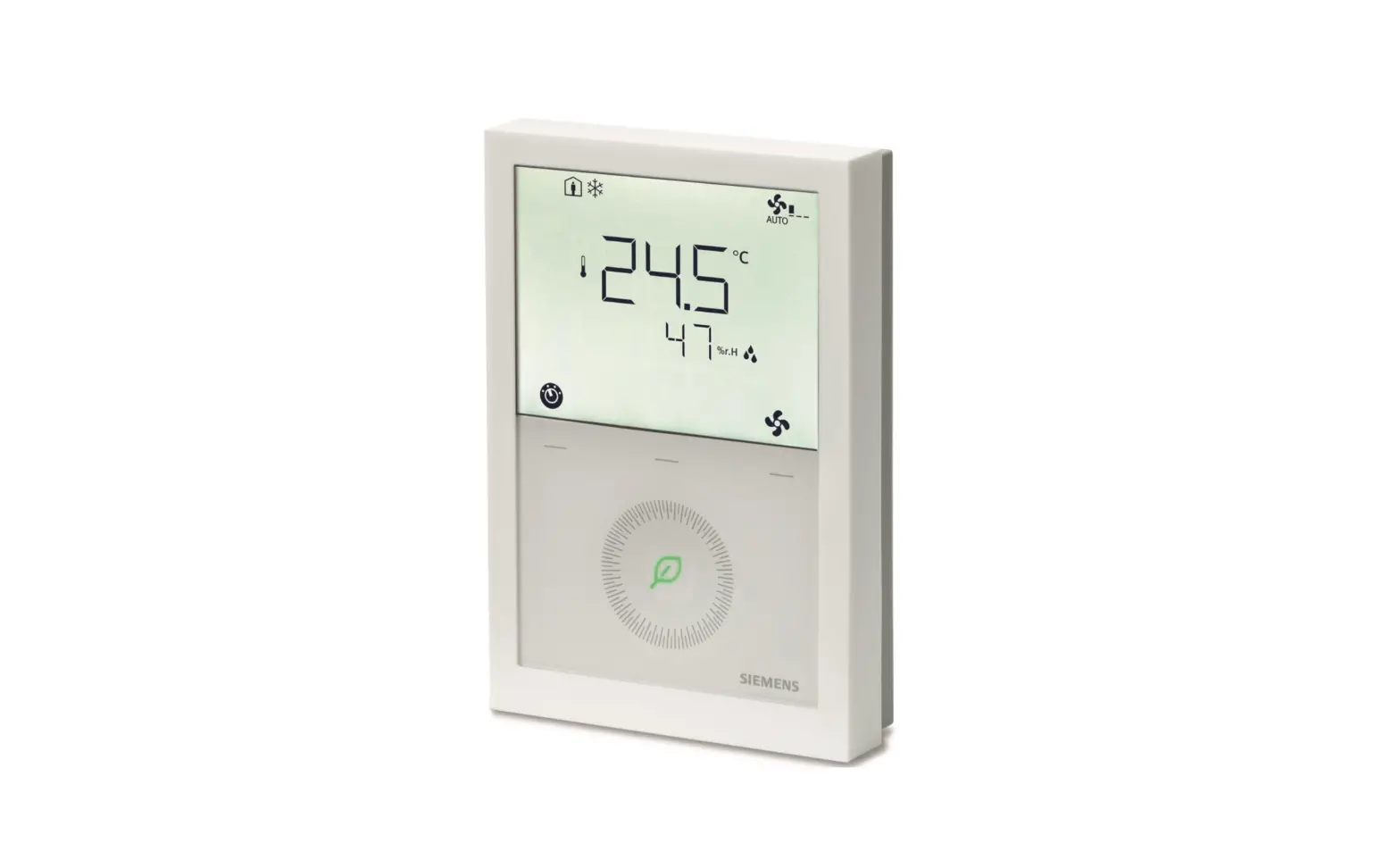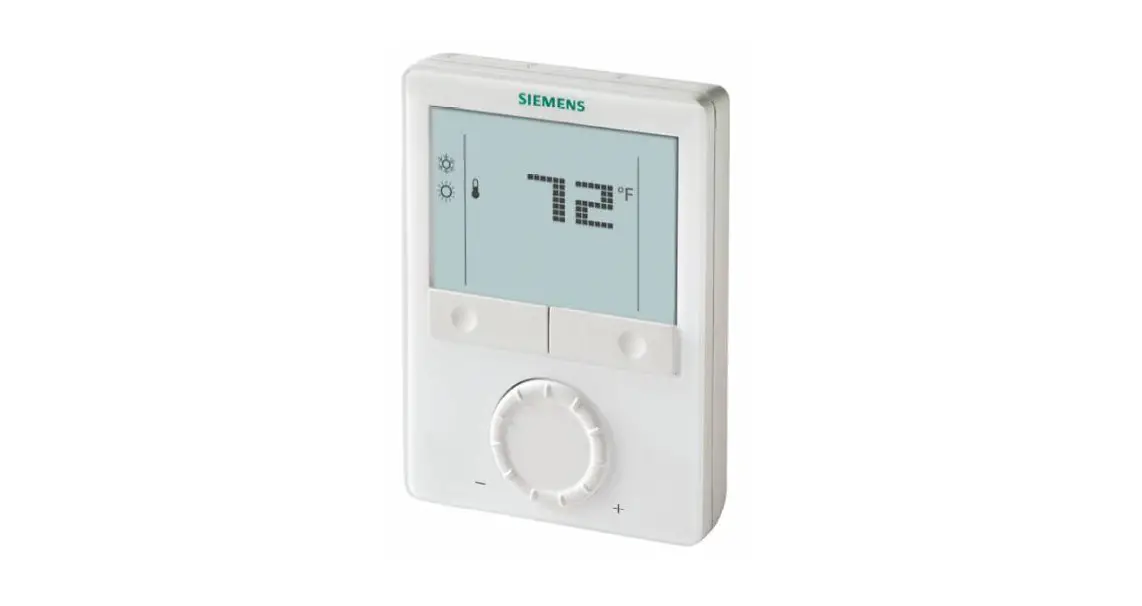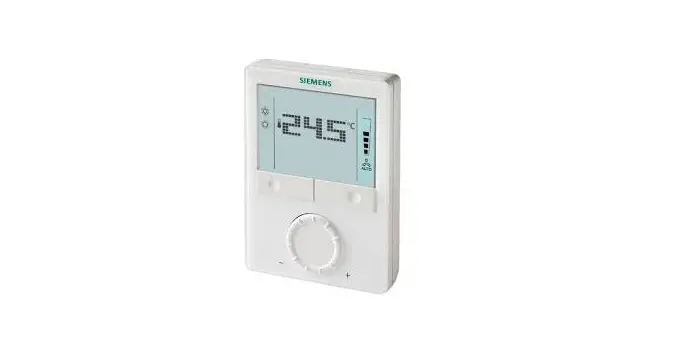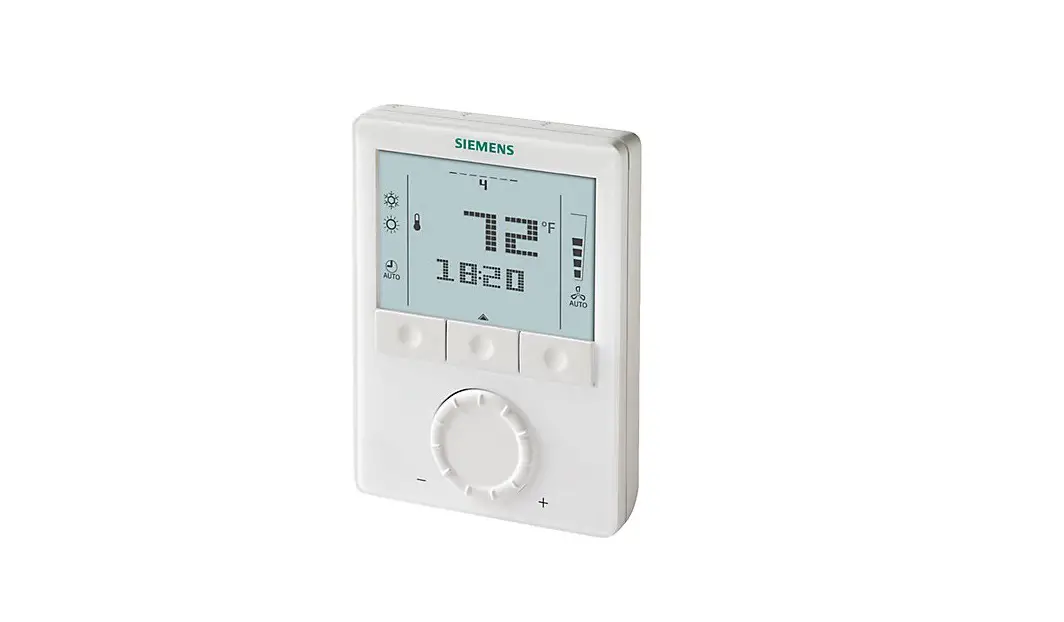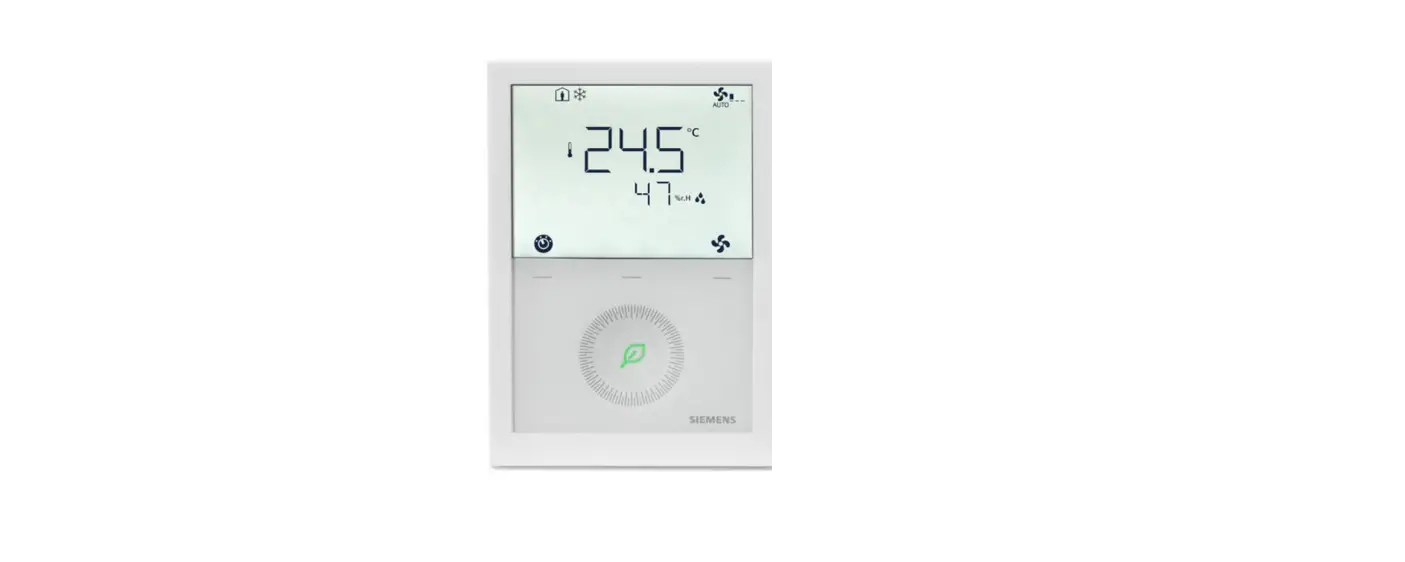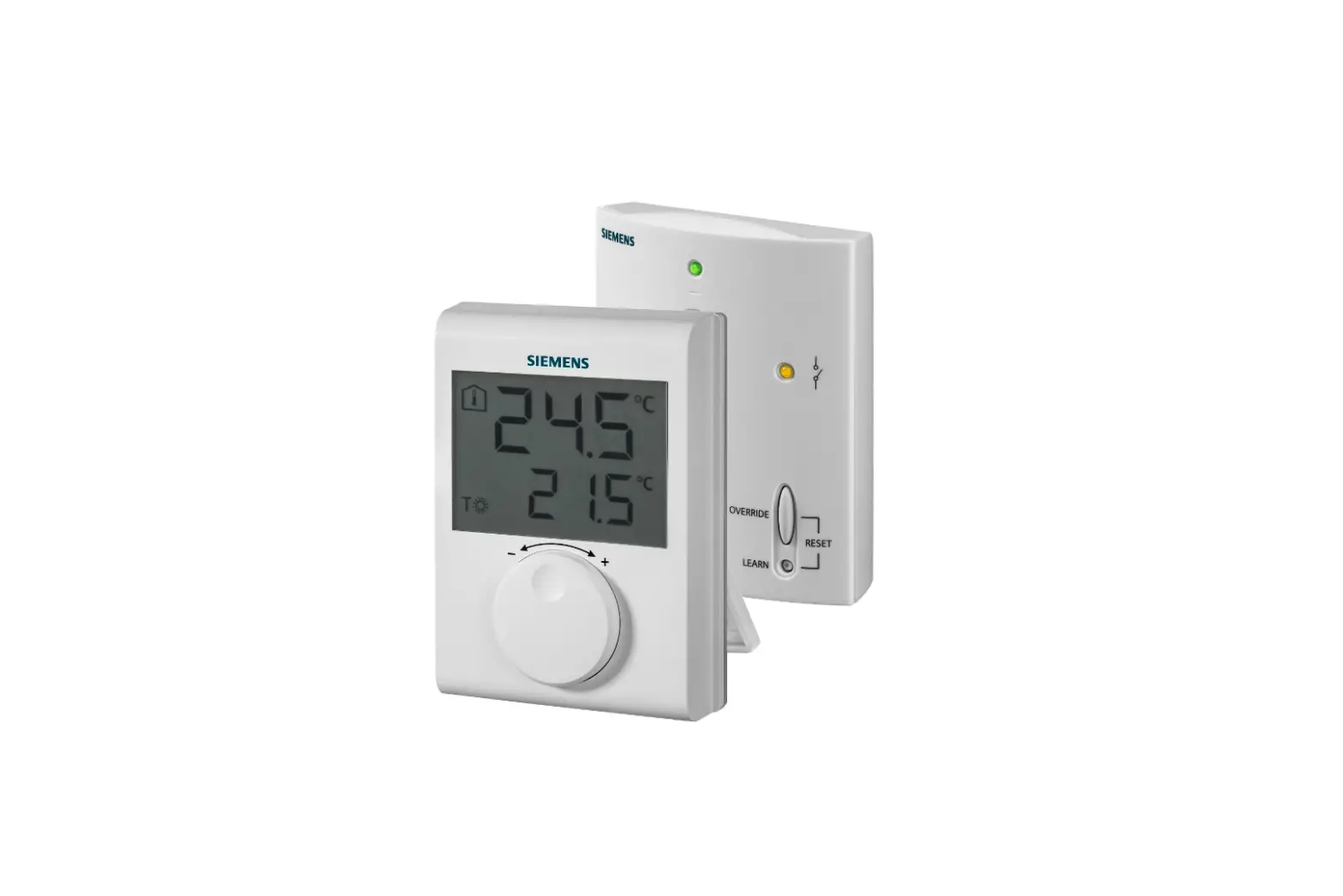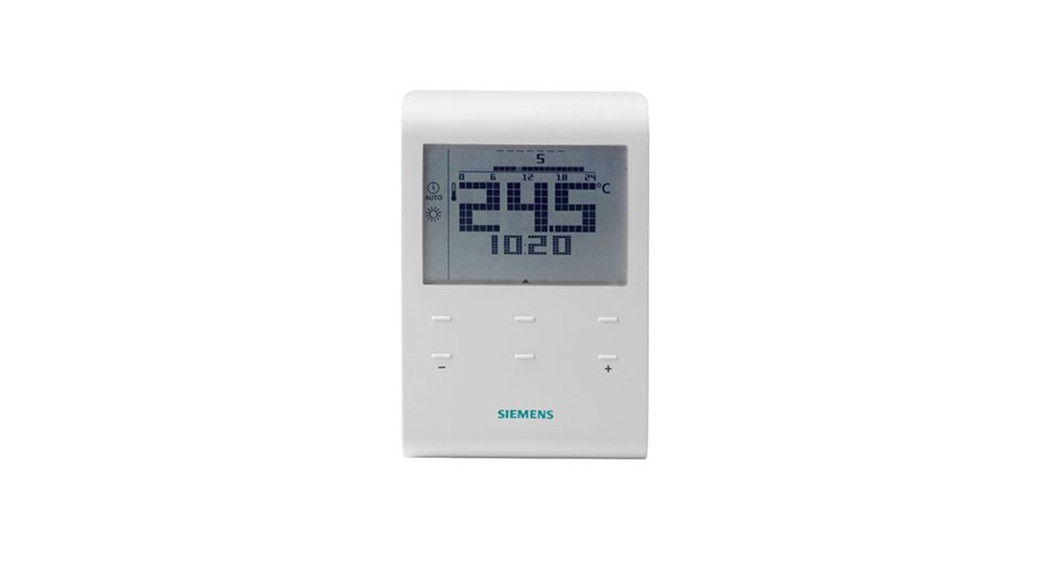

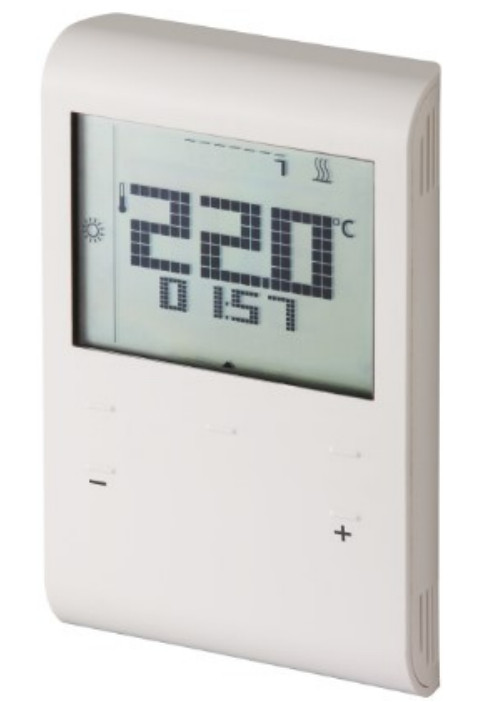
 RDE100..
Programmable Room Thermostat
RDE100.1 Programmable Room Thermostat
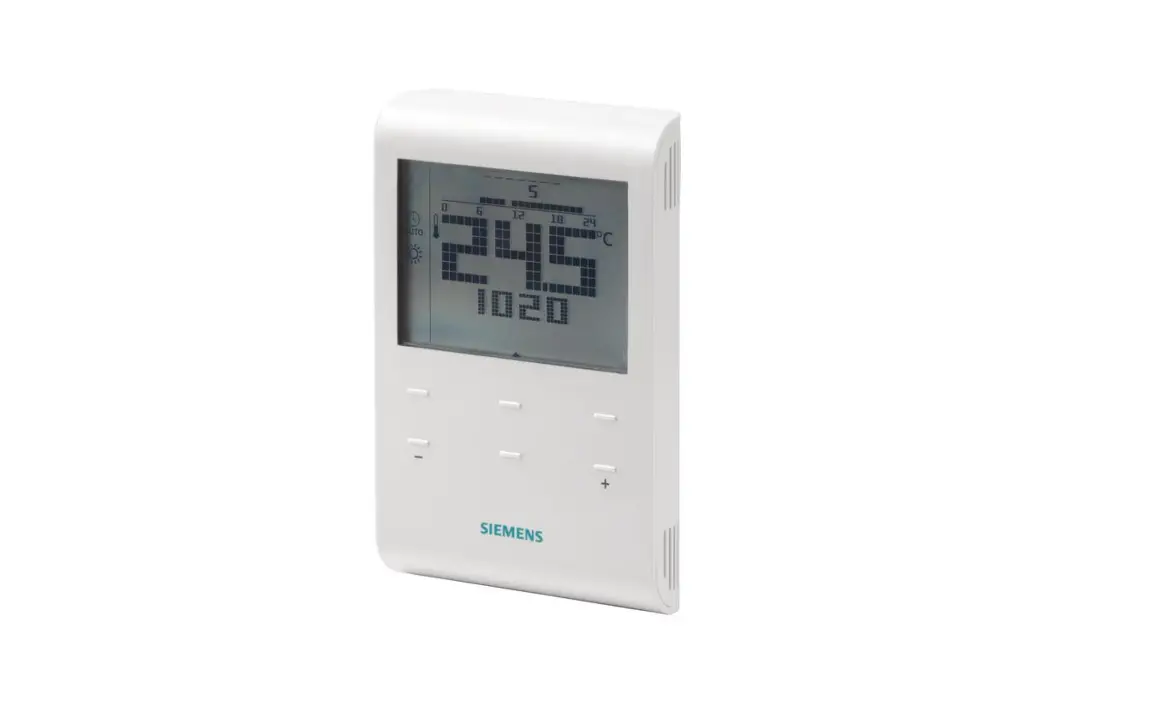
RDE100.. – the room thermostat that allows you to set the ideal room temperature at the time you want.
There are several switching patterns available that can be set to your specific needs. 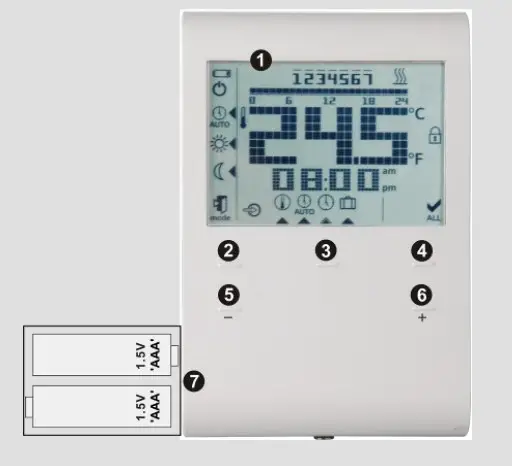
Display
 | Indicating that batteries need to be replaced (only with battery- powered version) |
 | Frost protection (heating) is active |
 | Auto Timer mode View and set Auto timeswitch |
 | Comfort mode |
 | Economy mode |
 | Escape |
 | External input enabled |
 | Permanent setpoint setting |
 | Day and time setting |
 | Holiday mode setting |
 | Digits for time |
| am | Morning: 12-hour format |
| pm | Afternoon: 12-hour format |
 | Confirmation |
 | Room temperature in degrees Fahrenheit |
 | Room temperature in degrees Celsius |
 | Button lock activated |
 | Display of room temperature, setpoint, etc. |
 | Heating ON |
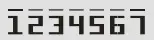 | Weekday 1 = Monday 7 = Sunday |
 | Timer bar |
 | Current room temperature |
Do you want to adjust the time and day?
set ok + – mode
Proceed as follows:
- Press set and select

- Press ok and the time flashes for setting
- Press + or – to adjust the time
- Press ok to confirm
- The weekday flashes, press + or – to select the desired day
- Press ok to save the value
- Press mode to exit or wait for the program to exit automatically
Do you want to lock the buttons?
mode
Press and hold mode for at least 7 seconds to activate a button lock. Repeat to unlock.
The unit operates normally when the buttons are locked, but no changes are possible while the buttons are locked.
Are your rooms too warm/too cold?
+ – ok set mode
Press + or – to increase or decrease the room temperature setpoint in increments of 0.5 °C / 1 °F .
Proceed as follows:
- Press + or – to adjust the setpoint temporarily.
This adjustment is reset as soon as the operating mode changes. - Press ok, set or mode to save the value or wait for the program to exit automatically
- To lock the setpoints, use parameters P06 and P08.
Do you want to change the operating mode?
mode
The thermostat provides Comfort mode, Economy mode, and Auto mode. Changeover between the operating modes can be made manually by pressing mode.Comfort mode is the permanent (24 h) selection of Comfort. Select this mode to maintain Comfort temperature permanently without any time switch. It is used during occupancy periods, for example.Economy mode is the permanent (24 h) selection of Economy. Select this mode to maintain the
Economy temperature permanently without any time switch.
It is used during non-occupancy periods, for example at night.AUTO In Auto timer mode, operating modes (Comfort, Economy) are changed automatically according to the time switch set.
Note:
Frost protection is a function always active in the background. As soon the room temperature falls below 5 °C, the unit automatically activates the heating.
Do you want to set permanent temperature setpoints?
set ok + – mode
- Press set and select

- Press ok to confirm
- Press mode to select an operating mode, Comfort or Economy
- Press + or – to adjust the setpoint permanently.
- Press ok to confirm
- Press mode to exit or wait for the program to exit automatically
Note: This permanent setpoint is used during Auto timer mode.
 Energy saving tips without sacrificing comfort
- Select Auto timer mode during the heating period, and set the time switch according to your normal habits at home
- Select Economy mode or Holiday mode for long periods of non-occupancy and during summer period
Do you want to set your Holiday mode?
set ok + – mode
Use the Holiday mode to set the thermostat to a constant temperature while absent.
- Press set and select

- Press ok to confirm
- Press + or – to adjust the temperature setpoint
- Press ok to confirm
- Press + or – to adjust the number of days for holidays (Note: 0 = Holiday mode OFF)
- Press ok to save the value
- When Holiday mode is activated, the remaining days are displayed on the screen
Note: If you press mode while Holiday mode is active, the function is turned off and the symbol disappears.
If the Comfort and Economy setpoint values are both locked, the lowest locked setpoint value is the Holiday mode setpoint value. You can adjust the setpoint temperature from 5 °C up to the lowest locked setpoint value.
Do you want to enter your own time switch?
Option 1: Time switch with individual day selection (P11=0)
set ok + – mode
You can select Comfort mode or Economy mode at 15 minute intervals throughout the day. The 0:00 to 24:00 hour time bar allows you to set the operating mode for the selected day(s).
Example: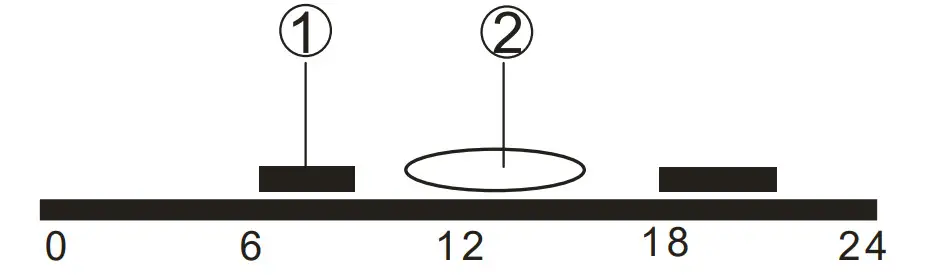
- Visible bars: Control to Comfort temperature
- Invisible bars: Control to Economy temperature
When Auto timer mode is enabled, changeover between the operating modes is automatic after the settings are saved.
Proceed as follows:
- Press set and select.
- Press ok to confirm.
- Time switch for day Mon(1) is displayed.
- Press + or – to select the day, from Mon(1) to Sun(7).
- Press ok to confirm the selection and initiate time programming.
During programming step: - Press mode to select an operating mode, (Comfort or Economy) or
- Press + or – to adjust the time setpoint by 15 minutes for the selected mode.
- Press ok to save the time switch.
- Repeat steps 4-8 for all remaining days (if required); or
- Press mode or wait for the program to exit automatically.
Option 2: Time switch with the same 7 day selection (P11=1)
set ok + – mode
You can set all the 7 day time switches at the same time.
Example: 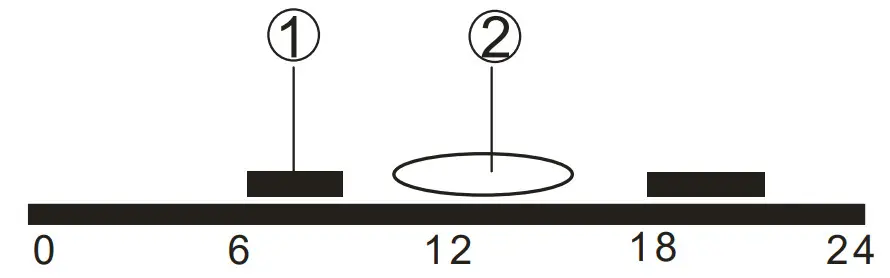
- Visible bars: Control to Comfort temperature
- Invisible bars: Control to Economy temperature
Proceed as follows:
- Set the parameter (P11=1). Please refer to the section “Do you want to change parameters”.
- Press set and select.
- Press ok to confirm.
- Time switch for period Mon (1) – Sun (7) is displayed.
- Press ok to initiate time programming.
During programming step: - Press mode to select an operating mode, (Comfort or Economy) or
- Press + or – to adjust time setpoint by 15 minutes for the selected mode.
- Press ok to save the time switch.
- Press mode or wait for the program to exit automatically.
Option 3: Time switch with the same 7 day selection (P11=1)
set ok + – mode
You can set all the 7 day time switches at the same time.
Example:
- Visible bars: Control to Comfort temperature
- Invisible bars: Control to Economy temperature
Proceed as follows:
- Set the parameter (P11=1). Please refer to the section “Do you want to change parameters”.
- Press set and select.
- Press ok to confirm.
- Time switch for period Mon (1) – Sun (7) is displayed.
- Press ok to initiate time programming.
During programming step: - Press mode to select an operating mode, (Comfort or Economy) or
- Press + or – to adjust time setpoint by 15 minutes for the selected mode.
- Press ok to save the time switch.
- Press mode or wait for the program to exit automatically.
Factory default for 7-day time switch
| Default | Day/s | Comfort mode | Economy mode |
| value | Mo (1) — Fr (5) | 6:00 — 8:00 hr | 22:00 — 6:00 hr |
| 17:00 — 22:00 hr | 8:00 — 17:00 hr | ||
| Sa (6)— Su (7) | 7:00 — 22:00 hr | 22:00 — 7:00 hr |
Does symbol appear on the display?
(Only with battery-powered versions)
Symbol is displayed when the batteries are low. Replace them with 2 new alkaline batteries type AAA. Proceed as follows:
- Get 2 new alkaline batteries type AAA
- Remove the battery holder, then the batteries, insert the new batteries and, within 1.5 minutes, replace the battery holder
- Ensure the exhausted batteries are disposed of correctly, in compliance with environmental requirements
Do you want to change the parameters?
+ – ok mode
If you want to change control parameters, proceed as follows:
- Press + and – simultaneously for 5 seconds
- Release them and parameter “P01” is displayed on the bottom segment
- Press + or – to scroll to the parameter that needs to be adjusted
- Press ok to select this parameter
- Press + or – to adjust the value
- Press ok to confirm the adjusted value
- Press mode to exit the parameters without saving or wait for the program to exit automatically
Parameter list
| Parameter no. | Description | Setting range (default) |
| P01 | Time format | 1 = 24:00 hours (default) 2 = 12:00 AM/PM |
| P02 | Selection of °C or °F | 1 = °C (default) 2 = °F |
| P03 | Standard temperature display | 1 = room temperature (default) 2 = setpoint |
| PO4 | Temperature sensor calibration | -3…3 °C Step 0.5 °C (-6…6 °F, step 1 °F) Default: 0 °C |
| P06 | Comfort setpoint lock | 0 = OFF (default) 1 = ON 4 locked according to setting in permanent temperature setpoint |
| P08 | Economy setpoint lock | 0 = OFF (default) 1 = ON 4 locked according to setting in permanent temperature setpoint |
| P09 | Buzzer | 0 = OFF 1 = ON (default) |
| P10 | Show frost protection icon | 0 = OFF (default) 1 = ON |
| Pll | Time switch type for auto timer | 0 = Individual Days (default) 1 = All 7 days 2 = 5/2 days |
| P12 | Periodic pump run | 0 = OFF (default) 1 =ON |
| P14 | X1 External input (only for RDE100.1) | 0 = No input 1 = External sensor 2 = Digital Input |
| P15 | Temperature limitation (only for RDE100.1) | 0 = OFF (default) 1 = ON |
| P16 | Max limitation temperature for underfloor heating (only for RDE100.1) | 25…60 °C, step 1 °C or 77…140 °F, step 1 °F Default: 30 °C |
| P17 | Window contact features (only for RDE 100.1) | 0 = Normally Open Contact (default) 1 = Normally Closed Contact |
| P21 | Button scanning rate for the capacitive buttons (RDE100.1 only) Note: a shorter scanning rate means shorter battery life. | 0.2 = 0.25 s 0.5 = 0.5 s 1.0 = 1.0 s (default) 1.5 = 1.5 s |
| P22 | Reload factory settings | 0 = OFF (default) 1 = reload |
| P23 | Software version information | No adjustment possible |
| P78 | Control behavior | 0 = On/Off, 1.0K 1 = On/Off, 0.3K 2 = TPI fast 3 = TPI medium 4 = TPI slow (default) |
| P89 | Forward shift on max | 0, 0.5,…24 h Default: 0 h |
| P90 | Early shutdown max | 0, 0.5,…6 h Default: 0 h |
Disposal of electrical and electronic equipment
The symbol with the crossed-out waste container means that electrical and electronic products and batteries may not be disposed of in normal household waste. They must be placed in separate collection and recycling containers according to the applicable laws. Please also refer to any applicable national labelling requirements. Proper disposal helps save valuable resources and prevents potentially harmful effects to people and the environment. Spent batteries and accumulators that can be removed from old devices for disposal, must be removed and placed in the indicated disposal channels. You are responsible for deleting any personal data from old devices for disposal. The registered manufacturers or distributors of electrical and electronic devices have established a common system for returning old devices. Suppliers of electrical devices must accept the returned devices at no charge. You can return old devices to the original sales location or to recycling or collection centers for old electrical devices.
Please contact your regional or municipal offices/authorities for information on recycling centers or collection centers for old electrical devices.
 Building technology - Products & Services - Global
 HIT Portal - Support - Global