
bestchoiceproducts
Standing
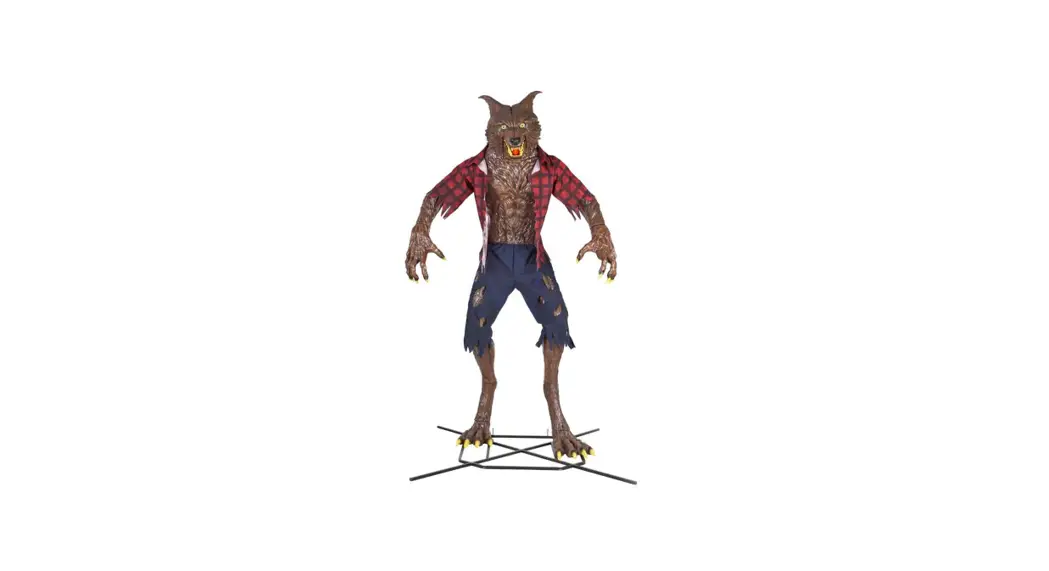
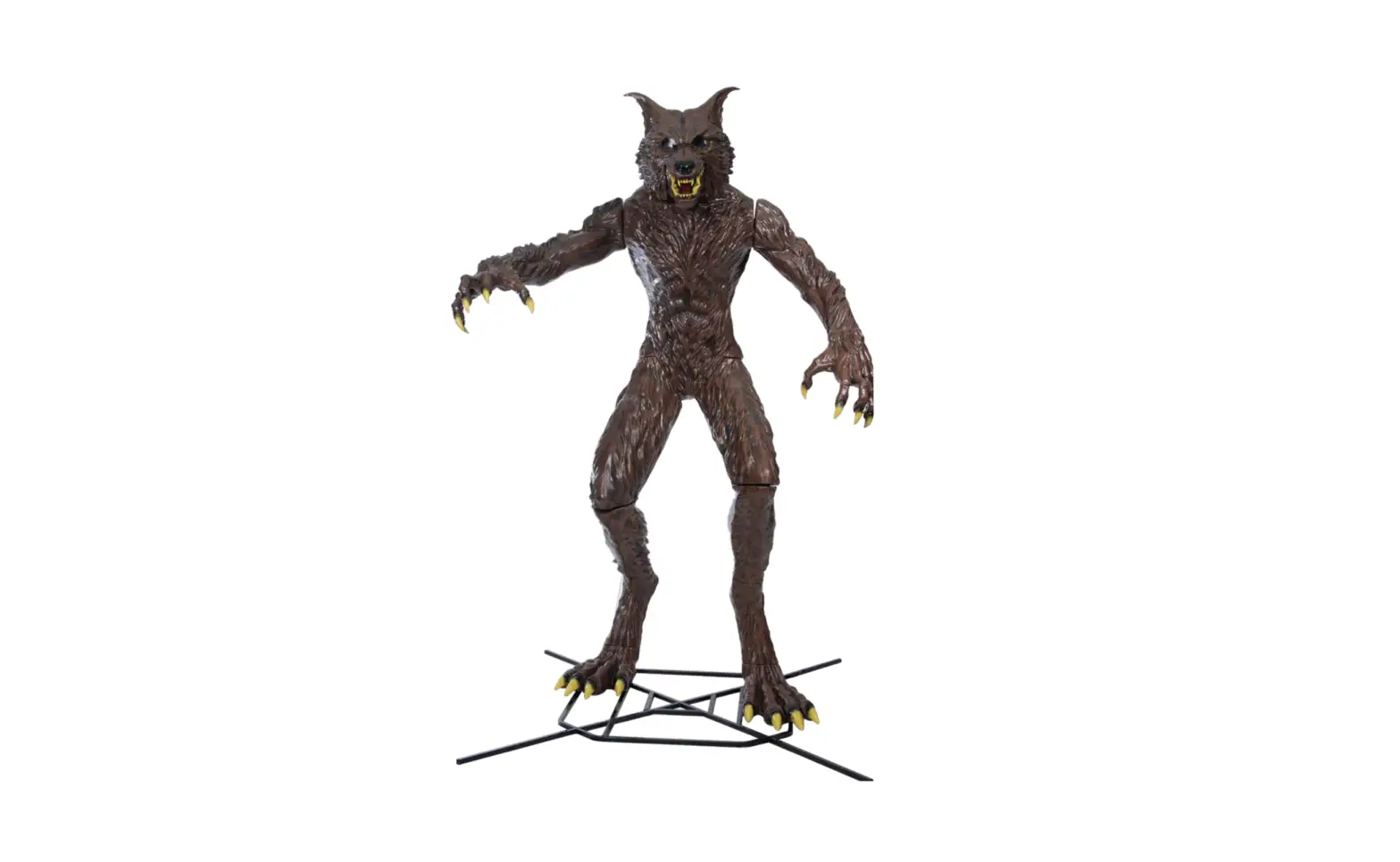
ANIMATRONIC WEREWOLF

bestchoiceproducts.com
SKY6239
BATTERY BOX INSTALLMENT
- Locate the battery box in the back of the animatronic
- Unscrew the battery cover and insert 3 AA batteries
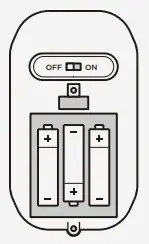
BATTERY BOX FUNCTION
AUTOMATIC MODE: Turn the switch ON to activate the motion/touch sensor
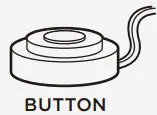
MANUAL MODE. Turn the switch OFF. Press the button to activate the animatronic
REQUIRES
- #0 or #1 Mini Screwdriver (Not Included)
- 3 AA Batteries (Not Included) STAND ASSEMBLY
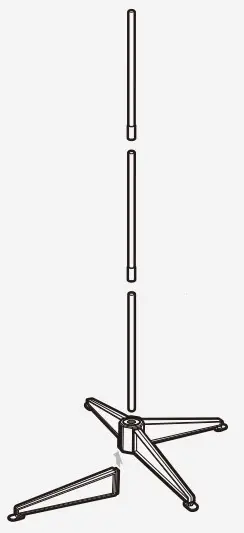
STAND ASSEMBLY
- Insert poles into connectors to build stand
- Slide four legs into the base connector
- Attach figure to top of the stand

https://bestchoiceproducts.com/
Questions about your product? We’re here to help.
Scan the QR code or visit us at:
help.bestchoiceproducts.com
SKY6239
 Best Choice Products | Quality & Value, Always