
Jabra PanaCast 50 Room System MS

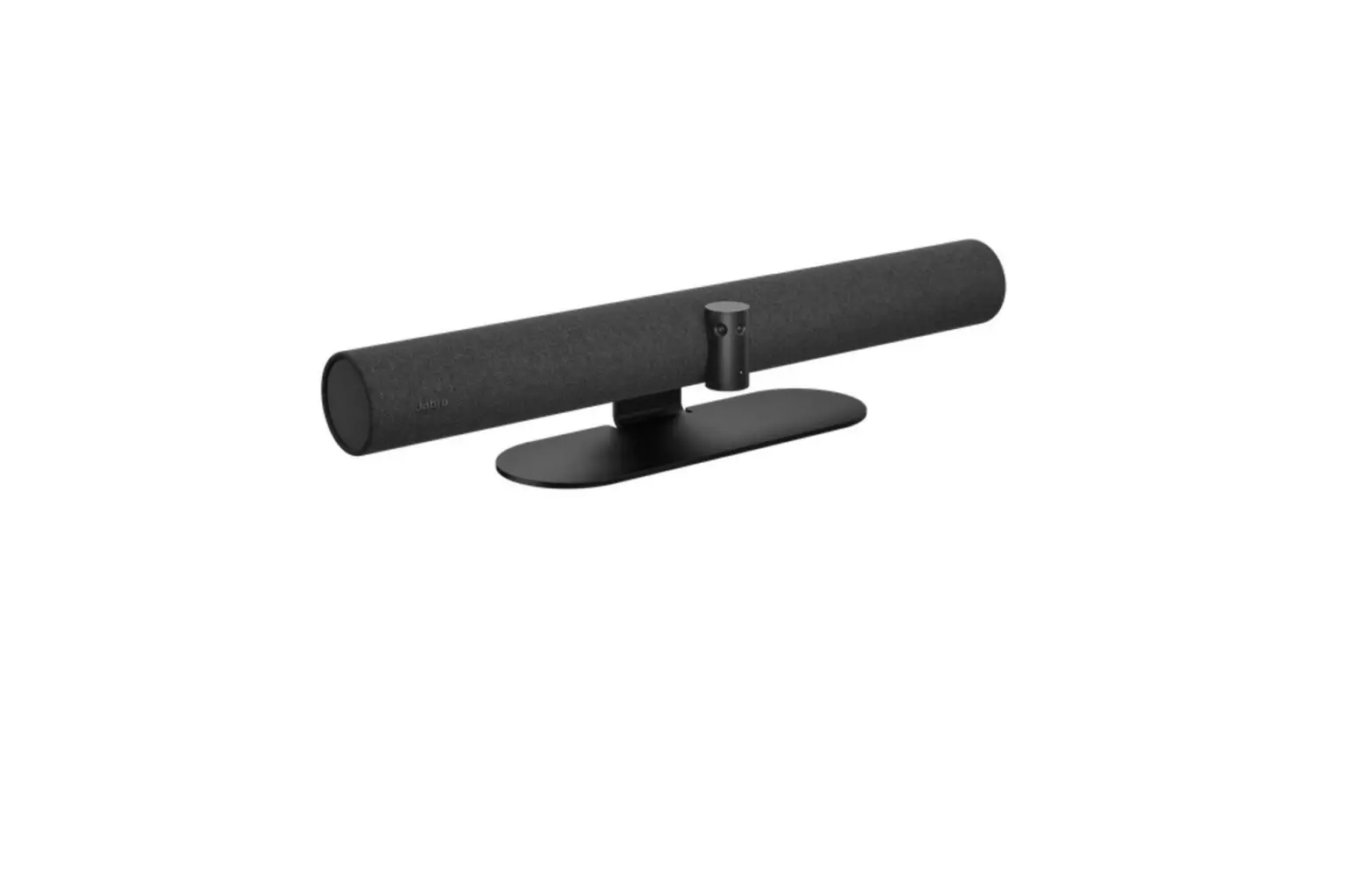
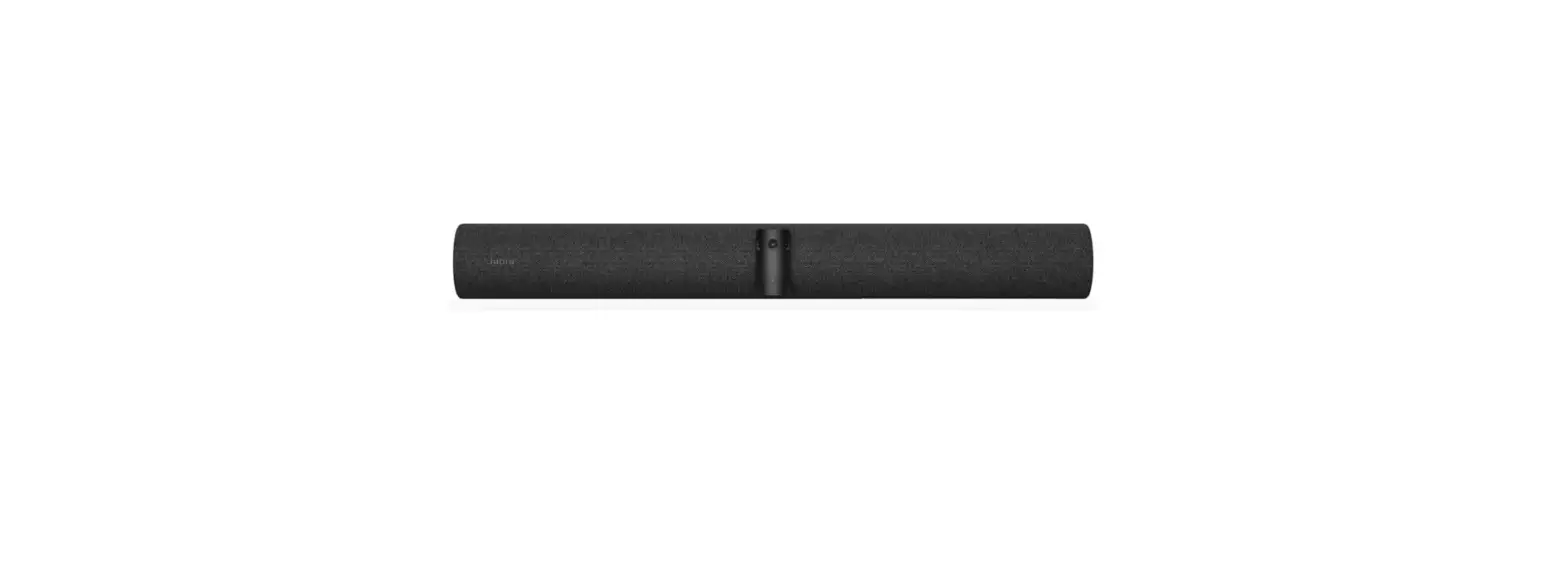
How do I manually reset the Jabra PanaCast 50?
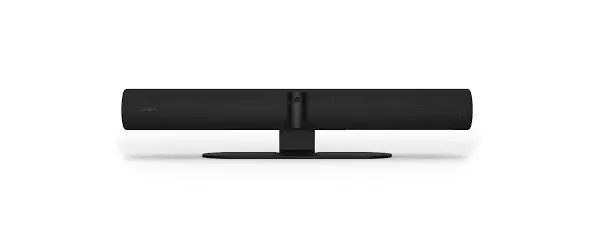
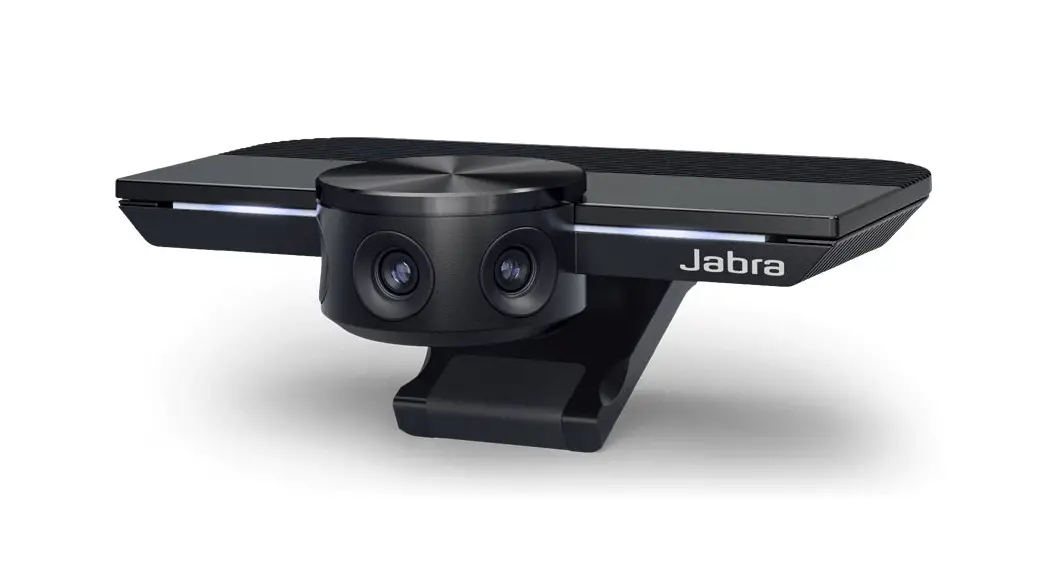
To reset the Jabra PanaCast 50 to the factory default settings, follow these steps.
- Press and hold the Reset button, located on the back of the video bar, until the LED flashes purple.

- Release the Reset button. After a few seconds, the LED will pulse white. The device will then emit a brief sound to indicate that the reset is complete.
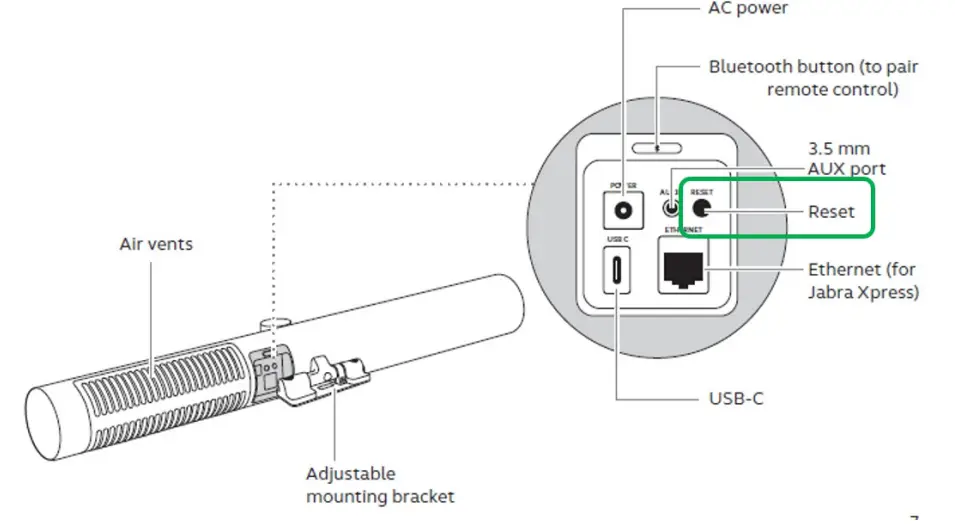
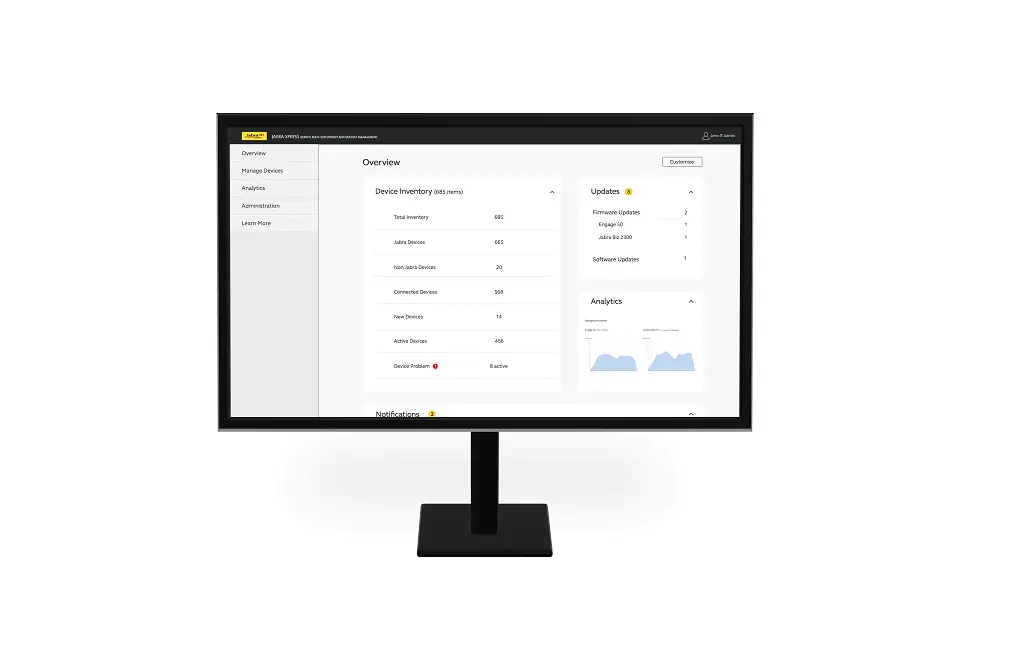
Note: When you reset the Jabra PanaCast 50, all configured settings are reset and will need to be reconfigured. This includes the password protection and the setup with Jabra Xpress.
References
 Jabra Direct - Engineered to optimize and personalize your headset
-
How do I manually reset the Jabra PanaCast 50? | Jabra PanaCast 50 Room System MS | FAQ | Jabra Support
-
How do I manually update the firmware on my Jabra device using Jabra Direct? | Jabra PanaCast 50 Room System MS | FAQ | Jabra Support
 Jabra Direct - Engineered to optimize and personalize your headset
 How do I manually reset the Jabra PanaCast 50? | Jabra PanaCast 50 Room System MS | FAQ | Jabra Support